Let’s be honest: nobody likes re-listening to an hour-long recording just to find that one specific quote. We’ve all been there—staring at a 30-minute voice memo from an important meeting or lecture, knowing that the "hard part" isn't the recording itself, but the hours of tedious manual typing that follow.
In a world where information moves faster than we can type, knowing how to transcribe voice memos is a massive competitive advantage. Whether you’re a journalist racing against a deadline, a student trying to make sense of a complex lecture, or a professional documenting key board decisions, you need a workflow that works as fast as you think.
This guide skips the fluff and gets straight to the most effective ways to turn audio into text. We’ll look at the AI tools that are finally making manual transcription obsolete and share practical strategies to help you get near-perfect accuracy on your first try.
The Critical Need for Converting Voice to Text
Information only has value if you can find it when you need it.
From Raw Audio to Searchable Data
Think of a voice memo as a locked file. Until it’s transcribed, you can’t search for a keyword, you can’t copy-paste a brilliant idea into a report, and you certainly can’t index it for future reference. The goal of transcription is to turn that "locked" audio into a searchable, flexible database.
The Accuracy-Speed Paradox
For a long time, we were stuck with two bad options: use a basic app and spend hours fixing its "word salad" mistakes, or pay for a human service and wait days for the results. This gap between speed and accuracy is the single biggest drain on professional productivity.
The Modern Solution
The good news? That gap is finally closing. By combining specialized hardware with advanced AI algorithms, you can now get transcripts that are both instant and reliable. You no longer have to choose between getting it fast and getting it right.
Optimizing the Transcription Workflow: From Voice Memo to Text
To truly master your productivity, you need a workflow that feels invisible. Depending on your needs, there are two primary paths to turning your voice into text.
The Seamless Automatic Method
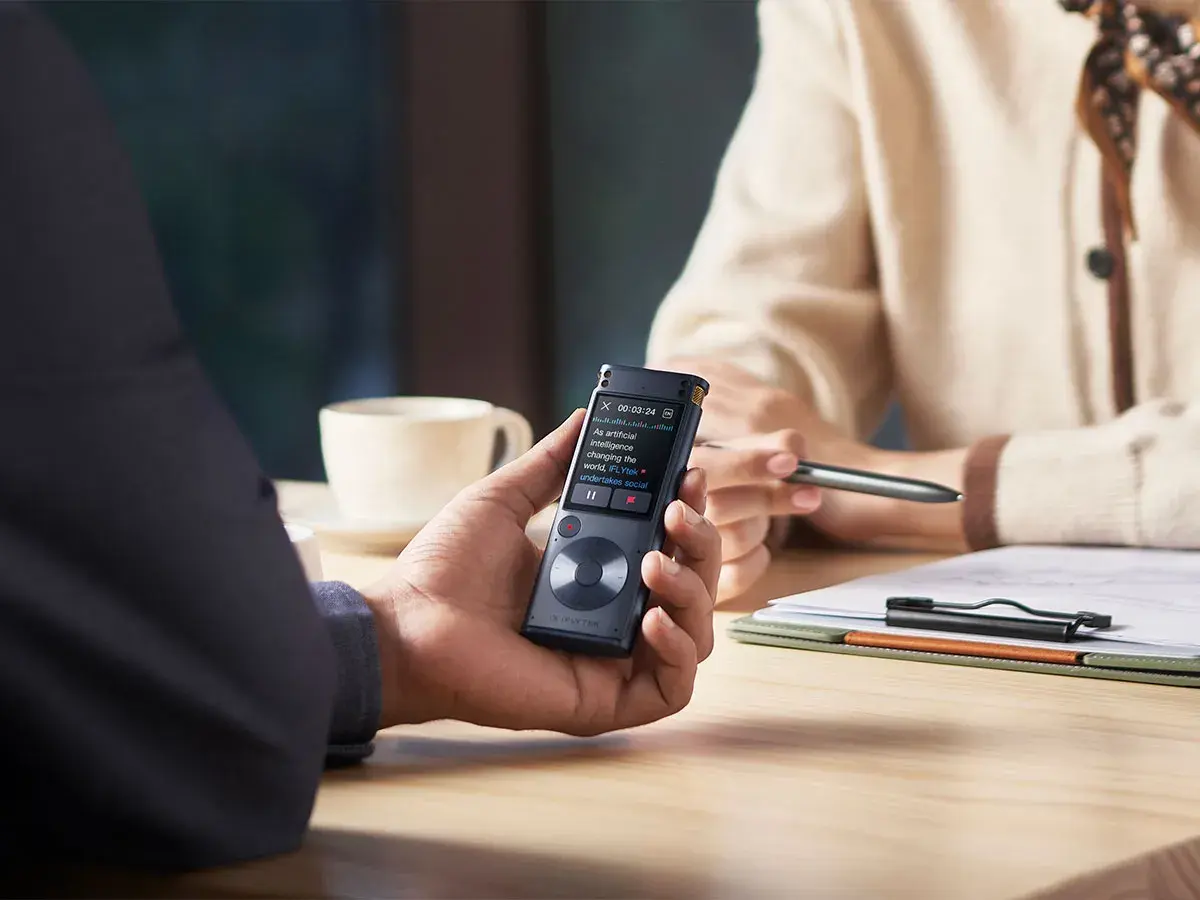
This is the "gold standard" for busy professionals. Using dedicated AI hardware, the transcription happens in real-time or near-real-time. As you speak, the words appear on a screen. There is no "uploading" or "waiting"—the workflow is integrated directly into the recording process, allowing you to walk away from a meeting with a finished document already in hand.
The Semi-Automatic Method
If you already have a library of existing recordings, the semi-automatic method involves importing files into a specialized transcription platform. While this requires an extra step, high-end software can process an hour of audio in less than five minutes, making it a viable option for archiving old interviews or lectures.
Selecting the Right Tools for Voice Recorder Transcription
Not all transcription tools are created equal. While a free app might capture a grocery list, recording meetings in professional settings requires more advanced, accurate solutions.
What Makes a Tool "Professional"?
Look for features that actually save you time.This includes speaker identification (so you know who said what), support for multiple languages, and the ability to recognize technical terms from fields like law or medicine.
Why Hardware Still Wins?
Smartphone apps usually fail when things get messy. They struggle in rooms with echoes, they can't pick up voices from across a table, and they often garble industry-specific jargon. Dedicated hardware solves this at the source. By using professional-grade microphone arrays and physical noise cancellation, these devices feed the AI a "clean" signal. It’s much easier for the AI to be accurate when it isn't trying to guess through layers of background noise.
Best Transcribe Voice Memos Tool
If you are looking for the pinnacle of transcription technology, iFLYTEK offers industry-leading solutions that combine hardware excellence with AI intelligence.
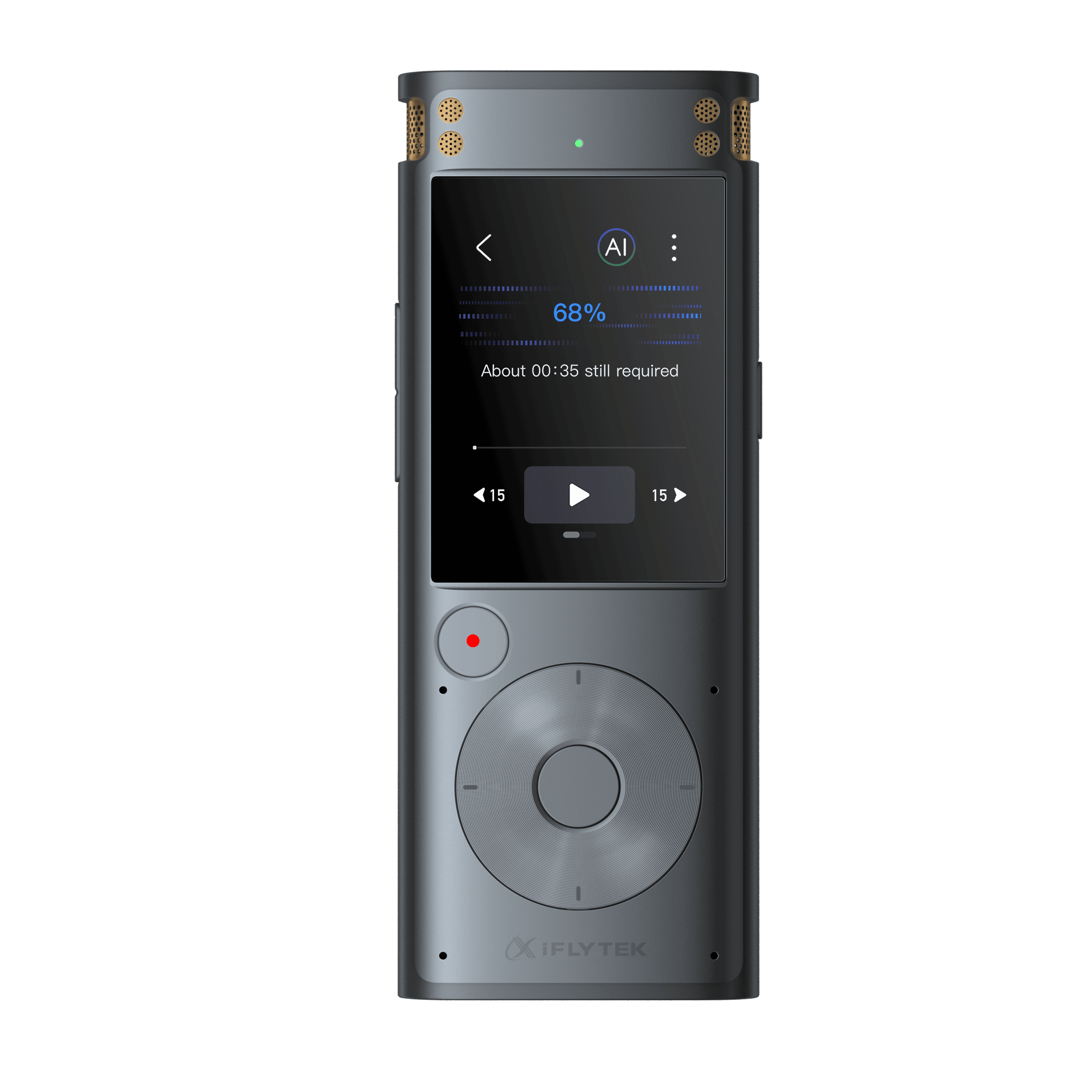
1. iFLYTEK Smart Recorder: The Ultimate Audio Capture Workhorse
For professionals who depend on capturing every word in unpredictable environments, the iFLYTEK Smart Recorder is built for reliability. With a professional-grade multi-microphone array and long-distance voice pickup of up to 15 meters, it excels in crowded press conferences, courtrooms, and large lecture halls where smartphone apps often fail.
This makes it an ideal choice for journalists conducting field interviews, students recording lectures in large classrooms, and legal professionals who require accurate, verbatim records. Its dedicated offline transcription engine delivers up to 98% accuracy even without Wi-Fi, ensuring both consistency and data privacy in sensitive settings.
Best for: It is best suited for journalists, students, and legal professionals who cannot afford to miss a single word.
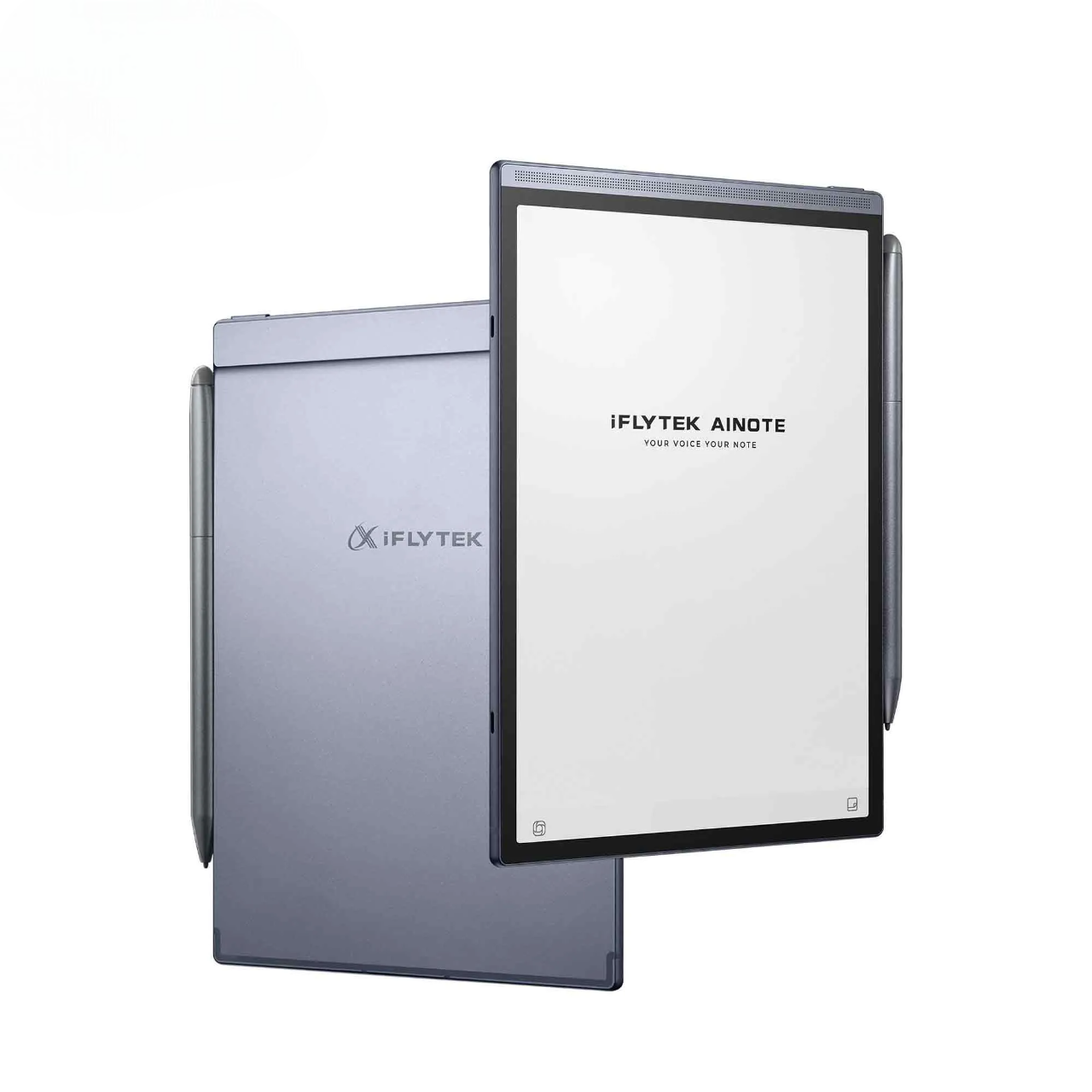
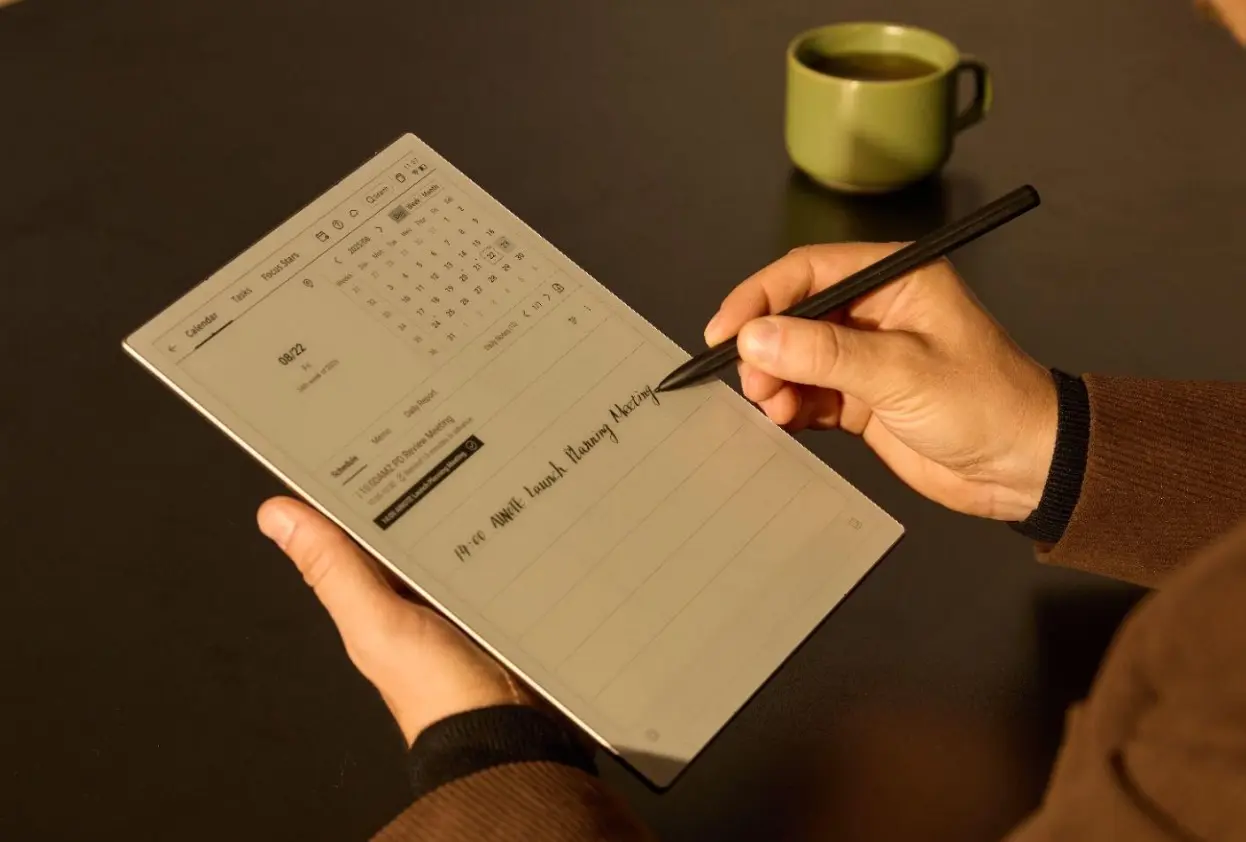
2. iFLYTEK AINOTE 2: The Multi-Tasker’s Paperless Office
While the Smart Recorder focuses on capturing sound with precision, the iFLYTEK AINOTE 2 is designed for professionals who need to synthesize information in real time. Combining an E-ink display with a natural handwriting experience, it seamlessly links spoken content to written notes through voice-note synchronization.
This workflow is especially valuable for executives leading strategic meetings, researchers organizing complex discussions, and consultants who need to quickly turn conversations into structured insights and reports. Instead of replaying hours of audio, users can jump directly to key moments by tapping their handwritten notes—saving time and reducing cognitive load.
Best for: It is ideal for executives, researchers, and consultants who need to think, structure, and decide while listening.
Advanced Strategies for Maximizing Transcription Efficiency
Even the best tools perform better when you follow a few expert strategies.
1. Mind the Mic
Always place your device centrally. Even a high-end recorder will work better if it’s not buried under a pile of papers or placed right next to a buzzing air conditioner.
2. Use the Tags
Don’t wait until the end. Most professional tools let you "tag" important moments during the recording. These tags show up in your transcript, making it much faster to find the highlights later.
3. Clean Up Early
Use the auto-summarize features. Instead of reading the whole transcript, let the AI generate a list of "To-Dos" first.
Conclusion
Mastering how to transcribe voice memos is no longer a chore to be avoided—it’s a superpower for your productivity. By choosing dedicated tools like the iFLYTEK Smart Recorder, you eliminate the friction between having an idea and documenting it. Speed, accuracy, and ease of use are finally within reach, allowing you to focus on what matters most: the content of your ideas.
FAQs
1. How accurate is AI voice transcription?
With professional-grade tools like iFLYTEK, accuracy can reach up to 98% in clear conditions. Factors like heavy accents or extreme background noise can slightly impact this, but it remains significantly higher than standard mobile apps.
2. Can I transcribe multiple speakers automatically?
Yes. Professional tools use a technology called Speaker Diarization, which identifies different voices and labels them as "Speaker 1," "Speaker 2," etc., in the final transcript.
3. Which devices are compatible with iFLYTEK Smart Recorder?
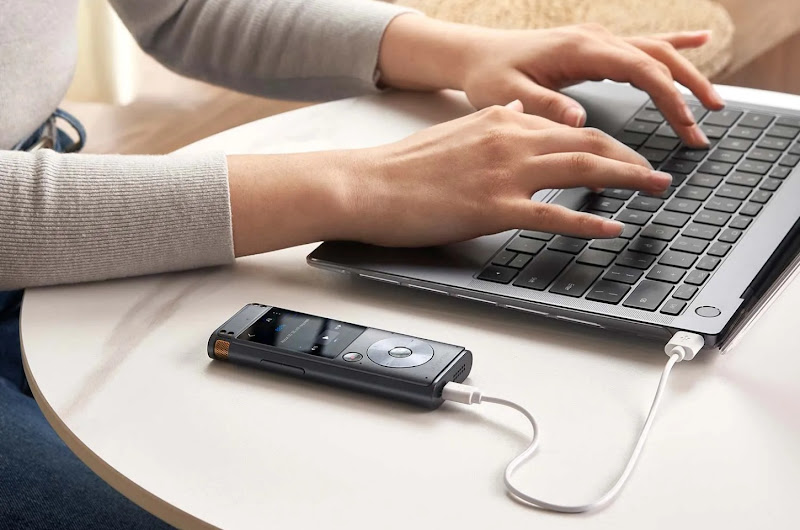
The iFLYTEK Smart Recorder is a standalone device, but it syncs seamlessly with PCs, Macs, and mobile devices via cloud services, allowing you to manage your transcripts anywhere.
4. How fast can voice memos be transcribed?
In most cases, transcription happens in real-time. For pre-recorded files, a standard hour-long recording can often be processed in 5 to 10 minutes.
5. Can I export transcriptions to DOCX or TXT?
Absolutely. You can export your finished transcripts into various formats, including DOCX, TXT, and PDF, making them ready for immediate use in emails or reports.