Yes, you can record a job interview in some situations, but you should ask every participant for permission before you begin. Recording laws differ by state and country, and company policies may add their own restrictions. When consent is given, an audio recording can help you review questions, role details, and next steps without relying on memory alone. Use the file only for legitimate interview review, store it securely, and delete it when it is no longer needed.
Why Candidates Use Audio Recording for Job Interviews
Most candidates do not want a permanent copy of every interview. They want a reliable way to remember what mattered after the conversation ends.
Interviews Move Faster Than Memory
You may leave an interview remembering that one answer went well, but not which part made the interviewer ask a follow-up question. You may also forget whether the next round will focus on technical skills, team fit, or a case task. A recording lets you return to those moments and see where your answer was clear or where more detail was needed.
Manual Notes Can Break the Conversation Flow
Writing full sentences during an interview can pull your attention away from the conversation. An audio recorder can capture the discussion from a stable position, allowing you to note only a few keywords and stay focused on the interviewer. Afterward, the recording and transcript make it easier to review questions, role details, and next steps accurately.
Small Details Can Affect Follow-Up Decisions
The job description may say occasional travel, while the hiring manager describes monthly client visits. A role may sound strategic online but turn out to involve mostly day-to-day operations. These details are easy to miss in the moment, yet they can change whether you want to continue with the process.
Multiple Interview Rounds Are Easy to Mix Up
Recruiter calls, hiring manager interviews, and panel discussions often cover different aspects of the same role. After several rounds, it can be difficult to remember who discussed the salary range, team expectations, daily responsibilities, or next steps. Reviewing each conversation separately helps you compare the information, spot inconsistencies, and prepare more specific questions for the next interview.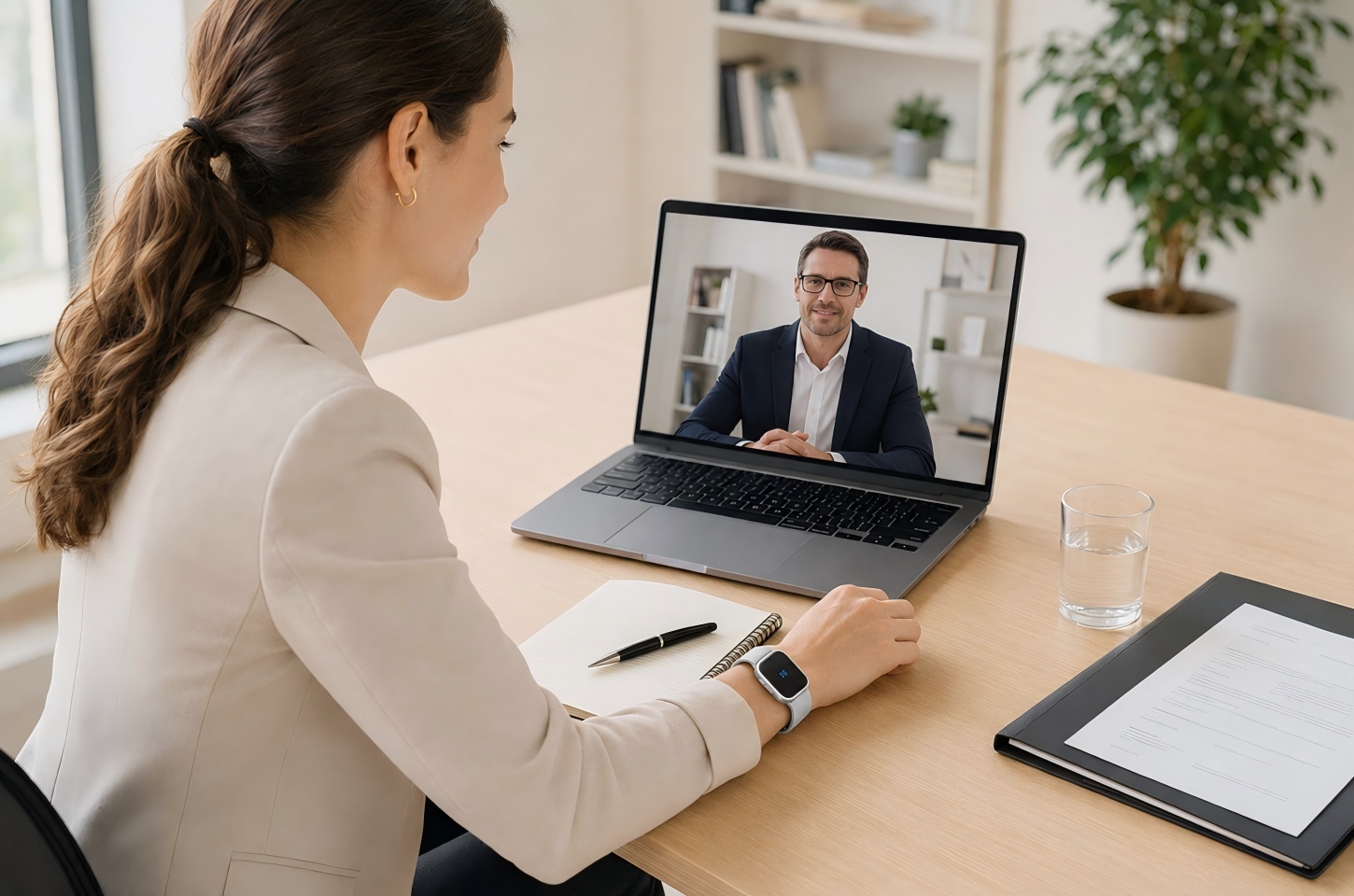
Before the Interview: Know What You Want to Review
Pressing the record is not enough. Before the interview starts, decide which role details, answers, and follow-up points you will actually review later.
List the Role Details You Need to Remember
Start with the role details that could affect your decision:
- Priorities for the first 90 days
- Reporting structure and team size
- Performance expectations
- Work location and travel requirements
- Available resources and support
- Hiring timeline and next steps
After the interview, compare these details with the job description and what other interviewers have said. Differences do not always indicate a problem, but they may show that the role is still developing or that expectations are not fully aligned.
Prepare Questions About the Role, Team, and Process
Prepare questions that help you picture the actual job. Ask what the new hire will work on first, what a strong first six months looks like, and what usually makes someone struggle in the role. Specific answers give you something useful to compare later, while vague answers may point to areas that need more clarification.
Choose the Answers You Want to Improve Later
Choose a few high-value answers to review after the interview, such as:
- Your introduction
- Reasons for leaving a previous role
- Project results and measurable outcomes
- Leadership or conflict examples
- Career gaps or changes
- Salary expectations
Check whether each answer addressed the question directly, included enough context, and ended with a clear result. Focusing on these areas is more useful than reviewing every pause or filler word.
During the Interview: Listen First, Record Clearly
Once the interview begins, keep your attention on the conversation rather than the device. After consent is confirmed, place the recorder on a stable, unobstructed surface close enough to capture every speaker, silence nearby notifications, and check that recording has started. Avoid moving or covering the microphone during the discussion, since handling noise can make important answers harder to review later.
Stay Present in the Conversation
Do not spend the interview checking the device or planning your review. Listen for repeated concerns, requests for a more specific example, and moments when the interviewer returns to an earlier topic. Those are often the sections worth reviewing first.
Capture Questions, Answers, and Follow-Up Points
When you review the interview, listen to the full exchange, not only your answer. The interviewer’s follow-up often shows whether your example was clear or whether something was missing. Keeping the question, answer, and response together gives you a more accurate view of how the conversation went.
Avoid Losing Details While Taking Manual Notes
Keep manual notes brief and use them only as review markers. Write a few words such as first 90 days, send portfolio, or clarify travel when an important topic appears, then return your attention to the conversation. These markers help you find the relevant section later without repeating the full note-taking problem that recording is meant to solve.
After the Interview: Turn Audio Into Reviewable Notes
Review the interview while the conversation is still fresh. The goal is to pull out a few useful facts, stronger answers, and clear next steps rather than replay the entire file without a plan.
Review the Transcript While Memory Is Fresh
Review the transcript the same day when possible. Correct obvious errors, then search for role priorities, deadlines, numbers, and next steps. Return to the audio only when the exact wording or tone matters.
Summarize Strong Answers and Weak Moments
Review each important answer against four points: directness, specificity, relevance, and a clear result. A strong answer usually addresses the question without requiring repeated clarification and gives the interviewer a useful reason to continue the discussion. If an answer feels weak, identify the missing example, context, or outcome instead of turning it into a rigid script. Prepare a stronger version that you can adapt naturally in the next round.
Organize Role Details, Feedback, and Next Steps
Create one record for each role and separate confirmed facts from personal observations, open questions, and follow-up tasks. A friendly conversation can leave a positive impression without resolving concerns about workload, authority, compensation, or career growth. Across multiple rounds, compare how interviewers describe the same responsibilities and priorities. Consistent answers support confidence, while conflicting details give you specific questions to raise before making a decision.
Use Notes to Prepare Better Follow-Up Emails
A good follow-up email should mention something specific from the interview. Refer to one project, challenge, or priority the interviewer discussed, then briefly connect it to your experience. Add any requested document or availability detail, and keep the message focused. 
How iFLYTEK AI Recorder Helps Candidates Review Interviews
An audio file is only useful if you can find the right moment later. iFLYTEK AI voice recorders connect recording with transcription, summaries, and file organization, giving candidates a clearer way to review each interview.
Record Interview Audio Without Extra Distraction
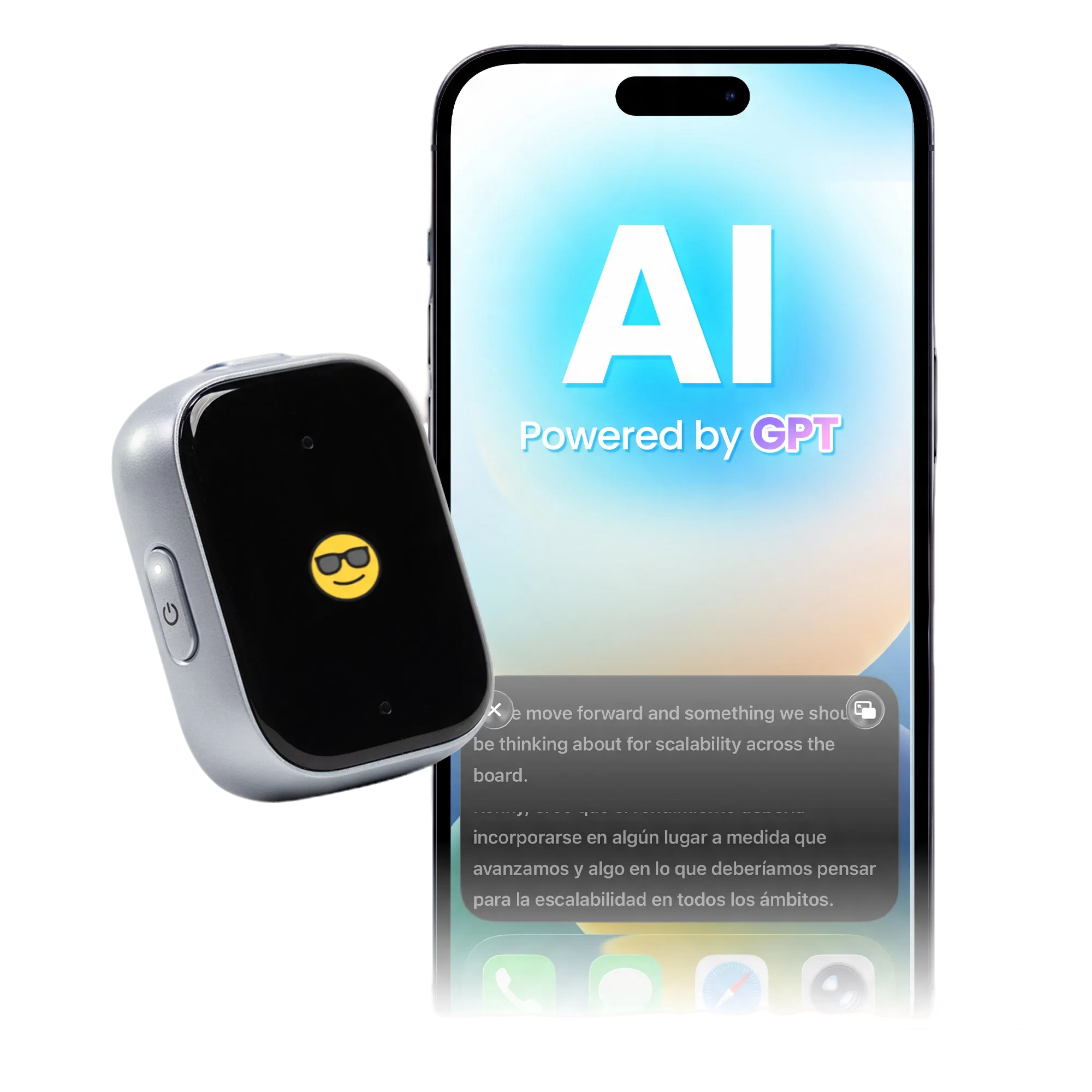
Job interviews move quickly, so the recording device should not become another distraction. Weighing just 22.5 g, the iFLYTEK AI Recorder P1 can be worn as a pendant, attached with the back clip, or worn on the wrist, so candidates do not need to hold it or place it prominently on the interview table. With up to 25 hours of continuous recording, 85 days of standby time, and storage for more than 700 hours of audio, it can support long interviews and multiple hiring rounds without frequent charging or file management.
Convert Spoken Interview Content Into Searchable Text
After the interview, P1 turns the recording into a searchable transcript, making it easier to locate details such as salary, team structure, first 90 days, or next steps. Speaker identification separates the interviewer’s questions from the candidate’s answers, while support for real-time transcription and simultaneous interpretation in 11 languages can assist with multilingual interviews. Since automated transcripts may misinterpret names, numbers, and technical terms, accurately transcribing an interview still requires checking unclear sections against the original audio. Candidates can then confirm the exact wording before adding important details to their notes or comparing information across interview rounds.
Generate AI Summaries for Faster Review
Powered by proprietary speech models and ChatGPT technology, P1 can transcribe one hour of interview audio in about five minutes, with up to 98% accuracy and speaker identification. It then generates a smart summary of the main topics, role requirements, and follow-up actions, while multilingual Q&A helps candidates locate specific details without reading the full transcript. Use the summary as a starting point, then open the relevant transcript or audio sections to confirm important information.
Build a Searchable Interview Review Library
Across multiple applications, use a consistent naming system that includes the company, role, interview round, interviewer, and date. P1 keeps each recording connected with its transcript and AI summary, while 64GB of local storage can hold more than 700 hours of audio. Local and cloud backup provide an additional way to protect important interview files, and Wi-Fi transfer can sync a one-hour recording to a phone in about 30 seconds. Candidates can then organize confirmed facts, open questions, and next actions in one place, making it easier to retrieve a specific conversation and prepare for later rounds.
FAQ
Do You Need Permission to Record an Interview?
The safest approach is to ask before recording a job interview. U.S. federal law generally permits recording when one party consents, but state laws vary, and some require the consent of every participant. Cross-state and international interviews may involve different rules, so check the applicable law and company policy rather than assuming one standard applies everywhere.
Is It Better to Use a Phone or an Audio Recorder for Interviews?
Ask before the substantive discussion begins and explain that the recording is for personal review. A simple request is: Would it be okay if I record our conversation so I can review the role details and improve my notes afterward? If the interviewer declines, accept the answer and use brief written notes instead.
How Do You Ask to Record a Job Interview Politely?
Ask briefly before the substantive conversation begins and explain the purpose. A natural request is: Would it be okay if I record our conversation so I can review my notes and the role details afterward? Keep the explanation simple and respect the interviewer’s response without allowing the request to disrupt the meeting.
Can Interview Audio Help Confirm Offer Details?
Interview audio can help you identify what was discussed, but written offer documents should confirm the final terms. Use the recording to find statements about compensation, work location, start date, benefits, reporting structure, or responsibilities that need clarification. Ask the employer to put material terms in writing before making a final decision.
How Long Should Candidates Keep Interview Recordings?
Keep interview recordings only while they support an active review, follow-up, or hiring decision. After the process closes and the necessary details have been transferred into accurate notes, evaluate whether the original files still serve a clear purpose. Recordings that are retained should be stored securely because they may contain personal, company, or hiring-related information.
Conclusion
Recording a job interview is most useful when it supports a defined review process rather than simply preserving the conversation. Before the interview, decide which role details and answers matter; during it, focus on the interviewer’s intent; afterward, compare confirmed facts, performance gaps, and next actions. A tool such as iFLYTEK AI Recorder P1 can connect audio capture with transcripts, AI summaries, and organized interview files, but important details should still be checked against the audio and confirmed in writing. The best method is the one that helps you improve your next interview and decide whether the role is the right fit.