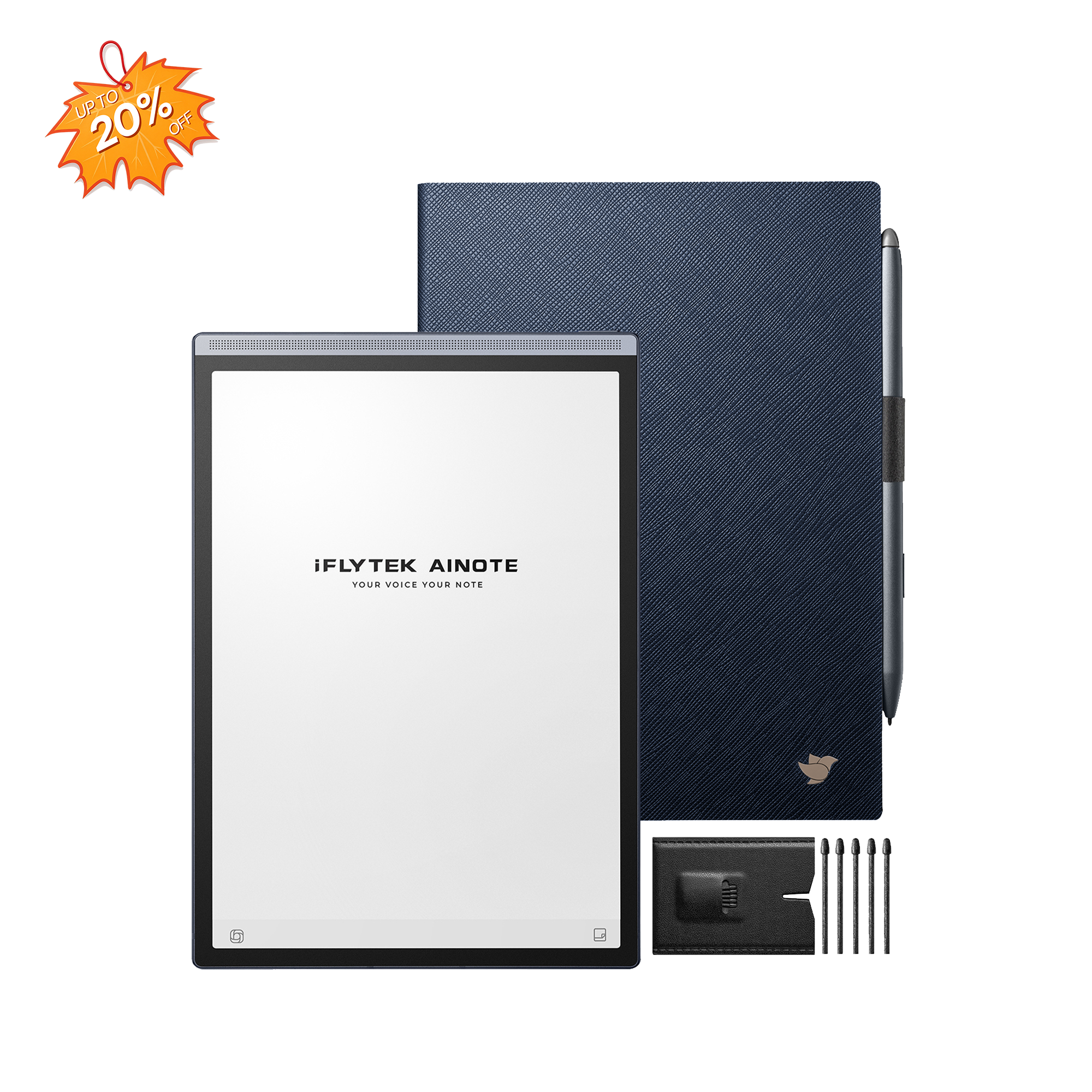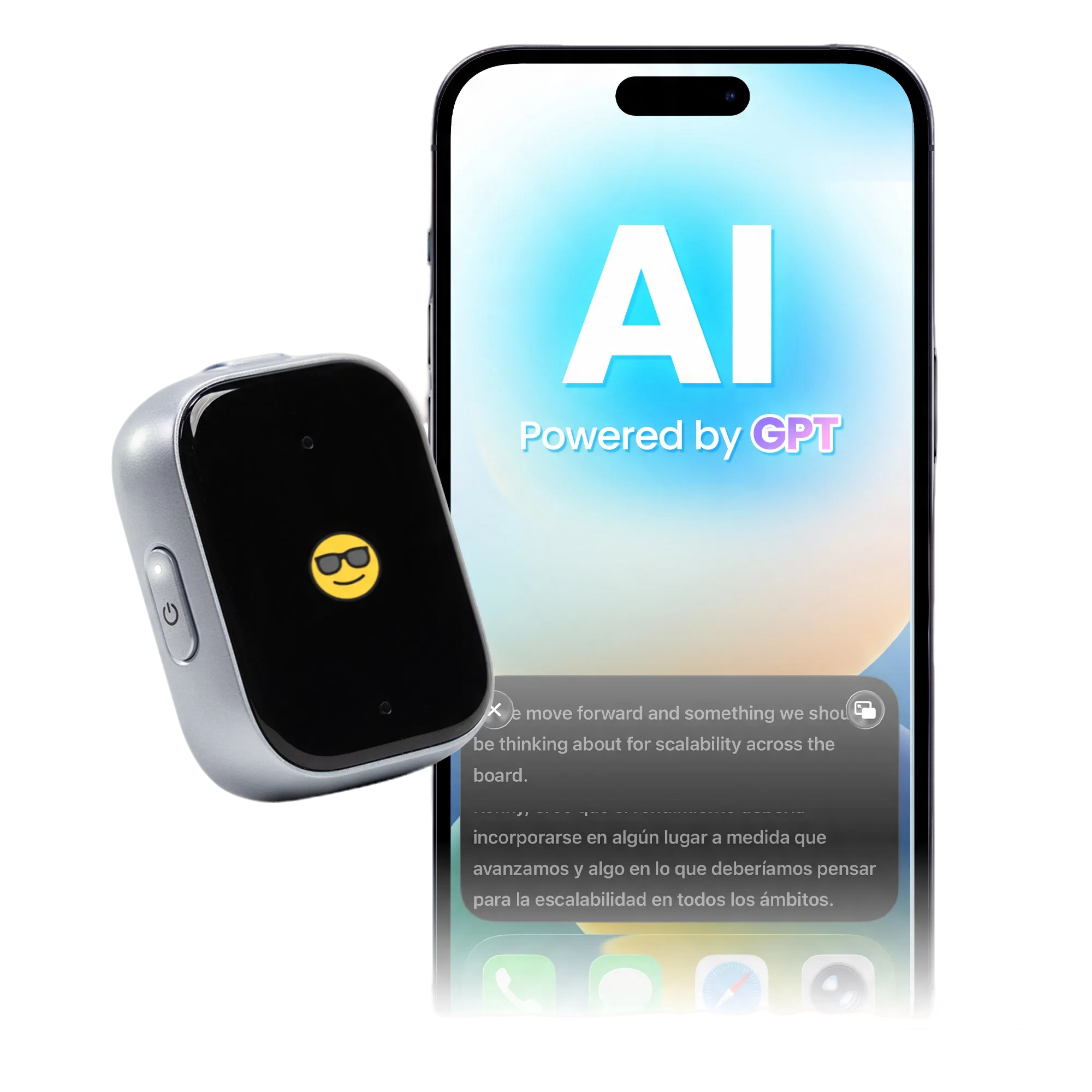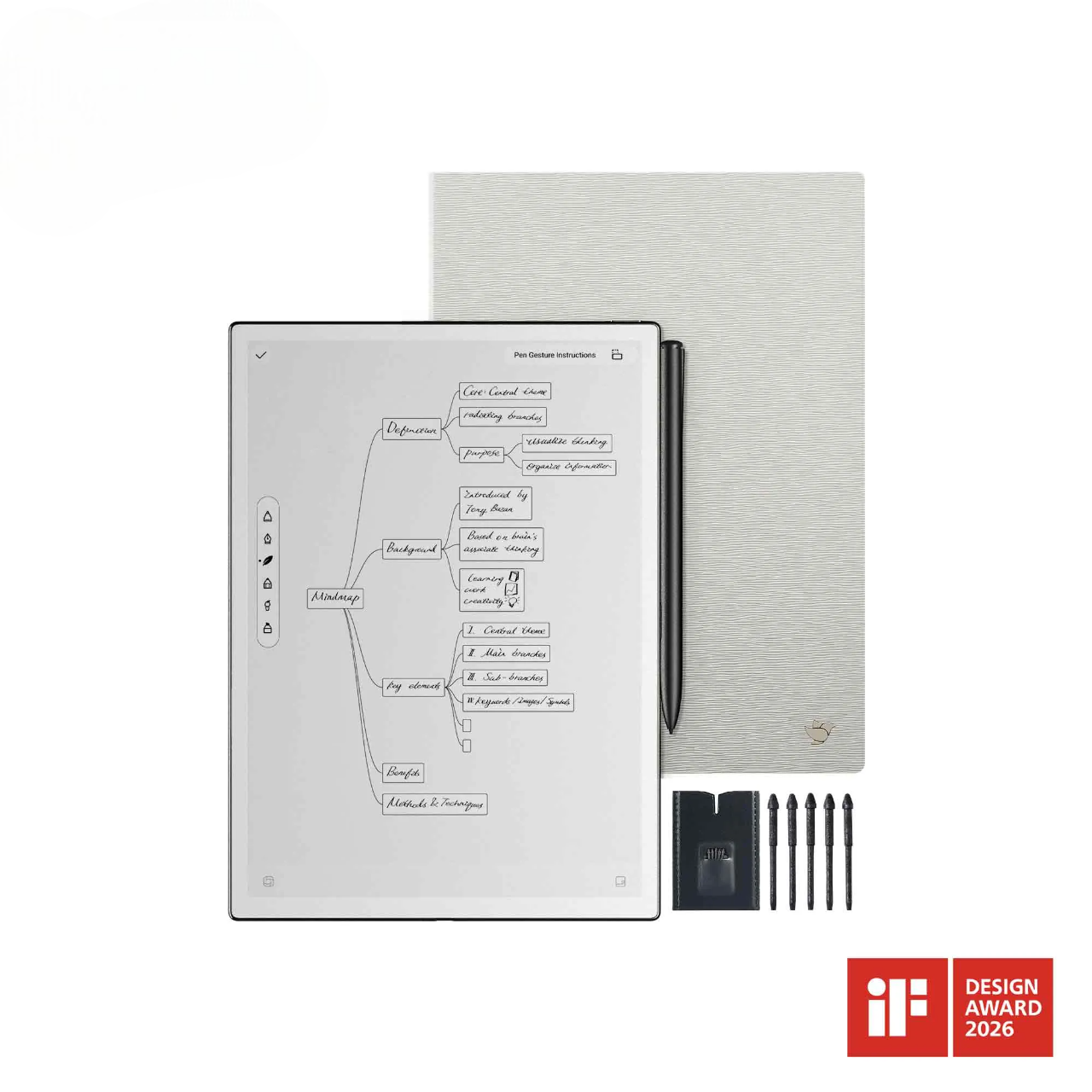
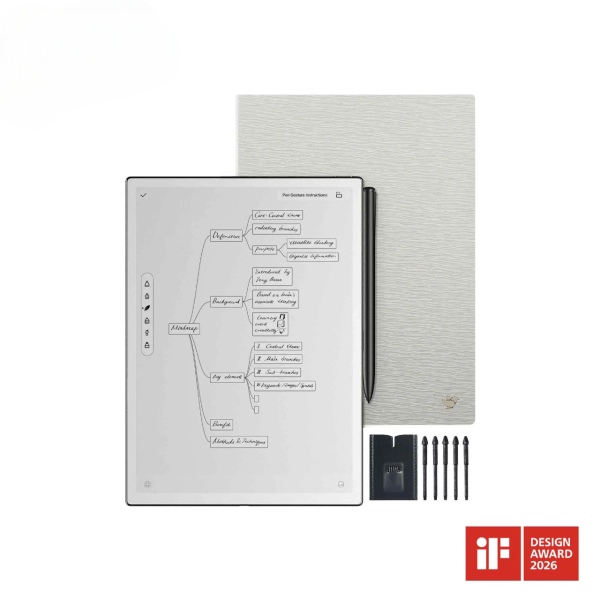
iFLYTEK AINOTE 2, The World's First LLM-Powered Paper Tablet
iFLYTEK AINOTE 2 and HeyPocket both record meetings, create transcripts, and help users review important points, but they organize those tasks differently. AINOTE 2 combines recording with an E Ink writing and document workspace, while HeyPocket offers a compact, audio-focused experience. Their practical differences become clearer when we look at notes, transcription, files, and follow-up rather than specifications alone.
How AINOTE 2 and HeyPocket Handle Meeting Notes
Both products reduce the pressure of listening, responding, and writing everything down at once.
iFLYTEK AINOTE 2 approaches meetings as part of a broader note-taking workflow. Users can follow a live transcript, write observations, review documents, mark important moments, and organize the information connected to a discussion on its E Ink display. The meeting remains a working note that can be updated during and after the conversation.
HeyPocket works more like a compact conference recording device. A physical button starts recording, and the conversation can later be reviewed through the Pocket app. This makes it easy to capture both scheduled meetings and conversations that begin without much preparation.
The main difference is how users interact with the material. AINOTE 2 provides a visible workspace during the discussion, while HeyPocket keeps the recording process simple and places more of the review in its app. Both approaches can work well depending on how much active note-taking a meeting requires.
Handwritten Notes and Hands-Free Recording
A transcript captures what was said, but handwritten notes help users record what stood out. While AINOTE 2 records and transcribes a meeting, users can jot down an insight, flag a question, or sketch a mind map on its paper-like E Ink display. These quick notes help them connect ideas and identify key points when they review the meeting later.
AINOTE 2 can also convert handwritten text into editable, searchable text through OCR. Keeping personal observations alongside the recording and transcript makes it easier to return to the context behind a decision or follow-up task.
As a digital notepad that converts handwriting to text, AINOTE 2 suits meetings where users want to do more than preserve spoken words. A project manager might sketch a timeline, a student might label a difficult concept, and a researcher might add context beside an interview response. These details remain part of the digital record.
HeyPocket does not include a writing surface, which reflects its hands-free design. It can be attached to a phone or placed near a conversation, making it convenient during site visits, informal discussions, or days filled with calls.
Some conversations benefit from a visible digital notebook, while others only require reliable audio capture and a simple way to review it later.
Live Transcription and Multilingual Support
A basic recorder saves a conversation. A voice recorder with transcription also creates searchable text, making long meetings easier to revisit.
AINOTE 2 displays the transcript while people are speaking. Users can follow the conversation, mark important points, and notice when a name, figure, or technical term needs checking. The live text does not need to serve as a finished document. It works as a reference during the meeting, with the original audio available for verification.
The AINOTE 2 transcription and translation workflow connects multilingual content with the same meeting note. Spoken language, translated text, handwriting, and follow-up comments can remain together, helping teams review both what was said and how it was understood.
HeyPocket also supports multilingual transcription through its recording and app workflow. After processing, users can read the transcript and review generated notes in the app. This works well when searchable text is mainly needed after the conversation.
Language support should not be judged by the longest list alone. Users should check whether their working language is available, whether they need translation, and whether text must appear during the meeting. These factors affect daily use more than a headline number.
Documents, Recordings and Meeting Notes
Meetings often involve an agenda, contract, report, presentation, or PDF as well as spoken discussion.
AINOTE 2 lets users read and annotate documents on its E Ink display while keeping notes and recordings close to the same workflow. Someone reviewing a proposal can mark a question as it comes up. A student can add an explanation beside a reading, while a manager can compare the transcript with the original agenda before preparing meeting minutes.
This connection reduces the cleanup that often follows a meeting. When audio, handwriting, and documents sit in different places, users may have to reconstruct how they relate. AINOTE 2 gives them a shared workspace and supports synchronization through the AINOTE app. Compatible workflows can also connect with services such as Google Drive and OneDrive.
HeyPocket organizes information around recorded conversations. Once a recording syncs, users can review its audio, transcript, summary, and related AI content through the app. This is straightforward for people whose meeting archive begins with audio and who already manage documents elsewhere.
Both products reduce scattered information, but they start from different places. AINOTE 2 starts with a note that may contain handwriting, documents, and audio. HeyPocket starts with the recorded conversation and builds the review process around it.
AI Summaries and Meeting Follow-Up
Transcription helps users remember what was said. AI summaries help them find decisions, open questions, and actions within the conversation.
AINOTE 2 can generate structured meeting minutes and keep them connected with the original note. Users can compare a summary with the transcript, check the audio, and refer to handwritten comments without rebuilding the context across several apps. This is useful when meeting notes need to become project updates, study materials, client records, or follow-up tasks.
HeyPocket also turns processed recordings into summaries and action-oriented content. Users can review the main points in its app and organize the results for later reference.
AI-generated notes still require a quick review on either platform. Names, dates, prices, deadlines, and responsibilities can be misheard, especially when speakers overlap. A useful voice recorder with transcription should make verification easier by keeping the transcript and original audio available.
Summary format also matters. A team update may require decisions and owners, while an interview may need themes and supporting details. The best structure depends on what will happen with the information next.
FAQ
Can AINOTE 2 and HeyPocket Record Phone Calls?
HeyPocket includes a contact microphone for capturing calls when attached to a compatible phone. AINOTE 2 mainly supports meetings, lectures, and in-person conversations, although its microphones may capture a call played through a speaker. Users should obtain consent and follow local recording laws.
Can They Record Meetings Without an Internet Connection?
HeyPocket can record audio offline and sync it for processing later. With AINOTE 2, recording and AI processing should be considered separately because transcription, translation, and summaries may have different connectivity requirements. Check current guidance before relying on either product in a fully offline setting.
Where Are Recordings and Meeting Notes Stored?
AINOTE 2 keeps notes and recordings in its device-based workspace and supports syncing through the AINOTE app and compatible cloud services. HeyPocket stores recordings on the device before syncing them with the user’s account. For confidential conversations, review access, retention, export, and deletion settings first.
Do You Need a Subscription to Use Their AI Features?
Both devices include core functions, while some AI options, storage periods, usage limits, or advanced tools may depend on the current plan. HeyPocket separates free and Pro features, while AINOTE 2 offers a membership service alongside its device functions. Check current regional terms before purchasing.
Conclusion
AINOTE 2 and HeyPocket address meeting notes from two useful angles. HeyPocket keeps recording portable and straightforward, with the captured conversation at the center of its app experience. iFLYTEK AINOTE 2 connects recording with handwriting, live transcription, document reading, and structured notes in one digital notebook. The most suitable option depends on whether a meeting mainly needs easy audio capture or an active workspace for writing, reviewing files, checking live text, and organizing follow-up work.