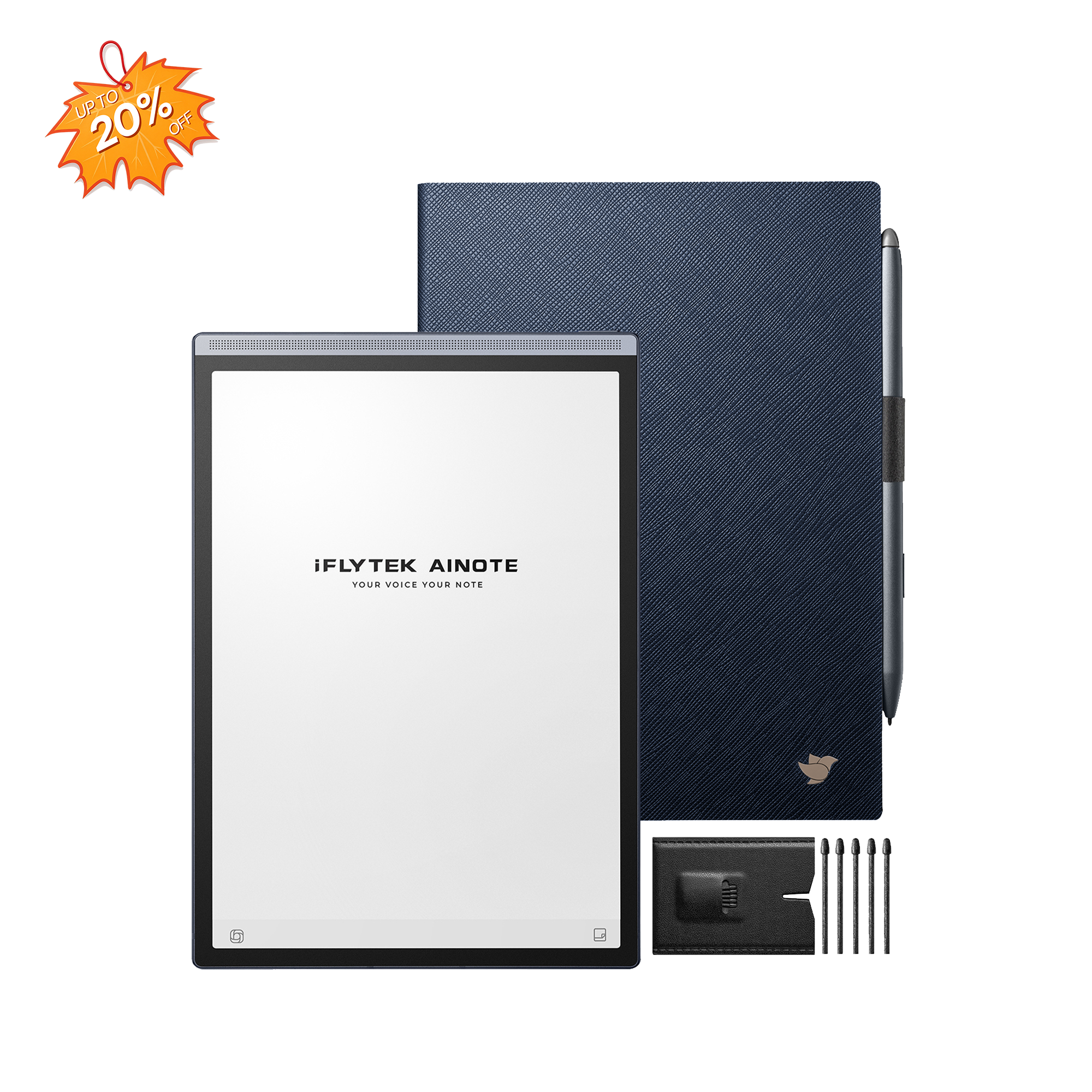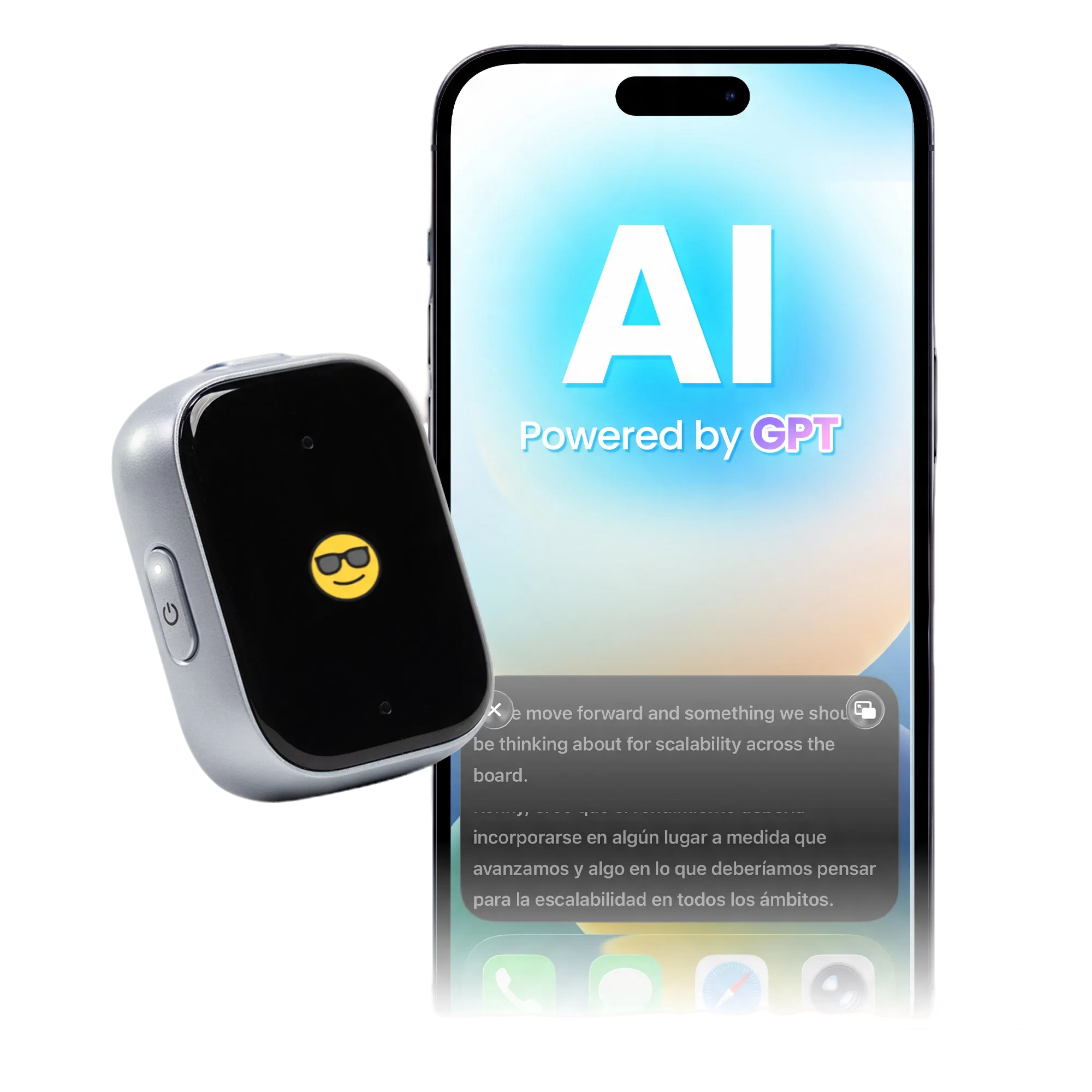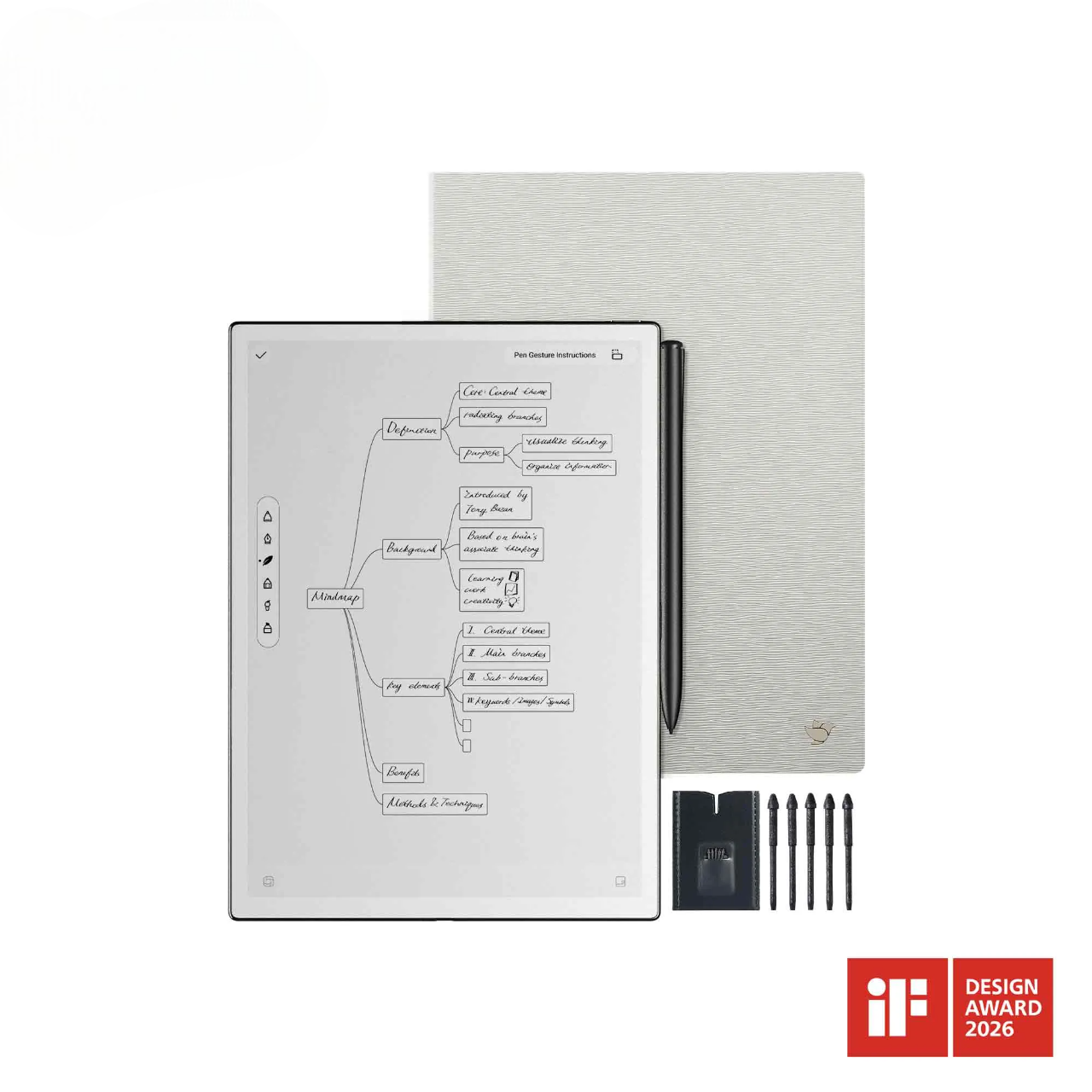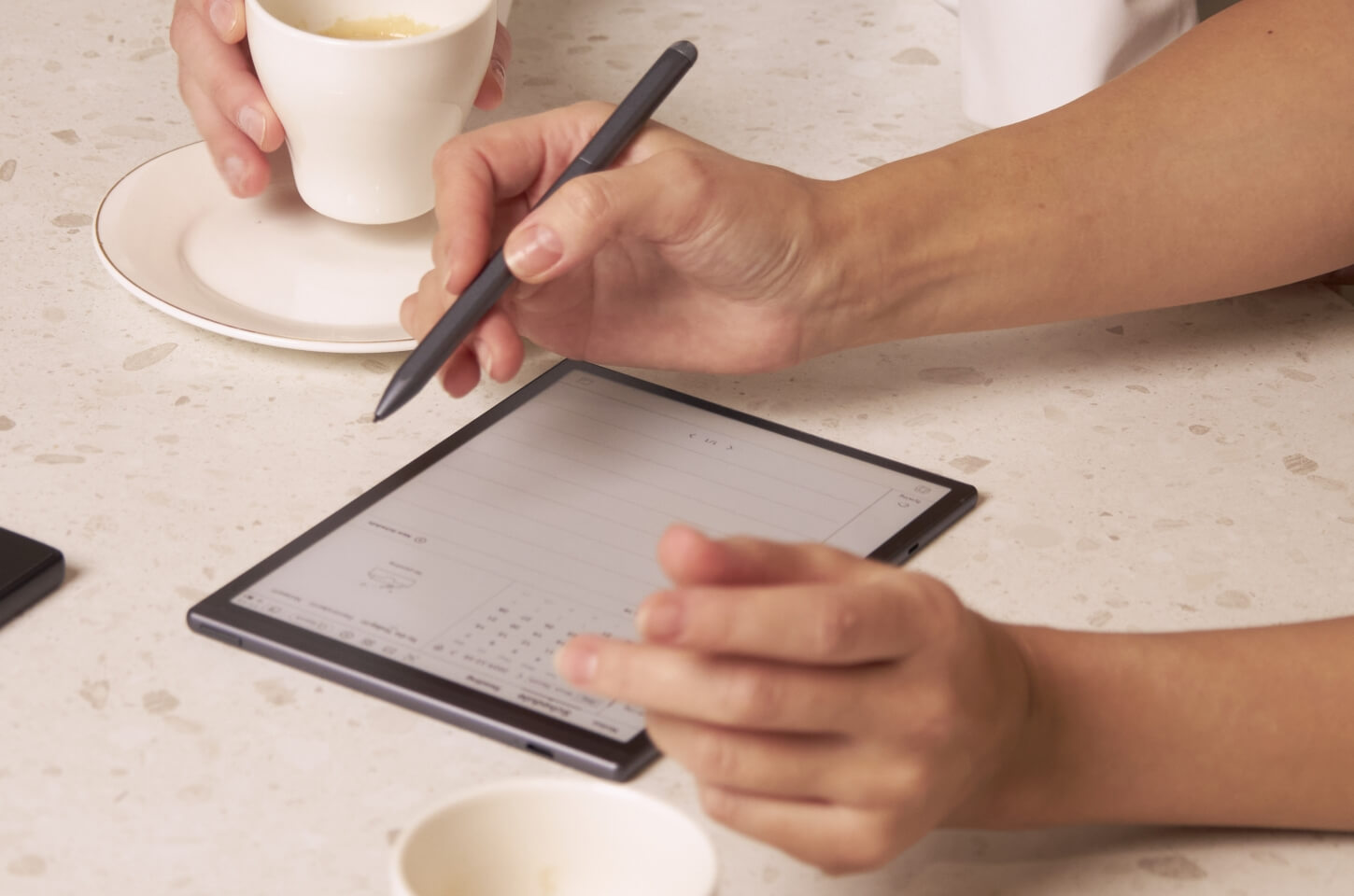
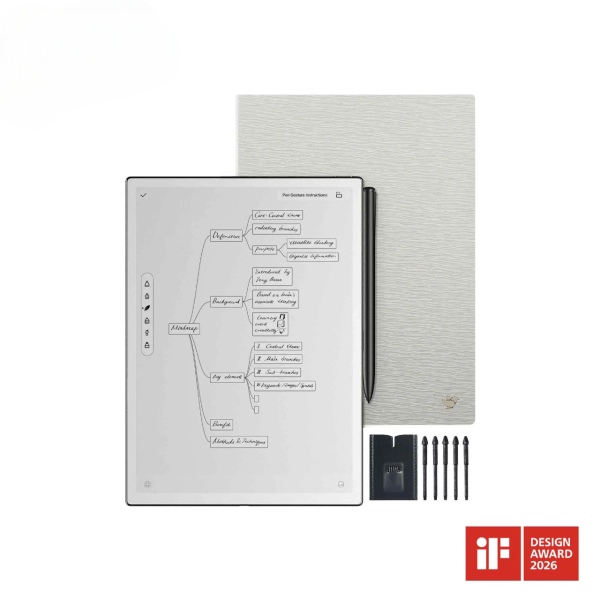
iFLYTEK AINOTE 2, The World's First LLM-Powered Paper Tablet
The best note-taking tablet should do more than replace paper. It should support the way you capture ideas, review documents, organize information, and continue working after a meeting or class.
E-Ink tablets are especially useful for handwriting, PDF annotation, extended reading, and focused work. Their reflective displays remain readable in bright environments and typically consume less power than conventional tablet screens. However, screen refresh, video, animation, and some applications may feel slower than they do on LCD or OLED devices.
The five E-Ink tablets below take different approaches to digital note-taking, from AI-assisted meeting workflows to focused handwriting and document reading. 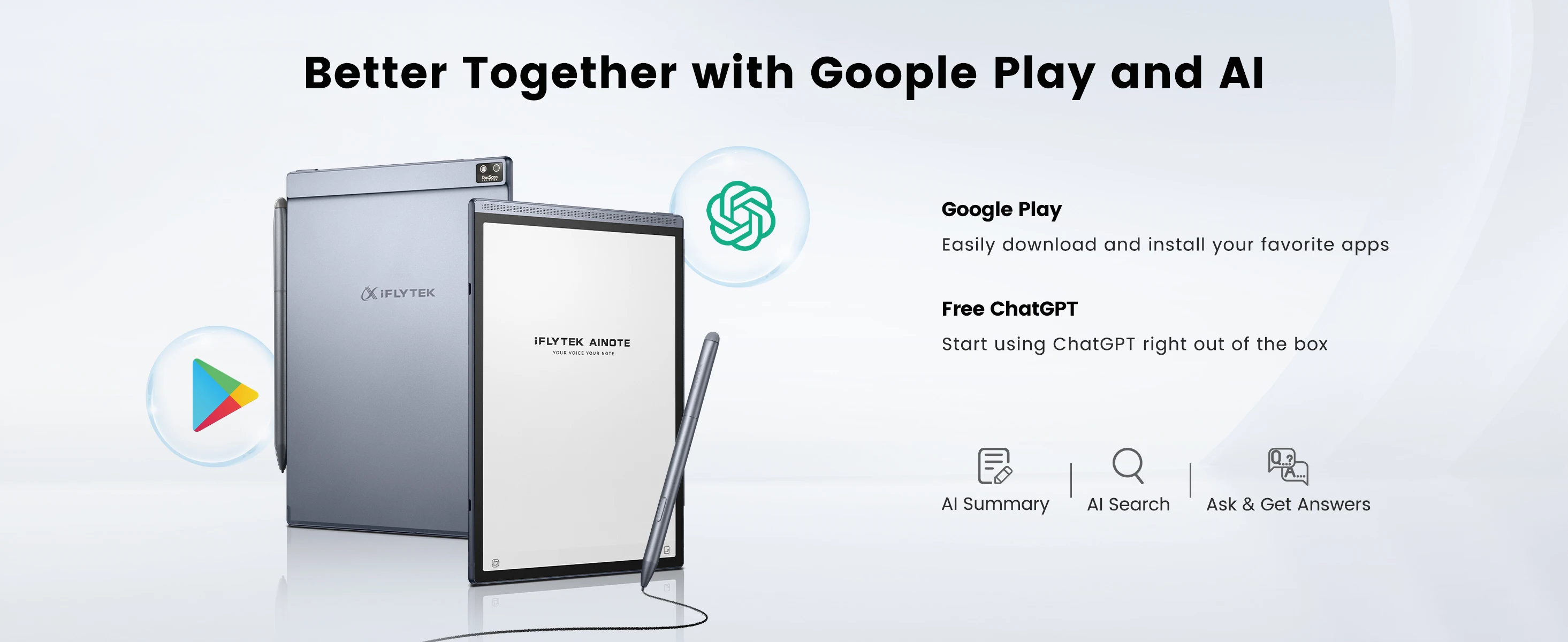
Quick Comparison
|
Model |
Display |
Color |
Front Light |
Voice Transcription |
App Support |
Primary Focus |
|
10.65-inch, 300 PPI |
No |
No |
Yes |
Selected productivity apps |
Handwriting, transcription, AI summaries, and documents |
|
|
reMarkable Paper Pro |
11.8-inch |
Yes |
Yes |
No |
Selected integrations |
Focused handwriting and color annotation |
|
BOOX Note Air5 C |
10.3-inch |
Yes |
Yes |
Device-dependent |
Android app ecosystem |
E-Ink applications and flexible document workflows |
|
Kindle Scribe |
Varies by version |
Varies by version |
Varies by version |
No |
Kindle ecosystem |
Reading, notebooks, and document annotation |
|
Supernote Manta |
10.7-inch |
No |
No |
No |
Focused note tools |
Structured handwritten note organization |
Product configurations, included accessories, software services, and prices may change. Check the current product specifications for the selected model.
1. iFLYTEK AINOTE 2
The iFLYTEK AINOTE 2 brings handwriting, voice transcription, AI-assisted summaries, document reading, and note search into one workflow.
Its 10.65-inch, 300 PPI E-Ink display provides ample space for handwritten notes, reports, and PDF annotation. At approximately 4.2 mm thick and 295 g, it is easy to carry between meetings, classes, and business trips.
AINOTE 2 runs Android 14 and supports multiple methods for importing, exporting, and synchronizing files. Its 4,000 mAh battery is rated for up to 14 days under typical-use conditions.
Best for: Handwriting, voice transcription, AI-assisted summaries, and document management in one workflow.
Key Advantages:
- Combines handwriting, transcription, AI-assisted summaries, and document reading
- Converts handwritten notes into editable and searchable text
- Features a 10.65-inch, 300 PPI E-Ink display
- Measures approximately 4.2 mm thick and weighs about 295 g
- Supports multiple file import, export, and synchronization methods
- Provides up to 14 days of battery life under typical-use conditions
Different screen sizes and workflow features are available across the iFLYTEK AINOTE collection, including models designed for portable note-taking and larger-format document work.
2. reMarkable Paper Pro
reMarkable Paper Pro focuses on digital handwriting, drawing, and document annotation. Its 11.8-inch color display provides a large writing area and allows color to be used for highlights, comments, and visual organization.
Its interface is designed around focused work, with fewer distractions than a conventional tablet. Notes can be arranged using folders, tags, and search, while selected integrations help users transfer documents between the device and external services.
The color display and built-in reading light support document review in different lighting conditions. Its software environment is more focused than a conventional Android tablet and does not include the integrated voice transcription and AI-assisted meeting workflow available on AINOTE 2.
Key Advantages:
- Features an 11.8-inch color E-Ink display
- Supports color highlighting, annotation, and visual organization
- Includes a reading light
- Provides a focused writing environment
- Organizes notes using folders, tags, and search
- Supports selected external service integrations
3. BOOX Note Air5 C
BOOX Note Air5 C combines a 10.3-inch color E-Ink display with an Android-based software environment. It supports a wider range of third-party applications and includes a front light for darker surroundings.
Its application compatibility supports workflows that depend on reading, cloud storage, and productivity tools. Expandable storage provides additional capacity for users who manage large document collections.
Applications developed for conventional screens may behave differently on E-Ink, particularly when they rely on animation or fast scrolling. At approximately 440 g, the device is also heavier than some of the other tablets in this comparison.
Key Advantages:
- Features a 10.3-inch color E-Ink display
- Includes a front light
- Runs Android and supports third-party applications
- Supports expandable storage
- Combines handwriting, reading, and productivity applications
- Provides flexible document and cloud-storage workflows
4. Kindle Scribe
Kindle Scribe combines E-Ink reading with handwritten notebooks and document annotation. Its connection with the Kindle ecosystem allows ebooks, notes, and supported documents to be accessed on one device.
Amazon offers multiple Kindle Scribe generations and configurations. Features such as display type, color support, front lighting, storage, and the included pen may vary by version. PDF annotation behavior can also depend on how a document is transferred to the device.
The product is centered on reading, notebook writing, and document review rather than voice transcription, advanced meeting processing, or broad third-party application support.
Key Advantages:
- Combines ebook reading, notebooks, and document annotation
- Integrates with the Kindle ecosystem
- Supports handwritten notes alongside reading
- Offers multiple storage and pen configurations
- Provides a focused reading and writing environment
- Uses an E-Ink display designed for extended reading
5. Supernote Manta
Supernote Manta emphasizes handwritten note organization and long-term knowledge management. Features such as headings, keywords, and links allow users to connect related pages and navigate larger collections of notes.
Its 10.7-inch display provides space for handwriting and document review, while its focused software environment helps keep attention on note-taking. The system can turn separate handwritten pages into a more structured network of information.
Its approach centers on manual handwriting and note organization rather than combining spoken and written information through recording, transcription, and AI-assisted summaries.
Key Advantages:
- Supports headings, keywords, and links
- Connects related handwritten pages and ideas
- Features a 10.7-inch E-Ink display
- Provides a focused environment for handwriting and document review
- Supports long-term organization of handwritten information
- Uses a note-centered software experience

E-Ink Tablet or Conventional Tablet?
An E-Ink note-taking tablet supports handwriting, PDF annotation, extended reading, longer battery life, and focused work. Its reflective display remains readable in bright environments and provides a writing experience closer to paper.
Conventional tablets are designed for a broader range of activities, including video, animation, multimedia editing, and fast multitasking. LCD and OLED screens generally provide faster visual performance, while E-Ink devices place greater emphasis on reading and writing.
The total cost may include more than the device itself. The stylus, folio, keyboard, cloud storage, handwriting conversion, transcription, or AI services may be included, sold separately, or subject to service conditions.
What to Check Before Buying
Several factors have a direct effect on everyday use:
- Writing and display: Compare screen size, resolution, writing feel, color support, and front lighting.
- Note workflow: Check whether the device supports handwriting only or also includes recording, transcription, summaries, and search.
- Documents and exports: Confirm support for the file formats and transfer methods used in your workflow.
- Applications: Review app availability and how well essential applications work on an E-Ink display.
- Portability: Compare device weight, thickness, battery life, and required accessories.
- Total cost: Check whether the stylus, accessories, storage, and software services are included.
Final Thoughts
These five E-Ink tablets represent different approaches to digital note-taking, but screen technology is only one part of the experience. The value of a note-taking tablet also depends on how easily captured information can be organized, reviewed, searched, and used afterward.
For notes created during meetings, lectures, interviews, or multilingual conversations, iFLYTEK AINOTE 2 connects handwriting, recording, voice transcription, AI-assisted summaries, document reading, and search in one portable E-Ink device.
Instead of leaving handwritten notes, recordings, and documents in separate places, AINOTE 2 brings them together in one connected information workflow.
FAQ
What is an E-Ink note-taking tablet?
An E-Ink note-taking tablet uses a reflective electronic-paper display for handwriting, reading, and document annotation. It generally provides longer battery life and fewer visual distractions than a conventional tablet.
Can E-Ink tablets convert handwriting into text?
Some models support handwriting recognition, but available languages, editing options, and export formats vary. AINOTE 2 can convert handwritten content into editable and searchable text.
Do note-taking tablets require a subscription?
Basic handwriting and reading functions do not always require a subscription. Cloud storage, extended transcription, AI functions, or other online services may have separate limits or plans, depending on the device.
Do note-taking tablets work in the dark?
Models with a built-in front light can be used without external lighting. Devices without a front light require an external light source in dark environments.
Can handwritten notes be exported to Word or PDF?
Export options vary by device and software version. Check whether the selected tablet supports the file formats and transfer methods required by your workflow.