iFLYTEK AINOTE Air 2
iFLYTEK AINOTE 2, The World's First LLM-Powered Paper Tablet
A digital notebook is a device or app that lets you write, store and organize notes electronically. Unlike a paper notebook, it can make handwritten information searchable, editable and easier to share.
The term usually refers to one of two things:
- A dedicated writing device with a screen and stylus
- A note-taking app used on a tablet, phone or computer
Dedicated devices are also known as electronic notebooks, digital notepads or e-notebooks. Many use E Ink screens to create a writing and reading experience closer to paper.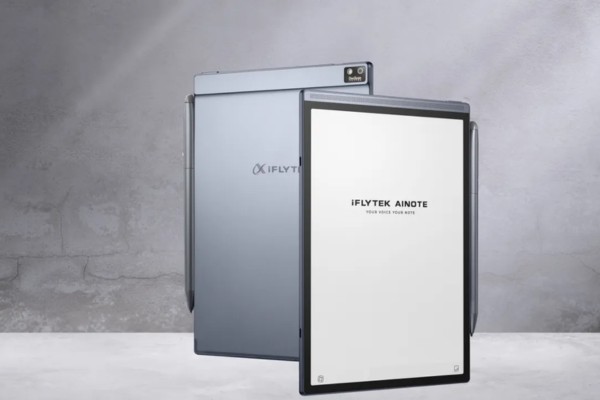
How Does a Digital Notebook Work?
A digital notebook records the movement of a stylus across the screen and saves each stroke as digital ink. Because the writing is stored electronically, you can erase words, move paragraphs, copy diagrams and reorganize pages without starting again.
Some devices can recognize handwriting and convert it into editable text. This makes it possible to search for a name, topic or phrase across hundreds of handwritten pages. Some models also use optical character recognition (OCR) to turn scanned documents or photographed text into editable, searchable content.
Notes can usually be saved on the device, synchronized to the cloud or exported as PDF and image files. More advanced models also support document scanning, voice recording, transcription and AI-generated summaries.
For example, after a meeting, you might turn handwritten action points into text, review the related recording and send the final notes to your team. A student could search several weeks of lecture notes for one term instead of checking every page manually.
Digital Notebook Device or Note-Taking App?
A note-taking app may be enough if you already own a tablet and only write occasionally. Apps make it easy to combine notes with web research, email and other software.
A dedicated digital notebook is more useful when handwriting and reading are central to your routine. Its screen, stylus and interface are designed specifically for those tasks. E Ink models also tend to have fewer notifications and longer battery life than ordinary tablets.
The tradeoff is flexibility. A dedicated device may support fewer apps, while a tablet can handle video calls, entertainment and more demanding software.
If you are deciding between the two types of hardware, see our digital notebook vs tablet PC comparison.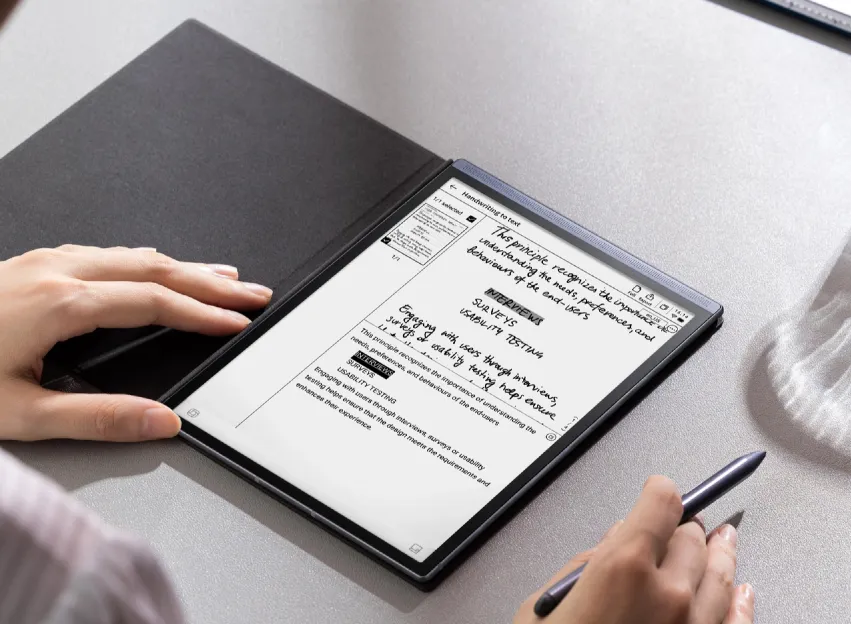
What Can a Digital Notebook Do?
Store and Organize Handwritten Notes
A digital notebook can replace several physical notebooks with one searchable library.
You can create separate folders for meetings, classes, projects or personal ideas. Pages can usually be renamed, moved, copied and tagged. Some devices also recognize handwritten words, allowing you to search your notes without converting every page first.
This becomes especially useful when a notebook grows from a few pages into months of information.
Convert Handwriting Into Text
Handwriting-to-text conversion turns written notes into content that can be edited, copied or shared.
A handwritten meeting outline can become the beginning of an email or report. A page of lecture notes can be converted into a study document without being typed again.
Recognition is not always perfect. Unclear handwriting, uncommon names and technical terms may need correction, so important information should be reviewed before it is shared.
Read and Annotate Documents
Many digital notebooks support PDFs, ebooks and office documents. Users can highlight passages, write in margins and add notes without printing the file.
Before buying a device, check which formats it can open and export. PDF support is common, but Word, PowerPoint, spreadsheet and ebook compatibility varies by model.
Screen size matters as well. A compact screen is easier to carry, while a larger display is more comfortable for full-page PDFs and detailed annotations.
Record Meetings and Lectures
Some smart digital notebooks can record audio while you write. Certain models synchronize the recording with handwritten notes, allowing you to tap a note and return to the moment when it was written.
This can be useful during meetings, interviews and lectures where writing every word would be distracting. Voice-to-text and AI summaries can reduce review time, but names, figures and final decisions still need to be checked.
Always confirm that recording is permitted before capturing a class, meeting or conversation.
Manage Tasks
A useful note often contains something that needs to happen next.
Some devices let users mark a handwritten sentence and turn it into a task or reminder. This prevents action items from disappearing inside pages of meeting notes.
The feature is most helpful when it connects naturally with the user’s calendar or existing task system.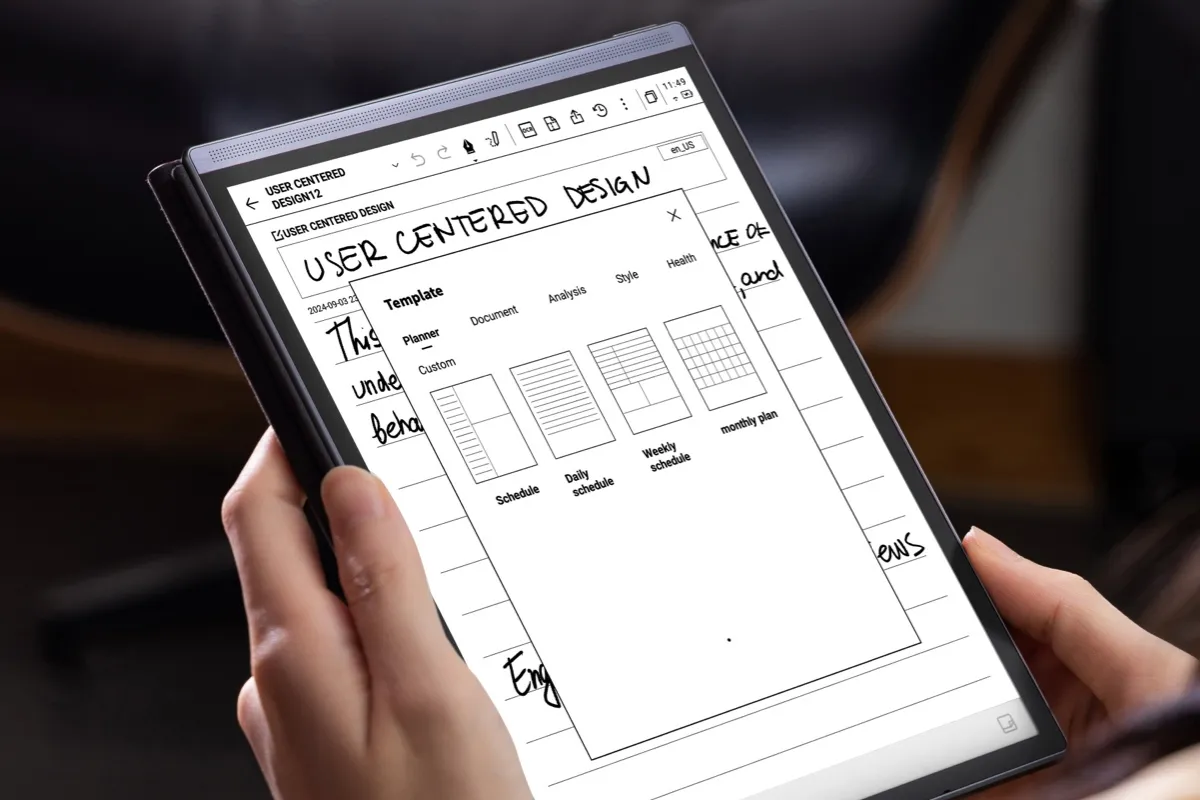
Main Types of Digital Notebooks
E Ink Digital Notebooks
E Ink digital notebooks are designed mainly for handwriting and reading. Their screens reflect ambient light and usually have less glare than LCD or OLED displays.
They are well suited to long documents, handwritten notes and distraction-free work. They also tend to use less power while displaying a static page.
Their weakness is speed. E Ink is not designed for smooth video, animation or color-sensitive work.
Tablets With a Stylus
An iPad, Android tablet or Windows tablet can also function as a digital notebook when paired with a stylus and note-taking app.
Tablets offer more apps, better color and smoother multitasking. However, writing on glass feels different from writing on an E Ink surface, and notifications may make it harder to stay focused.
Reusable Smart Notebooks
Reusable smart notebooks use physical pages instead of a screen. Users write with a compatible pen, scan the page with an app and erase it for reuse.
They are less expensive and preserve the feel of paper, but scanning and organizing pages requires more manual work. They also cannot provide on-device search, transcription or document reading.
AI Digital Notebooks
AI digital notebooks add tools such as voice transcription, meeting summaries, handwriting recognition and intelligent search.
These devices are useful for people who need to do more than store handwritten pages. They can help move information from a meeting or lecture into searchable notes and actionable tasks.
Who Benefits Most From a Digital Notebook?
A digital notebook is most useful when handwriting is frequent and the information needs to be found or reused later.
Students can keep lecture notes and course materials together. Professionals can connect meeting notes with recordings and action items. Researchers can annotate papers, while writers and journalists can organize ideas, sources and interviews.
A dedicated device may be unnecessary if you only write occasionally or already have a tablet that meets your needs. It may also be too limited for video editing, advanced design, complex spreadsheets or other work that depends on desktop software.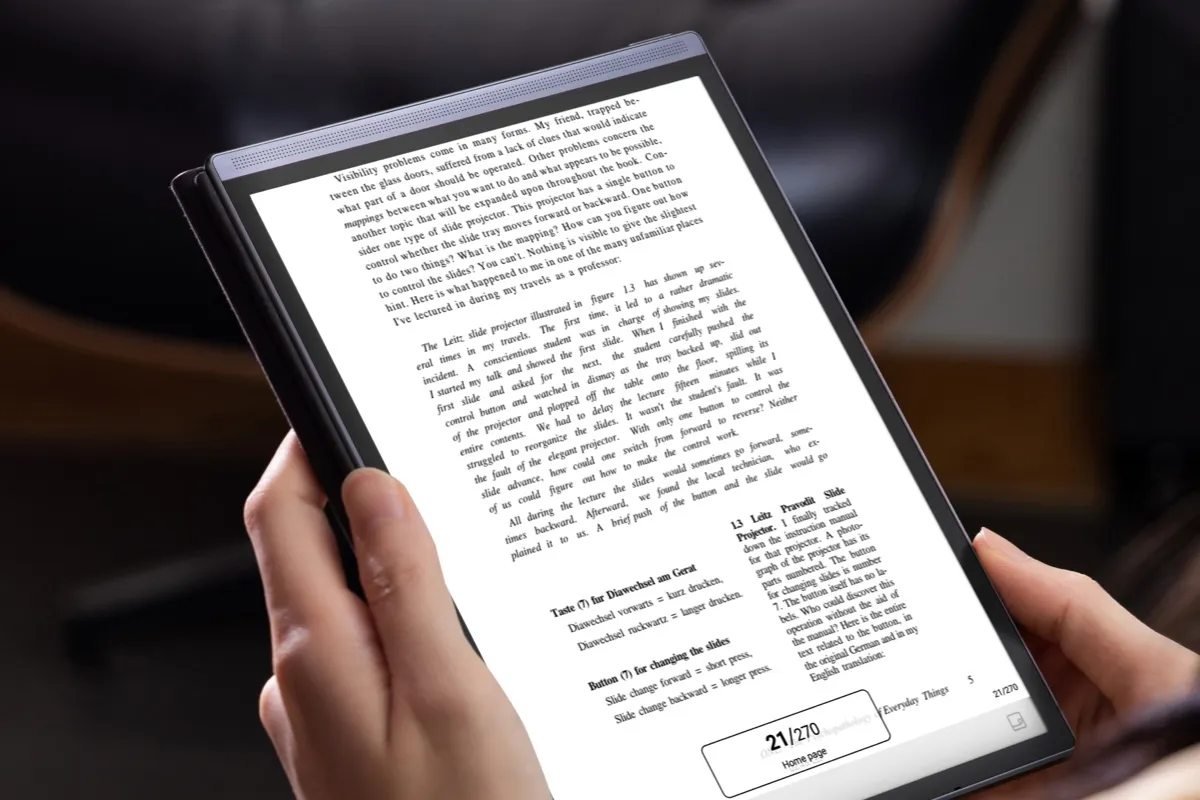
What Should You Look for?
Start with the way you plan to use the device.
For reading and PDF annotation, check the screen size, resolution and supported document formats. For meetings, look at microphone quality, transcription languages and whether recording works offline. If handwriting matters most, consider stylus responsiveness, screen texture and handwriting recognition.
You should also check:
- Local storage and cloud synchronization
- Export formats
- Third-party app support
- Battery capacity and charging time
- Whether the stylus and case are included
- Subscription requirements for transcription or AI features
- Privacy and data-storage options
Do not choose solely by counting features. A function only has value if it fits your regular workflow.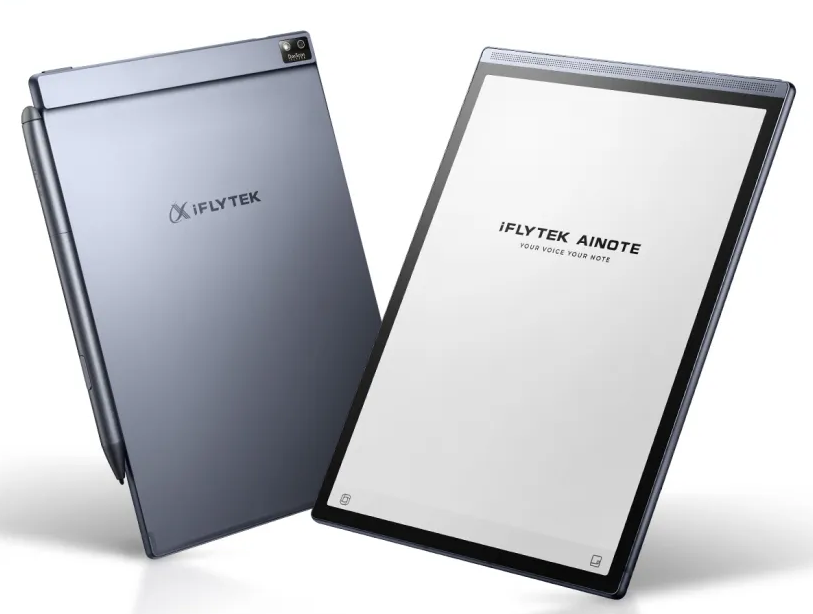
Digital Notebook Examples
The iFLYTEK AINOTE collection includes two digital notebooks designed for different preferences.
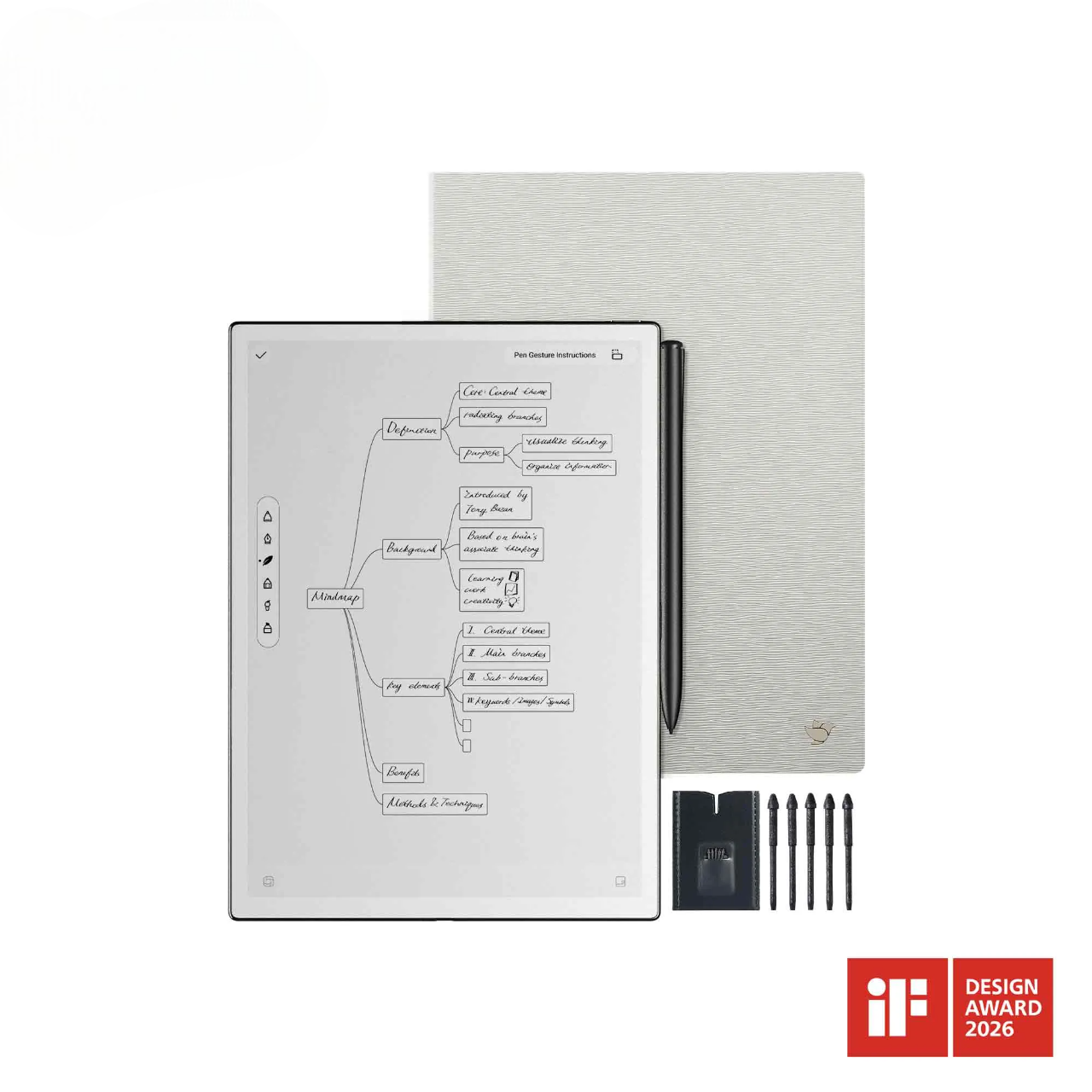
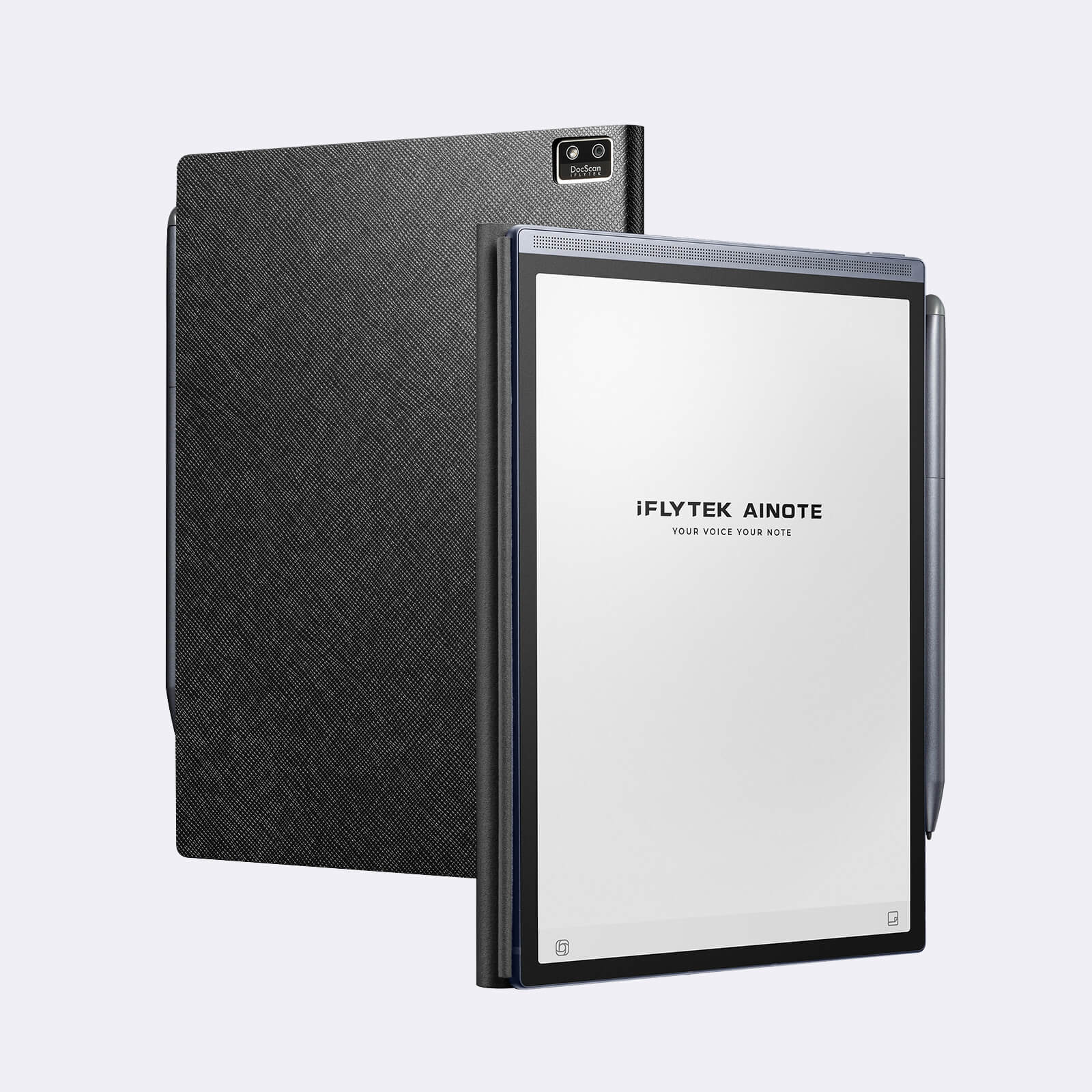
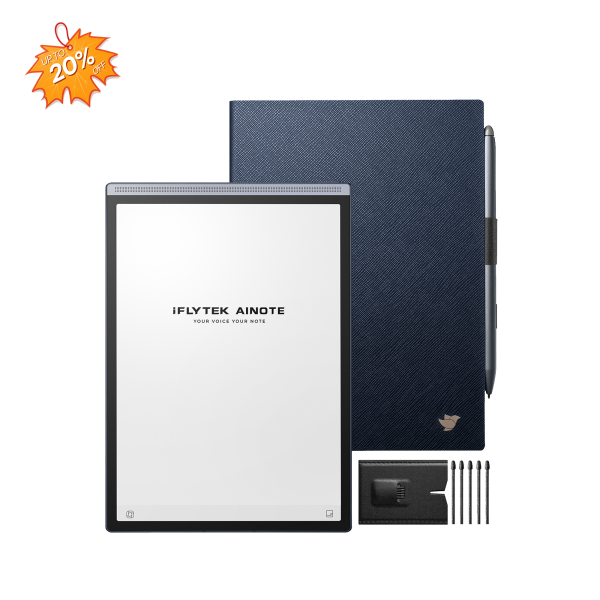
The iFLYTEK AINOTE Air 2 has an 8.2-inch E Ink display, 32GB of storage and an approximate weight of 230 grams. Its smaller size and adjustable reading light suit users who carry their notes between meetings or classes.
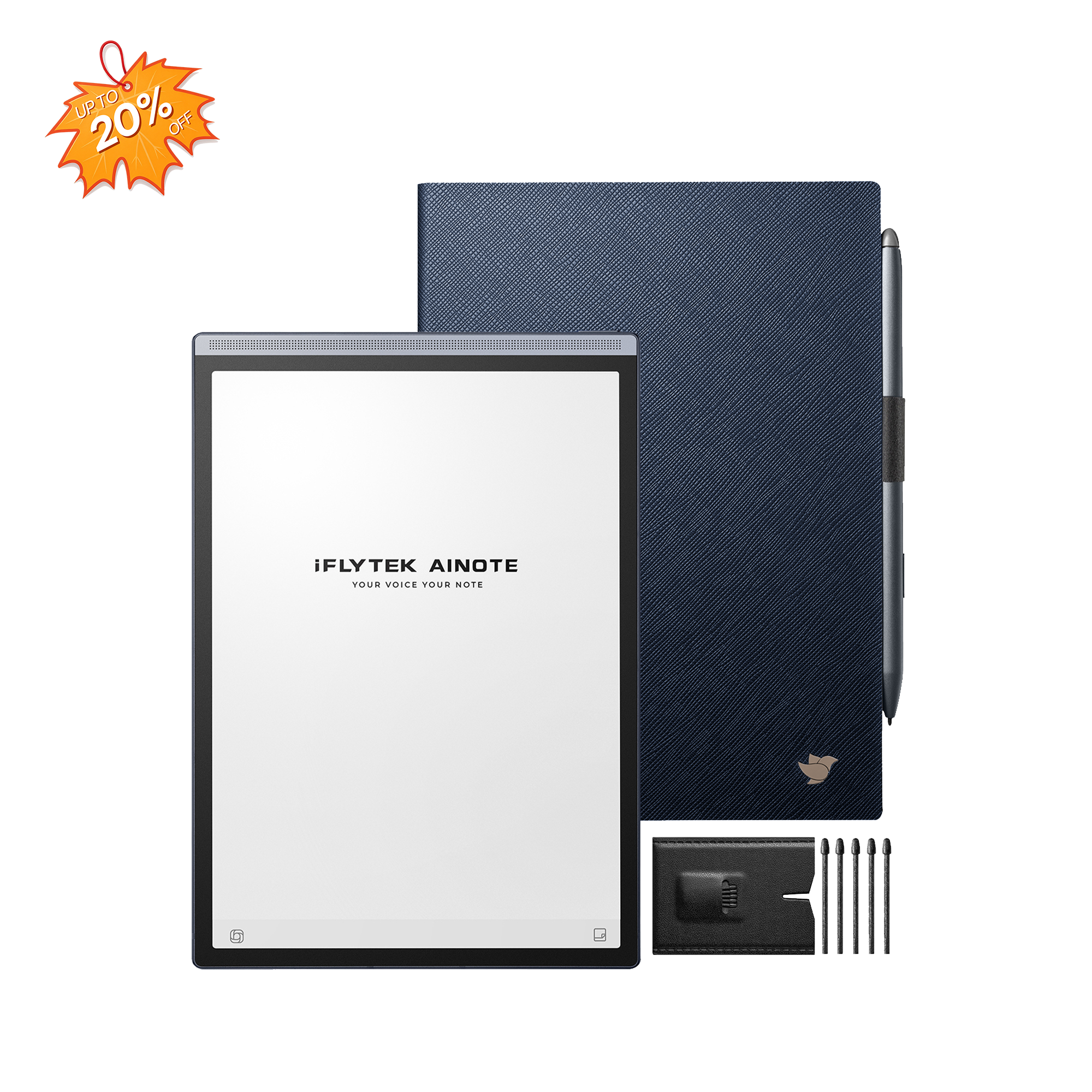
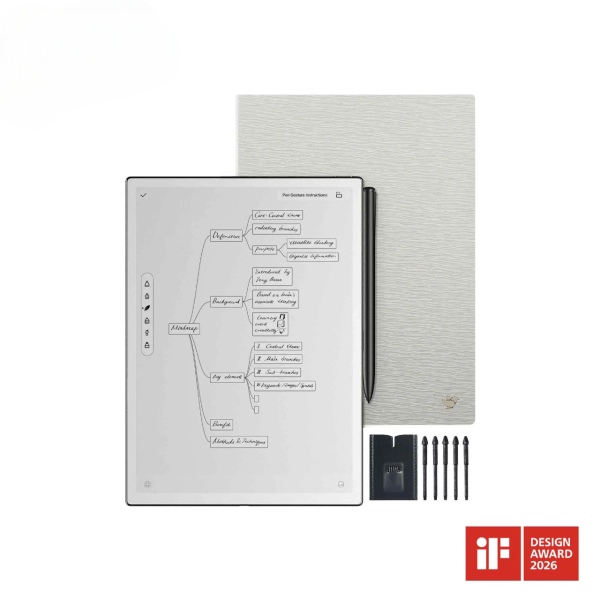
The iFLYTEK AINOTE 2 has a 10.65-inch, 300 PPI E Ink display, 64GB of storage and an approximate weight of 295 grams. The larger screen provides more room for full-page documents, extended writing and PDF annotation.
Both illustrate an important point: a larger display can improve document work, while a smaller device can be easier to carry. The better option depends on which benefit matters more in daily use.
FAQ
Can a digital notebook work without the internet?
Most digital notebooks support offline writing and reading. Cloud synchronization, online transcription and some AI functions may require an internet connection. Check the exact offline capabilities of the device before buying.
Can a digital notebook replace paper?
It can replace paper for many notes, documents and planning tasks. Paper may still be more convenient for quick disposable notes, unrestricted sketching or situations where electronic devices are not allowed.
Is a digital notebook the same as a tablet?
No. A digital notebook focuses on handwriting, reading and note management. A tablet is a general-purpose device designed to run a much wider range of apps. Some products combine features from both categories.
Are digital notebooks worth buying?
A digital notebook can be worthwhile if you write frequently and need to search, organize, share or convert your notes. If you only take occasional notes, a paper notebook or an app on a device you already own may be enough.
Conclusion
A digital notebook keeps the simplicity of handwriting while making notes easier to search, organize and share.
Its value is not just replacing paper. The real benefit is what happens after you write: a note can become searchable text, a marked-up document, a meeting summary or a task that is ready to act on.
If handwritten information is an important part of your work or study, a digital notebook can make that information much easier to use.
Related articles:
- Digital Notebook vs Tablet PC: How to choose?
- Best AI Note Devices to Buy in 2025
- Best Translator Device Without Internet (2025 Guide)
- Voice Recorder with Transcription: The Ultimate Tool for Effortless Note-Taking
- Best E- ink Tablet for Note Taking