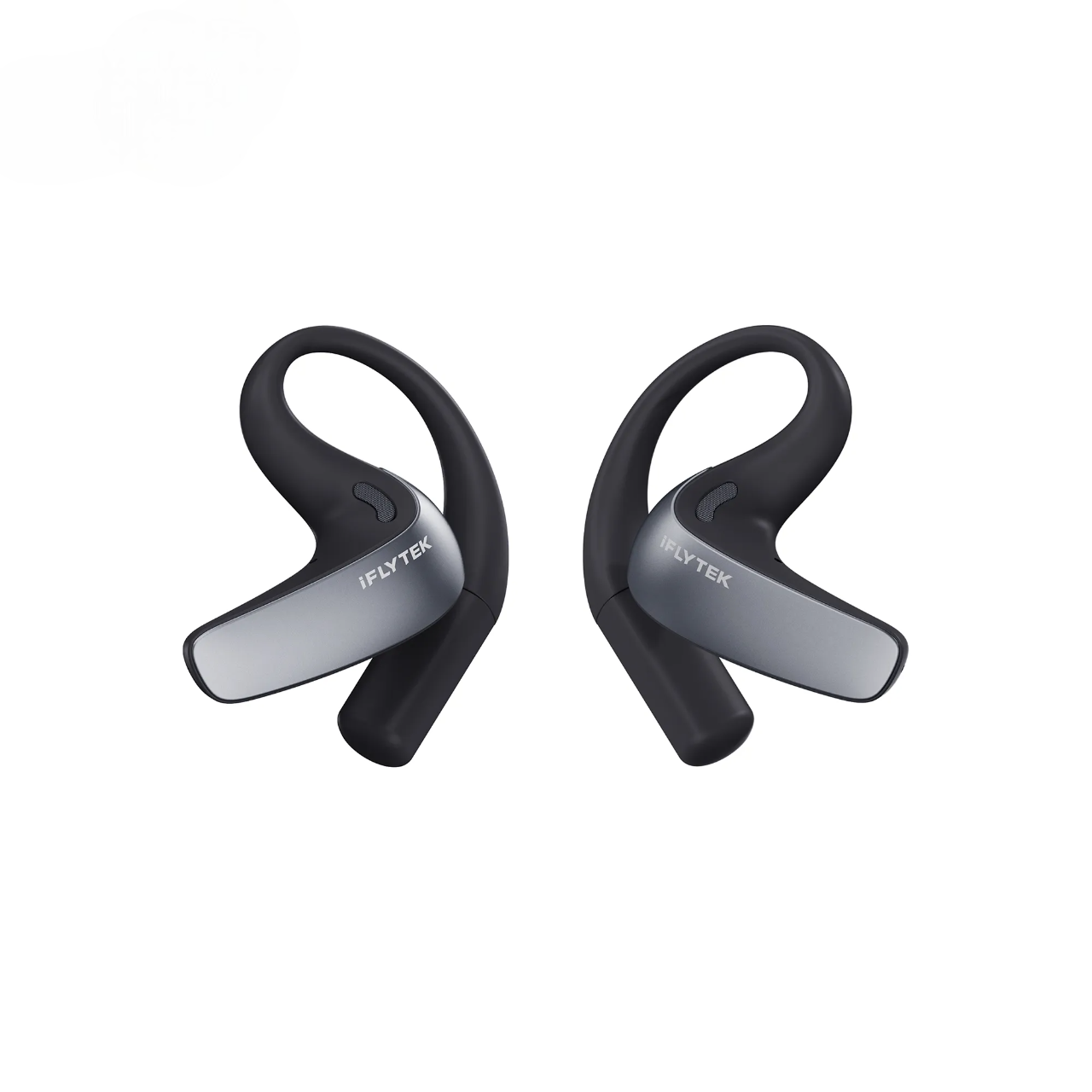
Choosing a note-taking tablet is not just about screen size or writing feel. The more important question is what the device can do with your notes afterward.
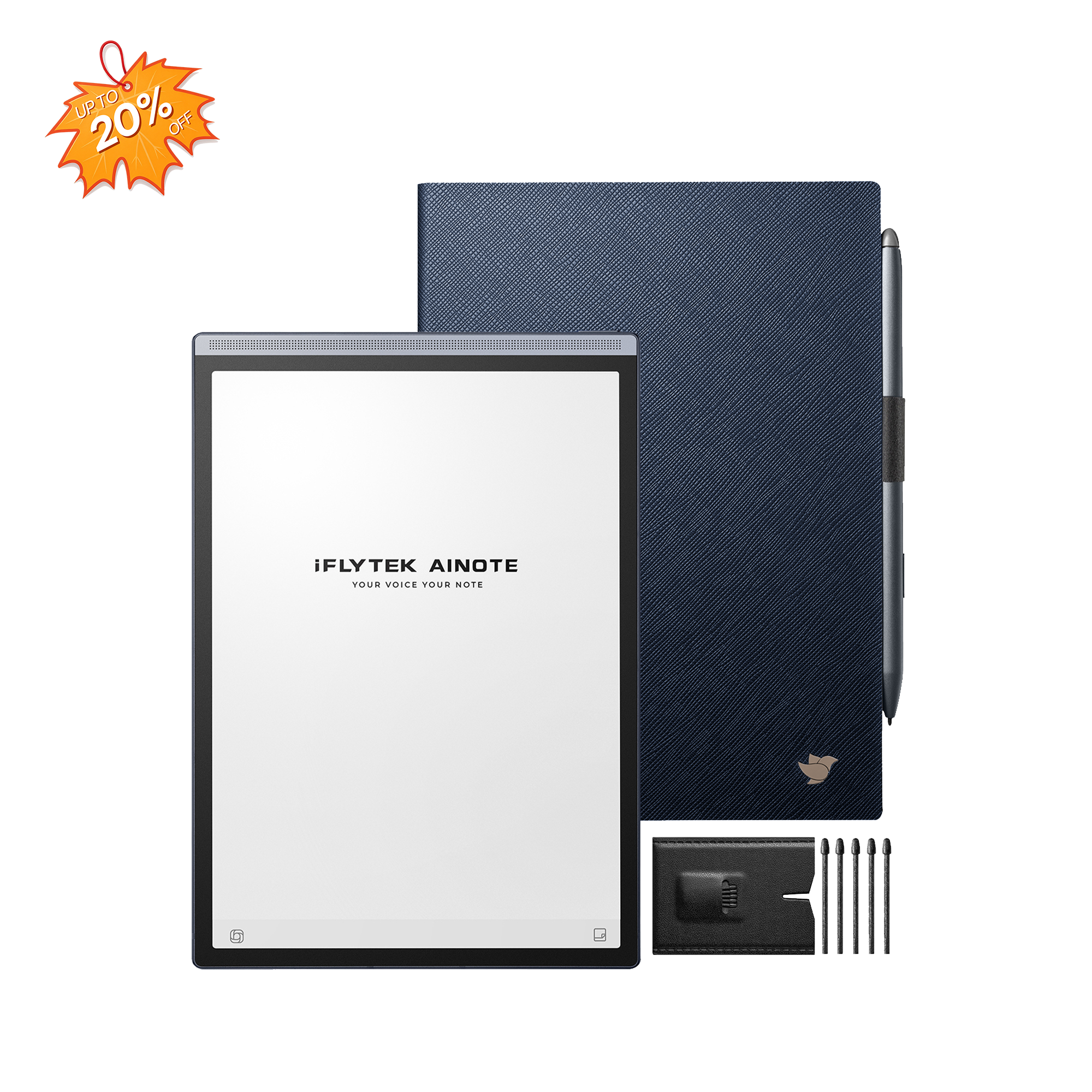
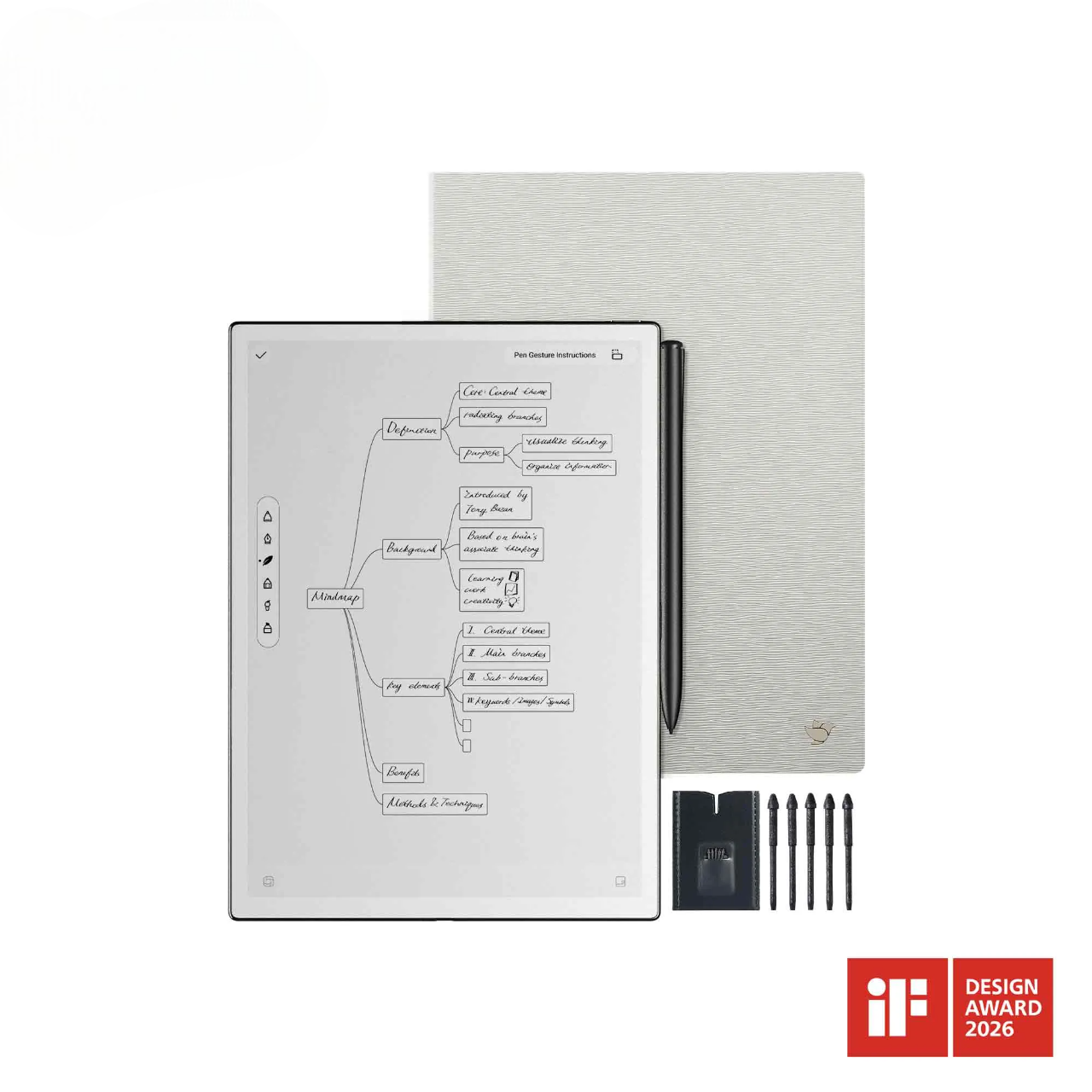
iFLYTEK AINOTE 2 is designed for meetings, transcription, translation, and AI-assisted organization. reMarkable Paper Pro takes a more focused approach, offering a larger color canvas for writing and document review.
In short, choose AINOTE 2 when conversations need to become searchable notes, summaries, or editable documents. Choose Paper Pro when distraction-free writing and color annotation matter more than apps or meeting tools.
AINOTE 2 vs reMarkable Paper Pro: What Are the Main Differences?
|
Feature |
iFLYTEK AINOTE 2 |
reMarkable Paper Pro |
|
Display and Writing |
10.65-inch monochrome E Ink display at 300 PPI; Wacom stylus and multilingual handwriting conversion |
11.8-inch color E Ink display at 229 PPI; Marker stylus, color writing and handwriting conversion |
|
Meetings and AI |
Built-in recording, 18-language transcription, 14-language translation, AI meeting minutes and note Q&A |
No built-in audio recording or transcription; AI converts written notes into summaries and action items |
|
Reading and Documents |
Supports PDFs, EPUBs and Office files, with annotation, split-screen reading and Word/PDF/TXT export |
Supports PDF and EPUB reading, color annotation and PDF/PNG/SVG export |
|
Apps and Sync |
Android 14, Google Play, AINOTE apps and multiple file-transfer options |
reMarkable OS, companion apps and Google Drive, OneDrive and Dropbox integrations |
|
Portability and Battery |
295 g, 4.2 mm thick, 64 GB storage and up to 14 days of typical use |
525 g, 5.1 mm thick, 64 GB storage and up to two weeks of regular use |
|
Price and Subscription |
From $649; free Starter plan with optional Pro features |
From $629 with Marker; optional Connect subscription at $3.99/month |
Where Their Writing Experiences Differ
AINOTE 2 has a 10.65-inch monochrome display at 300 PPI. Fine handwriting and small text look sharp, while the passive Wacom stylus works without charging. At 295 g, the tablet is also easy to carry between meetings or hold while standing.
Paper Pro provides an 11.8-inch color display with more room for diagrams, detailed comments, and full-page PDFs. Its 229 PPI resolution is lower, but color can be valuable when highlights represent different questions, priorities, or approval stages. The adjustable reading light also makes it easier to work in dim environments.
The software reflects a broader difference in philosophy. Paper Pro removes apps and notifications to create a focused writing space. AINOTE 2 supports Google Play and offers tools for taking clearer, more structured digital notes. It is better suited to users who want to convert, search, organize, and reuse their handwriting.
What Each Device Can Do During a Meeting
AINOTE 2 can record a conversation through its four built-in microphones while you continue writing. It links spoken content with your notes, converts speech into text, and can generate structured meeting minutes.
This allows you to focus on decisions, questions, and follow-up tasks instead of trying to capture every sentence. Afterward, note Q&A can retrieve details without requiring you to reread the entire transcript.
For international teams, interviews, and multilingual lectures, AI transcription and translation on AINOTE 2 can make multilingual conversations easier to capture and review. After a session, users can check important names, numbers, and decisions against the transcript.
Paper Pro does not record or transcribe meetings. Its AI works with existing handwritten annotations, turning them into summaries and action items. That can support selective note-taking, but it does not preserve a complete spoken record.
Reading and Working With Documents
AINOTE 2 supports PDFs, EPUBs, Office documents, ebooks, text files, and common image formats. Its split-screen reading mode lets you view a document while taking notes, and recognized handwriting can be exported as Word, PDF, or TXT.
This broader compatibility is helpful when coworkers or clients send files in different formats and you do not want to convert each one before reviewing it.
Paper Pro focuses mainly on PDF and EPUB reading. Its larger color display works well for research papers, contracts, and reports where different highlight colors carry different meanings. Content can be exported as PDF, PNG, or SVG, while companion apps and cloud integrations support file transfers.
AINOTE 2 is the stronger choice for mixed-document workflows. Paper Pro is better suited to users who mainly read and annotate PDFs.
Price, Subscriptions and Long-Term Value
The starting prices are close. AINOTE 2 starts at $649, while Paper Pro starts at $629 with the Marker included. Regional pricing, bundles, and promotions may change the final cost.
AINOTE 2 includes a free Starter plan, with an optional Pro plan for advanced AI, transcription, and cloud features. Paper Pro’s optional Connect subscription costs $3.99 per month and adds AI tools, handwriting search, unlimited cloud storage and synchronization, integrations, and expanded companion-app features.
Value therefore depends on the work each device removes from your schedule. AINOTE 2 can reduce time spent replaying recordings, typing transcripts, and organizing meeting minutes. Paper Pro delivers value by replacing paper with a calm, distraction-free workspace.
AINOTE 2 or reMarkable Paper Pro: Which One Is Right for You?
Within the AINOTE tablet range, AINOTE 2 is the better choice when meetings must become searchable notes, summaries, or shared documents. It is well suited to managers, consultants, journalists, researchers, students, and multilingual teams.
Its lighter body, wider document support, and Android app access also make it easier to integrate into an existing workflow.
Paper Pro is a stronger match for uninterrupted handwriting and color document review. Writers, designers, lawyers, academics, and PDF-heavy reviewers may prefer its larger illuminated display and deliberately limited software.
The decision is straightforward: choose AINOTE 2 for meeting intelligence and flexible productivity; choose Paper Pro for a focused color writing experience.
FAQ
Can iFLYTEK AINOTE 2 or reMarkable Paper Pro work offline?
Yes. Both support offline writing and reading for files stored on the device. AINOTE 2 can also record offline and supports offline English transcription. Other languages can be recorded first and transcribed after reconnecting. Some AI and cloud features require internet access and the relevant service plan.
How do the two tablets protect meeting notes and personal data?
Both devices use encryption to protect stored and transmitted data. Organizations handling confidential information should still review cloud-storage locations, retention policies, account controls, and internal security requirements before enabling synchronization, transcription, or AI features.
Can you export notes to other devices and productivity apps?
Yes. AINOTE 2 can export recognized handwriting as Word, PDF, or TXT and supports several transfer methods. Paper Pro exports PDF, PNG, or SVG and works with its companion apps and supported cloud-storage integrations.
Can iFLYTEK AINOTE 2 or reMarkable Paper Pro replace an iPad or laptop?
Not completely. AINOTE 2 is more flexible because it supports Android apps, but E Ink is poorly suited to video, animation, and intensive multitasking. Paper Pro is intentionally limited to writing, reading, and document review.
Which tablet is easier to use for non-English speakers?
AINOTE 2 is generally better for multilingual work because it combines multilingual handwriting recognition with speech transcription and translation. Paper Pro supports handwriting conversion in multiple languages but does not offer the same spoken-language workflow.