For architectural project managers, principal designers, and structural engineers, reviewing blueprints is a daily ritual that has long been tethered to major friction. Historically, the only way to audit a highly detailed CAD schematic or site plan without losing layout integrity was to print it on massive, unwieldy sheets of physical paper. Carrying these rolled-up blueprints across active industrial manufacturing sites or construction zones is chaotic, while viewing them on standard computer monitors requires constant, exhausting zooming and panning that shatters your spatial overview.
The modern industrial design pipeline demands a tool that captures the vast visual landscape of a traditional drafting table within a high-performance digital framework. Today, a new wave of engineering professionals is eliminating blueprint clutter and visual fatigue by shifting their entire workflow to a specialized paper ink screen. By prioritizing a layout-first engineering philosophy, this dedicated digital paper technology is changing how heavy industry blueprints are managed, cross-referenced, and signed off.
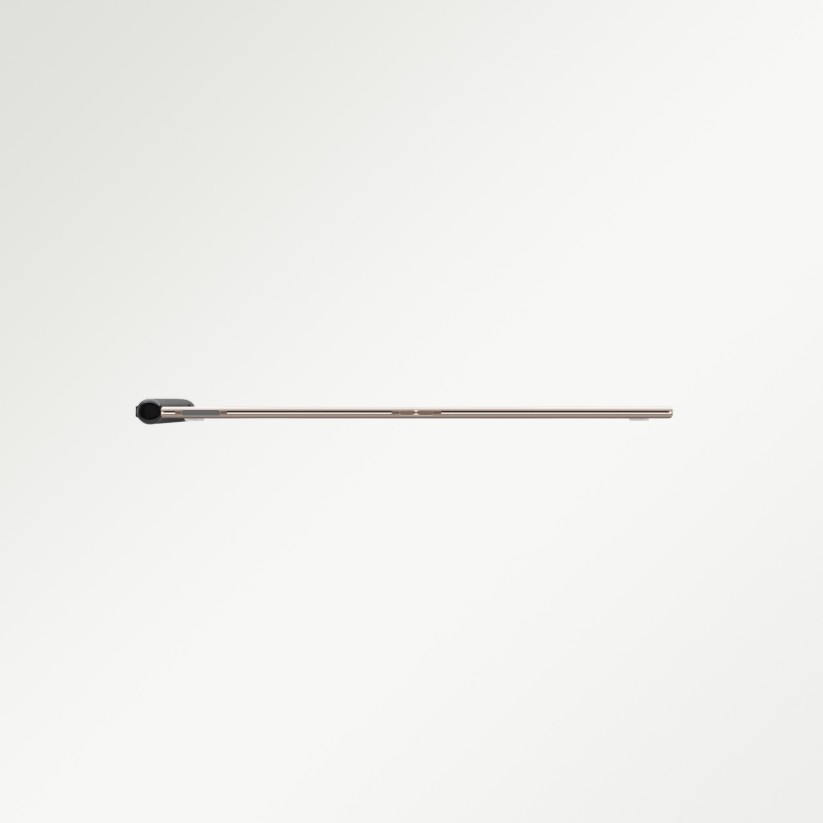
The Spatial Advantage: Why 10.65 Inches and 4.2mm Engineering Matter
In architecture and heavy industrial engineering, size and proportion are everything. When you try to review a complex electrical schematic or a cross-sectional view of industrial machinery on a standard smartphone or a cramped consumer e-reader, the multi-column details collapse, rendering the text illegible.
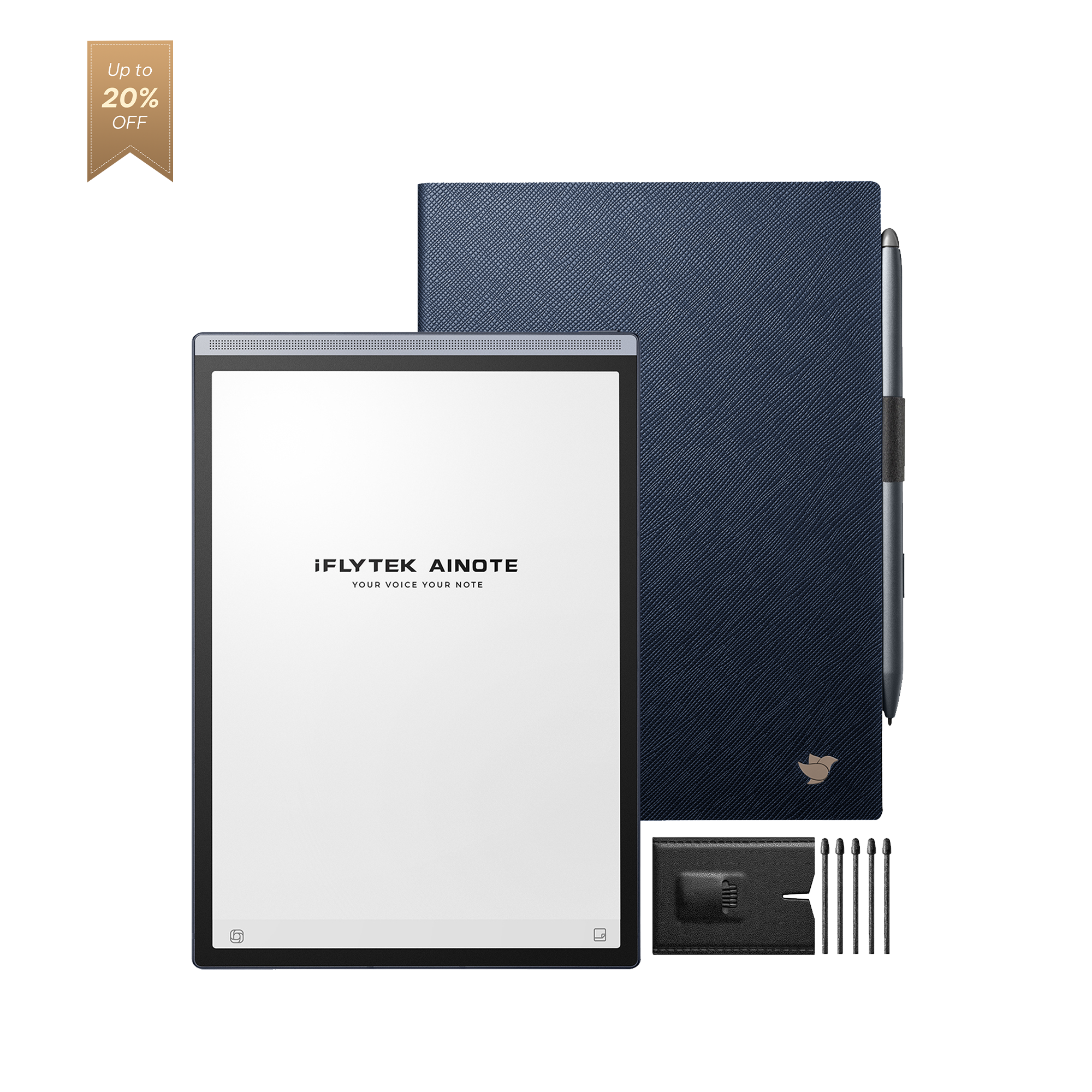
The breakthrough comes from matching expansive screen real estate with an ultra-thin tactile profile. Utilizing a spacious 10.65-inch flexible E-Ink canvas boasting a crisp 300 PPI high-resolution display, the flagship note 2 tablet provides the perfect structural canvas for rendering tiny footnotes, complex wiring matrices, and sprawling site elevations with perfect clarity.
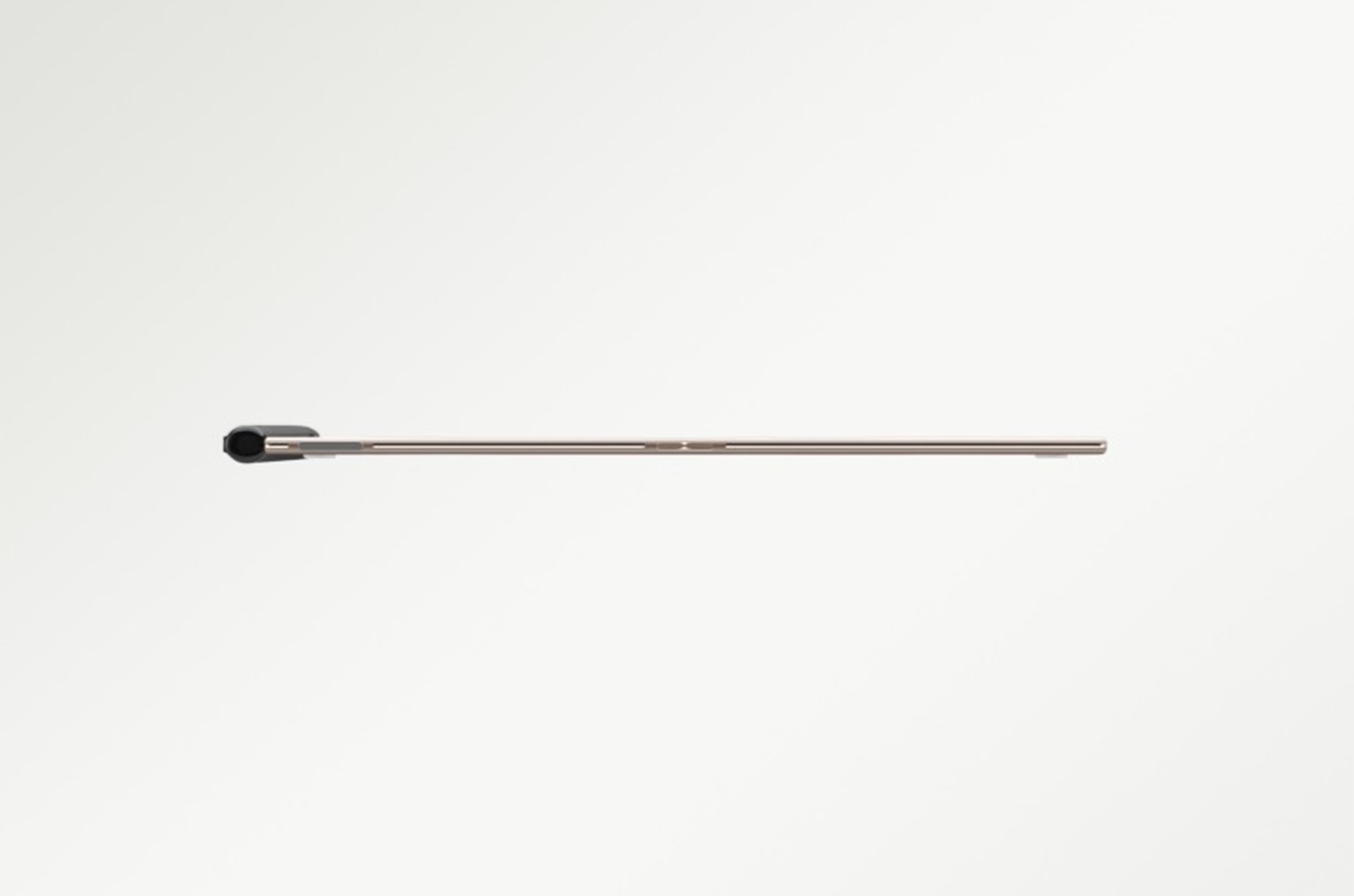
Furthermore, its record-breaking 4.2mm chassis recreates the exact physical handling characteristics of a rigid drafting clipboard. Holding a device this slim allows site inspectors and principal engineers to comfortably cradle the canvas in one hand while using a stylus with the other, capturing the weightless ergonomics of a premium pad of paper without any of the bulk.

Eliminating Glare and Screen Fatigue on Active Construction Sites
Reviewing detailed schematics inside a bright glass-walled corporate office or under direct ambient sunlight at an outdoor industrial plant is nearly impossible with conventional emissive screens. Standard backlit laptops and glossy tablets turn into mirrors under harsh lighting, forcing your eyes to strain to see fine vector lines, which heavily increases the risk of overlooking critical spatial conflicts.
To maintain perfect clarity through hours of deep auditing, professionals require a screen that works with environmental light rather than fighting against it. Because a professional-grade paper thin tablet reflects ambient light rather than blasting blue light directly into your retinas, it mimics the exact visual property of traditional wood-pulp blueprints.
Combined with an advanced matte, anti-glare finish layered over the glass, the premium iFLYTEK AINOTE 2 display eliminates distracting reflections entirely. Whether you are reviewing structural foundations under a bright desk lamp or standing in direct sunlight on an active open-air industrial site, your lines remain perfectly sharp, ink-stiff, and completely glare-free.
Seamless Redlining and AI Integration for Fast-Paced Project Handoffs
Reviewing blueprints is rarely a passive reading task. It is a dynamic process of redlining, annotating structural corrections, sketching plumbing overrides, and noting compliance feedback directly onto the margins of the design.
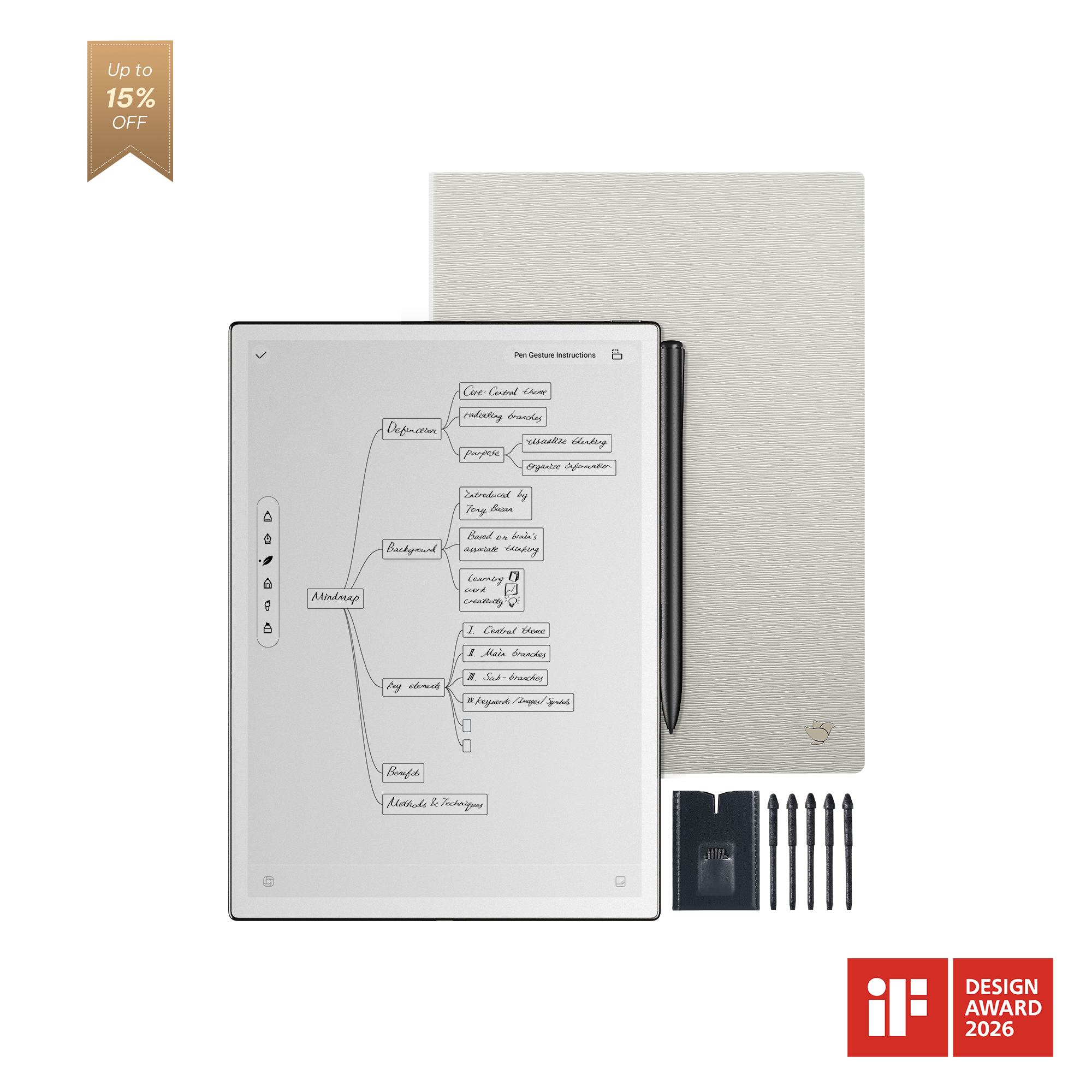
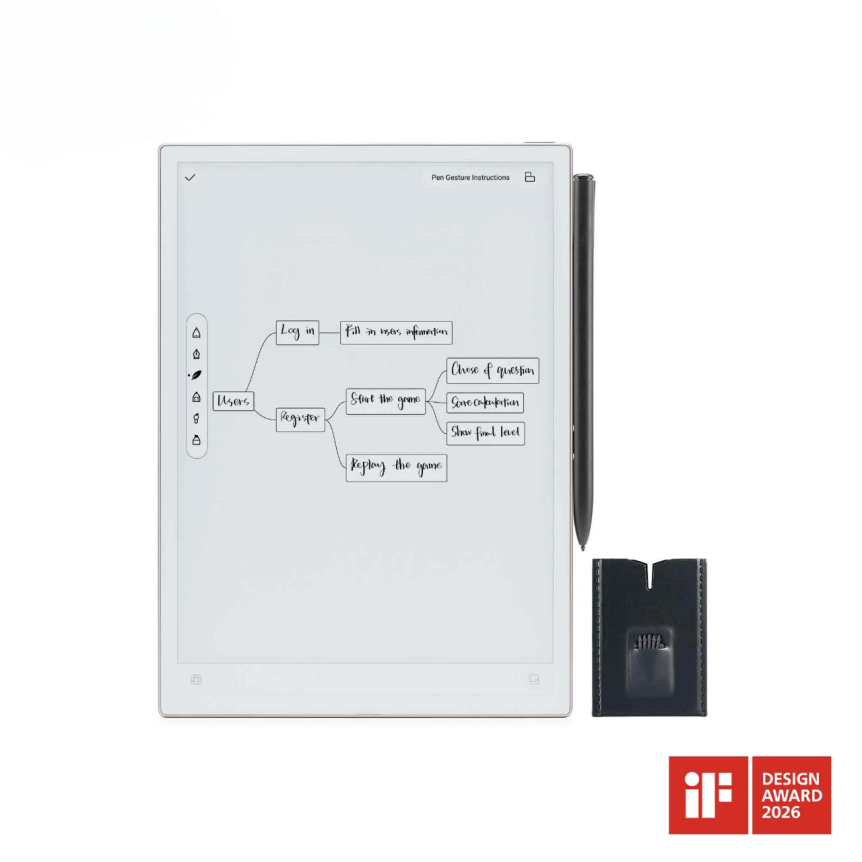
By integrating a premium, battery-free Wacom stylus that achieves a blazing-fast sub-20ms latency, writing down complex engineering formulas or drawing geometric corrections onto the 10.65-inch display feels fluid and uninhibited. You can place a multi-page journal article or client brief on the left side of the screen using side-by-side split-screen mode, while keeping your primary blueprint layout open on the right.
Once your hand-drawn annotations, structural dimensions, or material lists are written down, advanced OCR engines operating quietly beneath the display can instantly convert your handwritten notes into searchable, editable digital text across dozens of languages. This ensures your hand-drawn site corrections can be exported as active, smart business data directly into your team's shared cloud folders, seamlessly bridging the gap between raw human engineering intuition and digitized corporate execution.
Frequently Asked Questions (FAQ)
Can the iFLYTEK AINOTE 2 smoothly render large, vector-heavy CAD PDF files?
Yes. Powered by an advanced octa-core processor and optimized document rendering software, the device handles high-resolution, multi-layered architectural and engineering PDFs efficiently. It supports auto-cropping, manual margin adjustments, and contrast enhancement to ensure even the smallest architectural symbols and text remain sharp.
How does the screen hold up against scratches from continuous pen pressure or field use?
The 10.65-inch flexible e-paper screen is covered by a specialized, resilient textured layer designed to withstand continuous heavy handwriting and sketching. This anti-glare matte layer not only protects the underlying display but also provides the specific mechanical resistance needed to mimic the tactile feel of drawing on premium physical paper.
Can I share my annotated blueprints and redlined designs directly from the device?
Absolutely. With its open Android architecture and integrated Wi-Fi capabilities, you can effortlessly export your marked-up PDFs directly to corporate cloud networks like Google Drive or OneDrive. Furthermore, you can instantly sync text files converted via the built-in OCR handwriting engine to email or local shared server environments.