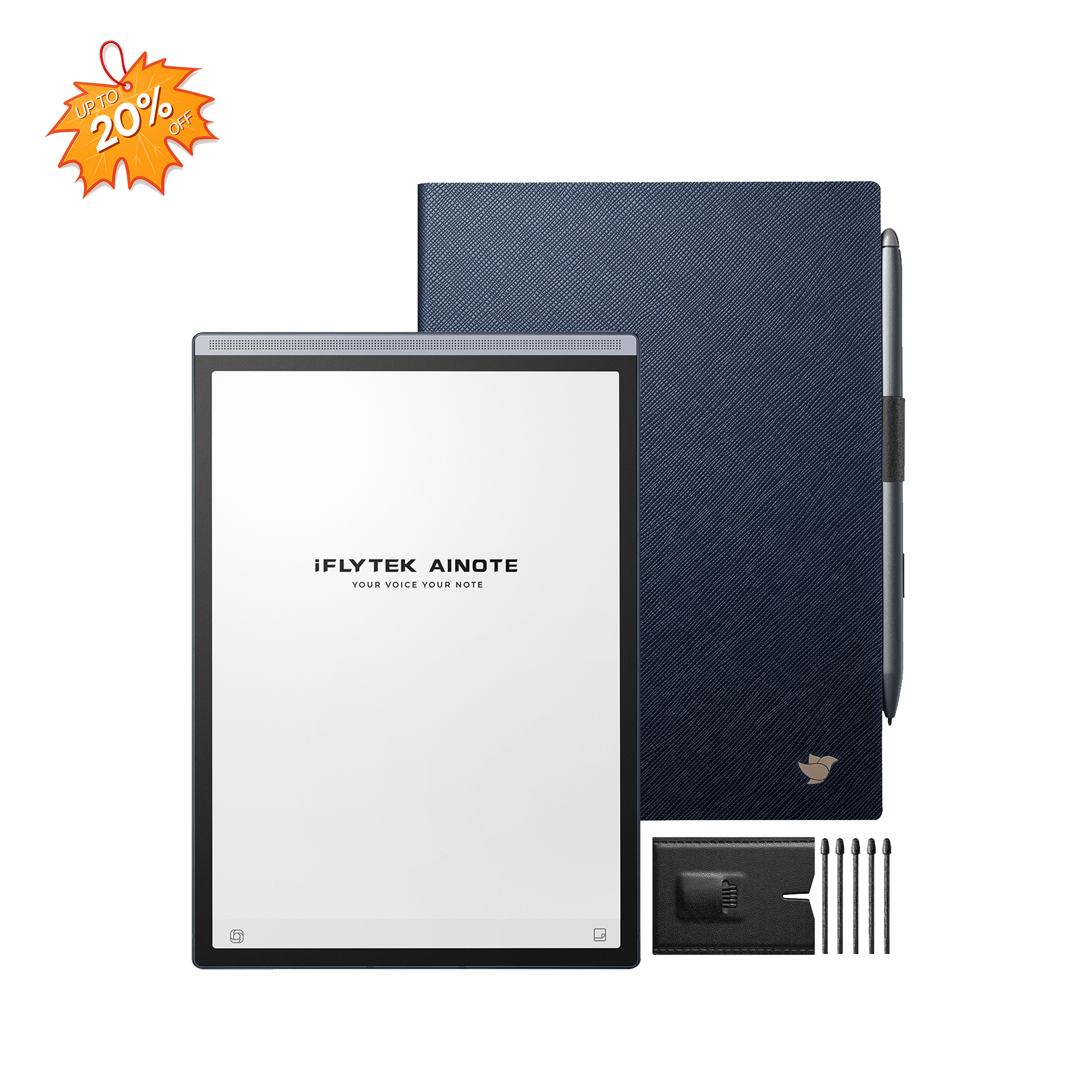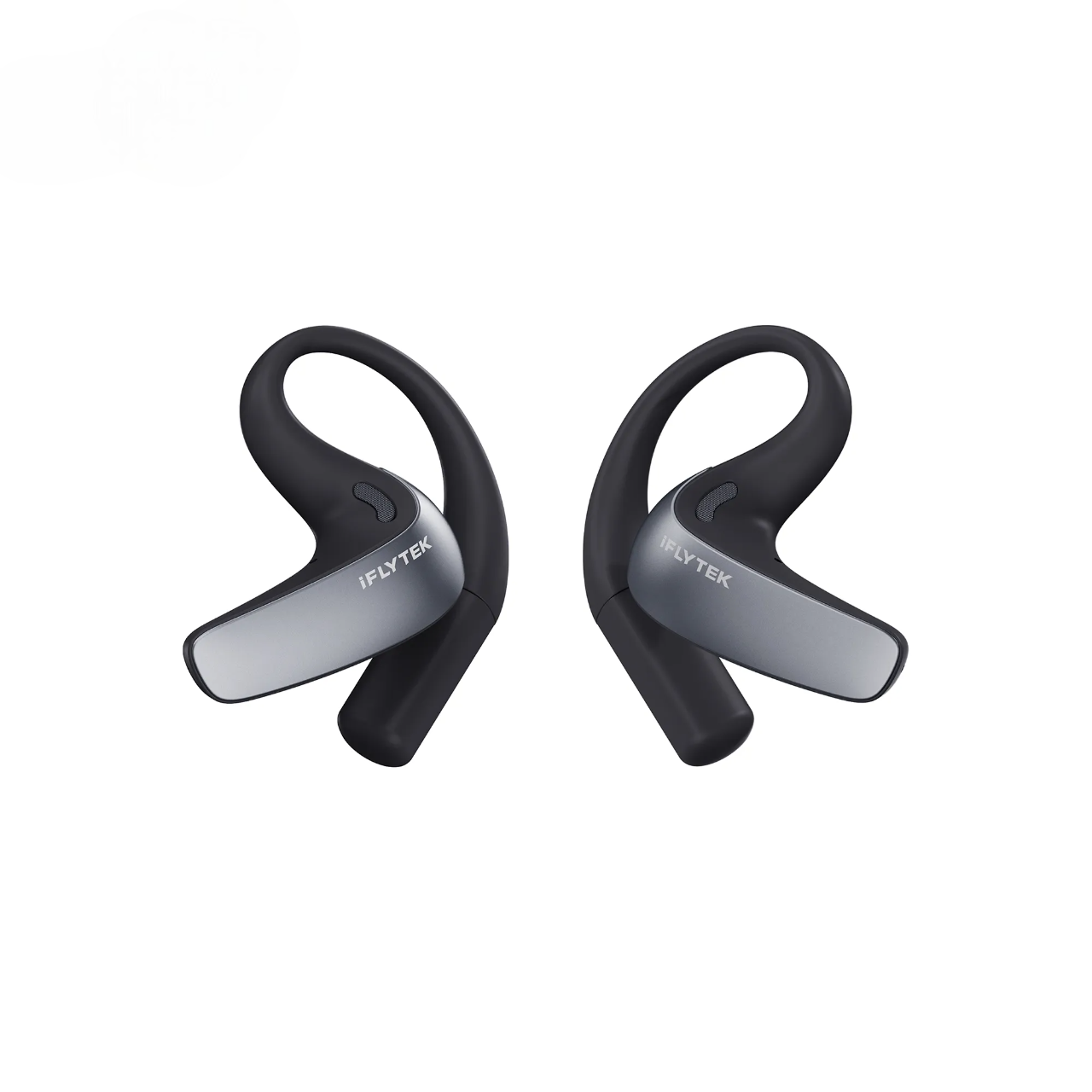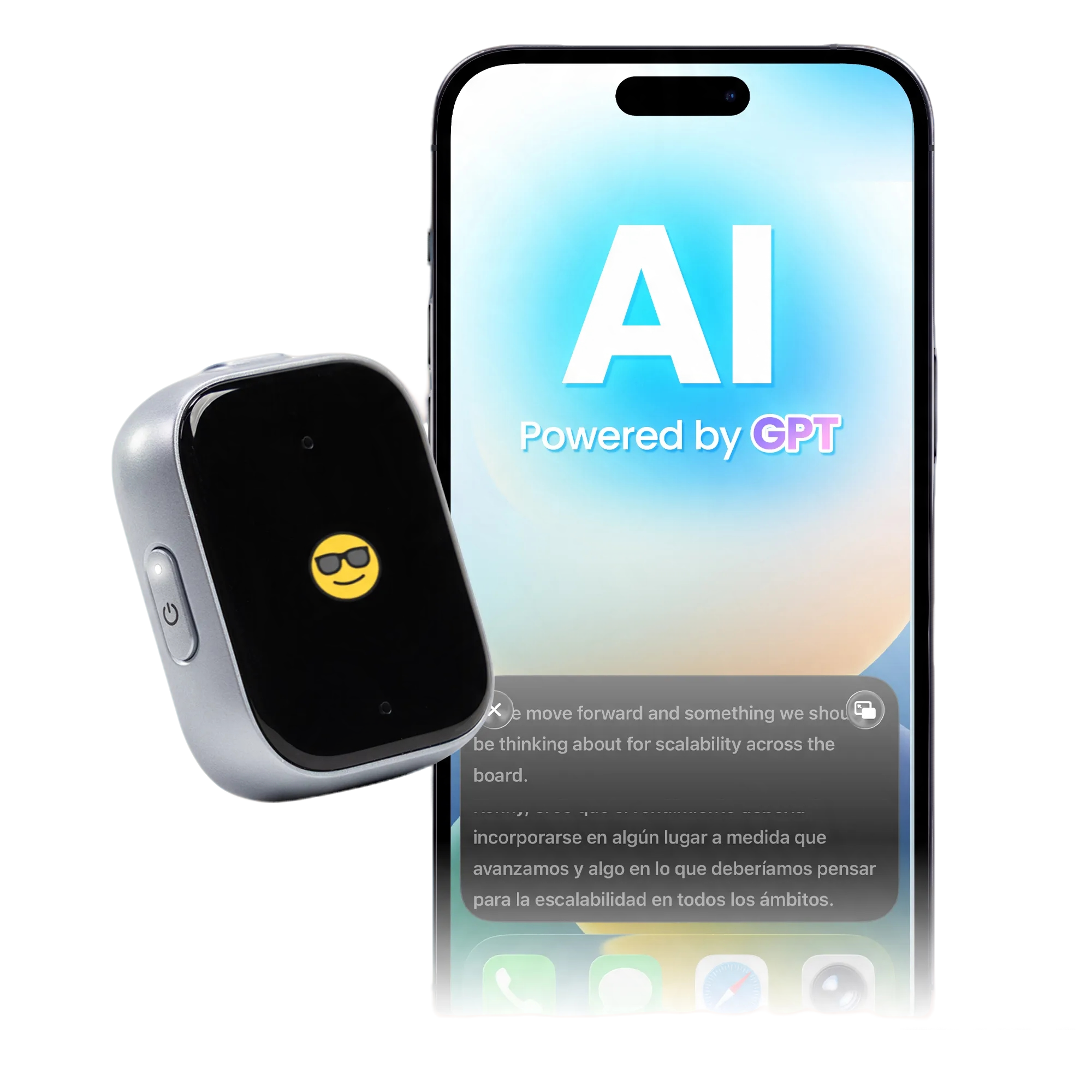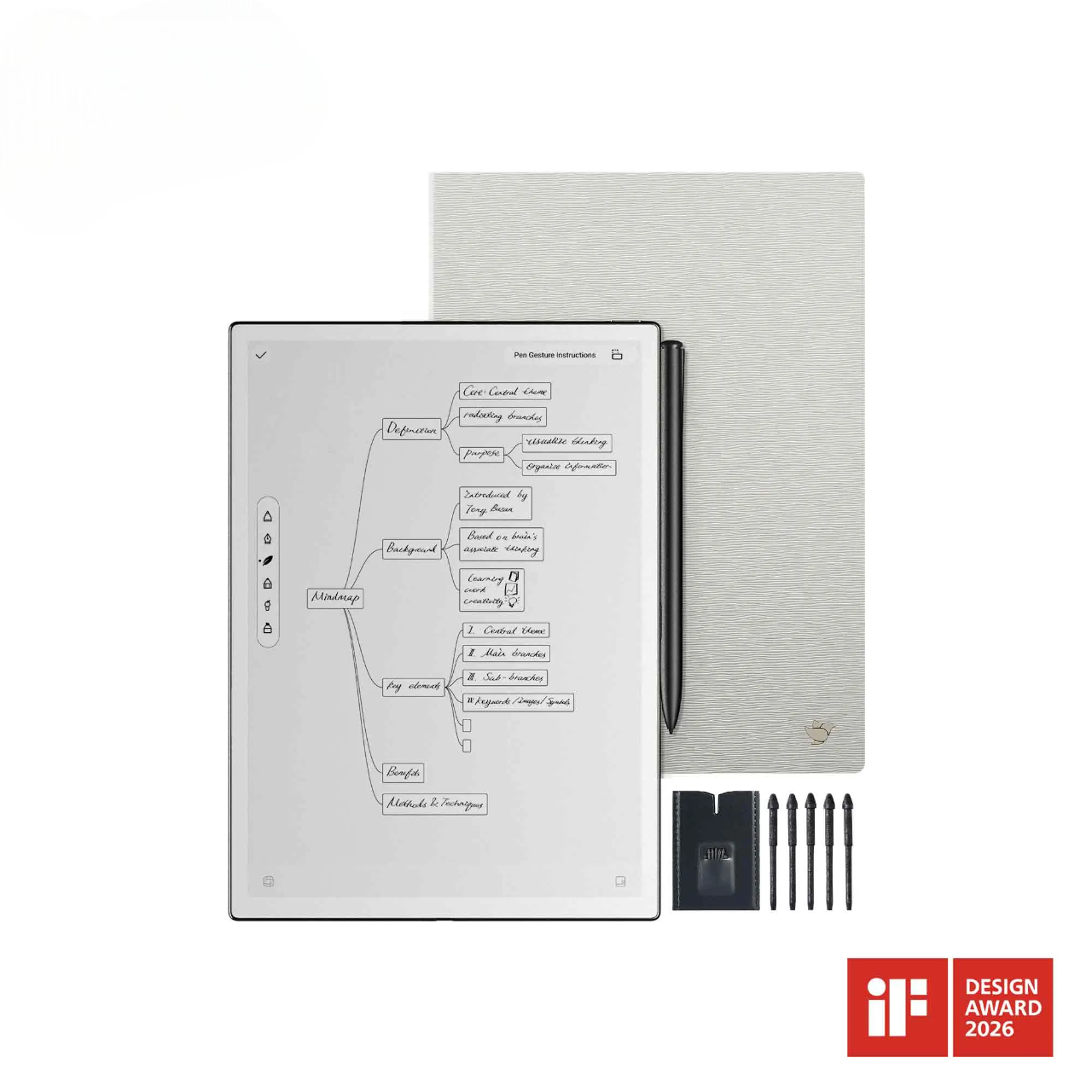
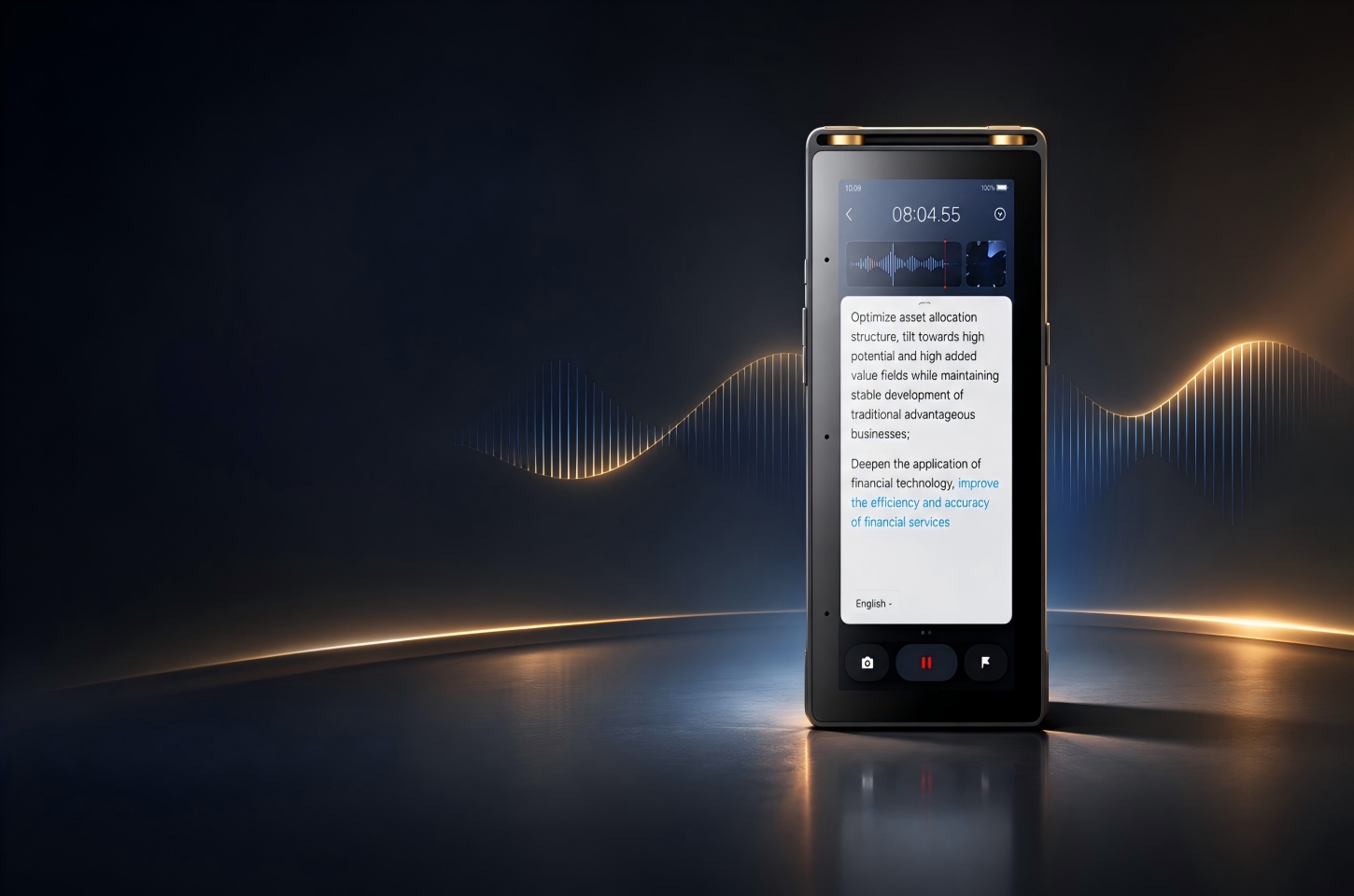
The iFLYTEK AI Recorder S6 and PLAUD Note Pro both turn conversations into usable notes, but they fit different recording routines. The S6 is well suited to formal business meetings, negotiations, and recorded interviews: placed near the center of a conference table, it can serve a role similar to a dedicated conference microphone while providing a standalone screen and broader room coverage. It is also a strong fit for larger rooms and sessions that need supported offline transcription or live multilingual communication. PLAUD Note Pro is easier to carry between phone calls, interviews, and meetings, with an app-centered workflow for reviewing recordings afterward.
AI Recorder S6 vs PLAUD Note Pro at a Glance
|
Feature |
PLAUD Note Pro |
|
|
Best for |
Formal meetings, larger rooms, and multilingual communication |
Phone calls, interviews, and everyday conversations |
|
Pickup range |
Up to 20 meters |
Up to 5 meters in Enhance Mode; up to 3 meters in Endurance Mode |
|
Translation |
Supports simultaneous interpretation during conversations |
Does not support live interpretation |
|
Offline use |
Supports offline transcription in Chinese, English, Japanese, Korean, and Russian |
Relies primarily on app-based processing |
|
Battery life |
Up to 25 hours of continuous recording |
Up to 30 hours in Enhance Mode or 50 hours in Endurance Mode |
|
Portability |
Standalone recorder with a 5.05-inch touchscreen |
Compact recorder that attaches to a phone and weighs 1.06 oz |
The S6 and PLAUD Note Pro are built for different recording setups. The S6 has a larger screen, longer pickup range, and offline transcription support, while the Note Pro is smaller and attaches to a phone. Consider where you usually record and which features matter most for your workflow.
Voice Capture in Multi-Speaker Meetings
A recorder may work well across a desk but struggle when several people sit around a large conference table. Room size, speaker distance, and device placement often matter more than the number of AI features alone.
The S6 is designed for larger meeting spaces. Its eight-microphone array and pickup range of up to 20 meters give users more flexibility when speakers are spread across a conference room, classroom, or auditorium. The built-in screen also lets users check recording status without reaching for a phone. For the clearest results, place the S6 where it has an open path to participants and minimize overlapping speech.
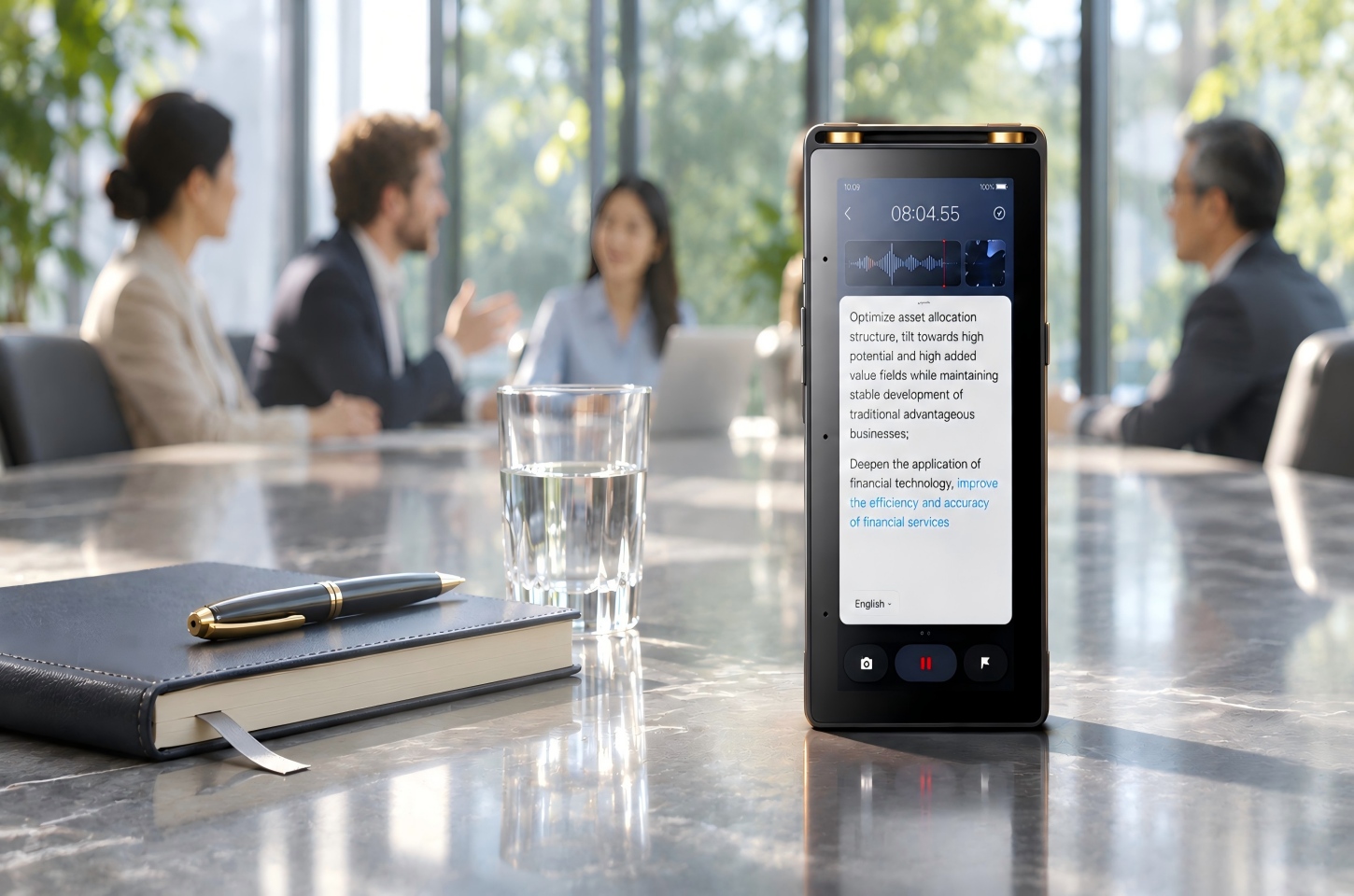
That design also suits formal settings. In a business negotiation, boardroom meeting, or recorded interview, the S6 can sit visibly at the center of the table as shared recording equipment, much like a conference microphone. Its dedicated controls and screen make the recording status clear to participants, while its standalone workflow reduces the need to pass around or monitor a personal phone.
PLAUD Note Pro is convenient for people who move between phone calls, interviews, and in-person meetings. Its compact size makes it easy to carry and position for a conversation, while its pickup range of up to 16.4 feet also makes it suitable for many meeting settings. For a small meeting, one-to-one interview, or informal conversation, its phone-attached form can feel less conspicuous than placing a larger standalone recorder on the table. The S6 remains a capable option in these settings, especially when its screen, offline features, or dedicated recording modes are useful, but PLAUD has the practical edge when discretion and minimal setup matter most. Room layout and speaker distance should still guide placement.
Anyone choosing a conference recording device should also consider the room itself. Echo, overlapping speech, quiet participants, and background conversations can reduce transcription quality, so the same recorder may perform differently from one room to another. Our comparison of recording devices for meetings explains how pickup range and room setup affect real-world use. In practice, place the recorder near the center of the discussion and ask participants to avoid speaking over one another.
Transcription and Translation Across Languages
A voice recorder with transcription can support several different language tasks. Transcription converts speech into text in the original language, translation converts that content into another language, and simultaneous interpretation helps participants communicate across languages while a meeting is in progress. These capabilities serve different purposes and should not be treated as interchangeable.
The S6 brings these functions together in a multilingual meeting workflow:
- Real-time transcription: Converts speech into text as participants speak.
- Simultaneous interpretation: Supports cross-language communication during meetings, presentations, and other live conversations.
- Offline transcription and interpretation: On-device language models support Chinese, English, Japanese, Korean, and Russian without requiring an internet connection.
- Built-in and shared display options: Displays live content on the 5.05-inch touchscreen or on a larger screen through wired screen casting.
PLAUD Note Pro is primarily designed for post-meeting transcription and note organization. It can transcribe recordings in more than 112 languages and automatically detect the primary language, but each recording is processed mainly in one language. Frequent language switching within the same recording may reduce transcription consistency, and the device does not provide live interpretation between languages.
For international meetings that require participants to follow translated content as the conversation happens, the S6 provides the more complete workflow. Its combination of live interpretation, supported offline language processing, on-device viewing, and screen casting helps teams communicate during the meeting and organize the discussion afterward. PLAUD Note Pro is more closely aligned with recording a primarily single-language conversation and reviewing the transcript and AI-generated notes later.
These practical requirements should guide the choice of a voice recorder with transcription.
Speaker Identification and Multilingual Meeting Notes
A useful transcript should make it clear who spoke, what the group decided, and what needs to happen next.
Both devices provide speaker identification and AI-generated notes. The S6 can organize a discussion into cleaned transcripts, speaker highlights, keywords, action items, mind maps, and answers based on the recording. This is useful when a shared voice-to-text device must turn a long meeting into a record that different team members can review.
PLAUD Note Pro provides speaker labels, transcription across more than 112 supported languages, and multiple summary formats. Each recording is processed mainly in one language. Users can also highlight an important moment during the recording, making it easier to find a decision, objection, or customer request afterward.
Speaker identification still needs a quick human review. Similar voices, interruptions, language switching, and remote participants coming through the same loudspeaker can confuse any recording device that transcribes. Check names, numbers, commitments, and quotations before sharing the final notes.
Online, Offline and Cross-Device Meeting Use
A recorder should fit the complete workflow, from capturing the discussion to reviewing and sharing the final meeting record.
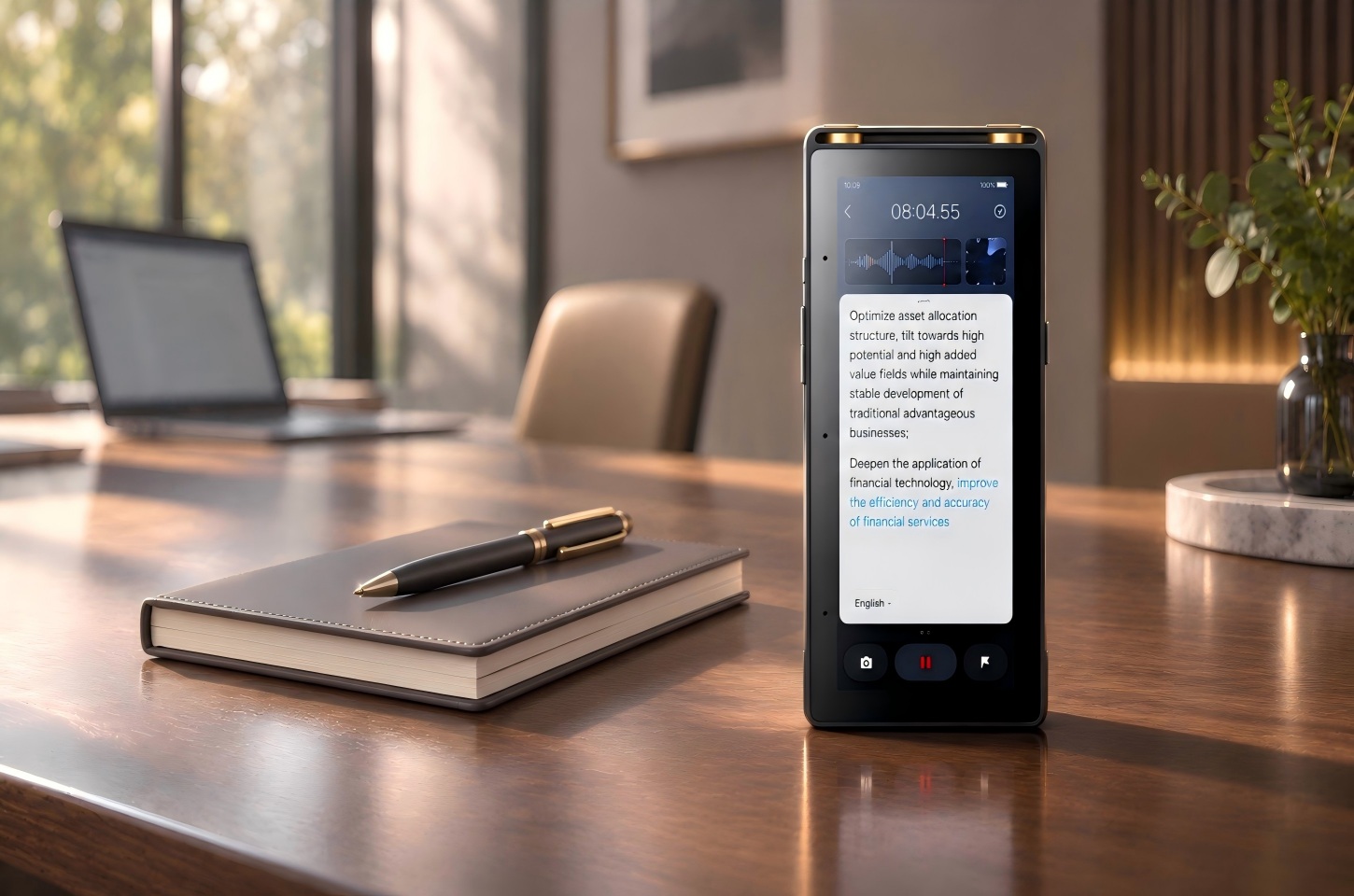
The S6 can record and transcribe offline in supported modes. Files can later sync to its web platform or be transferred directly to a computer or USB drive. It also supports wired screen casting, which is useful when participants need to follow live subtitles or interpretation on a larger display.
PLAUD Note Pro relies more heavily on its app, web services, and desktop software. Its smart dual-mode recording covers phone calls and in-person meetings, making it convenient for people who regularly move between the two.
Battery Life and Subscription Costs
Battery life should be compared alongside pickup range. The S6 records continuously for up to 25 hours and offers up to 85 days of standby time, supporting full workdays, extended interviews, and multi-session meeting schedules. PLAUD Note Pro records for up to 30 hours in Enhance Mode, with pickup up to 16.4 feet, or up to 50 hours in Endurance Mode, where the pickup range drops to 9.8 feet. Battery life for either device will vary with settings, connectivity, and use.
Subscription requirements also affect long-term value. PLAUD’s Starter plan includes 300 transcription minutes per month, so users with frequent or lengthy meetings may need additional minutes or a paid plan. The iFLYTEK AI Recorder S6 includes five years of Pro membership at no additional subscription cost, with unlimited transcription and translation time during the included membership period. This can offer greater value to heavy users who regularly record long meetings or work across languages, as they can use the S6’s professional AI meeting features without paying extra for transcription or translation time during those five years. When comparing ongoing costs, consider your monthly recording volume, meeting length, language needs, and how long you expect to use each device.
FAQ
What is the best voice recorder with transcription for multilingual meetings?
The S6 is a stronger fit when participants are spread across a larger room or the meeting requires offline transcription or live interpretation in its supported languages. PLAUD Note Pro offers a more portable approach to phone calls and in-person meetings, with much of the review taking place in its app.
Can the iFLYTEK AI Recorder S6 work without internet access?
Yes. The S6 records without an internet connection and provides offline transcription for supported languages. Synchronization and online AI functions use a network connection, while the offline workflow keeps essential recording and transcription available when connectivity is limited.
Do both voice recorders support offline transcription in every language?
No. Offline language coverage is more focused than the language coverage available across online transcription, translation, and interpretation. The S6 is the stronger option when offline transcription in one of its supported languages is essential, while PLAUD Note Pro is designed primarily around app- and cloud-based processing.
What is the best way to record meeting minutes automatically?
Place the recorder where it can clearly capture every participant, enable speaker identification, and mark important moments during the discussion. A structured process for how to record meeting minutes from audio can reduce manual note-taking while preserving the decisions and context that matter. Afterward, review names, figures, deadlines, and action items before treating the AI summary as the official record.
Conclusion
Choose the iFLYTEK AI Recorder S6 when your meetings call for greater room coverage, offline transcription or interpretation in its supported languages, live cross-language communication, or a larger interactive screen for following content without relying on a phone. Its conference-microphone-style placement makes particular sense in formal meetings, business negotiations, presentations, and recorded interviews.
Choose PLAUD Note Pro if you move frequently between calls and in-person conversations and prefer a compact recorder with an app-centered review workflow. It is well suited to recording primarily single-language conversations and organizing the transcripts and AI-generated notes afterward.
Teams that work across different room sizes and recording environments can compare models in the iFLYTEK voice recorder collection based on pickup range, supported languages, offline capabilities, battery life, included service allowances, and transcription workflow.