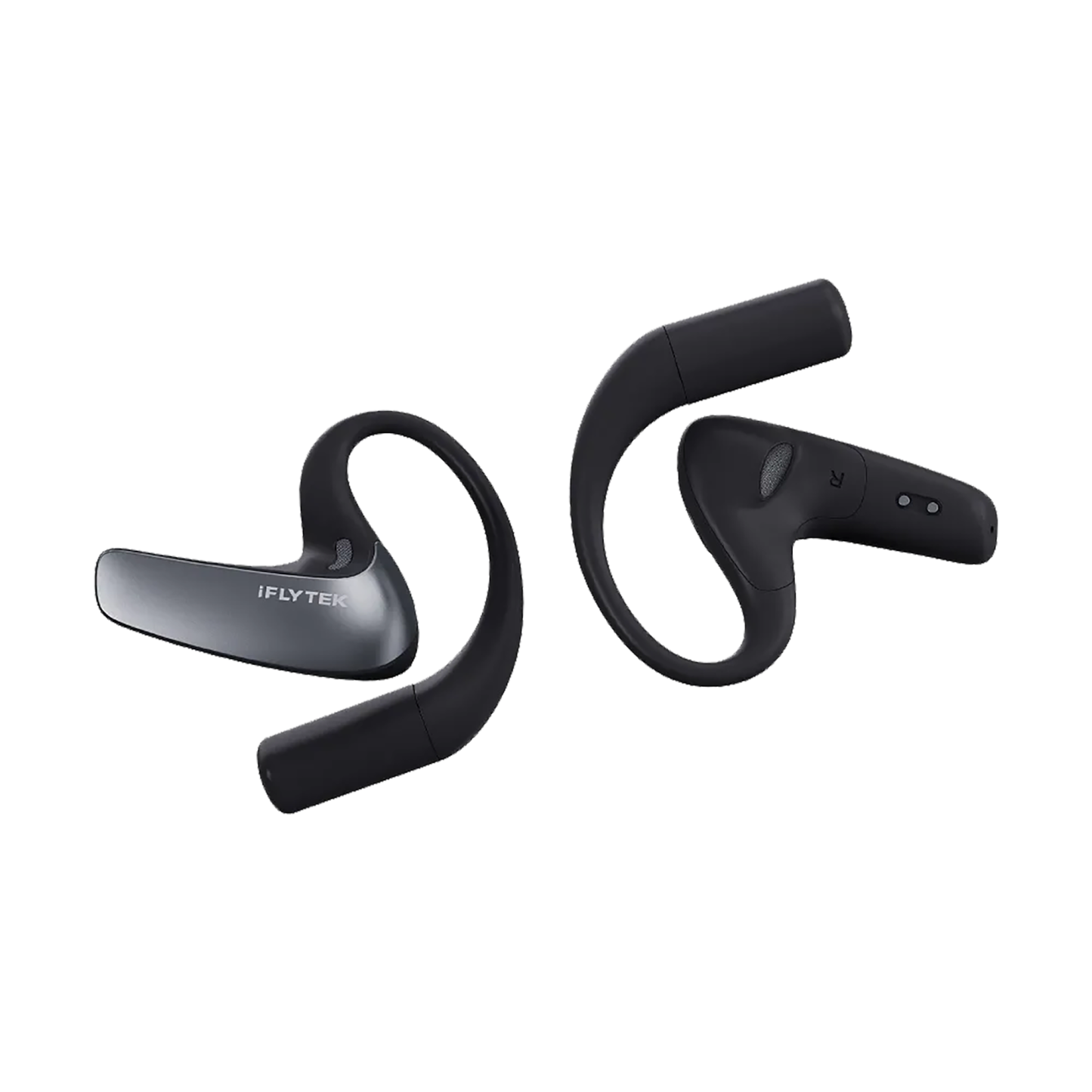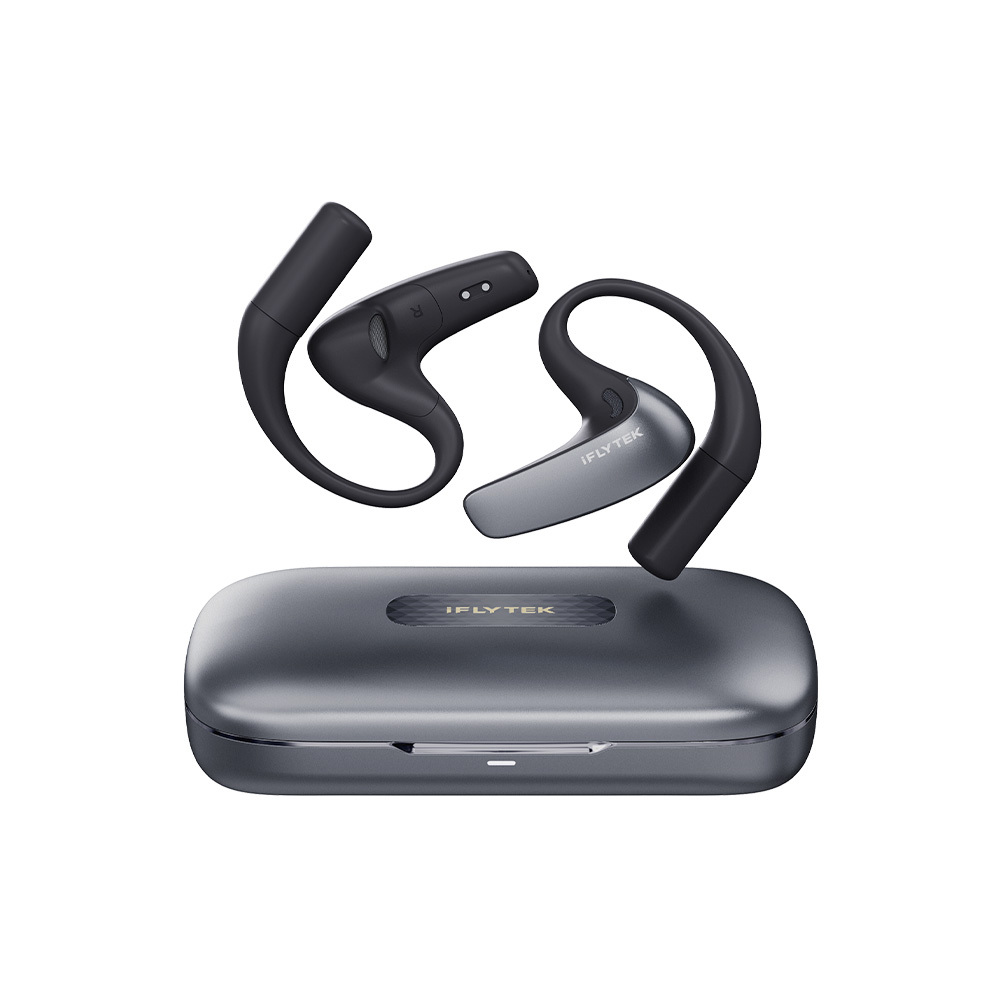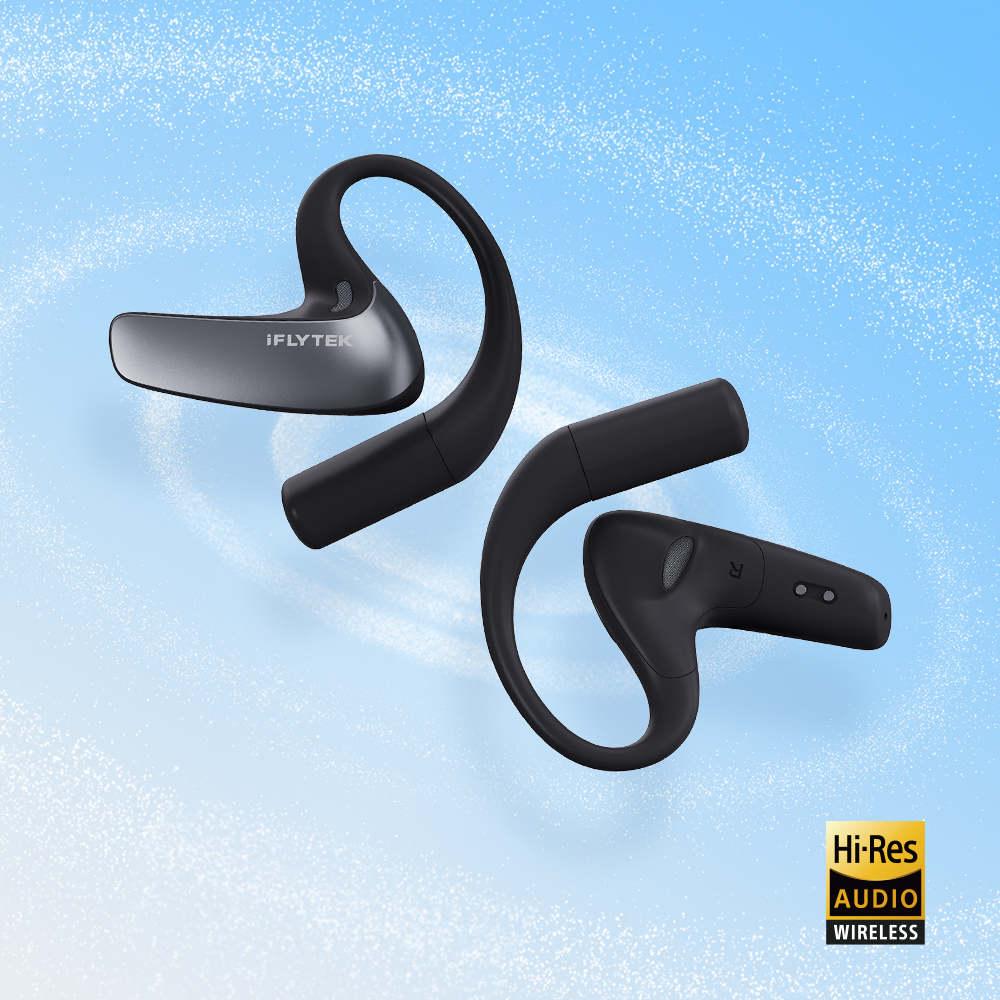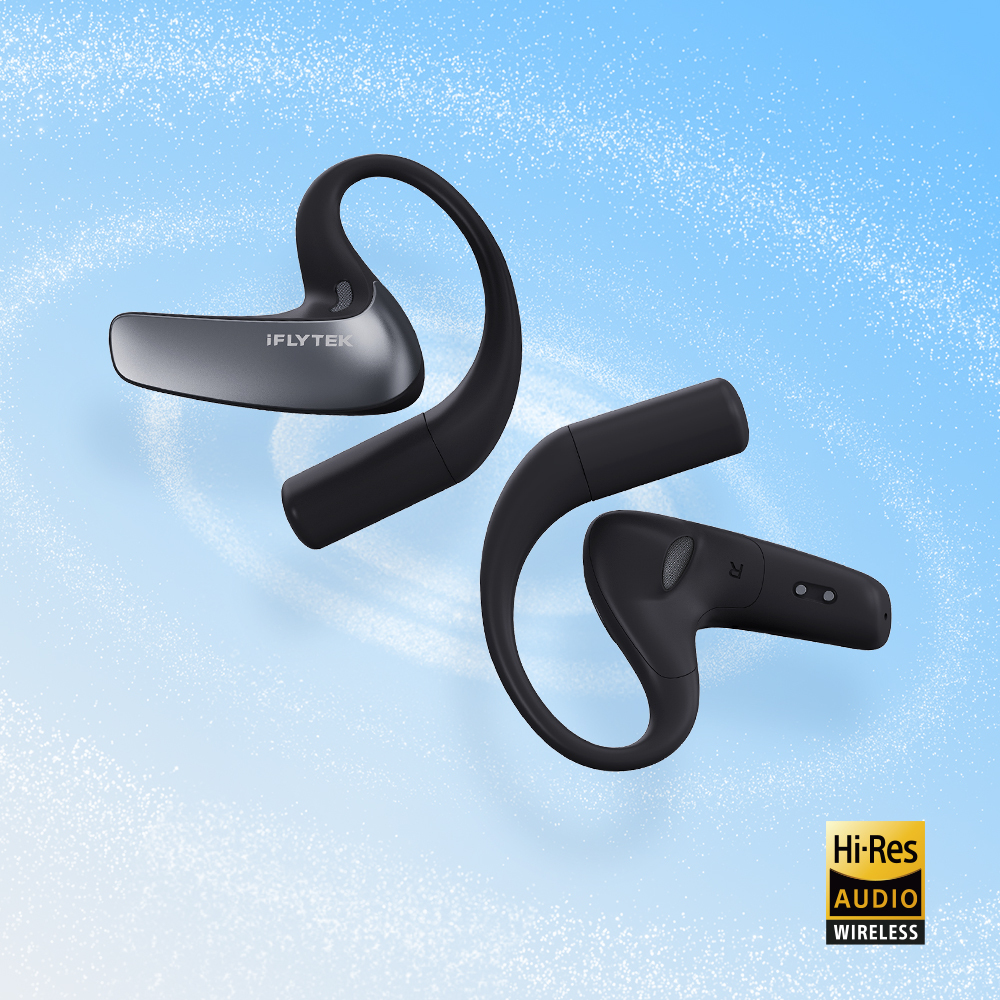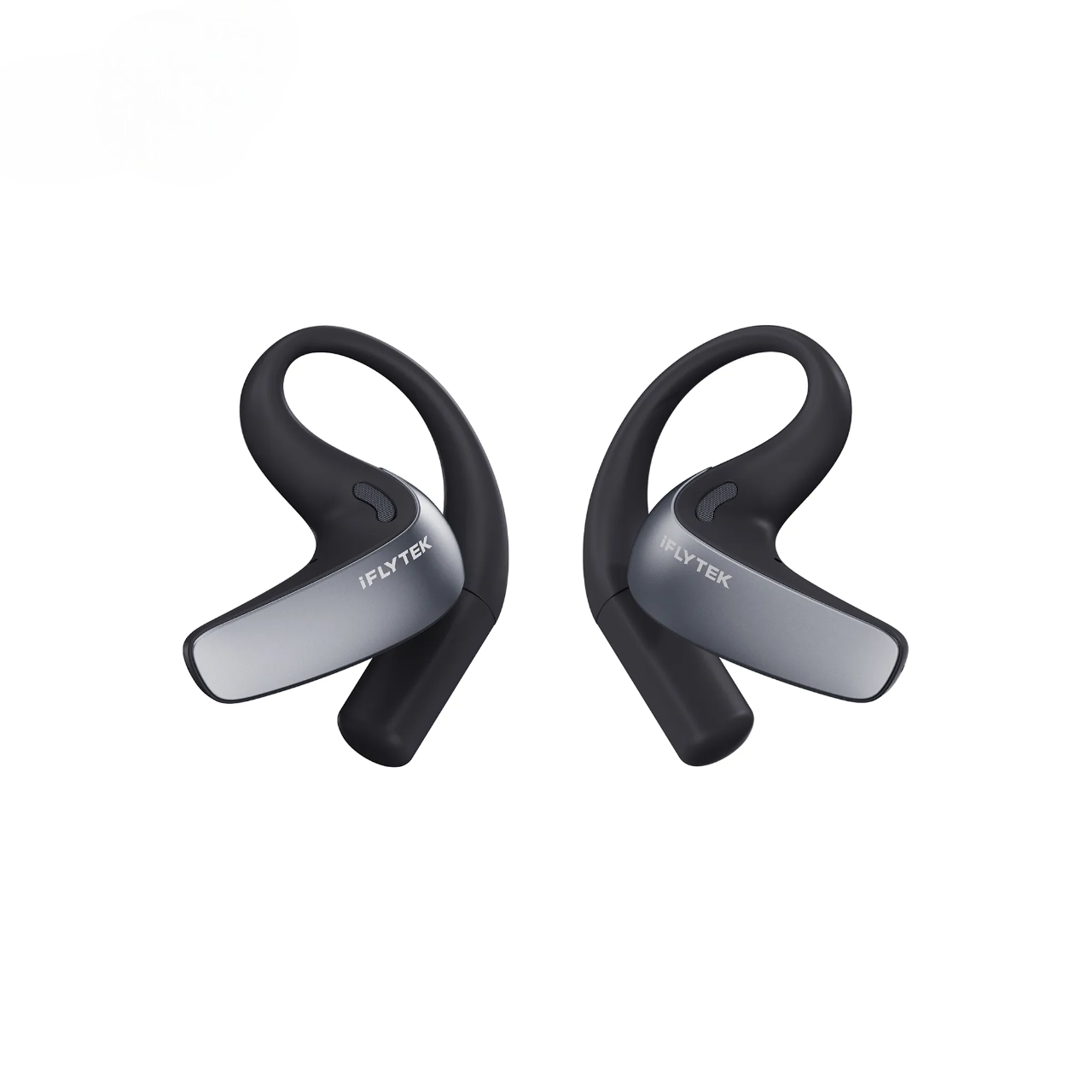
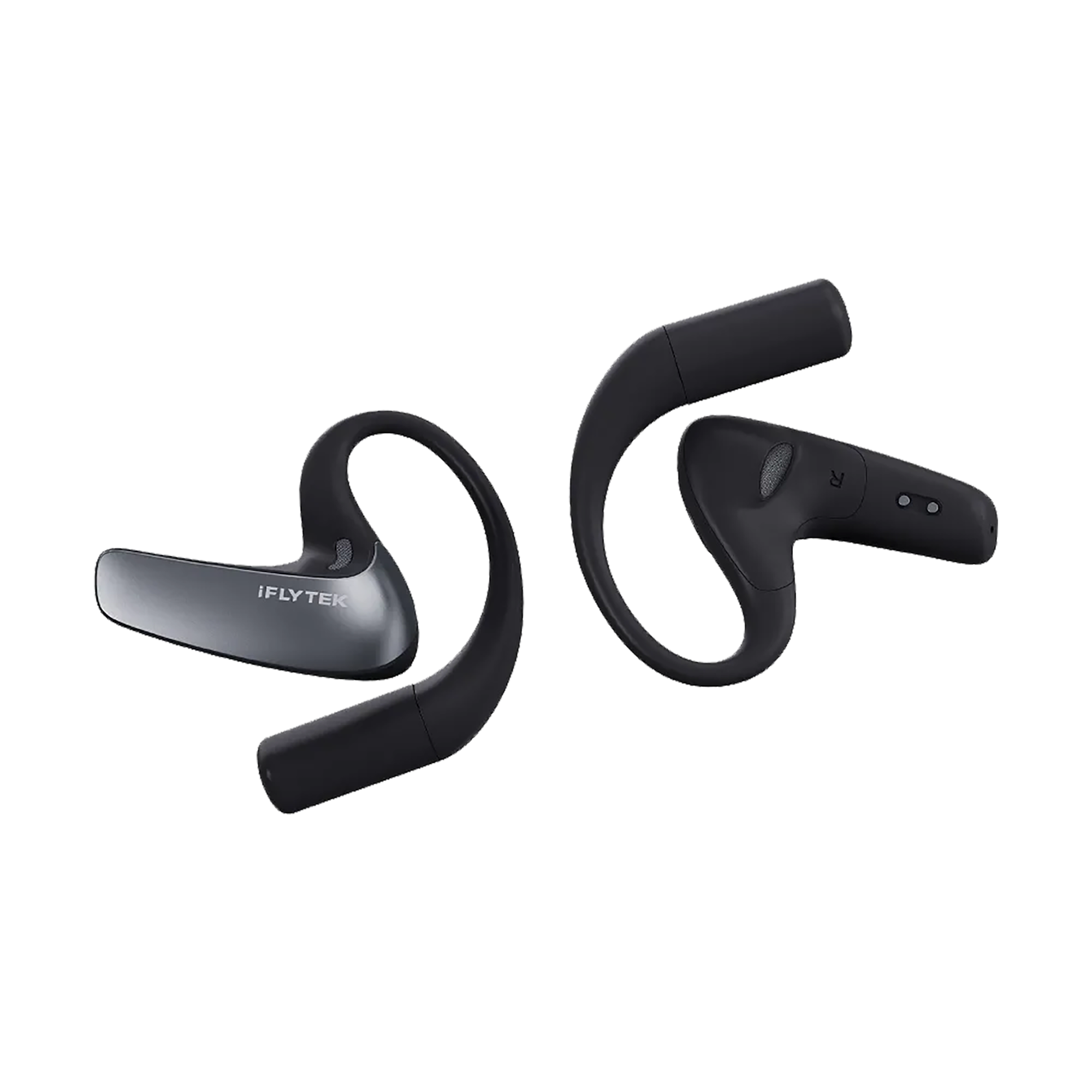
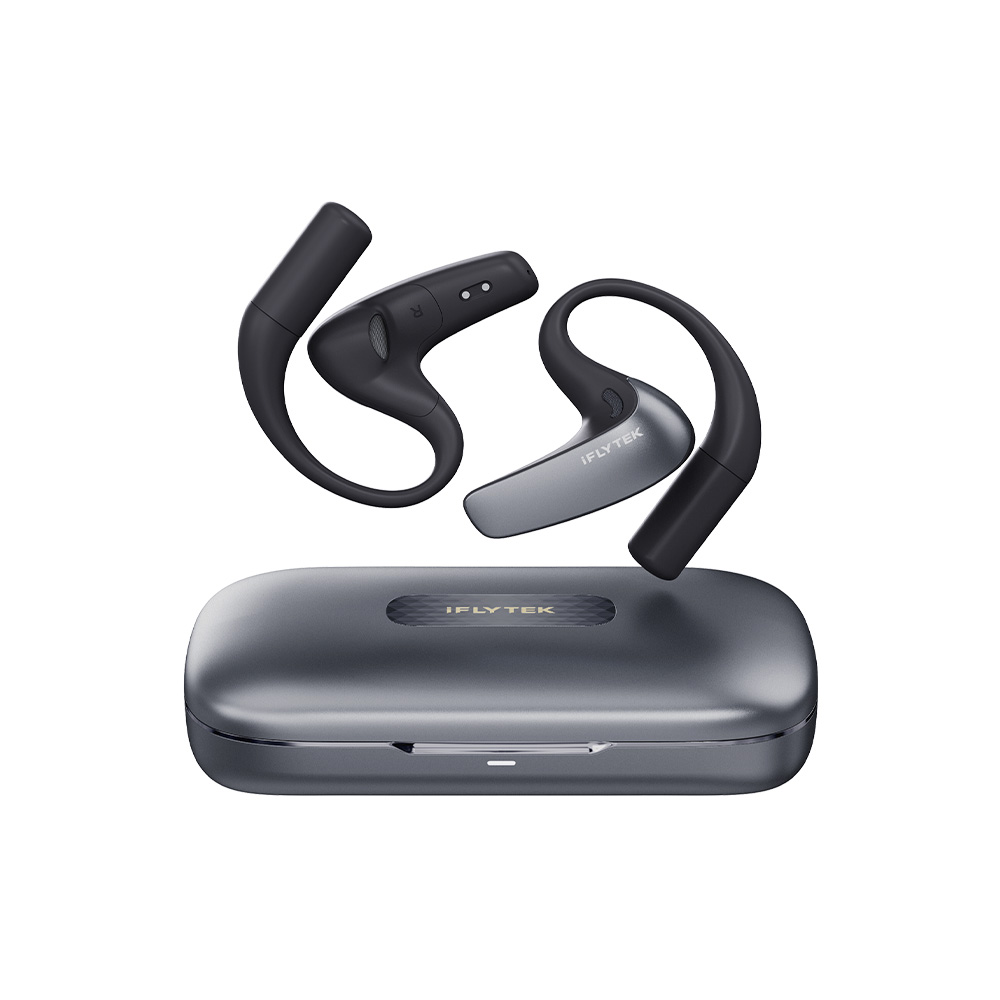
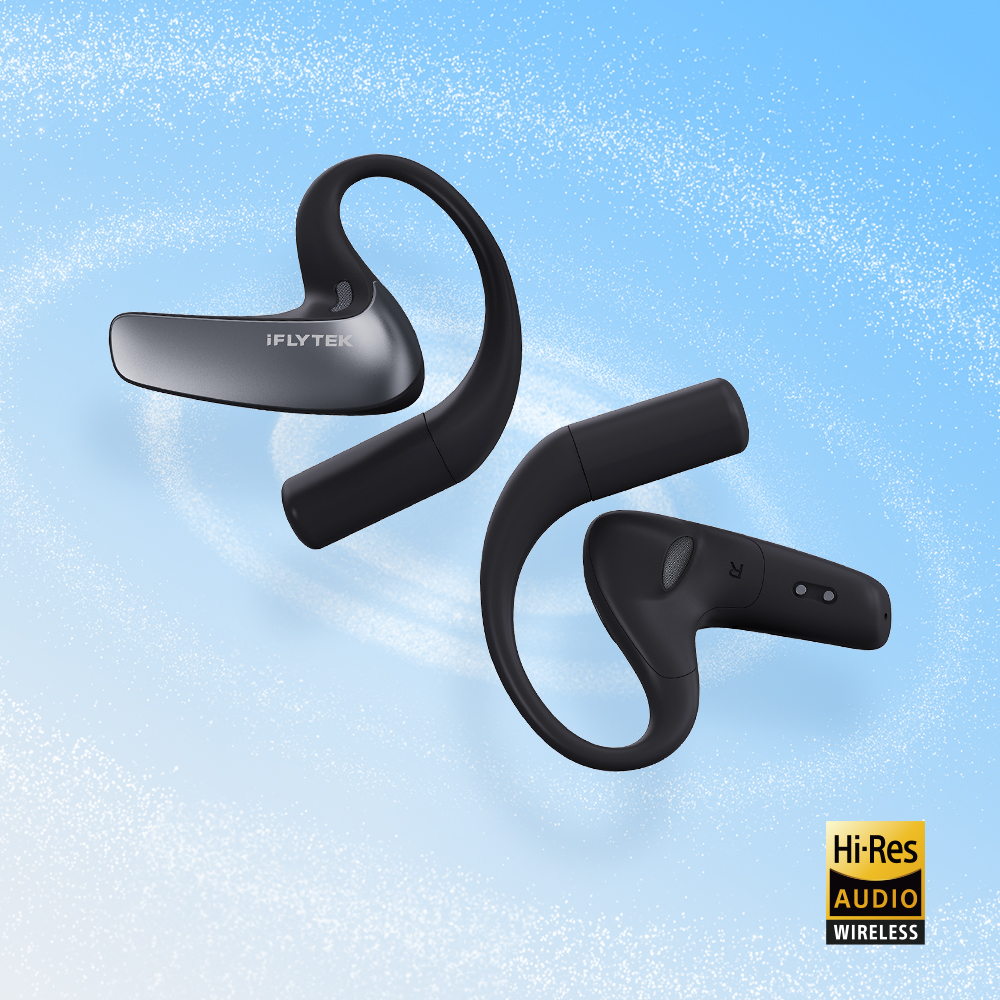
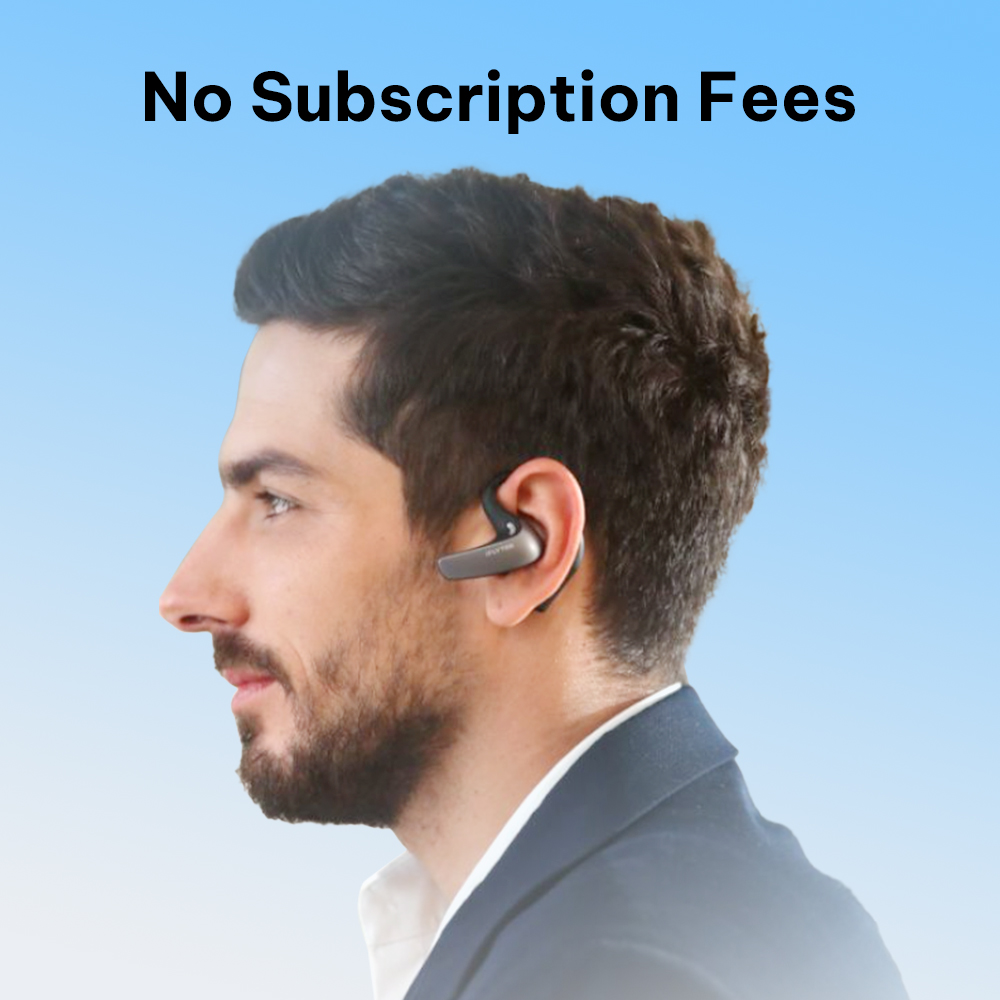
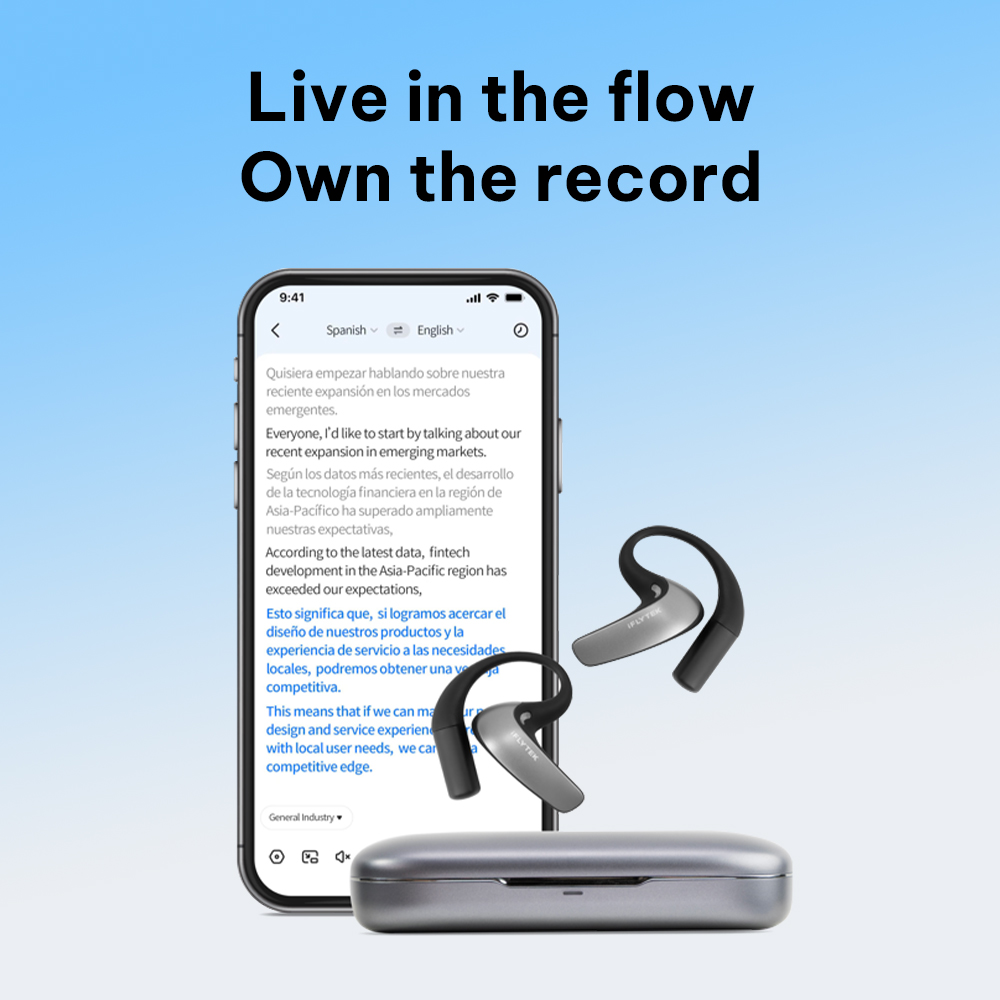
iFLYTEK AI Translation Earbuds | Simultaneous for 60+ Languages

30-Day Return & Refund Guarantee, Worry-Free Usage.
Carrinho de compras
O seu carrinho de compras está actualmente vazio.
Ir às compras

Free Shipping to US/UK/CA

30-Day Return & Refund

1-Year Warranty

1 / 12
Professional Translation Earbuds

iFLYTEK AI Translation Earbuds

$349.00 USD
Calcular a taxa de frete na finalização da compra
Quantidade

iFLYTEK AI Translation Earbuds

$349.00 USD
FREE Shipping
30-day Money Back
2-year Warranty

Product Details

Shipping Info

iFLYTEK AI Translation Earbuds iFLYTEK AI Translation Earbuds iFLYTEK AI Translation Earbuds iFLYTEK AI Translation Earbuds iFLYTEK AI Translation Earbuds iFLYTEK AI Translation Earbuds iFLYTEK AI Translation Earbuds iFLYTEK AI Translation Earbuds iFLYTEK AI Translation Earbuds iFLYTEK AI Translation Earbuds iFLYTEK AI Translation Earbuds

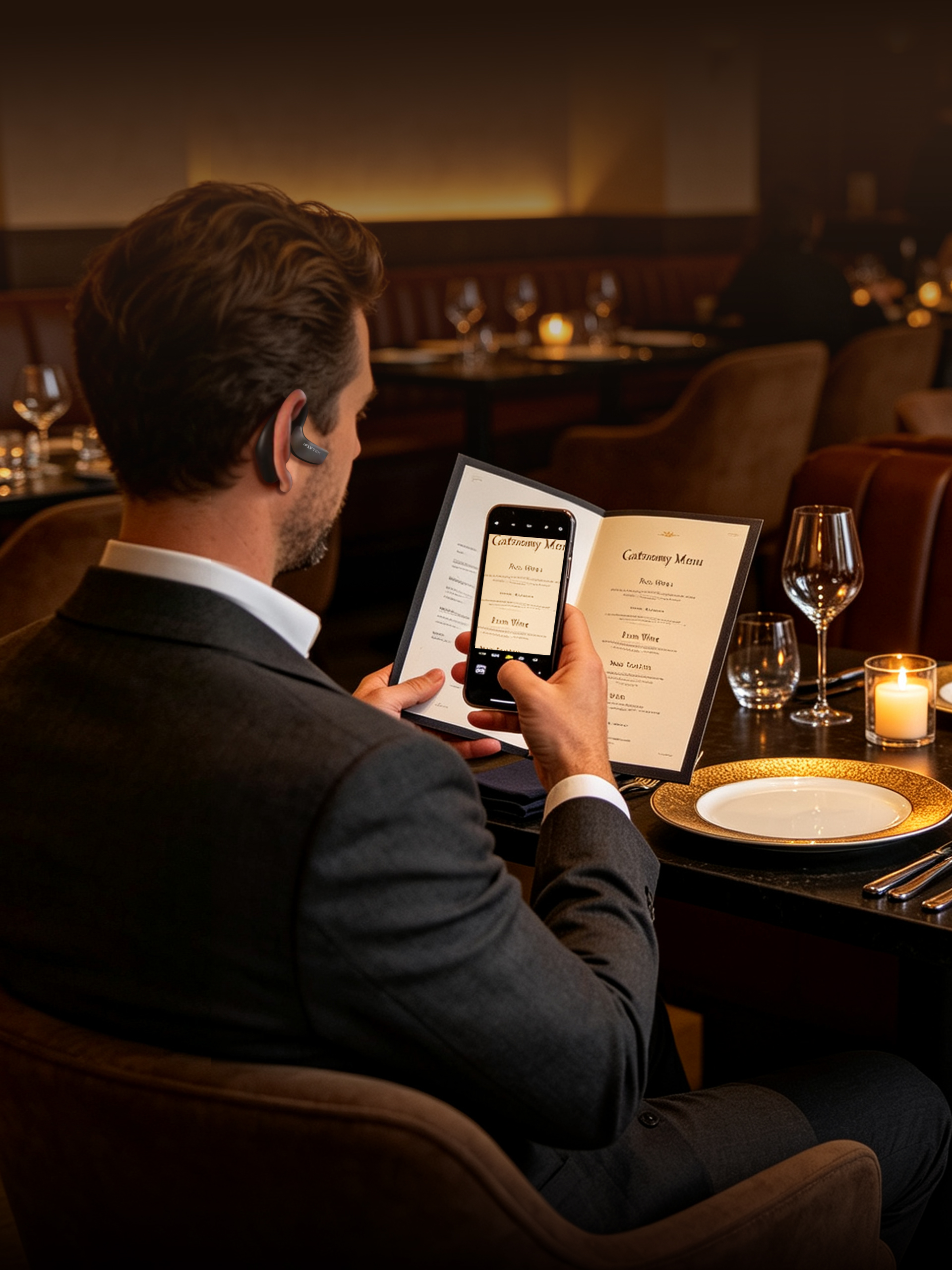
iFLYTEK AI Translation Earbuds — Smart, Precise, Effortless

Experience effortless cross-border conversations, instant bilingual meeting transcriptions, and whisper-clear calls. Designed for global professionals who require precision, privacy, and speed in every interaction.

Real-Time Simultaneous Interpretation

Speaks as you speak. Experience natural, low-latency translation for seamless cross-border meetings.

Built-in Smart AI Meeting Assistant

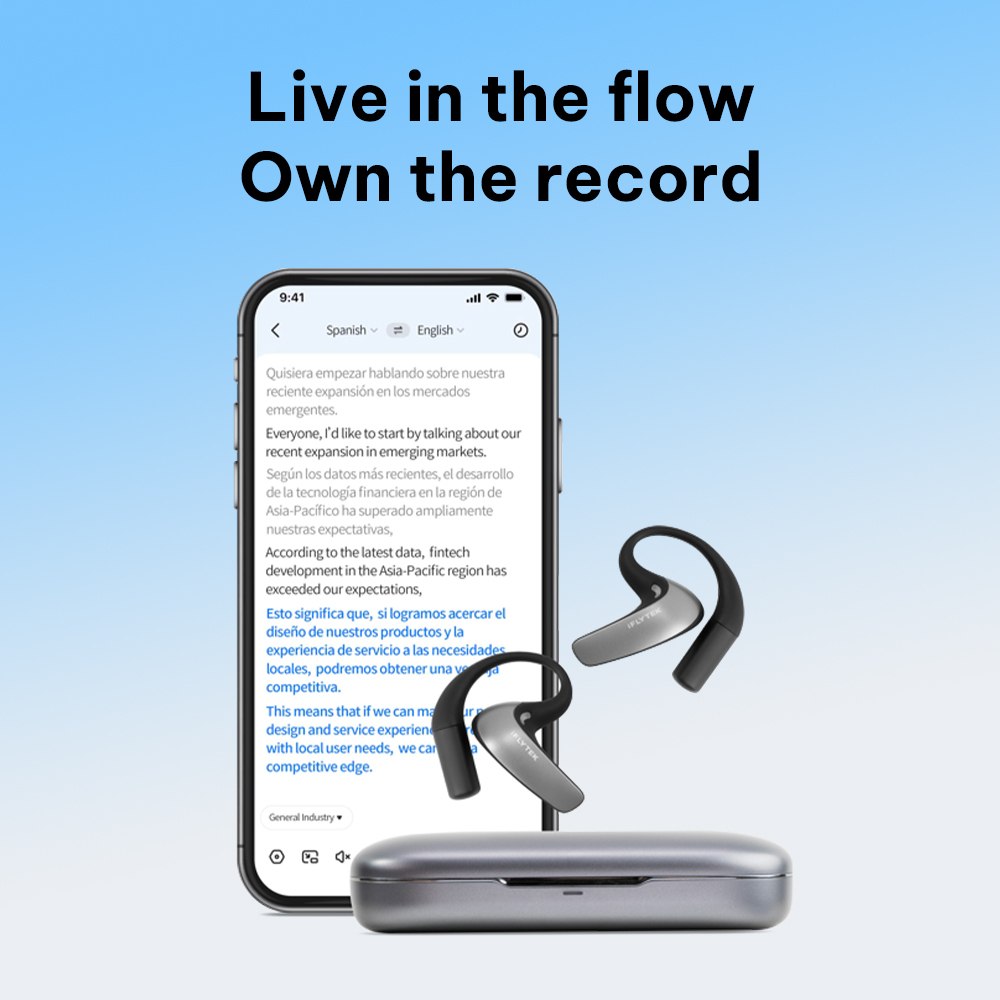
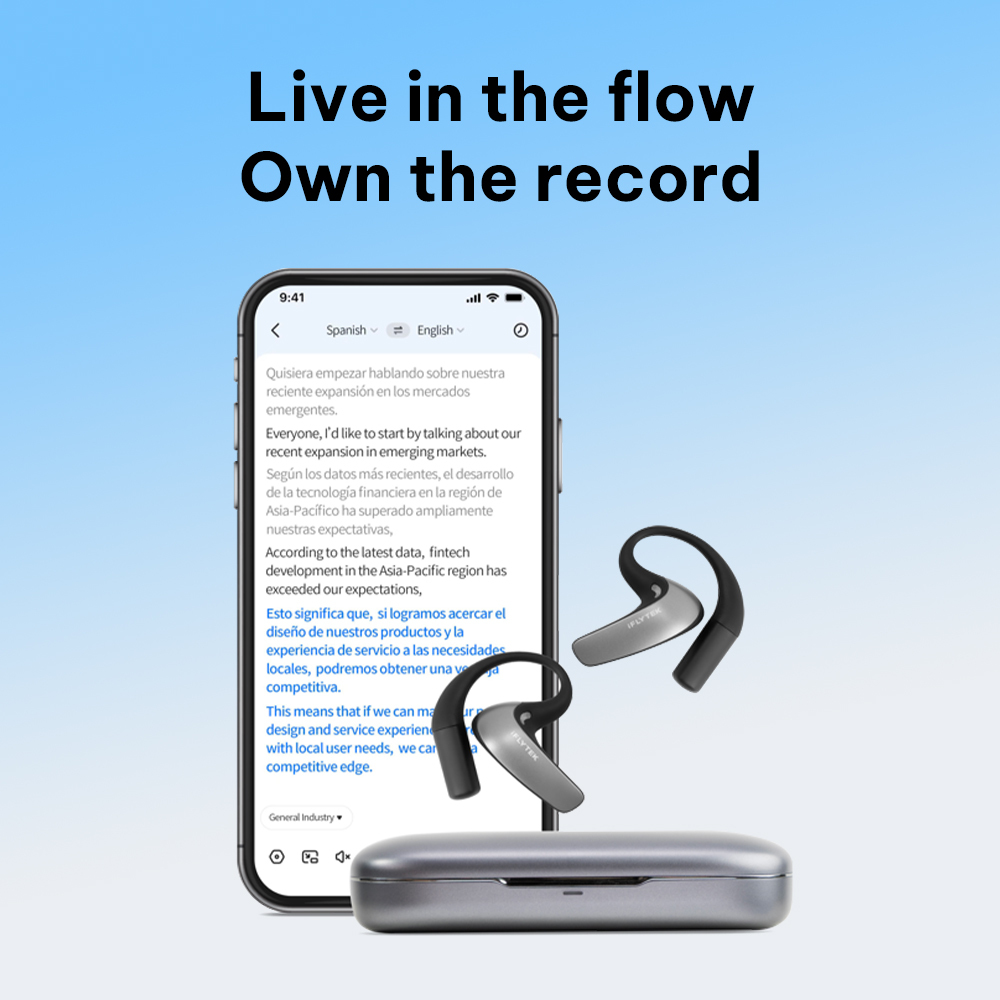
Capture every detail with bilingual live transcription, instant AI meeting summaries, and interactive Q&A.

Silence the Noise, Focus the Voice

Advanced AI noise reduction isolates your voice with precision, even in crowded airports or busy open offices.

All-day battery life

Enjoy 12 hours of continuous use on a single charge and up to 42 hours with the charging case, plus fast charging support.

Enterprise-Grade Security & Privacy

ISO 27001 & ISO 27701 certified. Features secure offline translation to protect your confidential business conversations without cloud exposure.

60 Languages, 116 Regional Accents.

Every Conversation, Covered.

Two-way real-time translation in 60 languages with 116 regional accents for a natural, localized experience.

🌍 60 Languages

Chinese (Mandarin) / Chinese (Cantonese) / English / Spanish / French / German / Russian / Japanese / Korean / Vietnamese / Thai / Turkish / Indonesian / Arabic / Persian / Hindi / Urdu / Uzbek / Kazakh / Portuguese / Italian / Bengali / Bulgarian / Czech / Dutch / Filipino / Greek / Malay / Mongolian / Polish / Romanian / Swahili / Swedish / Tamil / Ukrainian / Amharic / Armenian / Burmese / Catalan / Croatian / Danish / Finnish / Hebrew / Hungarian / Icelandic / Javanese / Lao / Latvian / Malayalam / Marathi / Nepali / Norwegian / Serbian / Sinhala / Slovak / Slovenian / Telugu / Khmer / Georgian / Galician

🌏 116 Accents
Arabic (Egypt, Iraq, United Arab Emirates, Bahrain, Algeria, Israel, Jordan, Kuwait, Lebanon, Libya, Morocco, Oman, Qatar, Saudi Arabia, Syria, Tunisia, Yemen)
Chinese (Simplified Chinese, Traditional Chinese, Cantonese)
English (United Kingdom, USA, Canada, Australia, New Zealand, India, Hong Kong, Philippines, South Africa, Nigeria, Thailand, France, Germany, Ghana, Tanzania)
Spanish (Spain, USA, Mexico, Argentina, Chile, Colombia, Bolivia, Costa Rica, Cuba, Dominican Republic, Ecuador, Equatorial Guinea, Guatemala, Honduras, Nicaragua, Panama, Peru, Puerto Rico, Paraguay, El Salvador, Uruguay, Venezuela)
Tamil (India, Sri Lanka, Singapore, Malaysia)
French (France, Canada),Portuguese (Portugal, Brazil),Bengali (Bangladesh, India),Urdu (Pakistan, India) ,Malayalam (India), Marathi (India),Telugu (India),Swahili (Kenya, Tanzania)

Accuracy Where it Matters

Master every field with 17 industry-specific modes. Trained on professional terminology, our engine eliminates technical errors and ensures your expertise translates perfectly in every high-stakes conversation.

When Translation Lags, Trust Drops
The Room Goes Silent
Delayed translation breaks the rhythm. The speaker finishes, but everyone is still waiting to understand.
Noise Drowns Out the Message
In crowded spaces, background voices and announcements blur together, making it hard to capture the speech that matters.
Missed Words. Wrong Meaning.
Fast speech and technical terms can turn into gaps, errors, and awkward replies.
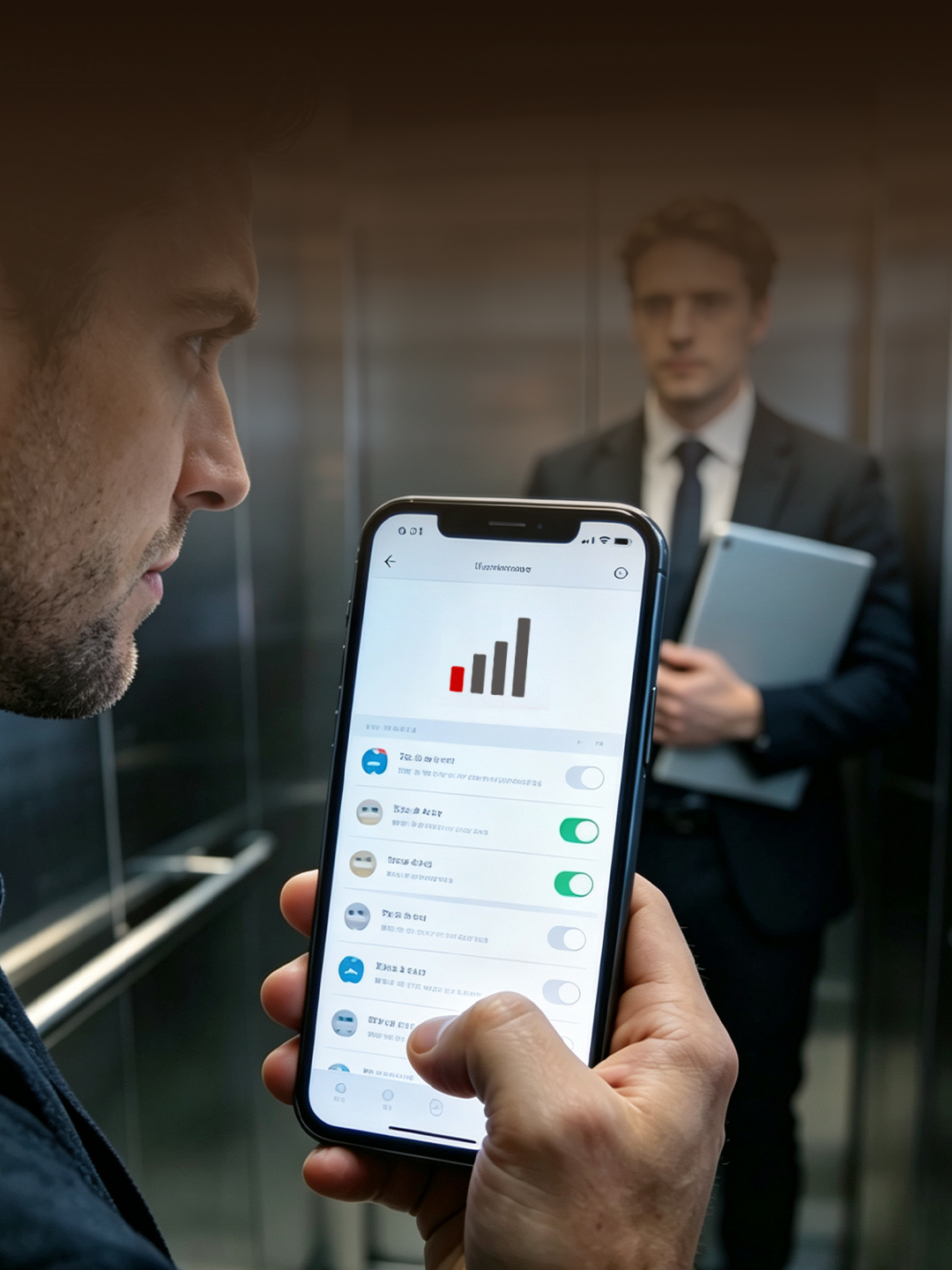
No Signal, No Translation
In basements, elevators, or weak-network areas, translation tools without offline support stop working when you need them.
If It Hurts, You Won’t Wear It
Heavy or bulky earbuds become a burden on long trips, making translation less available when conversations happen.

Smart Translation for Work, Travel, and Life

From face-to-face chats and live events to phone calls and virtual meetings, our AI translation earbuds deliver ultra-fast, high-precision interpretation. Powered by advanced LLMs with 60 languages, 116 accents, 17 industry-specific models, smart noise cancellation, and intelligent meeting summaries, we make global communication effortless.
  • Face-to-Face

  • In-Person Event

  • Phone Call

  • Online Meeting

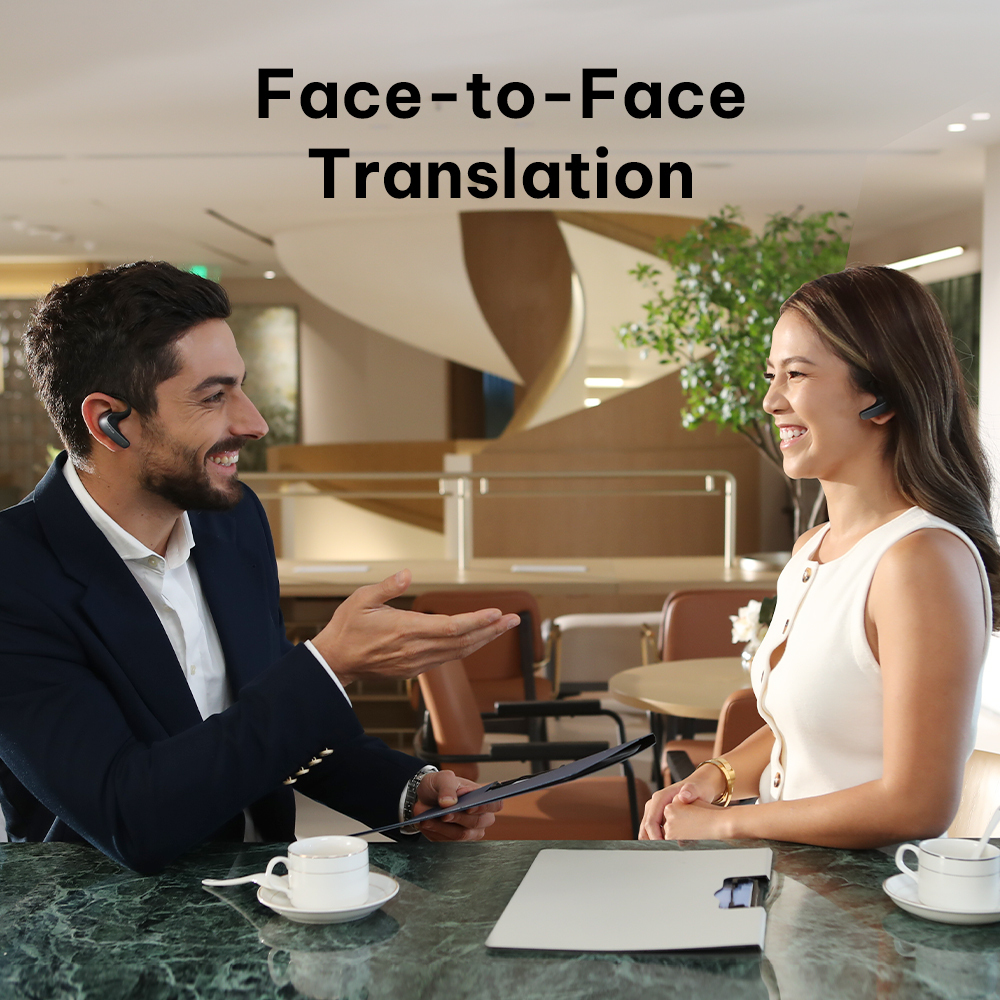
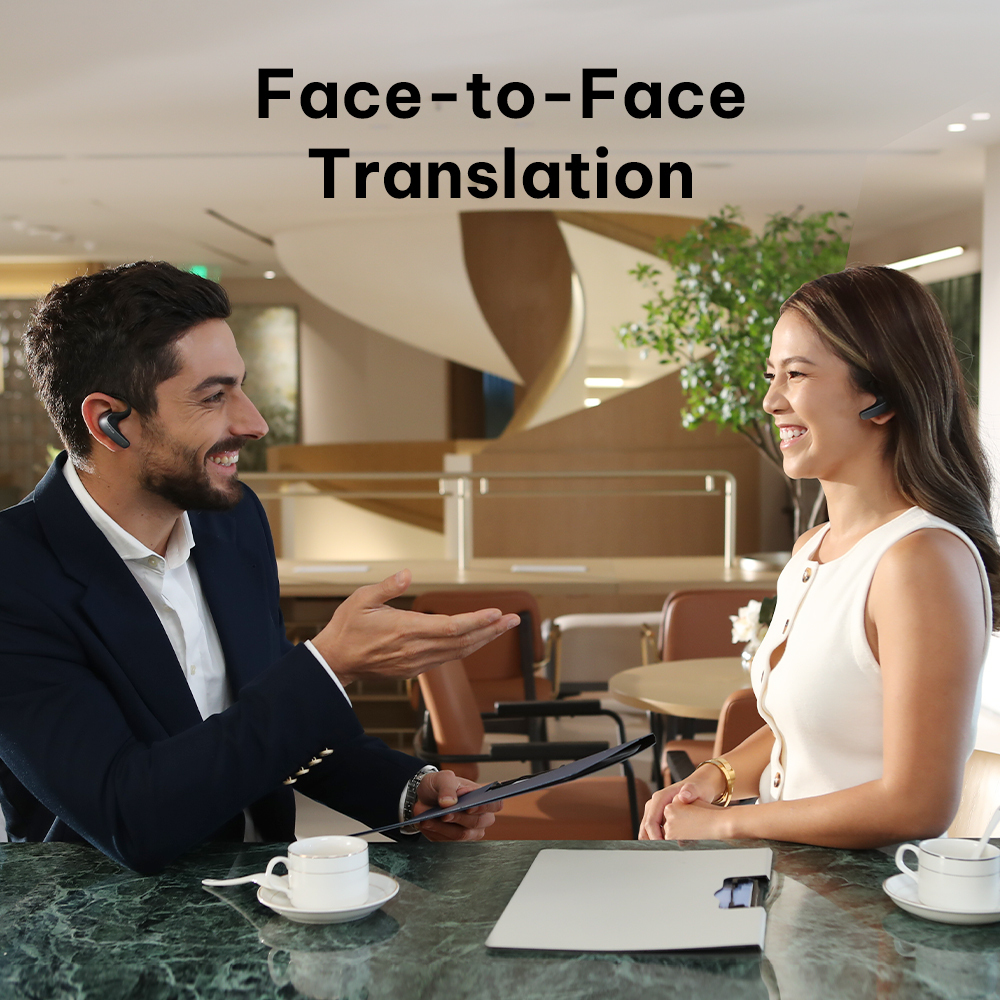
IN-PERSON CONVERSATION
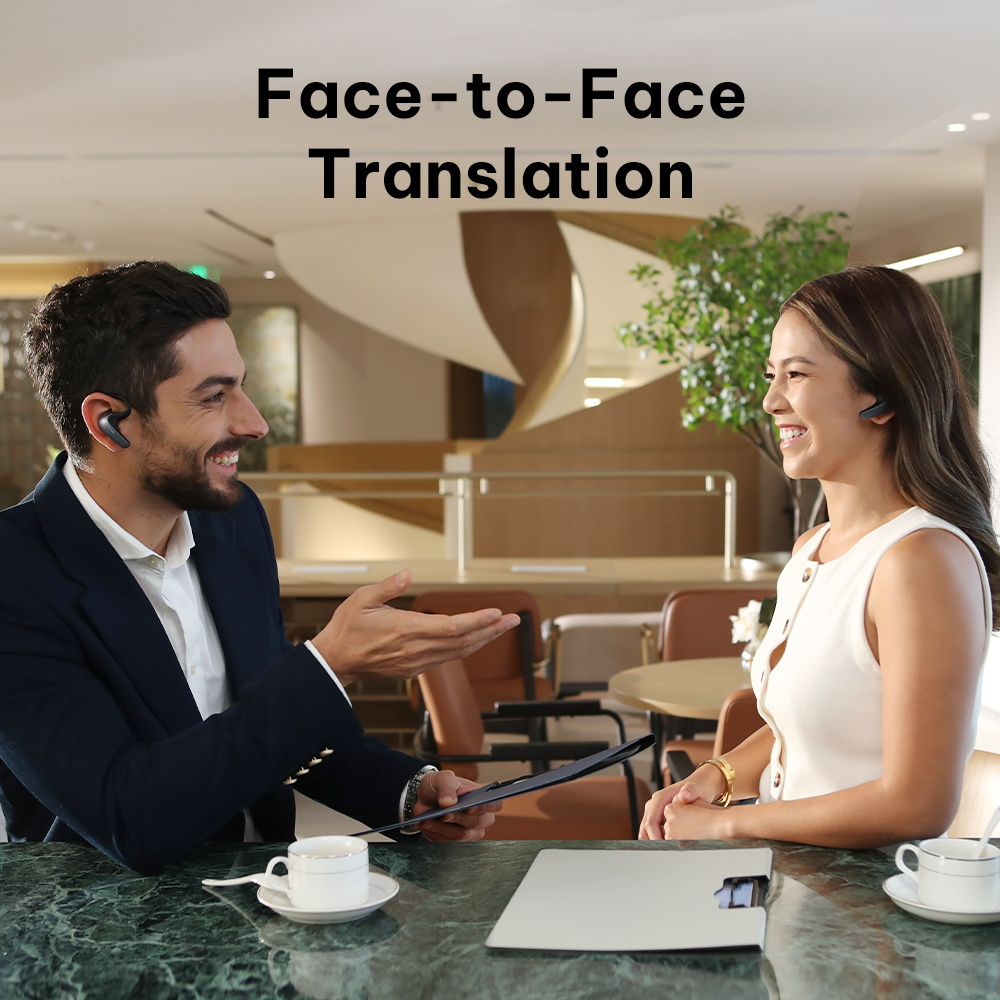
Natural 1-on-1 Dual-Earbud Translation

Share one earbud to converse naturally in your native languages. Next-gen end-to-end technology delivers real-time translation twice as fast as traditional devices.

  • 2× Faster Speed: End-to-end LLM delivers instant, fluid two-way dialogue.

  • Proximity Noise Isolation: Triple-mic system filters ambient noise within 15 cm.

  • Split-Screen App UI: View live subtitles in side-by-side or vertical layouts.

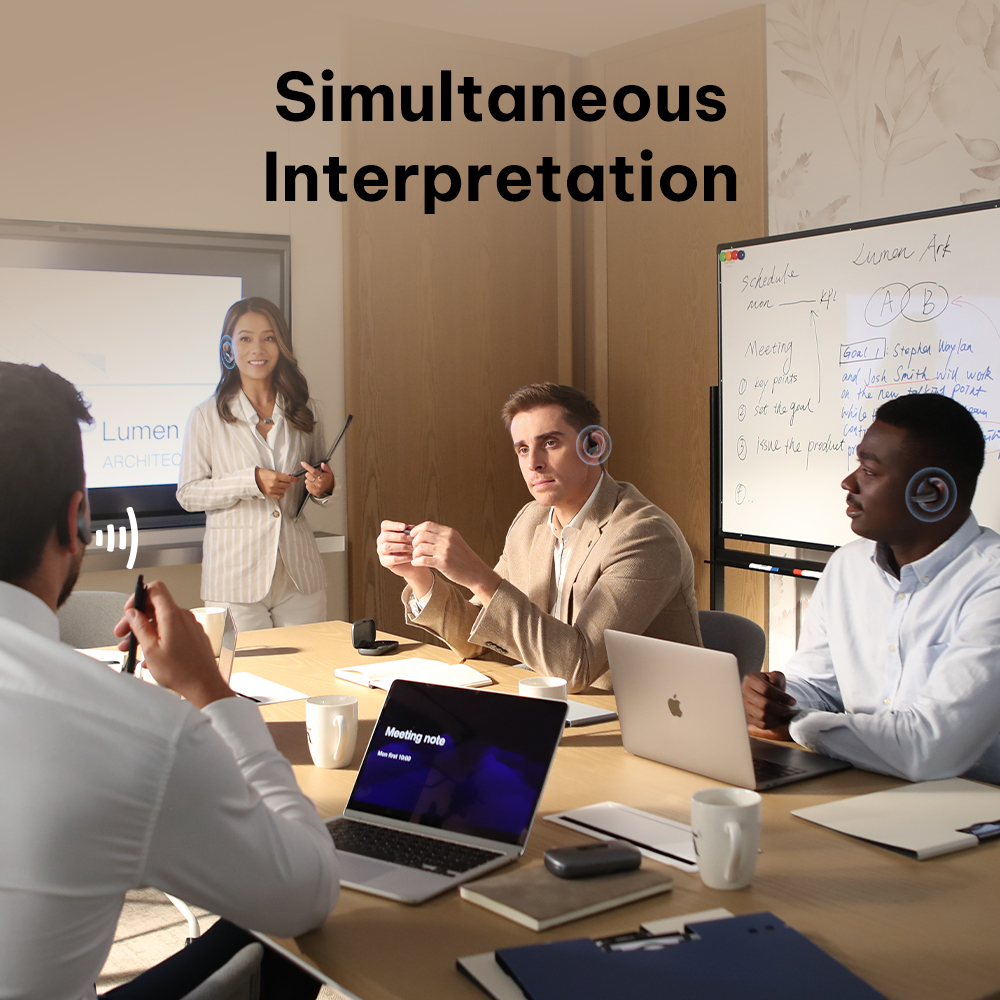
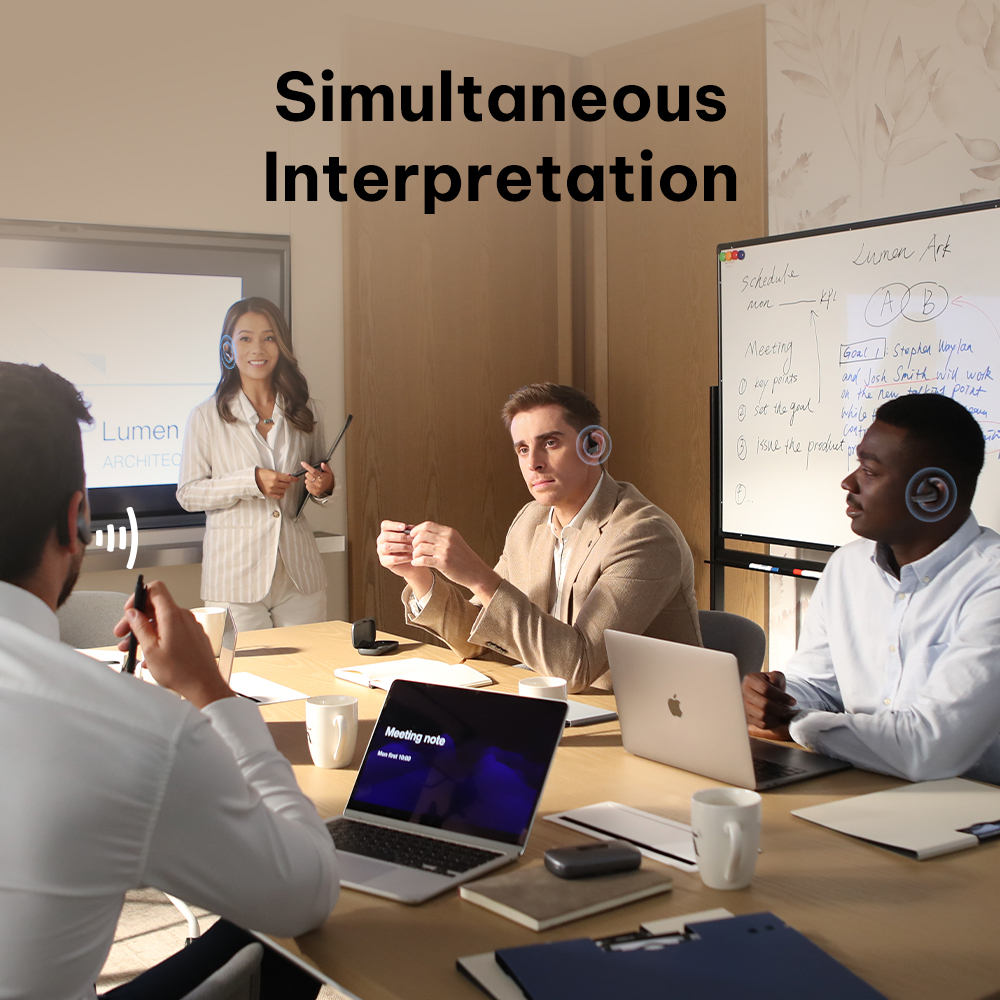
SIMULTANEOUS INTERPRETATION
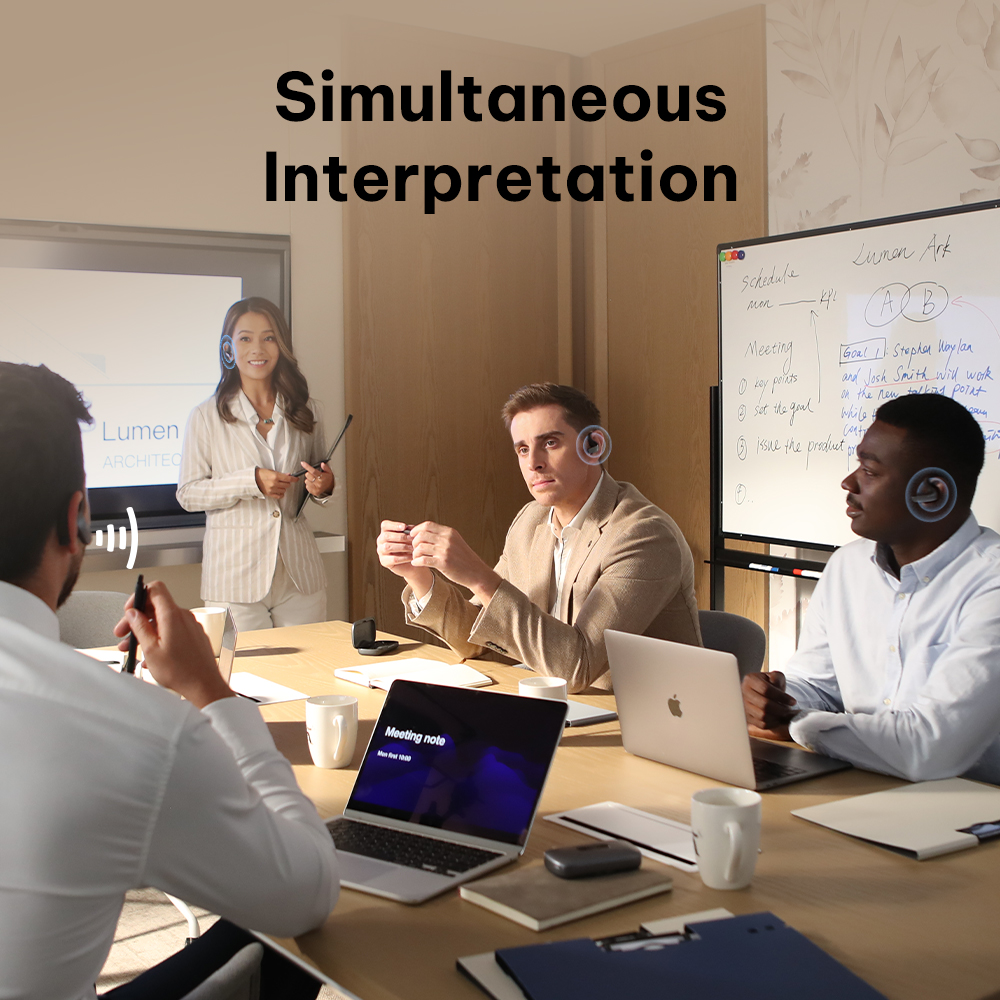
Long-Range Real-Time Interpretation

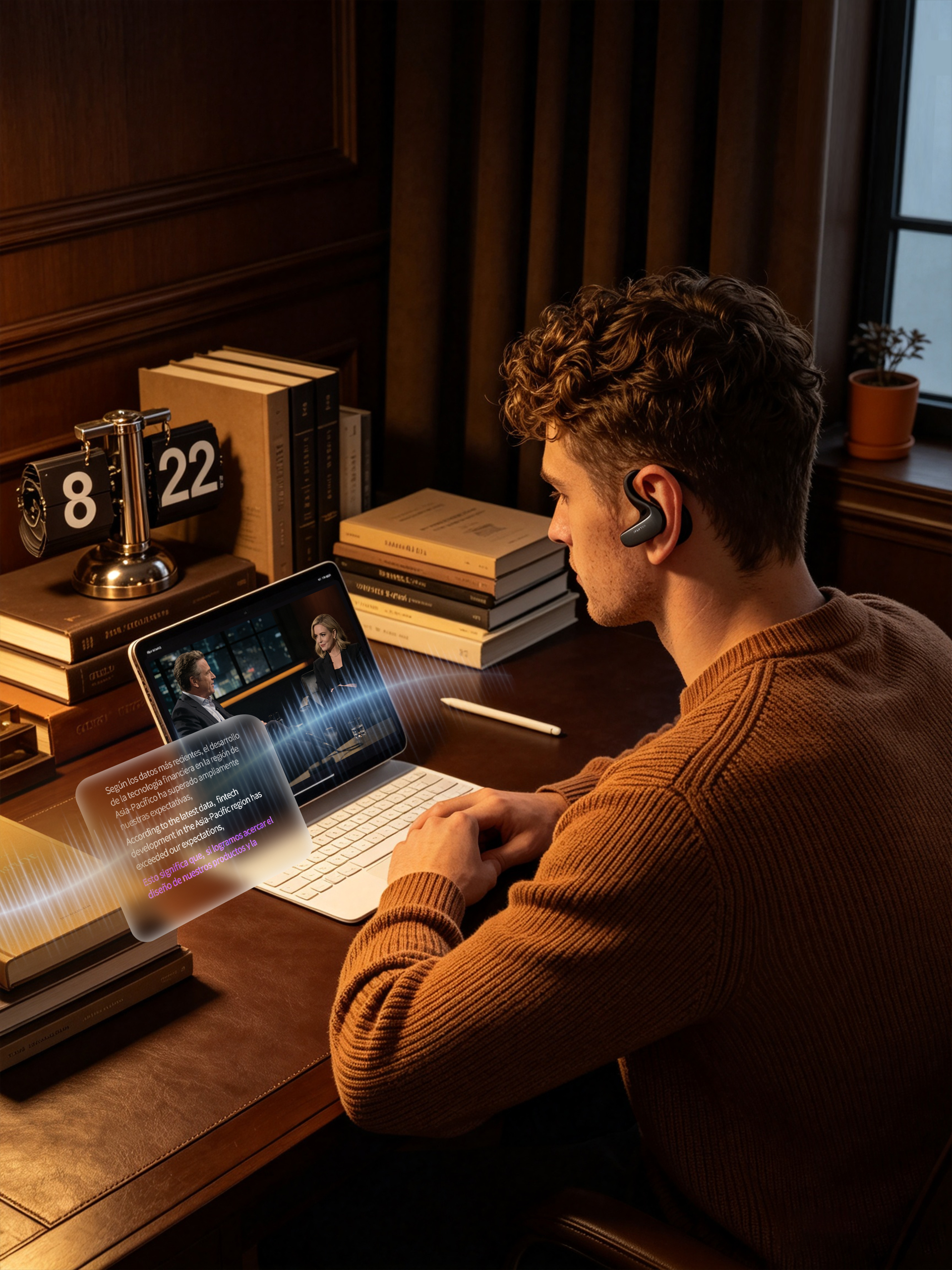
Wear one or both earbuds to listen to live keynotes, lectures, and business conferences. Turn your earbuds into a personal interpreter that streams instant translation directly to your ears.

  • 8-Meter Pickup: Captures distant speaker audio clearly in large halls.

  • Far-Field Cancellation: Filters out venue background noise for crystal-clear audio.

  • Floating Overlay: Pin live text subtitles on screen while taking notes in other apps.
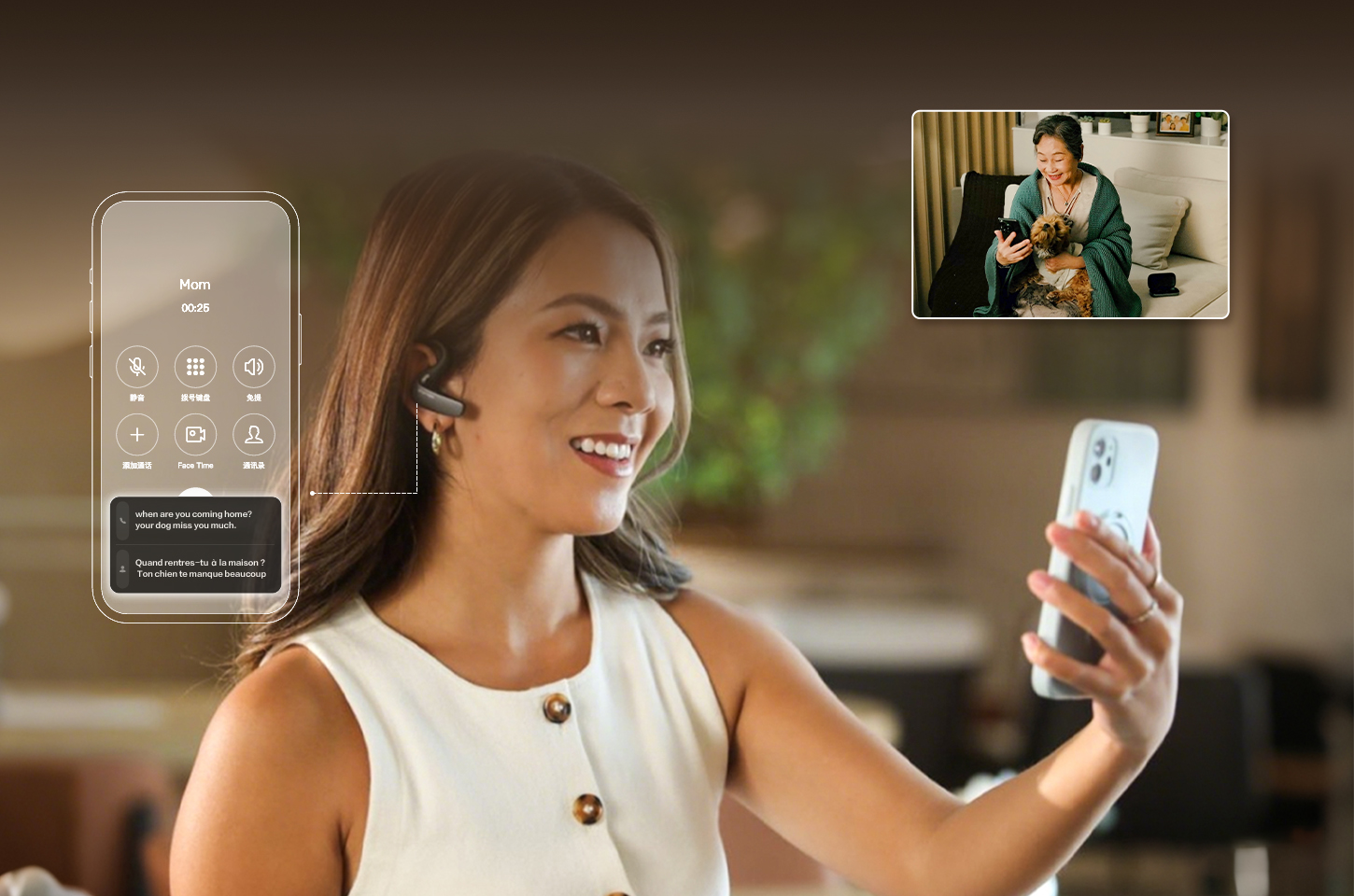
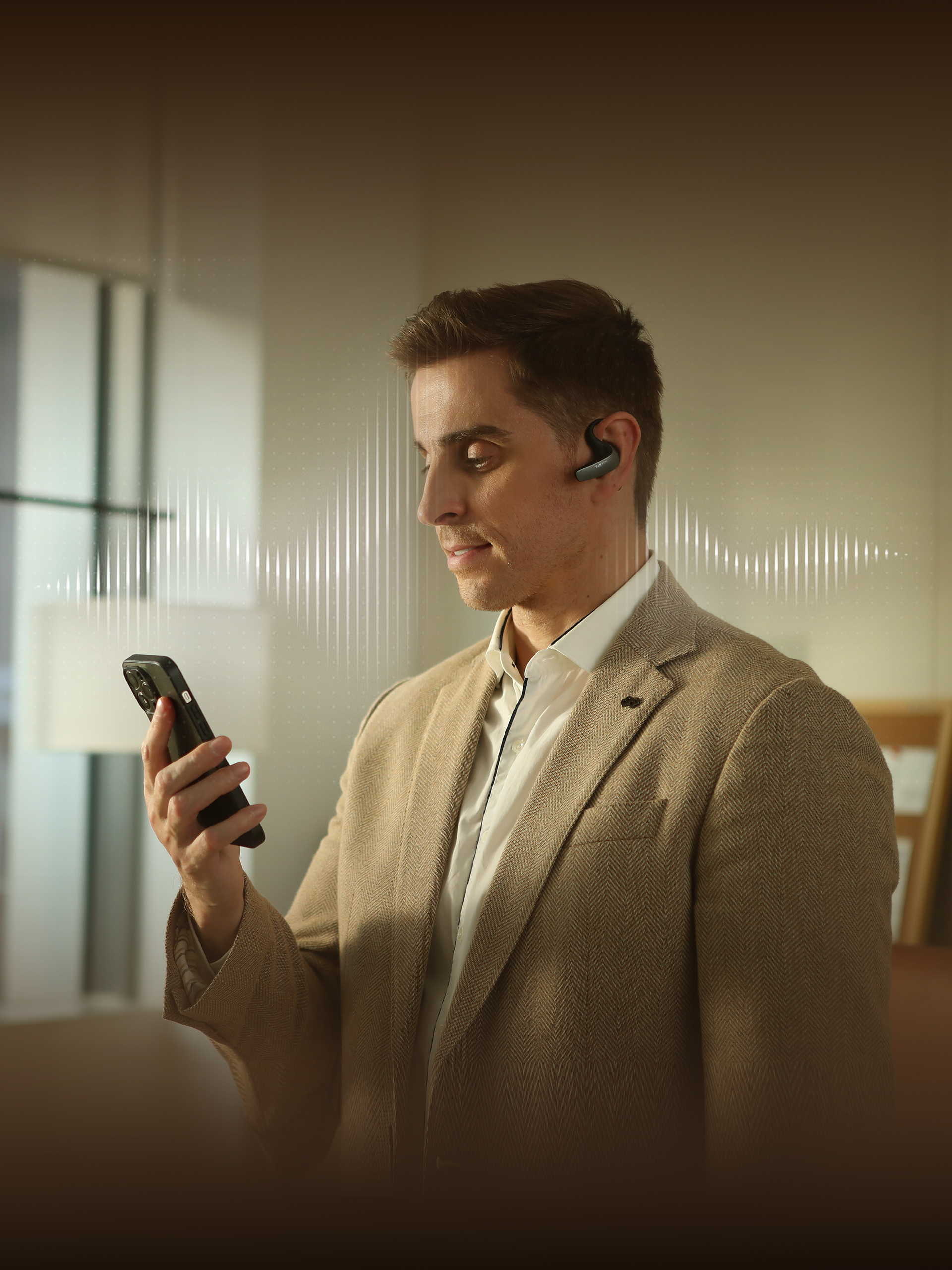
CELLULAR & APP CALLS
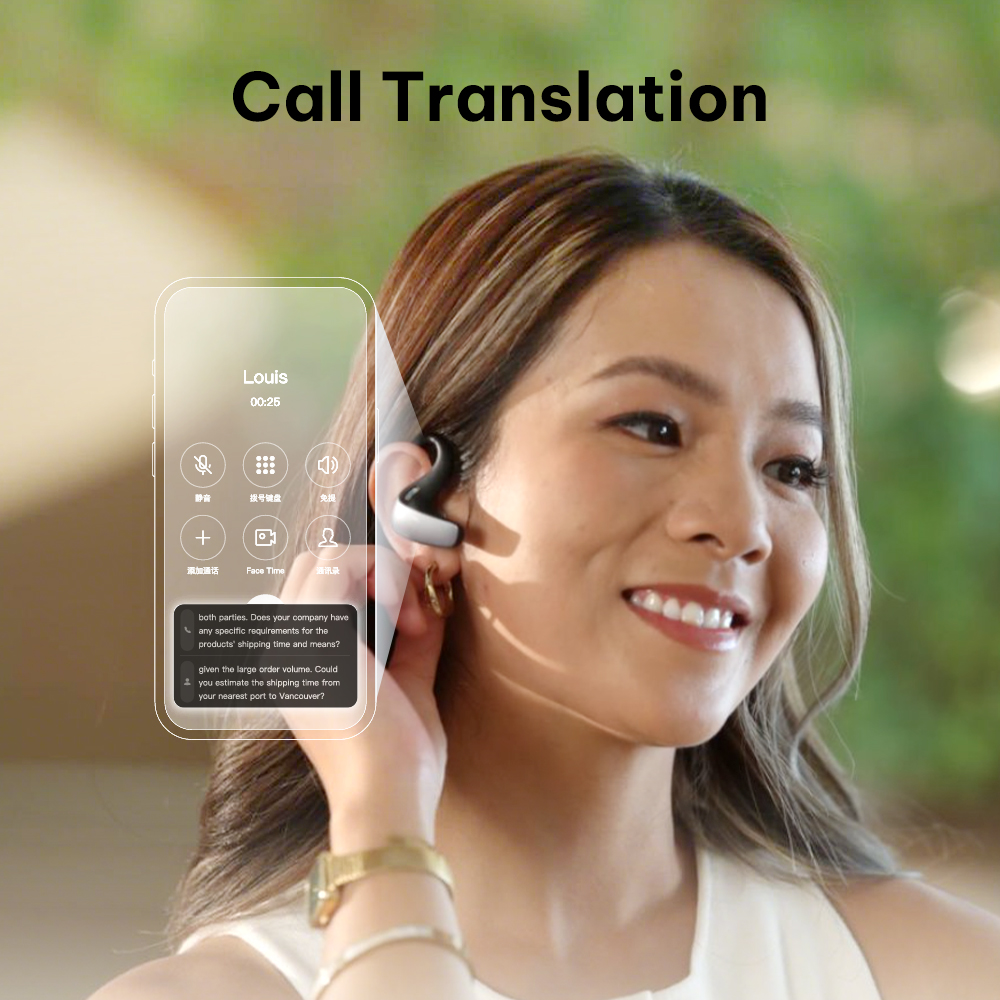
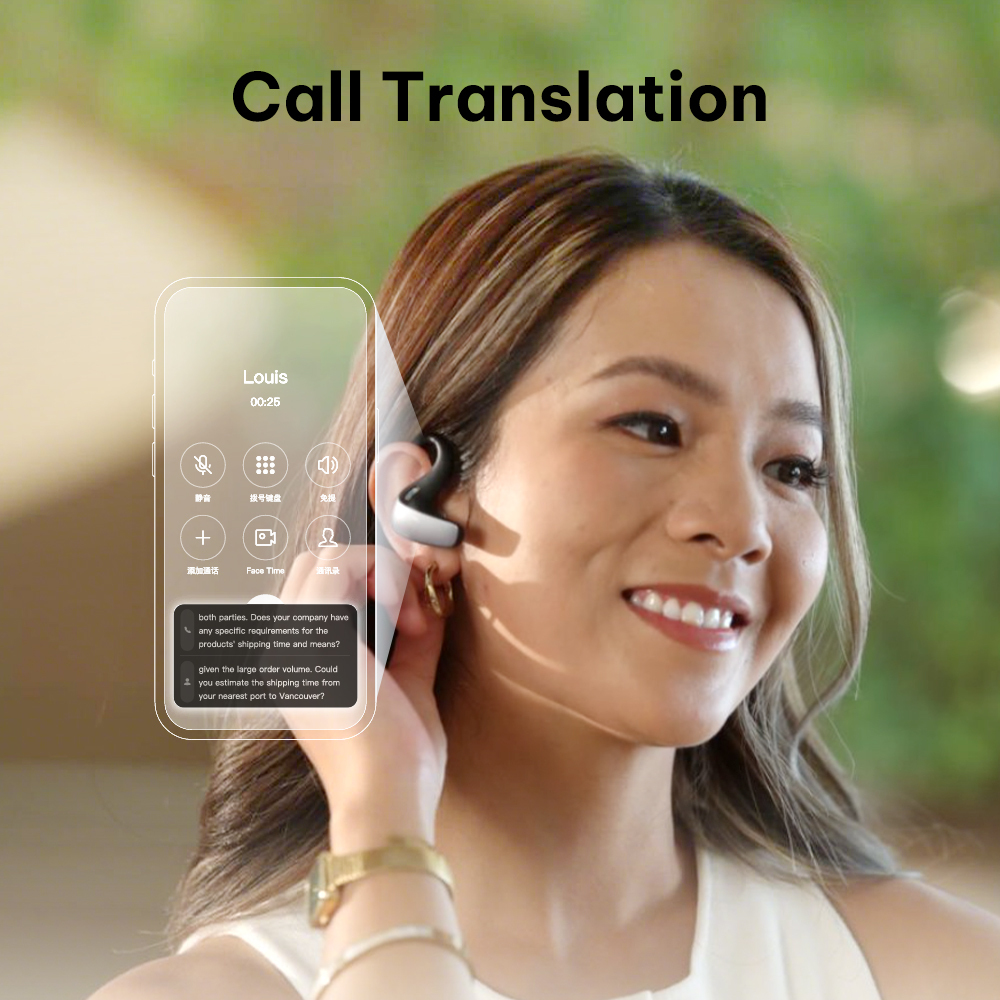
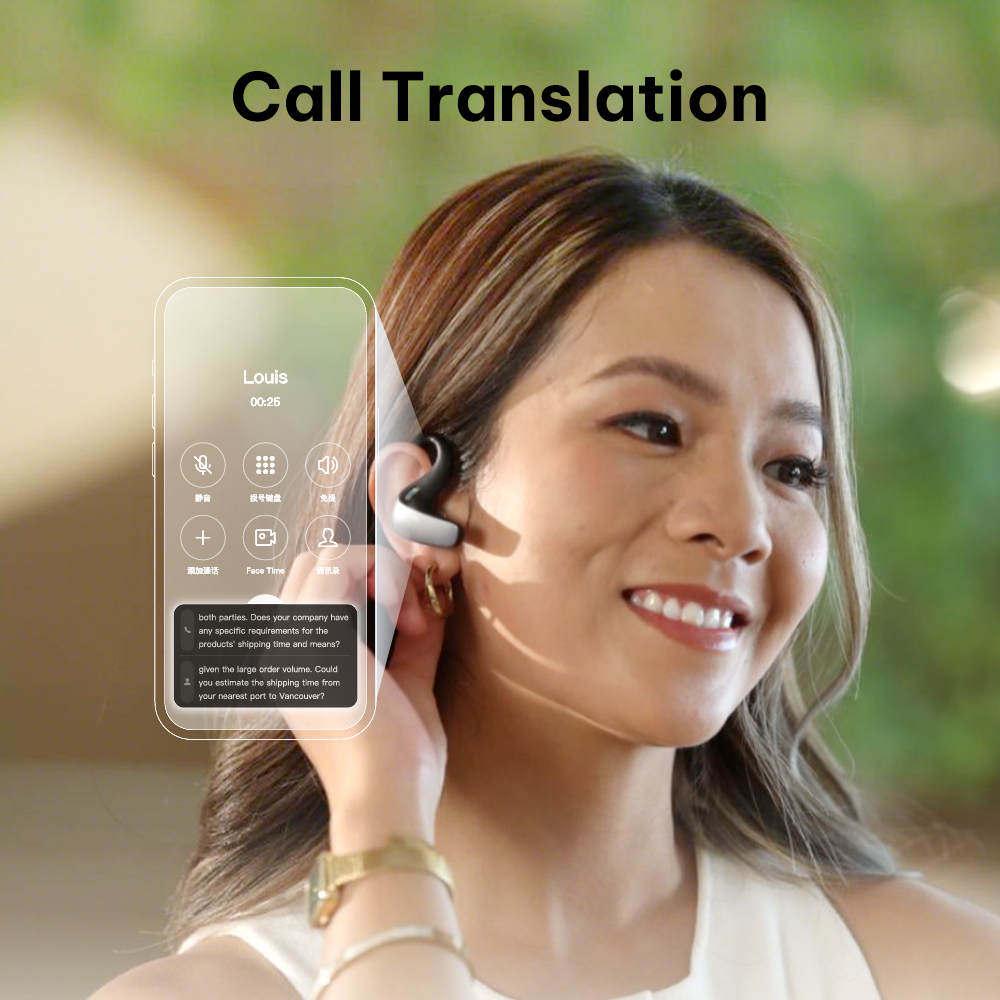
Real-Time Phone Call Translation

Break language barriers on every call. Supports standard SIM cellular calls as well as voice and video chats on popular messaging apps with clear two-way translation.

  • Cellular & App Support: Works with standard phone calls and VoIP calling apps.

  • Non-Intrusive Floating Window: View live subtitles without blocking your video call screen.

  • Ultra-Clear Voice: Dedicated triple-mic noise cancellation blocks ambient noise during calls.

AI-POWERED ONLINE CONFERENCING
Seamless App & Virtual Meeting Translation

Capture and translate meeting audio directly from your device. Stream live text subtitles or continuous voice translation seamlessly across all major conference platforms.

  • Universal Compatibility: Broadly supports Zoom, Google Meet, Teams, WhatsApp, WeChat, Lark, and more.

  • Multitasking Overlay: Displays live subtitles overlaying other apps for effortless multitasking.

  • Direct System Audio: Captures clear device audio without interference.

Offline translation

Chinese  ⇄ 13 Languages
Chinese(traditional)⇄ English,Russian,German,French,Portuguese,
Hindi,Indonesian,Italian,Japanese,
Thai,Spanish,Vietnamese,Korean
English ⇄ 5 Languages
English ⇄  Spanish,Russian,French,Korean,Japanese

Engineered for Professionals: All-Day Comfort, Total Privacy

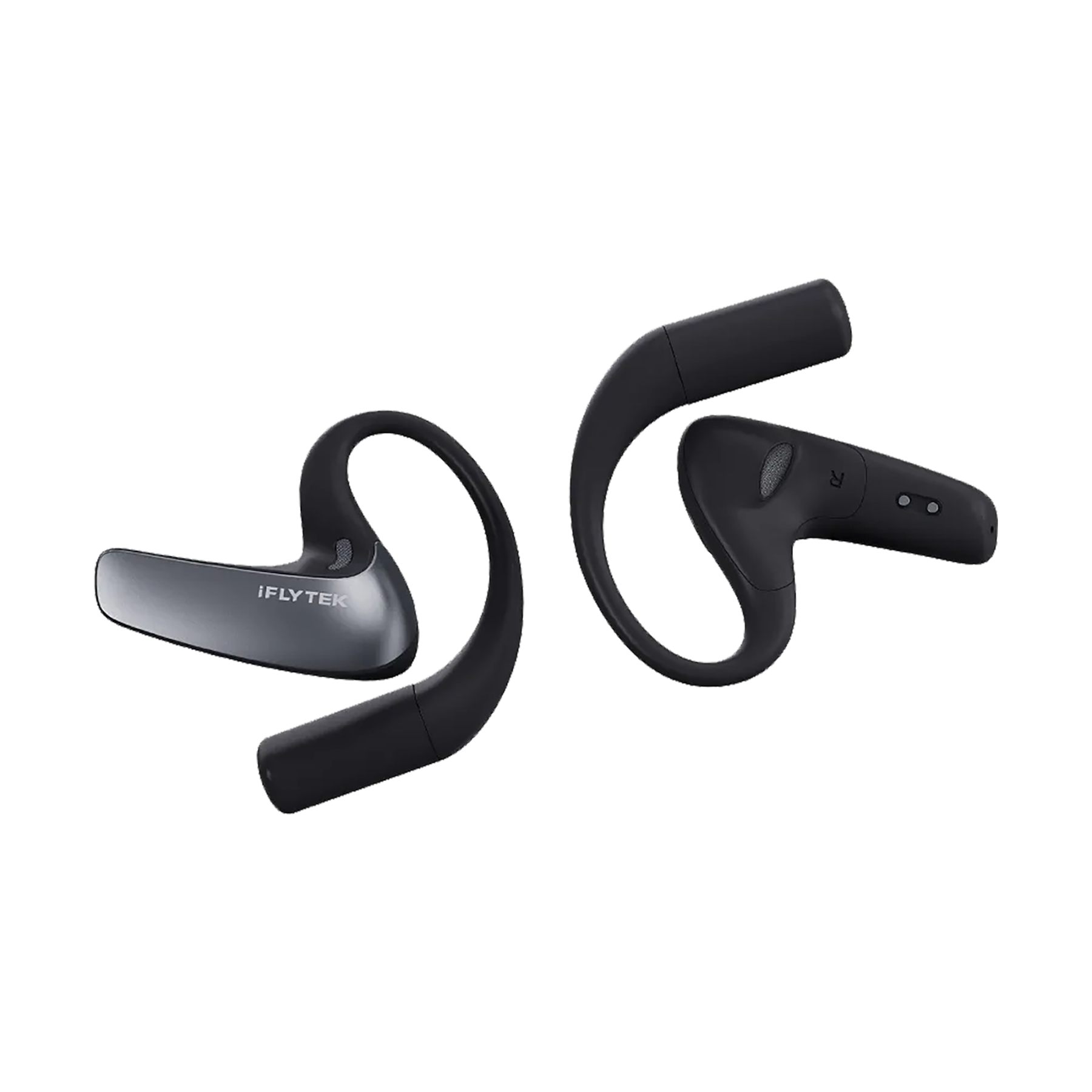
Redefine your daily workflow with open-ear translation earbuds engineered for perfection. Featuring 24/7 medical-grade silver-ion hygiene, a 30° directional extension mic for confidential and pinpoint voice pickup, and a portable charging case for effortless travel—experience zero-pressure wearability anywhere, anytime.

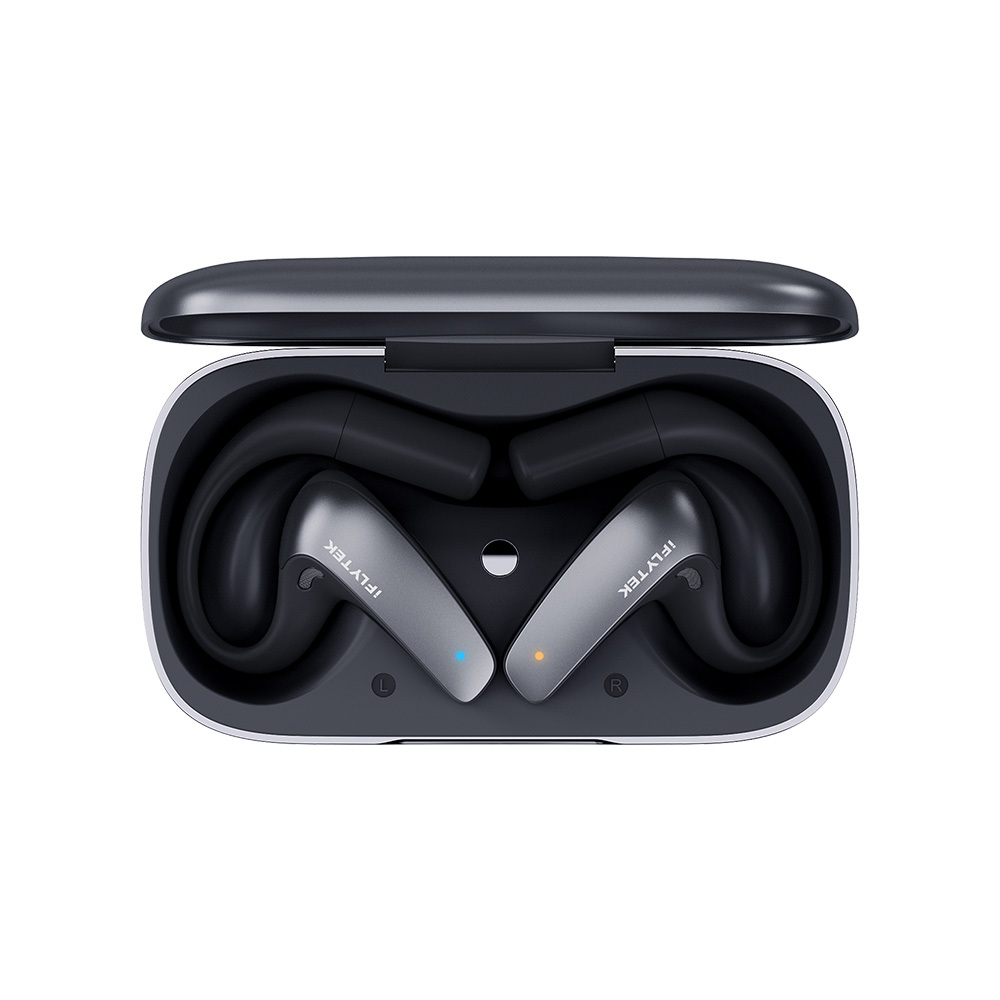
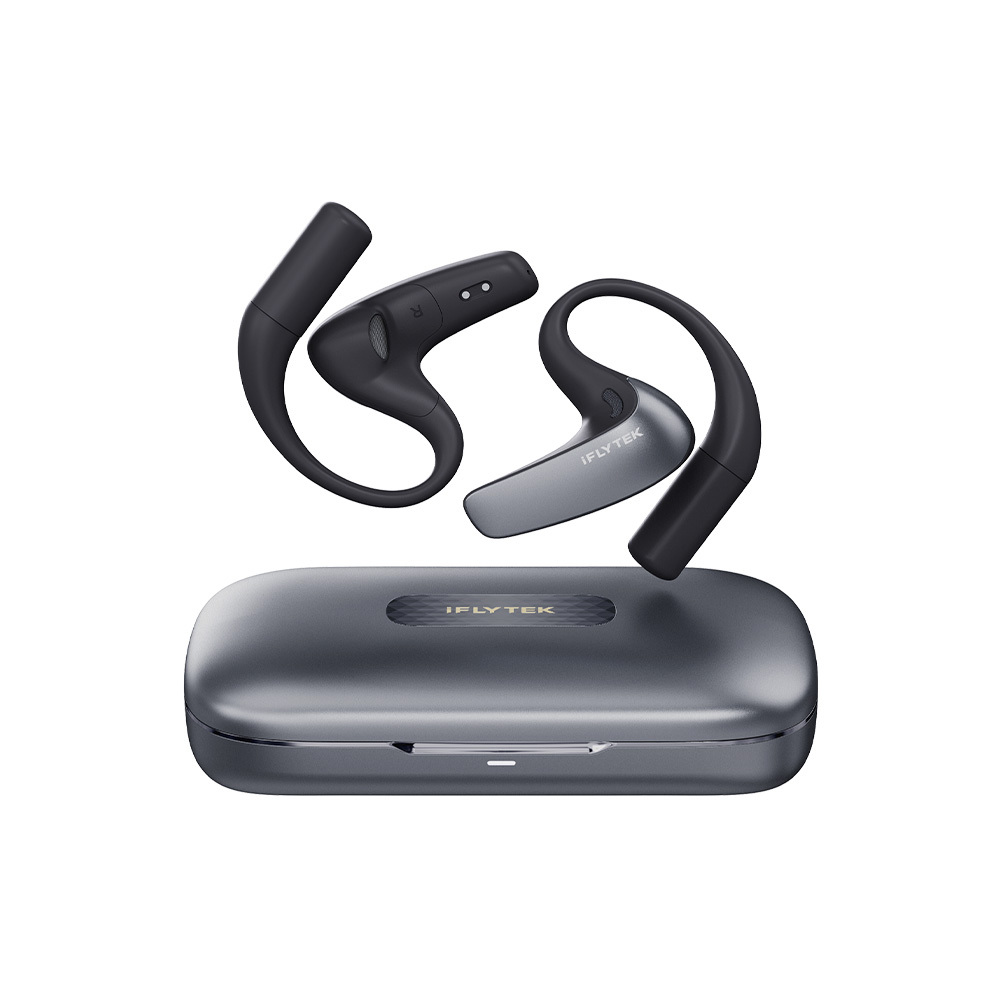
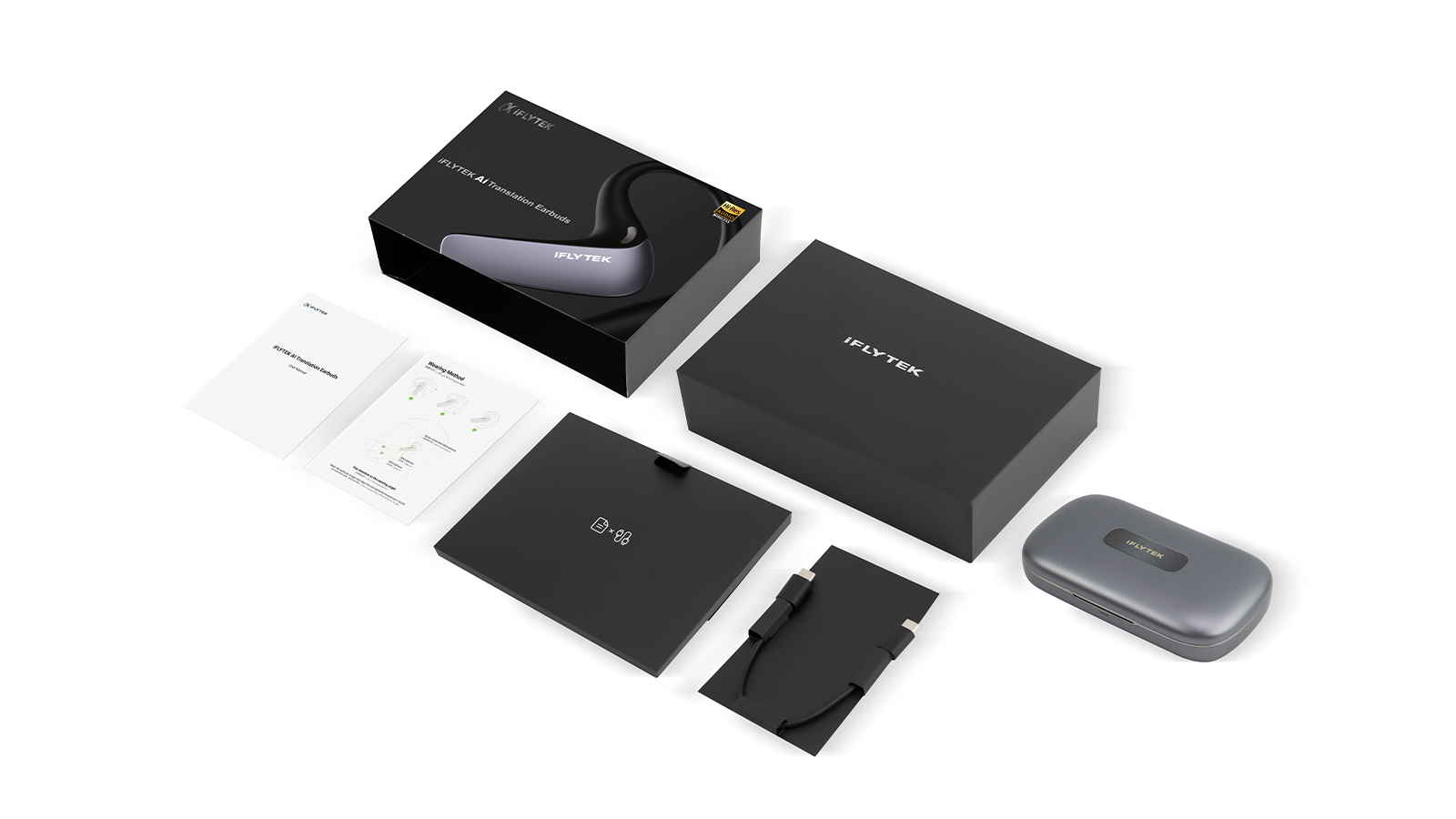
What's in box?

  • User Manual *1
  • Quick Start Guide *1
  • Charging Case *1
  • Earbuds *1
  • Charging Cable *1
Frequently Asked Questions
Operation Instructions
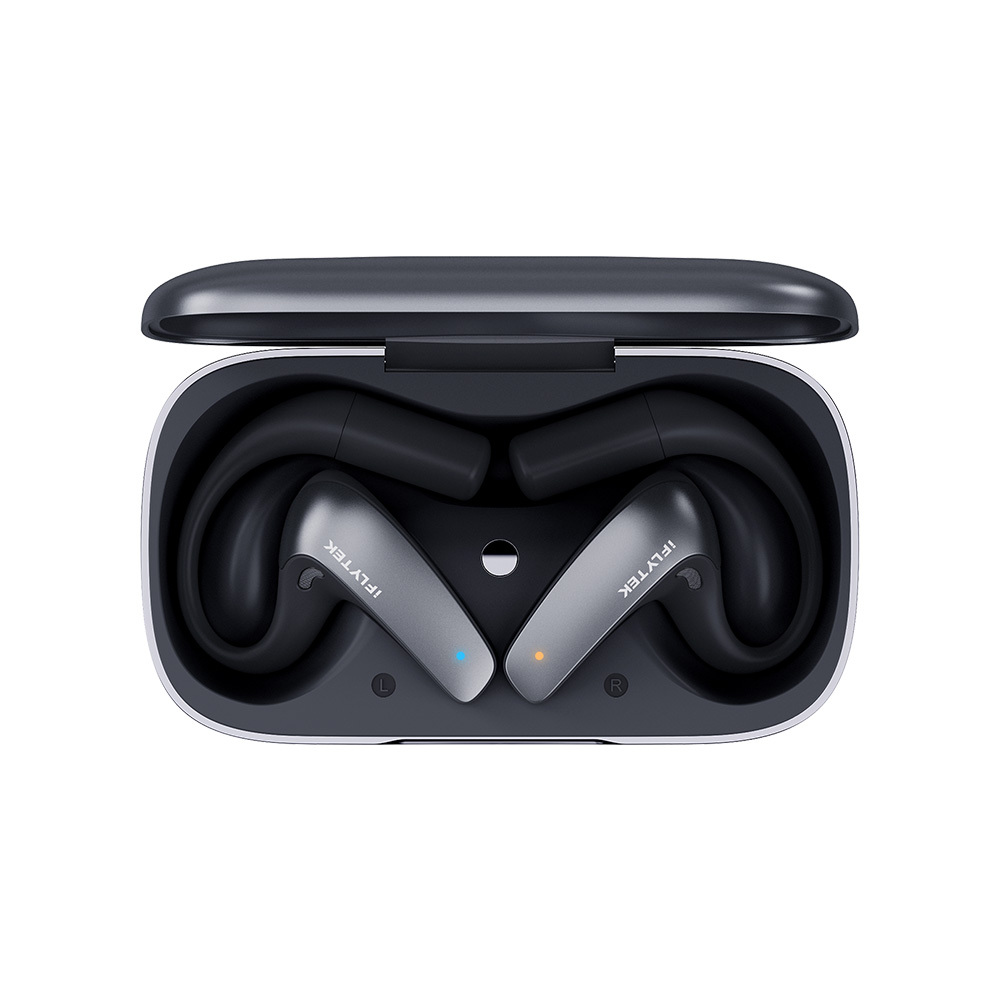
How to pair the earbuds? What reaction will the indicator light have?
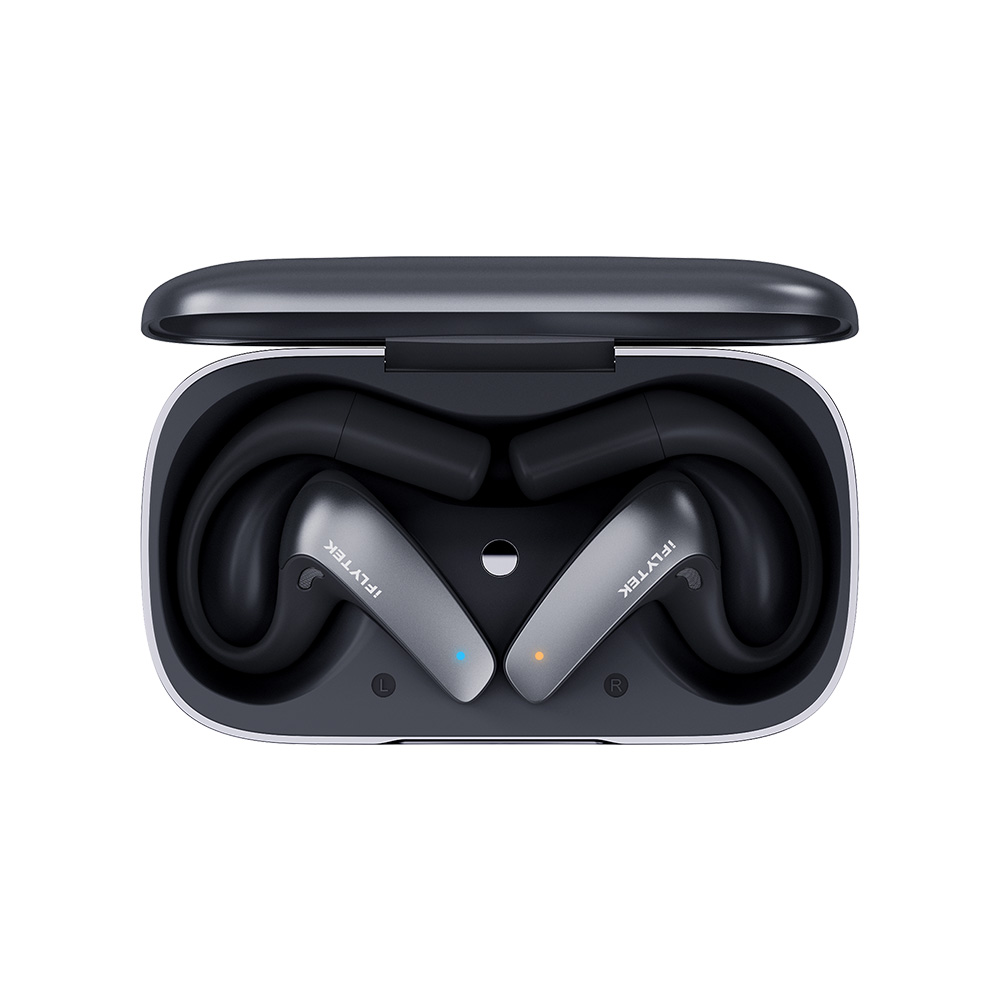
Long press the multi-function button of the earbuds for 3 seconds to trigger pairing. During pairing, the left earbud glows blue and the right one glows yellow, both in a breathing flash state. The lights will turn off after successful connection.
What is the most convenient operation to pause/resume during translation?
Double-click the touch area of either earbud, no need to tap the phone. The operation is extremely smooth, and double-click again to resume translation after pausing.
What operations are supported by the touch area of the earbuds?
It supports four operations in total: double-click, triple-click, long press (3 seconds), and up/down sliding. Different operations correspond to different functions, and you can master them after practicing twice.
What is the quick operation to wake up the AI assistant?
Long press the touch area of either earbud for 3 seconds to directly wake up the AI assistant Fayla, no need to tap the mobile APP, which is extremely convenient.
Connection & Pairing
Does this earbud have to be used with an APP? Which one to download?
Yes, the translation and AI assistant functions must be used with the Bavvo APP. It can be used for pure music listening and call making/receiving without the APP, but the core functions all rely on it.
How to pair the earbuds with an Apple iOS phone?
iOS is restricted by permissions and requires manual connection: ① Open the Bavvo APP and click "Earbud Pairing", it will jump to the phone's system Bluetooth settings after authorization; ② Search for iFLYTEK AI Translation Earbuds in the system Bluetooth and click "Pair"; ③ Switch back to the APP after successful pairing, and the connection status will be displayed on the homepage.
How to pair the earbuds with an Android phone?
It's extremely simple for Android: ① Open the Bavvo APP and click "Earbud Pairing" on the homepage; ② Agree to permissions such as Bluetooth and location as prompted; ③ Click "Pair" when the APP detects the earbuds; ④ Return to the homepage after successful pairing, and the earbud connection status will be displayed. The whole process can be completed within the APP.
How to use?
How many languages does face-to-face translation support?
It supports two-way online mutual translation of 83 languages (including accents), among which 60 are pure languages, covering nearly 200 countries and regions around the world, and the languages of most countries are covered.
How to switch between split screen/vertical screen mode for face-to-face translation?
After enabling translation, there is a small "horizontal/vertical screen" switch icon on the APP interface, which can be switched with one click; The horizontal screen is a left-right split screen, with the original text displayed on one side and the translated text on the other, suitable for side-by-side communication; The vertical screen displays up and down, suitable for face-to-face communication. Choose whichever is convenient for you.
What call methods are supported by call translation? Can it be used for SIM card calls?
All are supported! It not only supports ordinary calls with mobile phone SIM cards, but also audio and video calls of social APPs such as WeChat, QQ, DingTalk, Lark, and meeting APPs such as Tencent Meeting, ZOOM, Google Meet, both at home and abroad.
How to use call translation?
① Open the Bavvo APP, click "Call Translation" on the homepage, and select the language of the call; ② Click "Start" and authorize the floating window permission as prompted; ③ After that, all incoming/outgoing calls and APP audio/video calls will be automatically translated in real time, and subtitles will be displayed on the floating window.
How are the original sound and translated text broadcast during call translation?
The left ear specially broadcasts the original sound, and the right ear specially broadcasts the translated text. Only the translated text is broadcast by default. You can turn on "Original Sound Broadcast" in the APP to hear both the original sound and the translated text at the same time, reducing waiting time.