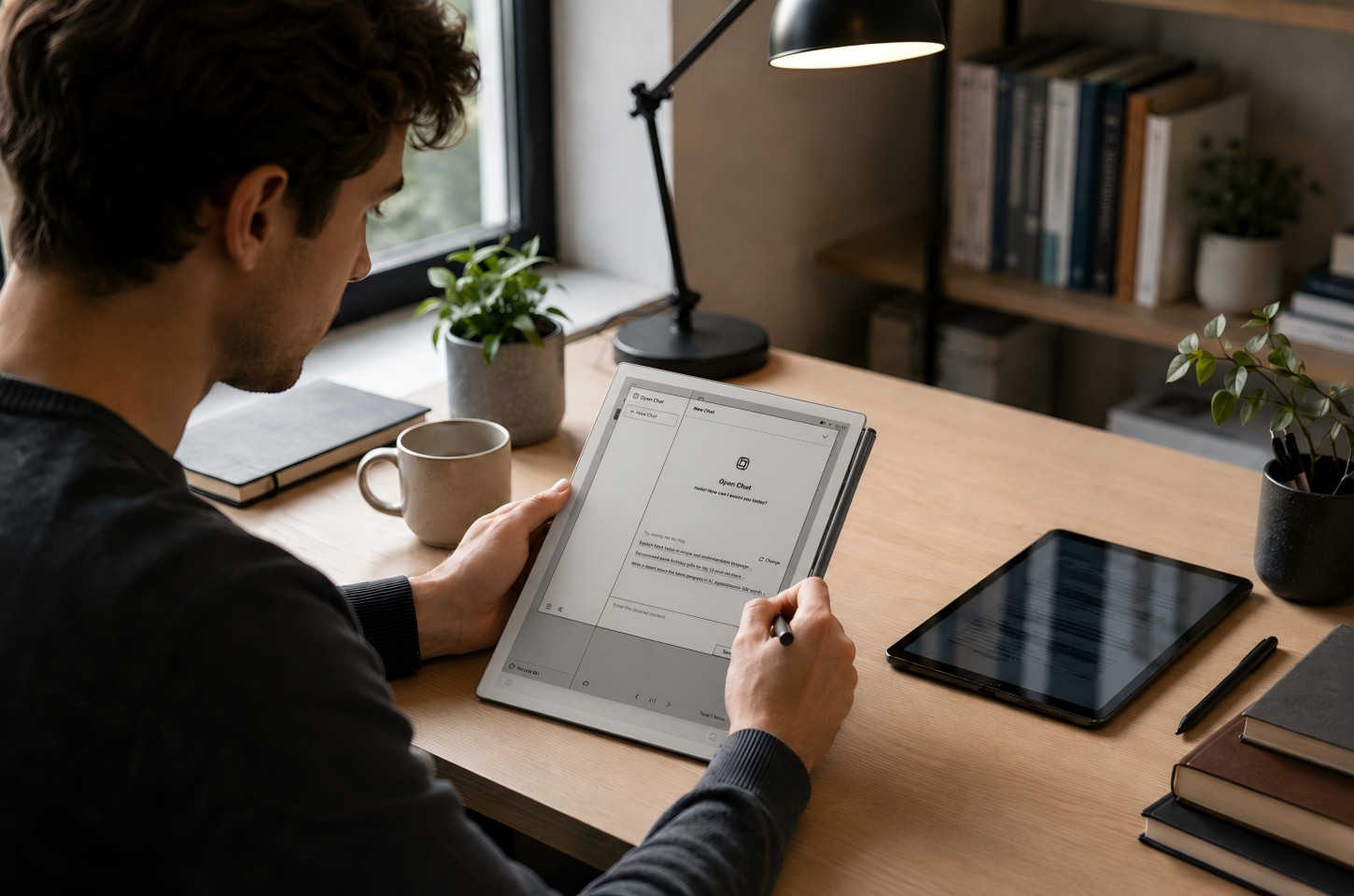
Flexible e-paper displays mainly improve writing comfort, reading focus, portability, and daily handling compared with traditional glass screens. They feel softer under the pen, are often easier to carry, and are better suited to long note taking, PDF annotation, and focused reading. Traditional screens and flexible e-paper screens are built around different needs, so the better choice depends on whether your daily workflow depends more on handwriting and reading or on color, video, fast refresh, and multitasking.
Why Some Users Notice a Softer Screen Feel
A softer screen feel is often the first thing people notice when moving from a tablet with glass to an e-paper note device. The key question is whether that softer response supports writing comfort or creates concern during daily use.
A Softer Touch Comes from the Flexible Screen Structure
Users who write by hand for long periods are more likely to notice the softer touch of flexible e-paper. Traditional glass stays rigid under the pen, while a flexible e-paper structure can create a writing feel that is less slippery and closer to a notebook surface. This can make handwriting feel more controlled during notes, document review, and repeated revision. The difference matters most for students, meeting note takers, researchers, and office users who write, review, and organize information throughout the day.
Softer Does Not Mean the Screen Is Defective
A softer writing surface does not automatically mean the screen is loose, weak, or damaged. The difference comes from how flexible e-paper changes the contact between the pen tip, the writing surface, and the display layer underneath. On glass, pressure is reflected back as a hard, smooth feel; on flexible e-paper, the surface can feel more forgiving, so the pen stroke feels steadier instead of sliding across a rigid panel. This softness should feel even across the screen and should not interrupt handwriting, page turning, or document markup. Problems are more likely when the softness is uneven, strokes skip, touch areas stop responding, or visible marks remain after normal use.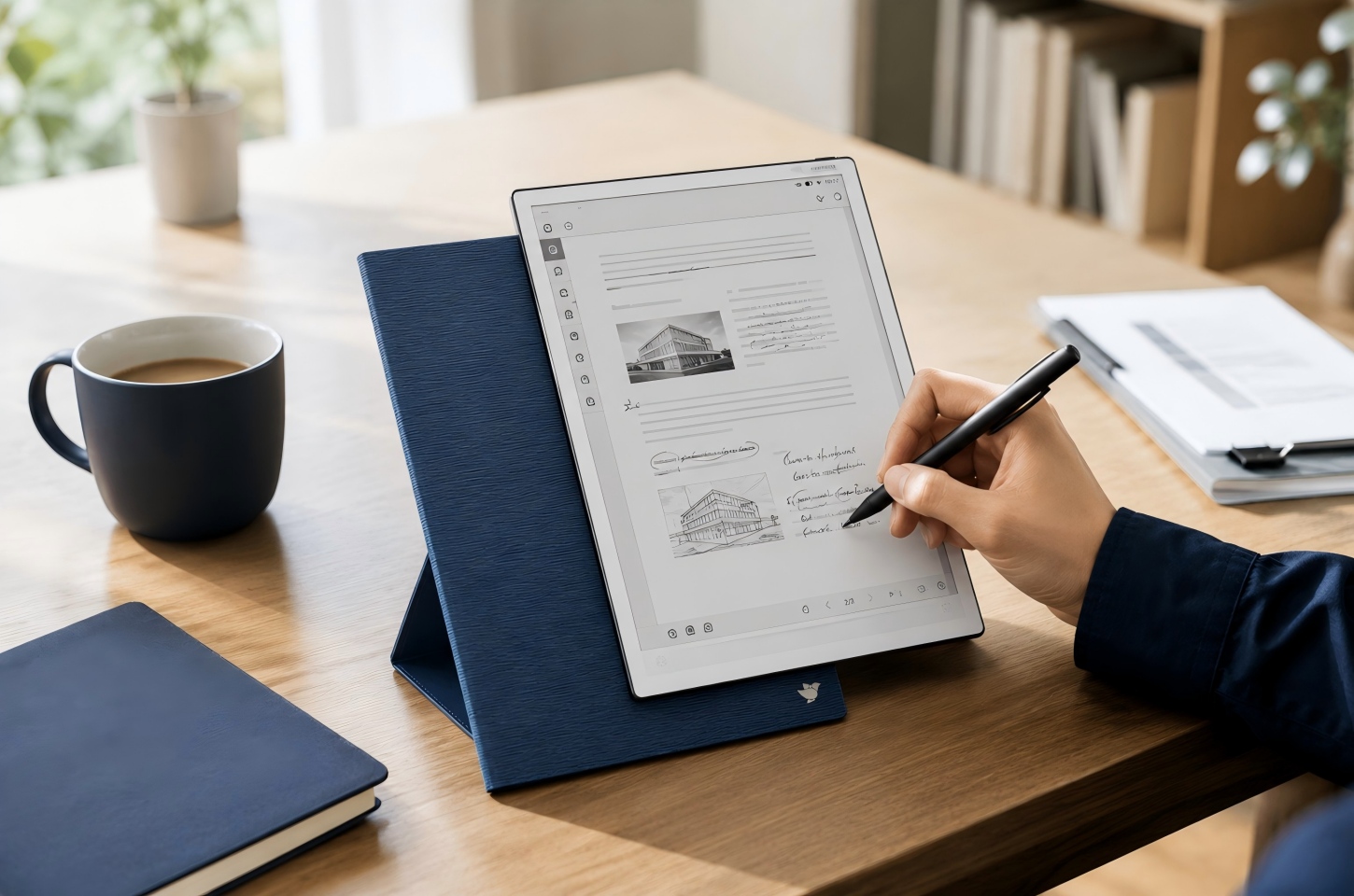
How Flexible E-Paper Differs from Traditional Glass Displays
Flexible e-paper and traditional glass displays are designed for different screen experiences. Glass screens are stronger for color content, video, apps, and fast interaction, while flexible e-paper is better suited to long reading, handwriting, PDF annotation, and focused note taking. The difference becomes more obvious when users write or review documents for long periods instead of simply browsing or switching between apps.
Glass Screens Can Feel Hard and Slippery When Writing
Glass screens work well for browsing, video, color apps, and fast touch interaction, but they do not always feel natural for handwriting. When a stylus moves across hard glass, the surface may feel too smooth, especially for users who are used to paper notebooks. This can make small handwriting, math notation, sketches, or long meeting notes feel less controlled. Screen protectors can add friction, but they do not fully change the rigid feel of the display underneath.
Flexible E-Paper Responds Slightly to Pen Pressure
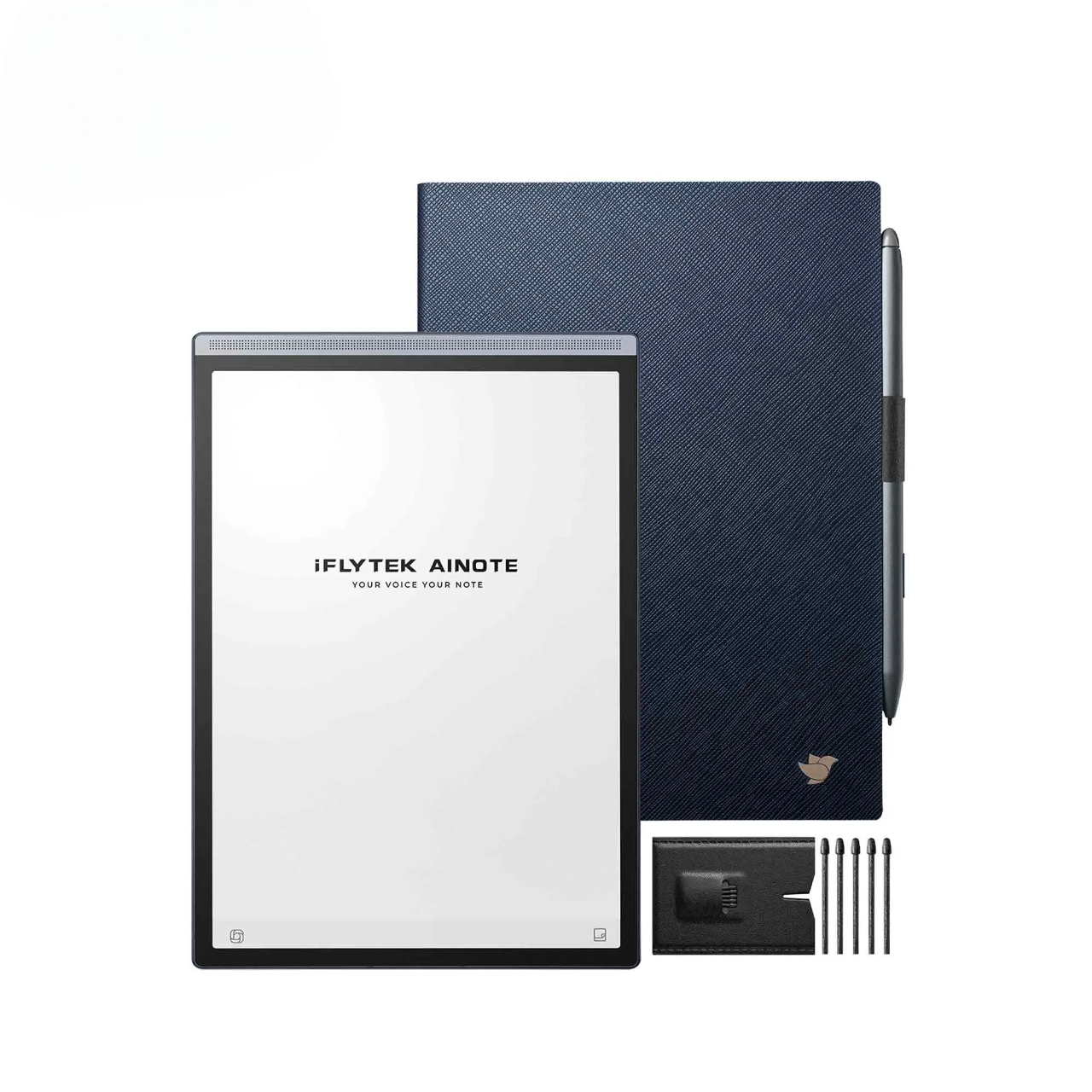
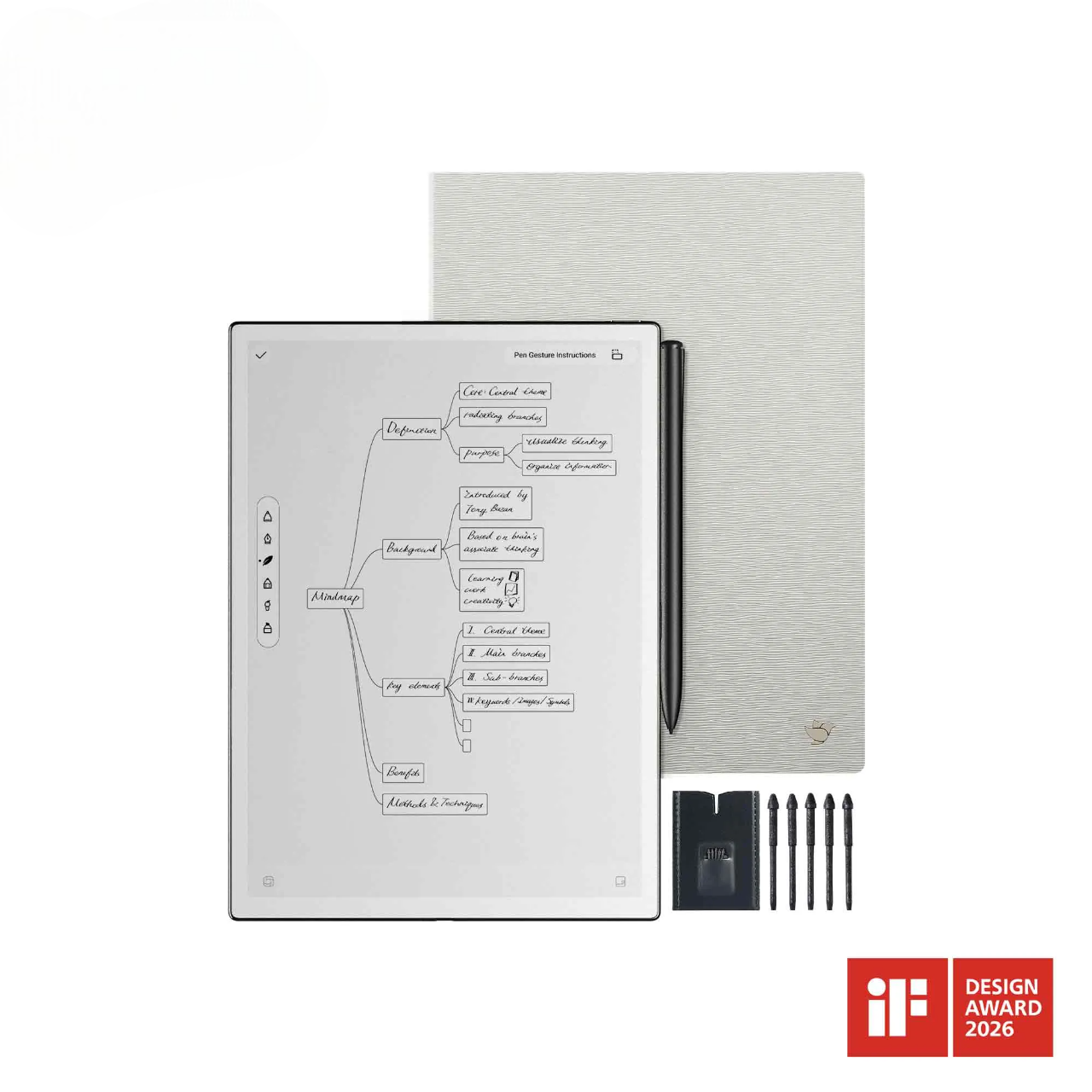
Flexible e-paper can make handwriting feel more controlled because it is designed for a different writing experience than hard glass. Instead of focusing only on touch speed or visual brightness, a flexible E-Ink screen supports a calmer surface for note taking, margin comments, and document markup. On a device such as iFLYTEK AINOTE 2, the flexible E-Ink display and paper-like writing experience can help pen strokes feel smoother during daily reading and writing tasks. This makes the benefit easier to notice when users write across lectures, meetings, research files, or long PDF review sessions.
Paper Like Feedback Makes Writing Feel More Natural
Paper like feedback matters most when digital handwriting becomes part of a daily workflow. Slight surface resistance can help users form letters, underline PDF passages, draw simple diagrams, and add comments with better control. This makes notes easier to review later because handwriting and markings are more deliberate. For students, professionals, and frequent document readers, that more natural feedback can make digital note taking feel closer to working on paper.
Screen Structure Changes Weight, Thickness, and Daily Handling
Screen structure affects more than the writing surface. It also changes how practical a device feels when carried every day. For business users, a bag may already hold a laptop, charger, documents, and travel essentials. Adding another full tablet can make daily commuting or business travel feel heavier than expected. Students face a similar issue when textbooks, handouts, and study materials already take up most of the backpack.
This is where iFLYTEK AINOTE Air 2 becomes more relevant. Its lightweight, slim design feels closer to carrying a thin notebook than adding another tablet or a heavy college textbook. It can slip beside folders or books without making the bag feel crowded. During longer reading or writing sessions, the reduced weight also makes it easier to hold, adjust, and use away from a desk. For people who already carry work documents, books, or study materials every day, this lighter form matters because it does not add noticeable weight or take up much bag space.
Why Paper Like Writing Needs a Different Screen Structure
Digital writing feels natural only when the screen, pen, and software response work together. A paper like experience is not created by appearance alone; it depends on how the surface reacts to pressure and how smoothly handwriting appears on the display.
Real Paper Responds Slightly to Pen Pressure
Real paper gives way slightly when a pen moves across it, and that small response helps people control speed, angle, and pressure. This is one reason handwriting on paper often feels stable even during fast note taking. A rigid glass screen removes much of that physical feedback, so the user must rely more on visual tracking and hand control. People who write many pages per week may notice the difference more than someone who only signs documents or writes short reminders.
Flexible E-Paper Helps Recreate Natural Writing Feedback
Flexible e-paper helps digital handwriting feel closer to paper when the device is built around reading, writing, and review. In a workflow with iFLYTEK AINOTE 2, this matters most for daily notes, PDF review, document markup, meeting records, and idea organization. The value is not only the softer screen feel, but also the ability to capture handwritten information and return to it later in a more organized way. This makes the product reference feel connected to the writing experience rather than forced into the paragraph.
Better Feedback Makes Notes and PDF Annotation Easier
Better writing feedback is most useful when notes and documents need to stay organized after the writing session ends. During PDF annotation, users often need to underline, circle, write in the margins, and add short comments without losing their place in the text. A more controlled pen feel can make these actions easier, especially on dense reading materials such as reports, lecture slides, contracts, research papers, or meeting documents. This helps users turn reading into a more active review process instead of simply moving through pages.
How a Lighter Screen Improves Reading and Note Taking
Weight affects comfort more than many buyers expect. A device that feels fine for five minutes can become tiring during a full lecture, long reading session, or travel day.
Long Reading Sessions Feel Easier to Handle
Long reading sessions often involve holding the device for more than a few minutes, changing posture, and moving between reading and annotation. A lighter e-paper device can reduce hand and wrist strain when users read reports, books, class materials, or PDFs for extended periods. This benefit becomes more noticeable when reading and writing happen together, such as underlining a passage, adding a note, and returning to the same document later. If the device will mostly stay on a desk, screen size and file support may matter more than weight.
Lighter Devices Fit Classrooms, Meetings, and Travel
Classrooms, meetings, and business travel all reward devices that are easy to carry and quick to open. A lighter e-paper note device can replace several notebooks, printed handouts, or marked documents without adding much bag weight. This helps users who move between rooms, take notes while standing, or review materials on a plane or train. For users comparing different screen types, the key is to match the device with the task: e-paper note devices are strongest when reading, writing, and document review happen throughout the day.
Reading and Writing Feel Less Tiring Over Time
Flexible e-paper can make repeated reading and note taking feel easier because it reduces the small frictions that build up during the day. A lighter device is easier to hold while reading PDFs, reviewing notes, or moving between rooms. A calmer reading surface helps users stay with long documents without feeling pulled away by a busy screen experience. More controlled pen feedback also makes common actions, such as underlining, adding margin notes, circling key points, and returning to marked sections, feel smoother across multiple reading and writing sessions.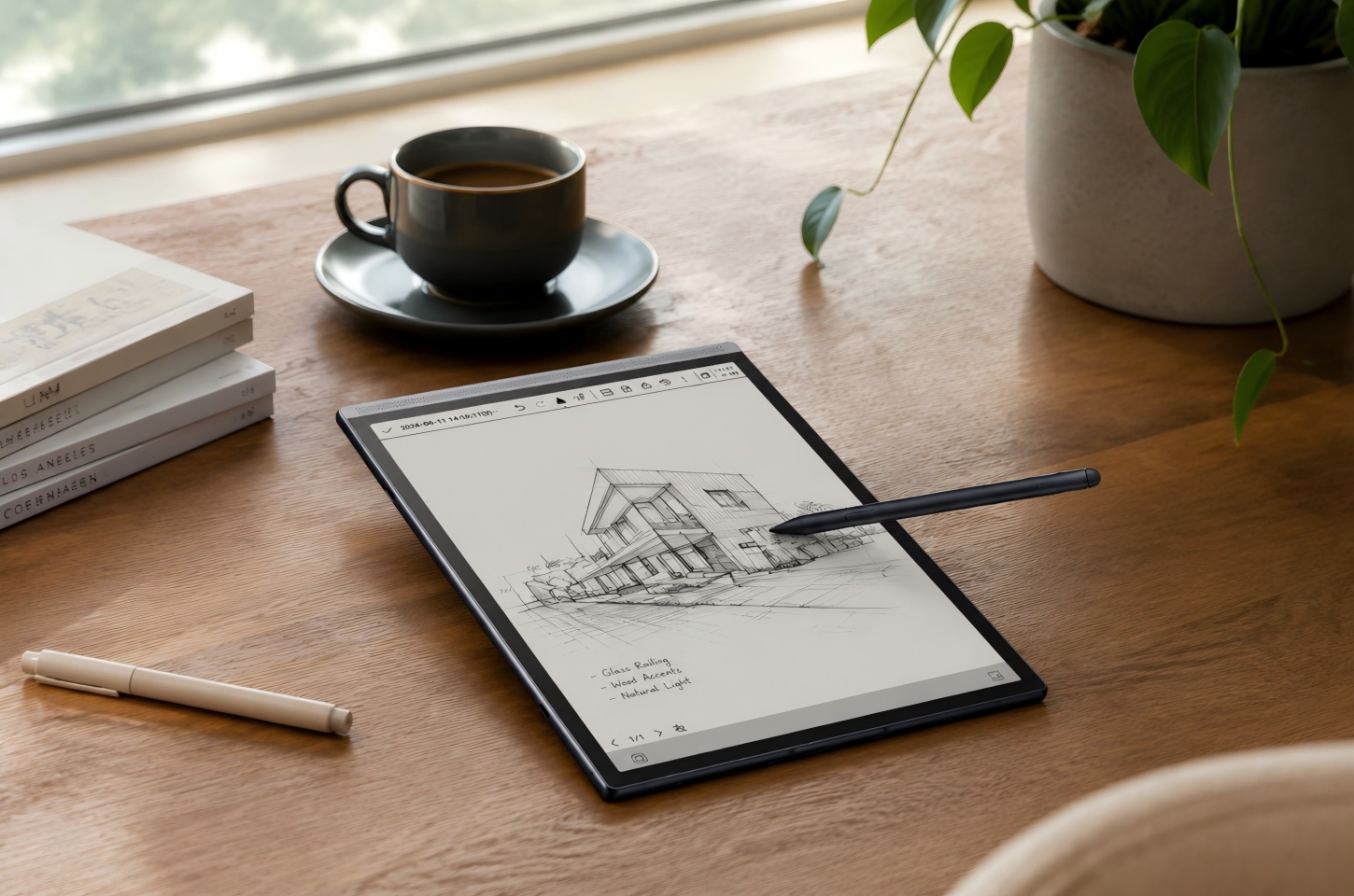
How Flexible E-Paper Supports Daily Durability and Portability
Portability is not only about whether a device fits in a bag. It also depends on how much confidence users have when carrying it to work, school, meetings, or travel.
Daily Carrying Puts Pressure on Traditional Screens
Traditional glass displays can raise concerns when a device is placed in a crowded backpack, pressed against books, or carried during a commute. Even when the screen is strong, users may worry about cracks from bending pressure, drops, or impact with other objects. This concern becomes more relevant for students, field workers, frequent travelers, and professionals who move through several locations in one day. A protective case helps, but the screen structure still plays a role in how portable the device feels.
Flexible Structure Helps Reduce Breakage Concerns
A flexible e-paper structure can make a note device feel less rigid in daily handling, which may reduce some of the worry users have when carrying it between locations. The benefit is not about treating the device carelessly, but about making the screen experience feel more aligned with a lightweight, notebook-style workflow. This makes sense for users who carry notes, reading files, meeting records, or study materials from one place to another. With normal care, such as using a case and avoiding heavy pressure in a bag, flexible e-paper can feel more practical for everyday movement.
Portability Still Depends on Careful Everyday Use
A portable e-paper device still needs careful handling if it is part of daily work or study. The best habits are simple: store it in a sleeve or case, keep it away from sharp objects, avoid heavy pressure in a bag, and clean the screen with suitable materials. These habits matter because the device often holds important notes, reading files, meeting records, or study materials. Flexible e-paper improves portability, but responsible use protects both the screen and the information workflow built around it.
FAQ
Does a softer e-paper screen affect writing accuracy?
A softer e-paper screen should still feel smooth and consistent during normal handwriting. The key thing to check is whether the pen input follows your strokes naturally, without skipping, drifting, or showing unusual delay. If writing no longer tracks smoothly, that points to a performance issue rather than normal screen softness.
Can I press hard when writing on flexible e-paper?
No, normal handwriting pressure is enough for flexible e-paper. Pressing harder does not usually improve writing quality and may increase wear on the pen tip or screen surface.
Can flexible e-paper replace a paper notebook?
Flexible e-paper can replace a paper notebook for users who want handwriting, PDF markup, digital storage, and easier note review in one device. Paper may still be better for users who want no charging, very low cost, or a fully physical writing experience.
Who should not choose flexible e-paper as their main screen?
Users who rely on rich color, fast refresh, video editing, gaming, or advanced multitasking may not want flexible e-paper as their only main screen. Flexible e-paper is better suited to reading, handwriting, PDF annotation, and focused document review. For many users, it works best as a dedicated reading and note taking device alongside a phone, laptop, or tablet used for media, apps, and color-heavy tasks.
What should you check before choosing an e-paper note device?
Check the screen size, writing latency, file support, handwriting features, battery life, weight, and note organization tools. Do not choose based only on screen softness, because software response and daily workflow fit matter just as much.
Conclusion
Flexible e-paper displays are most useful for people who spend more time reading, handwriting, annotating PDFs, and organizing notes than moving through fast, app-heavy screen tasks. Compared with traditional glass screens, they can offer a softer writing feel, steadier pen control, lighter handling, and a more notebook style workflow. For users who want one device for focused reading, paper-like writing, meeting notes, and document review, an AI paper tablet can bring those reading and writing tasks into a more organized daily workflow.