
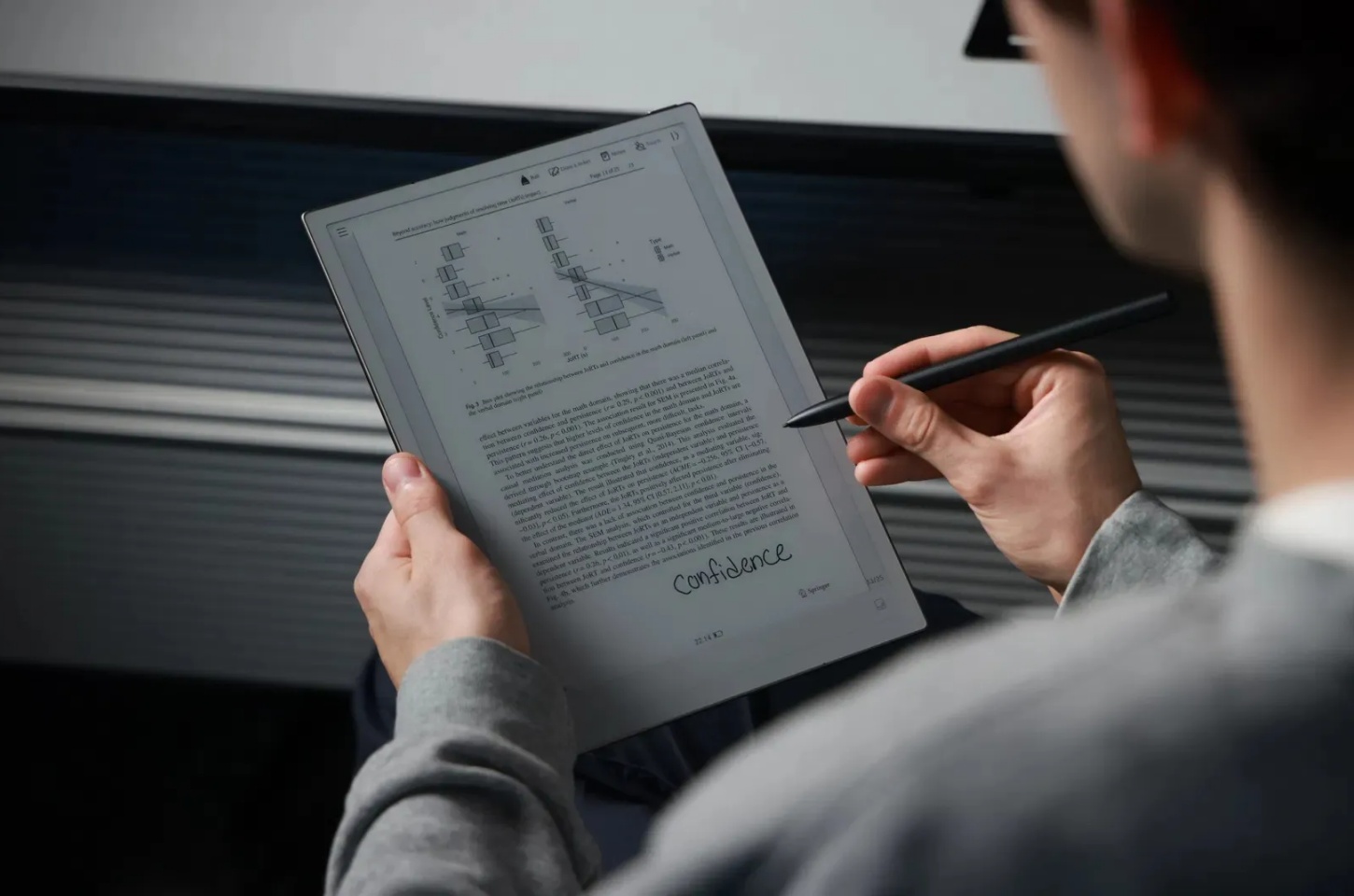
Welcome to the future of digital notebooks. In 2026, E-Ink tablets have become much more advanced—they are no longer just e-readers. Today, they work as powerful productivity tools that can replace notebooks, planners, and printed papers. The biggest difference between good devices and great ones is how well they support a stylus. If you need to take notes in meetings, highlight textbooks, or draw while traveling, choosing a tablet that feels natural—like writing on real paper—is essential. In this guide, you’ll find the top E-Ink tablets leading the market in 2026.
Why Stylus Support Matters for E-Ink Tablets
The main advantage of an E-Ink tablet is its paper-like screen. It is easy on the eyes and still readable outdoors in bright sunlight. But without a good stylus, the experience feels incomplete.
A high-quality stylus turns the tablet from a simple screen into a tool for real writing and drawing. Many top styluses now support pressure sensitivity, tilt detection, and very low writing delay. These features make writing feel natural and smooth.
When you're in an important meeting or suddenly get a creative idea, you need a stylus that reacts instantly. If there is lag, the writing experience becomes frustrating. Fast response and accuracy are key to making the digital experience feel as natural as using pen and paper.
Key Factors When Choosing an E-Ink Tablet With Stylus
There are many models available in 2026, and choosing one can feel confusing. To make the process easier, here are the most important features to look at when comparing E-Ink tablets with stylus support.
Latency and Writing Feel
This is the time delay between the stylus touching the screen and the ink appearing. Aim for devices with latency below 30ms; the best achieve speeds as low as 21ms, which is virtually indistinguishable from writing on physical paper.
Display Technology
Look for E Ink Carta 1200 or the latest Kaleido 3 (for color support). Higher PPI (dots per inch, generally 300 PPI for black-and-white) ensures text and diagrams are razor-sharp.
Operating System (OS)
Do you need access to the Google Play Store? If so, an Android-based device is essential for versatility. If you prefer a focused, distraction-free environment, a proprietary OS might be better.
Hardware Performance
Stylus note-taking, especially with features like voice-to-text or complex PDF annotation, is CPU-intensive. Look for modern octa-core processors and at least 4GB of RAM for smooth multitasking.
Stylus Type and Features
Ensure the tablet uses a widely supported standard (like Wacom EMR) and that the stylus itself has useful features, such as an eraser or a highlighter function built in.
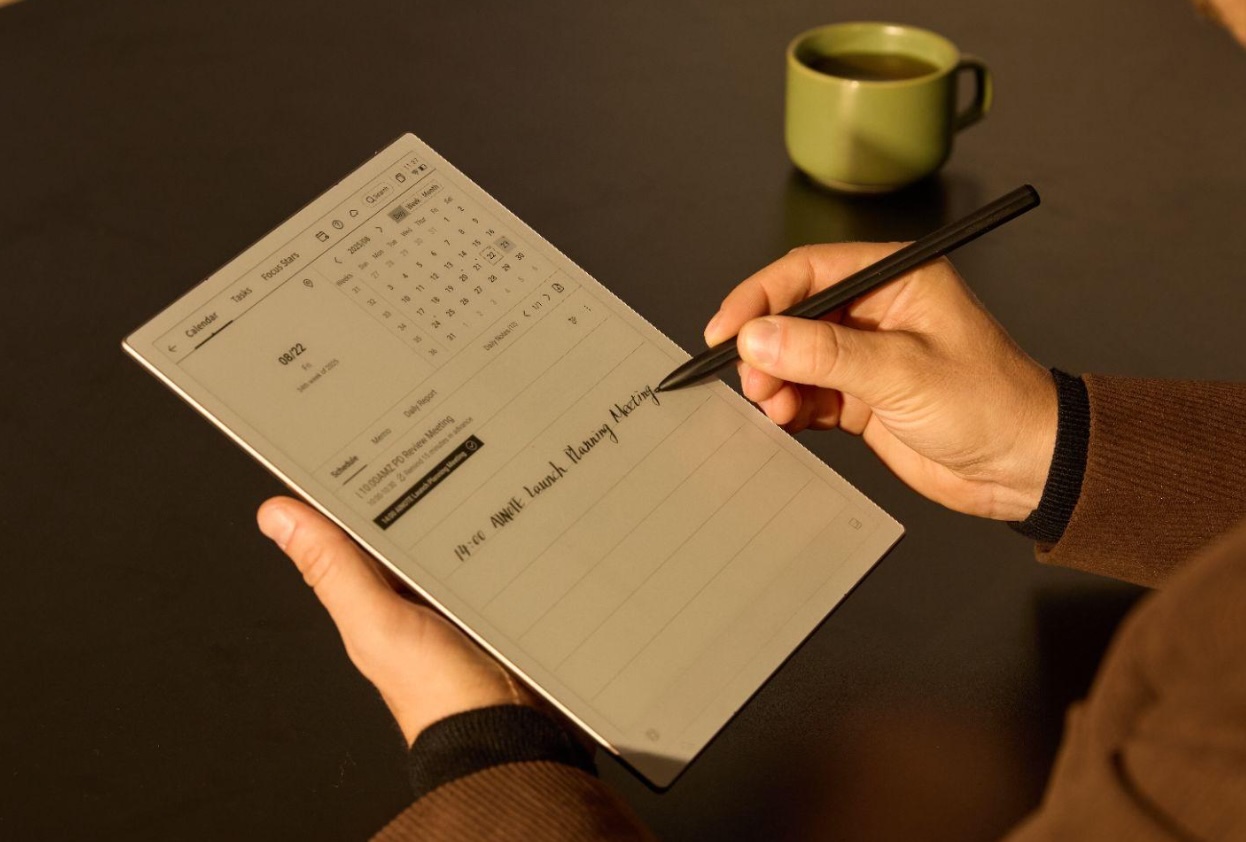
5 Best E-Ink Tablets With Stylus Support to Consider in 2026
The following devices represent the pinnacle of E-Ink technology, offering best-in-class performance, features, and writing fidelity.
iFLYTEK AINOTE 2
Stepping up in size and power, the iFLYTEK AINOTE 2 is a flagship model for those who deal with high-volume documents and require superior performance. Its 10.65-inch flexible E-Ink screen and 300 PPI resolution offer a truly immersive reading and writing experience.
Best Scenario:Academic Research. For a researcher annotating large scientific PDFs or an architect reviewing blueprints, the larger, high-fidelity display is ideal. The Octa-core processor ensures that even complex annotation layers or running powerful transcription tools, like those featured in the iFLYTEK ecosystem, never cause a slowdown.
Pros
- Large 10.65-inch display and high 300 PPI resolution make reading, editing, and marking up documents comfortable and immersive.
- Powerful hardware ensures smooth performance even with complex PDFs, layers, or AI transcription tools.
- Excellent writing feel powered by Wacom EMR, suitable for extended writing or academic research.
iFLYTEK AINOTE Air 2
The iFLYTEK AINOTE Air 2 is the premier choice for professionals demanding portability and seamless audio transcription. With its highly mobile 8.2-inch HD E-Ink display and lightweight 230g build, it’s designed to be slipped into a jacket pocket.
Best Scenario:The Boardroom. Imagine you are in a client meeting; you can take notes with the included Wacom stylus while the device simultaneously records and transcribes the conversation, linking the audio directly to your handwritten notes. This feature makes reviewing meeting minutes instantaneous and efficient.
Pros
- Ultra-portable 8.2-inch form factor makes it perfect for mobile note-taking and business travel.
- Industry-leading voice-to-text features with automatic syncing between handwritten notes and audio recordings.
- Uses Wacom EMR technology for precise strokes and natural handwriting feel.
Onyx Boox Tab Ultra C Pro
The Tab Ultra C Pro remains the king of versatility in 2026. Featuring the stunning E Ink Kaleido 3 color screen, it provides 4096 vibrant colors layered beneath a crisp 300 PPI black-and-white layer. Unlike the distraction-free devices, this model runs a full Android OS.
Best Scenario:The Creative Professional. This is the perfect device for graphic designers or marketers who need to annotate color reports, view charts, and use essential Android productivity apps (like OneNote or third-party drawing software) while still enjoying the E-Ink advantage. The 16MP camera also allows for instant document scanning and embedding.
Pros
- E Ink Kaleido 3 color display brings charts, textbooks, magazines, and visual workflows to life.
- Full Android OS with Google Play unlocks powerful customization and productivity capabilities.
- Strong hardware, advanced pen support, and built-in camera make it a highly versatile tablet replacement.
Cons
- Color E-Ink is still limited in vibrancy and saturation compared to LCD or OLED screens.
- The open Android ecosystem can introduce distractions, notifications, or app management complexity.
- Higher price point and increased power draw mean shorter battery life compared to simpler E-Ink devices.
Bigme B751C Color
The Bigme B751C Color occupies the sweet spot for users seeking a compact, dedicated color note-taking experience without the premium price tag of a full-fledged tablet PC. Its 7-inch color display makes it highly portable, catering specifically to journalers and casual readers.
Best Scenario:Daily Journaling and Planning. This device shines when you need to color-code your planner, sketch ideas for hobbies, or read comic books in a sunlight-readable format. Its size and responsive stylus make quick note-taking effortless, bridging the gap between a notepad and a digital organizer.
Pros
- Compact 7-inch size makes it ideal for everyday journaling, planning, and reading on the go.
- Color support is great for sketching, color-coding notes, or casual comic and magazine reading.
- More affordable than flagship color E-Ink tablets, making it an accessible entry point.
Cons
- Small display may not be suitable for detailed professional workflows or large technical documents.
- Color implementation is more basic than premium models, with lower brightness and contrast.
- Hardware and software capabilities are limited compared to full-featured productivity tablets.
reMarkable 2
The reMarkable 2, despite being an older model, continues to be legendary in 2026 purely because of its unmatched writing feel. Its single-minded focus on replicating the pen-on-paper experience means it sheds distracting features like full Android support for an incredibly clean interface and industry-leading 21ms latency.
Best Scenario:The Writer or Deep Thinker. If your primary use is brainstorming, drafting essays, or minimizing digital distractions to maximize focus, the reMarkable 2 is your tool. The proprietary Marker stylus glides beautifully, offering a tactile sensation that no other device can quite match.
Pros
- Still the benchmark for handwriting feel thanks to ultra-low latency and tactile paper-like surface.
- Minimalist operating system encourages focus and reduces digital distractions.
- Ideal for long writing sessions, brainstorming, and deep thinking workflows.
Cons
- No color display, limiting use for visual projects, color-coded notes, or graphic workflows.
- Closed ecosystem with no native access to Google Play or full Android flexibility.
- Hardware is aging compared to newer competitors, and add-ons (like the stylus or keyboard) are sold separately.
Comparison Table
|
Feature |
iFLYTEK AINOTE Air 2 |
iFLYTEK AINOTE 2 |
Onyx Boox Tab Ultra C Pro |
Bigme B751C Color |
reMarkable 2 |
|
Screen Size |
8.2-inch |
10.65-inch |
10.3-inch |
Approx. 7-inch |
10.3-inch |
|
Color Support |
No (B&W) |
No (B&W) |
Yes (Kaleido 3) |
Yes (Color) |
No (B&W) |
|
Stylus Tech |
Wacom EMR |
Wacom EMR |
BOOX Stylus (4096 levels) |
Proprietary/Wacom |
Marker (4096 levels) |
|
Included Stylus? |
Yes |
Yes |
Yes |
Yes |
Yes |
|
Key Feature |
Voice-to-Text, Portability |
High-Res Flexible Screen |
Full Android, Camera |
Compact Color Note-taker |
Best Pen-on-Paper Feel (21ms) |
Best Use Cases for Stylus-Enabled E-Ink Tablets in 2026
The versatility of E-Ink tablets with high-end styluses means there’s a perfect device for every user profile:
The Power Annotator (Onyx Boox Tab Ultra C Pro)
For users who need to mark up heavy, colored technical manuals or textbook PDFs while accessing browser research and external apps. The color display makes charts readable, and the high RAM keeps everything fast.
The Journalist/Executive (iFLYTEK AINOTE Air 2)
When you are always on the move and rely on spoken information. The ability to automatically turn spoken words into editable notes, while physically writing the key points, is a productivity game-changer.
The Focused Creator (reMarkable 2)
For deep work, writers, or students who find conventional tablets too distracting. Its simple, beautiful interface forces you to focus solely on your writing, brainstorming, and reading tasks.
The Heavy Reader/Editor (iFLYTEK AINOTE 2)
If your workflow revolves around large files, document editing, and collaborative markup, the large, high-resolution screen provides ample space for detailed work, making it feel less cramped than smaller devices.
Conclusion
The best E-Ink tablet in 2026 depends on how you work. If handwriting feel is your priority, the reMarkable 2 still delivers the closest paper-like writing experience. If you need productivity apps and color, the Boox Tab Ultra C Pro is unmatched. And if transcription, AI note-taking, and professional workflows matter, the iFLYTEK AINOTE series clearly leads.
FAQs
Is E-Ink writing latency really noticeable?
In 2026, the latency on top models is negligible. Devices like the reMarkable 2, with 21ms, feel as fast as a real pen. Cheaper or older models might have noticeable lag (over 50ms), which is why choosing a high-quality stylus-enabled device is critical.
Can I use third-party styluses with these tablets?
Most of the tablets listed, including the iFLYTEK and Onyx Boox models, use the Wacom EMR standard, meaning they are compatible with a wide range of third-party EMR pens. However, proprietary systems like reMarkable’s require their specific Marker for the best experience.
Are color E-Ink screens good enough for casual reading?
Yes. The Kaleido 3 technology used in the Onyx Boox Tab Ultra C Pro offers sufficient color saturation and clarity for charts, graphs, and casual magazine reading, making it a viable alternative to LCD tablets for reading tasks.
Do I need a full Android OS on my E-Ink tablet?
Only if you need specific apps (like cloud drives, unique PDF editors, or productivity suites) that aren't natively supported by the tablet's OS. If you only plan to read, write, and manage basic documents, a proprietary, dedicated OS is often faster and less distracting.



