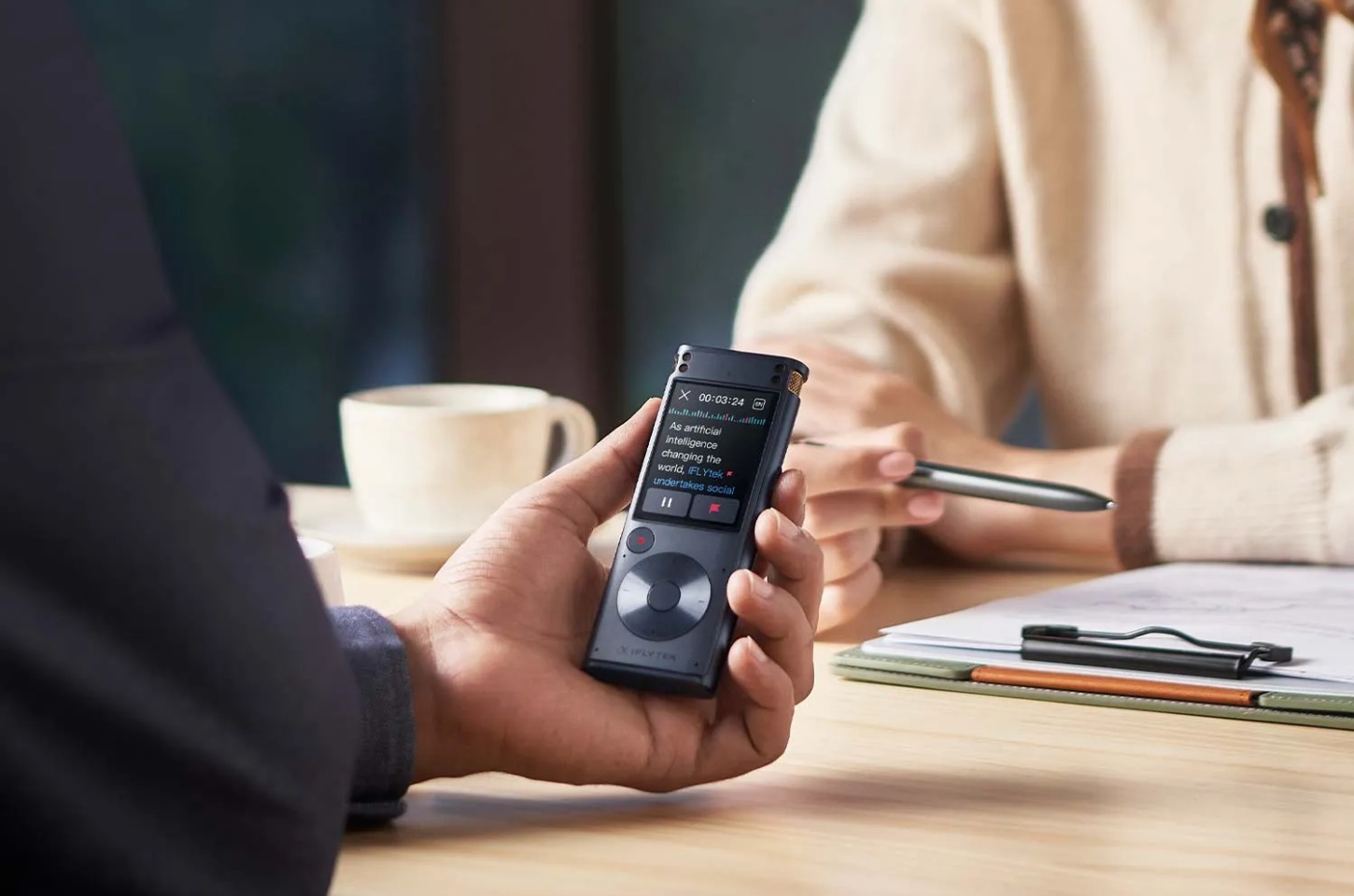
Choosing a digital voice recorder used to be mostly about microphones, storage and battery life. Those things still matter, but they no longer tell the whole story.
Some recorders simply capture audio. Others can transcribe conversations, identify speakers and turn long meetings into useful notes. Meanwhile, recorders designed for music and video offer better audio formats but little help with transcription.
The best choice depends on what you plan to do after pressing Record. A journalist may want a searchable interview transcript. A manager may need a summary of a multi-speaker meeting. A musician will care more about stereo sound and editing flexibility.
Before comparing individual models, it helps to understand the three tradeoffs that make the biggest difference.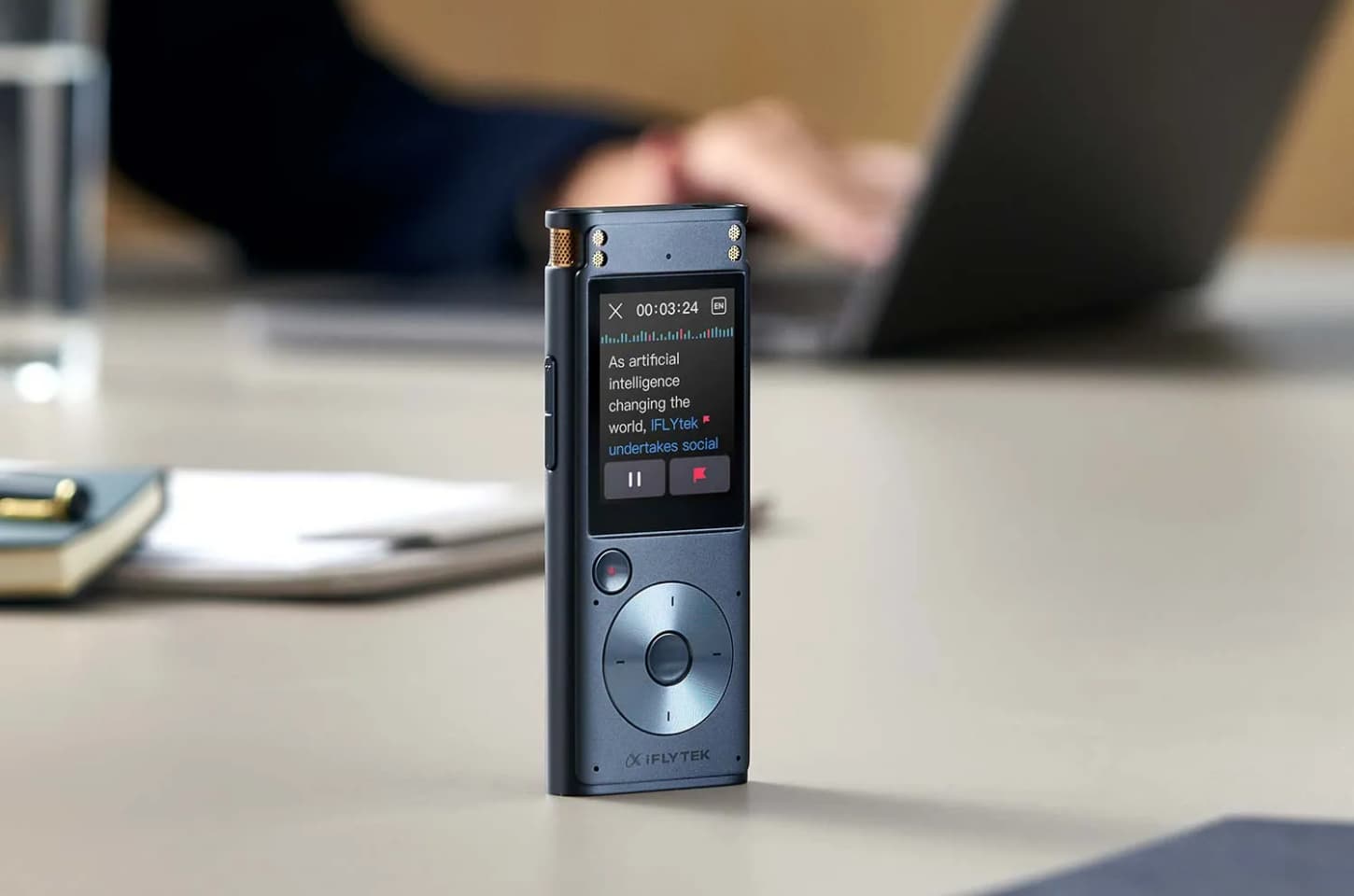
Three Tradeoffs That Should Guide Your Choice
Pocket Size vs. Long-Range Recording
A smaller recorder is easier to carry, but portability usually comes with a more focused recording range. Pocket recorders work well for dictation, one-on-one interviews and conversations where the device stays close to the speaker.
Large meetings create a different challenge. When several people are speaking from different parts of a room, the recorder needs a stronger microphone system, better directional pickup and more effective noise reduction. Conference-room recorders tend to be larger, but they are more dependable when speakers cannot sit close to the device.
The decision is less about size alone and more about distance. A portable recorder makes sense for mobile interviews and personal notes. A long-range model is the safer choice for boardrooms, seminars and multi-speaker discussions.
AI Convenience vs. Offline Privacy
Transcription can remove hours of repetitive work. Instead of replaying an entire interview, you can search the transcript, find a quote and review the surrounding conversation.
Online AI services can go further by identifying speakers, producing summaries and organizing action items. The tradeoff is that recordings may need to be transferred to a connected platform for processing.
Offline transcription keeps more of that work on the recorder itself. It is useful when internet access is unreliable or when a meeting contains sensitive information. Offline processing may offer fewer advanced features, but for legal conversations, confidential interviews or fieldwork, that can be a reasonable compromise.
Clear Speech vs. Production-Ready Audio
A recorder that captures clear speech is not automatically the best recorder for music.
Meetings, lectures and interviews benefit from noise reduction, speech-focused microphones and transcription. Music and video production require a wider stereo image, higher-quality formats and enough flexibility to adjust the recording during editing.
If the final result will become meeting minutes, searchable notes or an interview transcript, choose a recorder built around speech. If the audio itself is the finished product, look for stereo microphones and formats such as 32-bit float WAV.
Best Digital Voice Recorders by Use Case
iFLYTEK AI Recorder S6: Best for Professional Meetings
The iFLYTEK AI Recorder S6 is designed for meetings where a standard pocket recorder may struggle. Its eight-microphone array supports long-range pickup, making it suitable for conference rooms, seminars and discussions with several speakers.
The S6 combines recording with online and offline transcription, speaker identification and AI-assisted organization. This makes it easier to turn a long conversation into searchable notes or clear meeting minutes that people can review and use.
Recordings can be synced across devices or exported to a computer or USB drive. Hardware-level protection also makes the S6 a better fit for business, legal and professional environments where recorded information may be sensitive.
It is more recorder than most casual users need. For teams that regularly document important meetings, however, its larger microphone system and post-recording tools solve problems that a basic voice recorder cannot.
iFLYTEK AI Recorder P1: Best for Interviews and Dictation
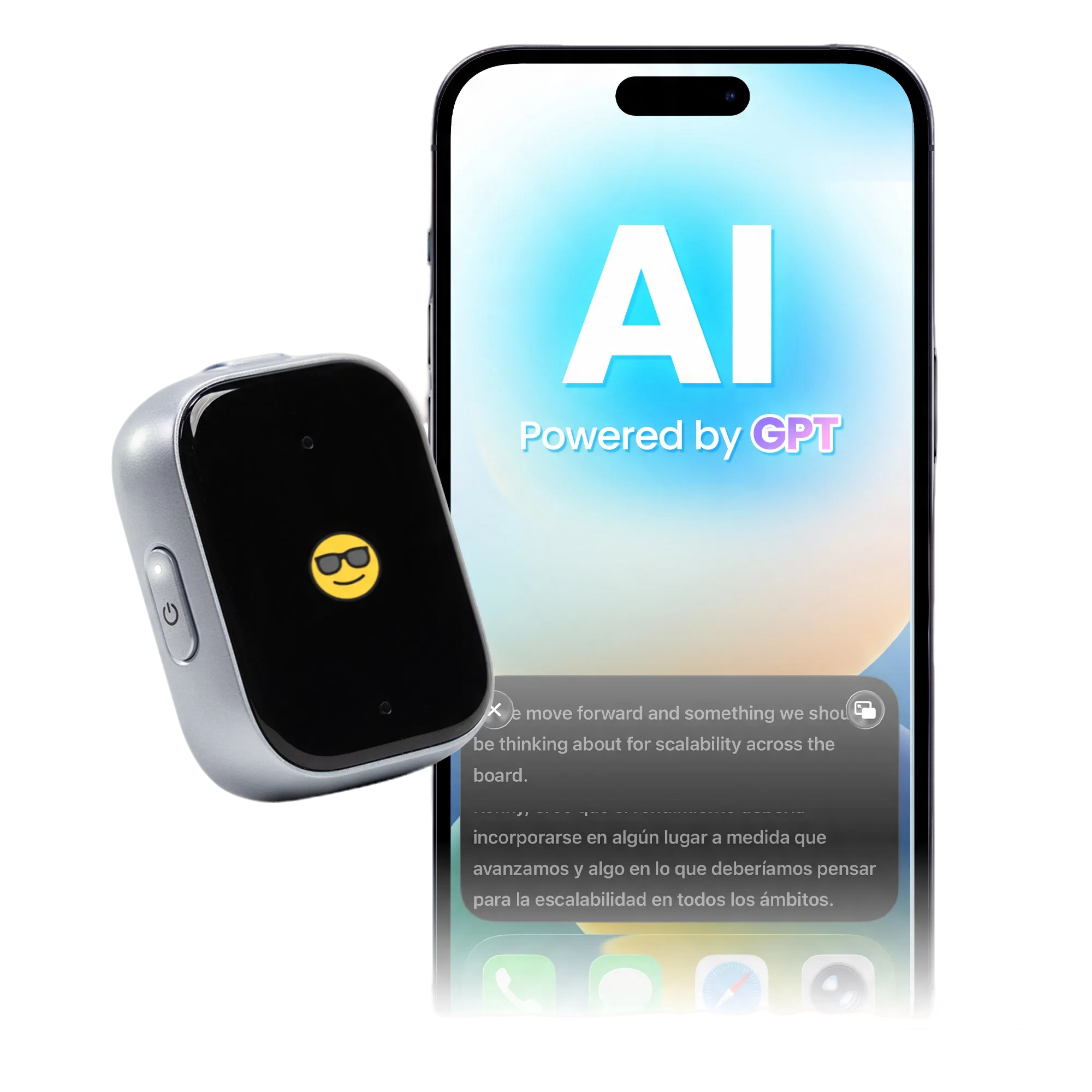
The iFLYTEK AI Recorder P1 is built for people who record throughout the day and want something easier to carry. Its slim design works well for interviews, consultations, lectures and spoken notes.
After recording, the P1 can transcribe speech, identify speakers and create summaries. Files can be transferred over Wi-Fi to its connected platform, avoiding the slower workflow of moving every recording manually.
It offers up to 25 hours of continuous recording and storage for hundreds of hours of audio. That makes it practical for users who do not want to recharge or clear the device after every session.
The P1 is not intended for studio-quality music or large auditoriums. Its strength is turning everyday conversations into organized information without adding much equipment to your bag.
iFLYTEK Smart Recorder: Best for Offline Transcription
The iFLYTEK Smart Recorder is the more focused choice for people who want speech-to-text without depending on a constant internet connection.
It supports real-time offline transcription in Chinese, English, Japanese, Korean and Russian. Its microphone system is designed to capture voices from up to 10 metres away, while built-in noise reduction helps separate speech from common background noise.
The recorder has 32GB of storage, providing space for up to 175 hours of audio. Recordings and transcripts can also be transferred to a computer.
Its interface is more basic than the S6, and its continuous recording time is shorter than the P1’s. What it offers in return is a straightforward offline workflow that suits confidential meetings, field interviews and places with unreliable connectivity.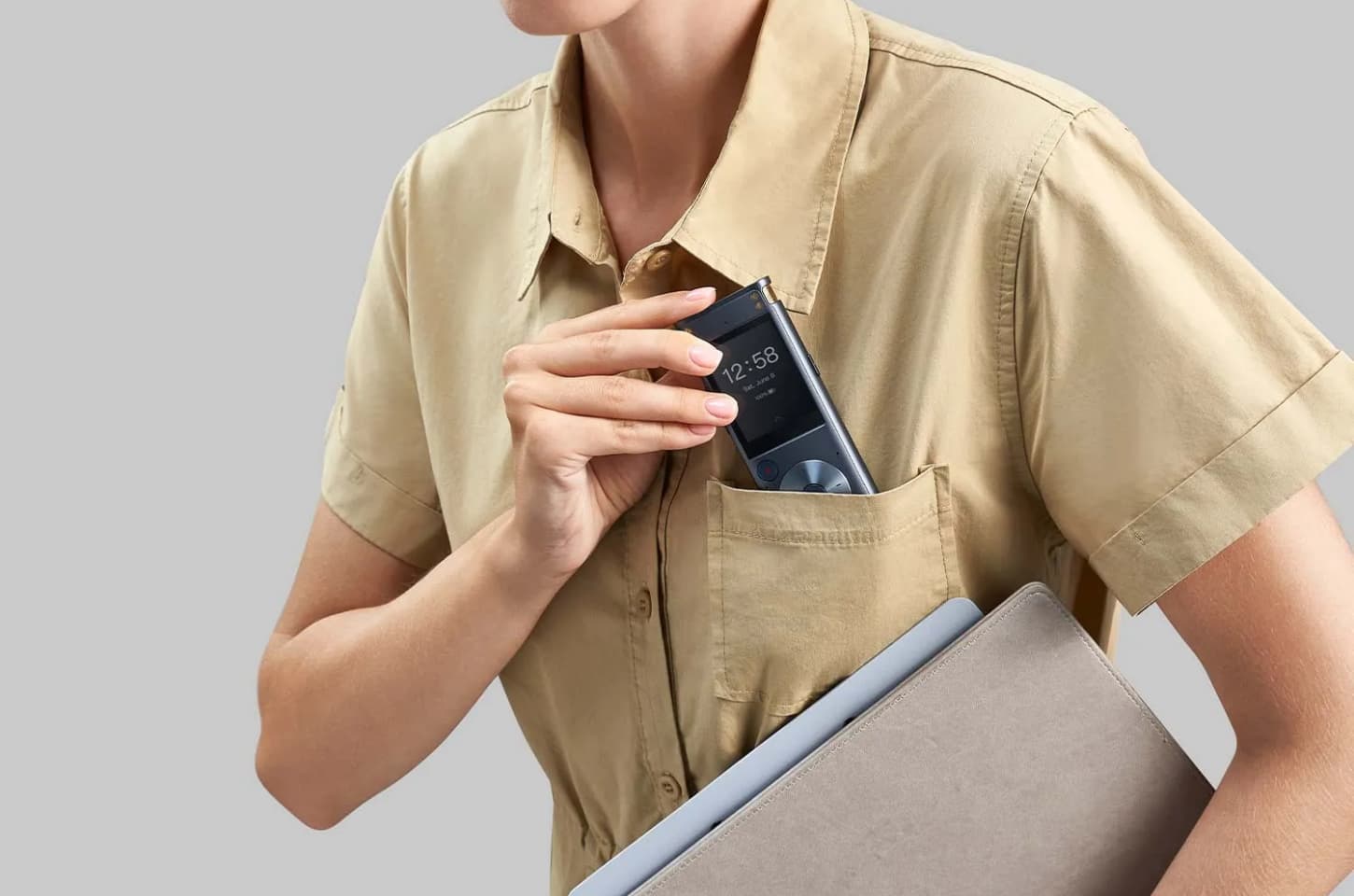
Sony ICD-UX570: Best for Simple Voice Recording
Not every recording needs to become an AI-generated summary. The Sony ICD-UX570 is a sensible option for users who want dependable audio without another app or connected service.
It records in Linear PCM or MP3 and includes voice-focused noise reduction. The compact body is easy to carry, and the built-in USB connector plugs directly into a computer for charging and file transfer.
Its 4GB of internal memory is limited, although additional storage is supported. It also does not provide built-in transcription, so converting a lecture or interview to text requires separate software.
For classes, spoken reminders and occasional interviews, that simplicity may be an advantage rather than a limitation.
Zoom H1essential: Best for Creative Audio
The Zoom H1essential belongs in a different category from the speech-focused recorders above. It is designed for musicians, podcasters, filmmakers and creators who need audio they can shape during production.
Its X/Y microphones capture stereo sound, while 32-bit float recording provides more room to correct levels during editing. The recorder supports WAV recording at up to 96kHz and can also work as a USB microphone.
A microSD card is required, and there is no built-in transcription. Those limitations make it less convenient for meeting notes but do not matter as much when sound quality is the main goal.
For rehearsals, sound effects, podcasts and video work, the H1essential offers more useful audio flexibility than a conventional meeting recorder.
Digital Voice Recorder Comparison
|
Model |
Best use |
Transcription |
Main advantage |
Main limitation |
|
iFLYTEK AI Recorder S6 |
Professional meetings |
Online and offline |
Long-range pickup and meeting tools |
More than casual users need |
|
iFLYTEK AI Recorder P1 |
Interviews and dictation |
Connected AI transcription |
Portable and easy to organize |
Not intended for large rooms |
|
iFLYTEK Smart Recorder |
Private and offline work |
Offline |
Works without constant internet |
Shorter continuous recording time |
|
Sony ICD-UX570 |
Lectures and voice notes |
No |
Simple recording and USB transfer |
Separate software needed for text |
|
Zoom H1essential |
Music and creative work |
No |
32-bit float stereo audio |
Memory card and editing workflow required |
What Matters—and What You Can Ignore
For meetings and interviews, microphone placement matters more than an impressive list of audio formats. A recorder close to the speaker will often produce better results than a more expensive device left at the other end of the room.
Transcription is valuable when it removes a real step from your workflow. If every recording eventually becomes notes, searchable text or a summary, built-in transcription can save considerable time. If you rarely need written output, it may be an unnecessary feature.
Large storage numbers are also easy to overvalue. Most people benefit more from simple file export and good organization than from keeping years of recordings on one device.
Finally, do not pay for production features unless you plan to edit audio. High sample rates and 32-bit float recording are useful for creators, but they offer little practical benefit when the goal is to document a conversation clearly.
FAQ
What Is the Best Digital Voice Recorder for Dictation?
The iFLYTEK AI Recorder P1 is a strong choice when spoken notes need to become searchable text or summaries. If you only need to save and replay the audio, the Sony ICD-UX570 offers a simpler workflow.
The best dictation recorder should be easy to start, comfortable to carry and quick to review. Long-range microphones are less important when the speaker is close to the device.
Which Voice Recorder Is Best for Meetings and Interviews?
For meetings with several speakers, the iFLYTEK AI Recorder S6 is the stronger choice because it can capture voices across a larger room and separate different speakers in the transcript.
For one-on-one interviews, the smaller P1 is easier to carry and less distracting on the table. If it is a job interview, always ask before recording; here is a practical guide to recording a job interview. When the conversation needs to stay offline, choose the Smart Recorder instead.
Is a Dedicated Voice Recorder Better Than a Phone?
A phone is usually enough for short voice memos. A dedicated recorder becomes more useful during long meetings, important interviews or situations where calls and notifications could interrupt the recording.
Dedicated devices may also provide better microphone placement, longer recording time, physical recording controls and more reliable file management. Models with built-in transcription can reduce the amount of work required after the conversation ends.
Conclusion
There is no single digital voice recorder that is best at everything.
The iFLYTEK AI Recorder S6 is the strongest option for professional meetings and long-range recording. The P1 is more practical for interviews, dictation and work on the move, while the Smart Recorder is better suited to offline transcription.
The Sony ICD-UX570 keeps everyday recording simple. The Zoom H1essential serves creators who need editable, production-ready audio rather than automatic notes.
The deciding factor is not how many features a recorder has. It is whether those features make the work after recording any easier.