
-4.jpg?w=1000&h=1000&q=80)

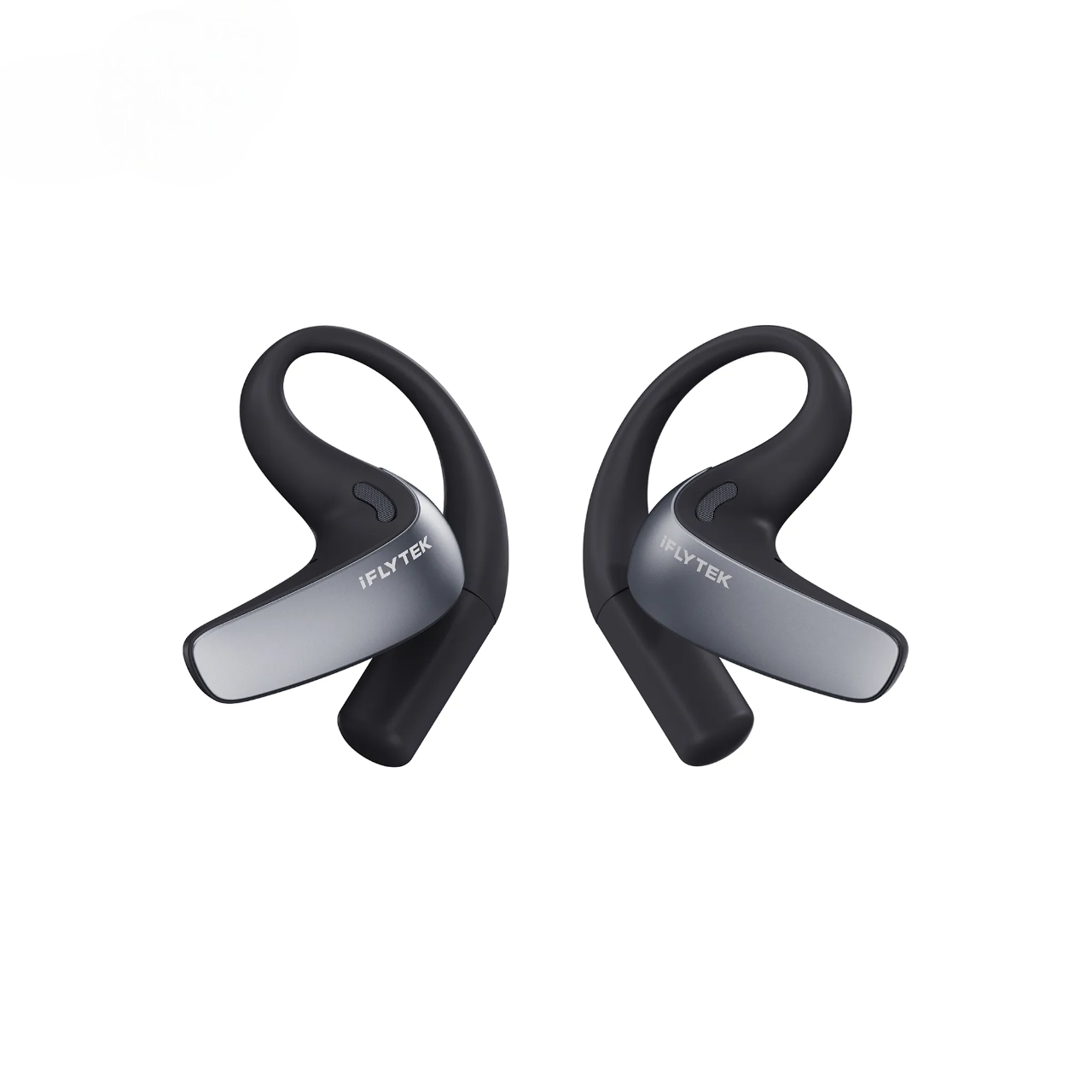
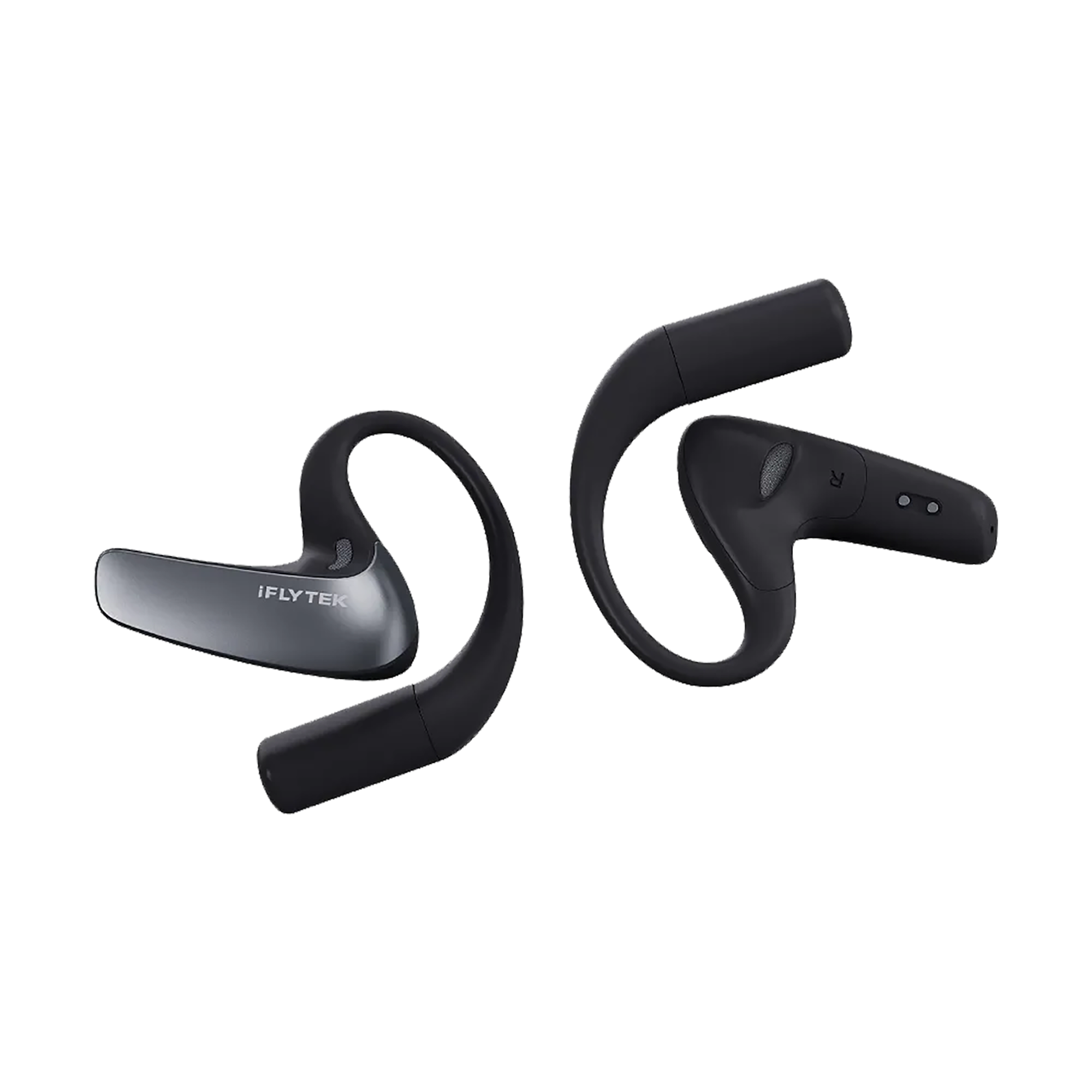
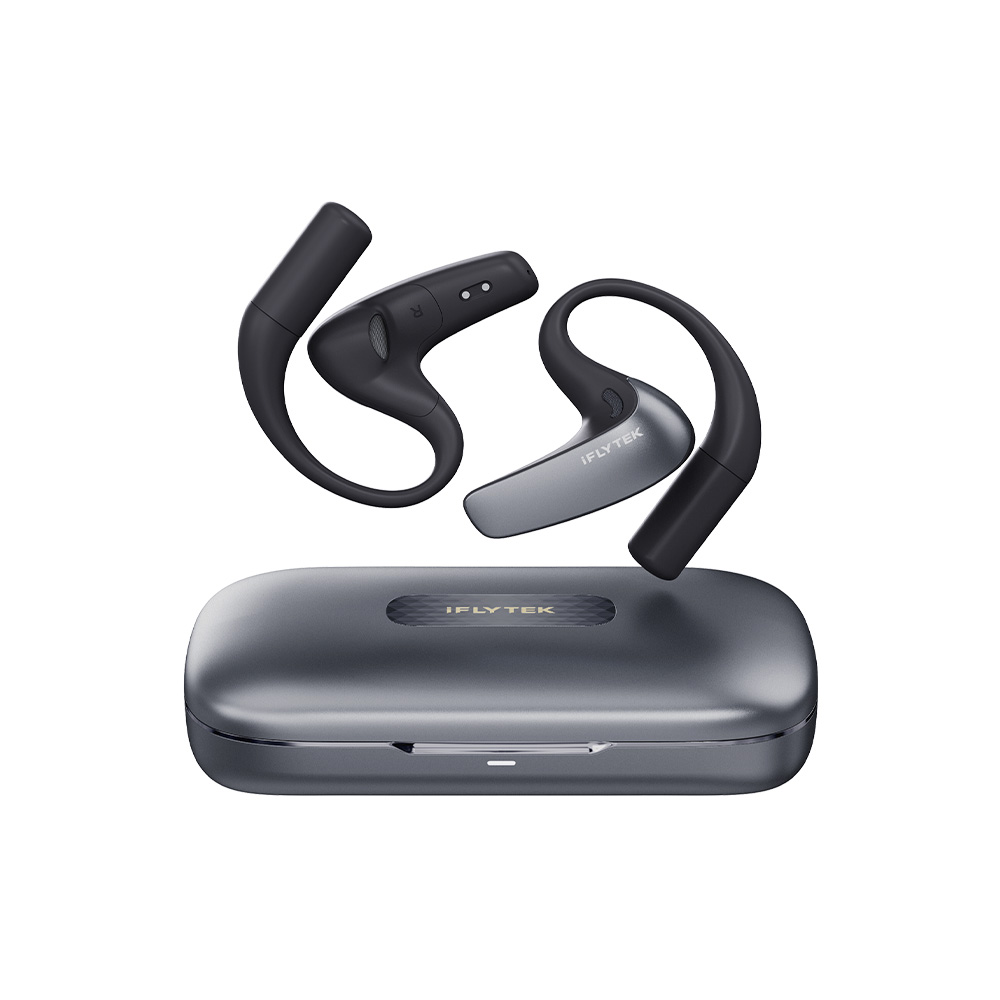
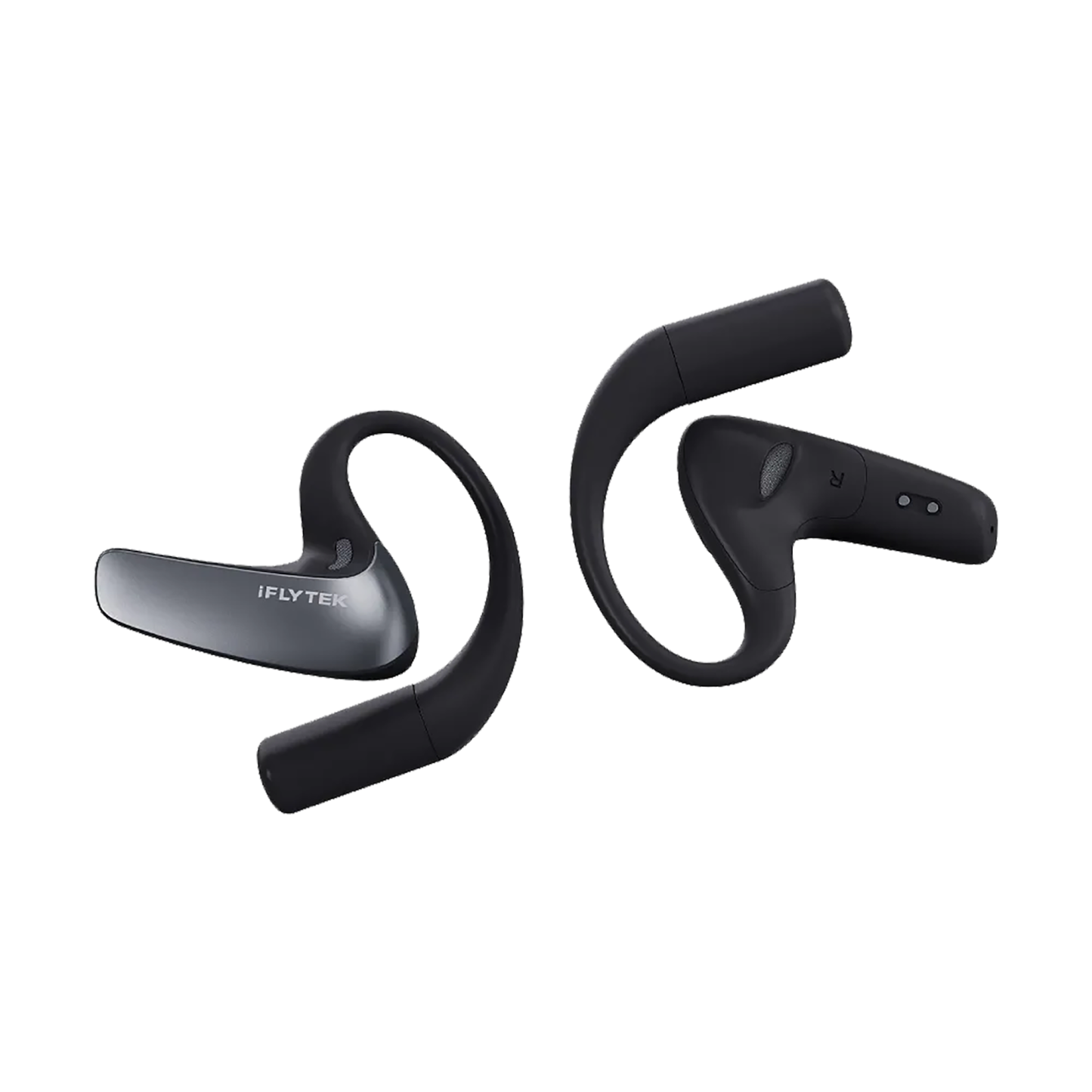
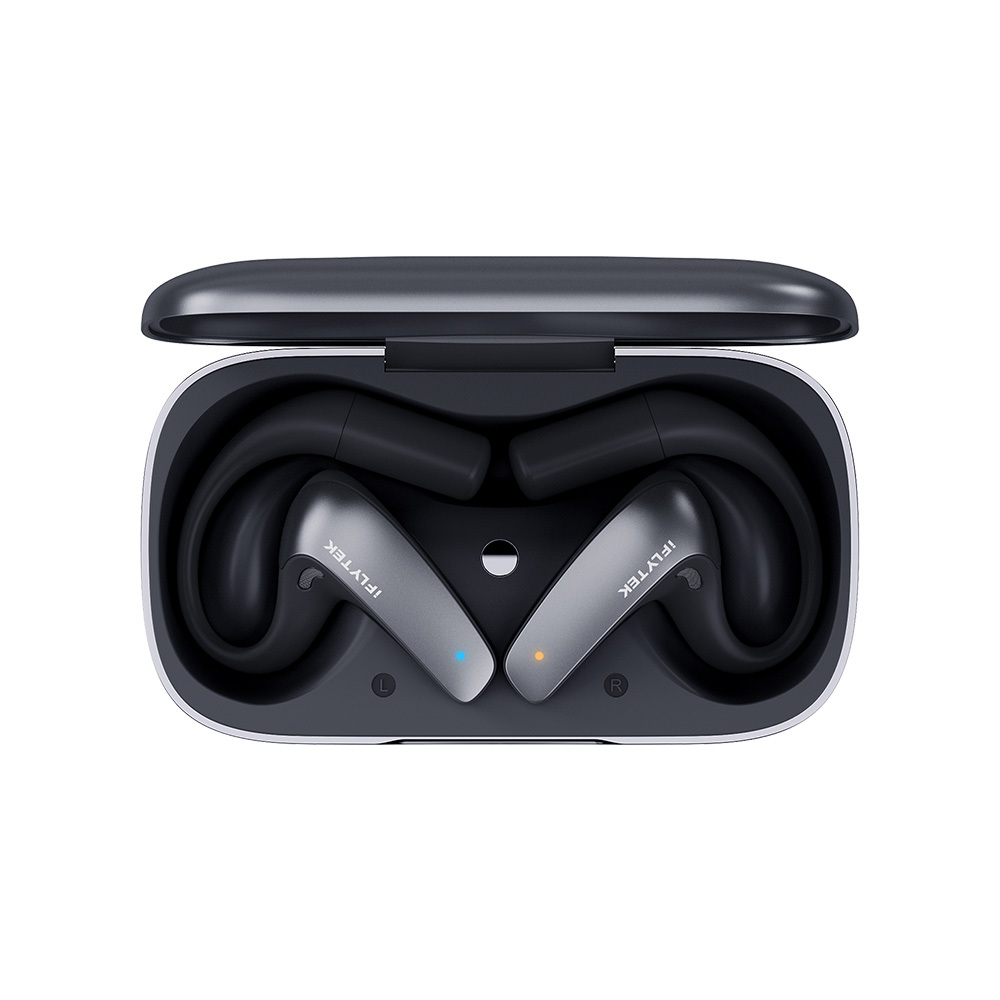
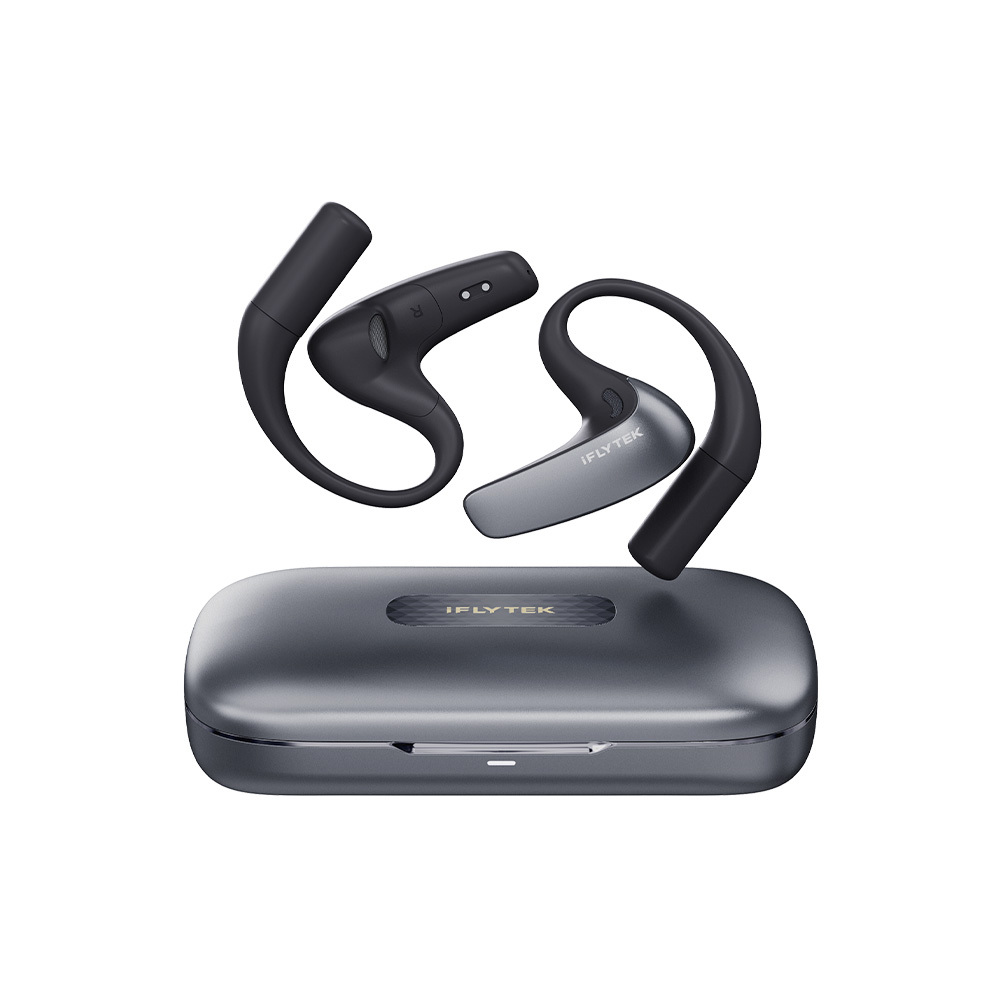
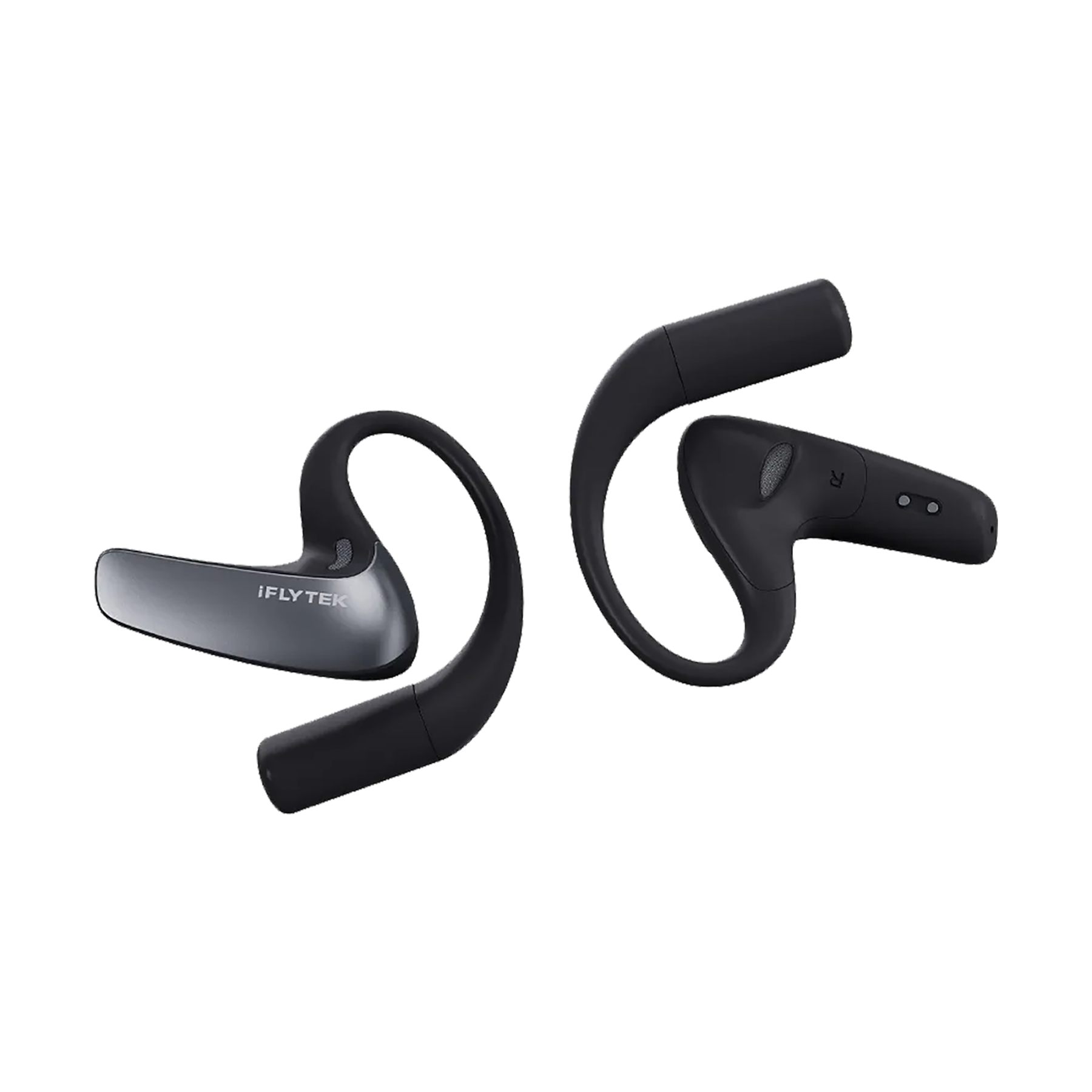
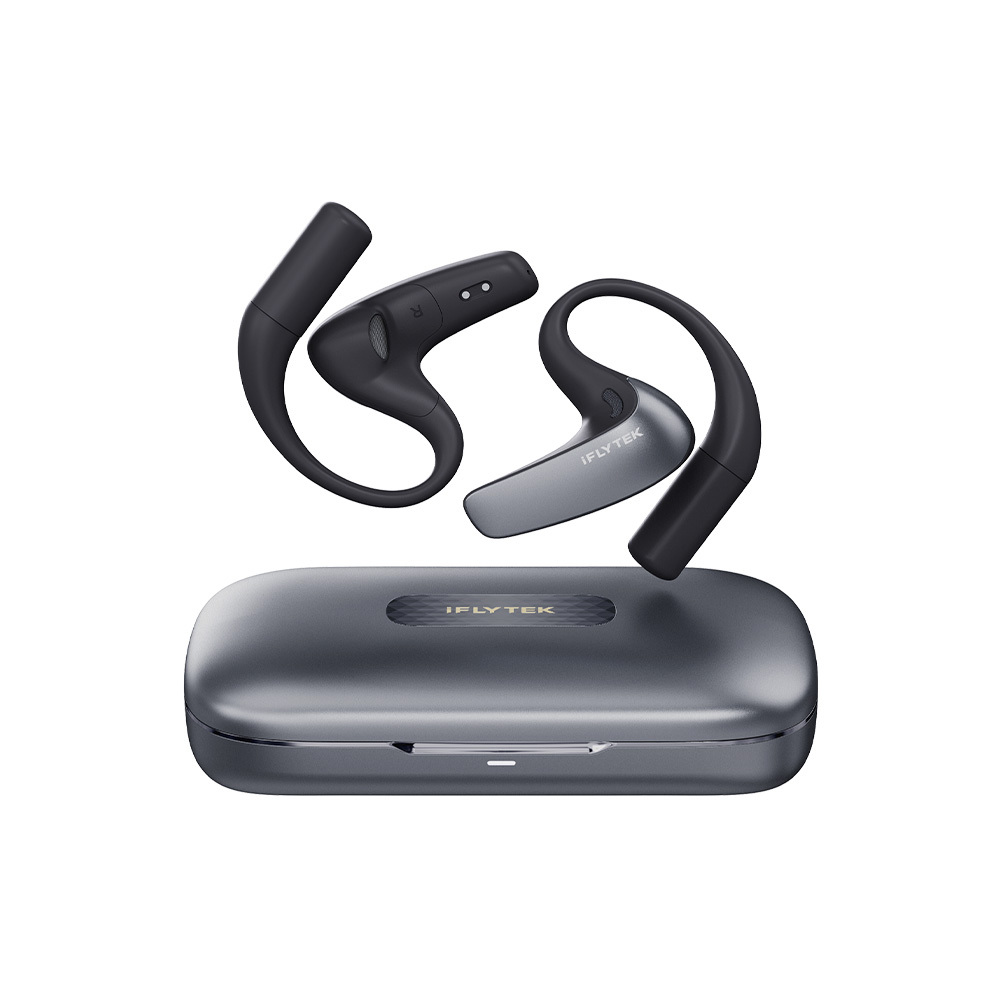
iFLYTEK AI Translation Earbuds
Product Details
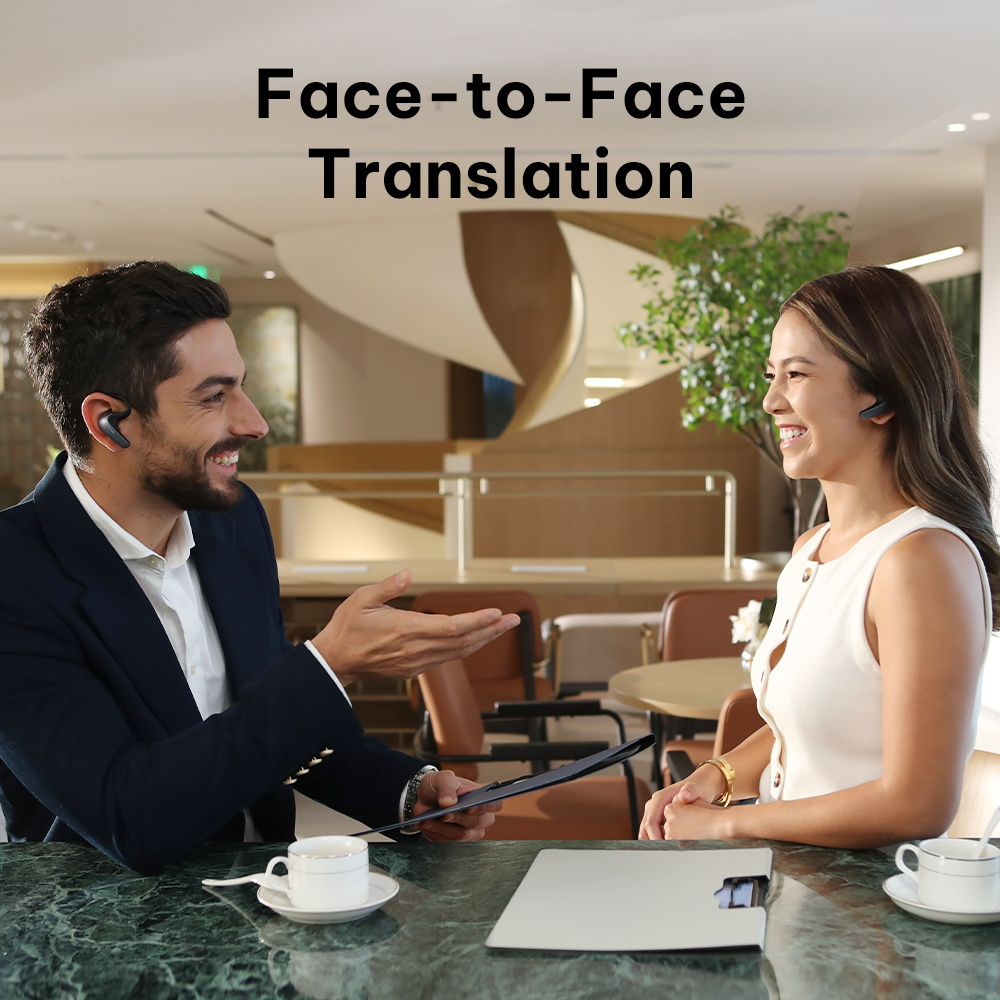
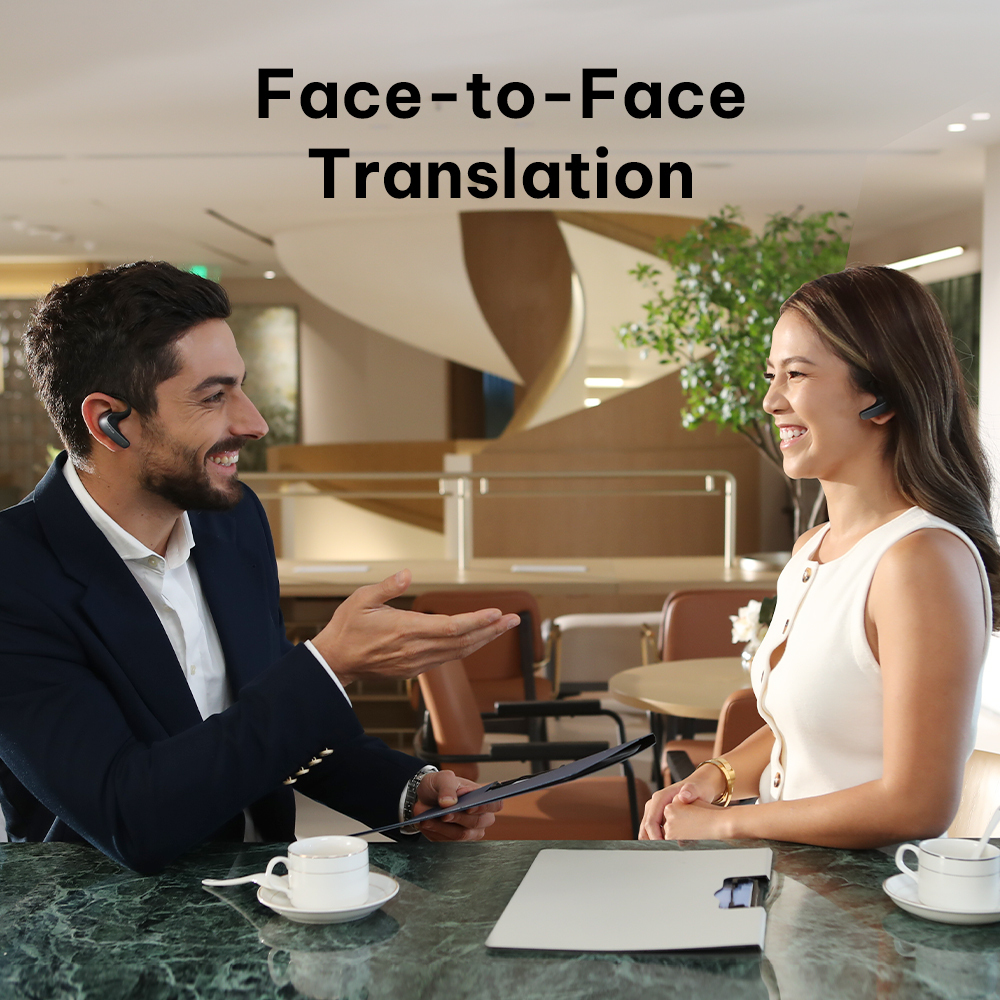
- Hands-Free Face-to-Face Simultaneous Interpretation
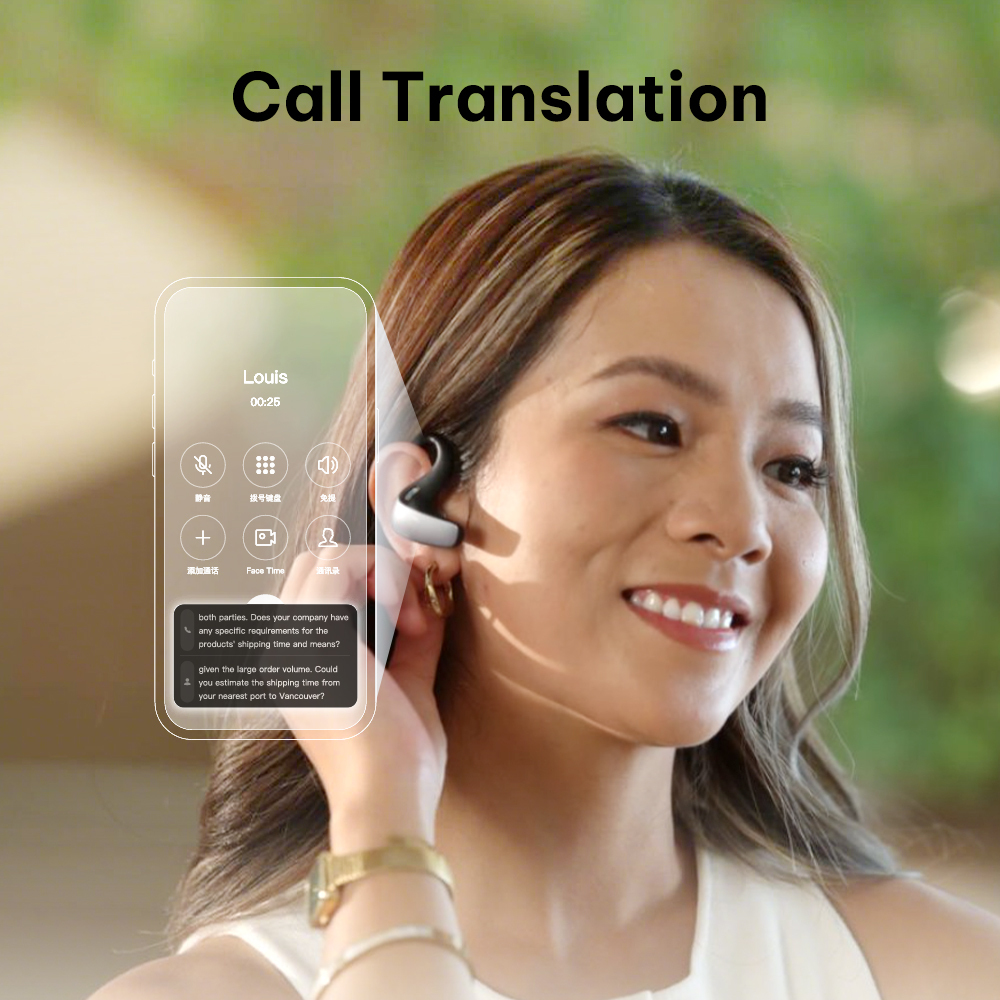
- Global Call Translation for 60+ Languages
- Long-Distance Live Meeting & Online Listening
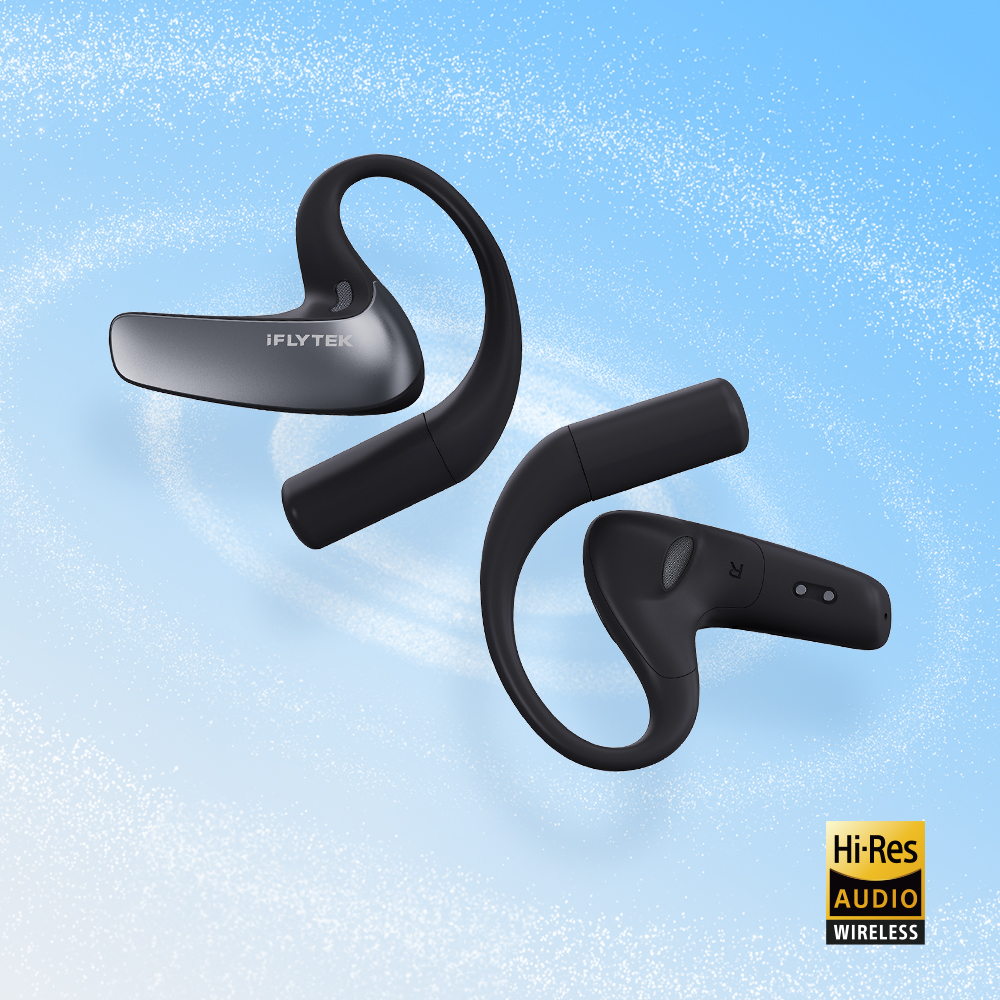
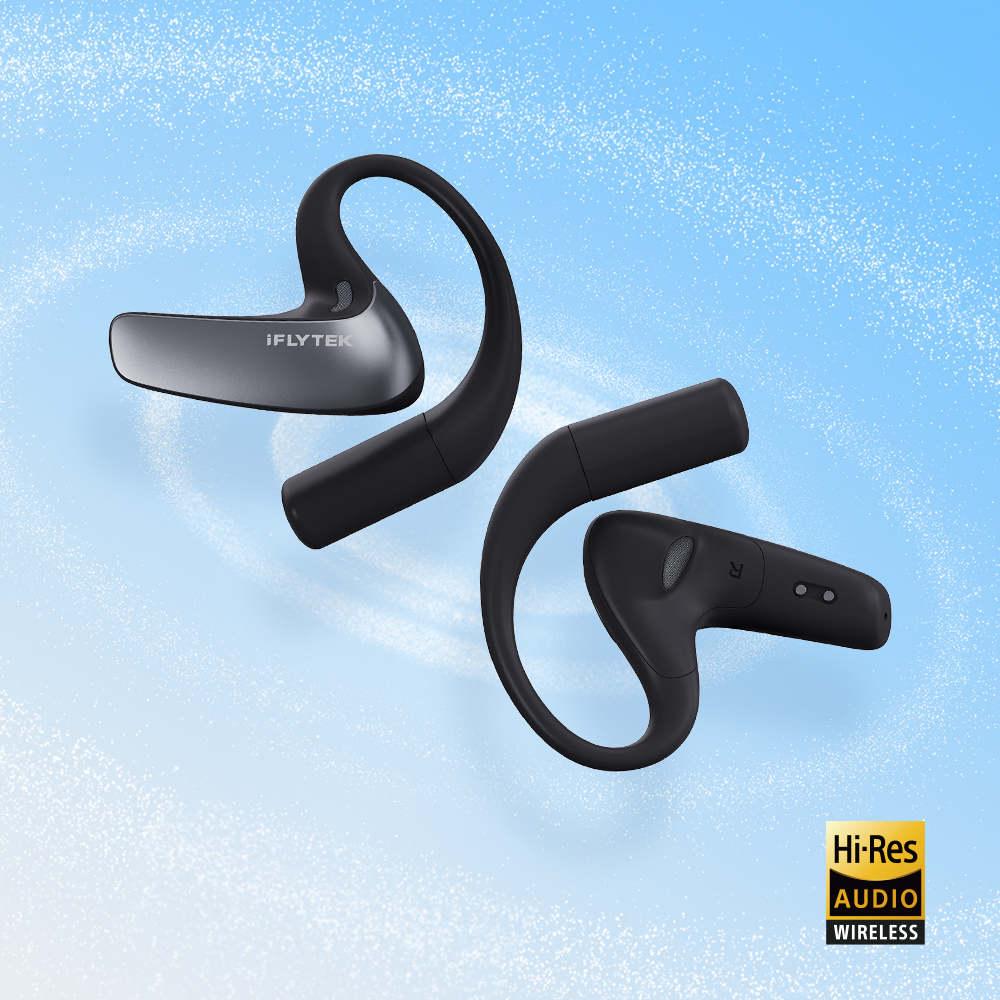
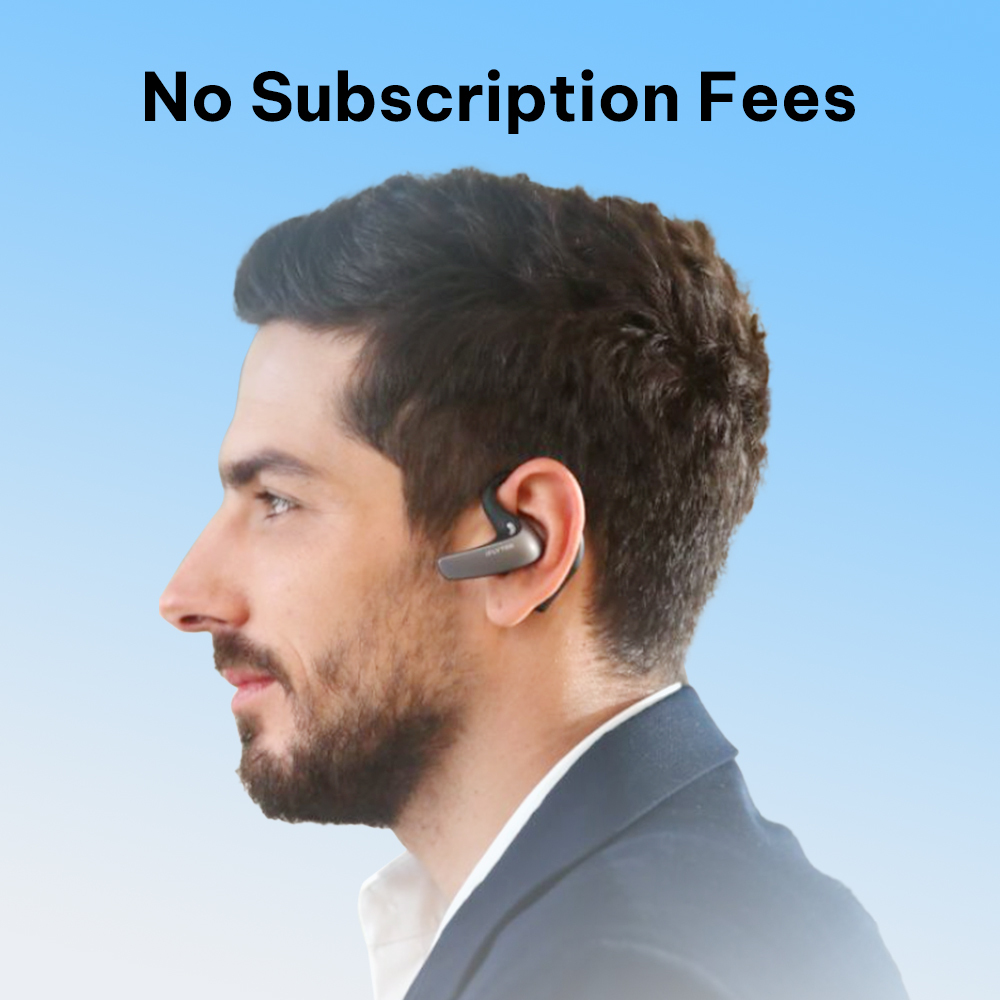
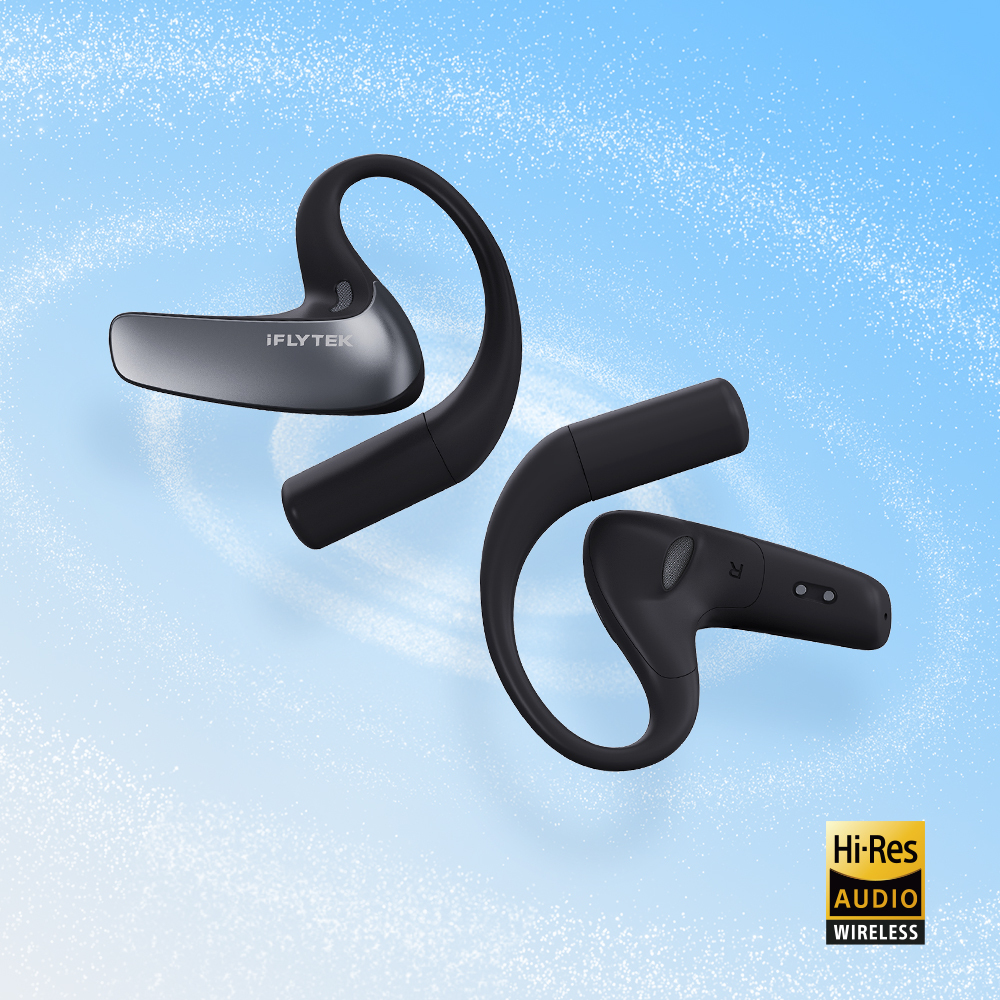
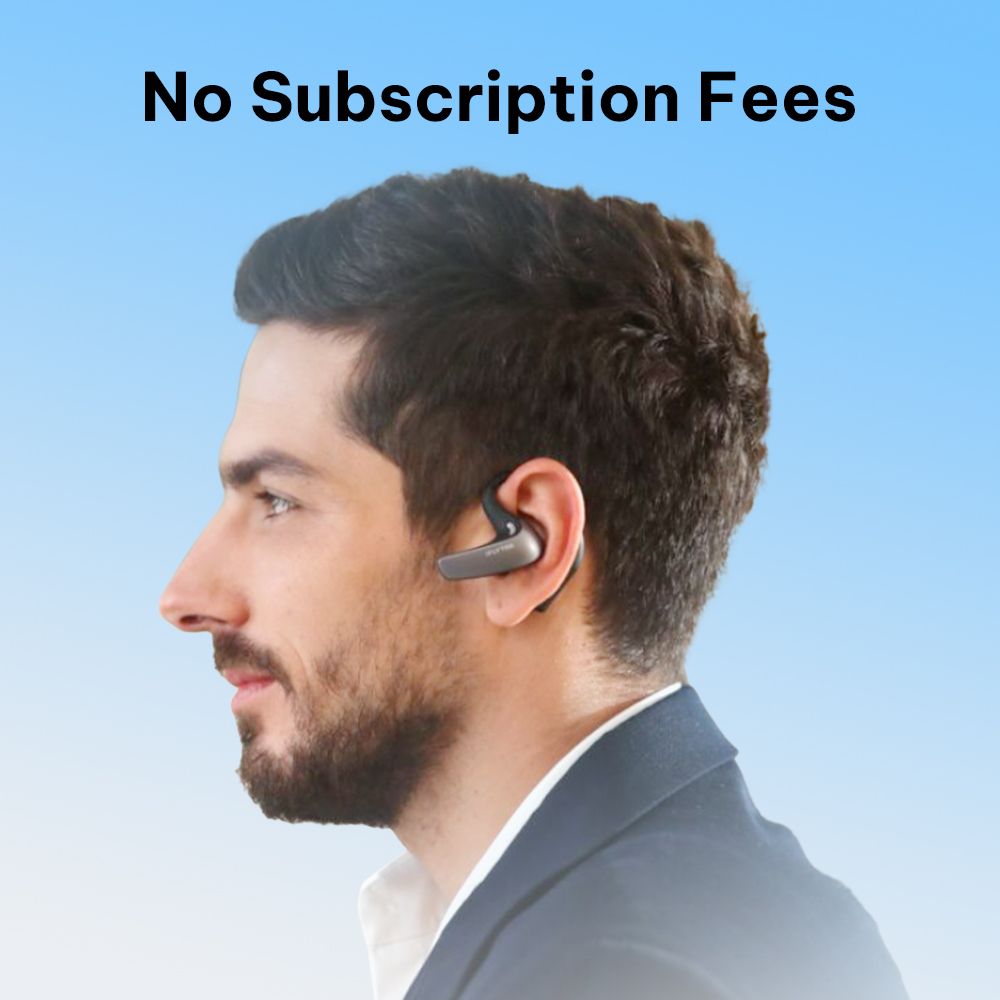
- Open-Ear Comfort & Hi-Res Privacy Protection
Shipping Info
Free Shipping (7–9 Business Days) to the United States.

-4_1445x.jpg?w=1000&h=1000&q=80)


-4_1800x.jpg?w=1000&h=1000&q=80)


iFLYTEK AI Translation Earbuds — Smart, Precise, Effortless
Experience effortless cross-border conversations, instant bilingual meeting transcriptions, and whisper-clear calls. Designed for global professionals who require precision, privacy, and speed in every interaction.


60 Languages, 116 Regional Accents.
Every Conversation, Covered.
60 Languages, 116 Regional Accents.
Every Conversation, Covered.


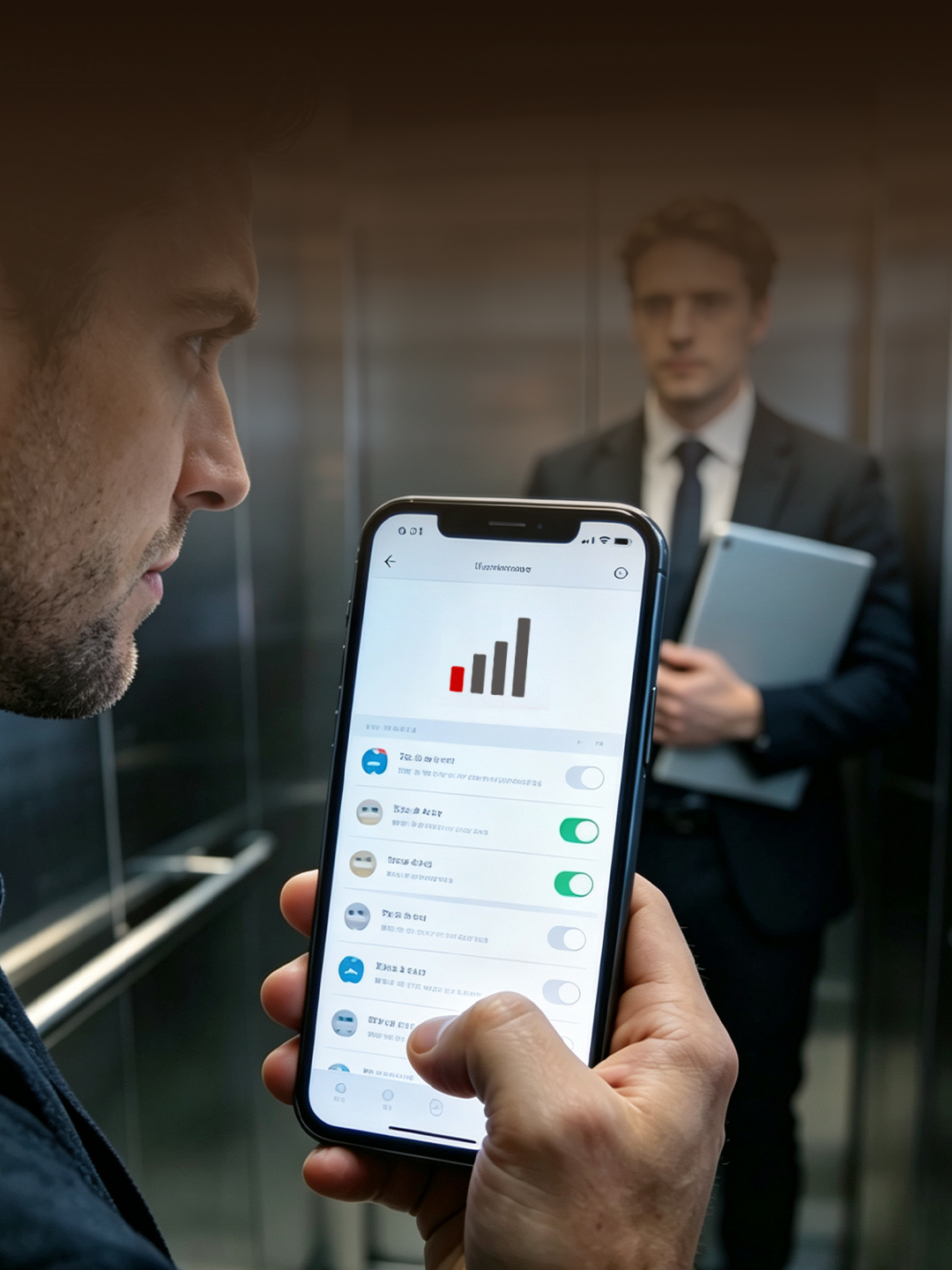
Accuracy Where it Matters

When Translation Lags, Trust Drops




Smart Translation for Work, Travel, and Life
-
Face-to-Face
-
In-Person Event
-
Phone Call
-
Online Meeting
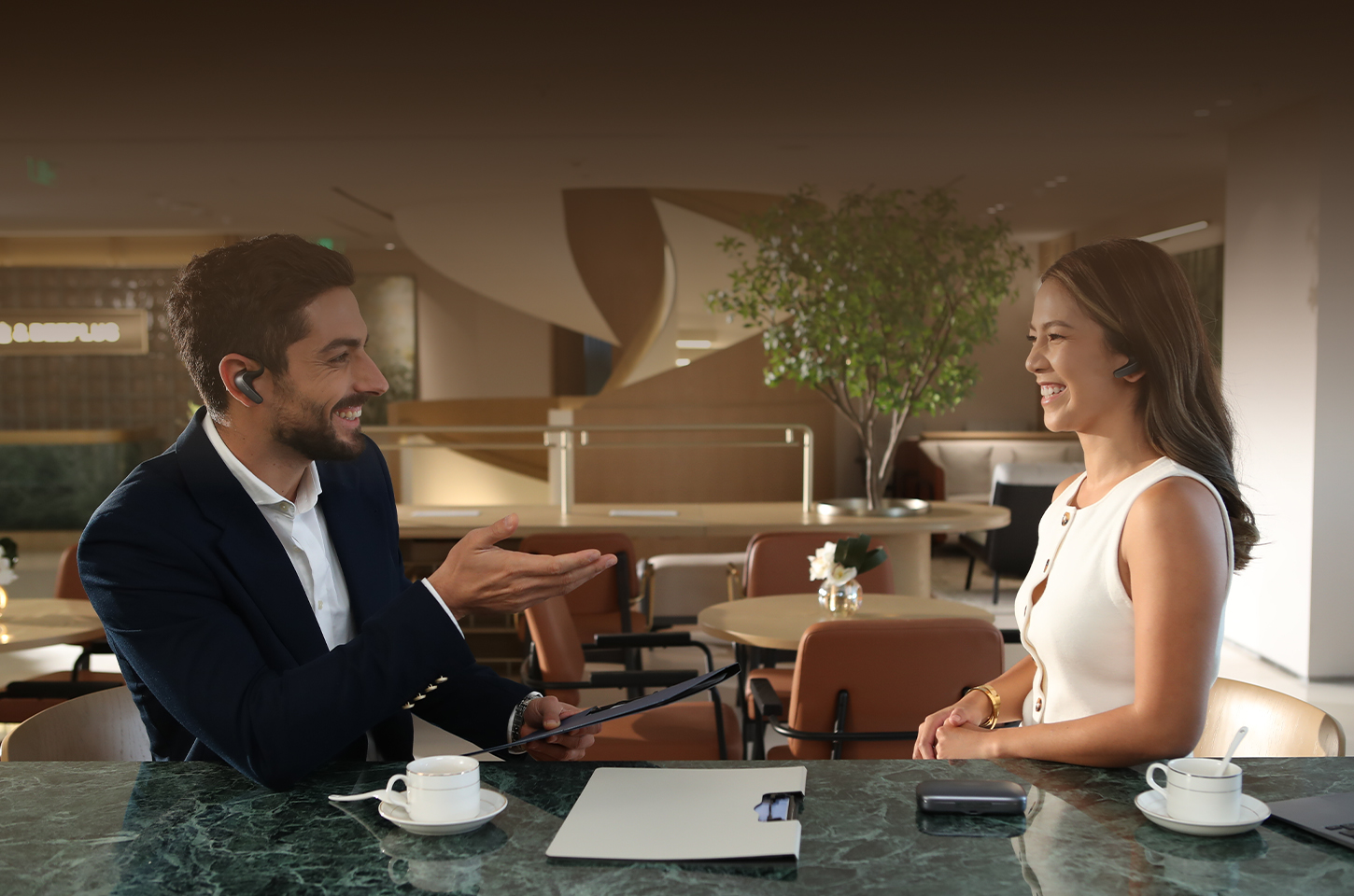
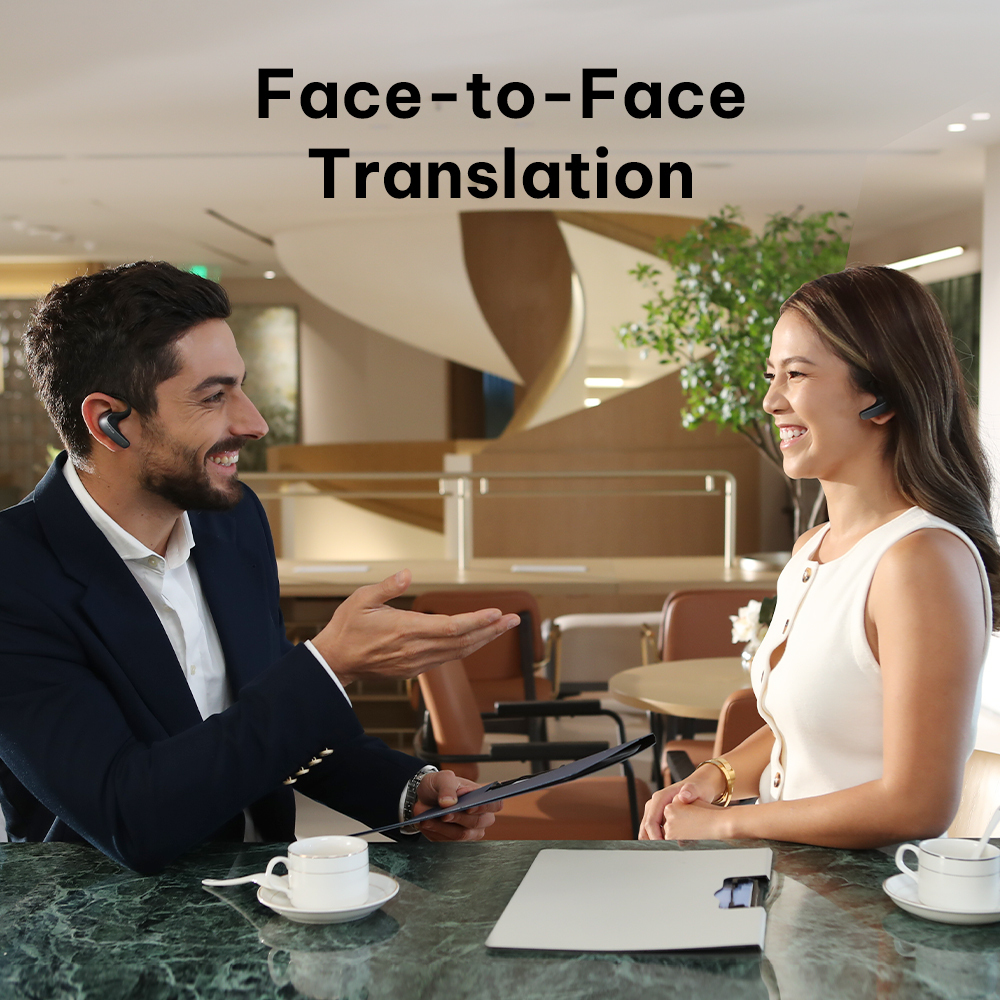
Share one earbud to converse naturally in your native languages. Next-gen end-to-end technology delivers real-time translation twice as fast as traditional devices.
-
2× Faster Speed: End-to-end LLM delivers instant, fluid two-way dialogue.
-
Proximity Noise Isolation: Triple-mic system filters ambient noise within 15 cm.
-
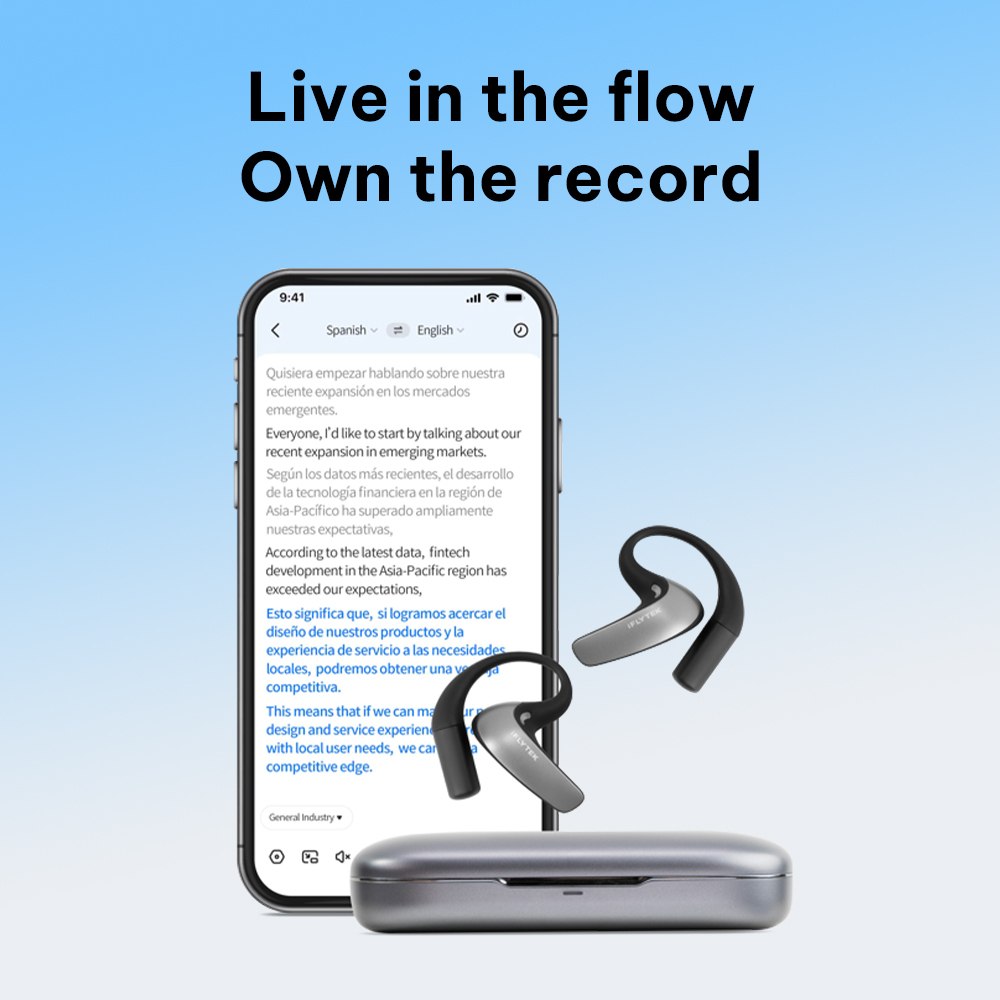
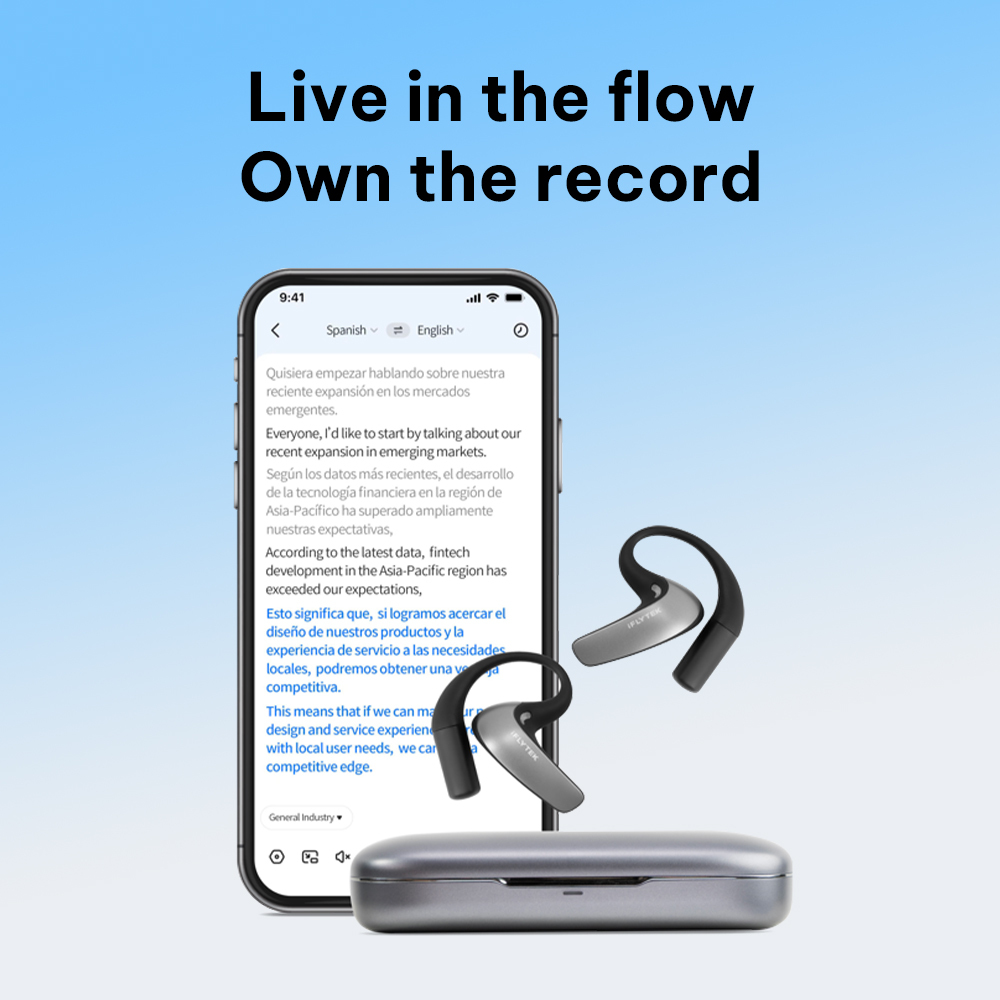
Split-Screen App UI: View live subtitles in side-by-side or vertical layouts.

Wear one or both earbuds to listen to live keynotes, lectures, and business conferences. Turn your earbuds into a personal interpreter that streams instant translation directly to your ears.
-
8-Meter Pickup: Captures distant speaker audio clearly in large halls.
-
Far-Field Cancellation: Filters out venue background noise for crystal-clear audio.
-
Floating Overlay: Pin live text subtitles on screen while taking notes in other apps.
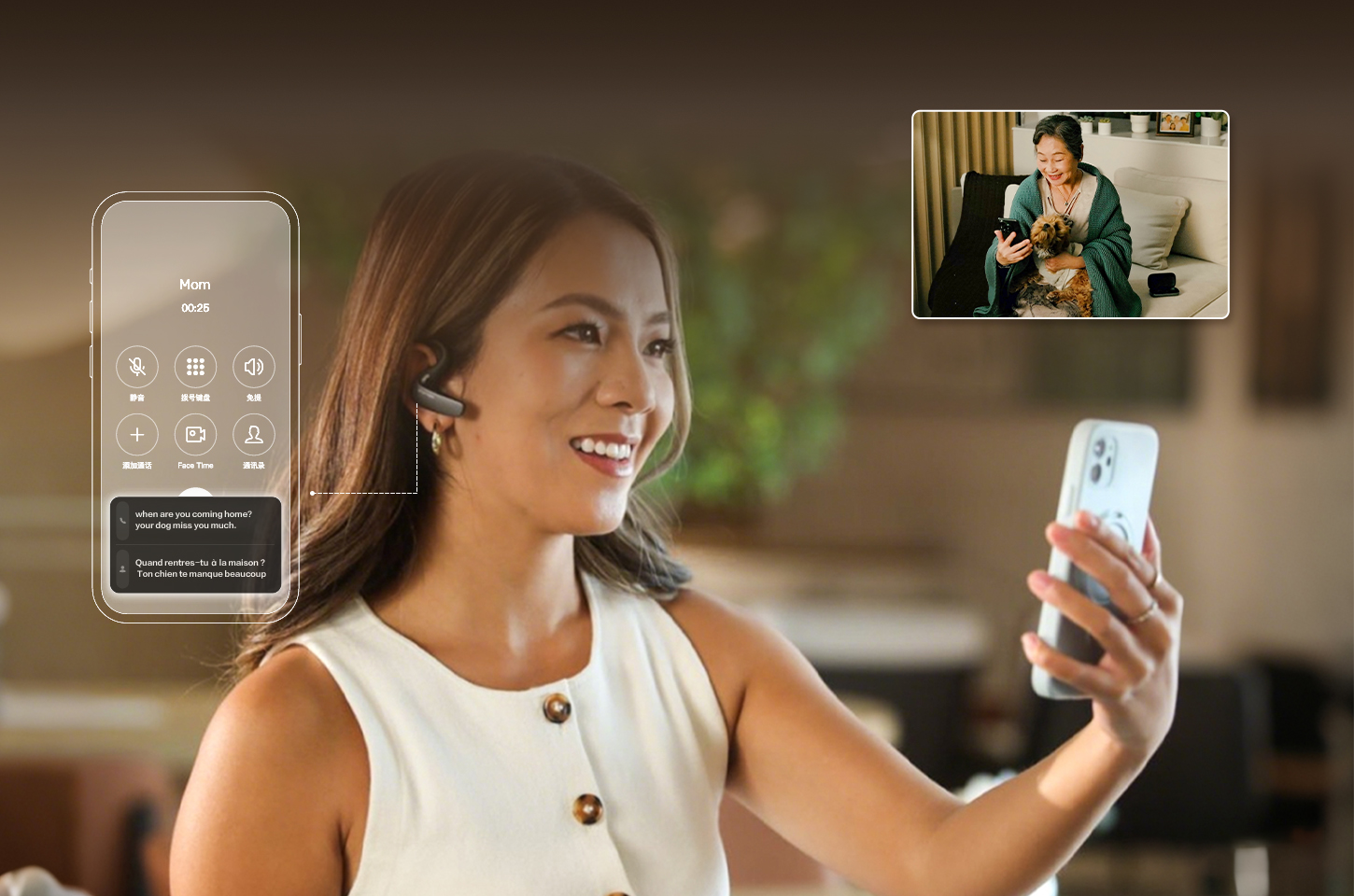
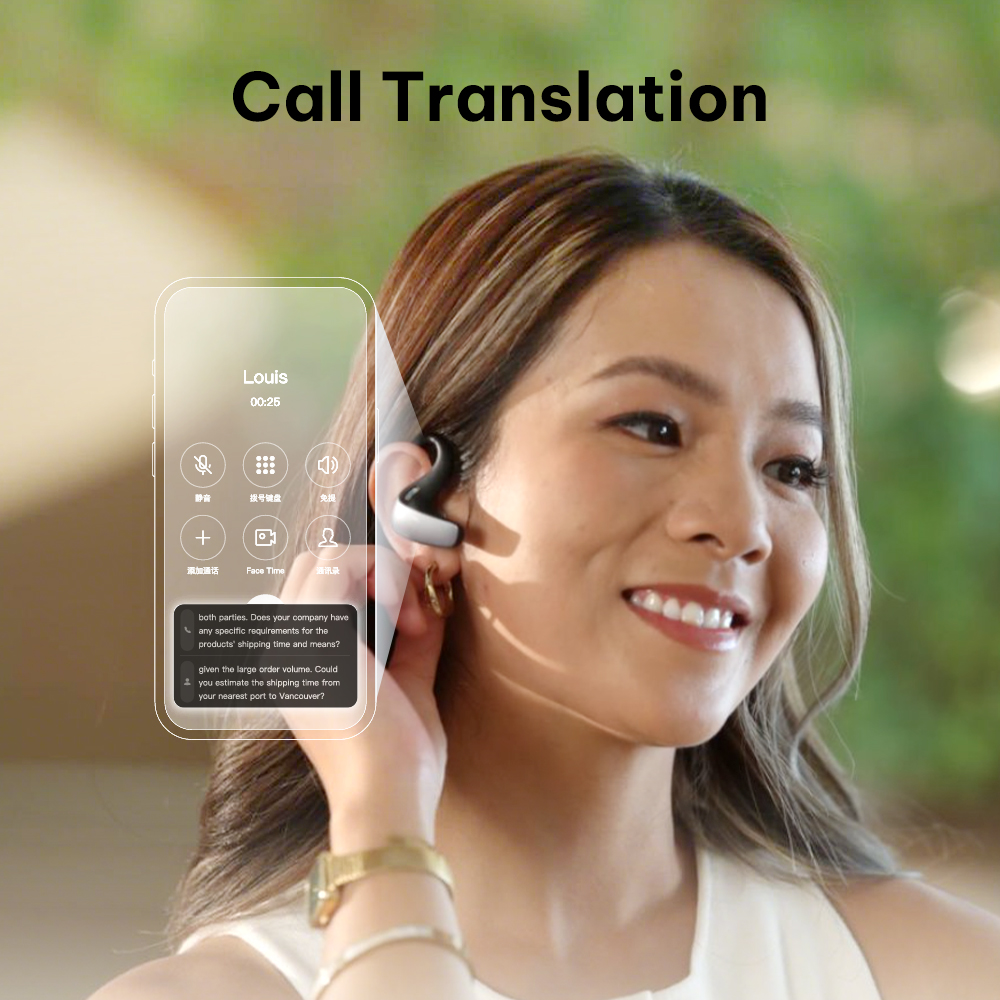
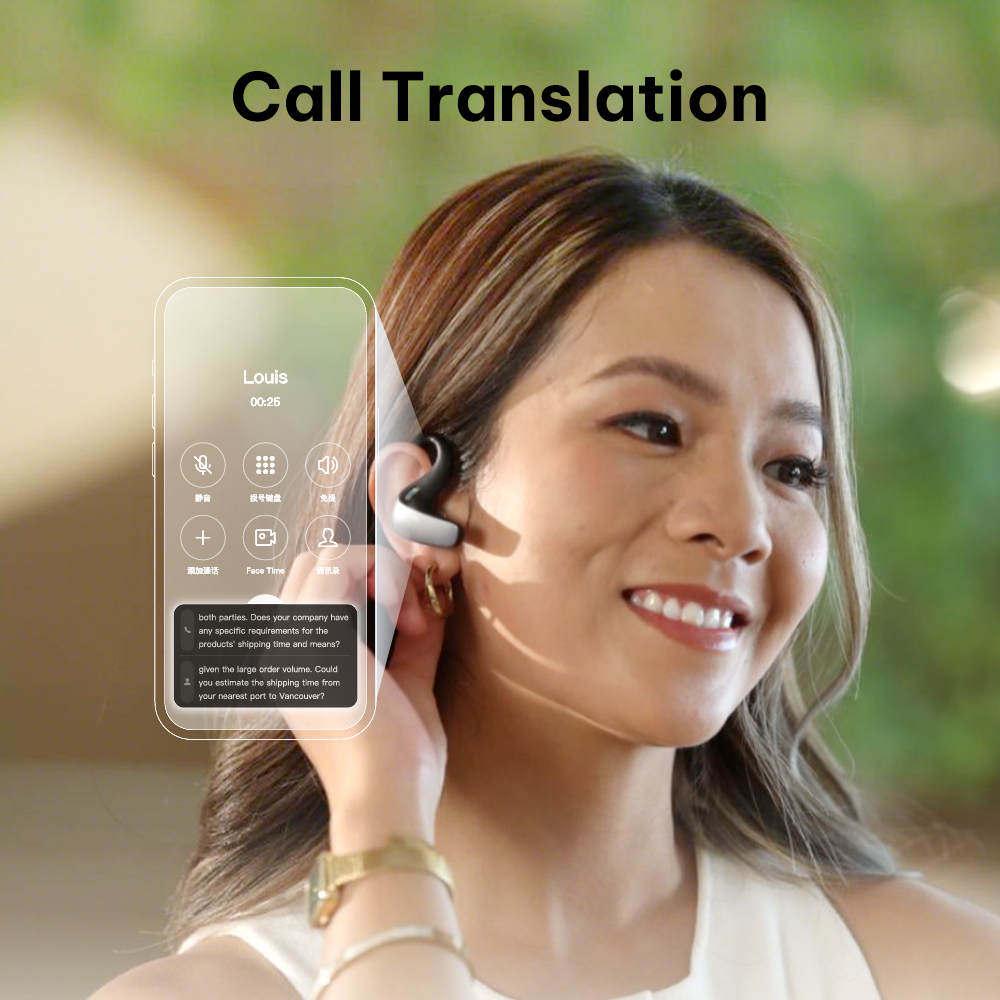
Break language barriers on every call. Supports standard SIM cellular calls as well as voice and video chats on popular messaging apps with clear two-way translation.
-
Cellular & App Support: Works with standard phone calls and VoIP calling apps.
-
Non-Intrusive Floating Window: View live subtitles without blocking your video call screen.
-
Ultra-Clear Voice: Dedicated triple-mic noise cancellation blocks ambient noise during calls.

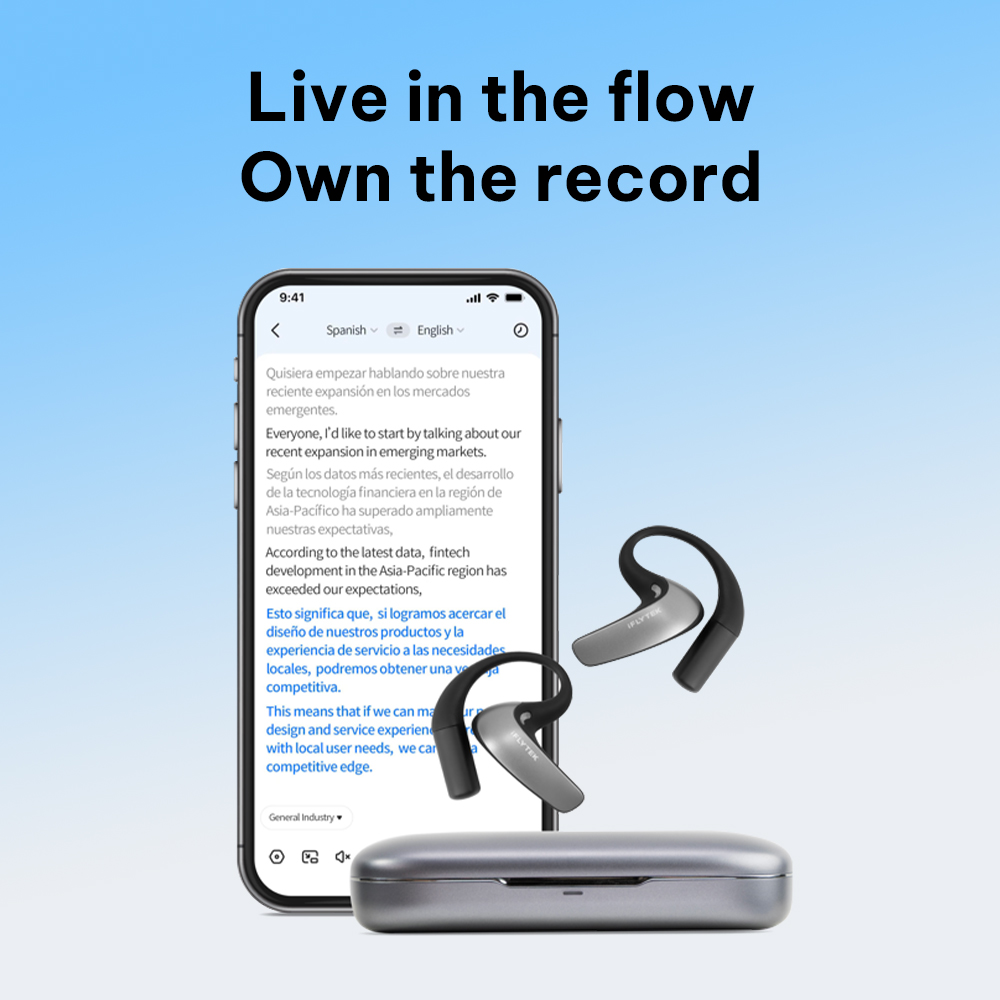
Capture and translate meeting audio directly from your device. Stream live text subtitles or continuous voice translation seamlessly across all major conference platforms.
-
Universal Compatibility: Broadly supports Zoom, Google Meet, Teams, WhatsApp, WeChat, Lark, and more.
-
Multitasking Overlay: Displays live subtitles overlaying other apps for effortless multitasking.
-
Direct System Audio: Captures clear device audio without interference.


Engineered for Professionals: All-Day Comfort, Total Privacy
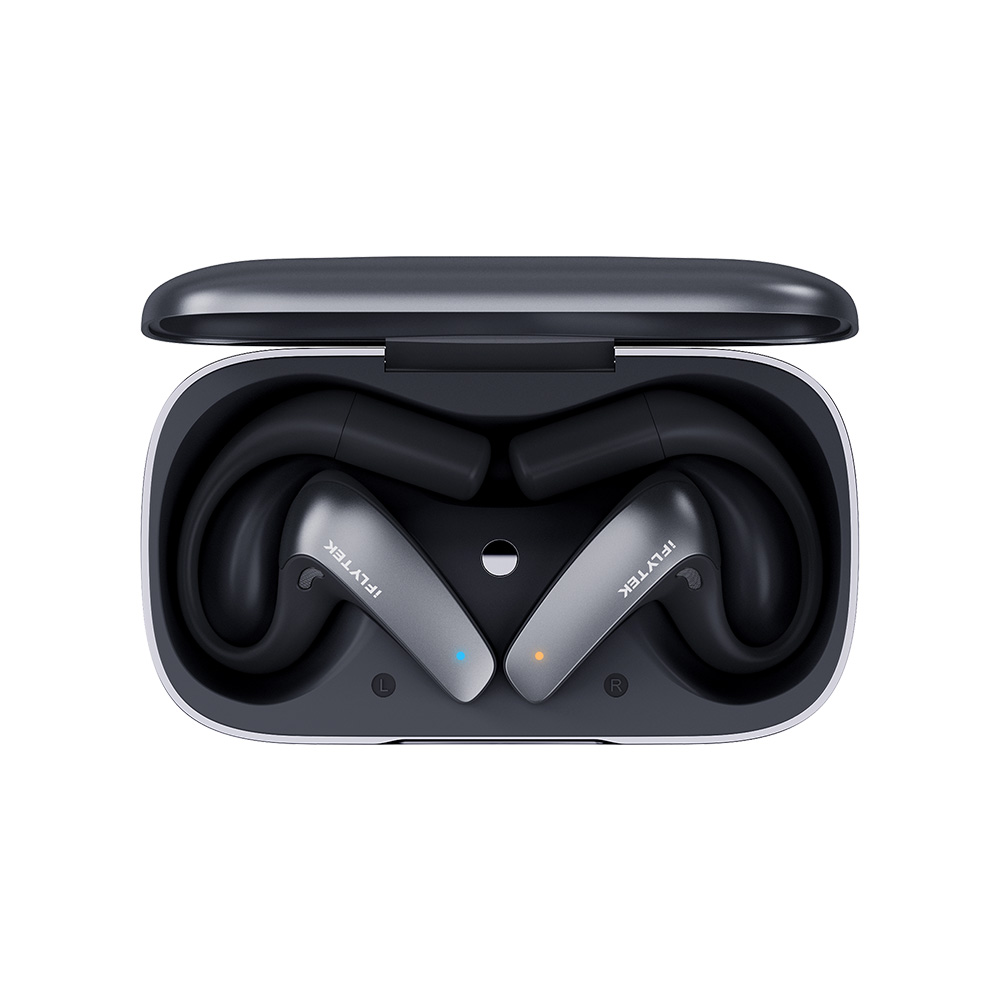
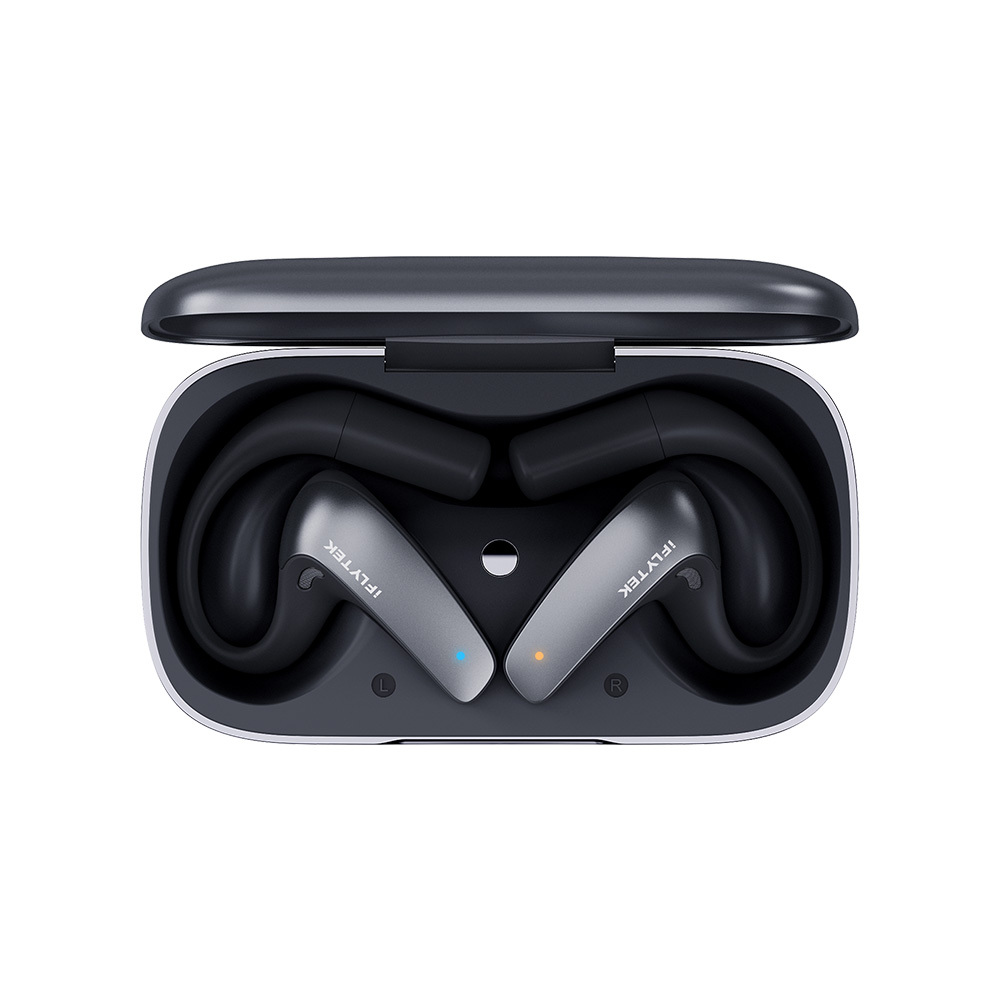
Redefine your daily workflow with open-ear translation earbuds engineered for perfection. Featuring 24/7 medical-grade silver-ion hygiene, a 30° directional extension mic for confidential and pinpoint voice pickup, and a portable charging case for effortless travel—experience zero-pressure wearability anywhere, anytime.


More Than Translation Earbuds
Designed for daily work, learning, and relaxation.
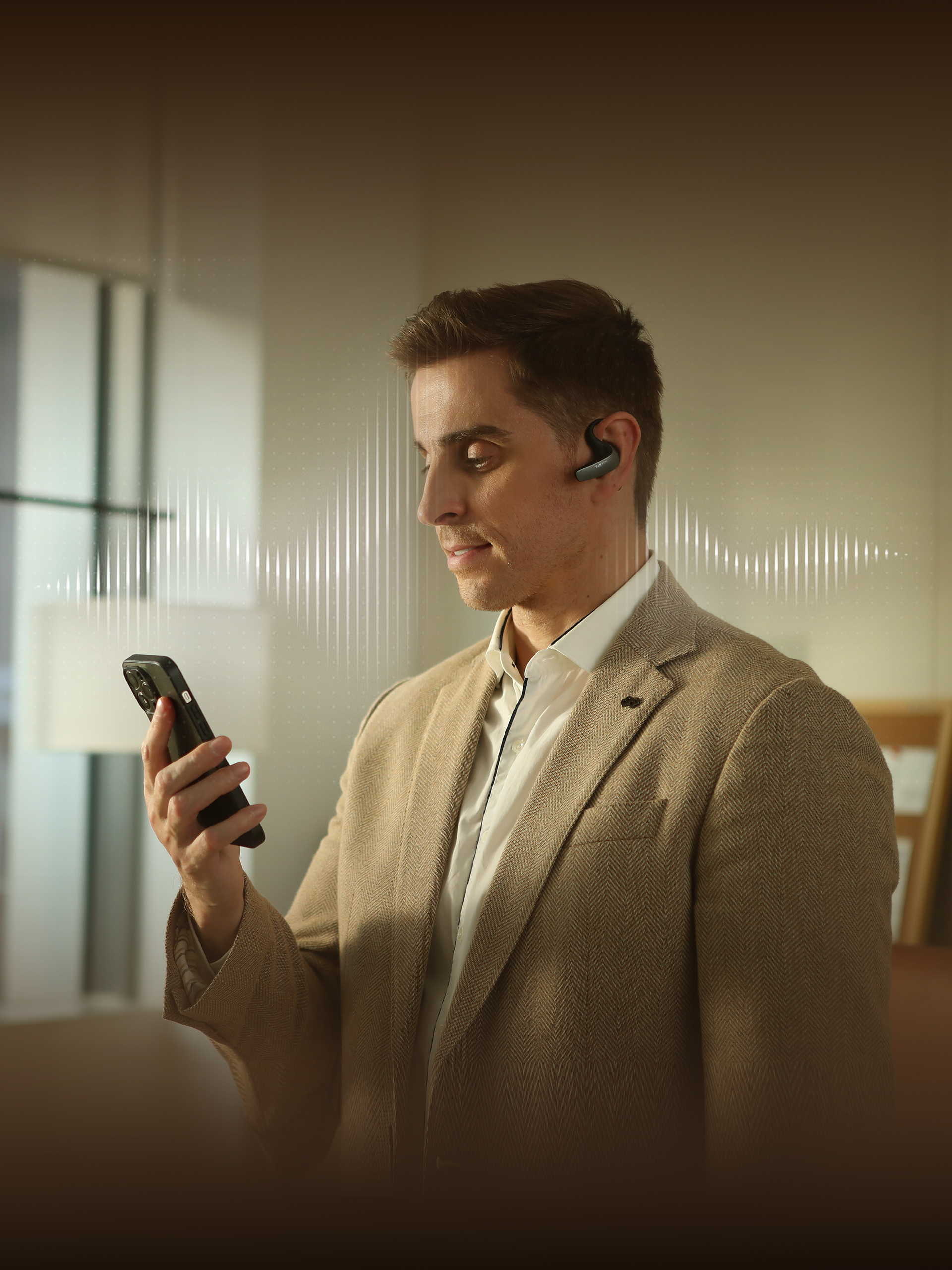
AI Speaking Coach on the Go
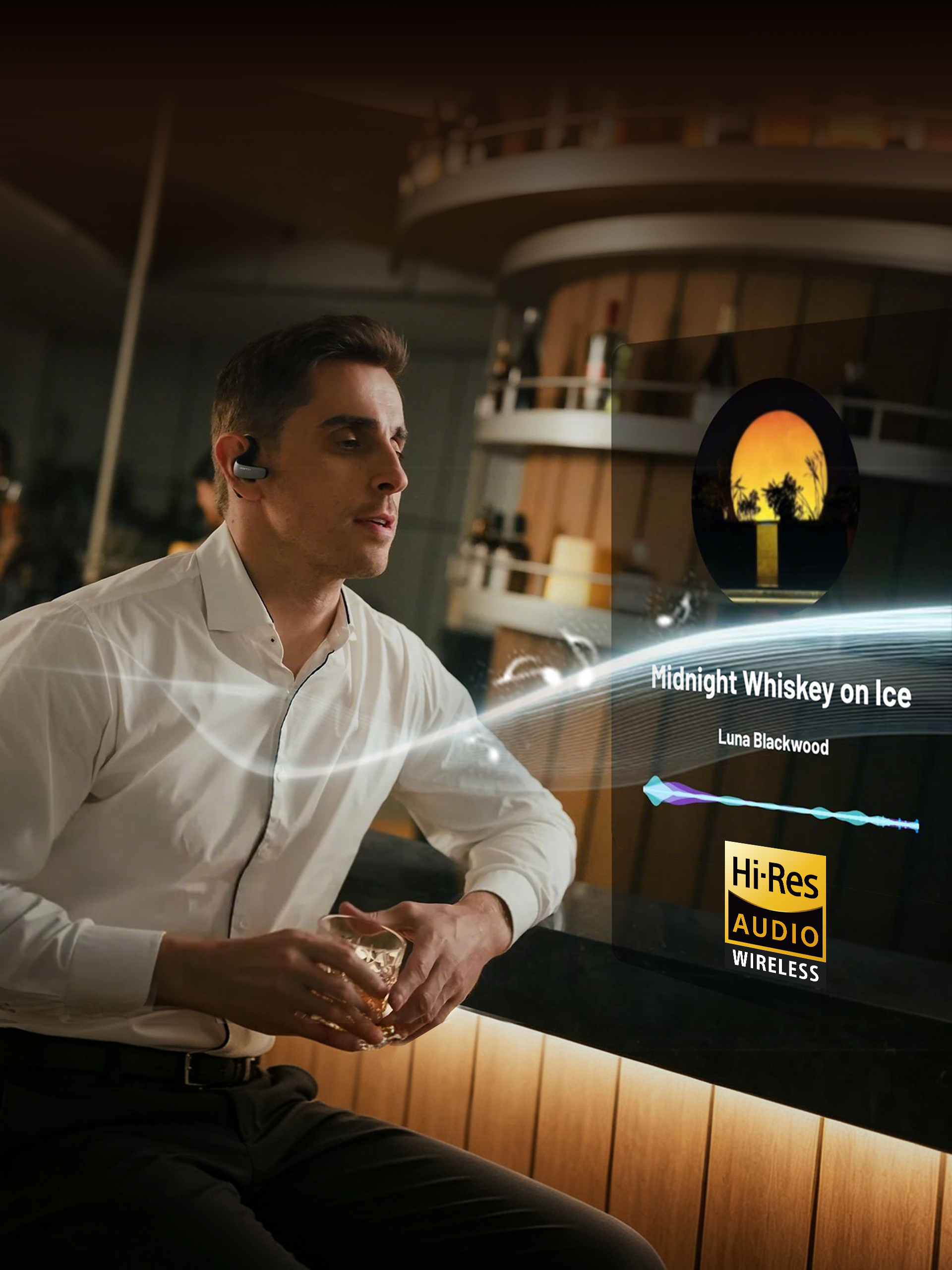
One-Tap Hi-Res Audio
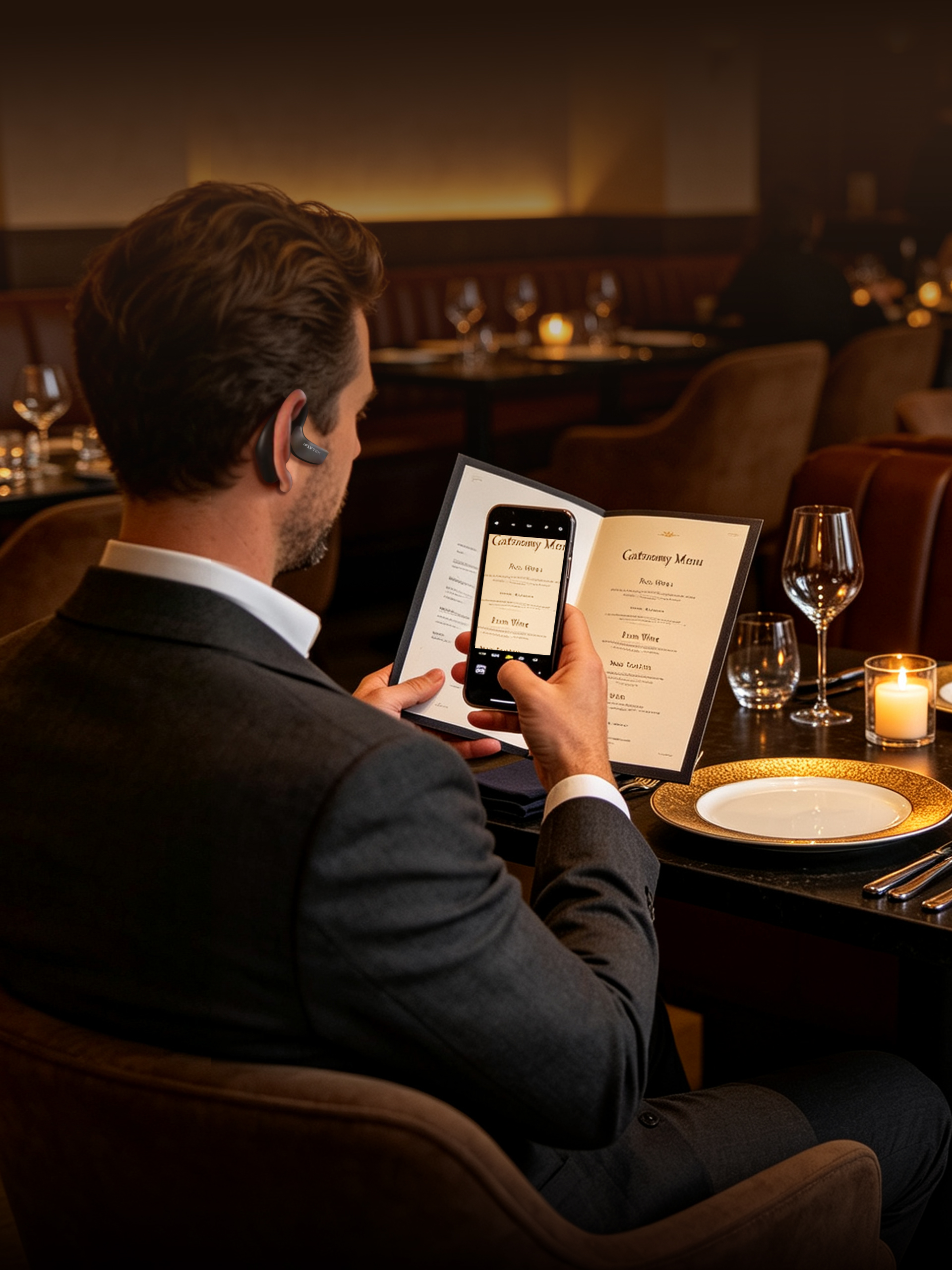
Visual & Text Translation
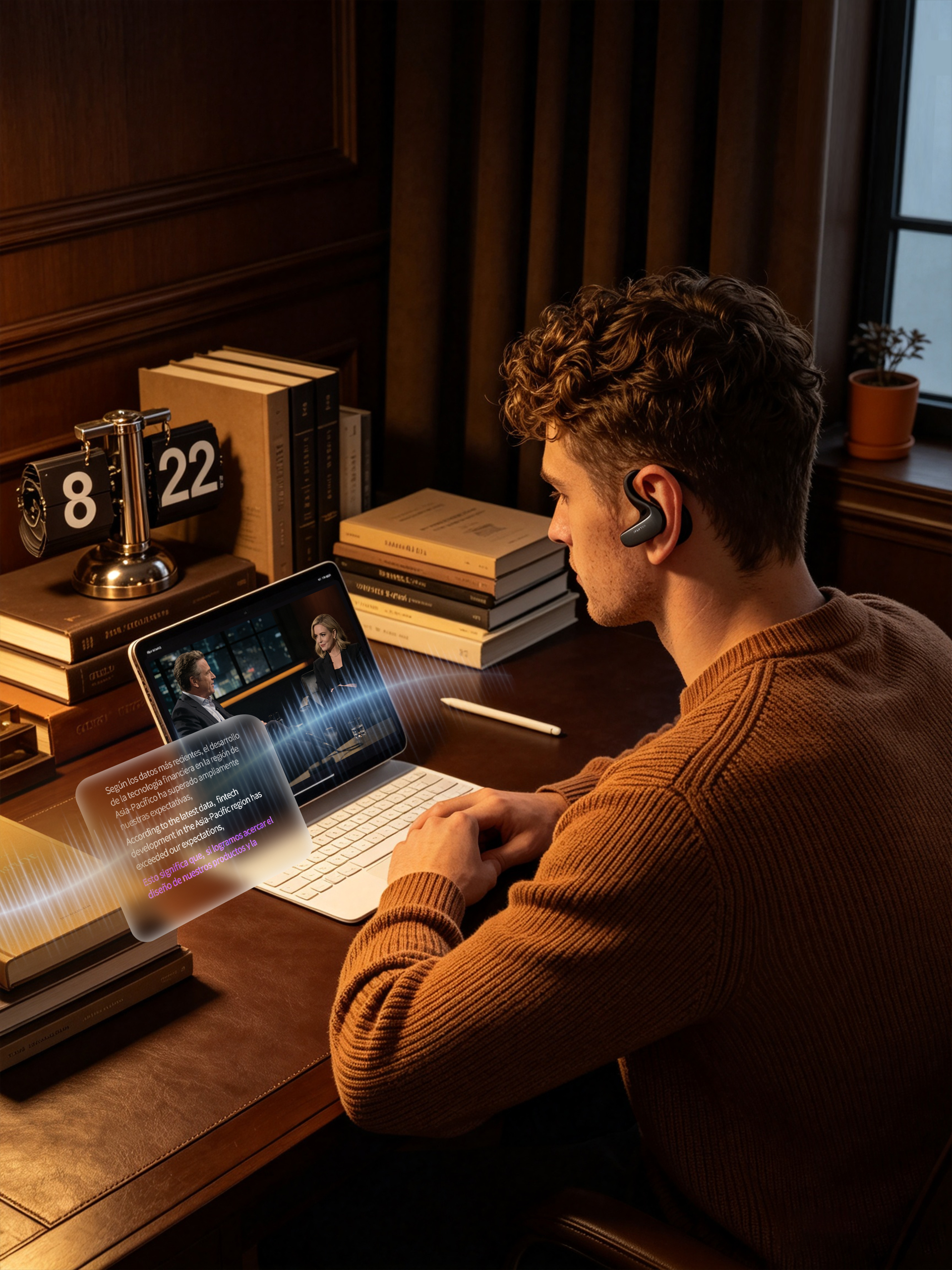
Live Video Subtitling

Unlock Overseas Podcasts
What's in box?
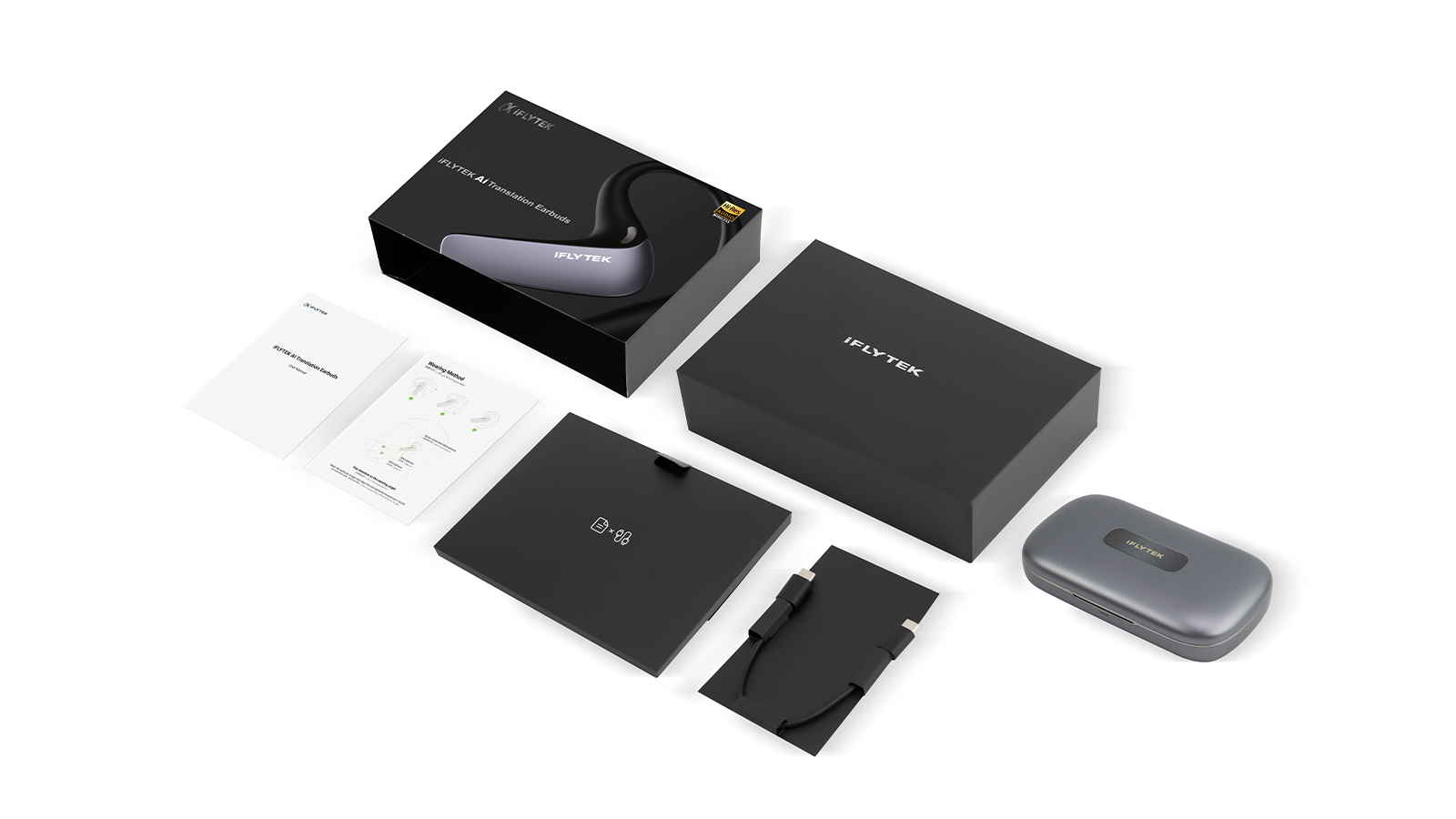
- User Manual *1
- Quick Start Guide *1
- Charging Case *1
- Earbuds *1
- Charging Cable *1
Learn How It Works
-
 How to Use Call Translation
 -
 How to Use Face-to-Face Translation
 -
 How to Wake Up the AI Assistant
 -
 How to Use Online Interpretation
 -
 How to Use Simultaneous Interpretation