iFLYTEK AINOTE 2, The World's First LLM-Powered Paper Tablet
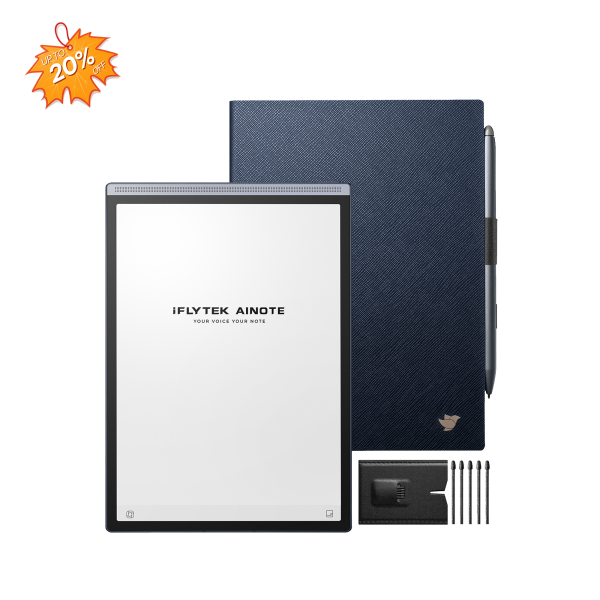
iFLYTEK AINOTE Air 2
E Ink tablets are easier on the eyes than conventional screens and create a less distracting place to read and write. Add Android, and they can also run reading, note-taking and productivity apps.
That does not mean every Android E Ink tablet works the same way. Some give you straightforward access to Google Play, while others require additional setup. A large screen is better for documents, but a smaller tablet is easier to carry. Color is useful for charts and textbooks, although monochrome screens still produce cleaner text.
Android E Ink Tablet Comparison
|
Model |
Best for |
Display |
Android |
Google Play |
Storage |
Weight |
Front light |
|
iFLYTEK AINOTE 2 |
Meetings, writing and PDFs |
10.65-inch B&W, 300 PPI |
Android 14 |
Supported |
4GB + 64GB |
295g |
No |
|
iFLYTEK AINOTE Air 2 |
Portable notes and reading |
8.2-inch B&W, 293 PPI |
Android 11 |
Setup required |
4GB + 32GB |
230g |
Dual-tone |
|
BOOX Note Air5 C |
Color documents and Android apps |
10.3-inch color |
Android 15 |
Pre-installed |
6GB + 64GB |
440g |
Yes |
|
Viwoods AiPaper |
Writing and cloud documents |
10.65-inch B&W, 300 PPI |
Android 13 |
Activation required |
4GB + 128GB |
370g |
No |
|
KloudNote Slim 10.3 |
Basic reading and handwriting |
10.3-inch B&W, 227 PPI |
Android 11 |
Not stated by manufacturer |
2GB + 64GB |
390g |
Not listed |
Specifications help narrow the choices, but they do not tell the whole story. The more useful question is how each tablet fits into everyday work.
1. iFLYTEK AINOTE 2 — Best Overall
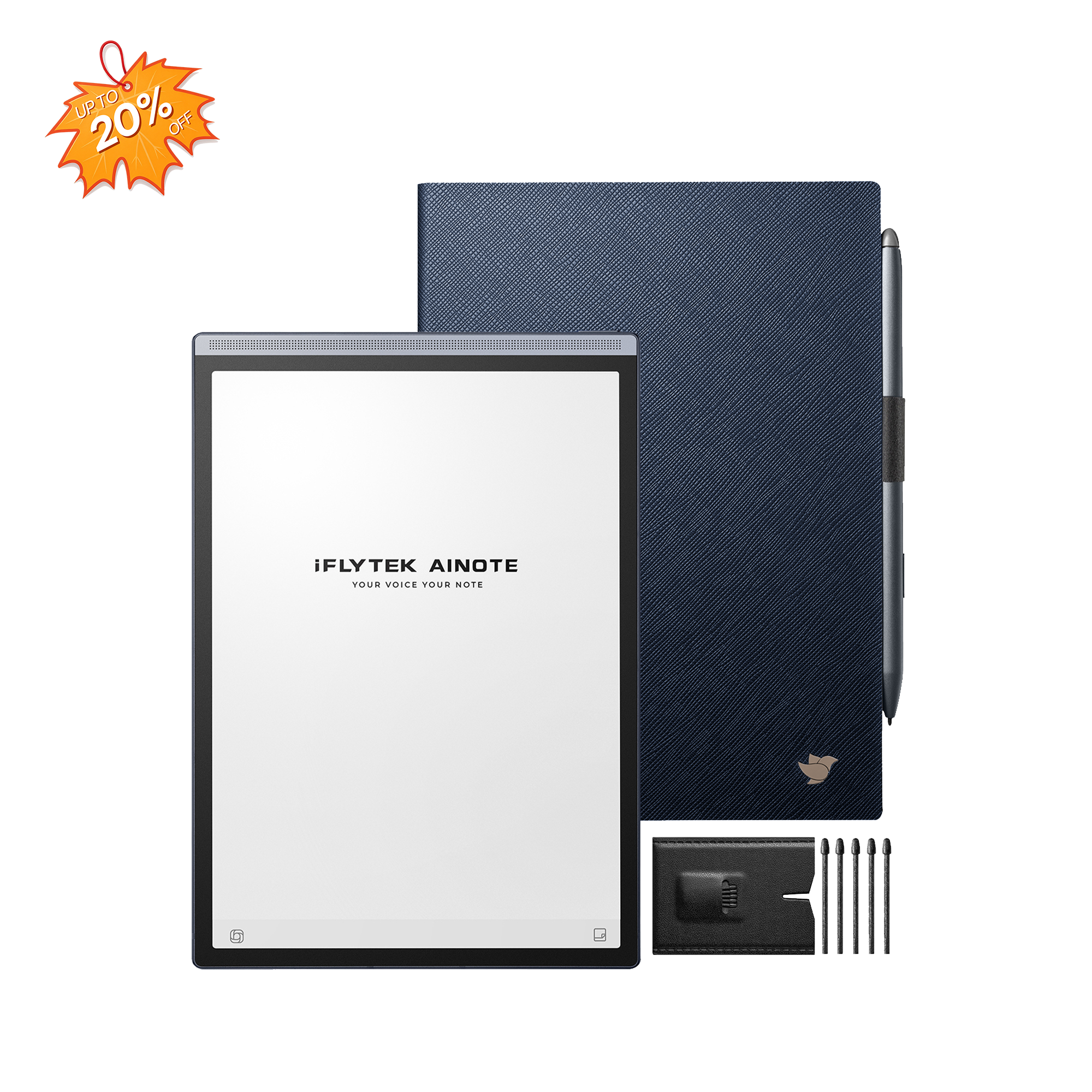
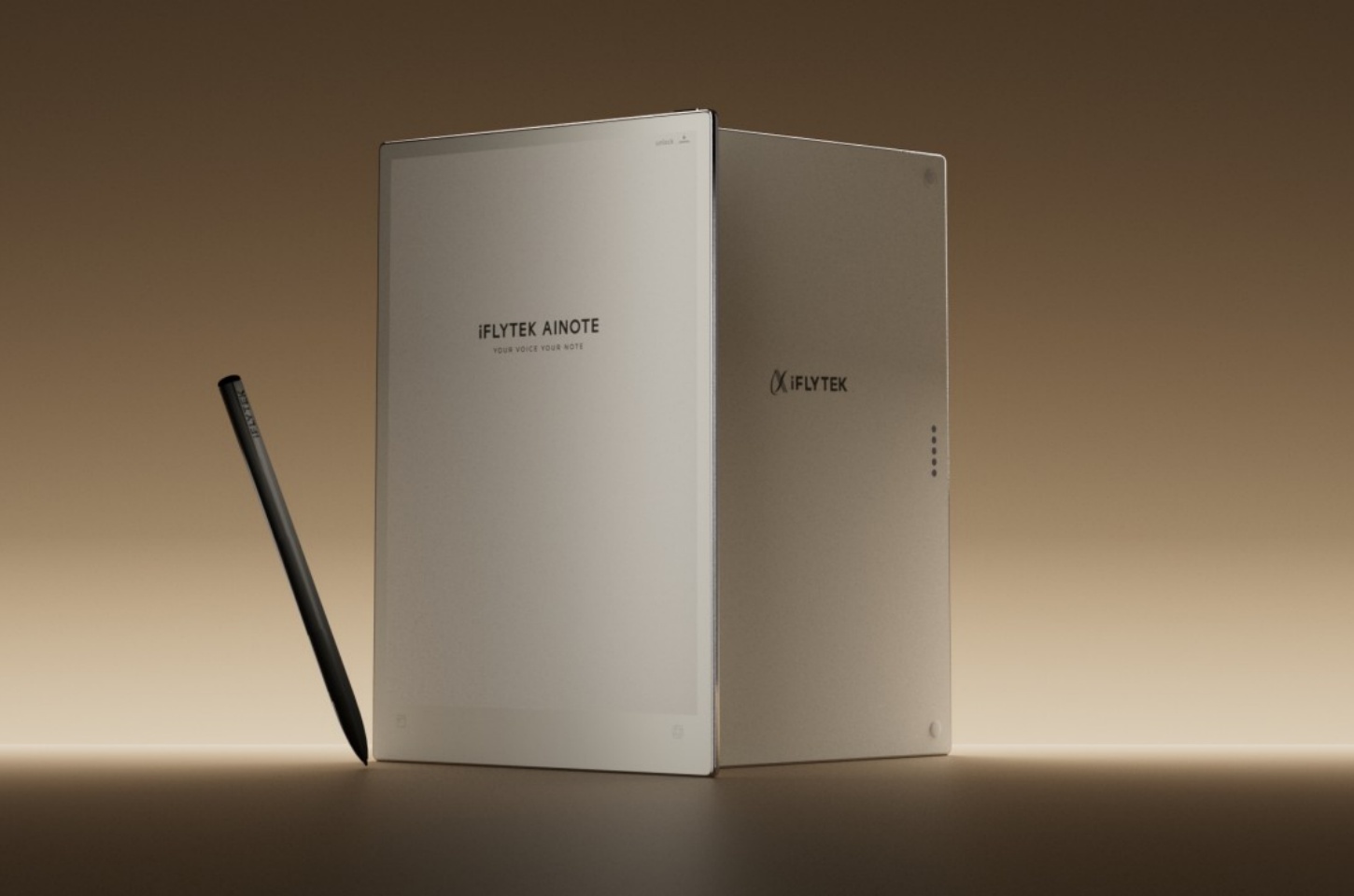
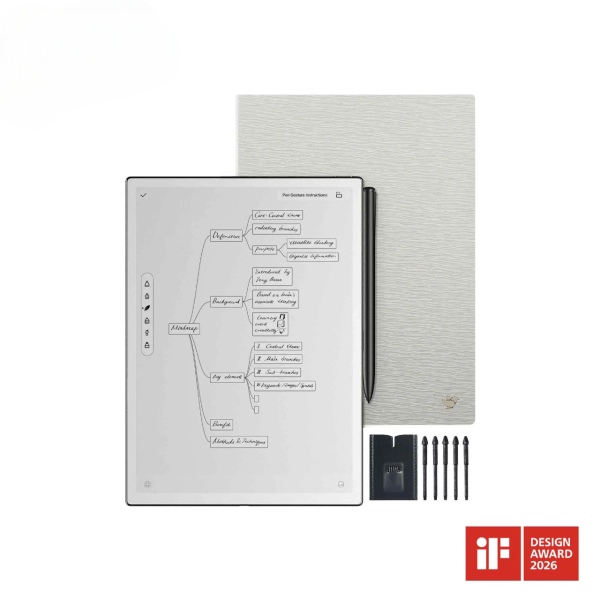
iFLYTEK AINOTE 2 is the strongest all-round choice for people who move between handwriting, meetings and document review.
The screen gives you enough room to read a full-page PDF without constantly zooming. Split-screen mode is useful when you want to keep a document open on one side and write notes on the other.
Its meeting features also make sense for people who would rather focus on the conversation than spend the whole time typing. A clear transcription workflow can keep the recording, transcript, handwritten context and final summary together for easier review.
Despite the larger writing area, the device remains light enough to carry between the office, home and meetings. The main compromise is the lack of a front light, so it is better suited to well-lit workspaces than bedtime reading.
Pros
- Comfortable workspace for full-page documents
- Useful split-screen reading and note-taking
- Strong meeting transcription features
- Good balance between screen size and portability
Cons
- No front light
- No built-in speaker
- Monochrome display
- More expensive than a basic E Ink notepad
Best for: Professionals, researchers and students who regularly work with meetings, handwritten notes and PDFs.
2. iFLYTEK AINOTE Air 2 — Best Portable Option
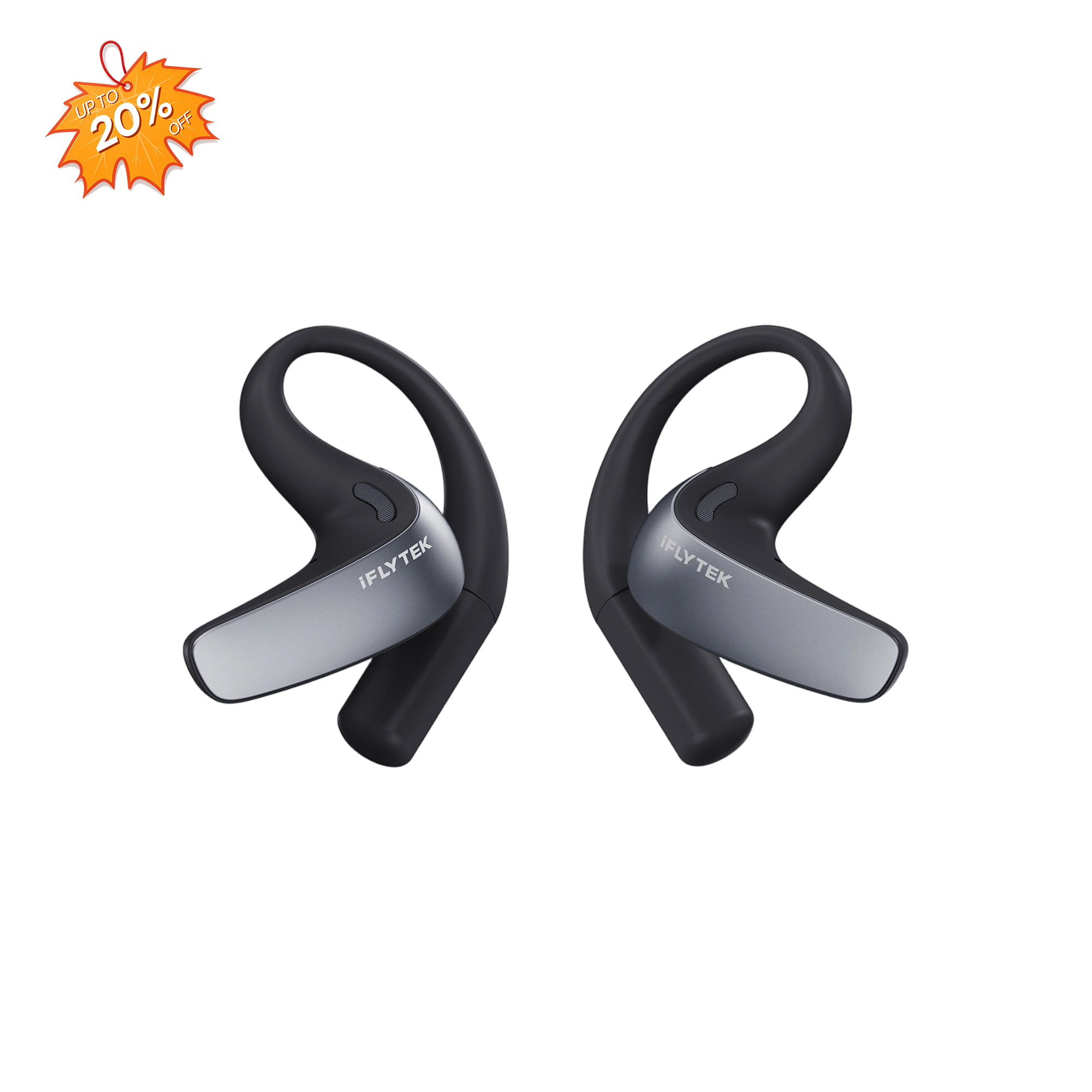
iFLYTEK AINOTE Air 2 is built for people who care more about portability than having the largest possible writing area.
It is easier to hold while standing, commuting or moving between meetings. The front light is also a meaningful advantage if you read early in the morning, on a flight or before bed. A built-in speaker and camera give it more flexibility for everyday mobile use.
The smaller screen is the tradeoff. It works well for quick notes and books, but detailed PDFs can feel cramped. Users who spend most of their time reviewing full-page documents may prefer a larger model.
Pros
- Easy to carry and hold
- Front light for dim environments
- Built-in speaker and camera
- Well suited to quick notes and reading
Cons
- Limited space for full-page PDFs
- Older Android version
- Lower storage capacity
- Google Play may require additional setup
Best for: Commuters, students and mobile professionals who want a lightweight tablet for reading and everyday notes.
3. BOOX Note Air5 C — Best Color E Ink Tablet
Note Air5 C is the most practical option here for people who genuinely need color.
Color makes a difference when you work with textbooks, presentations, diagrams or heavily highlighted documents. Google Play is ready to use, which also makes the device feel closer to a conventional Android tablet. You can install familiar reading, cloud storage and productivity apps without going through a separate activation process.
The tradeoff is that color E Ink is not as bright as an LCD or OLED screen. The device is also heavier than the monochrome alternatives. If most of your work is handwriting and black-and-white text, the added weight and color capability may not be necessary.
Pros
- Useful color display for charts and illustrations
- Straightforward access to Android apps
- Front light for reading in different environments
- Expandable storage
Cons
- Heavier than the monochrome models
- Colors appear muted compared with conventional screens
- Lower effective resolution when displaying color
- More features than some note-focused users need
Best for: People who regularly read color documents and want broad access to Android applications.
4. Viwoods AiPaper — Best for Cloud Workflows
Viwoods AiPaper feels most at home in a workflow built around notes, PDFs and cloud documents.
Its large writing area provides plenty of room for long-form notes and document review, while the generous storage is helpful for people who keep a substantial offline library. Google services can be enabled, although the setup is less immediate than on devices with Google Play ready from the start.
The lack of a front light is the main practical limitation. Like AINOTE 2, it works best in an office, classroom or another well-lit environment.
Pros
- Spacious writing area
- Plenty of local storage
- Comfortable paper-like writing experience
- Works well with cloud-based document workflows
Cons
- Google Play requires activation
- No front light
- Customized interface takes time to learn
- Heavier than some similarly sized alternatives
Best for: Writers and researchers who work with large document libraries and cloud-based files.
5. KloudNote Slim 10.3 — Best Budget Option
KloudNote Slim keeps the experience relatively simple. It is designed for handwriting, reading and basic document work rather than advanced AI features or a broad app ecosystem.
The 10.3-inch screen provides enough room for notes and PDF annotation. OCR and cloud synchronization help move handwritten work into a digital workflow, while the included pressure-sensitive pen supports more natural writing.
Android 11 is showing its age, however, and the manufacturer does not state that Google Play is included. Users who depend on specific third-party apps should confirm their availability before purchasing.
Pros
- Large writing and reading area
- Smooth 4096-level pen input
- Supports OCR and cloud synchronization
- Pen and protective case are included
Cons
- Older Android version
- Google Play support is not stated
- No front light is listed
- Limited memory compared with newer models
Best for: Users who mainly need a straightforward device for handwriting, reading and PDF annotation.
What Android Means on an E Ink Tablet
Android support can be confusing because manufacturers use it in different ways.
On some tablets, Google Play is already available when you turn on the device. On others, you need to enable Google services or complete an additional setup process. A tablet may technically run Android while still offering a more restricted experience than a phone or conventional tablet.
The apps themselves also matter. Kindle, document readers, note-taking tools and cloud storage apps generally work well because most of their content remains still. Video, games and animation-heavy apps are less suitable because E Ink screens refresh more slowly.
If specific apps are essential to your work, check their compatibility before choosing a device.
Monochrome or Color E Ink?
Screen technology matters most during long reading sessions. Unlike an LCD, E Ink reflects ambient light instead of continuously shining light toward the reader, creating a viewing experience that feels closer to paper.
For handwriting, books and ordinary documents, monochrome remains the safer choice. Text looks sharper, the screen is often clearer, and the device may be lighter.
Color E Ink becomes worthwhile when color carries useful information. Students reading illustrated textbooks, professionals reviewing charts and people working with presentations will get more value from it.
Color E Ink still looks softer and more muted than an LCD or OLED screen. It is best viewed as paper with color rather than a direct replacement for a conventional tablet display.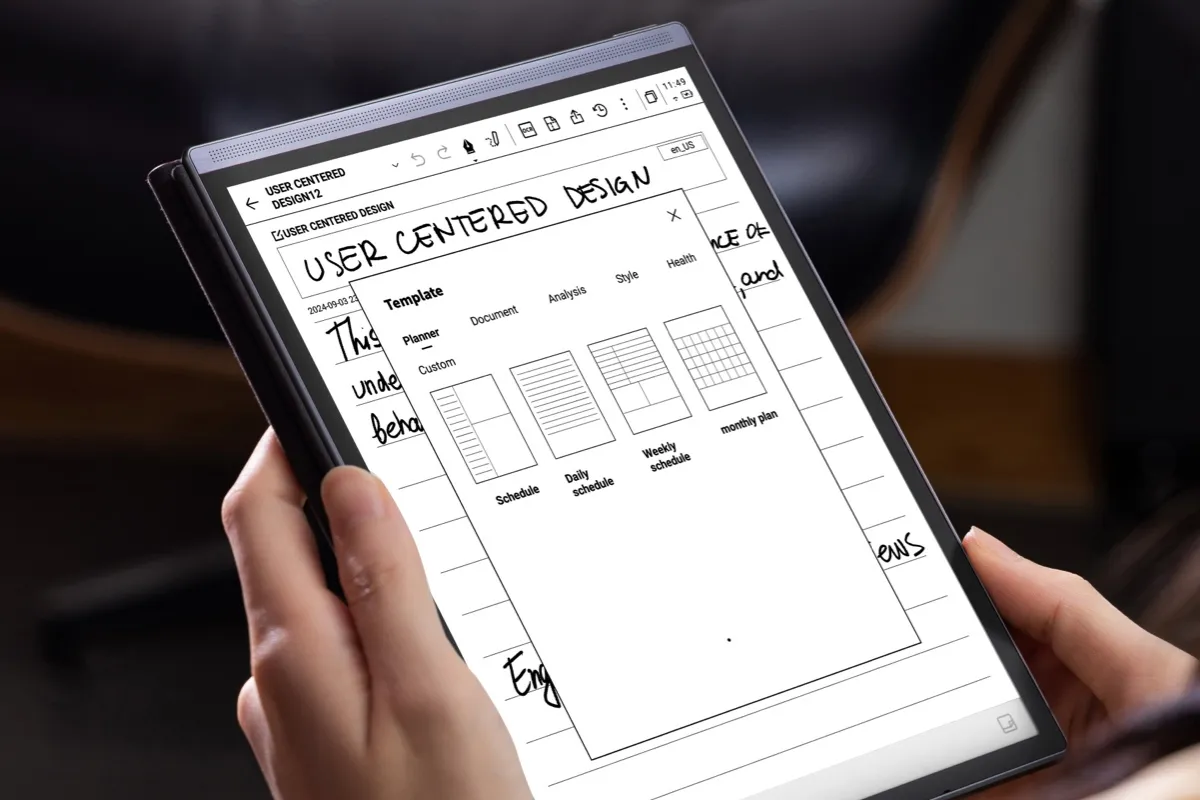
Which Model Is Right for You?
If you are deciding between the two iFLYTEK models, the choice mainly comes down to working space and portability. AINOTE 2 is built around a larger document workspace, while AINOTE Air 2 is easier to carry and includes a front light.
AINOTE 2 is the most balanced option for professional notes, meetings and document work. It provides a large workspace without becoming unnecessarily heavy.
AINOTE Air 2 makes more sense if you travel frequently or want a tablet that is comfortable to hold for longer periods. Its front light also gives it an advantage for evening reading.
BOOX Note Air5 C is the clear choice when color and easy access to Android apps matter most. Viwoods AiPaper is better suited to people with large document libraries and cloud-based workflows.
KloudNote Slim is the simpler option. It can cover basic reading, handwriting and PDF annotation, but users who depend on third-party apps should first confirm whether those apps are available.
FAQ
Can regular Android apps run on an E Ink tablet?
Many reading, writing and productivity apps work well. Apps that rely on video, animation or fast scrolling usually provide a less satisfying experience.
Which tablet has the easiest Google Play access?
BOOX Note Air5 C includes Google Play from the start, while AINOTE 2 supports Google Play on Android 14. AINOTE Air 2 and Viwoods AiPaper may require additional setup. KloudNote Slim’s official product information does not state that Google Play is included.
Are E Ink tablets good for PDFs?
Yes, particularly models with screens around 10 inches. A larger display makes full-page documents, annotations and split-screen reading more comfortable.
Is color E Ink better than monochrome?
It depends on what you read. Color is helpful for charts, textbooks and illustrations. Monochrome is usually better for sharp text, handwriting and distraction-free reading.
Can an E Ink tablet replace an iPad?
It can replace an iPad for reading, notes, PDF review and focused writing. It is not a good replacement for video, gaming, design work or other tasks that require a fast and colorful display.
Conclusion
There is no single Android E Ink tablet that works best for everyone. The right choice depends on whether you value writing space, portability, color or access to Android apps.
AINOTE 2 offers the best overall balance for professional notes, meetings and document review. Its larger workspace is useful for PDFs and split-screen work, while the lightweight design keeps it practical for everyday use.
AINOTE Air 2 is the more portable choice and makes more sense for people who read in different environments or carry their notes throughout the day. BOOX Note Air5 C is better suited to users who need color and straightforward access to Android apps. Viwoods AiPaper provides a spacious writing surface and generous storage, while KloudNote Slim covers more basic handwriting and reading needs.
The best E Ink tablet is not necessarily the model with the longest specification list. It is the one that fits naturally into the way you already read, write and work.