
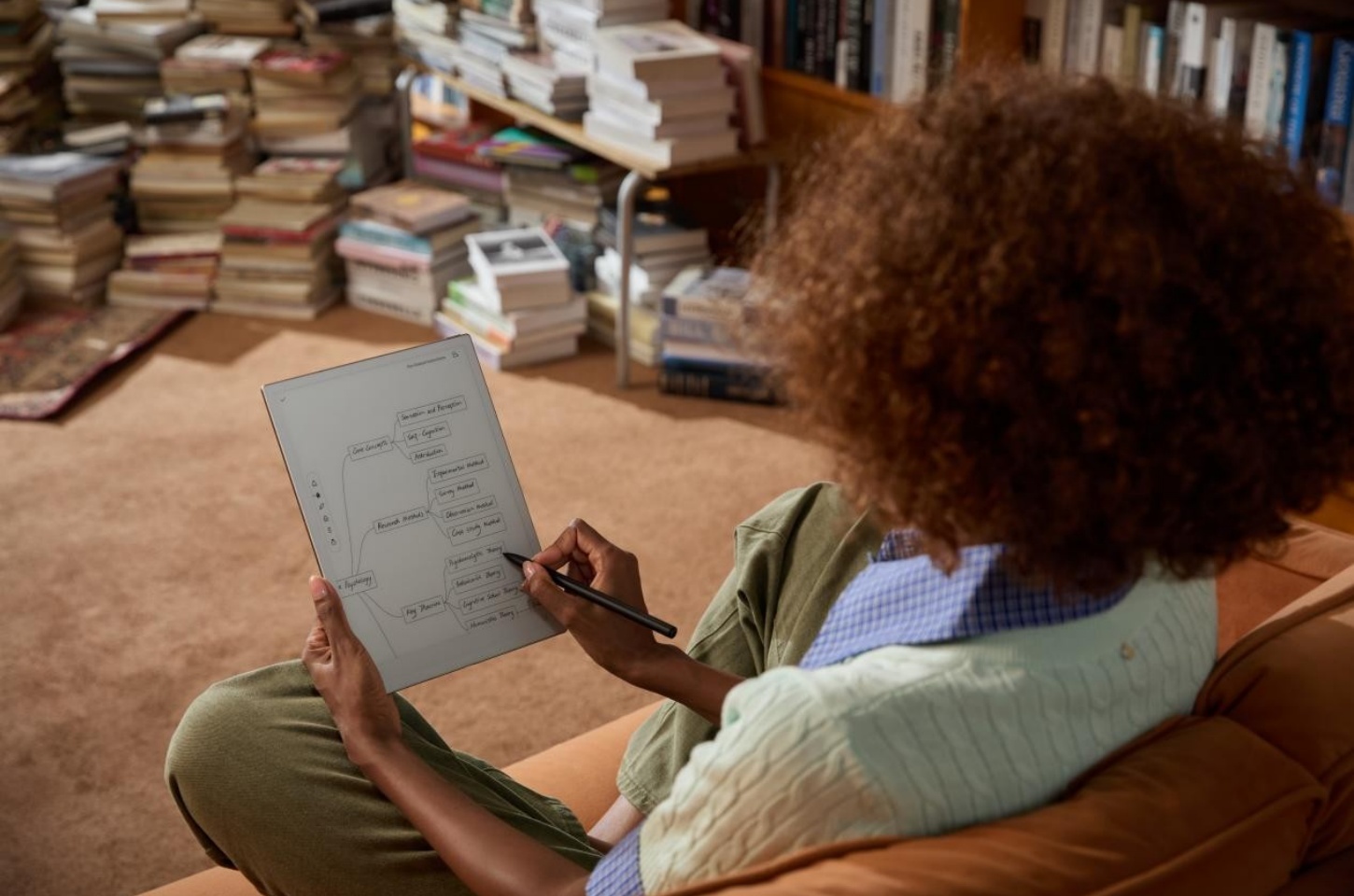
As digital reading continues to evolve, readers now have more choices than ever. E-Ink devices aim to replicate the look of paper, while LCD screens offer speed, color, and versatility. Each option serves different needs, but the question remains the same: which one actually delivers the best reading experience?
Before comparing newer technologies, it helps to look at what has always worked. Paper, despite being the oldest format, still sets the standard for comfort and focus in reading.
Why Paper Reading Still Matters in the Digital Age
Even with the rise of digital devices, many readers still turn to paper for longer or more focused reading. It offers a stable, distraction-free experience that feels consistent across environments, making it easier to stay immersed in the content when comfort and attention matter most.
Natural Light Reflection and Visual Comfort
Paper reflects ambient light instead of emitting it, which reduces eye strain during extended reading sessions. Without glare or brightness adjustments, it remains comfortable to read in different lighting conditions, especially compared to backlit screens that can feel harsh over time.
Cognitive Benefits Comprehension and Retention
Reading on paper supports better comprehension and retention by providing clear spatial cues and a fixed layout. Combined with the absence of digital distractions, this helps readers stay focused and process information more effectively, particularly when dealing with complex material.
How E-Ink Displays Improve Digital Reading Experience
E-Ink displays are designed to bridge the gap between paper and digital reading. They offer the convenience of storing and accessing large amounts of content while maintaining a reading experience that feels closer to print, making them well suited for long-form and distraction-free reading.
Eye-Friendly Features Low Blue Light
E-Ink screens reflect light rather than emit it continuously, which helps reduce eye strain during extended use. With minimal blue light exposure and low glare, they provide a more comfortable viewing experience compared to traditional backlit displays, especially for users who read for long periods.
Battery Efficiency and Outdoor Readability
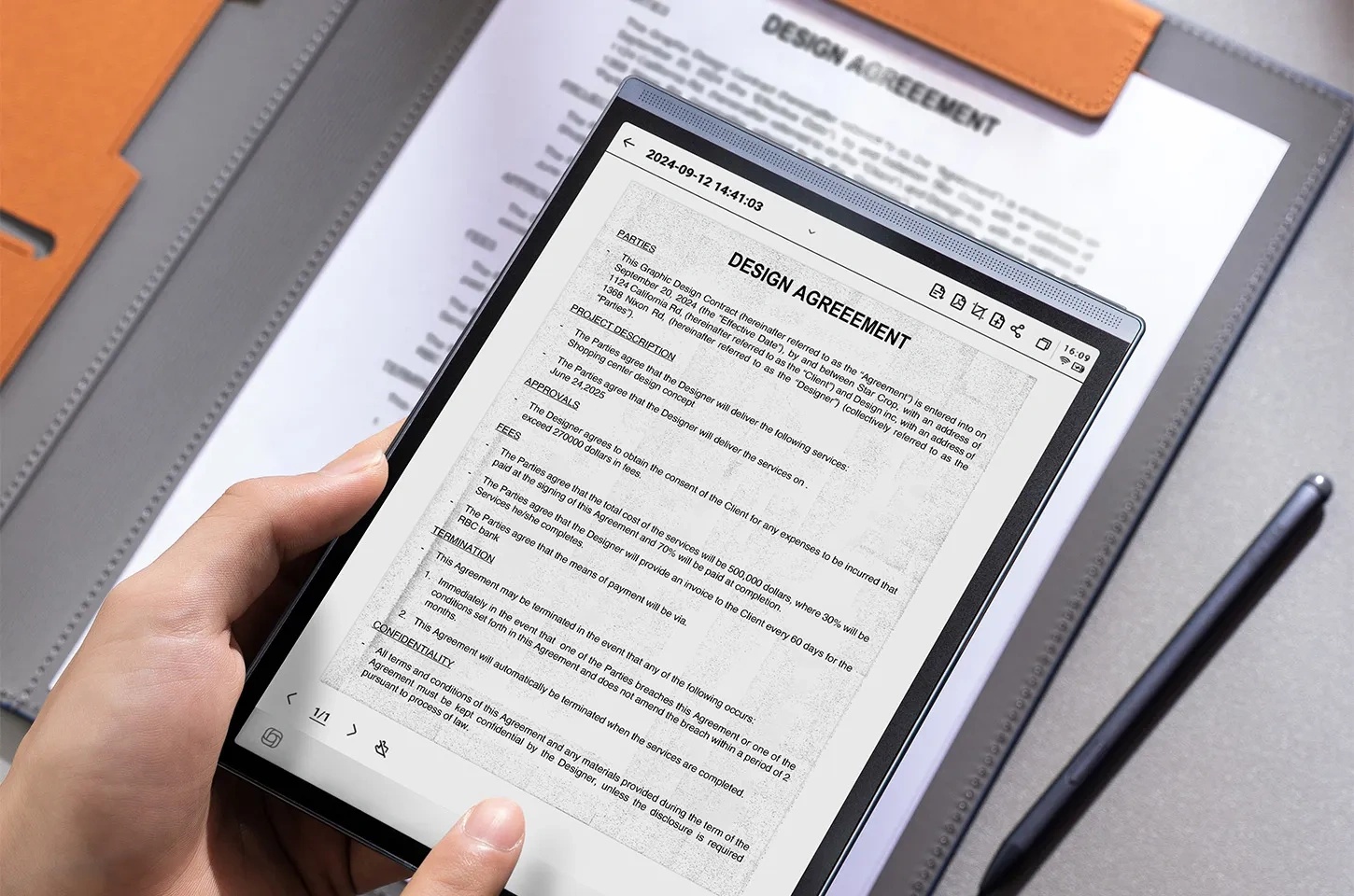
E-Ink devices consume very little power because the screen only uses energy when content changes, making an E-Ink tablet in daily use far more energy-efficient and capable of delivering significantly longer battery life. They also remain highly readable in bright environments, including direct sunlight, which makes an e-Ink tablet in daily use practical for both indoor and outdoor reading without constant adjustments.
How LCD Screens Impact Reading Experience
LCD screens are widely used across phones, tablets, and laptops, making them one of the most common reading mediums today. They offer speed, color, and versatility, but are generally better suited for mixed content rather than long, focused reading.
Backlighting in Visual Clarity and Comfort
LCD screens use backlighting to deliver bright, high-contrast text that remains clear in low-light environments. However, continuous light emission can cause eye strain during extended reading, especially without proper brightness adjustment, making them less comfortable for long sessions compared to reflective displays.
Color Displays Affect Reading Experience
LCD displays support rich color and dynamic visuals, which improves the experience for content that includes images, charts, or multimedia. At the same time, screen activity and interface elements can interrupt focus, making it harder to maintain deep, uninterrupted reading when compared to simpler display types.
Paper vs E-Ink vs LCD Display Comparison Guide
Each reading format offers a different balance of comfort, functionality, and convenience. Paper provides a stable and distraction-free experience, E-Ink tablets combines that comfort with digital flexibility, while LCD focuses on performance and versatility. The best choice depends on your reading habits, such as session length, content type, and where you typically read.
Eye Comfort and Long-Term Reading Impact
Paper and E-Ink are more comfortable for extended reading because they rely on reflected light, which reduces eye strain and visual fatigue. This makes them better suited for long sessions such as studying or reading books. LCD screens deliver sharp and bright text, but continuous backlighting can strain the eyes over time, especially in low-light conditions or when used for hours without breaks.
Focus Immersion and Cognitive Load
Paper creates the most immersive reading environment by removing digital distractions and providing a fixed layout that supports concentration. E-Ink devices offer a similar experience with minimal interface interference, making them suitable for focused reading. In contrast, LCD devices often include notifications, apps, and interactive elements, which can interrupt attention and increase cognitive load during longer reading sessions.
Portability and Convenience
E-Ink and LCD devices allow users to carry large amounts of content in a single device, making them highly practical for travel and daily use. Features such as search, bookmarks, and instant access to new content further improve convenience. Paper is less flexible when handling multiple books, but it remains reliable and easy to use without charging or setup.
Cost and Long-Term Value
Paper involves ongoing costs for each book or material, which can add up over time. E-Ink devices require an upfront investment but often reduce long-term expenses for frequent readers through digital content access. LCD devices vary in price and are often used for multiple purposes beyond reading, which can increase their overall value depending on how they are used.
Indoor vs Outdoor Readability
Paper and E-Ink perform consistently well in bright environments, including direct sunlight, because they reflect light and avoid glare. This makes them ideal for outdoor reading. LCD screens can struggle in these conditions, often requiring higher brightness levels to remain visible, which may reduce comfort and impact battery life during extended use.
|
Feature |
Paper |
E-Ink |
LCD |
|
Eye Comfort |
Very high, no light emission, minimal strain |
High, low glare and low blue light |
Moderate, backlight may cause fatigue over time |
|
Long Reading Sessions |
Best for extended, focused reading |
Very suitable for long sessions |
Less ideal without breaks or adjustments |
|
Focus & Distraction |
No distractions, highly immersive |
Minimal distractions, reading-focused |
High potential distractions from apps and notifications |
|
Portability |
Low, limited to physical copies |
High, stores thousands of books |
High, multi-purpose device |
|
Battery Life |
Not required |
Very long, often lasts weeks |
Shorter, requires frequent charging |
|
Content Type |
Text-focused only |
Best for text-based content |
Supports text, images, video, and interactive content |
|
Cost Over Time |
Ongoing cost per book |
Higher upfront, lower long-term cost |
Varies, depends on device and usage |
|
Outdoor Readability |
Excellent in sunlight |
Excellent, similar to paper |
Limited, affected by glare |
|
Indoor/Low Light Use |
Needs external light |
Built-in front light available |
Works well in all lighting conditions |
Best Display for Reading Based on User Needs
Choosing the right display depends less on the technology itself and more on how you read. Different formats support different goals, whether it is deep focus, academic work, or flexible everyday use. Matching the display to your primary use case leads to a noticeably better reading experience.
Display for Deep Reading and Long-Form Content
For deep reading, paper and E-Ink remain the most effective options because they reduce visual strain and support sustained focus over time. A high-quality E-Ink device can closely replicate the feel of paper while adding flexibility that print cannot offer.
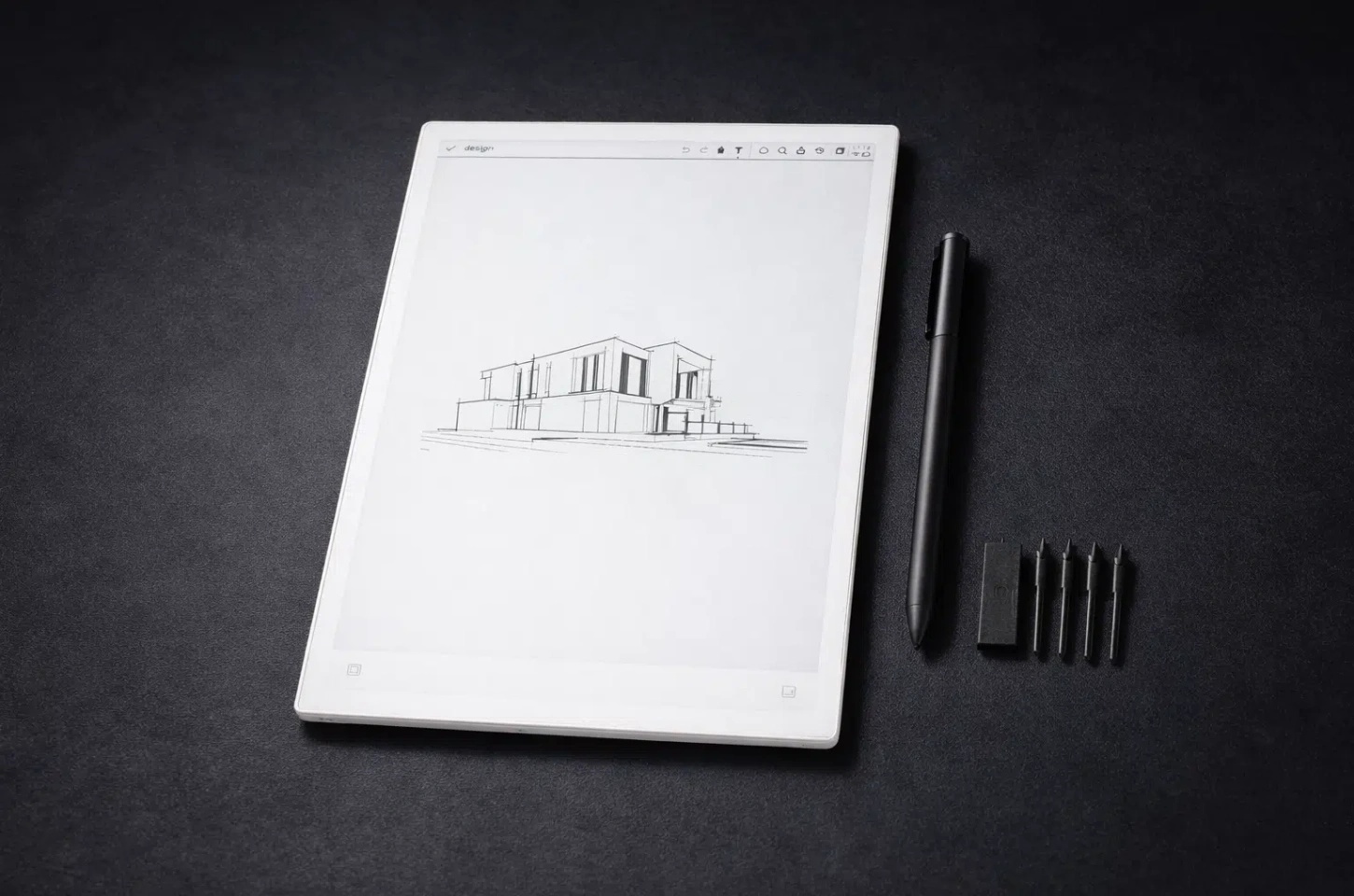
Devices like the iFLYTEK AINOTE 2 take this further with a high-density 300 PPI eye-friendly screen that stays comfortable across different environments, including bright outdoor settings. Its ultra-fast E-Ink display, combined with a handwriting delay of under 20 milliseconds, allows for smooth note-taking and natural interaction while reading. This makes it easier to stay immersed in long-form content without the interruptions or lag typically associated with digital devices.
What Works Best for Students and Academic Reading
Students usually need a balance between reading, note-taking, and reviewing materials, which is why many turn to effective study tools for college students. E-Ink tablets fit well into this category, as they support handwritten notes, document annotation, and structured organization with fewer distractions. As study tools for college students, they help streamline focused learning sessions while reducing screen fatigue. At the same time, LCD devices still play an important role, especially for research tasks that involve browsing, video lectures, or switching between
Displays That Fit Multimedia and Everyday Use
LCD screens are better suited for mixed content, including images, videos, and interactive materials. They provide faster refresh rates and full-color displays, making them ideal for casual reading, browsing, or switching between tasks. However, they are less optimized for extended reading sessions, especially when focus and eye comfort are priorities.
Ideal Display Options for Outdoor Reading Environments
For outdoor reading, paper remains one of the most reliable options. It reflects natural light directly, stays clearly visible under strong sunlight, and requires no brightness adjustment, making the experience stable and comfortable in almost any environment.
E-Ink devices can offer a similar advantage with added portability, but paper still provides the most consistent and distraction-free experience outdoors. For readers who prioritize simplicity and visual comfort in bright conditions, printed materials are often the most practical choice.
FAQ
What is the best display for reading PDFs and academic materials?
E-Ink displays are generally the best choice for reading PDFs and academic materials because they reduce eye strain and support long reading sessions. Devices that allow annotation and handwritten notes are especially useful for studying and reviewing complex documents.
Does screen resolution affect reading comfort?
Yes, higher screen resolution improves reading comfort by making text sharper and easier to read. Displays around 300 PPI provide a print-like experience, which reduces eye fatigue and improves clarity, especially for long-form reading.
Can one device handle reading, note-taking, and browsing?
Yes, some devices are designed to handle all three tasks. E-Ink tablets are well suited for reading and note-taking with minimal distractions, while LCD devices offer better support for browsing and multimedia. The best option depends on whether you prioritize focus or versatility.
Conclusion
There is no single “best” display for reading, only the one that fits your habits and priorities. Paper remains the most comfortable option for focus and long-form reading, E-Ink offers a balanced experience with added digital flexibility, and LCD works best for multimedia and everyday multitasking.
For readers who want to combine deep reading with efficient note-taking, E-Ink devices provide a practical middle ground. The iFLYTEK AINOTE 2, with its paper-like display and responsive writing experience, supports both focused reading and seamless annotation, making it easier to manage content without switching between tools.



