From classes and lectures to assignments, exams, and competitions, college study life is a marathon of efficiency. One mistake, and everything can get confusing. But what if a handy learning tool could help you achieve better results with greater efficiency? That’s where smart study tools become essential. The right devices, apps, and platforms can help you stay organized, learn more efficiently, and ultimately gain the fruits of study.
In this guide, we’ll explore the top 10 study tools for college students, including hardware, apps, and platforms, as well as tips on how to choose the right ones for your needs.
Why Smart Study Tools Are Essential for College Success?
Studying in today’s digital world is very different from a decade ago. The advent of artificial intelligence has revolutionized learning. While traditional methods like notebooks and highlighters still have value, technology now offers faster, smarter, and more efficient ways to learn. The benefits of intelligent learning tools are beyond the reach of traditional tools:
Better Organization
Smart study tools keep your schedule, notes, and assignments in one place, providing a one-stop service for you.
Faster Learning
Smart study tools’ efficiency is reflected in the fact that after scanning or clicking for a second, you will immediately receive your information. They undoubtedly save you time and allow you to focus on studying.
Enhanced Retention
Apps use spaced repetition to help you remember information for longer.
The 10 Best Study Tools for College Students
Smart study tools come in various aspects, including smart learning hardware, learning and memory apps, writing tools, and focus and collaboration platforms. You can choose the tool according to your learning needs.
1. Smart Learning Hardware
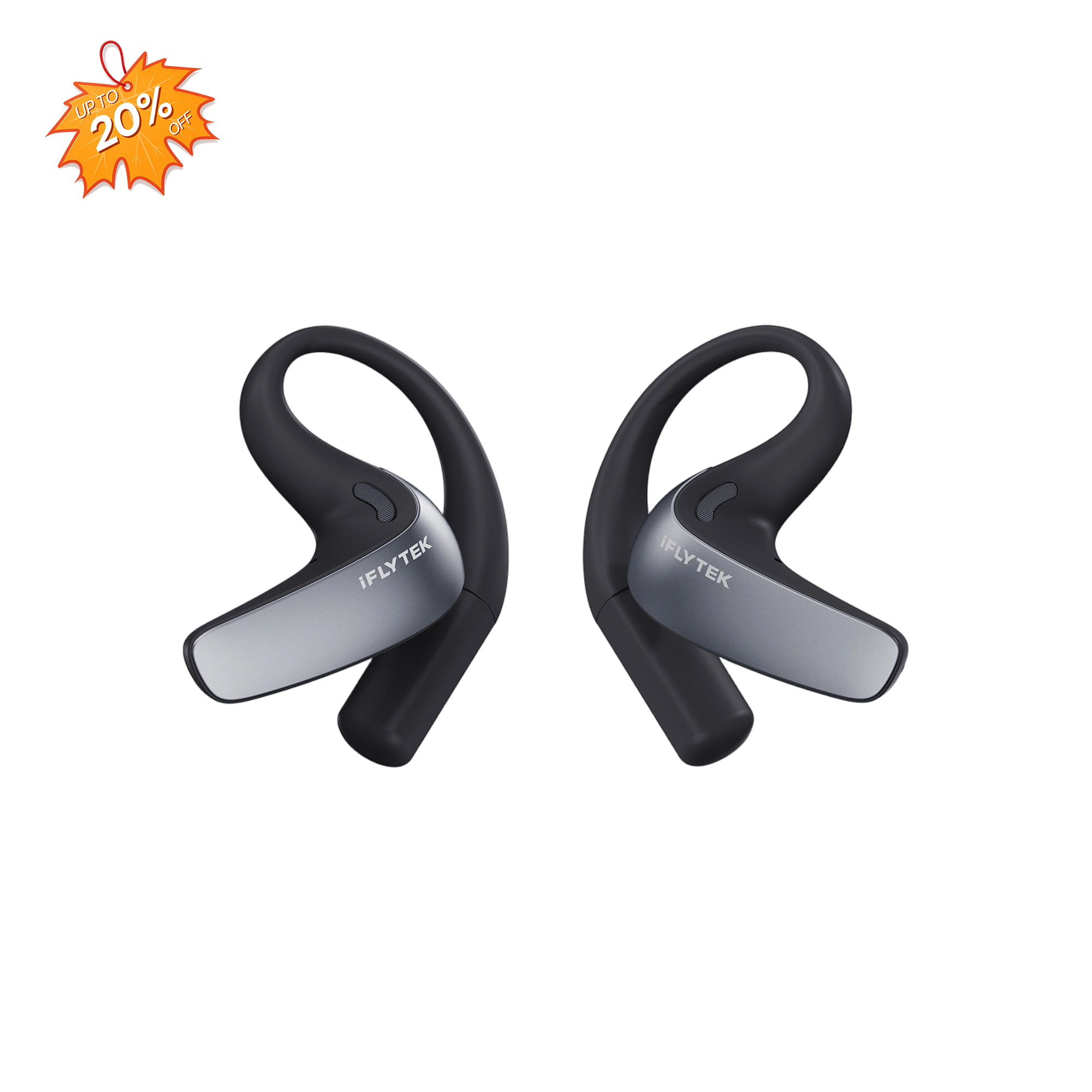
It not only improves learning efficiency but also helps students better organize and manage information in their busy academic lives. iFLYTEK’s products greatly meet daily study needs and help you embark on your learning journey.
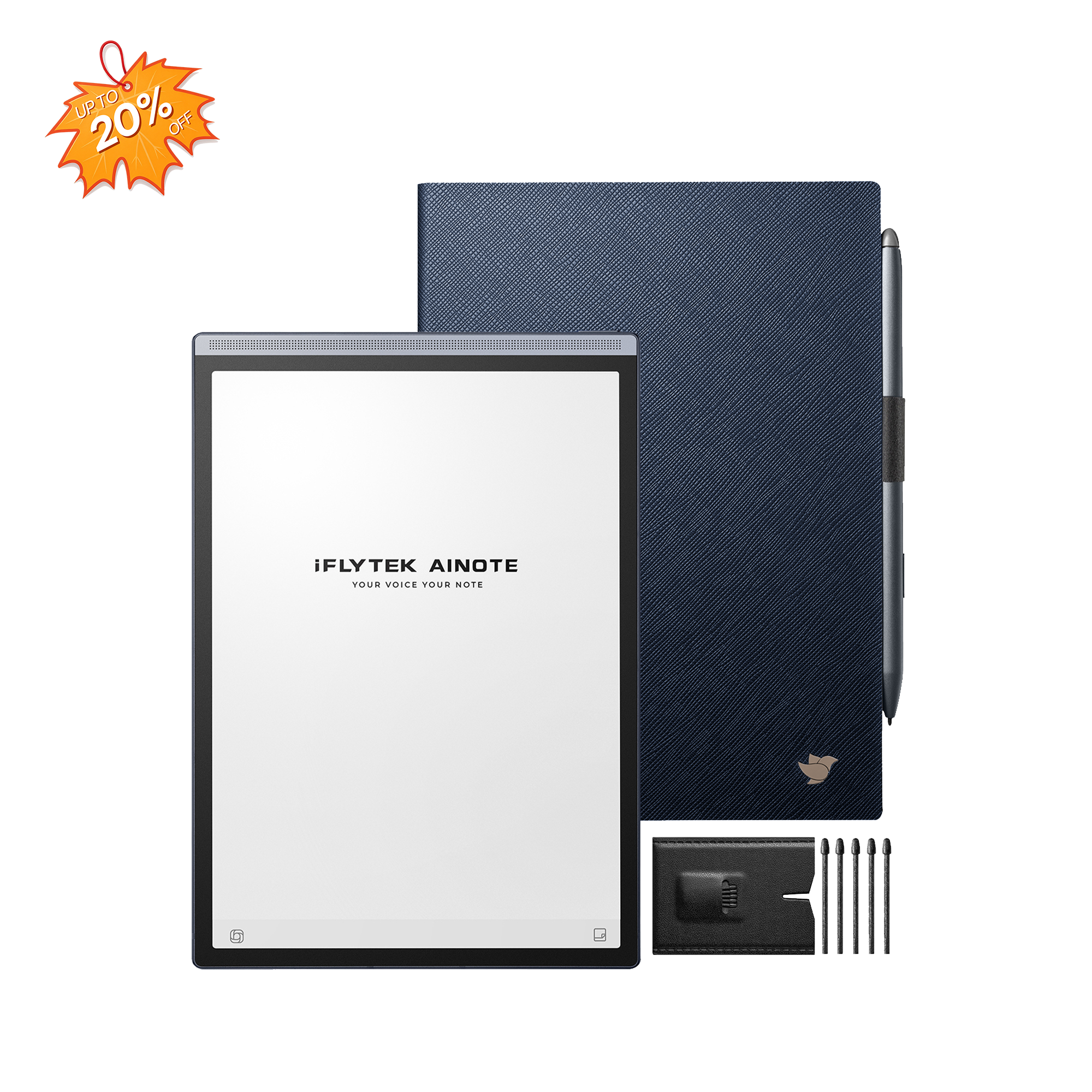
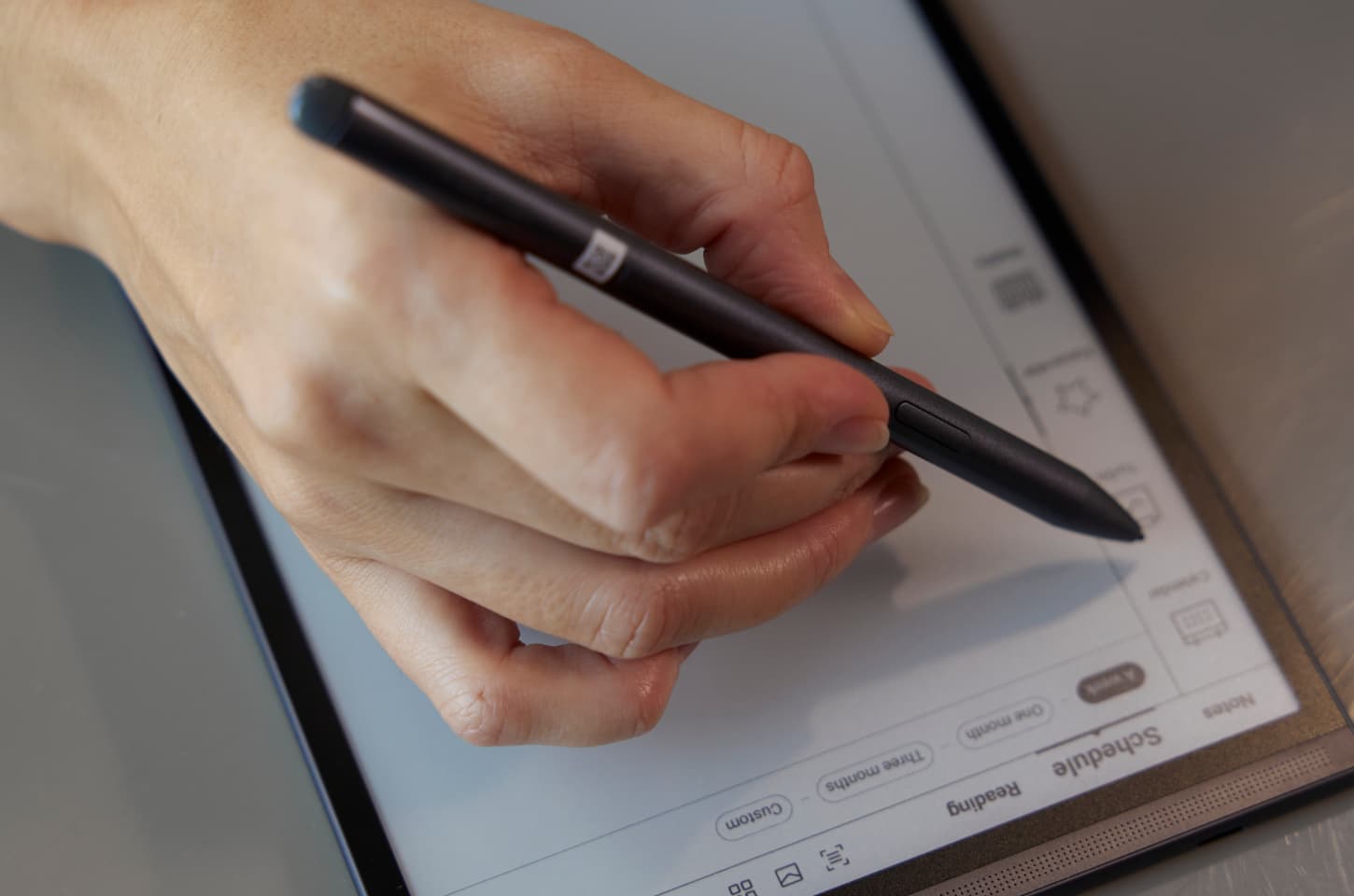
iFLYTEK AINOTE Air 2
iFLYTEK AINOTE Air 2 is definitely the best productivity tool for students. This AI-powered digital notebook is perfectly fit for lecture-heavy courses. It serves as a versatile notebook, a creative tool, an AI assistant, a reader, and much more. These advantages are its versatile presentation.
Multi-Language Transcription Support: It supports transcription in 15 languages, including English, Spanish, French, and Chinese, with text conversion in 83 languages.
Paper-Like Writing Experience: It features an 8.2-inch e-ink screen with low latency and multiple pen styles, offering a smooth, paper-like writing experience.
Efficient Note and Schedule Management: With the iFLYTEK AINOTE Air 2, users can easily mark notes, create to-do lists, and manage schedules, with automatic weekly work reports.
AI-Powered Productivity Features: Equipped with ChatGPT compatibility and advanced AI features, it offers smart suggestions and real-time information retrieval to boost productivity.
iFLYTEK Smart Recorder
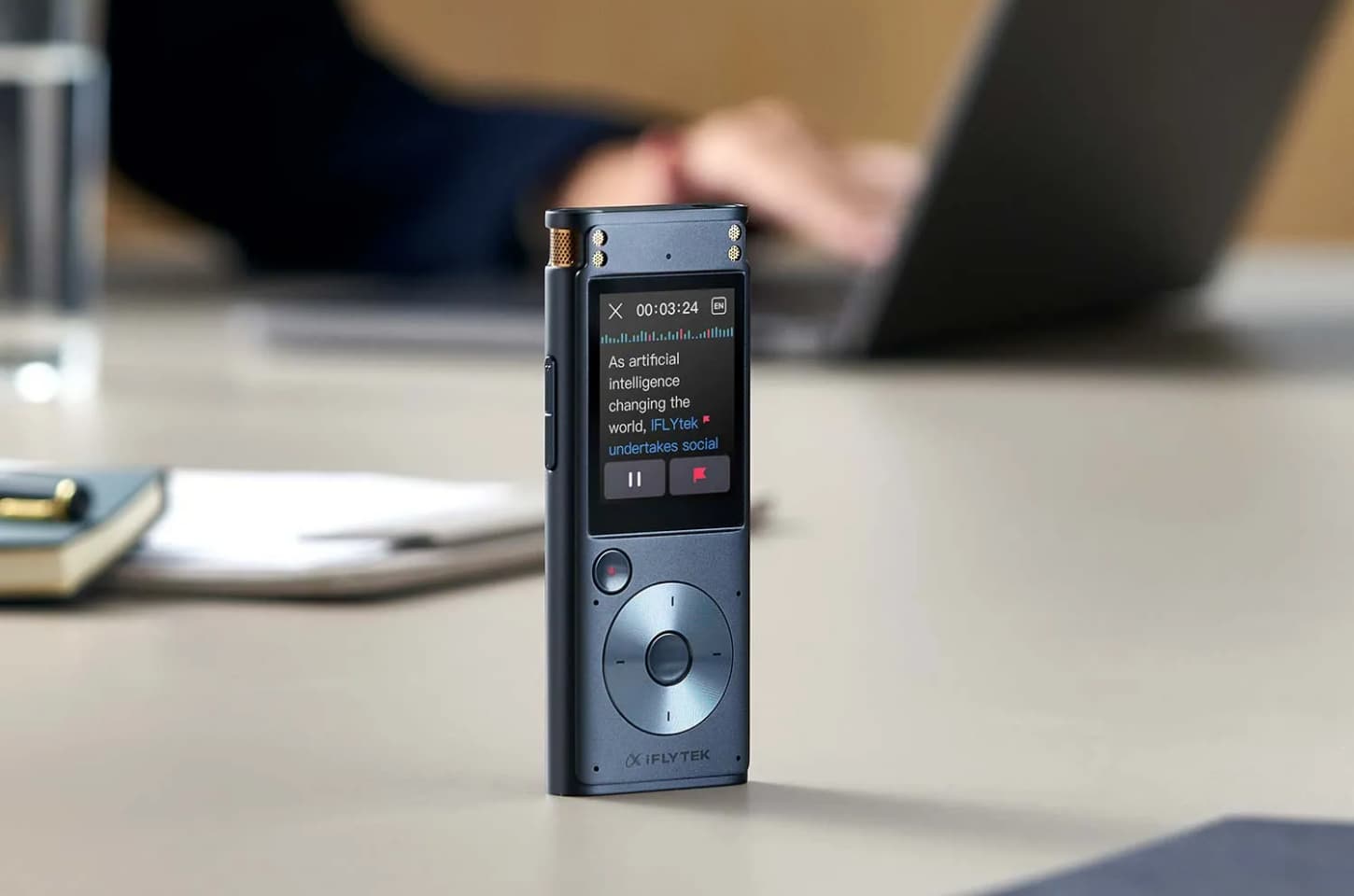
If you’ve ever missed key points because your professor spoke too quickly, this iFLYTEK Smart Recorder is a lifesaver. It records lectures with high clarity, even in noisy environments, and uses AI transcription to turn speech into text instantly.
Professional-Grade Recording: The recorder features a directional microphone capturing voices up to 10 meters away and 15 omnidirectional mics, with AI noise reduction for clear audio in echo-prone areas.
Offline Transcription Support: It transcribes speech to text offline in multiple languages, making it ideal for bilingual classes and international seminars.
AI-Powered Editing Tools: The device auto-paragraphs transcripts, allows bookmarking of key points, and filters out noise for improved accuracy.
iFLYTEK Smart Dictionary Pen
Language barriers or complex terms can slow you down, but this handheld device scans and translates text instantly. It’s not just for foreign language majors; science, law, and medical students can also benefit from instant definitions and pronunciation help.
High-Precision Scanning: The iFLYTEK Smart Dictionary Pen scans textbooks and notes, accurately recognizing words up to five to six times faster than smartphones or electronic dictionaries.
Advanced Translation Technology: With world-class technology, the pen provides accurate translations and allows users to view English words within articles for seamless learning.
Pronunciation Practice with AI Feedback: The pen features patented AI technology that evaluates pronunciation on accuracy, fluency, and completeness, helping users master correct speech patterns.

2. Learning and Memory Apps
Notion
Notion is a workspace where you can organize your class schedule, lecture notes, assignments, and even group project plans. Its flexibility helps you to create custom databases, study trackers, and to-do lists that sync across devices.
Anki
Anki is a flashcard app built on the concept of spaced repetition. It shows you cards just before you’re likely to forget them. Anki adapts to your learning pace and helps you memorize knowledge.
Quizlet
Similar to Anki but with a more visual and collaborative mode, Quizlet allows you to create flashcards and study sets. You can also access millions of sets made by other students worldwide.
3. Writing Tools
Grammarly
Polishing an essay, a lab report, or an email to a professor is an easy task for it. It checks grammar, spelling, and clarity. It also shares suggestions for tone and vocabulary.
Zotero
Zotero is a free, easy-to-use tool to help you collect, organize, annotate, cite, and share research. It works seamlessly with Word and Google Docs, saving hours of formatting work.
4. Focus and Collaboration Platforms
Forest
Forest turns its focus to amusement by growing a virtual tree when you stay off your phone. The longer you focus, the bigger your forest grows. It’s a small psychological boost that can help you concentrate on tasks without interruption.
Google Workspace
From Docs and Sheets to Drive and Meet, Google Workspace offers all the tools you need for group projects, note sharing, and online collaboration. Everything is stored in the cloud, so you can work from anywhere without worrying about losing files.
How to Choose the Right Study Tools for You
Not every tool will suit every student. Choosing the right study tools enhances efficiency, personalizes learning, boosts motivation, and saves time, ultimately leading to better academic performance and more effective knowledge retention. When deciding, consider:
Your Learning Style
Different people have different degrees of planning for learning and different receptivity to information from different senses. Visual learners might prefer Quizlet’s diagrams, while auditory learners might benefit from a Smart Recorder.
Your Course Requirements
The learning needs of your major are also an important consideration. A research-heavy major may require Zotero, while a language student may prioritize a Smart Dictionary Pen.
Budget
While some tools are free, hardware is an investment. Weigh the long-term benefits before purchasing.
Ease of Use
If a tool is too complicated, you’ll avoid using it. Choose ones with simple, intuitive interfaces.
Pro Tips for Maximizing the Benefits
To get the most out of your study tools, you need to think beyond simply using them. By integrating them into a smart workflow, you can supercharge your efficiency.
Combine Tools for a Powerful Workflow
Don't use your tools in isolation. Pair an iFLYTEK Smart Recorder with Notion to create a seamless system. The recorder captures and transcribes the lecture, and you can then sync the transcript directly into your Notion notes. This turns a simple recording into a dynamic study resource, saving you time and effort.
Stay Consistent
The best tools are useless if you don't use them regularly. Make them part of your daily routine. Commit to reviewing your Anki flashcards every morning or using the Forest app during every study session. By building these habits, you ensure the tools are always working for you.
Use Cloud Sync
Your Digital Safety Net: Always activate cloud sync on your devices and apps. Backing up your notes and assignments automatically to services like Google Drive or Notion's cloud protects you from data loss due to device failure. It also lets you access your work from anywhere, giving you flexibility and peace of mind.
FAQ
Are paid study tools worth it for college students?
Yes. If they save you significant time, improve your grades, or reduce stress, the investment always pays off.
Can these tools replace traditional studying methods?
No, they are assistants and complements, not alternatives. Your critical thinking should come first.
Conclusion
The right study tools can transform your college experience from stressful and chaotic to organized and efficient. From AI-powered recorders that transcribe lectures to memory-boosting apps and focus-enhancing platforms, the key is to select tools that match your learning style and academic needs. By integrating these top 10 study tools for college students into your daily routine, you’ll study smarter and free up more time for the experiences that make college life truly unforgettable.