An E-Ink tablet feels totally different from a regular tablet the moment you pick it up. Unlike iPads or Android tablets designed for speed and color, E-Ink tablets are built for long-form thinking: reading, writing, reviewing, and organizing ideas without visual fatigue. It’s more like "digital paper" than just a device. Choosing the right device ultimately comes down to your personal reading habits, your writing style, and the priority you place on deep focus versus high-speed performance.
This guide will analyze the real user experience of E Ink screens, addressing common everydayconcerns and sharing outstanding E Ink tablet products.
Does Writing on an E-Ink Tablet Really Feel Like Paper?
While "paper-like" is the big selling point, does it actually feel real? Mostly, yes, though it still has a few digital drawbacks.
How Does the Pen-to-Screen Friction Actually Feel?
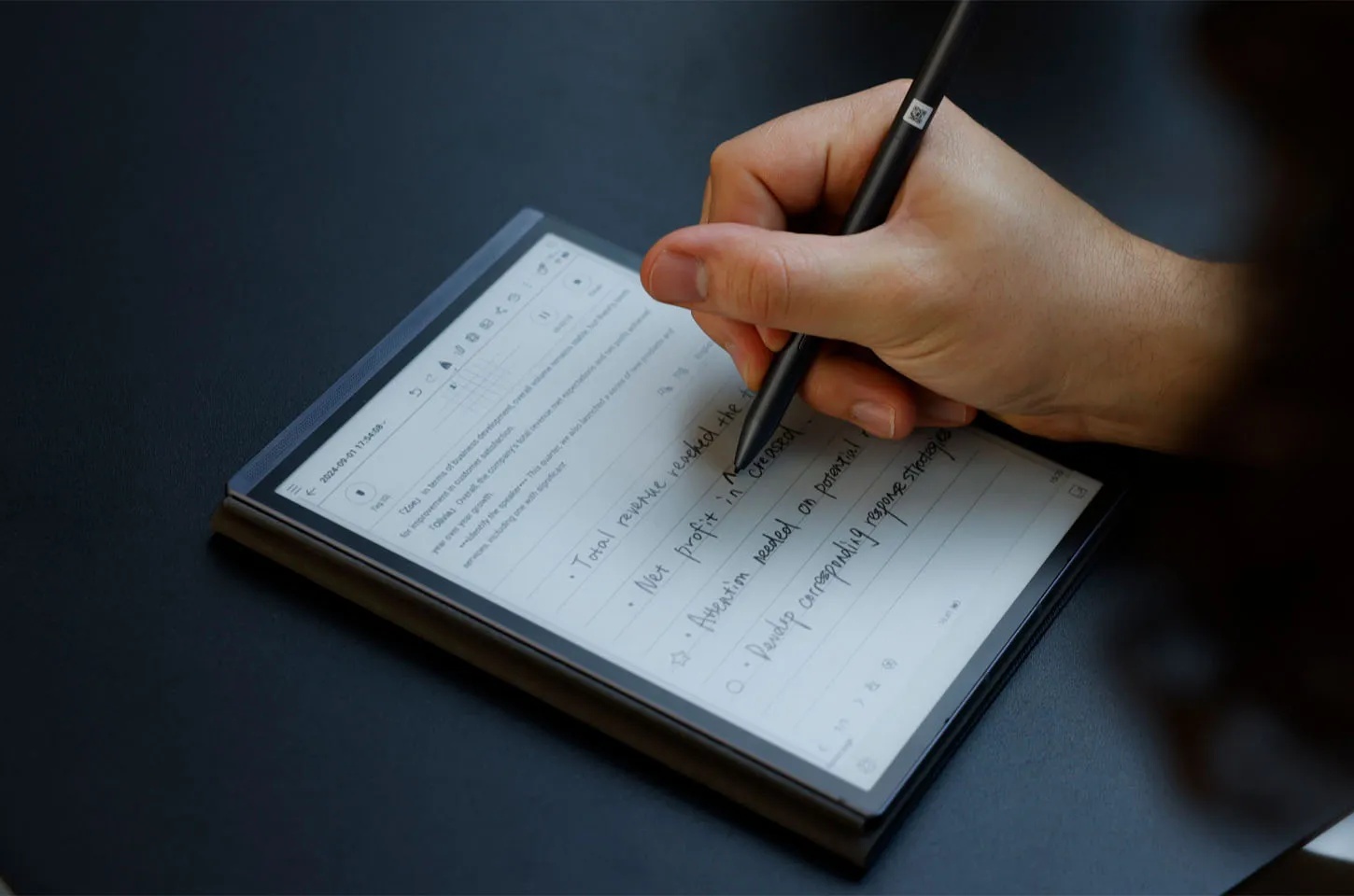
Unlike writing on an iPad, which often feels like a "nail on glass"which is too slick, most modern E-Ink tablets feature textured screen overlays. When you drag the stylus across the surface, there is a distinct tactile resistance and even a faint "scritch-scritch" sound. This friction gives you better control over your handwriting, preventing the stray, messy lines common on glossy tablets.
Is It Comfortable for Long Writing Sessions?
Because most styluses are battery-free and the screen doesn't give off heat, writing for two hours feels much more natural. Your hand doesn't stick to the glass as it would on a warm iPad. For journalists, novelists, or researchers, the experience mimics a high-quality legal pad rather than a cold electronic device.
Is an E-Ink Tablet Comfortable for Reading All Day?
As digital fatigue reaches an all-time high, modern tech is pivoting toward health. E Ink tablets address this by replacing harmful backlights with eye-friendly, reflective digital ink.
What Do Your Eyes Feel Like After Hours of Reading?
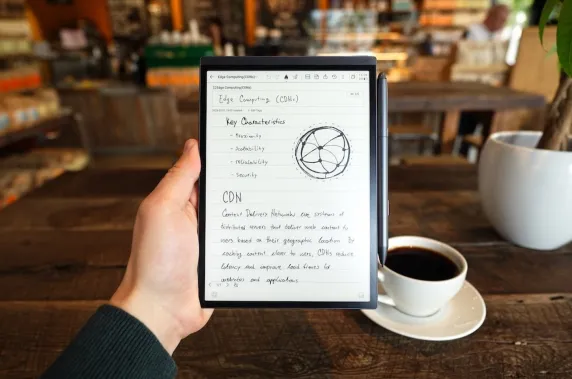
Regular tablets use LCD or OLED screens that blast light directly into your retinas. EInk uses reflective light. It’s essentially tiny particles of ink moving around to form shapes. The result? Almost no eye strain. After four hours of reading on an EInk tablet, your eyes feel the same as if you’d been reading a paperback.
How Does It Feel in Different Lighting Conditions?
Traditional screens often struggle with glare or harsh brightness, but E Ink technology adapts naturally to any environment. This display remains clear and comfortable for the eyes in both the midday sun and a low-light environment.
Direct Sunlight: This is where E-Ink wins. While your phone becomes a black mirror in the sun, E-Ink looks even crisper the brighter the light gets.
Bedtime: Most 2026 models feature adjustable warm lights. Unlike blue-light-emitting tablets that mess with your circadian rhythm, EInk glows softly from the sides (front-lit), making it much gentler for late-night reading.
Does Using an E-Ink Tablet Slow You Down?
We have grown accustomed to skimming content at high speeds to improve efficiency when faced with large amounts of material, yet they find it difficult to engage in truly deep thinking. E Ink is inherently slower than traditional displays, but the efficiency brought by deep focus is even more valuable.
How Responsive Is an E-Ink Tablet in Daily Use?
The "refresh rate" of E Ink is the bottleneck. When you turn a page or open an app, you’ll notice a ghosting effect or a brief flash as the ink particles reset. While 2026 hardware has made massive strides in reducing latency, it will never feel as "snappy" as an iPhone. It forces you to slow down, which, for many, is the entire point.
Is It Still Good for Quick Notes and Ideas?
Yes, for the initial "brain dump." Most devices now have "instant-on" features where the notepad is ready as soon as you pick up the pen. However, if you need to quickly flip between ten different apps, Chrome tabs, and Slack messages, the refresh rate will likely frustrate you.An E Ink tablet is a tool for deep work, not multitasking.
Can an EInk Tablet Replace Paper for Daily Notes?
For 90% of users,yes. You get the organization of a computer (folders, tags, searchability) with the soul of a notebook. You’ll never lose a stray piece of paper again, and many devices now offer high-accuracy handwriting-to-text conversion. It can fully meet the needs of daily note-taking.
Who Is an E Ink Tablet Actually a Good Fit For?
An E-Ink tablet is a purposeful investment for those who prioritize quality over quantity. It acts as a dedicated space for deep thinkers who value eye health and an environmentwithout distraction.It is especially suitable for the following groups.
Students and Heavy Note-Takers
If you often struggle in a sea of piles of handouts and materials, an E-Ink tablet is a lifesaver. You can annotate PDFs directly and keep your entire semester's worth of notes in a device thinner than a single textbook.
Readers Who Spend Hours with Text
If your "reading" consists of long-form essays, Kindle books, or academic papers, your eyes will thank you. It is easy on the eyeswithout fatigue.
Users Who Want Less Distraction
E Ink tablets usually don't have Instagram, TikTok, or a barrage of notifications. They are designed to let you think. If you find yourself getting distracted by YouTube every time you try to work on an iPad, E Ink is a quiet, single-purpose device that keeps you focused on text instead of apps.
Best E-Ink Tablets in 2026 for Writing and Reading
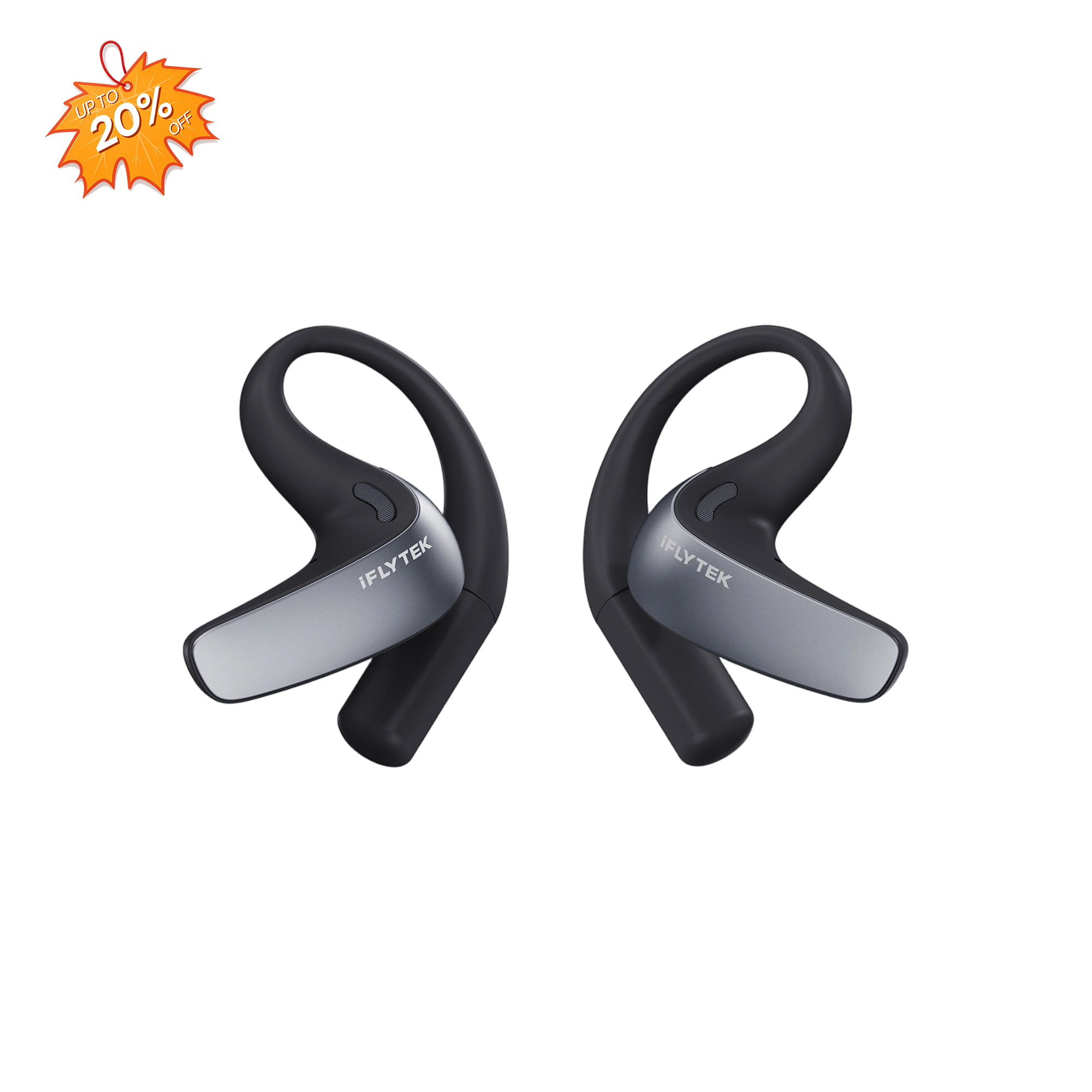
By 2026, the market has matured. iFLYTEK combines glare-free E Ink with powerful AI, redefining digital paper to protect your eyes while actively streamlining study and work with focused, distraction-free efficiency. Two standout iFLYTEK products currently lead the pack.
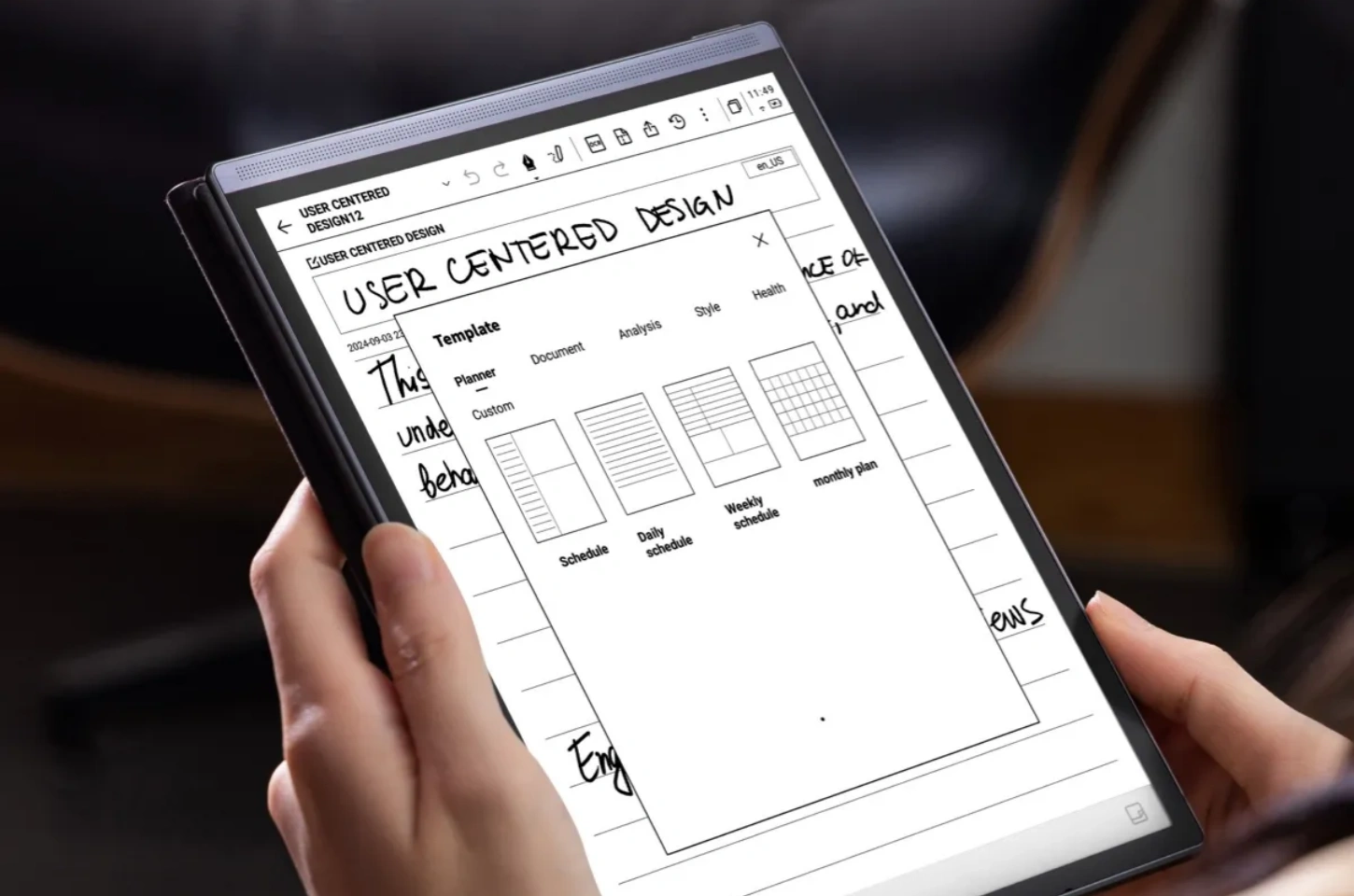
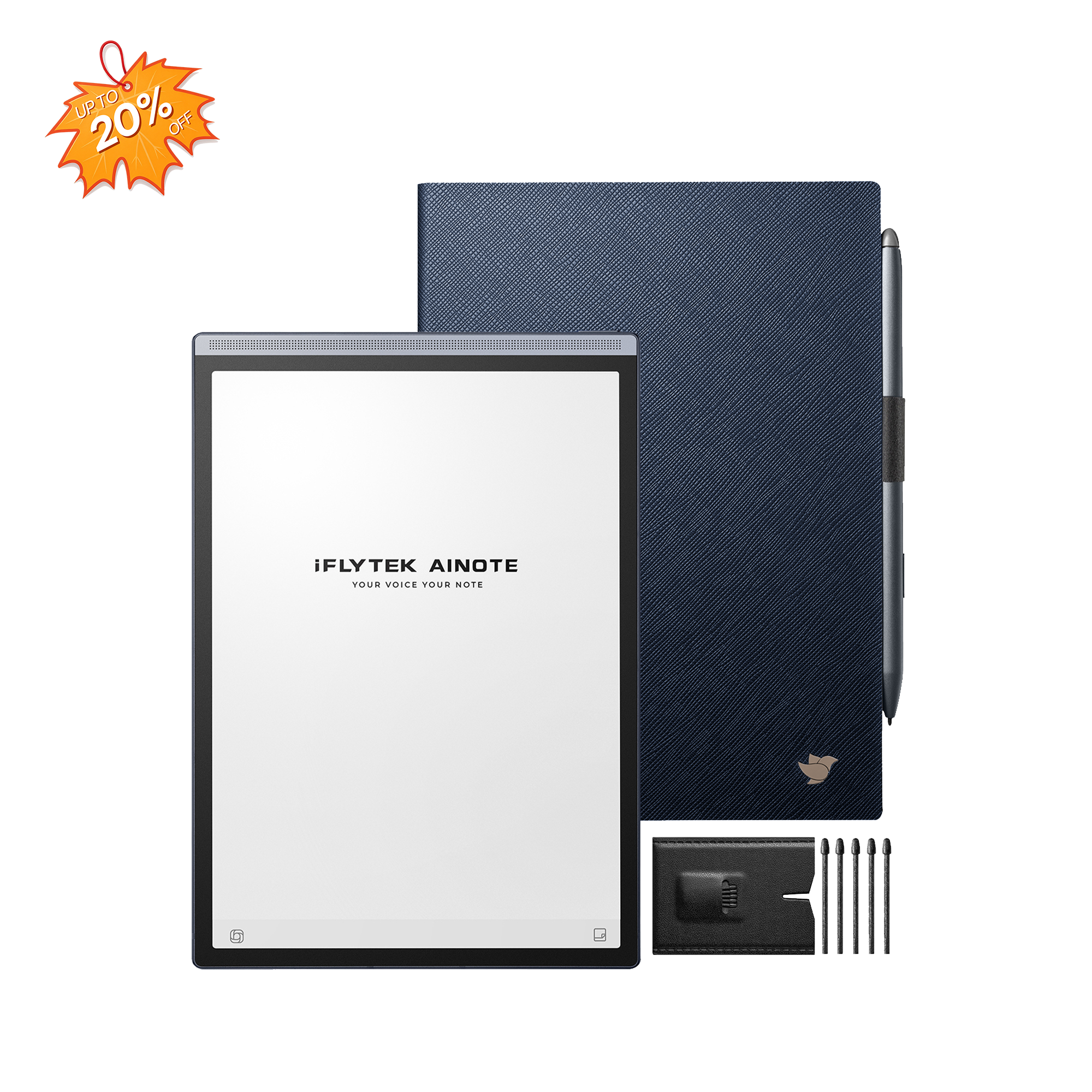
iFLYTEK AINOTE 2
The iFLYTEK AINOTE 2 merges paper-like tactility with GPT-5 intelligence. This stunningly thin, "focus-first" device eliminates eye strain while supercharging productivity for modern professionals.
World’s ThinnestDesign: Only 4.2mm thin, this 10.65-inch, 300PPI screen offers a lightweight, paper-like reading experience that is perfectly easy on your eyes.
GPT-5 Powered Productivity: Using GPT-5, it summarizes handwriting to text across 133 languages with incredible professional accuracy.
Low latency & Instant response: Smooth page turns, fluent typing, and natural handwriting. Every action flows-nothing slows you down.
iFLYTEK AINOTE Air 2
The iFLYTEK AINOTE Air 2 is a dedicated AI note-taking device, designed for students who need a physical tool for lecture-heavy courses rather than just another mobile app. It works as a notebook, creative tool, AI assistant, reader, and more, making it a truly versatile device.
AI Voice-to-Text Power: Transcribe 14 languages and translate 7 languages in real-time, creating instant, accurate meeting memos with professional ease.
Natural Note-Taking Experience: The 8.2-inch screen features ultra-low latency and an 88.5% screen-to-body ratio for a seamless, immersive paper-like feel.
Smart Task Management: Draw stars or circles to auto-generate to-do lists and sync everything securely across devices via the cloud.
Conclusion
In daily use, an EInk tablet is more than a gadget; it is a lifestyle choice for those reclaiming their focus. By trading digital noise for eye-friendly, paper-like clarity, it transforms your reading and writing into a calm, productive ritual that traditional screens simply cannot replicate. It gives you the space to think.
FAQs
1. Is an e-ink tablet really better for your eyes?
Yes. It uses reflective light to mimic physical paper, eliminating flicker and the harsh blue light of traditional backlit screens.
2. Does writing on EInk feel laggy?
While system navigation has a slight delay, pen-to-ink writing on modern iFLYTEK devices is virtually instant and tactilely responsive.
3. Can E Ink tablets handle PDFs well?
Large models are perfect for PDFs, offering 1:1 scaling and AI-enhanced tools to annotate directly on the "digital paper."
4. Why do E Ink tablets feel slow compared to iPads?
It comes down to physics: E Ink moves real ink particles to form images, prioritizing deliberate focus over the high-speed flickering of LCD/OLED pixels.
5. Should I choose e-ink or an iPad for note-taking?
Choose E Ink for paper-like friction, long battery, and distraction-free focus; choose an iPad for high-speed multitasking and color-heavy creative work.