If you are looking for the short answer: E Ink is significantly better for long-form reading and eye comfort.While LCD technology has made leaps in refresh rates and color accuracy, the fundamental way E Ink interacts with light makes it the superior choice for anyone who spends hours reading e-books or professional documents.
Below, we’ll analyze why E Ink is easier on the eyes, how both technologies work, and how to choose the right screen for different reading scenarios, especially if you’re considering iFLYTEK E Ink devices.
Which Screen Is Easier on the Eyes for Long Reading Sessions?
When we compare these two technologies, we are not just looking at resolution; we are also paying attention to how our eyes process light.To help you intuitively understand the differences in technology and user experience, the table below shows the performance of E Ink and LCD in the key categories most important to users:
|
Factor |
E Ink Screen |
LCD Screen |
|
Light source |
Reflective (ambient light) |
Emissive (backlight) |
|
Flicker & PWM |
None |
Common on many panels |
|
Blue light exposure |
Minimal |
Present even with filters |
|
Glare |
Very low |
Moderate to high |
|
Eye fatigue after long use |
Low |
Medium to high |
|
Outdoor readability |
Excellent |
Often problematic |
Why Does Eye Strain Feel Different on E Ink vs LCD Screens?
E Ink behaves like paper, which is why many people who read for hours choose an E Ink note device instead of a standard tablet, especially for writing and reviewing documents:why E Ink tablet is perfect for note-taking.
LCD screens shine light directly into your eyes all the time. The screen is constantly refreshing, even when the image looks still. Over long reading sessions, this can make your eyes feel tired, dry, or even lead to headache.
Does Screen Technology Affect Reading Focus and Speed?
Yes. LCD screens are "distraction machines" built for speed, making you skim instead of read. E Ink is different; its steady, paper-like display calms the brain. This helps you enter a "flow state," allowing you to focus deeper and remember more of what you read.
How Do E Ink and LCD Screens Work?
To understand why E Ink is easier on your eyes, it helps to look under the surface. The fundamental difference lies in how these screens manage light.
How E Ink Displays Text Using Ambient Light
You can imagine millions of tiny microcapsules filled with clear fluid. Inside are positively charged white particles and negatively charged black particles. When a charge is applied, the black particles move to the surface to form text. Because these are physical particles, they reflect ambient light from the roomjust like ink on paper.
How LCD Screens Use Backlighting to Show Content
LCDs work by sandwiching a layer of liquid crystals between two filters and a backlight (usually LEDs). The crystals twist to block or allow light through color filters. Because the light is "pushed" from the back through the screen, your eyes are effectively staring at a light source for hours on end.
How to Choose Between E Ink and LCD for Different Reading Scenarios
The right screen for you depends entirely on what you are reading and where you are reading it, as each technology excels in different environments.
Reading Novels and Long Articles
Winner: E Ink.If you’re settling in for a long book, E Ink is ideal. It stops that dry, "gritty" feeling in your eyes that usually happens after staring at a tablet for too long.
Reading PDFs, Textbooks, and Academic Papers
Winner:Large-screen E Ink. Large E Ink tablets now handle big documents smoothly. However, if you need to zoom in and out quickly or scroll fast through pages, an LCD tablet feels faster. But remember: that extra speed comes at the cost of more eye strain.
Reading Comics, Magazines, and Illustrated Content
Winner:LCD. If you’re looking at pictures, magazines, or comics, the rich and vivid colors of an LCD will look much better.
Nighttime and Bedtime Reading
Winner:E Ink witha warm front light.LCD screens give off a lot of blue light, which tricks your brain into staying awake and ruins your sleep. E Ink devices are different; they use "front-lights" that shine across the page instead of directly into your eyes. This makes it much easier to fall asleep after reading.
Travel, Commuting, and Outdoor Reading
Winner:E Ink.Have you ever tried to read an iPad at the beach? It’s essentially a mirror. E Ink has no glare; in fact, the brighter the sun, the clearer the text becomes.
Practical Limitations You Should Know Before Choosing E Ink
E Ink is friendly for your eyes, but it works differently than a normal tablet, so there are a few practical trade-offs you should know about.
Refresh Rate, Ghosting, and Interaction Speed
E Ink is slow and meant for deep focuswhile you might see a faint "ghost" of the last page when you turn it, remember it is built for reading books, not playing games or watching videos.
Learning Curve and Software Limitations
These devices aren't as "tap-and-go" as an iPad; you’ll need a little patience to get used to the slight touch delay and the way the screen "flashes" to clean the ink.
Durability and Repair Costs
E Ink screens are quite fragile and expensive to fix, so if you drop one and the screen "freezes" in a spiderweb pattern, it usually costs as much as a new device to repair.
Best iFLYTEK E Ink Devices for Eye-Friendly Reading
iFLYTEK combines glare-free E Ink with AI for a true “digital paper” experience. This approach protects your eyes while helping you manage heavy reading, writing, and document review workloads. Both devices focus on eye comfort first, removing flicker and minimizing blue light, which makes them ideal for long study or professional use.
For many users, the real decision comes down to iFLYTEK AINOTE 2 vs AINOTE Air 2. While both prioritize eye health, they are designed for slightly different reading and work scenarios.
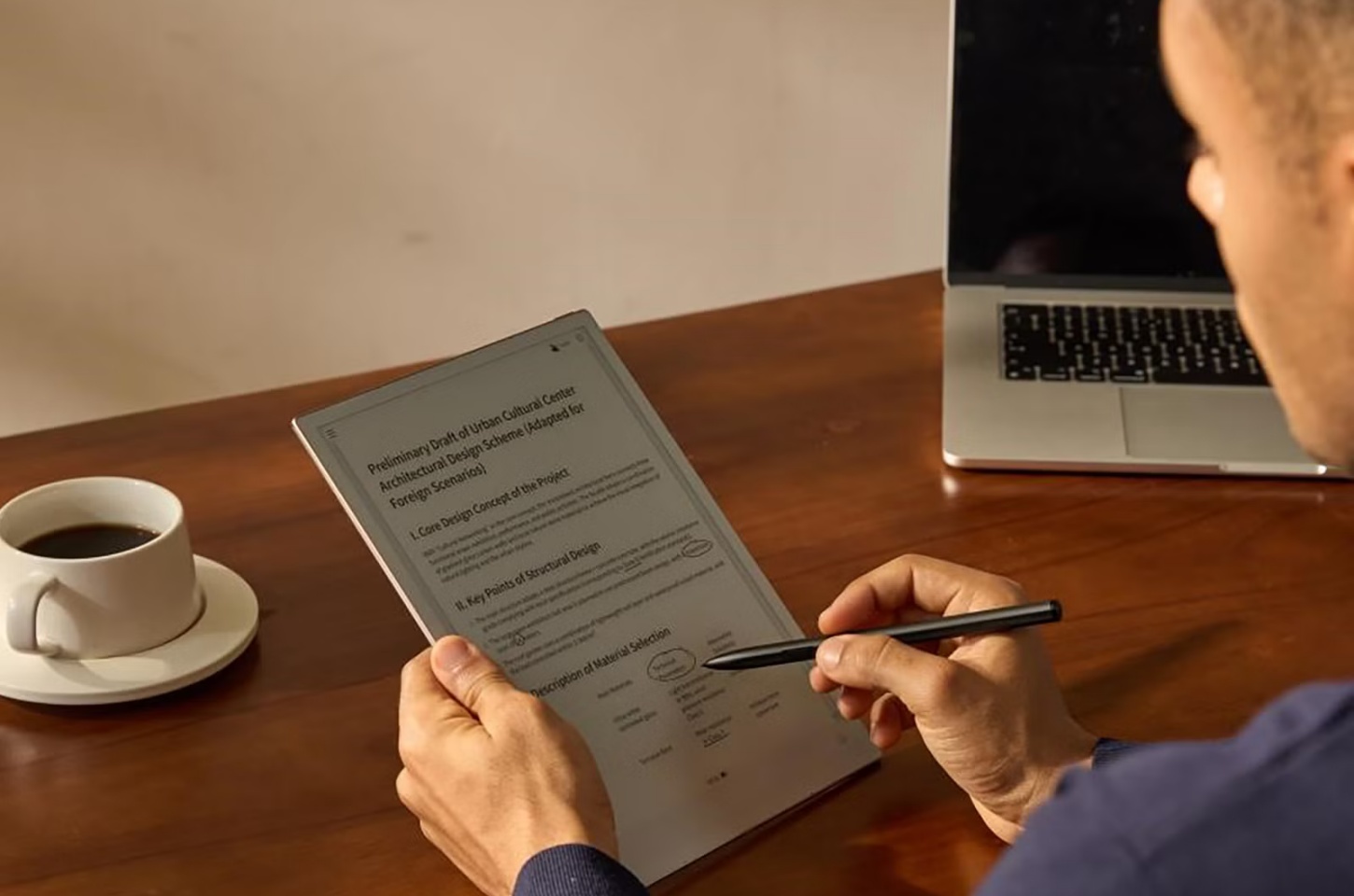
iFLYTEK AINOTE 2 — Best for Long Sessions and Eye Comfort
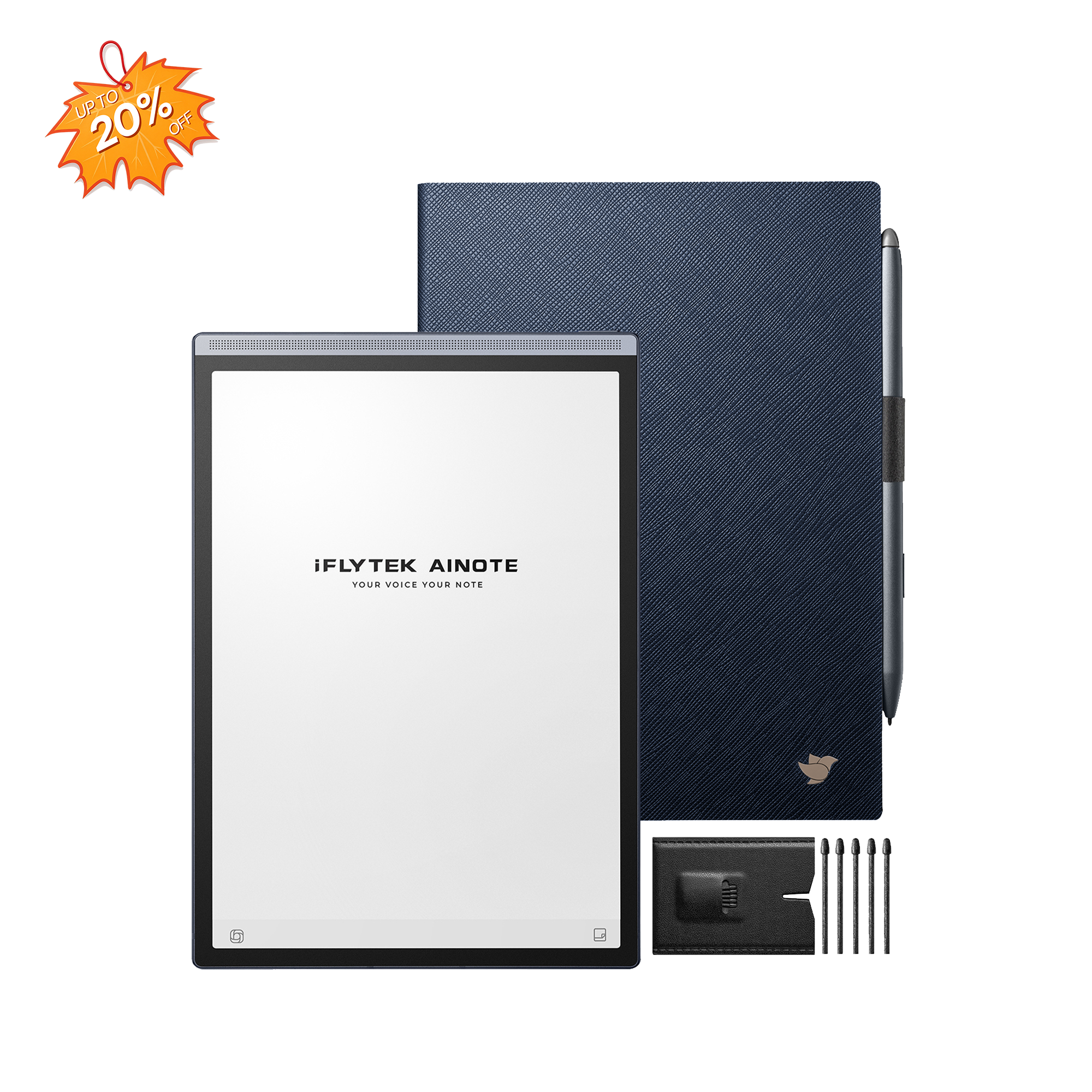
The iFLYTEK AINOTE 2 is a breakthrough in digital paper, designed for those who want the tactile feel of paper with the power of modern AI. By merging a stunningly thin design with GPT-5 intelligence, it creates a "focus-first" workspace that eliminates eye strain while supercharging productivity.
World’s Thinnest AI Design:Only 4.2mm thin, this 10.65-inch, 300PPI screen offers a lightweight, paper-like reading experience that is perfectly easy on your eyes.
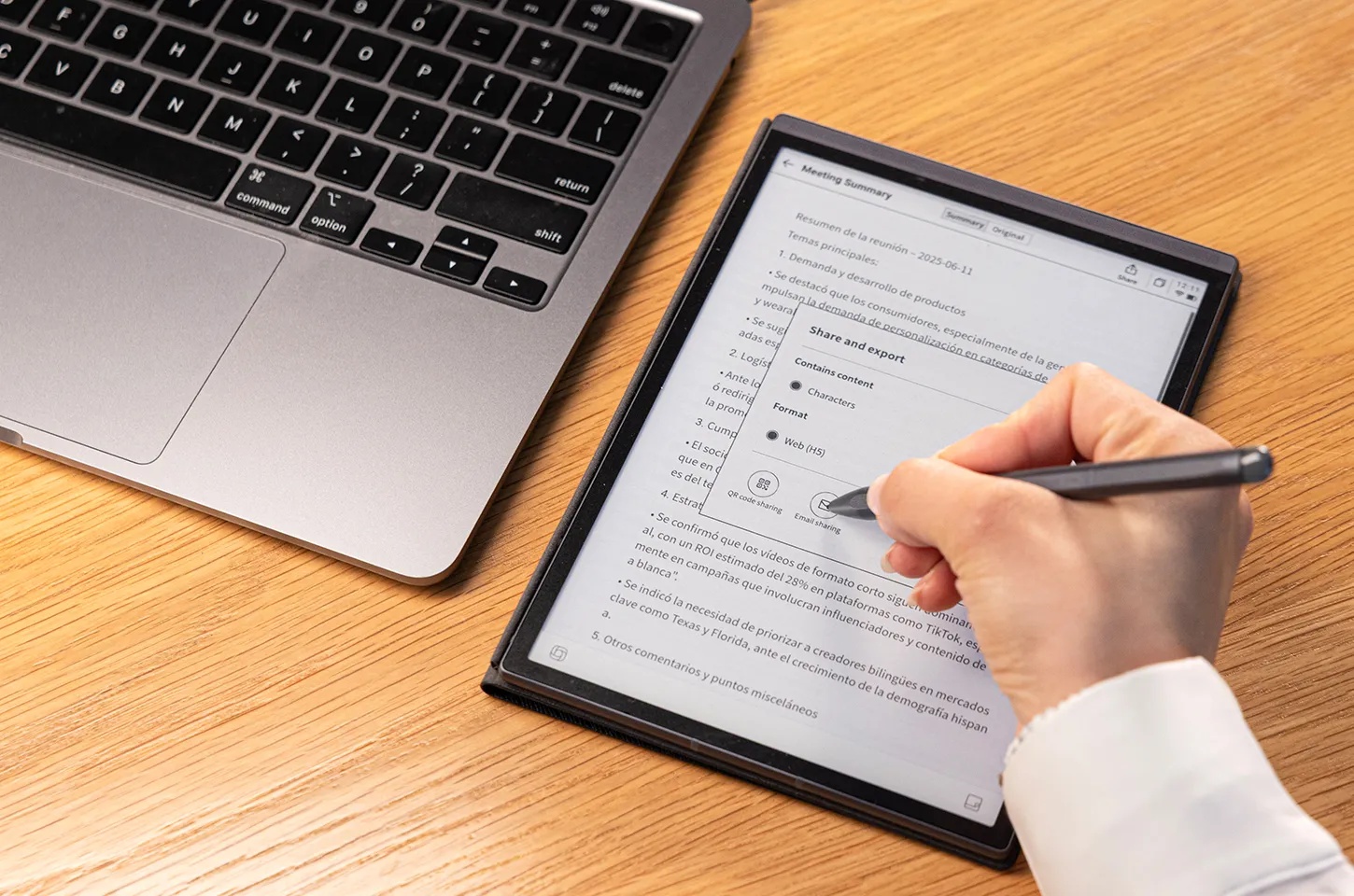
GPT-5 Powered Productivity:Using GPT-5, it summarizes meetingsand converts handwriting to text across 133 languages with incredible professional accuracy.
Seamless Professional Ecosystem:Running Android 14, it syncs mind maps and calendars across all your devices while ensuring your data stays private and secure.
iFLYTEK AINOTE Air 2 — Best Value & Daily Reading
The iFLYTEK AINOTE Air 2 is a portable device designed for students and professionals. It combines a compact, paper-like display with advanced audio AI to make capturing information effortless.
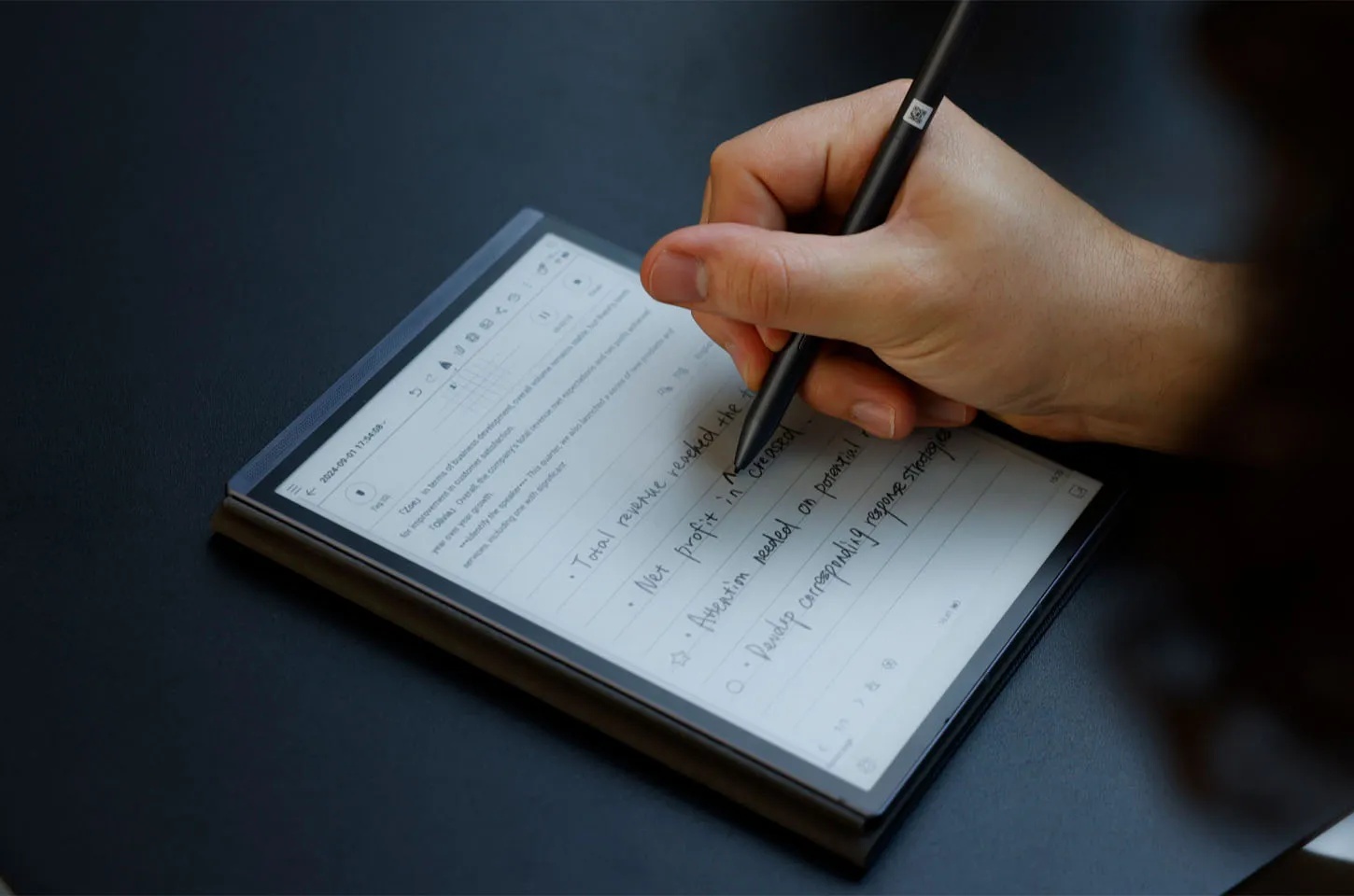
AI Voice-to-Text Power:Transcribe 14 languages and translate 7 languages in real-time, creating instant, accurate meeting memos with professional ease.
Natural Writing Experience:The 8.2-inch screen features ultra-low latency and an 88.5% screen-to-body ratio for a seamless, immersive paper-like feel.
Smart Task Management:Draw stars or circles to auto-generate to-do lists and sync everything securely across devices via the cloud.
Summary
In 2026, the choice is clear: LCD is for entertainment, but E Ink is for your health.E Ink works with your eyes to stop strain, improve sleep, and help you focus. If you are ready to protect your vision and boost your productivity, iFLYTEK is an ideal choice. If you pick the ultra-thin AINOTE 2 or the portable Air 2, you will start a smarter, healthier way to read and work.
FAQs
1. Is E Ink actually better for eyes?
Yes. E Ink reflects light instead of emitting it, reducing strain and fatigue during long reading sessions.
2. How fragile are E Ink screens?
They are more fragile than LCD panels. A good protective case is strongly recommended.
3. Why do people prefer E Ink screens over LCD?
For comfort, focus, battery life, and a paper-like reading experience.
4. Do blue-light filters completely prevent sleep disruption?
No. They reduce blue light but don’t eliminate the effects of screen emission on sleep cycles.
5. Why are E Ink panels so expensive?
Lower production scale, complex manufacturing, and limited suppliers keep costs high, but the eye comfort payoff is significant.