Law firms use AI for meeting documentation to capture client conversations, case strategy discussions, witness interviews, and follow-up decisions with fewer gaps. In legal work, one missed date, unclear instruction, or scattered note can affect case analysis, client communication, and document review. The value of AI is not replacing attorney judgment, but helping legal teams preserve spoken information, organize key issues, and review records before they become part of the case file.
Why Law Firms Need Better Meeting Documentation
Legal work depends on accurate memory, clean records, and consistent follow-up. When meetings create scattered notes, incomplete summaries, or unclear timelines, attorneys spend more time reconstructing what happened instead of analyzing what matters.
Legal Details Require Accurate Capture
A small error in a meeting note can change how a legal team understands the whole matter. If a date is recorded incorrectly, the case timeline may point in the wrong direction. If a client instruction is unclear, the attorney may misunderstand the client’s priority, risk tolerance, or next-step approval. Missing a condition, document reference, witness name, or party relationship can also affect evidence review, liability analysis, negotiation planning, and later legal document review. Better meeting documentation does not turn every spoken detail into a confirmed fact, but it gives attorneys a more complete record to check before they build a case theory or make legal decisions.
Client Stories Are Not Always Linear
Clients rarely explain legal issues in a neat order. They may start with the most emotional part of the story, move backward to earlier events, add missing names later, or remember a key document after the meeting has already shifted topics. Manual notes can flatten that story into a simplified timeline too early. AI meeting documentation can preserve the original discussion so attorneys can later separate confirmed facts, assumptions, missing evidence, and follow-up questions with more care.
Manual Notes Can Miss Key Context
Manual note-taking works well for short updates, but it becomes harder when the conversation moves quickly or includes legal nuance. An attorney may need to listen for risk, ask follow-up questions, observe hesitation, and record exact wording at the same time. Important context can disappear when notes capture only the final answer but not the explanation behind it. Audio recording and AI transcription give the legal team a fuller reference point, especially when the exact wording of a client instruction or witness statement needs later review.
Scattered Records Weaken Case Continuity
Meeting records often end up across personal notebooks, email threads, shared folders, billing systems, and matter files. When those records are disconnected, attorneys and paralegals may struggle to understand earlier decisions, unresolved questions, or assigned follow-ups. A consistent workflow helps teams organize meeting notes around issues, decisions, tasks, and supporting documents. This improves continuity during handoffs, attorney absences, and long-running matters.
Closing these gaps requires more than another place to store meeting files. Law firms need a connected workflow that brings recording, transcription, handwritten review, and note organization together before the meeting notes are finalized and added to the matter file.
How iFLYTEK AI Supports a Law Firm Meeting Documentation Workflow
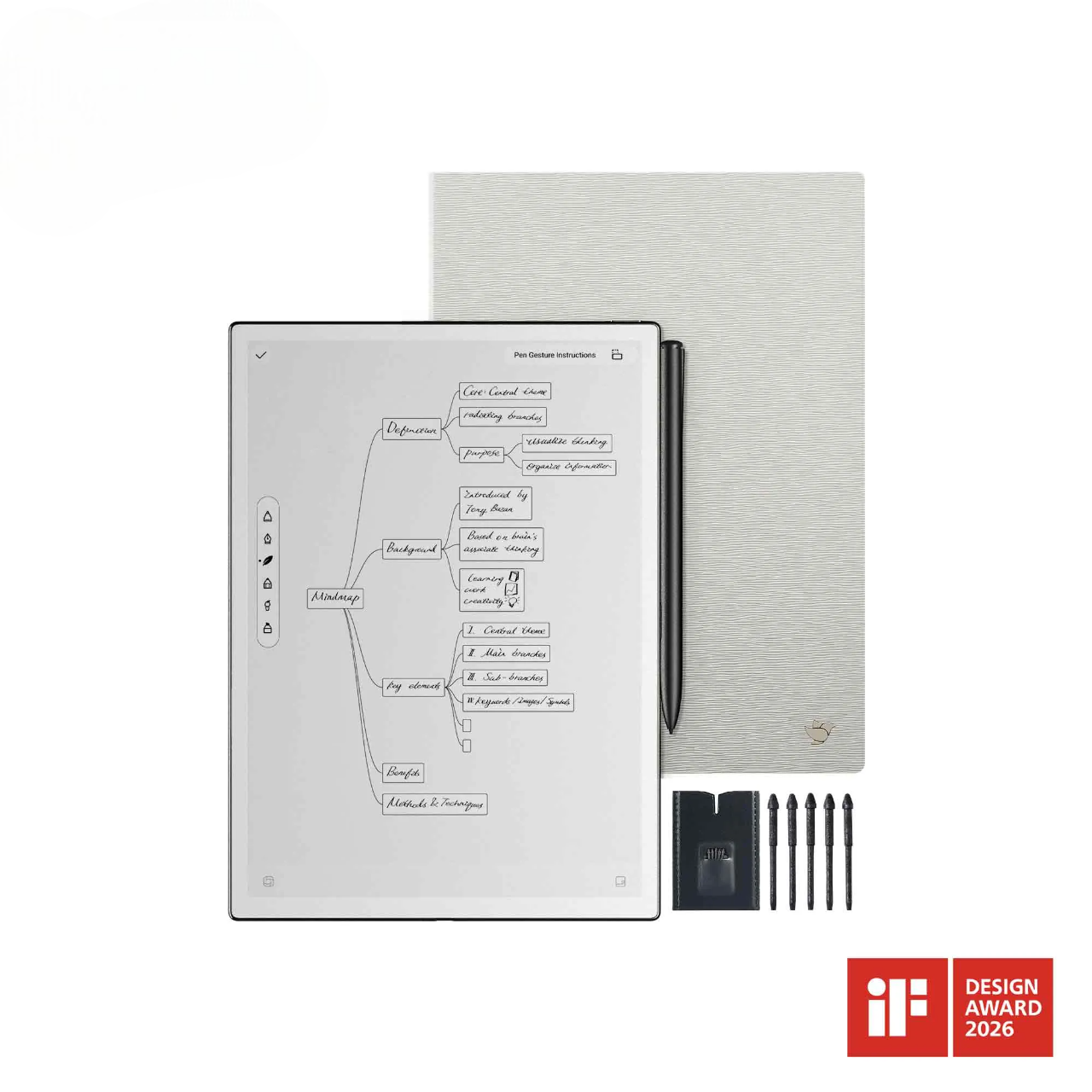
AI meeting documentation is most useful when recording, transcription, annotation, and review remain connected. In this workflow,iFLYTEK AINOTE Air 2 can serve as a single workspace for capturing a discussion, reviewing the transcript, adding handwritten notes, and organizing key points.
Capture Conversations Without Interrupting the Meeting
Legal meetings often require close listening, quick judgment, and careful follow-up questions. With audio recording built into the note-taking workflow, attorneys can focus on clarifying facts, understanding client intent, and guiding the discussion instead of typing every detail in real time. This is useful in client consultations, witness interviews, and internal case meetings where dates, names, document references, and client instructions may appear quickly. After the meeting, the audio record helps the team check exact wording, confirm uncertain details, and avoid relying only on memory or rushed handwritten notes.
Turn Spoken Discussions Into Reviewable Records
AINOTE Air 2 can convert recorded discussions into searchable text, making it easier to locate names, dates, document references, and client instructions. Its 8.2-inch E-Ink display provides a paper-like writing experience, allowing attorneys to review transcripts and add handwritten comments in a format closer to their familiar paper-based workflow. Because handwriting and voice remain synchronized, attorneys can return from a written note to the related point in the recording when a passage needs closer review. The transcript can support legal document review, memo drafting, evidence organization, and client follow-up without requiring the team to replay the full recording. Attorneys should compare important passages with the audio, correct transcription errors, and confirm the surrounding context before relying on the record.
Organize Key Issues, Decisions, and Follow-Ups
Legal meetings often produce several categories of information at once, including confirmed facts, unresolved questions, missing documents, client concerns, risks, task owners, and required approvals. A structured AI-assisted note-taking workflow can help attorneys review the transcript, add handwritten annotations, flag uncertain statements, and separate follow-up tasks from background discussion. After a client intake meeting, for example, the team can identify missing contracts, confirm potential witnesses, refine the timeline, and prepare a follow-up message from the same record. This turns the meeting into an organized working document rather than leaving key details buried in audio or scattered notes.
Support Attorney Review Before Final Archiving
Before meeting notes become part of the matter file, the firm needs a final review step that turns working materials into an approved record. An integrated note-taking workspace allows the attorney to move from the recording, transcript, and annotations to one finalized note without rebuilding the record across separate systems. At this stage, the attorney can resolve transcription errors, remove unnecessary material, distinguish verified information from assumptions, confirm assigned actions, and decide what should be retained. The result is not simply a cleaned transcript, but an attorney-reviewed record that is easier to archive, retrieve, and reference as the matter progresses.
Where Law Firms Can Use AI Meeting Documentation
Not every legal conversation needs the same level of recording, transcription, or summary. The strongest use cases are meetings where the information is dense, the follow-up matters, and later review may affect case handling.
Client Intake and Initial Consultations
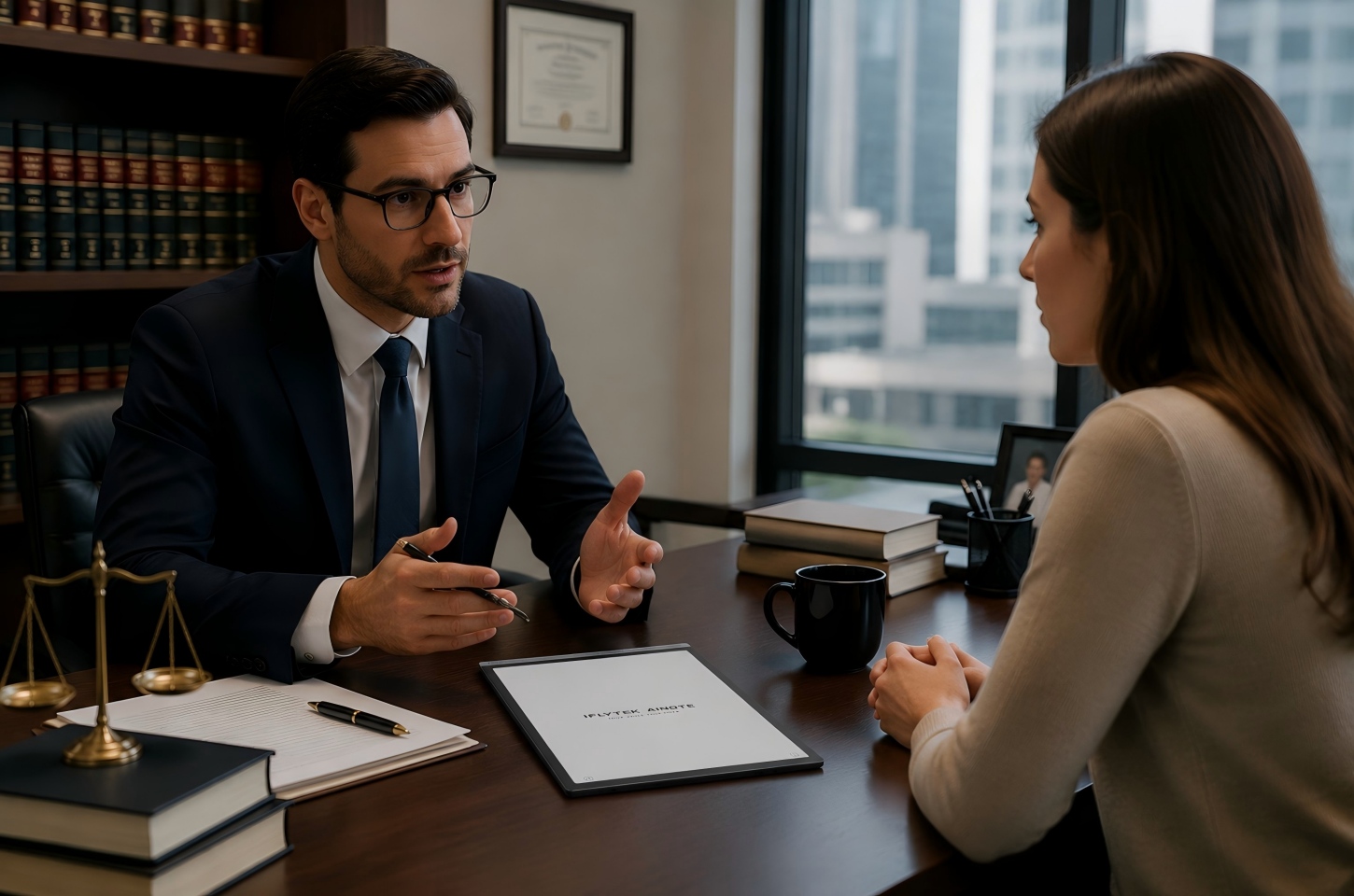
Client intake meetings often include the first full version of a legal problem. The client may share facts, emotions, documents, deadlines, and expectations in one conversation. When an upset client moves quickly through the details of a claim, dispute, or incident, the attorney can maintain eye contact and ask clarifying questions while, with consent, the discussion is recorded for later review.
AI meeting documentation helps preserve this early record so the team can later identify missing documents, conflicting dates, urgent risks, and follow-up questions. It is most useful when the firm has a repeatable intake process and clear rules for what gets saved, who can access it, and how the final intake note is reviewed.
Internal Case Strategy Meetings
Case strategy meetings often include legal analysis, task assignments, risk assessment, and decisions about next steps. During a fast-moving discussion, several attorneys may compare timelines, question assumptions, assign research, and revise the strategy within a few minutes. Manual notes may capture the final decision but miss why the team rejected another option. A transcript and summary can help attorneys revisit the reasoning behind a strategy, especially when the case develops or new evidence appears. This use case works best when the firm treats AI output as an internal review aid and avoids storing unnecessary sensitive discussion beyond what the matter requires.
Witness Interviews and Fact-Gathering Sessions
Witness interviews may turn on sequence, wording, pauses, corrections, and points of uncertainty. AINOTE Air 2 can capture the original conversation and convert it into a reviewable transcript, giving the legal team a fuller record to examine after the interview. In interviews with several participants, its speaker-separation feature can divide the transcript by voice and label participants as Speaker A, Speaker B, and so on. This makes it easier for attorneys to trace who made each statement and compare different accounts without manually marking every change of speaker.
By comparing the transcript with the recording, attorneys can identify vague or inconsistent answers and prepare more focused follow-up questions. Any transcript should be checked against the original audio before it is used in case preparation.Attorneys should also avoid treating an AI-generated summary as an assessment of a witness’s credibility, reliability, or the legal relevance of their statements, since those judgments require professional evaluation and broader case context.
Client Updates and Administrative Meetings
Not every meeting involves complex legal analysis, but routine updates still need accurate records. Client update calls may include status changes, billing questions, document requests, approval of next steps, or concerns about timing. AI notes can help firms keep these communications organized, especially when multiple team members interact with the same client. For short administrative meetings, a full transcript may not always be necessary, but a concise summary with action items can prevent missed follow-ups.

What Law Firms Should Check Before Relying on AI Meeting Records
AI documentation becomes safer and more useful when firms set clear rules for consent, confidentiality, access, human review, and archiving. AINOTE Air 2 can export organized meeting records as PDF or Word files, which can also be sent securely through encrypted email and filed in existing case management systems such as Clio, MyCase, or an internal server without changing the firm’s current workflow.
Confirm Recording Consent and Internal Policies
Before recording any legal meeting, the firm should confirm that recording is permitted and that appropriate consent has been obtained. Requirements may depend on the jurisdiction, the participants, and the type of meeting. Internal policies should state when recording is appropriate, who may authorize it, how consent is documented, and where the files are stored. When the legal basis or participant expectations are unclear, manual note-taking may be the safer option.
Protect Client Confidentiality and Access Control
Meeting records may contain privileged communications, personal data, financial information, medical details, business information, or litigation strategy. Before using an AI tool, the firm should evaluate where recordings and transcripts are processed, how long they are retained, and whether they can be exported or shared. AINOTE Air 2 supports offline transcription and local storage, allowing sensitive case discussions to be converted into text without being uploaded to the cloud. This gives law firms greater control over confidential information and reduces unnecessary data exposure.
Keep Attorney Review at the Center of the Final Record
AI can help capture and organize information, but it cannot decide what is legally relevant, privileged, accurate, or ready for the case file. Attorneys should review AI notes before relying on them for advice, filings, billing descriptions, or client communications. This review should focus on factual accuracy, missing context, unclear wording, and whether the note separates confirmed facts from assumptions. The best workflow uses AI to reduce administrative strain while keeping professional responsibility with the legal team.
FAQ
Should Law Firms Record Every Legal Meeting?
No. Recording is most useful when a discussion contains detailed facts, important instructions, or decisions that may need later verification. For brief administrative updates, an attorney-reviewed summary may be sufficient, provided the firm follows its consent and records policies.
How Accurate Are AI-Generated Legal Meeting Transcripts?
AI transcripts can provide a useful working record, but they are not guaranteed to be exact. Speaker overlap, background noise, accents, legal terminology, and unfamiliar names can cause errors, so attorneys should compare important passages with the original audio.
Should Law Firms Keep the Original Recording?
Law firms may retain the original audio when it is needed to verify wording or correct the transcript. The retention period should follow the firm’s records policy, confidentiality duties, client instructions, and applicable legal requirements.
Can AI Meeting Notes Support Billing Records?
Yes. Reviewed notes can help attorneys identify the issues discussed, work assigned, and follow-up tasks created during a meeting. The professional responsible for the work should still write and approve the final billing entry.
Should an AI Summary Replace the Full Transcript?
No. A summary is useful for quick review, but it may omit qualifications, uncertainty, or exact wording. The legal team should retain access to the reviewed transcript or original audio when those details may affect case analysis or follow-up decisions.
Conclusion
Law firms get the most value from AI meeting documentation when meetings contain dense facts, client instructions, document references, or follow-up decisions that need later review. An AI note-taking device can support that need by keeping audio recording, transcription, handwritten comments, and note organization closer together in the same workflow. The tool is most useful when the firm already has clear rules for consent, access, review, and archiving. With that process in place, AI can help legal teams preserve meeting details more consistently and turn spoken discussions into records that are easier to check and use.