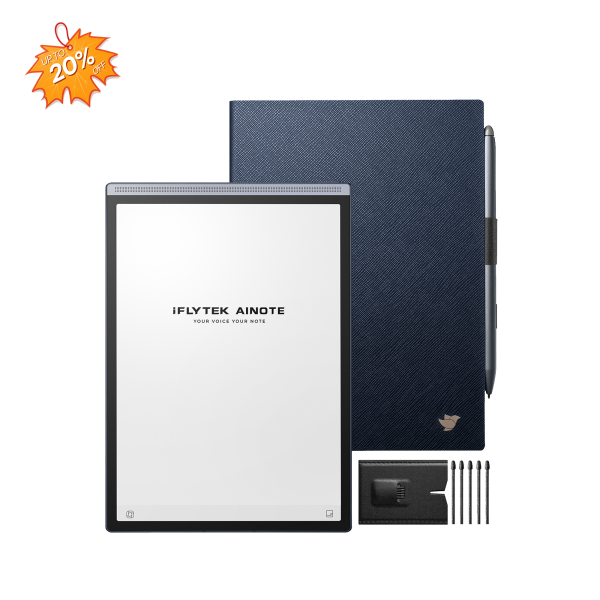
iFLYTEK AINOTE Air 2
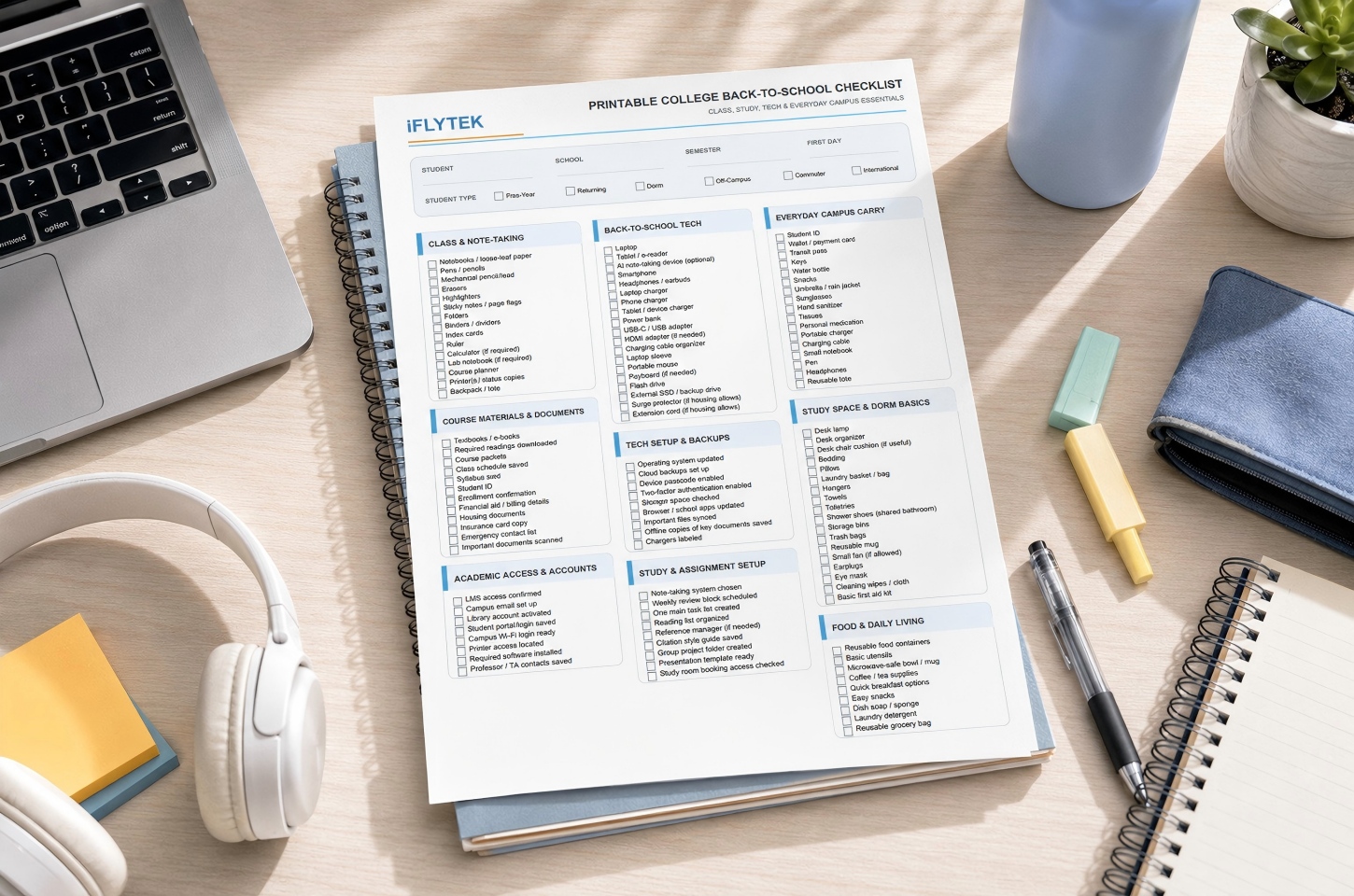
College back-to-school essentials usually fall into four groups: class supplies, everyday campus items, technology, and a simple organization system. Start with required course materials, a reliable backpack, chargers, a water bottle, basic personal items, and the devices you already know you will use. Then add dorm, commuter, or optional study supplies based on your schedule and course requirements. Use the printable college student essentials checklist below to make sure the smaller items do not get overlooked.
Download the College Back-to-School Checklist (PDF)
Once your checklist is ready, the next step is choosing tools that actually fit your classes and study routine. Students can also explore the latest iFLYTEK Back-to-School offers for AI-powered tools designed for note-taking, study, and communication.
Start With a Complete College Back-to-School Checklist
A good checklist should help you separate items you need before the first day from things you can wait to buy. Start with requirements that are already confirmed, then add optional items after reviewing your courses, housing situation, and daily schedule.
Class and Study Essentials
Begin with items you know your classes will require: notebooks or a digital note-taking device, pens, folders, chargers, headphones, and any course-specific materials already listed in the syllabus. Calculators, lab supplies, textbooks, or reference books should usually wait until you confirm the exact model, edition, or requirement from the instructor. Avoid buying every suggested accessory before classes start, especially when a course may provide digital materials or campus resources.
Campus and Daily Life Essentials
Think about what you will need during a full day on campus, not just inside the classroom. A backpack, reusable water bottle, portable charger, weather-appropriate clothing, basic medication, snacks, and personal care items can prevent small problems between classes. Dorm students may also need laundry supplies and household basics, while commuters may benefit more from portable charging, food containers, and items that make long days away from home easier.
Technology and Organization Tools
Do not assume every student needs a new laptop, tablet, or study device. First check whether your existing computer can run required course software and whether your school already provides printing, computer labs, cloud storage, or licensed applications. A digital notebook or tablet becomes more useful when your classes involve frequent handwriting, PDF annotation, or long lecture notes, while students doing mostly browser-based assignments may already have everything they need with a laptop and phone.
Build a Study System Before Classes Get Busy
The first week becomes easier when your courses already have a simple place for notes, deadlines, readings, and assignments. Keep the system basic enough that you can maintain it after the semester becomes busy.
Organize Materials by Course
Before classes begin, create one folder or notebook for each course using the course code shown on your schedule. Inside it, separate the syllabus, lecture notes, readings, assignments, and exam materials. If your school uses Canvas, Blackboard, or another course platform, download any syllabus or assignment calendar that is already available instead of rebuilding information later. Keep the same naming pattern across every course so files remain easy to find halfway through the semester.
Capture Notes During Lectures
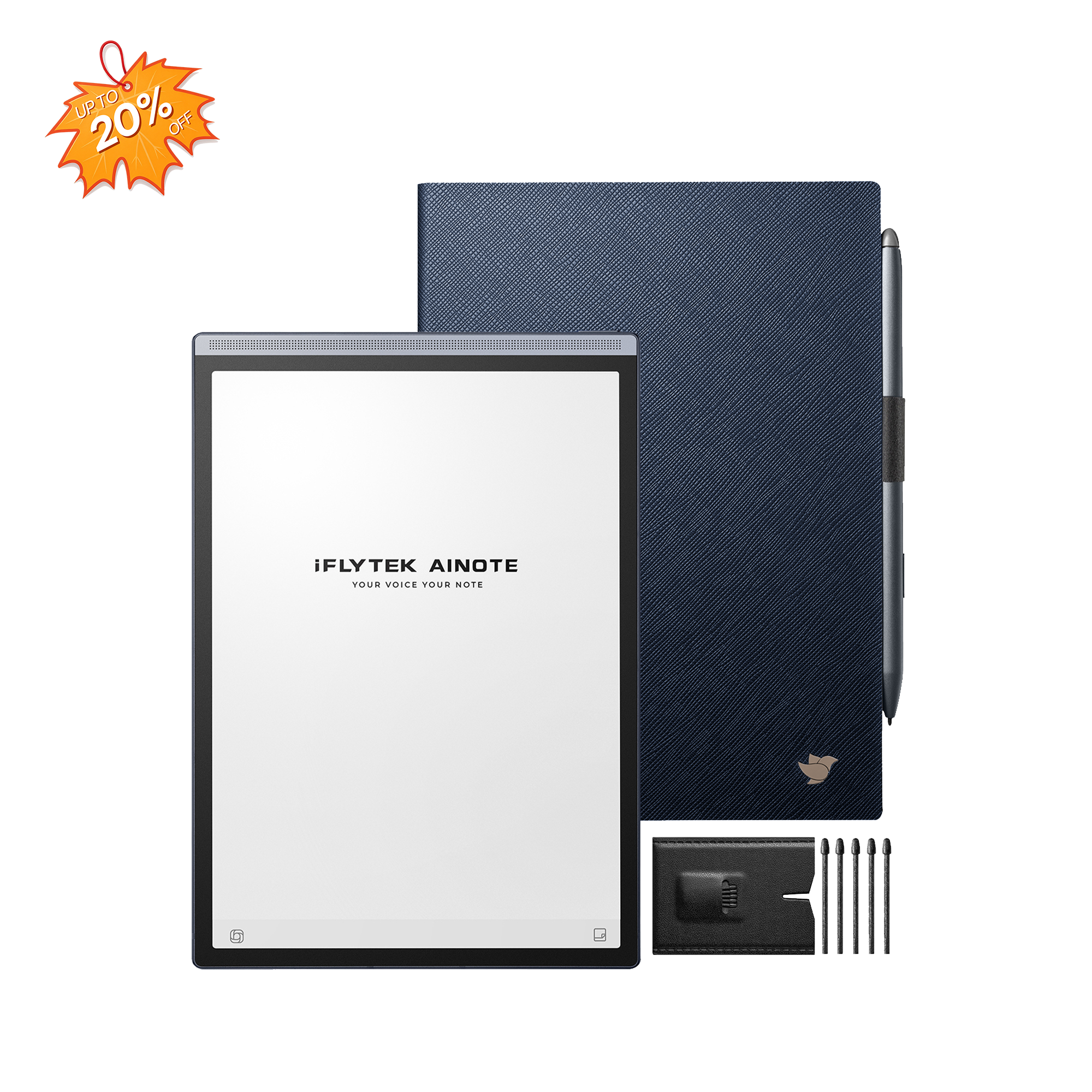
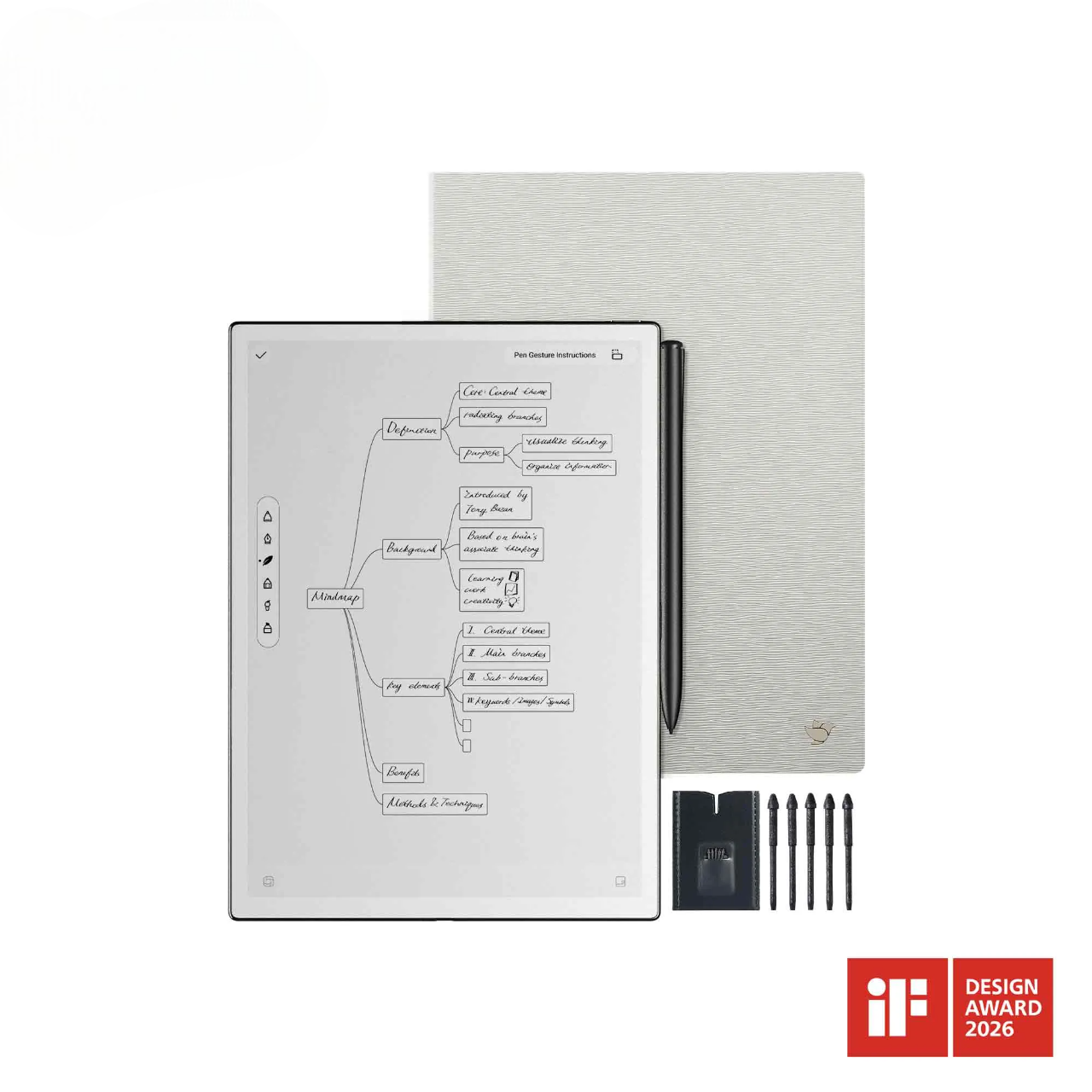
Your note-taking method should match the type of class. Courses with formulas, diagrams, or problem solving often work well with handwriting, while lecture-heavy classes may require more support when professors move quickly or explain information that is not included on the slides. For students who prefer handwriting but regularly miss spoken details, the iFLYTEK AINOTE Air 2 can combine handwritten notes with audio recording and speech-to-text transcription. Students can continue writing during class, then tap a handwritten note during review to return to the corresponding moment in the lecture recording instead of searching through the audio manually. The transcript can also serve as a second reference when filling in missed details.
Turn Notes Into Review Materials
Do not rewrite an entire lecture after class. Spend five to ten minutes filling in missing points, marking anything you did not understand, and turning the most important ideas into a few questions or short study prompts. If you use AI-generated summaries, treat them as a shortcut for locating key topics rather than as the final study material. Always compare them with your own notes, slides, or assigned readings before using them for exam preparation.
Track Assignments and Deadlines
Add important dates to one calendar as soon as they appear in the syllabus or course platform. Include assignment deadlines, exams, project milestones, lab dates, registration deadlines, and add/drop dates when relevant. Do not rely only on course-platform notifications, because different instructors may update schedules in different ways. A short weekly check makes it easier to spot a busy week before several deadlines arrive at once.
Use Back-to-School Tech to Reduce Repeated Study Tasks
Technology is most useful when it solves a problem you expect to face every week. Start with the format of your classes, then decide which tools are actually worth adding.
Match Study Tech to Your Classes
Different courses create different technology needs. Lecture-heavy classes may benefit from better note capture, PDF-heavy courses may justify a tablet or e-ink notebook, and writing-heavy courses may require little more than a reliable laptop and cloud storage. Lab or engineering courses may depend on specific software or calculators, so check requirements before buying anything. Choose technology based on the work your courses require rather than the number of features a device offers.
Organize Research and Reading Materials
Research-heavy courses can quickly scatter PDFs, annotations, quotes, and notes across several apps and folders. Use consistent file names, keep notes close to the source material, and record page numbers when you may need to cite something later. Students who regularly read and annotate digital documents can compare the iFLYTEK AINOTE collection to see whether an e-ink reading and handwriting workflow fits their courses. If most readings are short or already easy to manage on a laptop, another device may not be necessary.
Manage Group Projects and Follow-Up Tasks
After each group meeting, record four things: the decision, the person responsible, the deadline, and the next meeting or check-in. This takes only a few minutes but prevents important details from disappearing inside long group chats. When several assignments and follow-up dates are running at the same time, the iFLYTEK AINOTE Air 2 can keep action items in its task view, with deadlines and follow-up dates organized alongside your course notes. This makes it easier to check what needs to happen next without searching through separate meeting notes and messages.
[product_card1]
Prepare for Communication and Language Barriers
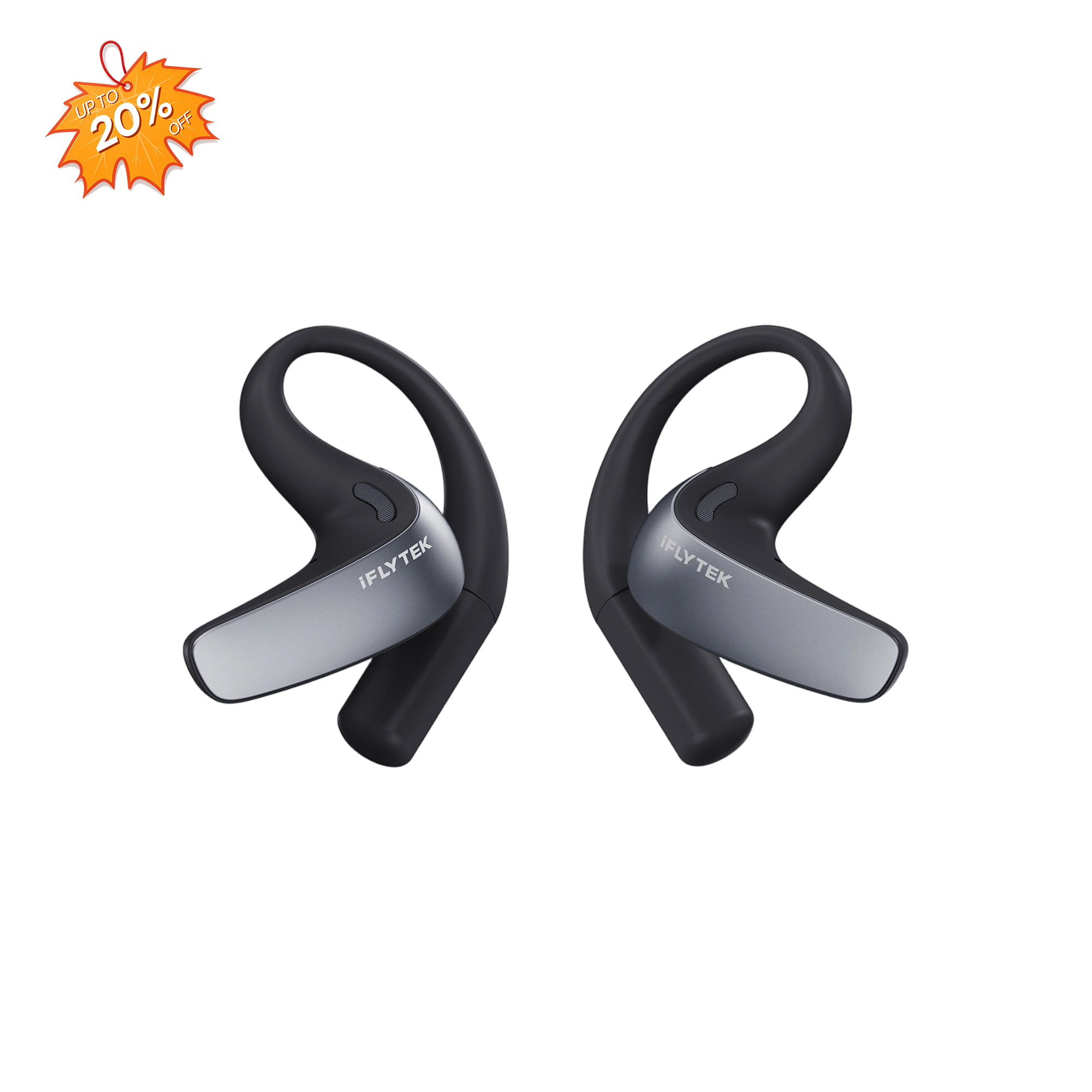
International students may face communication challenges during orientation, office hours, group projects, or conversations with campus services. Students in language courses or multilingual groups can face similar problems when discussions move faster than they can comfortably follow. In situations where spoken translation support is useful, iFLYTEK AI Translation Earbuds can provide real-time translation across supported languages during face-to-face conversations. Academic terminology and other important information should still be checked when accuracy matters.
Prepare for the Semester Beyond the First Week
The first week gives you better information than any shopping list can. Use it to check which materials, tools, and routines are actually helping before making additional purchases.
Adjust Your Setup After Classes Begin
At the end of the first week, review what each professor is actually using. Check whether the textbook is required, whether you need to print materials, whether your battery lasts through the day, and whether any course requires special software, lab gear, or a calculator. Also check class policies before recording lectures or using transcription tools. This first-week review helps turn assumptions into real purchasing decisions.
Focus on Tools You Use Regularly
After two or three weeks, look at which tools have become part of your routine. If you annotate PDFs several times a week, a dedicated reading device may be useful; if your laptop battery regularly runs low on campus, a portable charger may solve a real problem. On the other hand, an app, accessory, or device that has barely been used may not deserve a permanent place in your setup.
Avoid Unnecessary Purchases
Before buying an optional item, ask four questions: Does the syllabus require it? Does the school already provide it? Can something I own already do the job? Will I use it regularly? If the answer is no to most of these questions, waiting is usually the better choice. That leaves more of your budget available for textbooks, transportation, food, course fees, and expenses that appear later in the semester.
FAQ
When Should College Students Start Preparing for a New Semester?
Most students can begin basic preparation a few weeks before classes start. Handle required course materials, important documents, housing needs, and essential technology first, while leaving optional purchases until course requirements are clearer.
What College Essentials Are Easiest to Forget?
Small everyday items are often easier to forget than major purchases. Charging cables, a portable battery, headphones, medication, weather gear, laundry supplies, a water bottle, and spare pens can all become surprisingly inconvenient when missing.
How Much Should College Students Budget for Back-to-School Essentials?
There is no single budget that fits every student. Costs depend on housing, course requirements, textbooks, and what you already own, so separate required expenses from optional upgrades before deciding how much to spend.
Do College Students Need a Printer?
Not always. Many colleges provide printing through libraries or computer labs, and many assignments are submitted digitally. Check campus printing access and instructor requirements before buying one.
What Should International Students Prepare Before Starting College?
International students should prepare academic materials along with required identification and immigration documents, payment access, communication tools, transportation information, and any language support they expect to use. Follow university and relevant government guidance for immigration and enrollment requirements.
Conclusion
The best college back-to-school setup does not require the longest shopping list. Cover confirmed essentials first, build a simple system for notes and deadlines, and add technology only when it solves a recurring problem in your actual classes. The first few weeks of the semester should help you refine the checklist rather than keep adding to it.