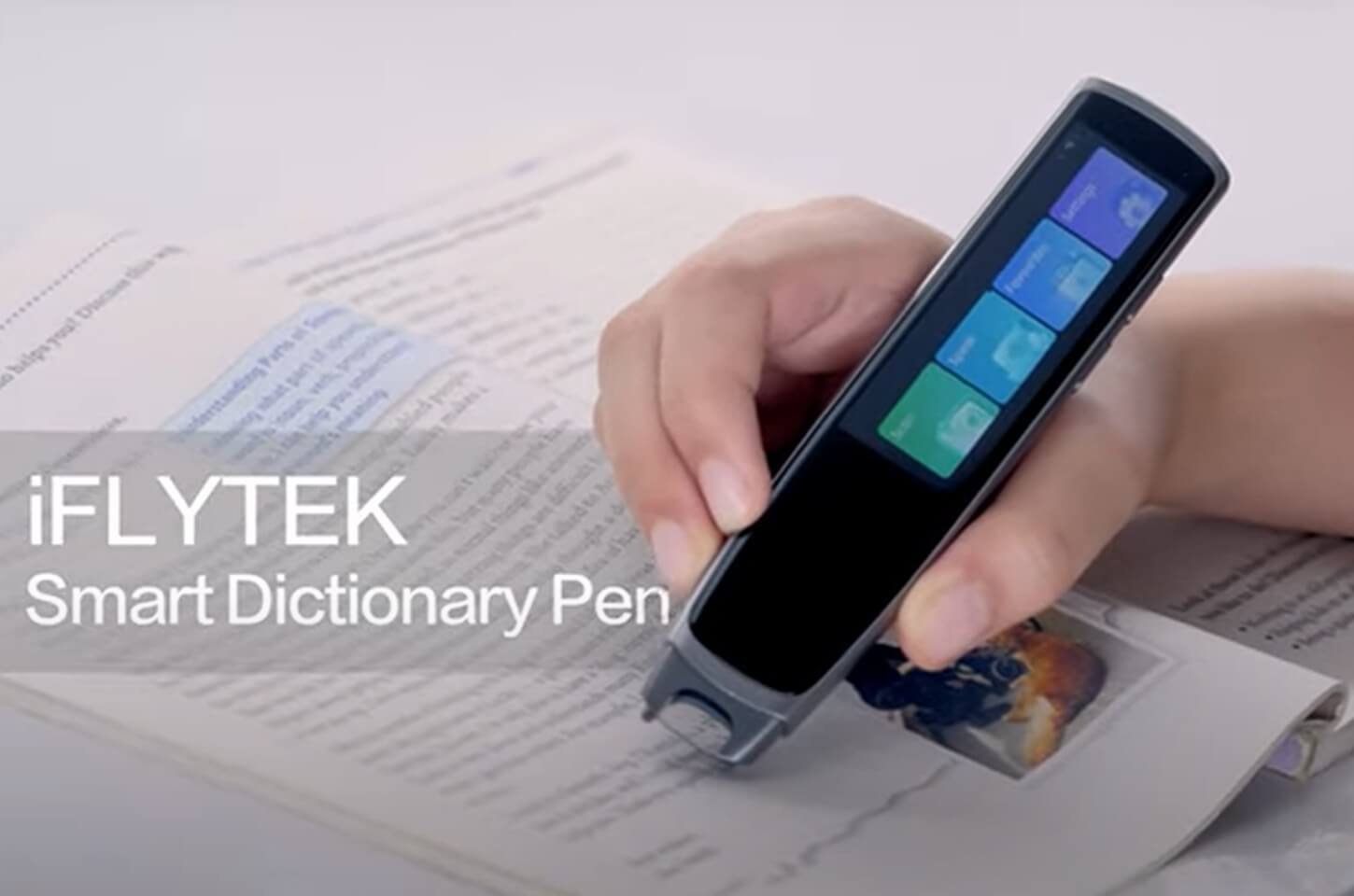
A translation scanning pen lets you scan printed words or sentences and receive an instant translation, definition, or audio reading. It can be useful for students, language learners, travelers, and people who need reading support.
However, language count alone does not determine which pen is best. OCR performance, offline support, pronunciation quality, screen design, battery life, and whether the pen requires another device all affect the experience.
For users who want a standalone tool for scanning, translation, pronunciation, and vocabulary learning, the iFLYTEK Smart Dictionary Pen is our top overall recommendation.
What Is a Translation Scanning Pen?
A translation scanning pen uses optical character recognition (OCR) to convert printed text into digital words. After scanning a word, sentence, or short paragraph, the device can translate the text, explain its meaning, or read it aloud.
Most translation scanning pens work in four basic steps:
- Scan a line of printed text.
- Convert the image into digital text with OCR.
- Translate or define the text.
- Display or read the result aloud.
Recognition quality can vary with font size, page curvature, glossy surfaces, handwriting, and scanning speed.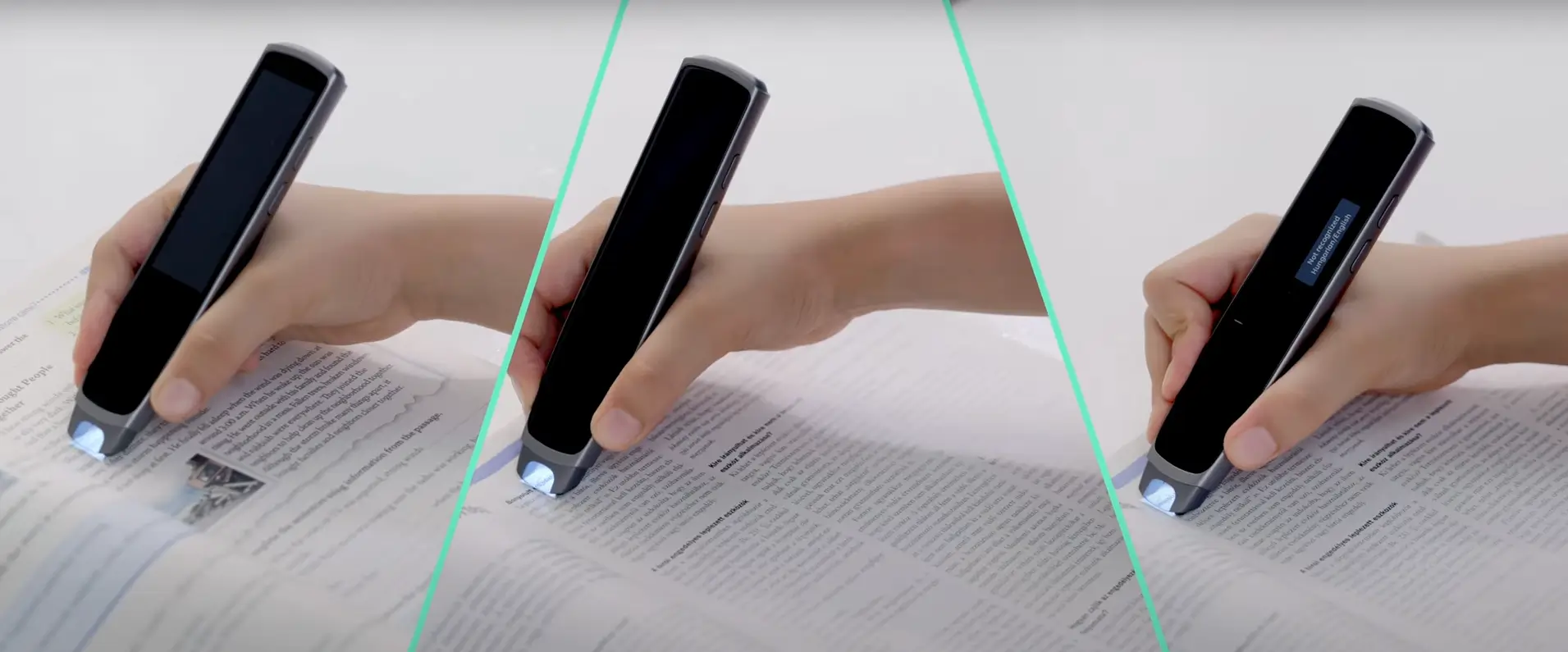
What to Look for in a Translation Scanning Pen
OCR Accuracy
A good pen should recognize words and complete sentences without requiring repeated scans. Buyers should consider how it performs with textbooks, worksheets, newspapers, and other material they read regularly.
Online and Offline Languages
The number of online languages may be much higher than the number available offline. Check whether your required language pair works without Wi-Fi, especially if you plan to use the pen while traveling or in classrooms with restricted internet access.Traveling somewhere with unreliable Wi-Fi? Compare your options in our guide to offline translator devices before you buy.
Read-Aloud and Pronunciation Tools
Language learners should look for clear audio, adjustable reading speed, example sentences, and pronunciation feedback. For reading assistance, confirm that the device can read the original text aloud, not only the translation.
Standalone or Connected Use
Some pens work independently, while others must connect to a phone or computer. Standalone devices are more convenient for focused reading and travel. Connected scanners may be better for transferring text into Word, Google Docs, or note-taking software.
Battery Life
Compare active scanning time rather than standby time. Frequent OCR processing, Wi-Fi, screen brightness, and audio playback can reduce actual battery life.
Best Translation Scanning Pens of 2026
1. iFLYTEK Smart Dictionary Pen — Best Overall
The iFLYTEK Smart Dictionary Pen combines text scanning, sentence translation, dictionary lookup, spoken pronunciation, and pronunciation assessment in a standalone device.
It supports 21 interface and translation languages, including English, Chinese, Japanese, Korean, German, French, Spanish, Portuguese, Italian, and Arabic. The built-in Collins Dictionary provides definitions and example sentences for English learners.
Offline functions include Chinese and English scanning, English word searches, and English pronunciation assessment. Users who need other languages offline should confirm support before purchasing.
Best for: Students and language learners who want translation and vocabulary tools in one device.
Key features:
- Translation across 21 languages
- Collins Dictionary
- British and American pronunciation
- English pronunciation assessment
- Selected offline functions
- Approximately 4–6 hours of use
Our iFLYTEK Dictionary Pen guide explains how to scan text, review translations, and use its learning functions.
2. Scanmarker Pro — Best for Reading Support
Scanmarker Pro is a standalone touchscreen pen that scans printed text, reads it aloud, and translates supported languages.
Its spoken reading and adjustable display settings make it suitable for students and users who find dense printed text difficult to process. Broader language support requires an internet connection, while offline use is limited to selected languages.
Best for: Reading assistance, text-to-speech, and standalone use.
3. WorldPenScan Go — Best for Saving Scanned Text
WorldPenScan Go combines instant translation, dictionary lookup, read-aloud tools, text capture, voice-to-text, and file storage.
Users can save scanned material and connect the pen to the ScanNote platform for further organization. Some connected and live translation functions require Wi-Fi.
Best for: Students, researchers, and professionals who want to save and organize scanned content.
4. Scanmarker Air — Best for Text Export
Scanmarker Air transfers printed text to a computer, phone, or tablet. Users can then translate, edit, save, or move the text into applications such as Word and Google Docs.
It is not a fully standalone dictionary pen and requires a connected device for normal use. Its main advantage is fast text capture rather than independent vocabulary learning.
Best for: Digitizing quotations, notes, and printed documents.
5. C-Pen ExamReader 2 — Best for Offline Read-Aloud Support
C-Pen ExamReader 2 is primarily a reading-assistance pen rather than a full multilingual translator. It scans printed text and reads it aloud without requiring Wi-Fi, a phone, or a computer.
Language availability depends on the model or language package. Students who plan to use it during exams must confirm that the device is permitted by their school or examination authority.
Best for: Offline text-to-speech and approved reading assistance.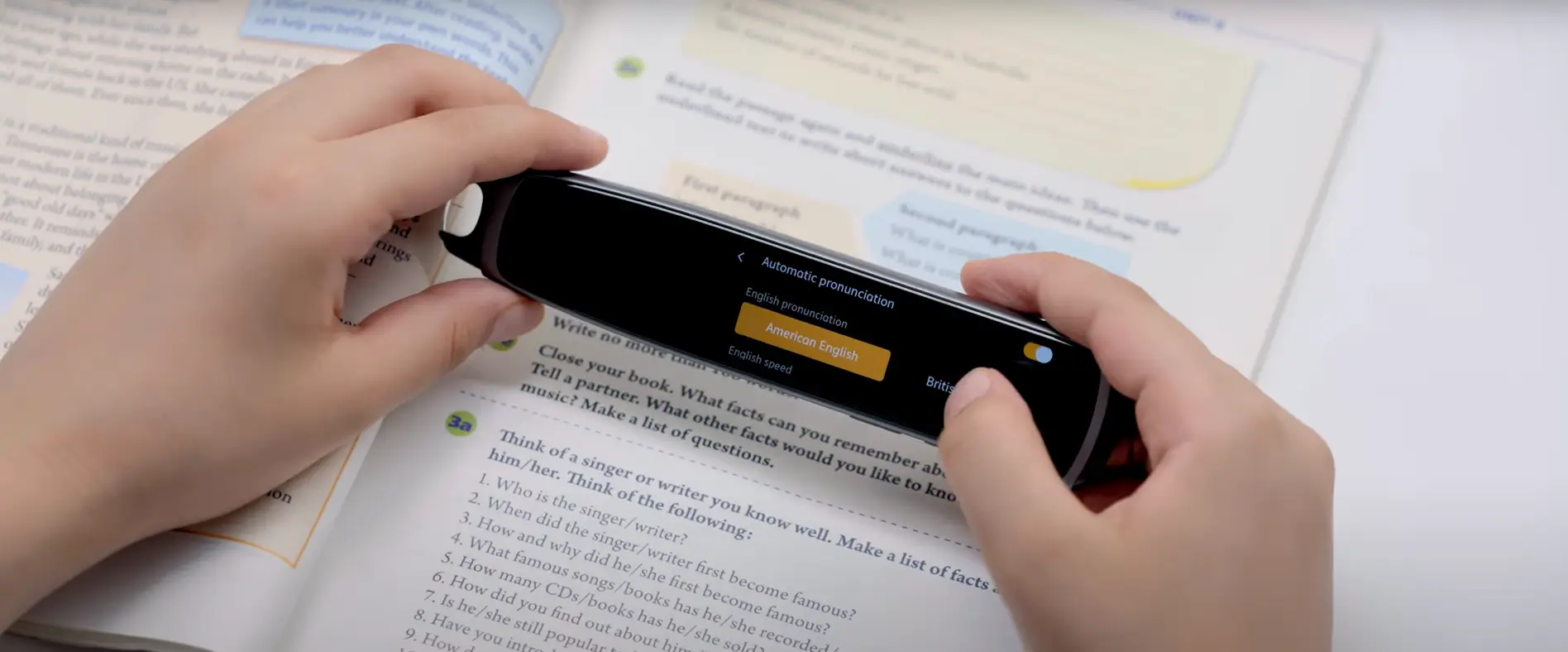
Quick Comparison
|
Model |
Best for |
Device type |
Offline capability |
Key strength |
|
iFLYTEK Smart Dictionary Pen |
Translation and language learning |
Standalone |
Chinese and English scanning with offline English learning tools |
21-language translation and Collins Dictionary |
|
Scanmarker Pro |
Reading assistance |
Standalone |
Reading and translation in selected languages |
Touchscreen and adjustable reading tools |
|
WorldPenScan Go |
Capturing and organizing text |
Standalone with connected options |
Core scanning and dictionary functions |
Text storage and file organization |
|
Scanmarker Air |
Transferring printed text to digital devices |
Connected scanner |
Primarily connected use |
Direct text export to phones and computers |
|
C-Pen ExamReader 2 |
Spoken reading assistance |
Standalone |
Offline reading |
Focused, distraction-free text-to-speech |
Which Type Should You Choose?
- Language learners: Choose strong dictionary, pronunciation, and sentence-translation tools.
- Students with reading difficulties: Prioritize text-to-speech, adjustable speed, and simple controls.
- Researchers: Look for text storage and export to computers or note-taking apps.
- Travelers: Confirm that the required language pair works offline.
- Exam candidates: Check institutional approval before buying a reading pen.
Translation scanning pens work best with printed words, sentences, and short passages. For full pages, handwriting, or occasional visual translation, a phone camera app may be more convenient. If your main goal is face-to-face conversation rather than reading printed text, a Smart Translator may be a better fit.
Translation Scanning Pen vs. Translation App
A translation app is usually sufficient for occasional signs, menus, photographs, and short phrases. It is inexpensive and does not require carrying another device.
A scanning pen is more suitable for frequent work with printed textbooks, worksheets, and documents. It offers a focused scanning workflow, direct word lookup, spoken reading, and fewer phone distractions.
|
Feature |
Scanning pen |
Translation app |
|
Repeated printed-text scanning |
Faster and more focused |
Requires camera positioning |
|
Offline use |
Available on selected models |
Varies by app |
|
Read-aloud workflow |
Usually integrated |
May require additional steps |
|
Text export |
Strong on connected models |
Available, but formatting varies |
|
Best for |
Frequent printed-text reading |
Occasional translation |
See our comparison of a dictionary pen and a translation app for a closer look at the differences.
FAQs
Are Translation Scanning Pens Accurate?
They generally work well with clear printed text. Accuracy can decrease with small fonts, curved pages, handwriting, unusual layouts, or incorrect scanning technique.
Do Translation Scanning Pens Need Wi-Fi?
Not always. Some models provide offline scanning, dictionaries, or translation for selected languages. Broader language coverage may still require Wi-Fi.
Can a Scanning Pen Read Handwriting?
Most models are designed for printed text. Handwriting recognition should not be assumed unless the manufacturer specifically supports it.
Can a Scanning Pen Read Full Paragraphs?
Many pens can scan sentences or short paragraphs line by line. A document-scanning app is usually more practical for full pages and long documents.
Conclusion
The best translation scanning pen depends on what you need to do. Language learners should prioritize dictionary and pronunciation tools, readers may need reliable text-to-speech, researchers may prefer text export, and travelers should check offline language support.
For users who want scanning, translation, dictionary lookup, and pronunciation practice in one standalone device, the iFLYTEK Smart Dictionary Pen is our top overall choice.
Related articles:
1. How to Use iFLYTEK Translation Pen?
2. How does Device for Language Translation Revolutionize Business Communication?