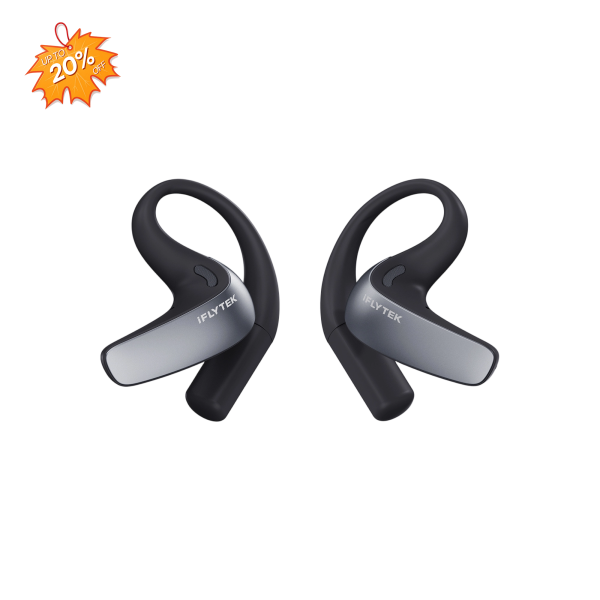
iFLYTEK AI Translation Earbuds
In today’s fast-paced world, communicating in more than one language can be important for travel, business, study, and everyday conversations. A dedicated language translator device does more than a traditional dictionary. Depending on the model, it may translate speech, typed text, and photos, helping users communicate in real time and understand signs, menus, or documents while traveling.
In this article, we’ll explain what to consider when choosing the best language translator device for your needs. We’ll also compare five popular translation devices, including handheld devices for language translation, translator earbuds, and a scanning translation pen.
Key Features to Look for in a Language Translation Device
Before buying a translation device, think about how and where you plan to use it.
1. Language Coverage
Check which languages and regional accents the device supports. Some models provide different language lists for voice, text, photo, and offline translation. A large headline number does not always mean that every language is available in every mode.
Before traveling, confirm that the exact language pair you need is supported.
2. Real-Time Two-Way Translation
A useful voice translator should allow two people to communicate without long pauses. This can help when checking into a hotel, ordering food, asking for directions, attending a business meeting, or having an everyday conversation.
Translation speed and results may vary depending on the language pair, internet connection, background noise, and speaking style.
3. Translation Without Internet Access
Not every destination has reliable internet access. If you want to avoid roaming costs or expect to visit areas with limited coverage, look for a translator device that works without internet access.
Offline language support is usually more limited than online translation, so check the available offline language pairs before purchasing.
4. Voice, Text, and Photo Translation
Voice translation is important for conversations, while text and photo translation can help users understand menus, road signs, instructions, and printed documents.
Devices with a camera may use optical character recognition, or OCR, to recognize and translate text in an image. Results can depend on lighting, image quality, font, and text complexity.
5. Ease of Use
A simple interface can make translation easier when you need an answer quickly. Useful features may include a touchscreen, physical buttons, automatic language recognition, and quick access to frequently used languages.
Translator earbuds can provide a more natural hands-free experience, although they may need to connect to a mobile app.
6. Battery Life and Portability
Battery life matters when a device is used throughout a full day of travel. Compare active-use time and standby time carefully, since manufacturers may report these figures differently.
The best translator device is not necessarily the one with the largest advertised language count. It should support the languages and translation modes you actually need while remaining easy to carry and use.
5 Best Language Translator Devices to Consider in 2026
The following devices cover different needs, including real-time conversations, offline translation, photo translation, meetings, and printed-text scanning. Product functions may change through software updates, so users should review the latest specifications before purchasing.
1. iFLYTEK Smart Translator — Best Overall
The iFLYTEK Smart Translator is a standalone language translation device designed for travel, business meetings, and face-to-face conversations.
It combines voice, photo, face-to-face, and offline translation in one portable device. Its independent design can also be useful when users do not want to rely on their phones during a conversation.
Key features:
- Online voice translation for 60 languages
- Face-to-face bilingual conversation mode
- Photo translation for 50 languages using OCR
- Offline translation support
- 5.05-inch touchscreen
- Octa-core processor
- Four-microphone array with noise reduction
- Translation-record export
The device may suit travelers who need several translation modes in one product. Photo translation can help with signs and menus, while offline support provides an option in locations with limited connectivity.
Before purchasing, check the current iFLYTEK translator price and confirm that the required language pair is available in the preferred translation mode.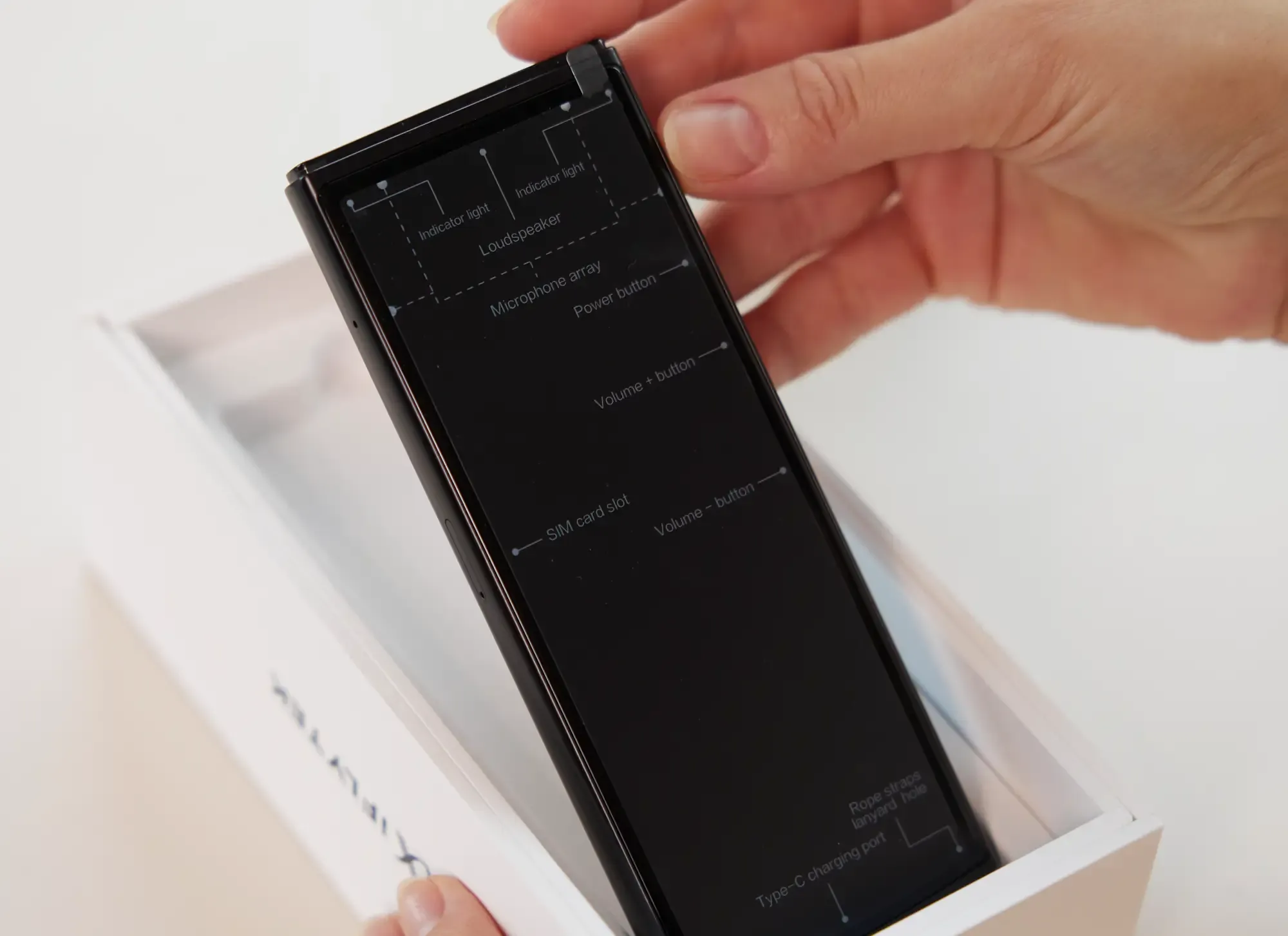
2. iFLYTEK AI Translation Earbuds — Best for Hands-Free Conversations
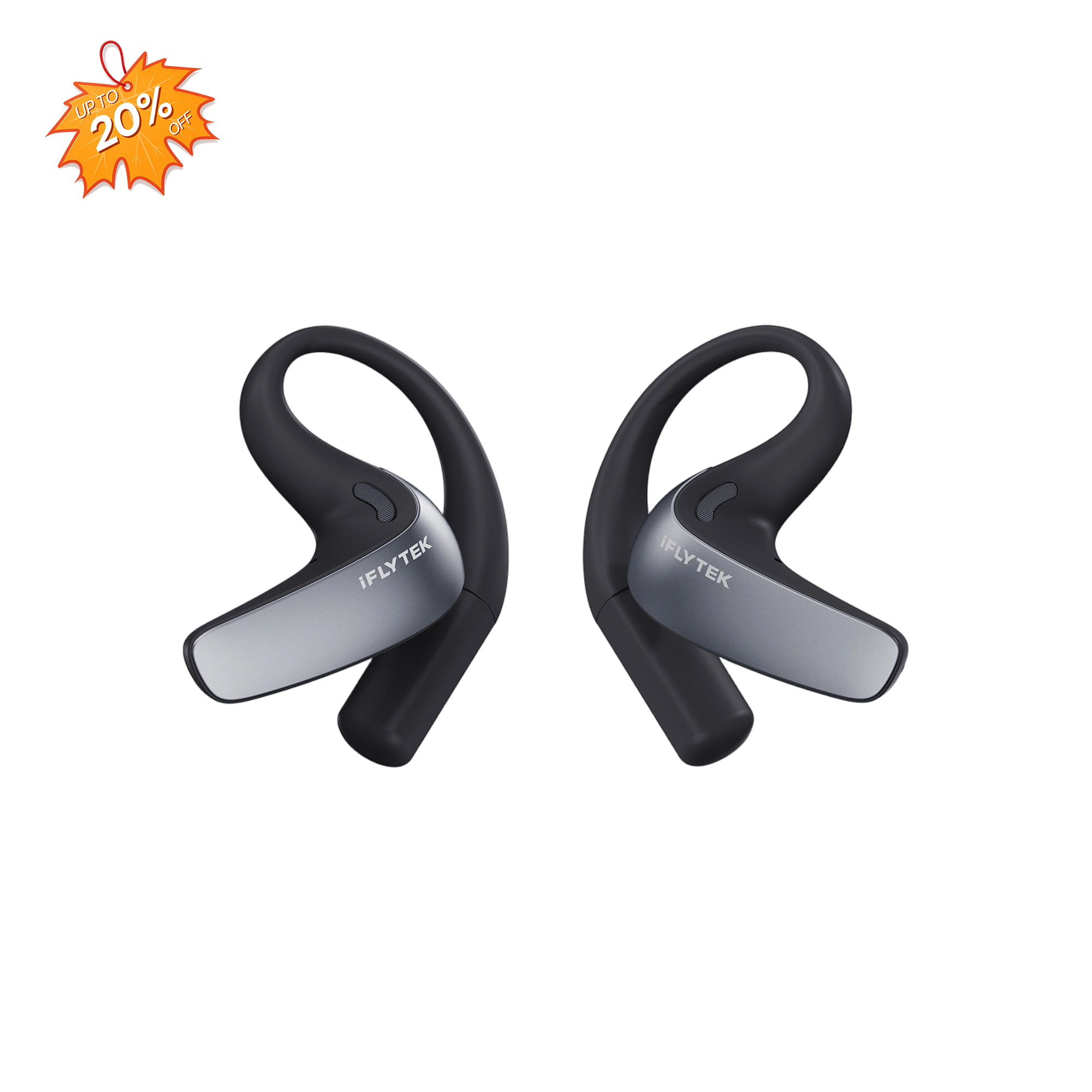
The iFLYTEK AI Translation Earbuds are designed for travelers and professionals who prefer hands-free communication. Translated audio is delivered through the earbuds, while bilingual text and controls are available through the companion app.
The earbuds support face-to-face conversations, simultaneous interpretation, phone calls, and online meetings. Their open-ear design also helps users remain aware of their surroundings.
Key features:
- Two-way real-time translation in 60 languages
- Support for 116 regional accents
- Face-to-face translation using two earbuds
- Simultaneous interpretation for live events
- Phone-call and online-meeting translation
- Offline translation for selected language pairs
- AI-powered noise reduction
- Up to 12 hours of use on one charge
- Up to 42 hours with the charging case
- Bilingual transcription and AI meeting tools
These iFLYTEK translator earbuds may be a useful choice for spoken communication. Travelers who need a built-in screen, standalone photo translation, or phone-independent operation may prefer the iFLYTEK Smart Translator.
3. Vasco Translator V4 — Best for Included Connectivity
The Vasco Translator V4 is a standalone handheld translator aimed at frequent international travelers. According to the manufacturer, its built-in SIM card provides translation connectivity in nearly 200 countries without a separate subscription.
The number of supported languages differs by function, so users should distinguish between voice, text, and photo translation.
Key features:
- Voice translation in 82 languages
- Text translation in 107 languages
- Photo translation in 112 languages
- Built-in SIM card
- Included translation connectivity in nearly 200 countries
- Five-inch touchscreen
- Background-noise reduction
- Up to 180 hours of standby time, according to the manufacturer
The Vasco V4 may suit travelers who want a standalone device with included mobile connectivity. Coverage still depends on local mobile network availability.
4. Vormor X5 Pro Dictionary Pen — Best for Scanning Printed Text
The Vormor X5 Pro is primarily a scanning translation and dictionary pen. Instead of functioning only as a handheld conversation translator, it allows users to scan words or lines of printed text and view the results on its touchscreen.
It may suit students, language learners, and travelers who frequently need to understand menus, labels, books, or printed documents.
Key features:
- Online scan, voice, and photo translation
- Offline scan translation for selected languages
- Offline voice translation for selected languages
- 3.5-inch touchscreen
- Dictionary functions
- Text extraction and USB transfer
- Audio recording
- Bluetooth support
The Vormor X5 Pro is more focused on reading and scanning than face-to-face conversation. Users primarily looking for a travel voice translator should compare it with a dedicated handheld device.
5. Timekettle NEW T1 — An Offline-Focused Alternative
The Timekettle NEW T1 is a handheld translator designed for travel and everyday conversations. It combines translation controls and a display in one portable device, making it an alternative for users who prefer not to wear translator earbuds.
According to the manufacturer, the device uses an AI edge model and provides multiple offline language packages. It also includes online translation, photo translation, and several modes for common travel situations.
Key features:
- Online and offline translation
- Multiple offline language packages
- One-click translation
- Photo translation
- Several translation modes
- AI edge model for offline use
- Standalone handheld design
- Included mobile data in supported locations
The NEW T1 may appeal to travelers who place a high priority on offline translation. However, its online and offline language lists differ, so users should check whether their required language pair is supported.
Compared with the NEW T1’s emphasis on offline language packages, the iFLYTEK Smart Translator provides online voice translation for 60 languages, photo translation for 50 languages, face-to-face conversation, and offline translation in one standalone device.
Translation Device vs. Translation App: Which Is Better?
Translation apps are convenient and may be enough for occasional use. Dedicated translation devices can provide physical controls, purpose-built microphones, separate batteries, and easier access to conversation features.
Neither option is automatically more accurate in every situation. Translation quality depends on the language pair, speech clarity, background noise, software, internet connection, and context.
|
Feature |
Translation Device |
Translation App |
|
Two-way conversations |
Designed for quick conversational use |
Depends on the phone and app |
|
Noisy environments |
Some models include dedicated microphones |
Depends on the phone microphone |
|
Offline translation |
Available for selected language pairs |
Available in some apps |
|
Independence |
Uses separate hardware and battery |
Requires a smartphone |
|
Photo translation |
Available on devices with cameras |
Commonly available |
|
Cost |
Requires an upfront purchase |
Often free or inexpensive |
|
Best for |
Frequent travel and regular communication |
Occasional use and quick reference |
Apps may be suitable for casual users. A dedicated device can be more convenient when translation is needed frequently, when preserving phone battery matters, or when a simple standalone interface is preferred.
FAQs
1. What is the best language translator device?
The best language translator device depends on the languages, translation modes, destination, connectivity, and budget required. Check voice, photo, and offline language lists instead of relying only on the largest advertised language total.
2. What is the best translation device for travel?
Look for portable hardware, two-way voice translation, useful battery life, offline support, and simple controls. Photo translation can also help travelers understand signs, menus, and transport information.
3. Do translation devices work without the internet?
Some models support offline translation for selected language pairs. Online and offline language lists may differ, so download and test any required offline package before traveling.
4. Can a translation device translate Spanish to English?
Many devices support Spanish-to-English voice, text, or photo translation. Confirm the supported Spanish regional variant and whether the language pair is available offline.
5. Can these devices understand accents and dialects?
Some models support regional accents or language variants. Results may still be affected by pronunciation, speaking speed, background noise, and local expressions.
6. Can translation devices replace professional interpreters?
Translation devices can support everyday communication, but they should not replace a qualified interpreter when an error could affect health, safety, legal rights, or financial decisions.
Conclusion
A language translation device can make communication easier while traveling, studying, or working across languages. The right choice depends on more than the largest advertised language count. Voice and photo translation, offline availability, battery life, connectivity, and ease of use should all be considered.
Related articles: