iFLYTEK AINOTE Air 2
Imagine walking into a meeting with a device that feels almost like a paper notebook. You write by hand, record the discussion and keep everything together without seeing a single social media notification.
Now imagine using a tablet instead. You can take notes, open a presentation, reply to an email and join a video call—all on the same screen. But messages and app notifications may keep appearing while you work.
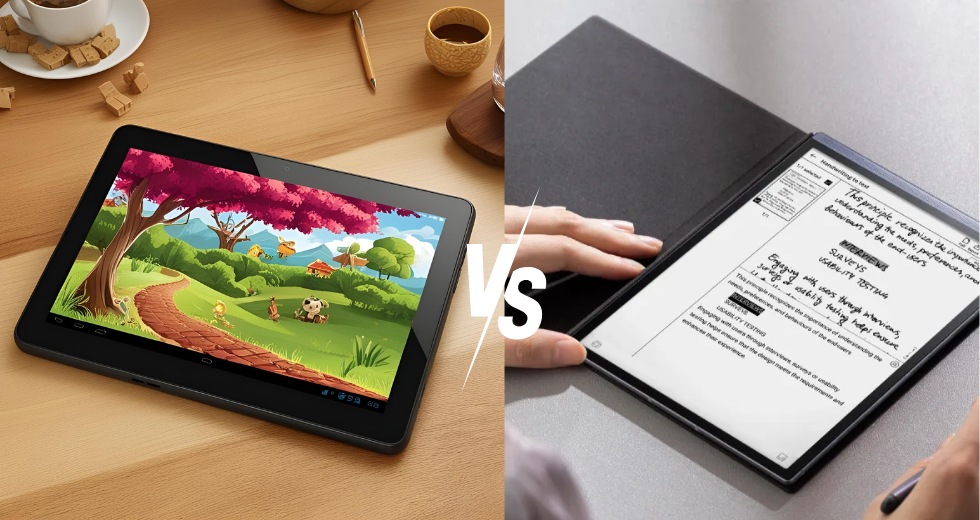
That is the real difference between a digital notebook and a tablet PC. One is designed mainly to help you write, read and stay focused. The other is designed to do almost everything.
Neither is better for everyone. The right choice depends on what you actually do each day.
Digital Notebook vs Tablet PC at a Glance
|
Feature |
Digital Notebook |
Tablet PC |
|
Main purpose |
Writing, reading and organizing notes |
General work, communication and entertainment |
|
Display |
Usually E Ink |
Usually LCD or OLED |
|
Writing experience |
Closer to writing on paper |
Usually writing on smooth glass |
|
PDF use |
Better for reading and handwritten annotation |
Better for color, forms and multitasking |
|
Apps |
Smaller, more focused selection |
Wide range of third-party apps |
|
Battery |
Often lasts several days |
Usually requires more frequent charging |
|
Color and video |
Limited |
Much better |
|
Best for |
Meetings, study and focused writing |
Browsing, video calls and creative work |
.jpeg?w=1200&h=1200)
What Is a Digital Notebook?
A digital notebook—also called an electronic notebook, paper tablet or digital paper tablet—brings the familiarity of handwriting into a digital workflow.
You write on an E Ink screen with a stylus instead of filling several paper notebooks. Your notes can then be stored in folders, searched, converted into text or synchronized with other devices. Some models also let you record meetings, review the audio and create AI-generated summaries.
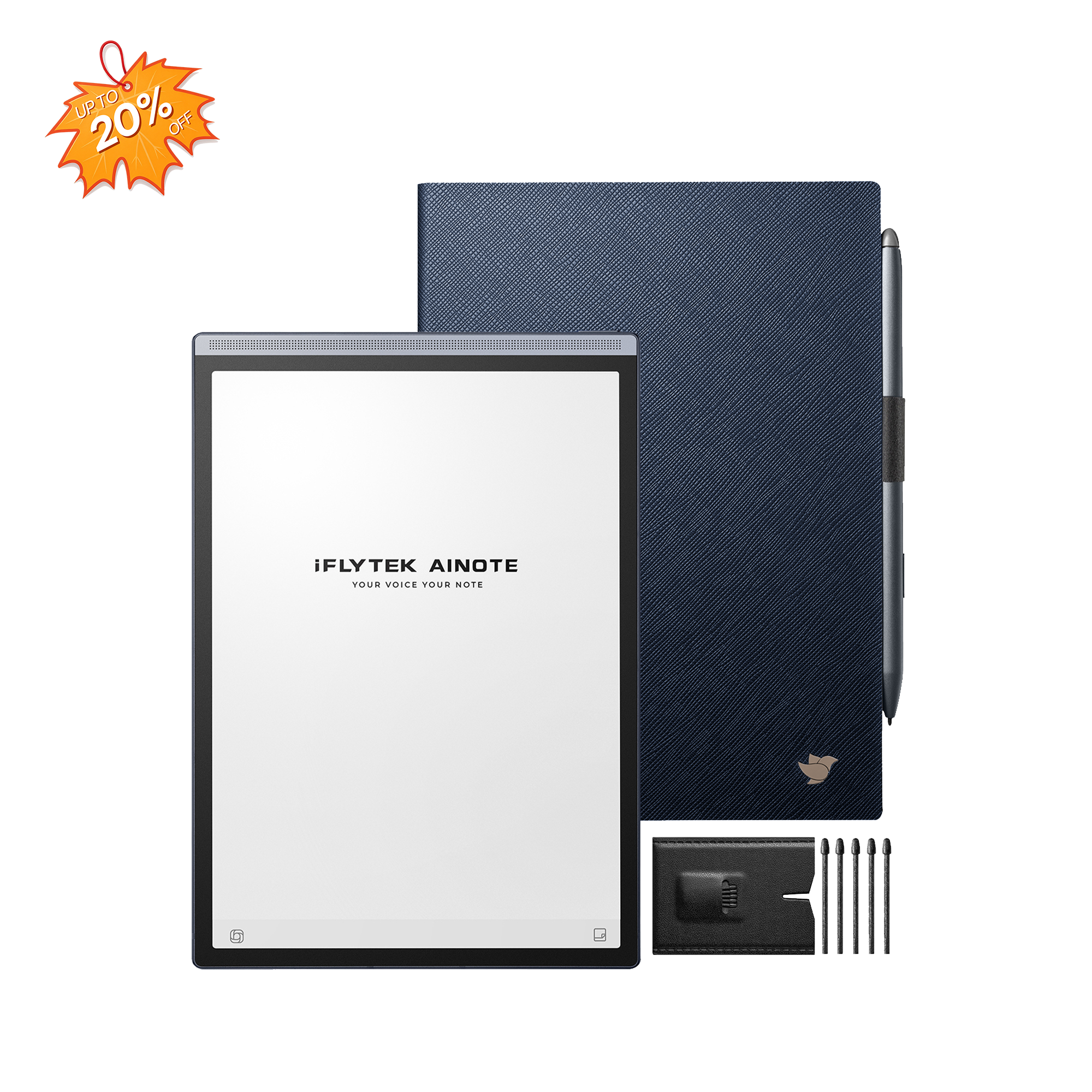
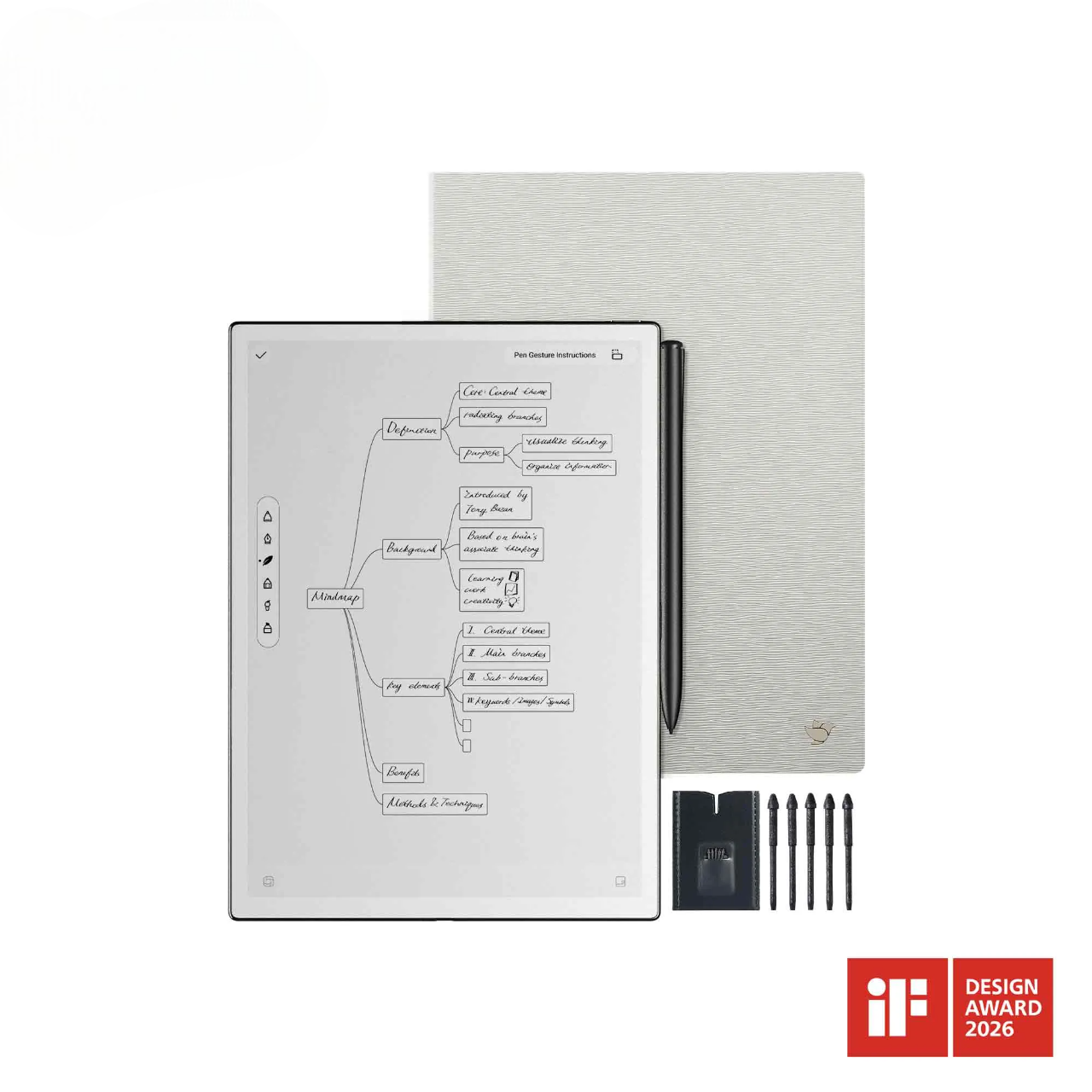
Take the iFLYTEK AINOTE Air 2 as an example. It has an 8.2-inch E Ink display, weighs approximately 0.51 pounds and includes 32GB of storage. It supports handwritten notes, PDF annotation, audio recording, transcription and common formats such as PDF, EPUB, DOCX, XLSX and PPTX.
Those specifications do not represent every digital notebook. They show what the category is trying to provide: something light enough to carry between classes or meetings, with enough room for everyday notes and documents.
If the category is new to you, our guide to what a digital notebook is and how it works offers a more detailed introduction.
What Is a Tablet PC?
A tablet PC is a general-purpose touchscreen computer. Depending on the model, it may run iPadOS, Android or Windows.
You can use a tablet to write notes, browse the web, edit documents, watch videos and attend online meetings. Many tablets also support a stylus and an external keyboard.
This flexibility comes with a few practical questions. The stylus and keyboard may be sold separately, some apps require subscriptions, and a mobile operating system may not support all the software you normally use on a laptop..jpeg?w=800&h=800)
What Are the Main Differences?
1. Display and Reading Experience
A digital notebook usually has an E Ink screen. It reflects ambient light and looks closer to a printed page than a conventional display. The lower-glare surface can be more comfortable when you are reading reports, books or research papers for long periods.
The tradeoff is speed and color. Page turns, scrolling and menus may not feel as fluid as they do on a modern tablet. E Ink is also not designed for movies, animation or detailed color images.
A tablet uses an LCD or OLED screen. It offers brighter colors, smoother scrolling and normal video playback. If you regularly work with photographs, color-coded charts or presentations, a tablet will display them more effectively.
In practice, E Ink is better suited to static documents and focused reading. A conventional tablet screen is better when color and motion matter.
2. Handwriting and Typing
Digital notebooks are built around the stylus. Their screen surfaces often create more resistance than glass, so writing can feel closer to using a pen on paper.
They may also include note templates, handwriting recognition and handwriting-to-text conversion. These features preserve the convenience of writing by hand while making the results easier to search and share.
A tablet can still provide an excellent writing experience with a good stylus. It also makes switching between handwriting, typing and drawing much easier. However, some users find the glass surface too slippery, and the stylus may cost extra.
If handwriting is your main activity, a digital notebook has the advantage. If you regularly switch between writing, typing and different apps, a tablet is more practical.
3. PDF Reading and Annotation
Suppose you need to read a 60-page report.
On a digital notebook, you can read it on a low-glare screen, underline important sections and write comments in the margins. With fewer notifications competing for your attention, it may also be easier to finish the document without interruption.
A tablet is stronger when the PDF contains color charts, interactive forms or complex layouts. It also lets you place the document beside a browser, spreadsheet or video call.
Screen size matters as well. An 8.2-inch device such as the AINOTE Air 2 is easy to carry, but smaller text may require more zooming. The iFLYTEK AINOTE 2 has a larger 10.65-inch, 300 PPI E Ink display, giving full-page documents more room.
Before buying either type of device, check whether it supports the functions you need, including highlighting, handwriting, signatures, text search and annotation export.
4. Apps, Multitasking and Focus
A tablet can run a broad selection of apps. That is a major advantage if you need Microsoft Teams, spreadsheets, drawing software, video platforms or a particular business application.
A digital notebook normally offers a smaller and more controlled environment. Some models support third-party apps, but availability and performance vary. Software designed for a fast color display may not feel natural on E Ink.
The smaller app ecosystem is often treated as a weakness, but it can also be the reason someone buys a digital notebook.
When you open a digital notebook, the obvious choices are usually to write, read or review notes. When you open a tablet, email, news, social media and entertainment apps may all compete for your attention.
More apps create more possibilities. Fewer apps can create more focus. The important question is not simply which device does more, but whether you need those extra functions while you are trying to read or write.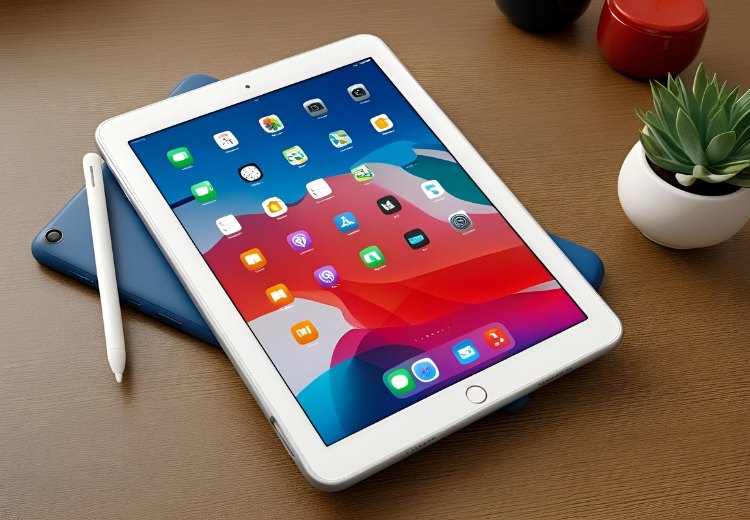
5. Battery Life
Digital notebooks generally last longer between charges because E Ink uses little power while displaying a static page.
Actual battery life still depends on the way you use the device. Wi-Fi, front lighting, audio recording, transcription and cloud synchronization all consume additional power.
For example, the AINOTE Air 2 has a 2,600mAh battery, while the larger AINOTE 2 has a 4,000mAh battery. Capacity alone does not determine real-world endurance, but these figures are more meaningful than applying the same “seven-day” claim to every digital notebook.
A tablet usually consumes more power because its display refreshes constantly and supports video, games and background apps. Many tablets can last through a normal workday, but they generally need to be charged more frequently than E Ink devices.
Rather than comparing “days” with “hours,” consider your actual routine. Reading and handwriting require less power than video calls, streaming and gaming.
6. Price and Additional Costs
Digital notebooks and tablets can fall within similar price ranges, so the price printed beside the device does not tell the full story.
With a tablet, you may need to add a compatible stylus, keyboard and case. Paid note-taking apps and additional cloud storage can also increase the long-term cost.
With a digital notebook, check whether the stylus and case are included. Transcription, AI functions and cloud services may have usage limits or subscription requirements.
The less expensive device is not automatically the better value. A tablet may be worth more if it replaces several devices. A digital notebook may be worth more if it helps you capture meetings, review documents and avoid distractions every day.
Digital Notebook vs Tablet vs Laptop
The word “notebook” can be confusing because it may refer to a digital writing device or a notebook computer.
A digital notebook is mainly designed for handwriting and reading. A tablet PC is a portable touchscreen computer that supports a wider selection of apps. A notebook computer is another name for a laptop and is built around a physical keyboard, desktop software and more demanding multitasking.
Some tablets paired with a keyboard are marketed as a 2-in-1 laptop. They may look similar to a laptop, but their operating systems, ports and software compatibility can still be different.
Choose a laptop if you spend hours typing, depend on desktop applications or need multiple ports. Choose a tablet if you want a portable device for apps, communication and media. Choose a digital notebook if you mainly want to write, read and think without frequent interruptions.
Which One Should You Choose?
A digital notebook is likely to suit you if:
- You take most of your notes by hand.
- You regularly read or annotate long documents.
- You prefer a screen that looks closer to paper.
- Notifications easily distract you.
- You want to charge your device less frequently.
A tablet PC is probably the better choice if:
- You depend on a wide selection of apps.
- You frequently work with color images, charts or video.
- You attend video calls throughout the day.
- You want one device for work and entertainment.
- You need stronger multitasking or keyboard-based workflows.
FAQ
Is a digital notebook better than a tablet for note-taking?
A digital notebook is usually better for people who prefer handwriting, read for long periods or want fewer distractions. A tablet is better when notes need to be used alongside web research, communication or professional apps.
Can a tablet be used as a digital notebook?
Yes. A tablet with a compatible stylus and note-taking app can perform many of the same tasks. The main differences are the writing surface, screen technology, battery use and number of distractions.
Are digital notebooks good for PDFs?
Yes, especially for long, text-heavy PDFs. A tablet may be better for documents that rely on color, interactive elements or frequent multitasking.
Can a digital notebook replace a tablet?
It can replace a tablet for handwriting, reading, PDF annotation and some meeting workflows. It is less likely to replace one for video, gaming, advanced creative apps or heavy multitasking.
Final Thoughts
A digital notebook gives up some speed, color and app variety in exchange for a more focused writing and reading experience. A tablet offers greater flexibility, but that flexibility brings more notifications, more frequent charging and sometimes more accessories.
Think about the first task you perform each morning. If it is writing notes, reviewing documents or preparing for meetings, a digital notebook may fit naturally into your routine. If it is checking email, joining a call or working across several apps, a tablet PC will probably serve you better.
The right choice is not the device with the longest feature list. It is the one that makes your most common work easier. You can compare the available options in the iFLYTEK AINOTE collection.