A second brain captures useful information, gives it enough context, and makes it easy to find again. A smart notebook can support that process by bringing handwritten notes, recordings, search, and AI-assisted review into one place. In practice, building a second brain usually means moving information through four basic stages: capture it, organize it, distill what matters, and put it to use. The goal is not to save everything, but to keep knowledge you are likely to reuse for work, study, decisions, or creative projects.
Get Your AI Notebook Ready
Before adding more information, decide what your second brain should hold. A simple setup is easier to maintain and search later.
Decide What Is Worth Saving
Save information when it has clear future value. Meeting decisions, research findings, project ideas, useful explanations, and reference material are worth keeping when they may support later work. If a note is easy to find elsewhere and has no likely future use, leave it out.
Create an Inbox, Projects, and Reference Area
Use an inbox for new material, project areas for work tied to an outcome, and a reference area for information you may reuse. This gives new notes somewhere to land without forcing immediate classification. A digital notebook does not need dozens of folders if clear titles and search already make information easy to retrieve.
Move In Only the Notes You Still Use
Do not migrate every old notebook, screenshot, or document. Start with active projects and notes you still use, then bring older material in only when it becomes relevant. This prevents the second brain from becoming an archive before it becomes useful.
Build Your Second Brain Step by Step
The system becomes valuable when information moves through a repeatable workflow: build a useful knowledge base, bring new information into it, distill what matters, and retrieve it when needed. These four steps keep the focus on usable knowledge rather than collecting more notes.
Step 1: Build Your Personal Knowledge Base
Treat your personal knowledge base as the working context behind your current projects, responsibilities, and recurring interests. Start with a few active areas and add the information that helps you understand or continue them, such as key decisions, research, useful explanations, open questions, and ideas worth developing. Keep related material together so a project or topic can be understood without rebuilding its history from several separate notebooks. Let the knowledge base expand as your work creates a reason for new information to be added.
Step 2: Bring New Information Into One Inbox
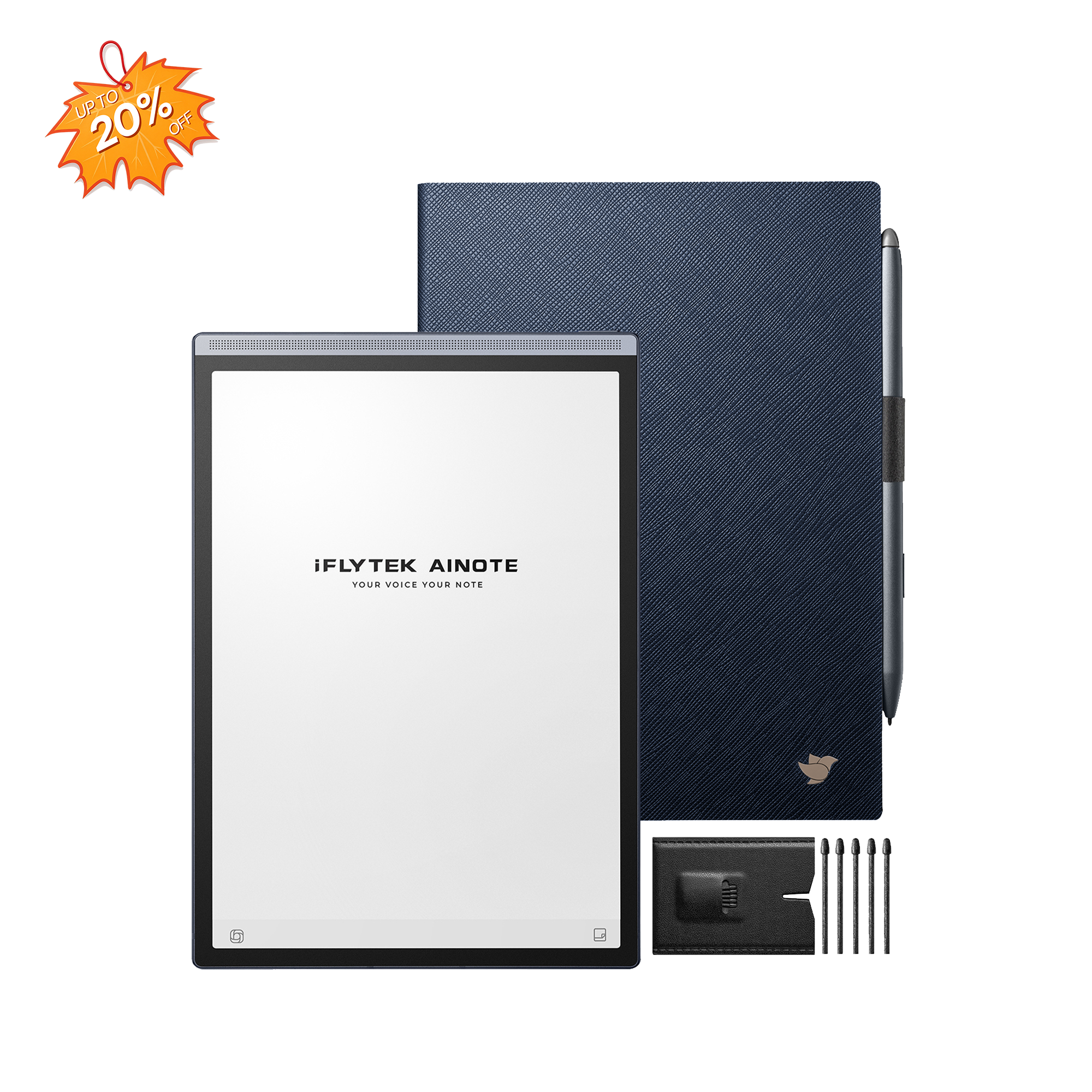
Ideas rarely arrive in one format. A useful thought may come from a meeting, lecture, phone call, reading session, or handwritten note, and keeping those inputs in separate places makes them harder to find later. An AI notebook such as the iFLYTEK AINOTE Air 2 can bring handwritten notes, conversations, and everyday ideas into one system, but the inbox still needs regular review so temporary information does not accumulate indefinitely.
Step 3: Turn Scattered Notes Into Useful Knowledge
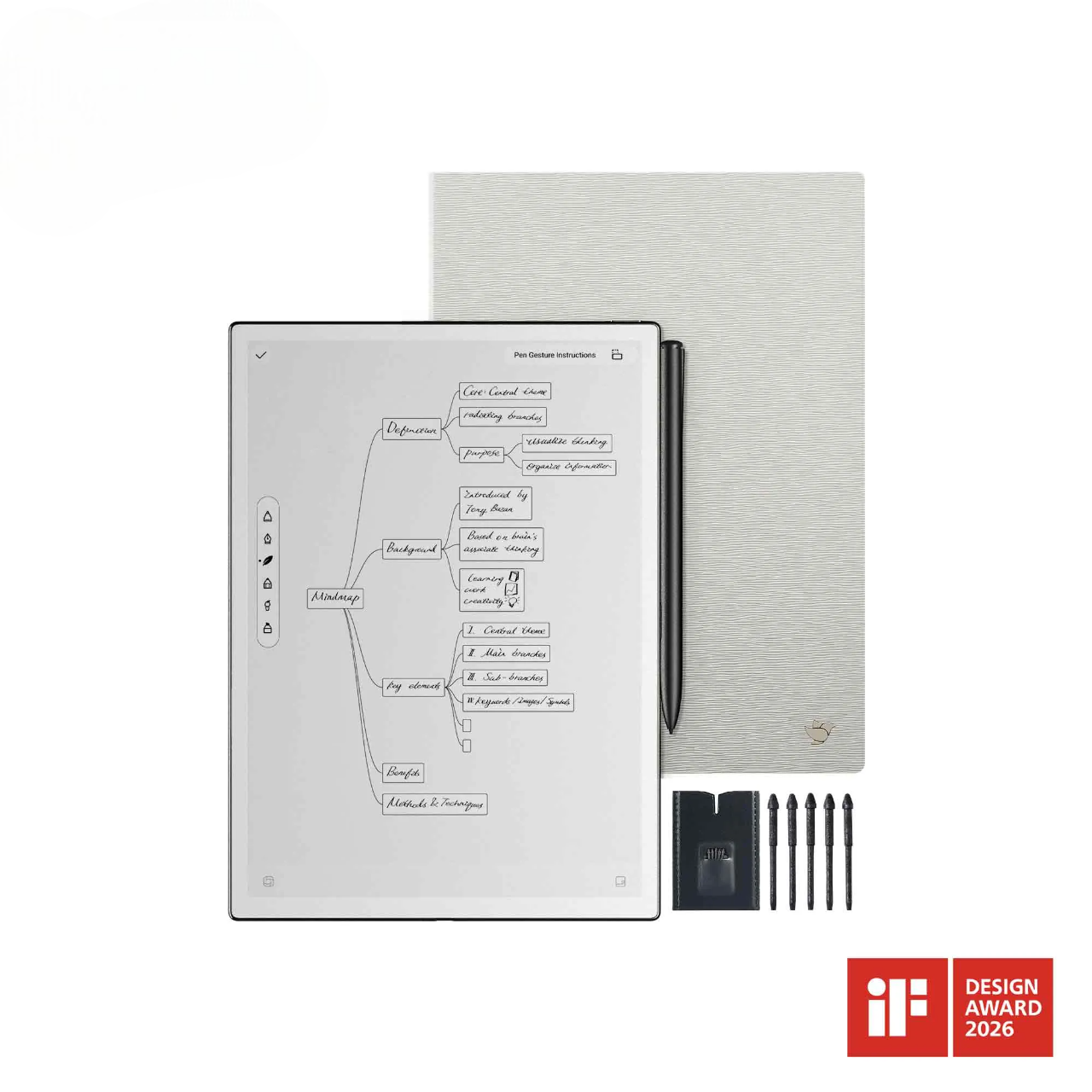
Capturing information is only useful if you can reduce it to what matters. With the AINOTE Air 2, handwritten notes can be converted into searchable text, while recorded speech can be transcribed and meeting content can be summarized for faster review. Instead of repeatedly returning to raw notes or recordings, you can pull out the decisions, insights, questions, and follow-up items that deserve to remain in your knowledge base. The aim is to turn captured information into something you can understand and reuse quickly.
Step 4: Find and Reuse What You Need, When You Need It
A second brain earns its value when old information reappears at the right moment. Before a meeting, study session, or writing project, searchable notes can help you return to earlier discussions, ideas, and reference material without manually checking months of separate files. Retrieval matters more than volume, so organize around the information you expect to search for again.
Organize Notes Without Making the System Complicated
Good organization should shorten retrieval time, not create more maintenance. A few consistent naming and review habits usually work better than a large system of folders and tags.
Name Notes With Topic, Context, and Date
Use titles that still make sense months later. Instead of “Meeting Notes,” include the topic, project, and date when chronology matters, such as “Website Redesign Content Review, August 2026.” Dates are useful for recurring meetings and time-sensitive work, but they are not necessary for every evergreen reference note.
Use Tags Only for Categories You Search Often
Tags should reflect categories you actually use to filter or retrieve information. Broad labels such as research, meetings, ideas, or decisions may help if they recur often, while highly specific tags can create more sorting work than value. Before adding one, ask whether you are likely to search by it again.
Connect Notes to Projects, Questions, and Decisions
A note is easier to reuse when its purpose is visible. If it supports a project, answers an open question, or records a decision, make that relationship clear in the note rather than relying on memory. A digital notebook can make this easier than isolated paper pages because related notes can be stored, searched, and revisited within the same system.
Review Your Inbox and Archive Old Notes
Review the inbox often enough that you still remember why each item mattered. Keep useful material, connect it to active work, and archive notes that no longer need attention rather than repeatedly reorganizing the whole system. The aim is to stop unprocessed notes and recordings from building up until the inbox becomes difficult to trust.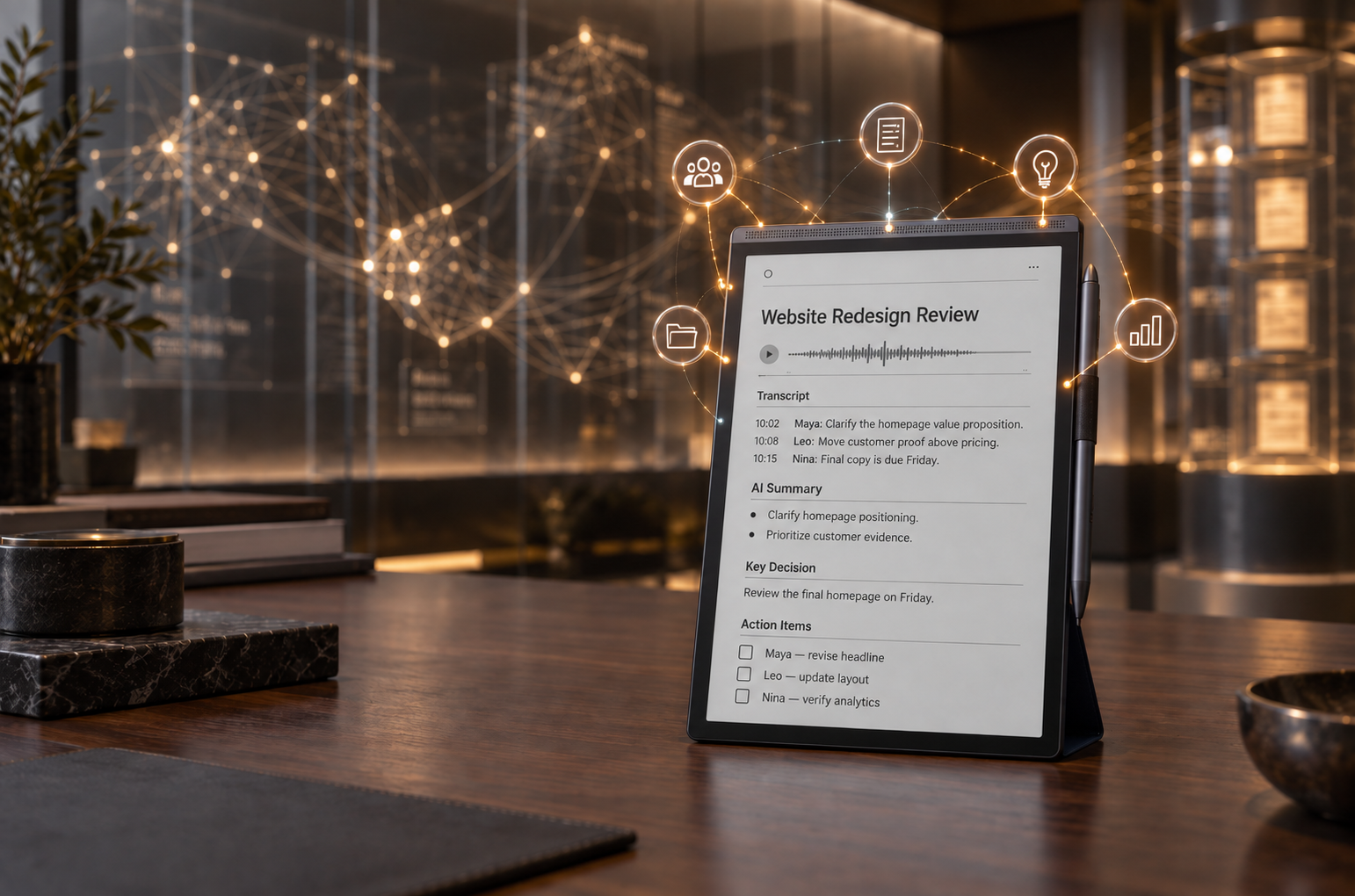
Use Your Second Brain in Real Work
The second brain becomes practical when it improves preparation, follow-through, and reuse of information. Meetings, study, and writing are useful tests because each depends on finding context at the right time.
Before a Meeting: Review Past Notes and Open Questions
Before a recurring meeting, review previous decisions, unresolved questions, promised follow-ups, and relevant background instead of relying on memory. A searchable AI note taking device is particularly useful when meeting records have accumulated over weeks or months. For a one-off conversation with little history, a simple agenda may be enough.
After a Meeting: Save Decisions and Next Actions
After a meeting, separate what was discussed from what actually changed. Save decisions, next actions, owners, and unresolved questions in the relevant project area, and use summaries or transcripts to return to details when needed. When accuracy matters, verify important points against the original record instead of relying only on an AI-generated summary.
For Study: Turn Notes Into Review Materials
Students get more value from notes when they turn them into material they can actively review. Pull out concepts, definitions, arguments, formulas, and unanswered questions rather than rereading an entire lecture each time. A smart notebook works especially well for people who prefer handwriting but still want searchable digital records; students who already work comfortably with short typed notes may not need a separate device.
For Writing: Turn Old Notes Into New Ideas
Before starting a report, article, proposal, or presentation, search existing notes for related observations, examples, questions, and research. Combining material collected at different times can reveal connections that were not obvious when each note was created. The second brain should support your thinking, so reused information still needs to be checked for relevance and accuracy in its new context.
FAQ
Can I Keep Work and Personal Notes in the Same Second Brain?
Yes, if your privacy and workplace rules allow it. Keep work and personal areas clearly separated, and do not store confidential company information on a personal device unless your employer permits it.
Is the iFLYTEK AINOTE Air 2 Better Than an iPad for Note-Taking?
If handwriting and knowledge management are your priorities, the iFLYTEK AINOTE Air 2 may be a better fit. Unlike the iPad’s multipurpose, glossy-screen experience, the lightweight AINOTE Air 2 is designed to feel closer to writing on paper, offering a more focused and natural handwriting experience. It also combines note-taking with audio recording, transcription, AI-assisted summaries, and search, making it easier to capture and revisit meetings, lectures, and ideas. An iPad remains the more versatile choice for apps, multimedia, and creative work, while the AINOTE Air 2 is better suited to users who want a dedicated, paper-like digital notebook.
What Is the Difference Between a Second Brain and a To-Do List?
A second brain stores knowledge and context, while a to-do list tracks actions. They can work together, but research, meeting background, ideas, and reference material usually belong in the knowledge system rather than inside individual tasks.
How Often Should I Review My Second Brain?
Review it often enough to keep the inbox manageable and active projects current. A weekly review works for many people, while heavy meeting, research, or study workloads may justify shorter reviews several times a week.
How Do I Know If My Second Brain Is Working?
Your system is working if you can find useful information quickly and reuse it without rebuilding context from scratch. If notes keep disappearing into folders or require too much maintenance, simplify the structure and improve your titles, search habits, or review frequency.
What Can the iFLYTEK AINOTE Air 2 Do for a Second Brain?
The iFLYTEK AINOTE Air 2 brings handwritten notes, audio recording, transcription, AI-assisted summaries, and search into one device. You can use it to capture meetings, lectures, research, and ideas, then turn the original material into searchable notes, key points, and follow-up items. It is particularly useful for people who regularly switch between handwriting and spoken information.
Conclusion
A useful second brain is not measured by how many notes it stores, but by how easily important information moves from capture to reuse. Keep the structure simple, save selectively, review the inbox, and organize notes around projects, questions, and decisions you expect to revisit. If handwriting, spoken information, search, and AI-assisted review are regular parts of your workflow, a smart notebook such as the iFLYTEK AINOTE Air 2 can support that process without requiring a complicated knowledge-management system.
Ready to Upgrade Your Knowledge System?
Discover how the iFLYTEK AINOTE Air 2 can turn handwritten notes, meeting recordings, and everyday ideas into an organized, searchable second brain. With paper-like writing, transcription, AI-assisted summaries, and search in one focused device, it helps you move more easily from capturing information to putting it to use.