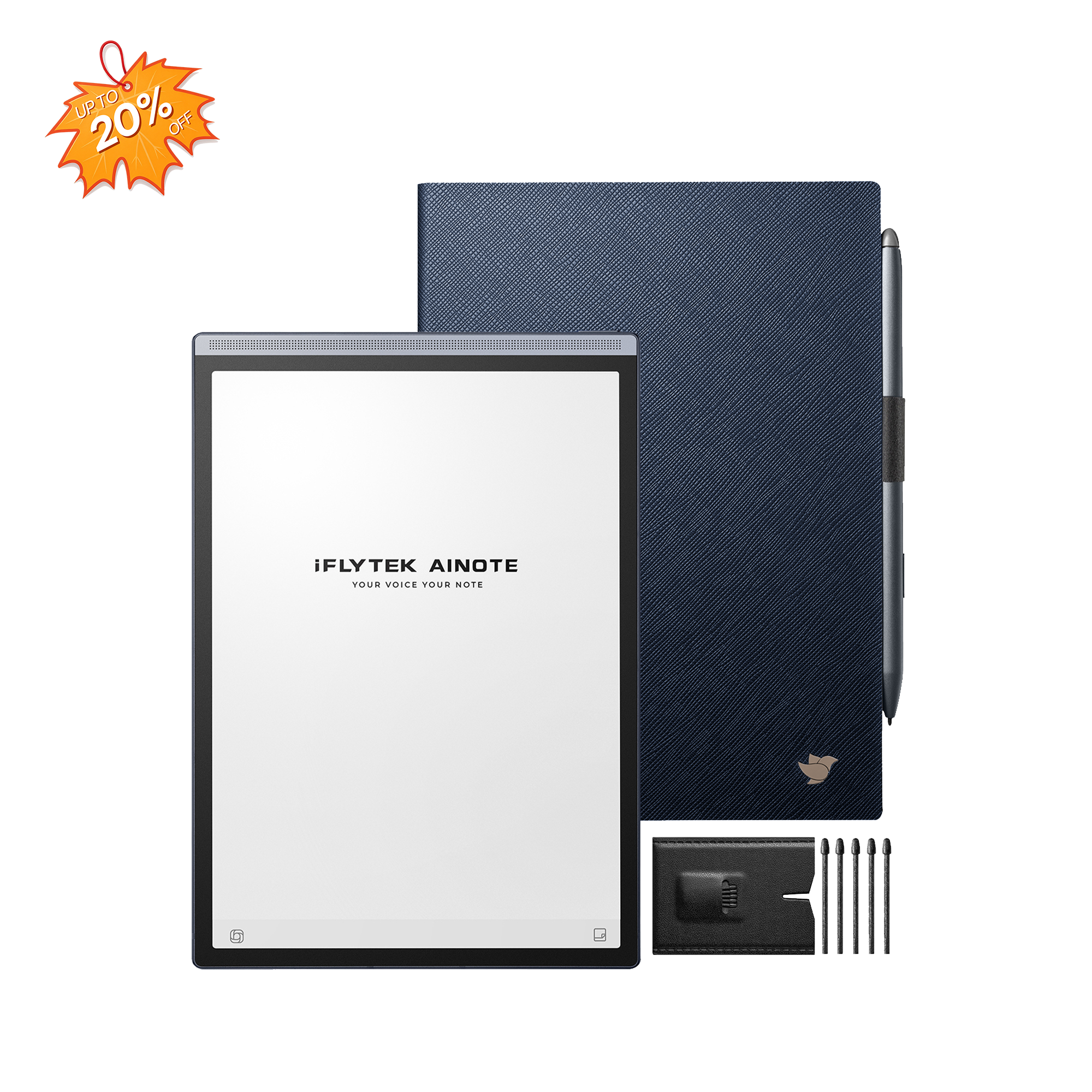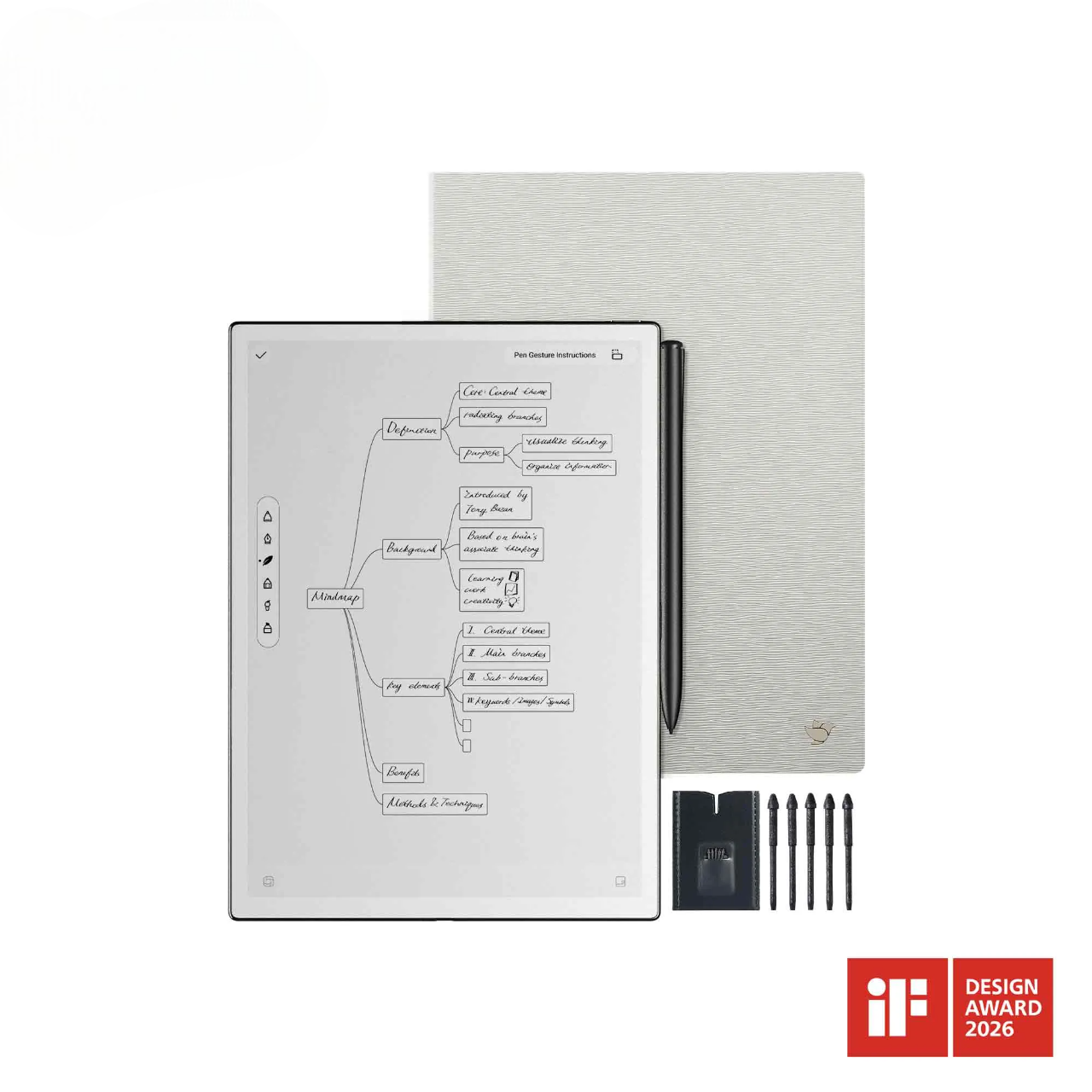
A productive workflow is not measured by how many notes you capture. What matters is how quickly those notes become decisions, questions, drafts, and next steps. iFLYTEK AINOTE 2 combines paper-like handwriting with built-in AI tools, helping you move from information capture to practical output on one device.
Whether you are documenting a meeting, reviewing course material, developing a proposal, or preparing a written update, AINOTE 2 supports the stages that usually take the most time: recording information, identifying what matters, exploring unanswered questions, and shaping early notes into usable content.
What Can AINOTE 2 AI Help You Accomplish?
AINOTE 2 AI is built around everyday tasks that begin with notes or spoken information. Its AI features help organize meeting content, extend your thinking, search selected information, and develop first drafts without breaking the flow of work.
AI Meeting Minutes for Structured Meeting Records
AI Meeting Minutes converts recorded discussions into organized meeting records. Instead of manually sorting through a full conversation, you can review key points, decisions, and follow-up tasks in a clearer structure. This is especially useful when a discussion contains several responsibilities or deadlines that need to be confirmed after the meeting.
AI Conversation for Follow-Up Thinking
AI Conversation supports the stage between capturing an idea and deciding what to do with it. You can ask questions, explore different directions, or build on notes that still need further development. It gives you a direct way to continue thinking from the material already in front of you, rather than moving between your notebook and separate tools.
AI Search by Circle for Context-Aware Answers
AI Search by Circle allows you to circle a question or phrase and receive a relevant answer based on the selected content. It is designed for moments when handwritten notes contain a term, issue, or question that needs immediate clarification.
AI Writing for Faster Draft Creation
AI Writing helps develop a short outline into a fuller first draft. When your main points are already clear, it can reduce the time spent organizing them into an email, report, summary, or presentation structure. You still review and refine the final content, but you no longer need to begin from a blank page.

Turn Meeting Conversations into Clear Next Steps
A meeting can generate useful information quickly, but that information only matters when it is recorded accurately and turned into action. AINOTE 2 helps capture spoken discussions, follow important details in text, and organize meeting outcomes for later review.
Record the Meeting While You Stay Focused
Trying to take complete notes during a fast discussion can make it harder to listen, ask questions, and respond at the right moment. With AINOTE 2, you can record the conversation while writing down only the points that require your immediate attention.
During a client requirements meeting, for instance, you may want to note the client’s main concern by hand while the device preserves the fuller discussion for later review. This approach lets you stay involved in the conversation without losing details that may affect the final proposal.
Follow Key Details with Real-Time Transcription
AINOTE 2 supports real-time transcription in 16 languages, allowing spoken content to be reviewed in written form as the discussion progresses. For meetings involving different languages, real-time translation is available across 11 languages.
This can be valuable in an international supplier discussion where product codes, order quantities, delivery dates, or revised specifications are mentioned quickly. A written reference makes it easier to identify the details that need confirmation after the call.
Create Meeting Minutes with AI
Once the conversation ends, AI Meeting Minutes turns spoken content into structured meeting minutes. Instead of organizing a long transcript manually, you can begin with a clearer summary of what was discussed and what needs attention next.
A weekly project review may involve updates from design, marketing, and operations teams. With structured minutes in place, it becomes easier to separate general discussion from approved actions, outstanding questions, and assigned responsibilities.
Check Decisions and Action Items Before Sharing
AI-generated meeting minutes can make documentation faster, but the final record still requires review. Before sharing it with colleagues or clients, confirm names, task owners, dates, figures, decisions, and any commitments made during the discussion.
This step is particularly important when meeting notes will guide budgets, delivery schedules, approvals, or external communication.
[How to] Quickly Get Started with Recording on AINOTE 2?
Keep Exploring Ideas with AI Conversation
Some notes record information. Others begin a line of thinking that still needs to be developed. AI Conversation helps you move beyond the initial note by clarifying questions, comparing options, and organizing early ideas into a more workable direction.
Start a Conversation Around Your Current Task
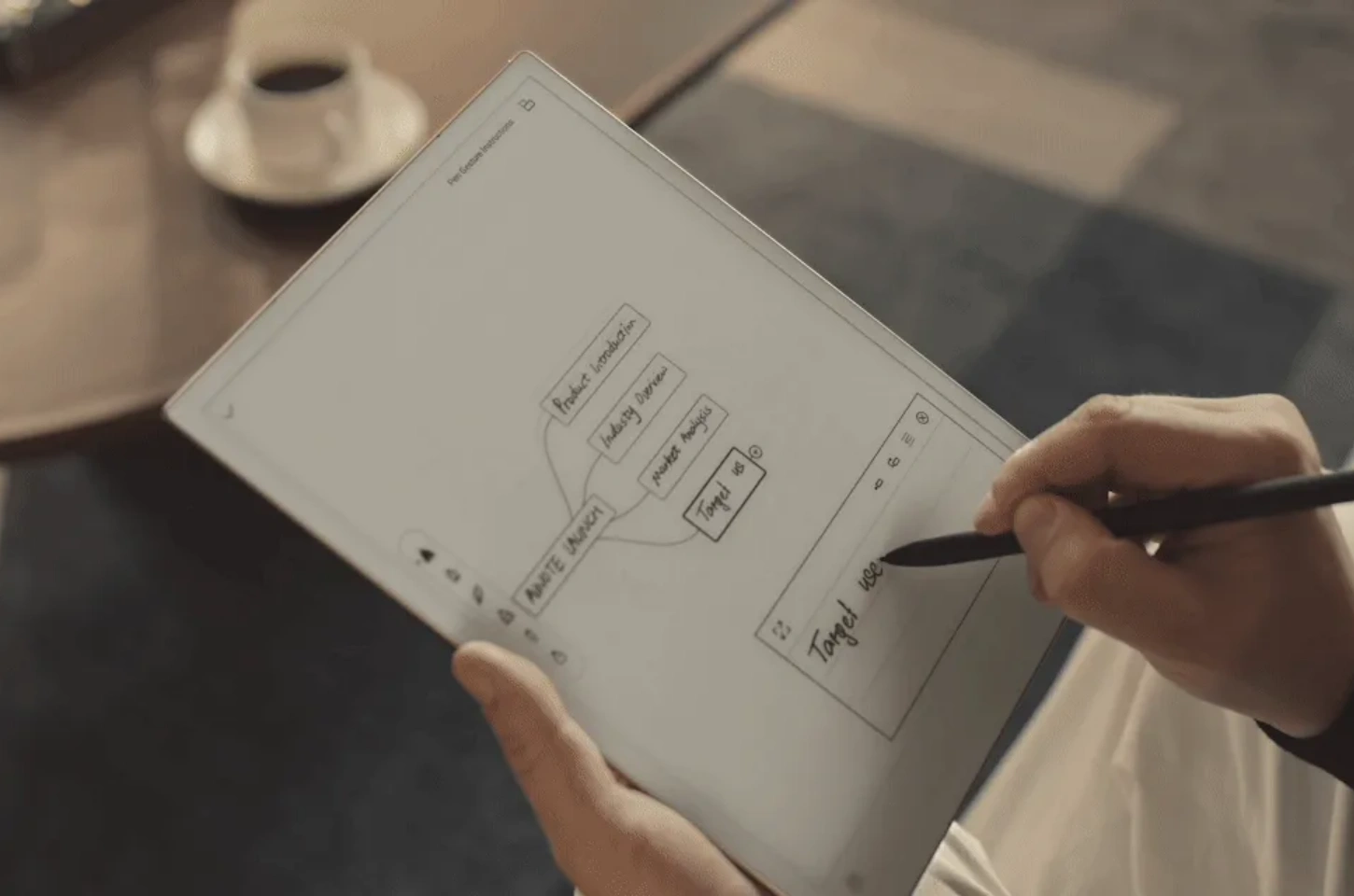
When a project is still taking shape, begin with the question that matters most at that moment. A light swipe gives you access to AI Conversation, so you can explore an issue while your original notes remain part of the working context.
After a brainstorming session for a new campaign, you could ask AI to group your ideas into target audiences, content themes, and unresolved questions. The goal is not to replace your judgment, but to make early thinking easier to organize.
Ask Follow-Up Questions When You Need More Detail
An initial response can point you in the right direction, but useful work often requires a second or third question. You may need a simpler explanation, a comparison of two options, a list of possible risks, or a clearer structure for presenting an idea.
Follow-up questions are particularly helpful when reviewing complex study material or preparing a proposal that still contains gaps. Rather than starting over, you can continue refining the same topic until it becomes more useful for your next step.
Make AI Answers More Useful for Your Work
The quality of an AI response depends heavily on the clarity of the request. Include the task, intended audience, preferred format, and purpose whenever those details matter.
Instead of asking for a general project summary, request a short internal update that includes completed tasks, current risks, and three next actions. When preparing client-facing material, specify the tone and the information that must be included. Clear instructions reduce editing time later.
Use the Conversation to Plan or Brainstorm
AI Conversation can support early planning before formal writing begins. It can help organize research questions, outline a project sequence, compare possible approaches, or prepare discussion points for the next meeting.
AINOTE 2 also includes more than 80 templates for meetings, projects, and brainstorming. A project template can provide the starting structure, while AI Conversation helps develop the handwritten ideas captured within it into clearer priorities or discussion points.
Get More from Handwritten Notes with AI Search by Circle
Handwritten notes often hold the first version of an important thought, but they may also contain unfamiliar terms or unanswered questions. AI Search by Circle lets you continue from what you have already written, rather than pausing to retype content elsewhere.
Circle a Word, Question, or Key Point in Your Notes
AINOTE 2 features a 10.65-inch paper-like screen designed for writing and reading. While reviewing handwritten notes, you can circle a phrase or question that needs more context and use it as the starting point for an AI-supported search. This makes the feature practical during note review, document reading, or project planning, especially when one detail needs clarification before you can continue.
Get an Answer Without Typing It Again
When a question is already on the page, typing it into another tool adds unnecessary friction. AI Search by Circle responds to the selected content, helping you stay focused on the note or document you are already reviewing.
A student working through lecture notes may circle an unfamiliar theory or technical term, read a clearer explanation, and add a short annotation beside the original handwritten point. The research step becomes part of the note-review process rather than a separate task.
Look Up Terms from Meetings, Reading, or Research
Different types of notes create different lookup needs. A meeting page may contain an unfamiliar industry abbreviation. Reading notes may include a concept that needs further explanation. Research notes may point to a metric, method, or term that should be checked before it appears in a report.
AI Search by Circle is most useful when the selected content is focused. Selecting one key phrase gives the AI a clearer reference point than choosing a large section with several unrelated ideas.
Use the Answer in Your Next Step
An answer is most valuable when it improves the work that follows. Once a point has been clarified, you can create your notes, write a stronger follow-up question, refine a task description, or incorporate the information into a draft.
This turns handwritten notes into a more active workspace. They are no longer only a record of what happened; they also support research, review, and decision-making.
[How to] The Ultimate Guide to Writing Notes on AINOTE 2
Turn Rough Ideas into Drafts with AI Writing
Useful written work often begins as short notes, incomplete phrases, or a quick outline. AI Writing helps develop that early input into a fuller first draft, giving you a practical starting point for communication and documentation.
Start with a Short Prompt or Simple Outline
You do not need to prepare a complete structure before using AI Writing. A topic, several key points, or a brief outline can be enough to begin.
After a meeting, your handwritten notes may contain only three actions: revise the quote, confirm the delivery schedule, and send updated specifications. Those points already provide a clear basis for drafting a follow-up message.
Build a Fuller Draft from Your Initial Idea
AINOTE 2 can turn a single outline into a full draft. This helps when you know what the document needs to say but have not yet organized the wording or paragraph structure.
A researcher preparing a short findings summary might begin with three handwritten headings: background, observations, and recommendations. AI Writing can develop an initial version under those headings, leaving more time for checking evidence and refining the final conclusion.
Adjust the Draft for Your Work Task
A first draft should be shaped according to its real purpose. A meeting follow-up needs clear actions and deadlines. A project update should show progress, open issues, and upcoming priorities. A presentation outline needs a logical speaking order, while a study summary should keep definitions and supporting points easy to review.
The generated content becomes more valuable once it is adapted to the audience, format, and decision it needs to support.
Review the Content Before You Share It
AI Writing can accelerate drafting, but it should not replace final review. Check factual details, names, dates, figures, tone, and any confidential information before sending or presenting the content.This matters most when the draft includes commitments, pricing information, client instructions, research findings, or deadlines that other people may rely on.
Best Practices for Reliable AI-Assisted Work
iFLYTEK AI-powered paper tablet features can reduce routine effort, but effective use still depends on clear input and careful review. These habits help keep AI-supported work accurate, focused, and practical.
Give AI Clear Questions and Specific Writing Goals
Start with a defined purpose. Include the kind of output you need, who it is for, and what information it should contain.
A request for “a brief client follow-up email with confirmed actions and one outstanding question” gives stronger direction than a broad instruction to write a message. The same principle applies to summaries, outlines, planning notes, and research questions.
Keep Circled Search Content Focused
AI Search by Circle works best when the selected content points to one clear question or term. Circle the exact phrase you need to investigate rather than a full page of mixed notes. Focused selections help keep the answer tied to your original issue and make it easier to use the result in your next step.
Review Meeting Details and Action Items Carefully
A structured meeting note is useful only when its key details are accurate. Check responsibilities, deadlines, figures, decisions, and external commitments before relying on AI-generated minutes for follow-up work. For internal brainstorming, a small wording error may be easy to correct. For client approvals or supplier delivery dates, it can affect the entire next stage of a project.
Edit AI-Generated Drafts Before External Use
Treat AI-generated content as a working draft. Make sure the tone suits the audience, the facts match your source material, and sensitive information is handled appropriately.
A short review is often enough to turn a useful first draft into a reliable email, report, study summary, or presentation outline.
FAQ
Can AINOTE 2 Generate Meeting Minutes Automatically?
Yes. AINOTE 2 includes AI Meeting Minutes, which turns recorded speech into structured meeting minutes. Before sharing the result, review decisions, assigned tasks, deadlines, names, and figures that may affect follow-up work.
Can You Ask Follow-Up Questions in AI Conversation?
Yes. AI Conversation supports continued exploration of a topic. You can begin with a question from your notes, then request more detail, compare possible approaches, or organize the information into a clearer plan.
How Does AI Search by Circle Work?
Circle a question or phrase in your notes, then use AI Search by Circle to receive an answer connected to that selected content. It is useful when reviewing handwritten notes that contain unfamiliar terms, unresolved questions, or points that need more context.
Does AINOTE 2 Support Multilingual Meetings?
Yes. AINOTE 2 supports real-time transcription in 16 languages and real-time translation in 11 languages. These features can support multilingual discussions, while important names, numbers, dates, and business decisions should still be reviewed before final use.
Conclusion
iFLYTEK AINOTE 2 connects handwriting, meeting capture, note-based research, and AI-assisted drafting in one workflow. Instead of leaving information scattered across recordings, handwritten pages, and separate drafting tools, you can move from a conversation or initial idea to a clearer next step on the same device.
AI Meeting Minutes helps document outcomes. AI Conversation supports further thinking. AI Search by Circle turns selected notes into research starting points. AI Writing helps shape early ideas into workable drafts. Used with clear instructions and final review, these features make captured information easier to act on.