
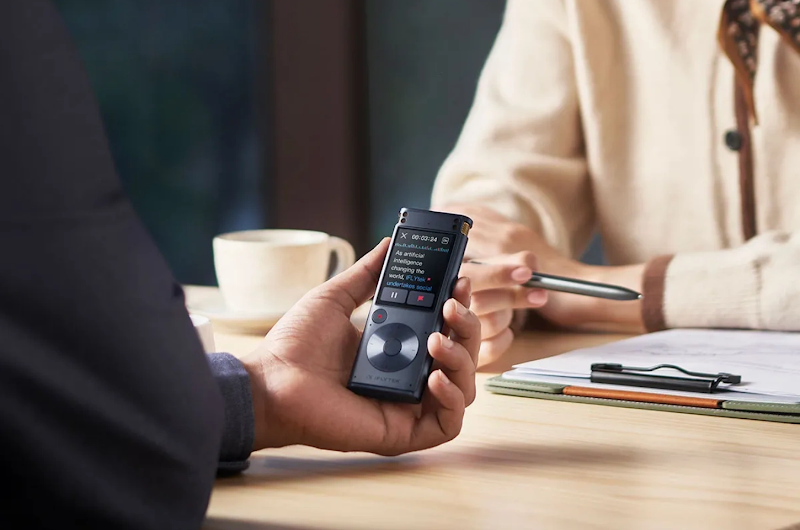
Whether you’re trying to catch a "lightbulb moment," recording a marathon lecture, or just saving a piece of family history, the quality of that audio matters way more than you’d think. We’ve all been there, you hit play on a recording only to realize it’s a muffled mess or, worse, totally drowned out by a humming air conditioner. It’s frustrating, and honestly, a bit of a waste of time if you can't even hear what was said. In this guide, we’re going to break down the essentials of how to record voice so it actually sounds professional. We’ll look at how to get audio that isn't just clear, but is also easy to search through and actually usable when you need it most.
What Makes a Voice Recording Effective?
Before we dive into the technical "how-to," it’s important to understand what we’re actually aiming for. An effective recording isn't just about high-end gear; it’s about utility.
1. Audio Clarity Over Perfect Sound
You don’t need a multi-million dollar studio to be effective. The goal is "intelligibility." If you can hear every word without straining, your recording has done its job. Clarity ensures that whether you are listening back or using AI transcription, the message remains intact.
2. Matching Recording Quality to Purpose
Not every clip needs to be "lossless." A quick grocery list reminder works fine on a basic phone app, but an interview for a podcast or a legal deposition requires a higher bitrate and better hardware to capture the nuances of the speaker’s tone.
3. Consistent Sound Quality Across Sessions
If you’re recording a series of meetings or lectures, consistency is key. Drastic changes in volume or echo between sessions make it difficult for listeners to follow along. Setting a standard workflow helps maintain that professional edge.
4. Time-Saving Value of Clear Recordings
Think of clear audio as a gift to your future self. A high-quality recording saves hours of "Wait, what did they say?" and prevents the headache of trying to fix "muddy" audio in post-production.
When Do You Need High-Quality Voice Recording?
Sometimes "good enough" isn't enough. There are specific scenarios where the stakes are higher, and the quality of your audio can make or break your productivity.
- Critical Business Meetings and Interviews: In a high-stakes negotiation, every "yes" or "but" matters. Missing a detail because of a glitchy connection or poor mic placement can lead to costly misunderstandings.
- Important Lectures and Creative Brainstorms: When inspiration strikes or a professor drops a complex theory, you need a recording that captures the energy and the exact terminology used.
- Challenging Noisy Environments: Recording in a busy coffee shop or a windy outdoor park is the ultimate test. This is where standard smartphone mics often fail, leaving you with nothing but static.
- Personal Archiving and Legal Documentation: For anything intended to last years—like an oral history or a legal statement—durability and clarity are non-negotiable.
Choosing the Right Tools for Voice Recording
Now that we know the why, let’s look at the what. The market is flooded with gadgets, but the best tool is the one that fits your specific workflow.
1. Smartphone Mics for Quick Casual Notes
Your phone is always with you, making it ideal for quick ideas or reminders. If you frequently record voice on iPhone, using the built-in Voice Memos app is convenient—but keep in mind it captures everything around you, including handling noise.
2. Dedicated Recorders for Accuracy and Focus
If you’re serious about productivity, a dedicated device is a total game-changer. Unlike a smartphone, which can be interrupted by pings or a dying battery, a dedicated recorder is built for one job: precision.
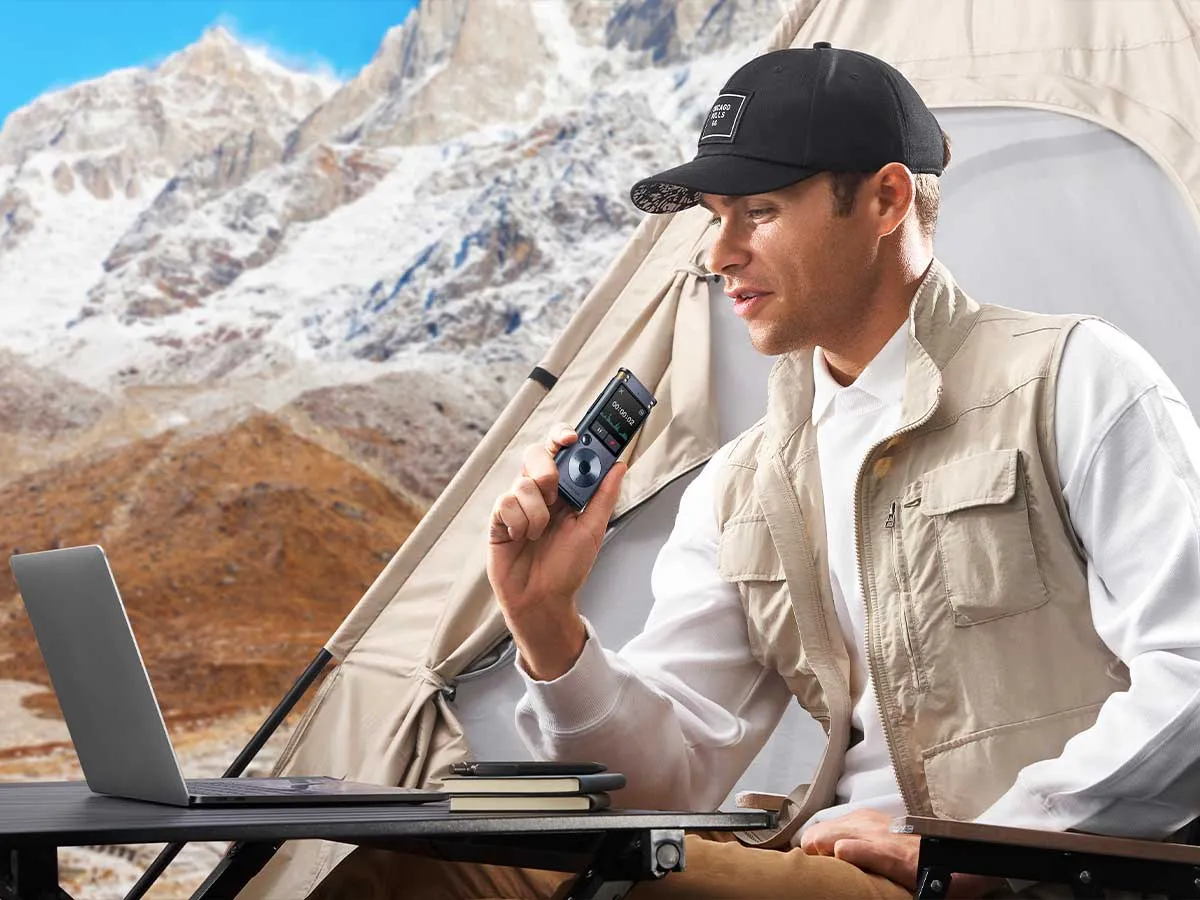
For professionals who need more than just a basic audio file, the iFLYTEK Smart Recorder is a standout. It’s engineered to handle "real-world" challenges that usually crush a phone’s mic. With advanced microphone arrays capable of long-distance pickup (up to 15 meters), it’s perfect for large lecture halls or sprawling conference rooms. It doesn't just "listen"—it uses AI-powered noise reduction to strip away background hums, leaving you with crystal-clear vocals. The real winner, however, is its real-time transcription; it turns speech into text instantly, making it incredibly easy to search through hours of meetings for a single keyword. Plus, with its massive storage and marathon battery life, you can record all-day events without a second thought.
3. External Microphones for Studio Quality
If you’re recording from a fixed desk—perhaps for a podcast, a webinar, or a high-quality voiceover—a USB or XLR condenser microphone is your best bet. These microphones have larger diaphragms that capture a wider frequency range, giving you that rich, warm "radio voice" that sounds professional and authoritative.
4. Specialized Apps for Unique Workflows
Sometimes the software is just as important as the hardware. If you are stuck using your phone, look for apps that offer cloud syncing, easy sharing, or the ability to tag "bookmarks" during the recording process. This allows you to highlight key moments in real-time so you can jump straight to the important parts during review.
|
Use Case |
Best Tool |
Why |
|
Quick notes |
Smartphone |
Always available |
|
Meetings & lectures |
Dedicated recorder |
Long battery, transcription |
|
Podcast / Voiceover |
USB mic |
Rich, controlled sound |
Tips to Improve Voice Recording Quality
Even with the best gear, technique matters. Here is a quick checklist on how to record voice like a pro, regardless of your device.
- Microphone Placement and Distance: Keep the mic about 6–10 inches from your mouth. Too close and you get "popping" sounds; too far and you sound like you’re in a cave.
- Reduce Background Noise: Turn off fans, AC units, and close the windows. If you’re in a room with lots of echoes (like a kitchen), try moving to a room with carpets and curtains to soak up the sound.
- Monitor Audio Levels During Recording: If your device has a visual "waveform" or green/yellow/red lights, keep an eye on them. If the bars hit the red, your audio is "clipping" and will sound distorted.
- Choose the Right Audio Format: Use WAV for the highest quality if you have the storage space, or a high-bitrate MP3 (at least 256kbps) for a good balance of quality and file size.
FAQ
How do I stop my mic from picking up background noise?
Physical barriers are best. Use a "deadcat" (windscreen) if outdoors, or a "pop filter" indoors. High-end AI recorders also offer built-in noise reduction algorithms that filter out hums automatically.
How to speak clearly for recording?
Enunciate your consonants and take your time. If you’re nervous, remember to breathe; shallow breathing makes your voice sound thin and shaky.
What is the best device for recording audio?
It depends on your needs! For portability and professional features (like transcription), a dedicated device like an iFLYTEK is hard to beat. For home setups, a sturdy USB microphone is best.
How do I know if my recording quality is good enough?
The "Car Test" is a classic. Listen to your recording in a noisy environment (like a car or a bus) using standard earbuds. If you can still understand every word easily, it’s good enough.
Why is my voice different when recorded?
Don't worry, everyone feels this! When you speak, you hear your voice through your skull (bone conduction), which adds bass. A recording captures how you sound to everyone else through the air.
Conclusion
Knowing how to record voice with actual clarity is one of those underrated skills that pays off every single day. Whether you’re leaning on your phone for a quick "note to self" or using a powerhouse like the iFLYTEK Smart Recorder to nail a three-hour board meeting, the goal is the same: making sure your ideas are actually usable later. By picking the right tool for the job and keeping a few simple acoustic tricks in mind, you’ll never have to struggle through a muffled, noisy recording again.



