A caregiver notebook keeps the information you repeatedly need for an aging parent in one place, from medications and doctor contacts to daily routines and follow-up tasks. The most useful notebook is not the one with the most records, but the one that helps you find current information quickly during appointments, emergencies, and caregiver handoffs. A clear structure also reduces the risk of relying on outdated notes or trying to reconstruct important details from scattered messages and phone notes.
Start With the Information You Need Most Often
Begin with information that affects everyday care or may need to be found quickly. Detailed historical records can be added later without crowding the sections you use most.
Emergency Contacts and Essential Details
Keep emergency contacts, preferred hospital information, key family contacts, insurance details, allergies, current major diagnoses or health conditions, and other essential information near the front of the caregiver notebook. Include only information someone may realistically need during an urgent situation, and review phone numbers and contact details regularly. If different relatives share caregiving responsibilities, make sure they know where this section is rather than assuming everyone has the same information saved elsewhere.
Medications and Pharmacy Information
Maintain a current medication list with the medication name, dosage, timing, purpose if known, prescribing doctor, and pharmacy. Include over-the-counter medications or supplements when they are relevant to medical discussions. Update the list whenever a medication is started, stopped, or changed. A medication record that mixes current prescriptions with discontinued ones can create more confusion than a clearly maintained current list.
Doctors, Appointments, and Health Records
Create a simple directory of primary care physicians, specialists, clinics, pharmacies, and other providers your parent sees regularly. Add appointment dates, reasons for visits, major instructions, and follow-up requirements rather than attempting to copy the complete medical chart into the notebook. This becomes especially useful when coordinating several specialists or home-visit doctors, because one provider may need context from care delivered elsewhere.
Daily Routines and Care Preferences
Record routines that another caregiver would need to follow, such as meal timing, mobility support, sleep habits, transportation needs, communication preferences, and activities that help your parent feel comfortable. Separate preferences from medical requirements so another caregiver can tell which instructions are flexible and which should not be changed casually.
Keep Medical Visits From Becoming Scattered Notes
Appointments often produce information before, during, and after the visit. Keeping those stages together makes it easier to turn a conversation into an updated care plan.
Write Down Changes Before the Appointment
Before an appointment, note meaningful changes since the previous visit. Dates make these observations more useful, especially for symptoms that appear intermittently or have gradually become more frequent. Instead of writing “sleep is worse,” record something more specific, such as when the change started, how often it happens, and whether anything else changed at the same time.
Keep Questions Together Before You Go
Keep appointment questions in one running section rather than separate messages or notes. Group related questions when possible so you can cover medication changes, symptoms, test results, mobility, nutrition, or home care without repeatedly switching topics. Prioritize the questions that could affect a treatment decision or what happens immediately after the visit in case appointment time is limited.
Record Instructions and Next Steps
During the visit, capture medication changes, tests, referrals, warning signs, and follow-up instructions as accurately as possible. Avoid relying only on memory, especially when several recommendations are discussed quickly. If unfamiliar terminology appears, ask the clinician what it means instead of depending entirely on a generic medical abbreviation list. The same abbreviation can sometimes have different meanings depending on context.
Update the Main Record After Each Visit
After the appointment, move confirmed changes into the main caregiver record instead of leaving them buried in visit notes. Update medication lists, upcoming appointments, care instructions, and follow-up tasks while the conversation is still recent. Keep the detailed appointment note for reference, but make the main section reflect what is currently true.
Keep Everyone on the Same Page When Care Is Shared
A shared caregiver notebook needs to show not only what happened, but also when it happened and what the next person should know.
Record Important Changes With Dates
Date medication changes, new symptoms, falls, appointments, major care decisions, and other events that may matter later. Dates help caregivers understand sequence and prevent an older observation from being mistaken for a current problem. You do not need timestamps for every routine note; use them where chronology could affect interpretation or follow-up.
Leave Clear Notes for the Next Caregiver
Handoff notes should focus on what changed, what still needs attention, and what the next caregiver should do. A brief note such as “new prescription picked up; first dose tonight; watch for dizziness” is more useful than a long account of the entire day. Avoid vague entries such as “seems better” when a specific observation would give the next caregiver more context.
Separate Current Information From Old Records
Make it obvious which information another caregiver should act on now and which records are kept only for background. Keep active medications, current providers, current routines, and open tasks in clearly identifiable sections so someone taking over care does not have to compare several versions before deciding what is current. Historical information such as discontinued medications or resolved issues can remain available for reference, but it should not appear alongside active instructions in a way that creates uncertainty during a handoff.
Make Growing Care Notes Easier to Find and Follow Up
As care becomes more complex, the challenge shifts from capturing information to finding the right detail again. A digital system can help when appointments, conversations, handwritten notes, and tasks begin accumulating faster than a paper notebook can be reviewed.
AI Notebook vs. Phone Notes for Caregiving
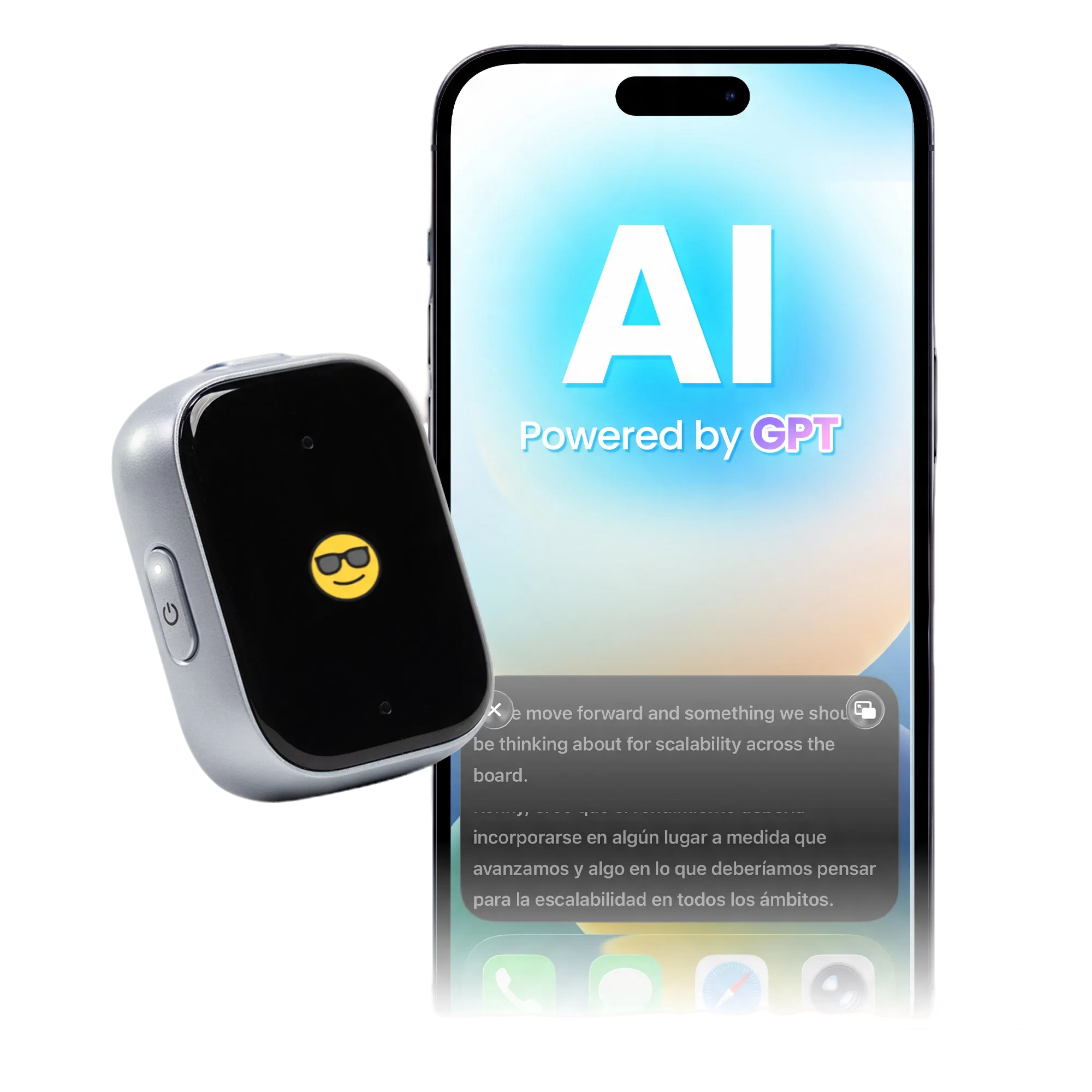
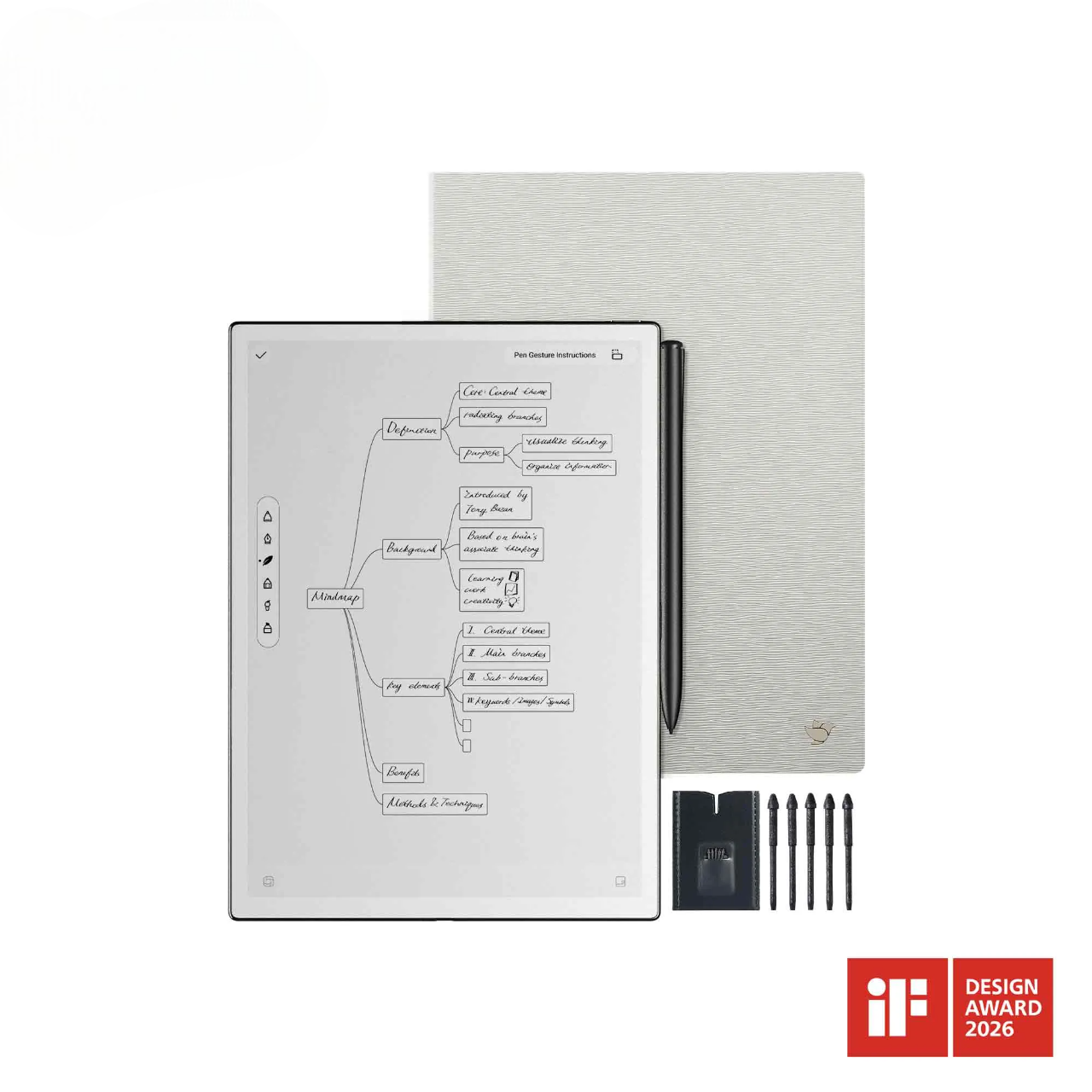
Phone notes work well for short reminders, but longer medical conversations can be difficult to capture while you are also listening, asking questions, and supporting a parent. An AI notebook such as the iFLYTEK AINOTE Air 2 is more useful when you need to preserve fuller appointment context and return to it later.
|
Caregiving Task |
Phone Notes |
iFLYTEK AINOTE Air 2 |
|
Record doctor or nurse instructions |
Type selected points while listening |
Record and transcribe the conversation while also taking handwritten notes |
|
Review a long appointment |
Reread notes and organize important points yourself |
AI summaries help pull key information from longer records |
|
Find information from an earlier visit |
Search mainly by what you typed and how the note was saved |
Search transcribed speech and converted handwriting, with AI Search for key information |
|
Return to the original context |
A short typed note may not preserve what was said around it |
Writing & Recording Sync lets you return from a handwritten note to the corresponding recorded moment |
|
Track follow-up items |
Manually turn notes into reminders or tasks |
Mark handwritten items as to-dos and trace tasks back to the original note |
Recording should only be used when permitted and when everyone involved understands that the conversation is being recorded. For medical details, review AI-generated summaries and transcripts against the clinician's instructions before updating medications, care directions, or follow-up tasks.
Keep Older Notes Searchable
Use clear note titles that include the topic and date, such as “Cardiology Follow-Up, August 2026,” instead of generic titles like “Doctor Notes.” Consistent naming makes manual browsing easier and improves search when months of appointments accumulate. Searchable handwriting and transcripts can be especially helpful when you remember what was discussed but not which visit contained it.
Turn Follow-Up Items Into Clear Tasks
Separate actions from general notes by recording who needs to do what and, when relevant, the due date or next appointment. Keep each action specific enough that another caregiver can understand what remains unfinished without rereading the full appointment note. A task such as “Call pharmacy Friday if refill is not ready” is easier to act on than leaving the same instruction inside several paragraphs of notes.
Review Past Notes Before the Next Appointment
Before another visit, review the previous appointment, open follow-up items, recent changes, and unresolved questions. This prevents appointment time from being spent reconstructing information you already captured. The goal is not to reread the entire caregiver notebook, but to focus on records that could affect the decisions likely to be discussed next.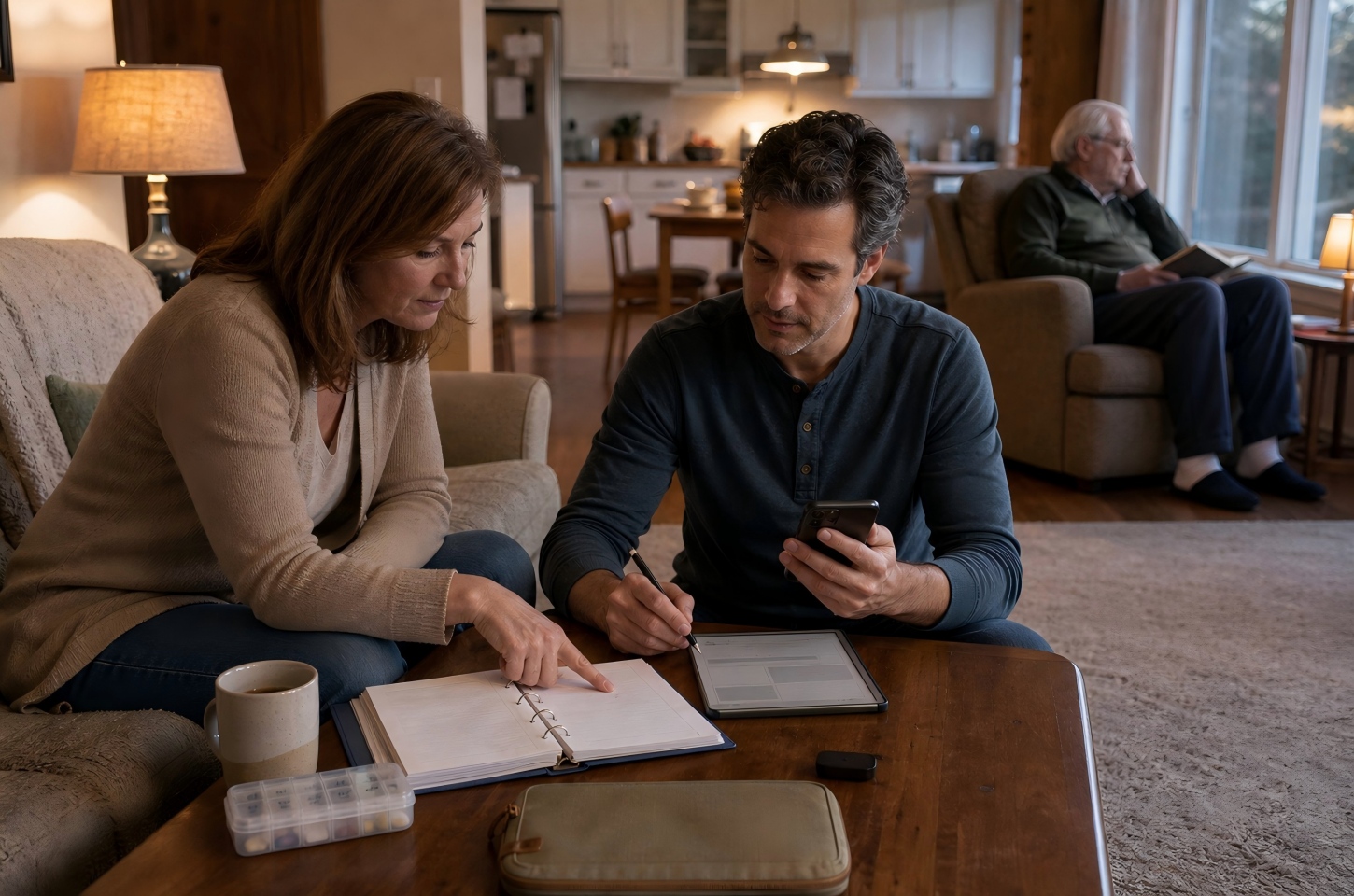
Keep the Caregiver Notebook Useful Over Time
A notebook stays reliable only when current information is easy to distinguish from information that was once correct.
Update Information When Something Changes
Update medication lists, providers, phone numbers, routines, and care instructions when changes occur rather than waiting for a scheduled cleanup. Small updates made immediately are easier than correcting several months of accumulated inconsistencies. For shared care, make sure everyone uses the same current version instead of maintaining separate copies that gradually diverge.
Remove Outdated Information From the Current Section
Move old information out of active sections once it is no longer relevant to day-to-day care. Discontinued medications, completed referrals, and resolved tasks can remain in an archive when historical context matters. This keeps the caregiver notebook useful during time-sensitive situations, when someone needs the current answer rather than every previous answer.
Review Key Details Before Important Appointments
Before specialist visits, procedures, care transitions, or new home care arrangements, review the sections most likely to matter. Check medications, recent changes, provider information, unresolved questions, and any instructions another caregiver may need to follow. A focused review also gives you time to notice missing or contradictory information before it becomes part of a medical conversation.
FAQ
Can One Caregiver Notebook Be Used for Both Parents?
Yes, but each parent should have clearly separated records. Medications, doctors, insurance information, symptoms, and appointment notes should never be mixed in a way that makes it unclear whose information you are reading. Separate digital notebooks or clearly divided sections are usually easier to manage.
Is a Caregiver Notebook the Same as a Medical Binder?
Not necessarily. A medical binder usually focuses on medical documents and health records, while a caregiver notebook may also include routines, preferences, caregiver handoffs, questions, appointments, and daily observations. Many families use both functions within the same system.
Should Original Medical and Insurance Documents Be Kept in It?
Usually, copies or securely stored digital versions are more practical for everyday reference. Original insurance, legal, or medical documents may need safer long-term storage. The caregiver notebook should help you access necessary information without becoming the only place where irreplaceable documents exist.
Who Should Have Access to a Caregiver Notebook?
Only people who are directly involved in the parent's care should have access to the information they need. Because a caregiver notebook may contain medical, insurance, and personal details, limit unnecessary sharing and use appropriate access controls when the notebook is stored digitally.
Should a Caregiver Notebook Be Paper or Digital?
Either can work. Paper is simple and accessible without a device, while digital notes are easier to search, update, copy, and share as records grow. Families managing frequent appointments, multiple caregivers, or large amounts of medical information may benefit more from a searchable digital system.
Conclusion
A useful caregiver notebook should make current information easier to find, appointments easier to prepare for, and care handoffs easier to understand. Start with the details that affect everyday decisions, keep medical visits connected to follow-up actions, and separate active information from historical records. Paper or simple phone notes may be enough for lighter caregiving needs, while a searchable digital or AI notebook can become more valuable as appointments, recordings, tasks, and shared care responsibilities increase. The right system is the one caregivers can keep current and actually use when a decision needs to be made.