


When it comes to reading in moment's fast- paced world, being easy to use and movable is important. The best tablet for reading eBooks may change the way you read.
E-readers have been available for a while, but current tablets are better for both pleasure and academic reading since they've high- resolution defenses, extended battery life, and numerous other features.
This article will tell you what to look for in a fantastic reading tablet, give you some of the best options for 2025, and provide some expert ideas to improve your reading experience even better.
Key Features to Look for in a Reading Tablet
Before we get to our best recommendations, here are some important things to think about when choosing the best tablet for reading ebooks:
1. Display Type and Resolution
For lengthy reading periods, you need a screen that is crisp and doesn't reflect light. High-resolution LCD or OLED panels may make text seem clearer, but E Ink displays are easy on the eyes.
2. Battery Life
You shouldn't have to charge your phone every few hours if you read for hours. Tablets that manage their batteries well may last for days on one charge.
3. Weight and Portability
A featherlight design makes sure your hands do not get fatigued, which is particularly important while you are reading for a long time or traveling.
4. Storage Space
If you want to download hundreds of eBooks or indeed audiobooks, you need to have at least 32 GB of storehouse space.
5. App comity
Check to see whether the contrivance works with popular reading apps like Apple Books, Google Play Books, Kobo, and Kindle.
6. Blue Light Filter/ Night Mode
These settings might make your eyes feel more, particularly while you are reading at night.

Best Tablets for Reading Ebooks in 2025 (Top Picks)
Choosing the best tablet for reading can significantly enhance your focus and comfort. In 2025, reading tablets will no longer be just about e-ink screens, they will combine eye-friendly displays, AI features, and smart note-taking to support deeper learning and better productivity.
Below are our top picks that stand out for their performance, display quality, and reading-focused features.
1. iFLYTEK AINOTE AIR2
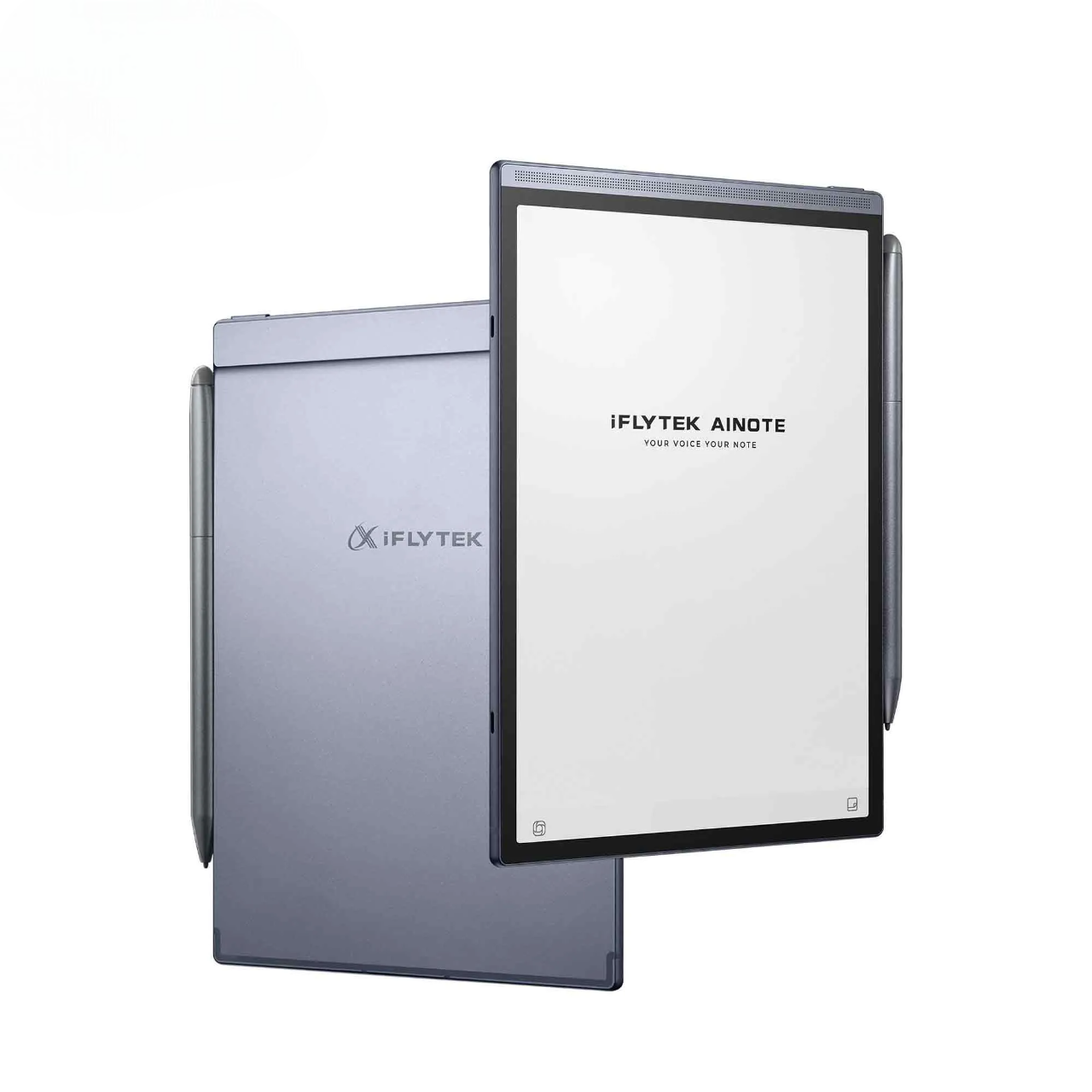
If you’re looking for a reading tablet that’s gentle on the eyes, powerful in function, and built for productivity, the AINOTE Air 2 is your ultimate choice. The iFLYTEK AINOTE Air 2 is a next-generation AI-powered paper tablet designed for deep readers, knowledge workers, and learners who want to do more with every word they consume.
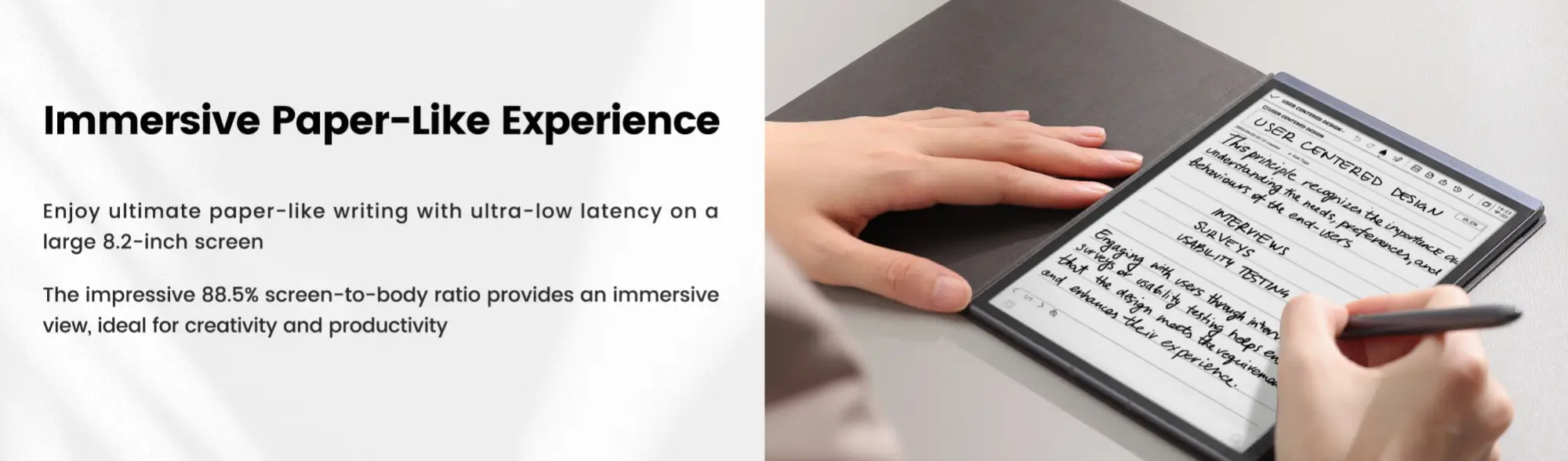
It offers a paper-like 8.2” E Ink display with adjustable warm & cold lighting, low blue light, and anti-glare technology, making it the best tablet for reading in any environment, day or night. The 88.5% screen-to-body ratio offers maximum space with true eye comfort.
Only AINOTE gives you direct access to ChatGPT-4o, making it your personal AI assistant for brainstorming, summarizing, translating, and even generating study materials on the go.
Why It's the Best Tablet for Reading
- 8.2” high-resolution E Ink display delivers a truly paper-like experience
- 24-level adjustable warm & cold front lights for comfortable day/night reading
- Anti-glare, low blue light screen reduces eye strain during long sessions
- Supports multiple reading formats (EPUB, PDF, TXT, etc.)
- AI-powered audio reading in English, Chinese, Japanese, and Korean
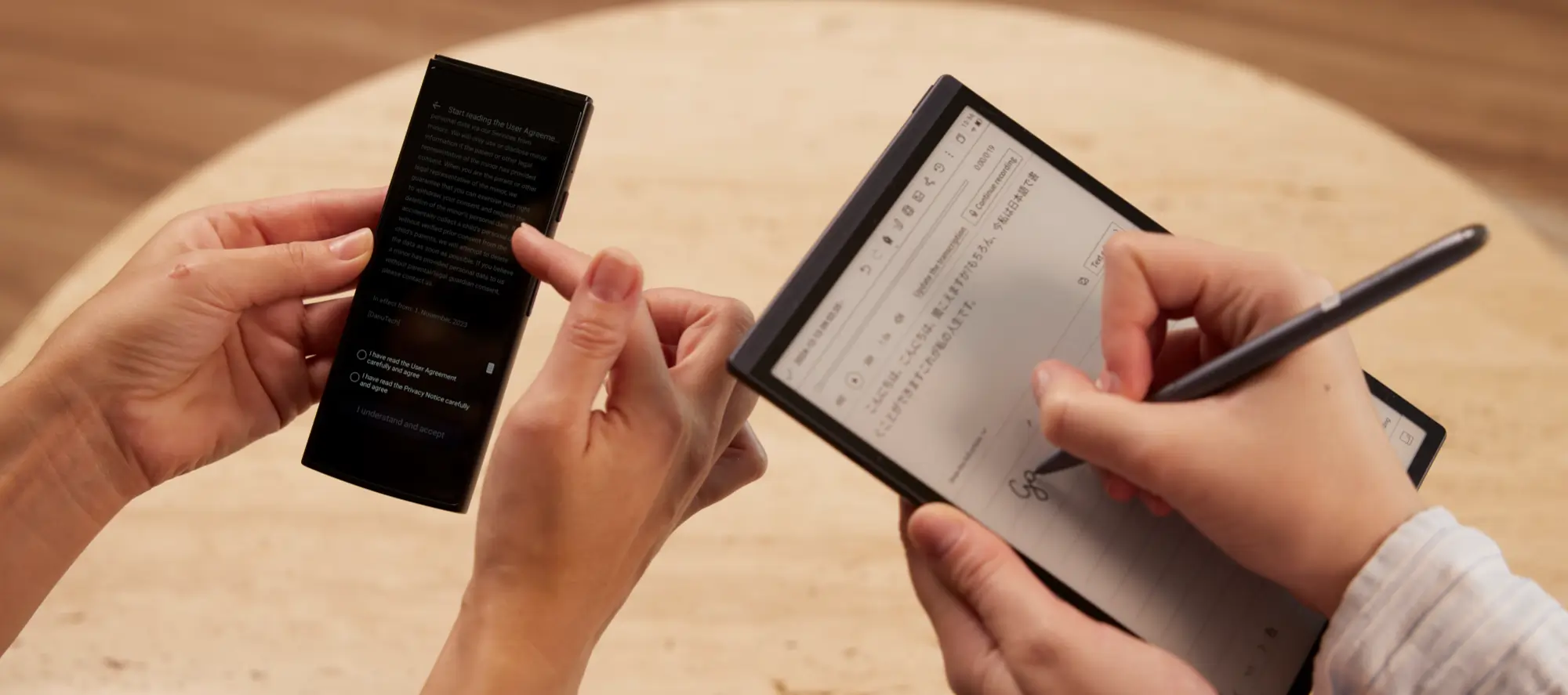
- Highlight and annotate with precision using the included Wacom stylus
- Easily organize key passages and create smart reading notes
- Import your library and enjoy free access to local eBooks
2. Kindle Paperwhite (2025 Edition)
The Kindle Paperwhite 2025 Edition is Amazon’s most refined eReader to date. Featuring a crisp 6.8-inch E Ink display, adjustable warm light, and USB-C charging, it delivers everything a casual or avid reader needs, wrapped in a waterproof, ultra-light design.
This model is the go-to eBook reader for most users, especially for those already embedded in Amazon’s ecosystem. For those who just want to read with no pop-ups, no apps, and no battery anxiety, this is the best eReader you can get under $200 in 2025.
Display: 6.8-inch E Ink screen with 300 PPI
Battery Life: 10 weeks at most
Storage: 8GB or 16GB
Weight: Very light
Pro:
- Excellent battery life
- Waterproof design
- Glare-free reading in sunlight
- Seamless integration with Kindle store
Cons:
- Limited file format support (mainly Kindle and MOBI)
- Not suitable for PDFs or interactive content
- No stylus/note-taking support
3. iPad Mini (7th Gen)
The iPad Mini 7 is Apple’s most compact and capable tablet to date. While not an E Ink reader, its 8.3-inch Liquid Retina screen with True Tone and Night Shift settings makes it surprisingly comfortable for digital reading, especially magazines, PDFs, or interactive eBooks.
Though it lacks an e-ink display, the iPad Mini 7’s rich app ecosystem and powerful internals make it a perfect choice for people who want a multi-purpose device. It's great for students who flip between reading and note-taking, or for travelers who want one tablet for books, videos, and emails.
Display: 8.3-inch Liquid Retina display with True Tone.
Battery Life: Up to 10 hours of battery life.
Storage: You may choose between 64 GB and 256 GB of storage.
Weight: Very thin and easy to carry.
Pros
- Versatile and powerful
- Great for multi-tasking (reading, video, apps)
- Apple Pencil support for note-taking
- High-resolution, color-accurate display
Cons:
- More expensive than traditional e-readers
- Not E Ink – more eye strain for long reading sessions
- Shorter battery life compared to e-readers
4. OnePlus Pad 2
The OnePlus Pad 2 is a surprise competitor in the reading tablet market. It has a smooth performance and an immersive display at a price that's competitive.
The OnePlus Pad 2 brings flagship performance to the mid-range tablet market, making it a great all-around reading and productivity device. Its 11.6-inch LCD with Dolby Vision and 144Hz refresh rate offers an ultra-smooth and immersive visual experience.
The OnePlus Pad 2 is ideal for users who consume a variety of digital content from novels and graphic novels to PDFs and academic papers. The larger display and high refresh rate make it easier to scroll through dense documents or magazines with minimal eye strain.
Display: 11.6" TV with Dolby Vision and 144Hz refresh rate
Battery Life: up to 14 hours of operation without stopping
Storage: 128 GB or 256 GB of storage
Weight: A little heavier, but still easy to handle
Pros:
- Large screen ideal for comics and PDFs
- Super smooth scrolling with high refresh rate
- Strong performance at a good price
- Great for reading + entertainment
Cons:
- Heavier and bulkier than smaller tablets
- Not optimized for sunlight reading
- No native stylus support
5. Kobo Libra Colour
The Kobo Libra Colour brings a refreshing twist to e-reading by offering a vibrant E Ink Kaleido 3 display, making it perfect for comic books, children's literature, illustrated novels, and color-coded note-taking.
Unlike traditional monochrome e-readers, the Libra Colour supports 4,096 colors, letting visuals pop without sacrificing battery life.
Display: 7-inch E Ink Kaleido 3 color screen with adjustable ComfortLight PRO
Battery Life: Up to several weeks on a single charge
Storage: 32 GB of internal memory
Weight: Lightweight and ergonomically designed with physical page-turn buttons
Pros:
- Color E Ink is great for comics and illustrations
- Long battery life
- Comfortable one-handed reading
- Supports EPUB and OverDrive (library books)
Cons:
- Color saturation is limited compared to LCD
- More expensive than monochrome Kobo
- Slower page turns compared to tablets
Tips for an Optimal Reading Experience on Tablets
Using a dedicated e-reader or a multi-purpose tablet can both offer great reading experiences. By following a few practical tips, you can significantly improve your reading comfort and enjoyment.
1. Enable Night Mode or Blue Light Filter
Most modern tablets offer customizable warm light or automatic day/night adjustments to make long reading sessions easier on the eyes.
2. Adjust Screen Brightness for Your Environment
Manually or automatically lower your screen brightness when indoors to avoid glare and reduce battery consumption. For outdoor reading, increase brightness or use a matte screen protector to minimize reflections. E Ink tablets automatically adapt well to bright environments, but LCD tablets may require manual tweaks.
3. Organize Your Digital Library
A cluttered digital library can be just as frustrating as a messy bookshelf. Use folders, tags, or collections to organize your eBooks by genre, author, topic, or reading status. This helps you find your next read quickly and keeps your device neat and intuitive.
4. Enable Cross-Device Syncing
Most modern reading platforms allow you to sync reading progress across multiple devices. You can start reading on your tablet at home and continue on your smartphone during your commute without missing a page. Just make sure you’re logged into the same account across all devices.
5. Use a Stylus for Note-Taking (When Applicable)
If your tablet supports stylus input (like the iPad with Apple Pencil or iFLYTEK AINOTE Air 2 with Wacom pen), take advantage of digital annotations, highlights, and margin notes. This is especially helpful for academic reading, research, or journaling while you read.
6. Switch to Airplane Mode While Reading
To minimize distractions and save battery, switch your tablet to Airplane Mode when reading offline. This disables unnecessary notifications and gives you a more immersive reading environment.
By adjusting just a few settings and habits, you can transform your tablet into a powerful and comfortable eBook reader, makeing it perfect for long reading sessions.
Tablet vs.E-reader: Which Is Better for You?
To pick the finest contrivance for reading, you need to know the main distinctions between a tablet and an e-reader.
Tablet:
Still, a tablet is a stylish choice if you want a contrivance that can go further than show books. Tablets like the iPad Mini or OnePlus Pad 2 have full-color touchscreens, important CPUs, and access to a lot of programs.
You can read eBooks, surf the web, watch pictures, and indeed take notes in one spot. These are great for those who want a device that can do a lot of effects and work with different reading operations and media types.
E-reader:
The Kindle Paperwhite and Kobo Libra Colour are two examples of e-readers that are made only for reading. Their E Ink screens seem like actual paper, which cuts down on glare and eye strain, even in strong sunshine.
They are very light, have a long battery life, and can hold a lot of eBooks. An e-reader is a topmost option for those who love to read and want a simple and comfortable one.
FAQs
Can I use a tablet to read Kindle books?
You can get Kindle operations for tablets that run Android or iOS.
Which is better for eye strain, tablet or e-reader?
Kindle and iFLYTEK AIR2 e-readers with E Ink screens are usually healthier for your eyes.
Is the iFLYTEK AINOTE AIR2 only for reading?
No, it's also made for taking notes, recording, and even translating, which makes it great for students and professionals.
Do all eBook formats work on tablets?
Most tablets can read a lot of different eBook formats with the help of software from other companies. However, depending on the manufacturer, e-readers may only work with certain formats.
What tablet is the best value for reading in 2025?
The Kindle Paperwhite is a wonderful deal for reading. The OnePlus Pad 2 is a good choice if you want a cheap tablet that can do a lot of effects.
Conclusion
The best tablet for reading eBooks depends on your reading habits, budget, and the features you value most. For those who need a powerful reading and note-taking device. The iFLYTEK AINOTE AIR2 is one of the best tools for reading and taking notes like a pro.
The Kindle Paperwhite is great for those who read for fun and want to protect their eyes. The iPad Mini (7th Gen) is a high-end, all-in-one device. The OnePlus Pad 2 is a wonderful deal if you want performance on a budget. The Kobo Libra Colour is the best choice for bright, flexible reading.
No matter which one you choose, the correct reading tablet will make your eBook experience better, no matter where you are.
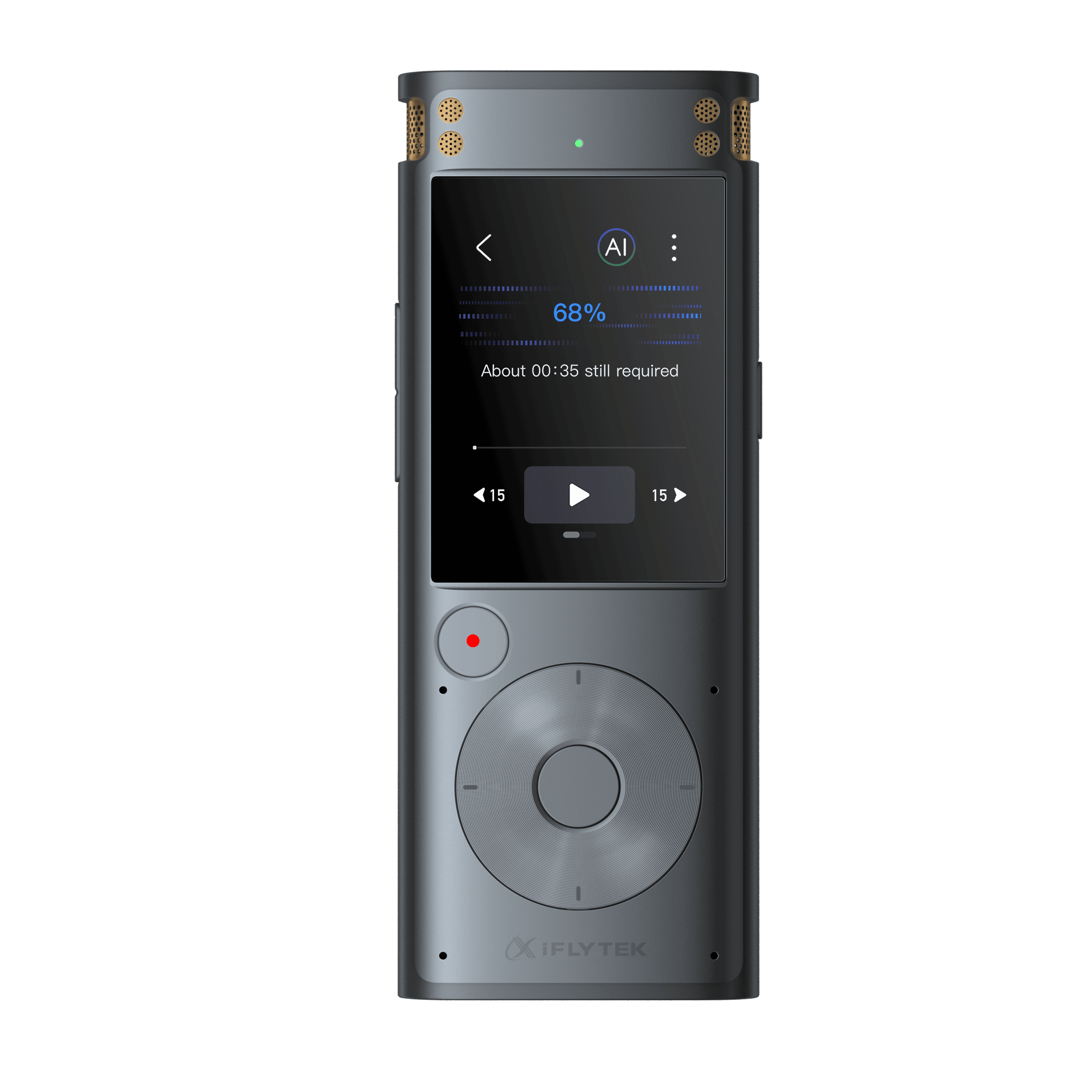
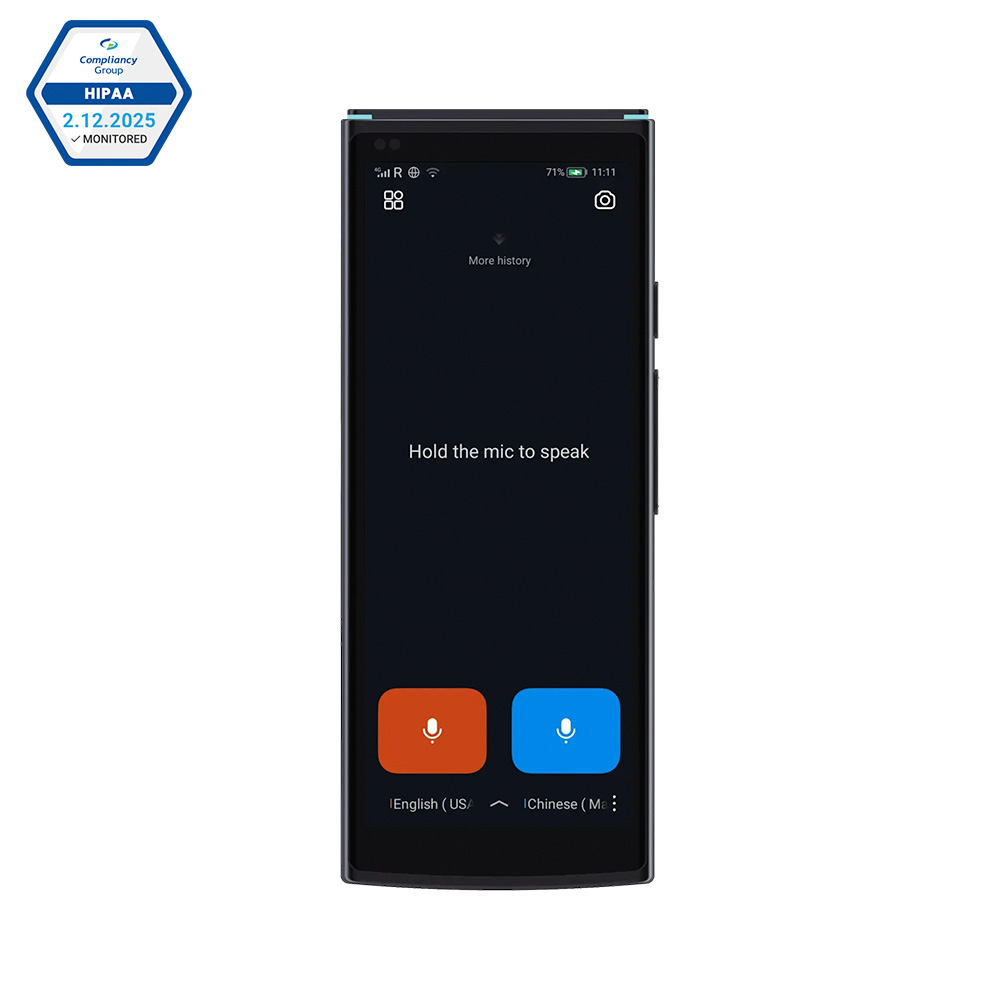
Looking for more smart tools beyond eBook reading? iFLYTEK offers innovative solutions like the translation pen and AI translator, designed to help you break language barriers with ease. Whether you're studying, traveling, or working internationally, iFLYTEK’s intelligent devices keep you connected and productive.
Related articles: