
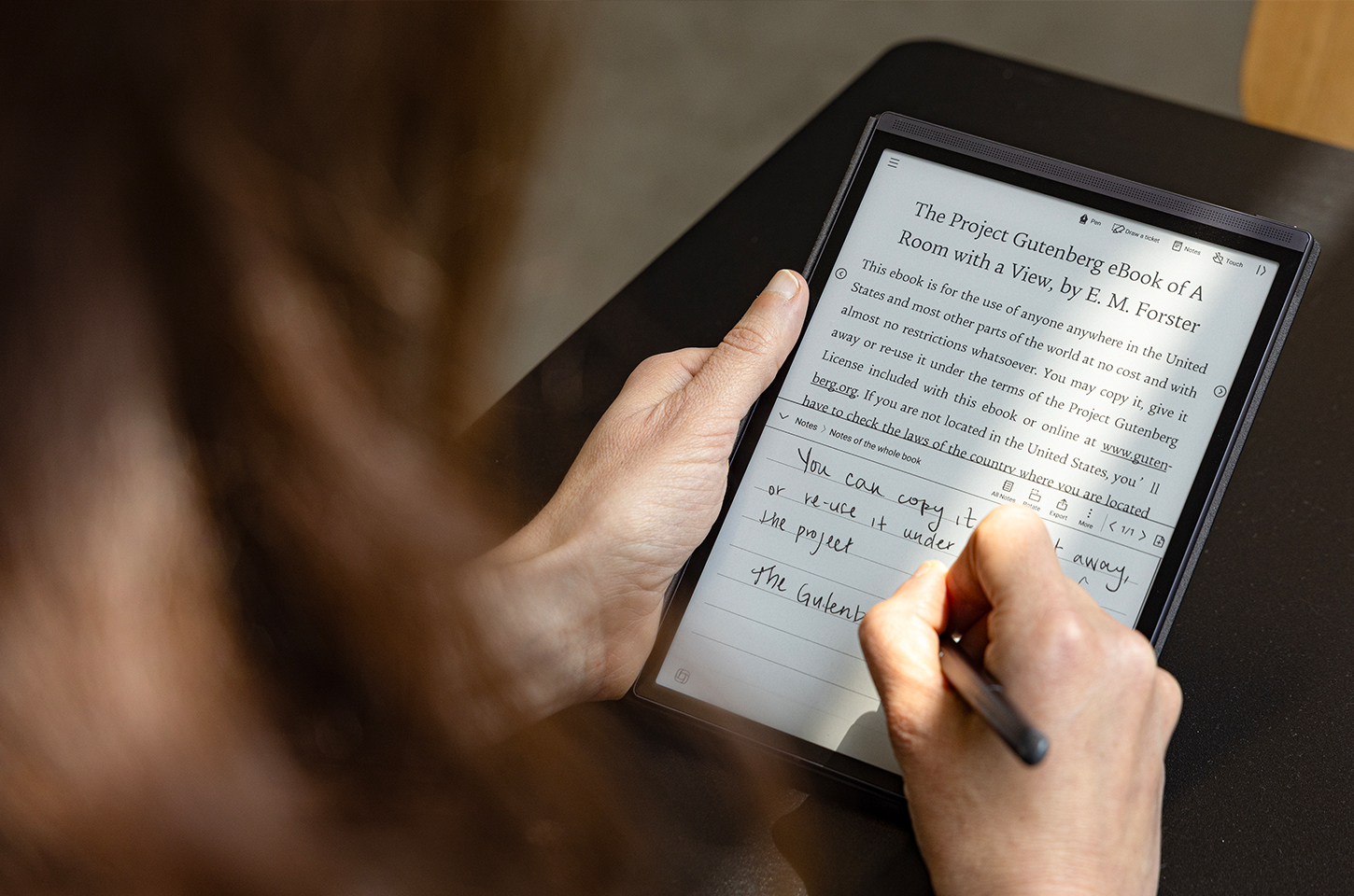
The world of digital handwriting notebooks has exploded in recent years, attracting students, professionals, and creatives alike. For those making the transition from paper to digital, it's easy to feel overwhelmed by the wide range of devices, features, and technical jargon. Buying the wrong device—or misunderstanding how to use one—can lead to disappointment, wasted money, and frustration.
If you're considering investing in a digital notebook tablet with pen for the first time, this guide will help you identify the most common pitfalls and show you how to make a smart choice. We'll also explore why the iFLYTEK AINOTE Air 2 has become a standout option for new users thanks to its thoughtful design and powerful features.
Mistake 1: Choosing Style Over Productivity
Many beginners focus on sleek designs, brand popularity, or screen size without fully evaluating how a device supports work productivity. A digital notebook should be more than just an attractive gadget—it must streamline note-taking and organization.
This is where the iFLYTEK AINOTE Air 2 shines. Its Voice-to-Text functionality allows you to effortlessly record meetings and convert speech into accurate text in real time. Instead of struggling to keep up with fast-paced discussions, you can focus on listening while the device handles transcription. For professionals managing back-to-back meetings, this is a game-changer.
When you buy a digital notepad with ai, prioritize features like transcription, searchability, and scheduling rather than simply opting for the flashiest design.
Mistake 2: Ignoring the Writing Experience
A common misconception is that all digital notebooks for work or study provide the same writing feel. In reality, the writing surface and pen responsiveness make a huge difference in comfort and usability.
Unlike tablets with glossy LCD or OLED screens, the AINOTE Air 2 uses an E Ink display, delivering a paper-like writing and reading experience. The tactile feedback makes handwriting natural and strain-free, even during hours of use. For note-takers accustomed to paper, this transition feels seamless.
The device also supports Writing & Voice Sync, allowing you to handwrite while simultaneously converting voice to text. This hybrid approach blends the comfort of traditional note-taking with the power of AI-driven digital tools—something beginners often overlook when comparing options.
Mistake 3: Underestimating AI Features
Many new buyers underestimate the role of AI in improving productivity. They assume digital notebooks are simply electronic versions of paper journals. In reality, modern devices like the AINOTE Air 2 include advanced AI tools that transform raw notes into actionable insights.
With its integration of ChatGPT, the device offers three AI-powered functions: AI Meeting Summary, AI Search, and Chat with AI. These features allow you to instantly condense lengthy meeting notes into key takeaways, quickly search for specific details, and interact with AI to clarify complex topics.
For beginners, skipping AI-enhanced features means missing out on one of the biggest advantages of handwriting electronic notebooks—the ability to save time and work smarter.
Mistake 4: Forgetting About Multilingual and Organizational Needs
Finally, many first-time buyers fail to consider whether their digital notebook supports multilingual transcription or organizational tools. If you work in global teams or academic settings, this can become a major limitation.
The AINOTE Air 2 offers transcription in 15 languages and translation in 10 languages, making it ideal for international collaboration. In addition, its schedule management tools automatically generate to-do lists from marked-up handwritten notes, ensuring that nothing gets lost in the shuffle.
When evaluating which digital notepad to buy, think beyond writing—you'll want a device that supports your broader workflow, from meeting prep to follow-up tasks.
Final Thoughts: Buying Smart as a Beginner
For newcomers, buying a digital notebook tablet with pen doesn't have to be intimidating. Avoid the common mistakes of prioritizing looks over features, ignoring the writing experience, overlooking AI tools, and neglecting organizational or multilingual support.
The iFLYTEK AINOTE Air 2 addresses all these challenges by combining an E Ink note-taking experience with advanced AI, voice-to-text transcription, real-time translation, and smart scheduling. It's not just a device for writing—it's a complete productivity companion.
If you're ready to transition to a paperless digital notebook, starting with a device that balances comfort, intelligence, and efficiency will ensure your investment pays off from day one.



