
Yes, in many use cases, an E Ink tablet can replace paper notebooks. For studying, meetings, reading, and long-term note management, E Ink tablets already work as a mature alternative. However, their ability to fully replace paper depends on your writing habits, workflow, and how you actually use notes in daily life. For people who value organization, digital search, and writing without distractions, E Ink tablets are no longer just “nice to have” but a smarter upgrade from traditional notebooks.
If you’re considering buying one, this guide will explain why E Ink tablets are replacing traditional notebooks for many users, the key features to look for, and the best E Ink tablets worth your choice today.
Why E Ink Tablets Feel Closer to Paper Than Regular Tablets
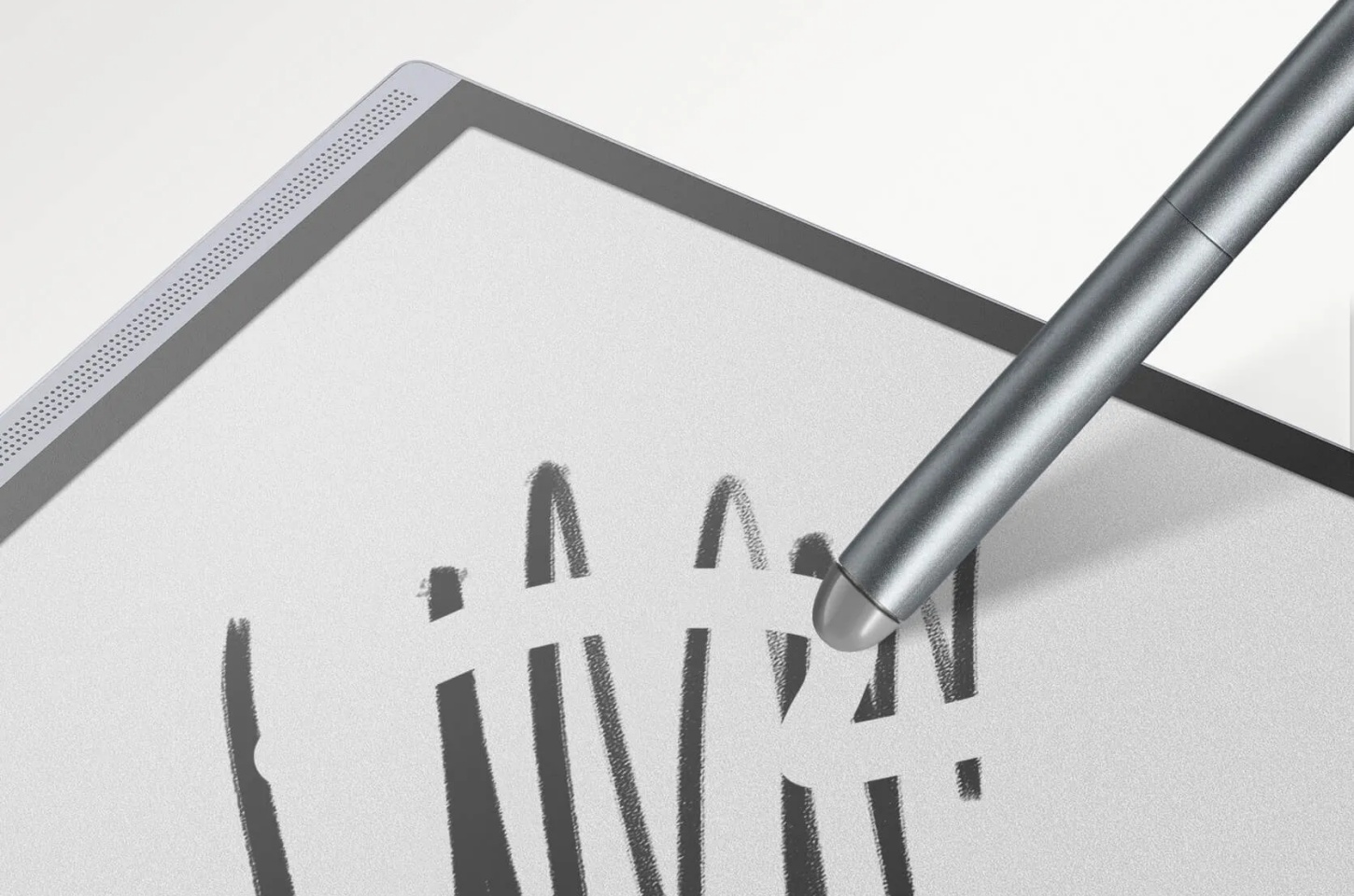
Unlike iPads or conventional tablets that rely on backlit LCD or OLED screens, E Ink displays use electrophoretic technology. Tiny microcapsules filled with black and white pigments physically move to the surface to form text and images, rather than being lit from behind. This fundamental difference is at the heart of the E Ink vs LCD for reading experience.
Reflective, Not Emissive: EInk reflects ambient light just like physical paper, making it easy on the eyes and perfectly readable in direct sunlight.
Paper-Like Texture: Most modern EInk tablets feature matte screen protectors or etched glass that provides "tooth" or friction, simulating the scratchy feel of a pen on paper.
Reduced Eye Strain: Because there is no blue light that bothers your eyes, you can write for hours without the fatigue associated with traditional screens.
Where E Ink Tablets Beat Paper for Note-Taking?
Far more than just a digital page, E-Ink tablets integrate stacks of notebooks, planners, and printed files into one slim device, streamlining the workflow for both academic and professional users. This represents a comprehensive paperless shift.
Notes Are Easier to Organize and Search
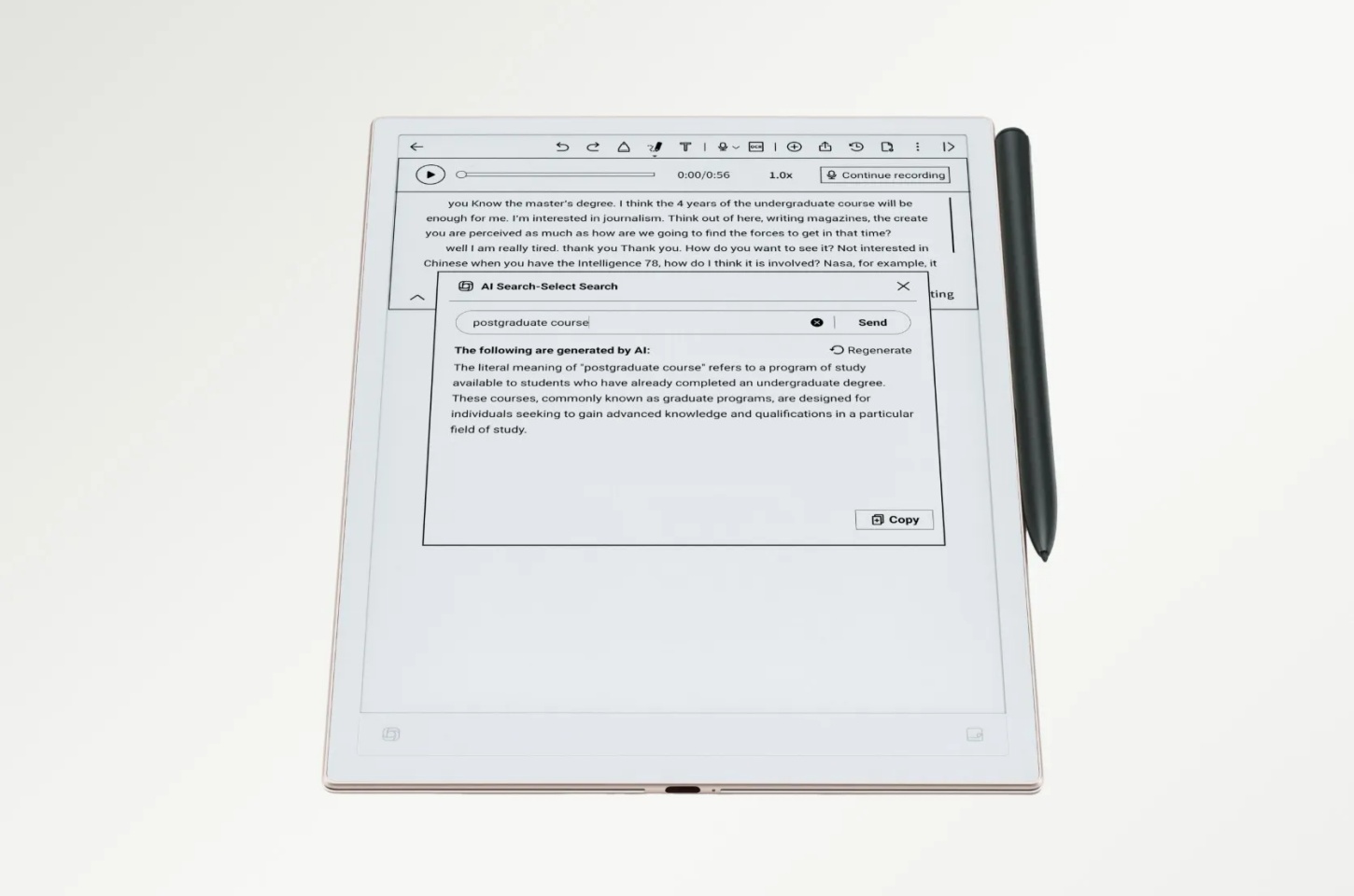
The biggest frustration with paper is the “information black hole.” Once a notebook is full, finding a specific meeting note from six months ago becomes frustrating and time-consuming. E-Ink tablets solve this with handwriting recognition (OCR), allowing you to search handwritten words across thousands of pages instantly—one of the key reasons people look for the best E-Ink tablet for note-taking in the first place.
One Device Can Replace Multiple Notebooks
If you are someone who keeps separate journals for work, personal life, sketches, and habit tracking, your bag can get heavy. An E-Ink tablet holds thousands of digital notebooks in a device thinner than a single legal pad.
Notes Are Easier to Edit, Reuse, and Export
On paper, if you run out of space, you’re stuck writing in the margins. Sometimes, you might also write on sticky notes. But scattered papers and notes can increase your cognitive load. On the contrary, with an EInk tablet, you can circle and move your writingon the page, add new pages between existing ones, or change your pen type.
Better for Long-Term Knowledge Storage
Paper yellows, ink fades, and notebooks can be lost or damaged by water. Digital notes on EInk devices are typically synced to the cloud (Google Drive, Dropbox, or proprietary clouds), ensuring yournotes are safe for decades.
Where Paper Still Wins (and Why It Matters)
Despite digital progress, EInk still can't copy every detail using real paper. Your choice depends on your needs, as traditional paper still wins in areas where technology falls short.
Instant Writing With Zero Latency
Paper has zero "boot-up" time. You flip it open and write. While EInk is fast, there is still a microscopic delay (latency) between the pen tip moving and the digital ink appearing.
No Battery, No Software, No Learning Curve
A paper notebook never needs a firmware update, and it won't run out of juice during a 3-hour lecture. It is the ultimate "low-friction" tool; there are no menus to navigate or Wi-Fi signals to find.
More Flexible for Freeform Sketching
Paper allows for total physical freedom. This is irreplaceable. While EInk tablets have "layers" and different brush types, they still operate within the constraints of software.
Best Use Cases to Replace Paper Without Friction
For certain workflows, switching to an EInk tablet feels natural because the digital features address specific limitations of paper. If your daily tasks fit the following examples, you might find the transition particularly smooth.
Students and Lifelong Learners: Ideal for those who need to organize lecture notes, annotate PDFs, and keep years of study material in one searchable place.
Professionals and Knowledge Workers: Perfect for back-to-back meetings. You can keep secret notes secure with passwords and email meeting minutes to colleagues immediately after a session.
Heavy Readers Who Annotate Frequently: If you love scribbling in the margins of books, EInk tablets (which double as e-readers) allow you to write directly on EPUBs and PDFs without ruining a physical copy.
How to Choose an E Ink Tablet for Writing and Notes
Given the various conveniences of E Ink tablets, the key to making the most of their advantages is finding a device that suits your study and work habits. These three aspects are the ones you need to focus on.
Screen Size and Writing Space
7–8 inches: Portable, but cramped for long writing
10–10.3 inches: Best balance for note-taking
13 inches: Excellent for PDFs and large layouts, less portable
Writing Feel, Pen Latency, and Surface Texture
Choose a screen with low latency (under 20ms) and a high refresh rate for smooth writing. Battery-free penswith tilt support are also better, as they don’t need charging during use.
Note-Taking Software and Organization Features
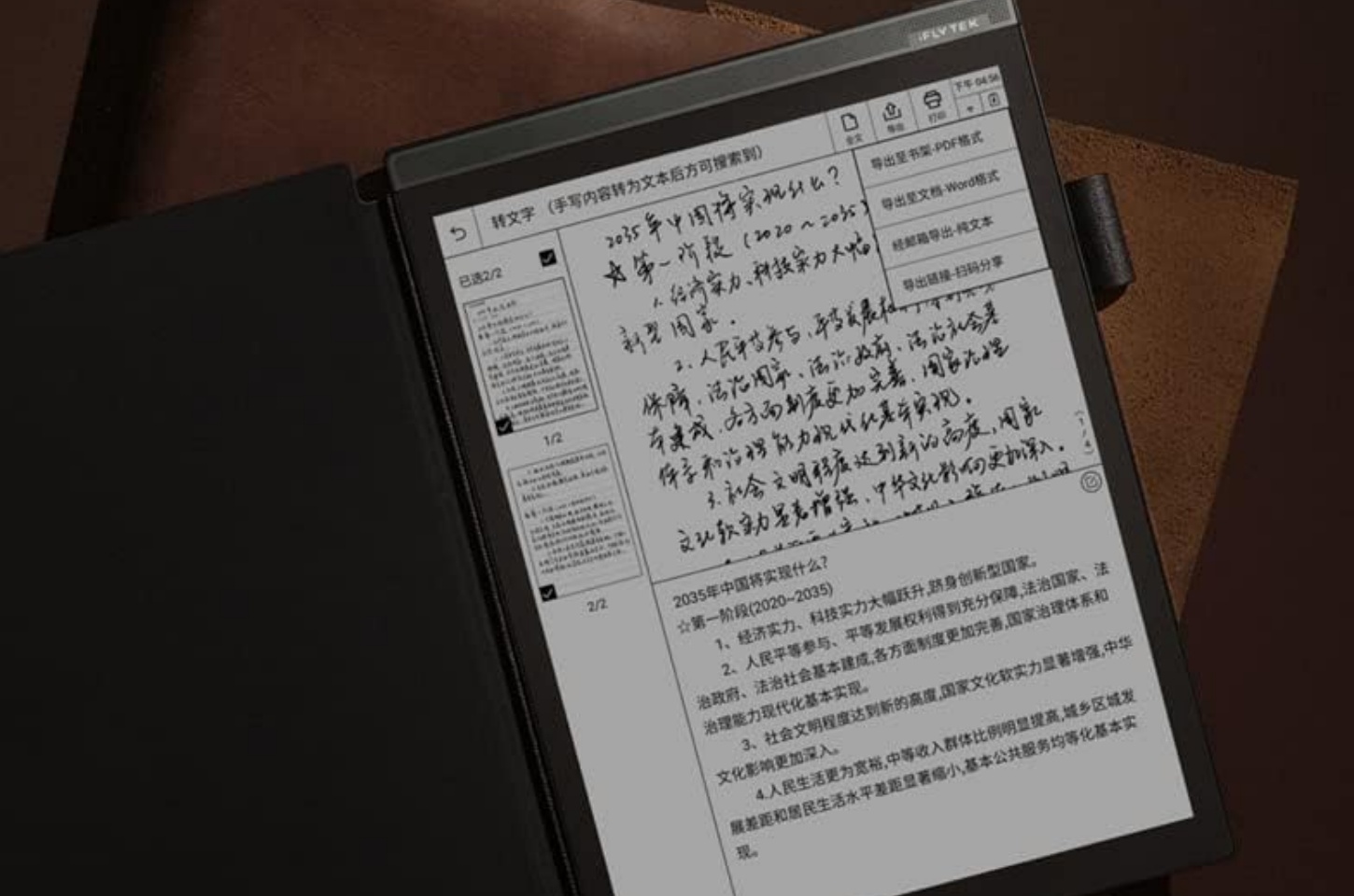
Hardware is only half the battle. Ensure the device supports folders, tags, layers, andaccurate Handwriting-to-Text conversion, which is the most important.
Best E Ink Tablets People Choose for Writing
While many options exist, certain models stand out for their exceptional pen-to-screen feel and professional features. Both iFLYTEK devices belowexcel at capturing natural handwriting while offering the AI tools needed to keep your notes organized and accessible.
iFLYTEK AINOTE 2
The iFLYTEK AINOTE 2 is a professional-grade AI paper tablet that combines an ultra-slim design with powerful productivity tools. It streamlines the note-taking process by merging the tactile feel of writing on paper with advanced AI features, like real-time transcription and smart organization, to maximize efficiency for high-level work.
World’s Thinnest AI Design: Only 4.2mm thin, this 10.65-inch, 300PPI screen offers a lightweight, paper-like reading experience that is perfectly easy on your eyes.
GPT-5 Powered Productivity: Using GPT-5, it summarizes handwriting to text across 133 languages with incredible professional accuracy.
Seamless Professional Ecosystem: Running Android 14, it syncs mind maps and calendars across all your devices while ensuring your notes stay private and secure.
iFLYTEK AINOTE Air 2
The iFLYTEK AINOTE Air 2 is a dedicated AI note-taking device, ideal for students who prefer a physical tool and need to attend lecture-heavy courses rather than just an app. It works as a notebook, creative tool, AI assistant, reader, and more, making it a truly versatile device.
AI Voice-to-Text Power: Transcribe 14 languages and translate 7 languages in real-time, creating instant, accurate meeting memos with professional ease.
Natural Note-Taking Experience: The 8.2-inch screen features ultra-low latency and an 88.5% screen-to-body ratio for a seamless, immersive paper-like feel.
Smart Task Management: Draw stars or circles to auto-generate to-do lists and sync everything securely across devices via the cloud.
Final Thought
An E Ink tablet is more than just a digital notebook; it is a productivity ecosystem. While it may never replace the emotional nostalgia of a leather-bound journal, it solves almost every functional flaw that paper has. If you value organization, portability, and long-term archiving, the switch to E Ink is a fantastic improvement you can make for your workflow. With devices like the iFLYTEK AINOTE 2 and Air 2, you can save resources, reduce waste, and enhance productivity.
FAQs
1. What is the E Ink tablet that feels like paper?
Devices with textured screens, low-latency pens, and minimal UI, such as iFLYTEK AINOTE models, feel closest to real paper.
2. Which is better, a tablet or a notebook?
For organization, search, and storage, tablets win. For instance, writing and flexibility, notebooks still have advantages.
3. What are E Ink tablets good for?
They’re ideal for reading, note-taking, studying, meetings, and focused work without distractions.
4. Is it hard to write on an E Ink tablet?
No. Most users adapt within days, especially if the device has good pen latency and surface texture.
5. Can E Ink tablets really replace paper notebooks for daily use?
For many people, yes, especially students, professionals, and heavy readers who value digital organization over raw simplicity.



