



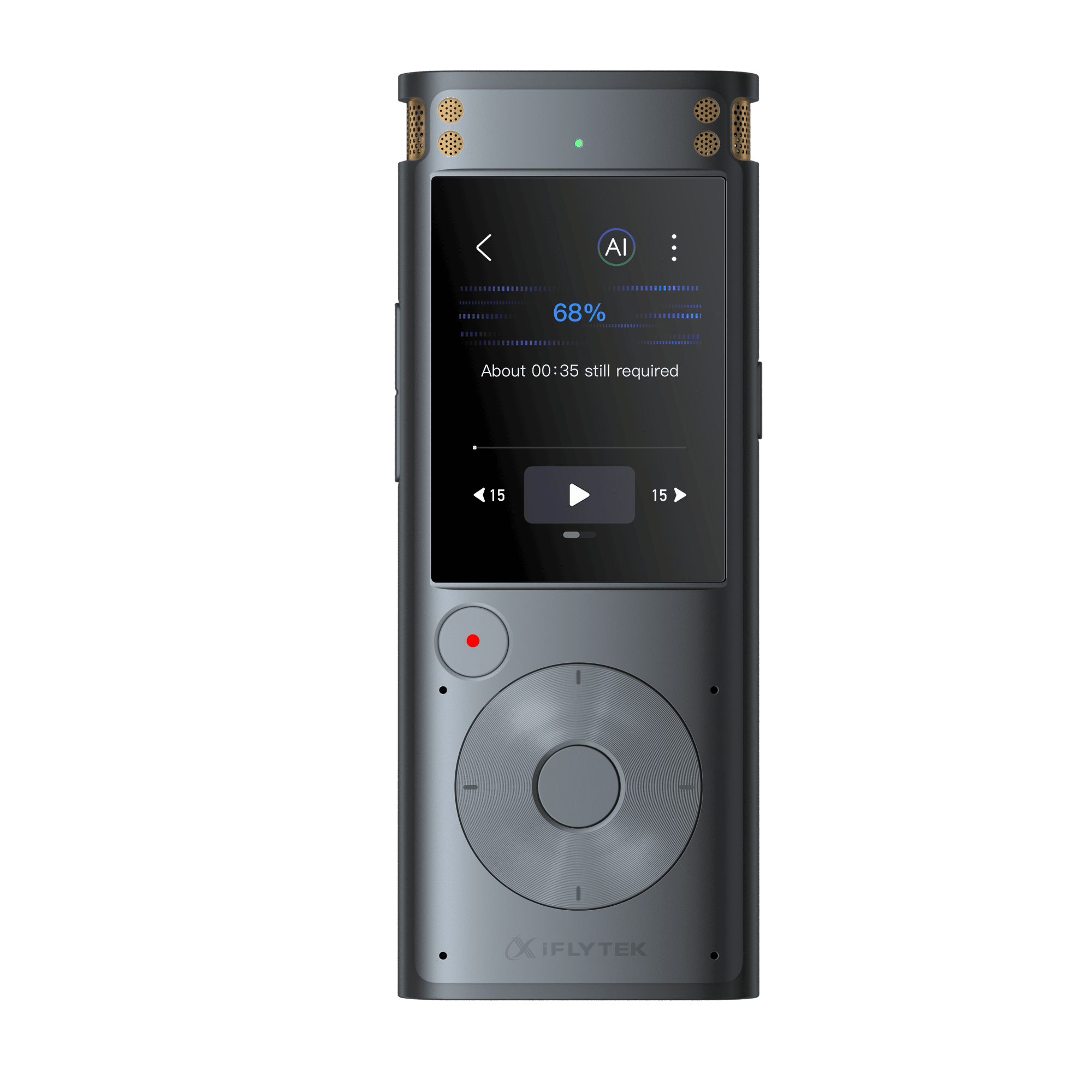
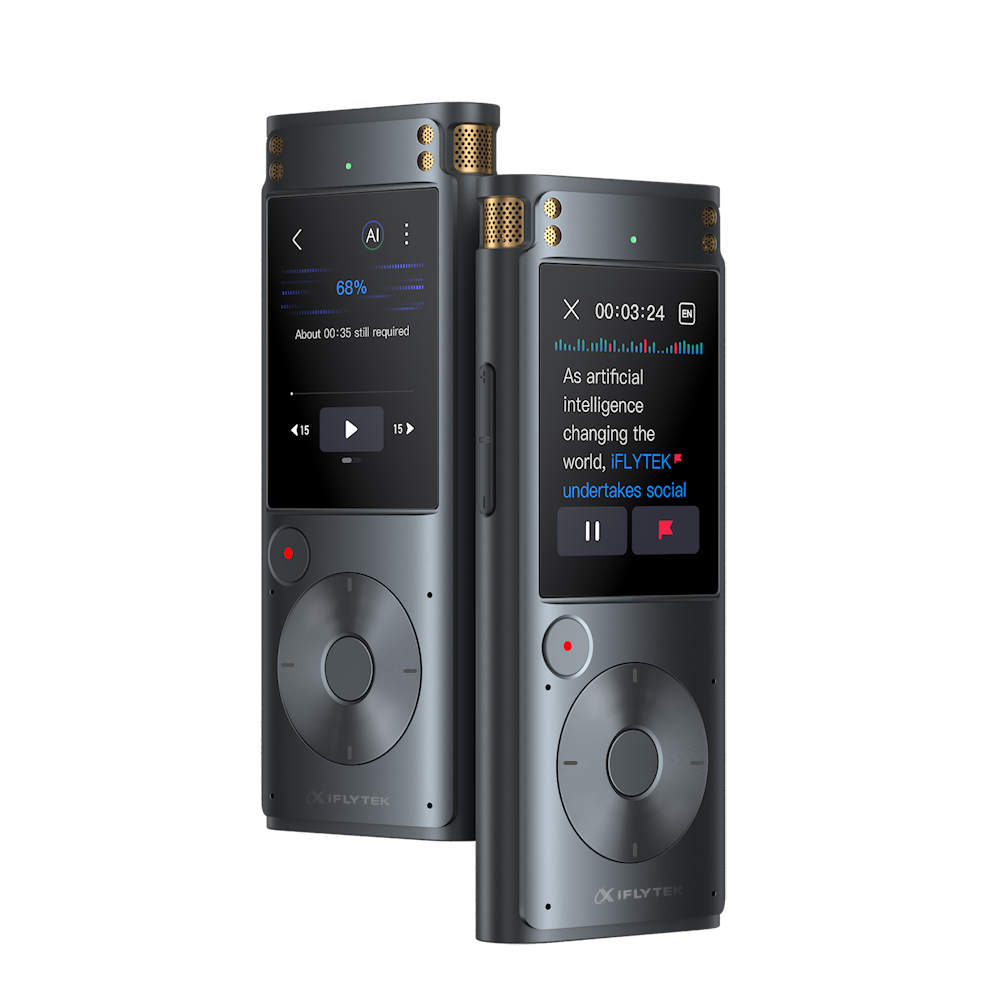
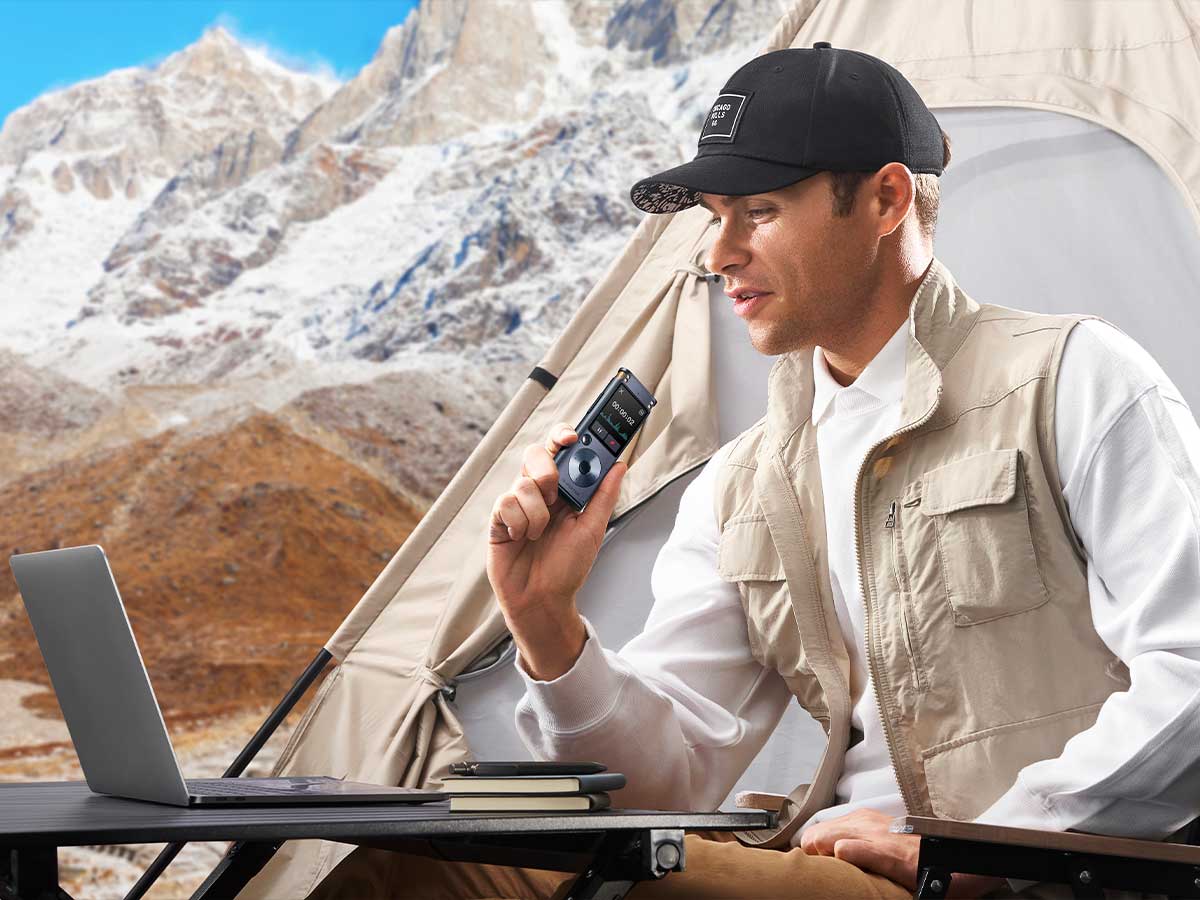

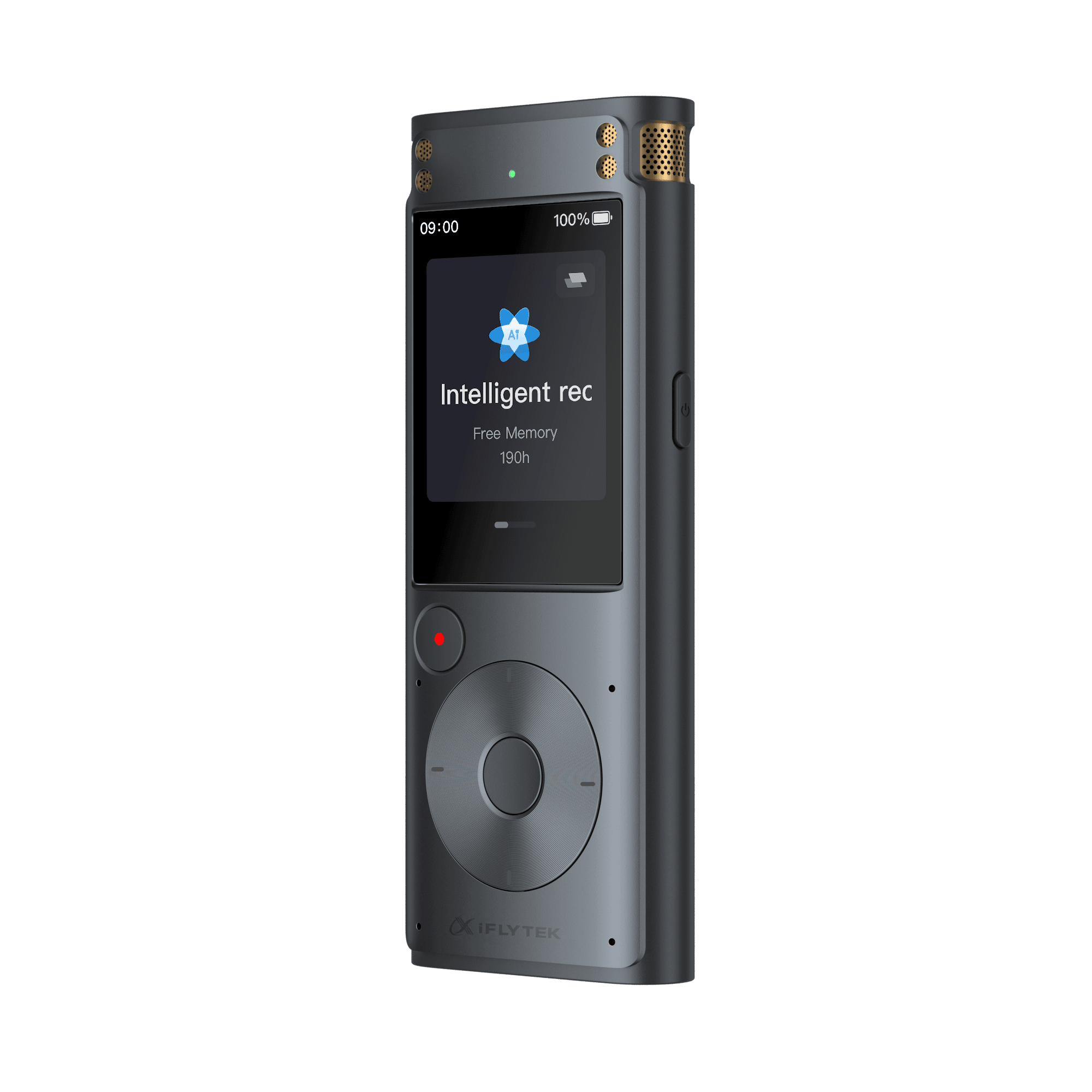

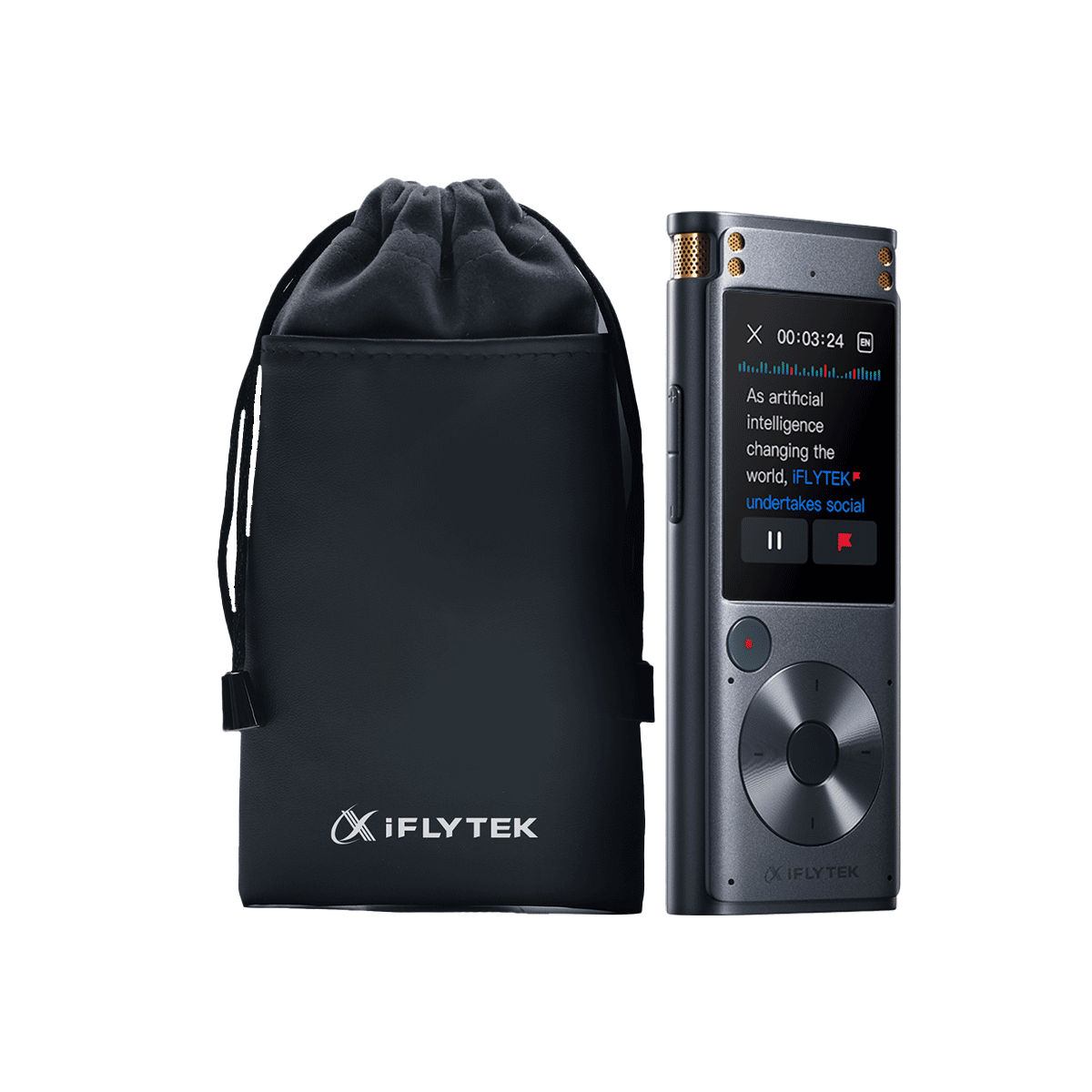
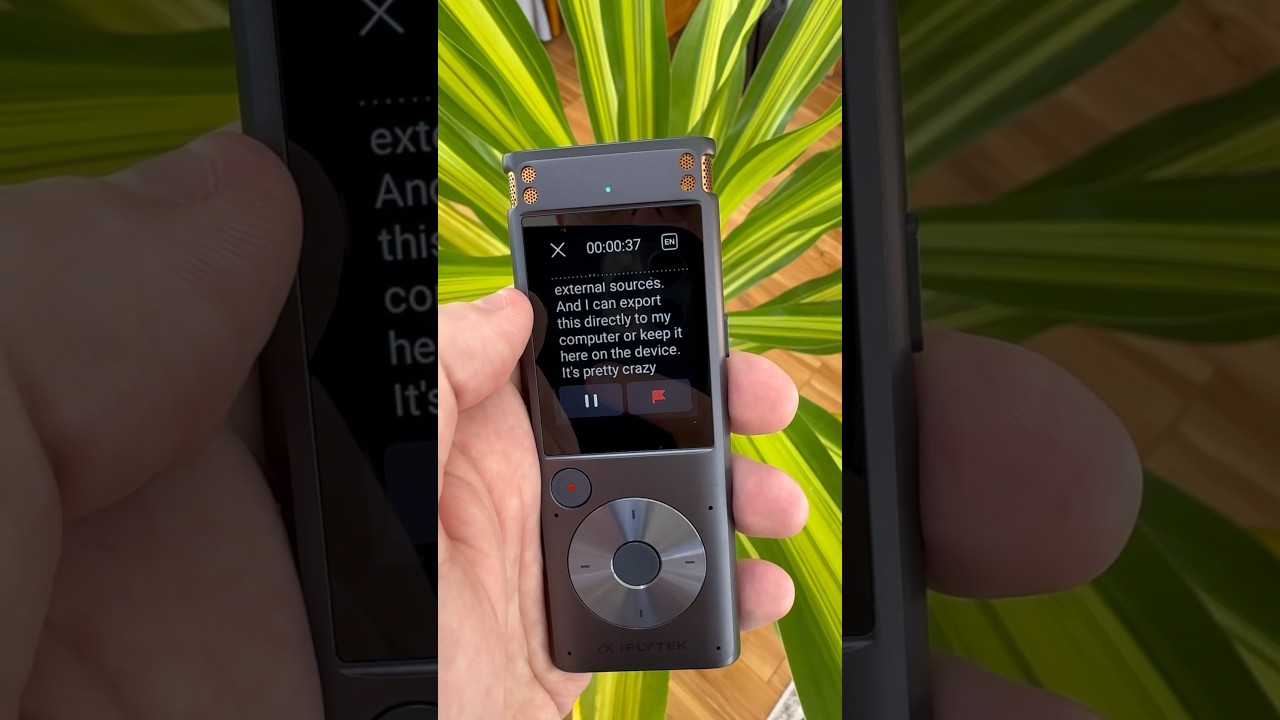
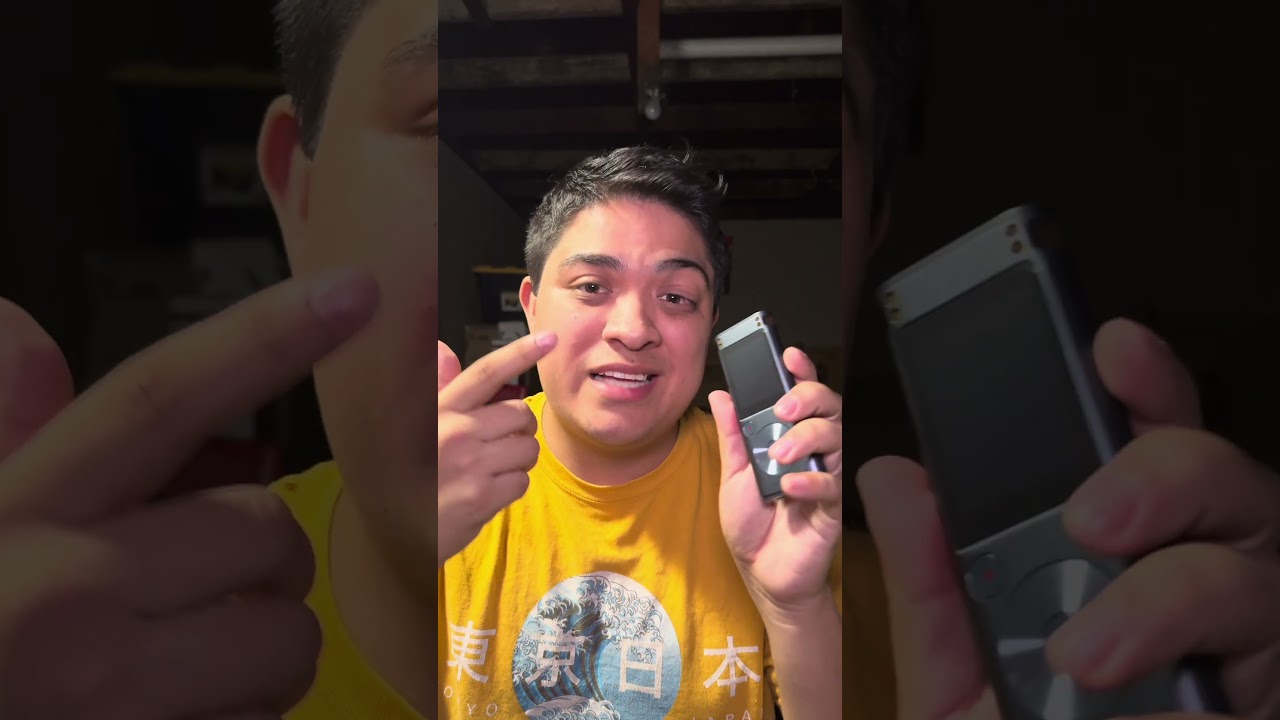
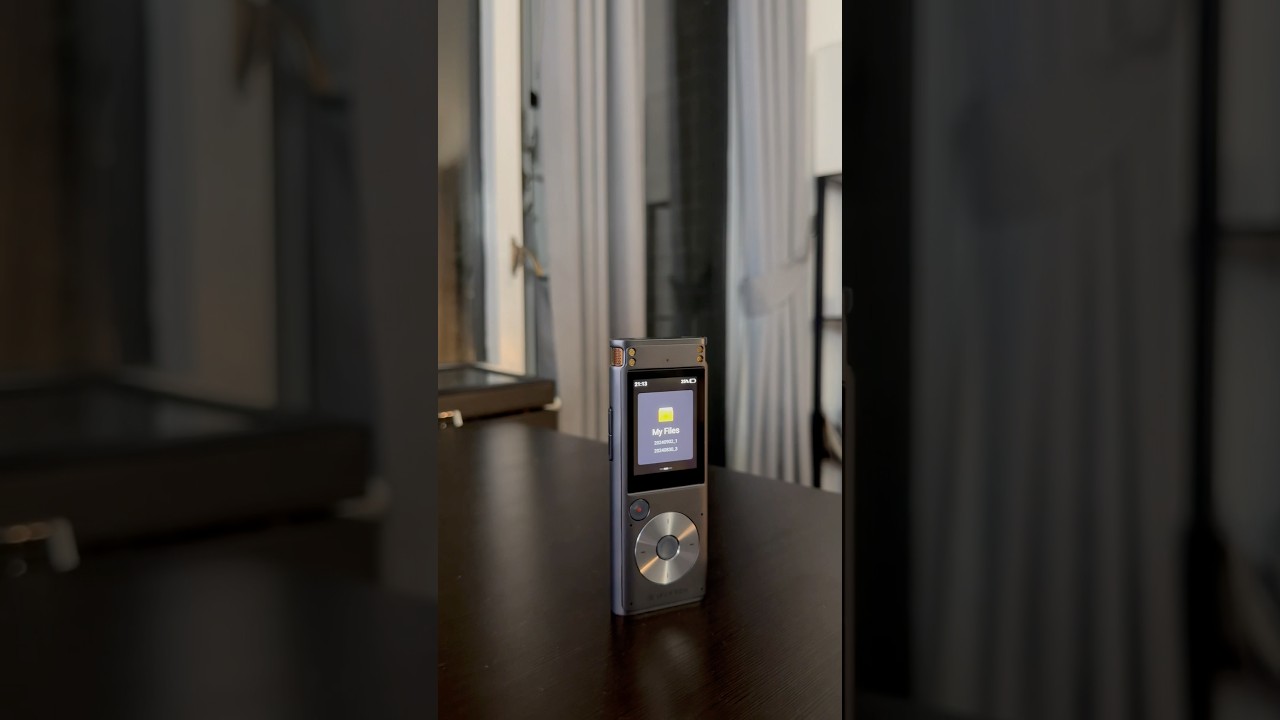

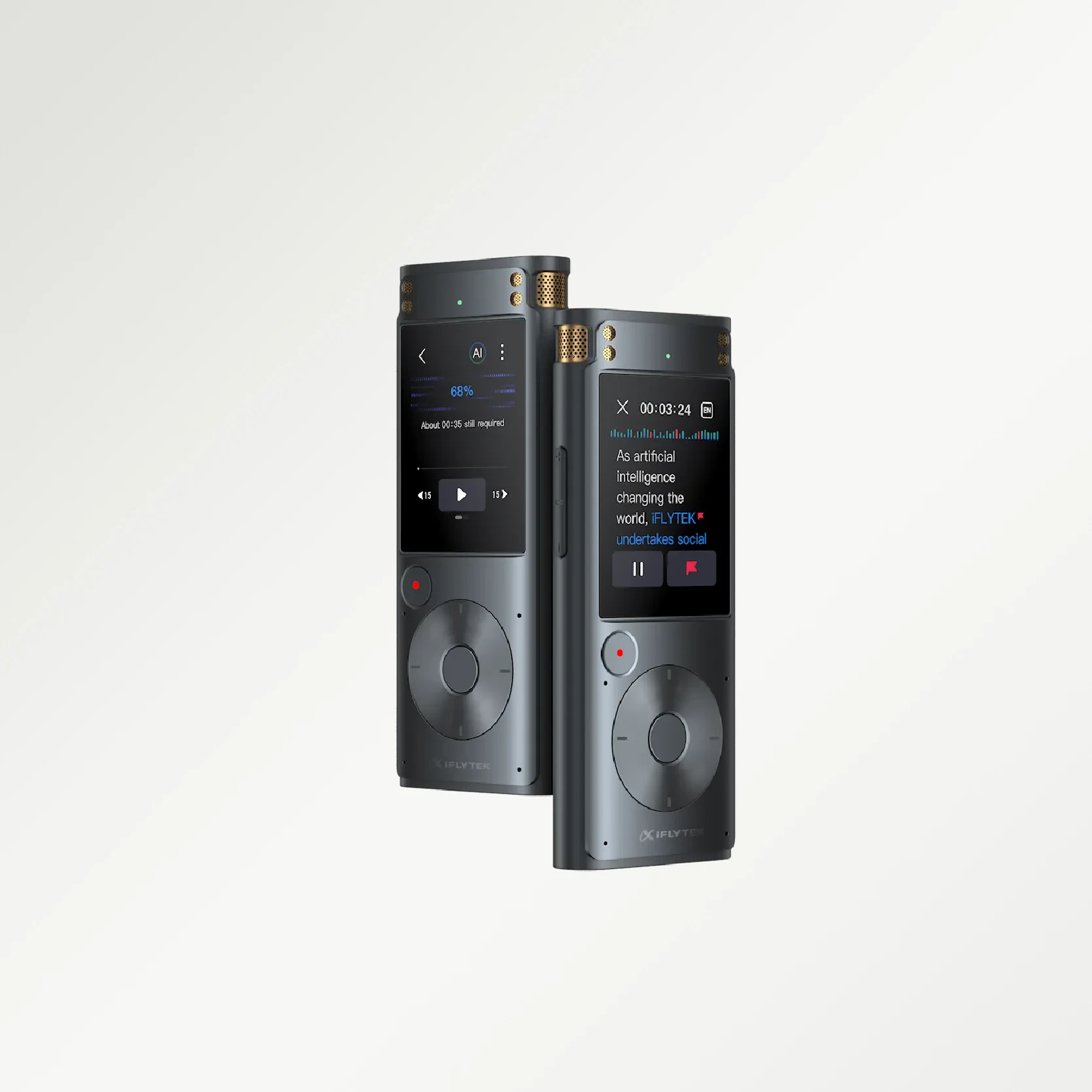

iFLYTEK Smart Recorder, Support Offline Voice Transcription in Real Time
$159.99
$227.00
Shipping calculated at checkout.
Quantity

Free & Fast Shipping
.svg?w=41&h=41)
30-day Money Back Policy

1-year Warranty

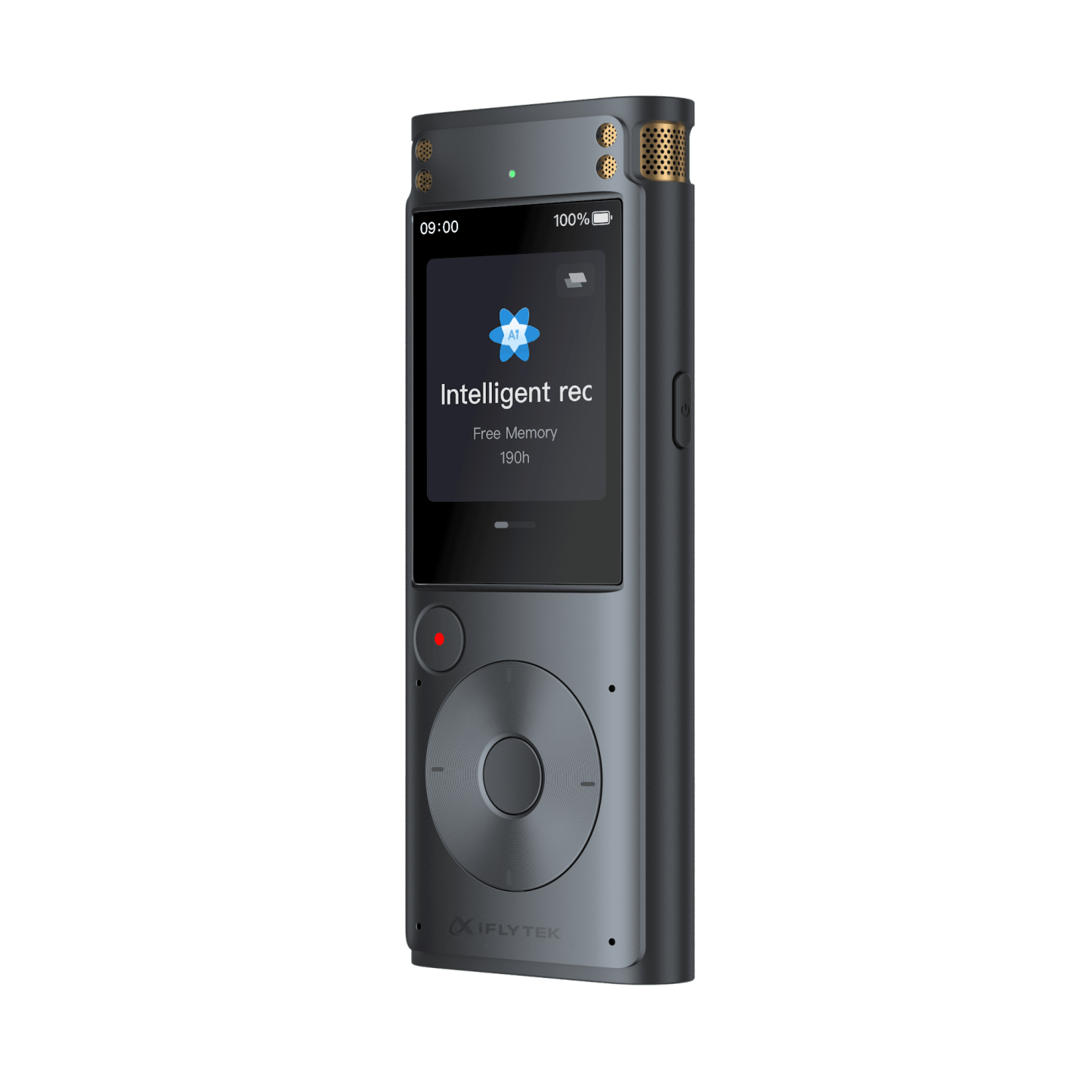
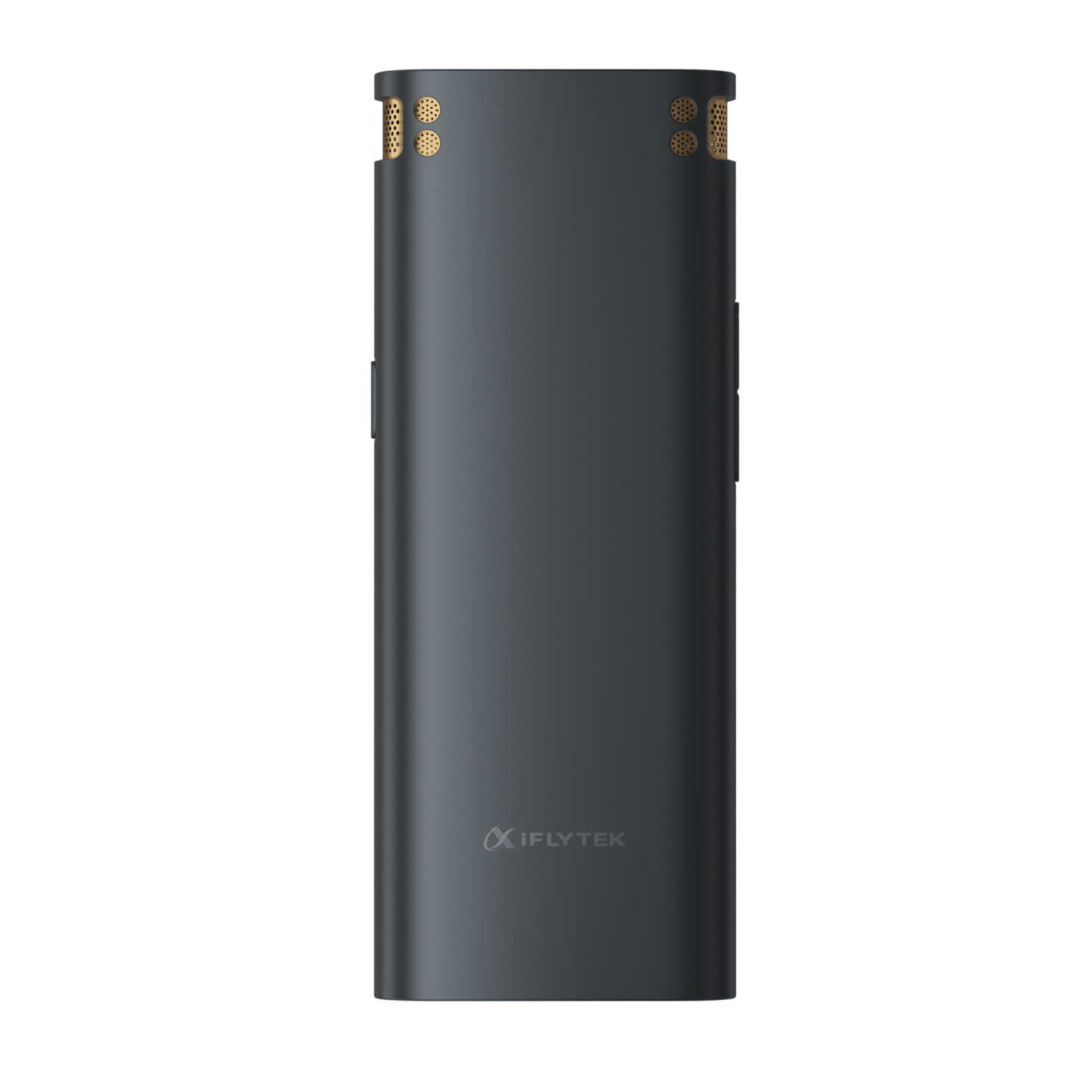
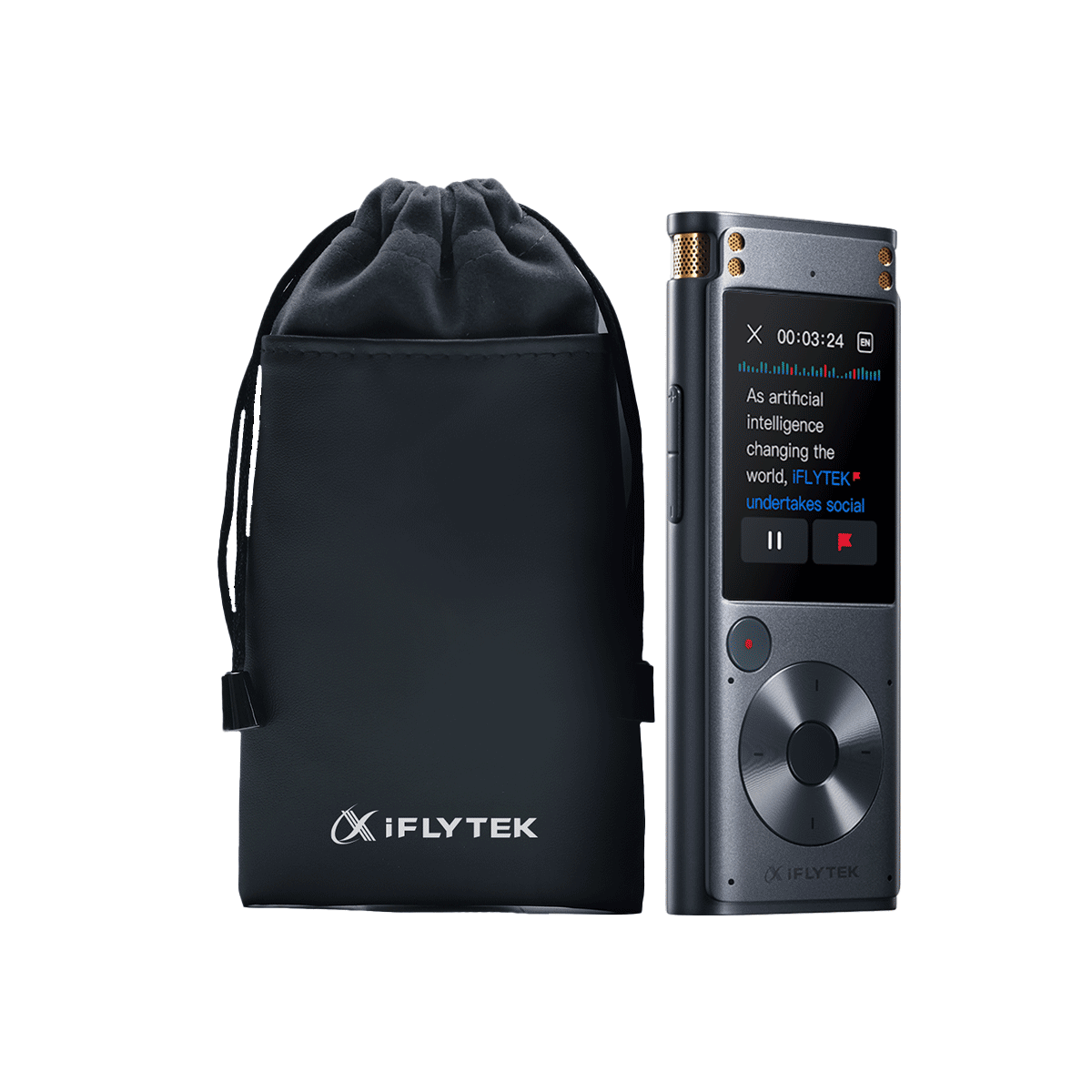
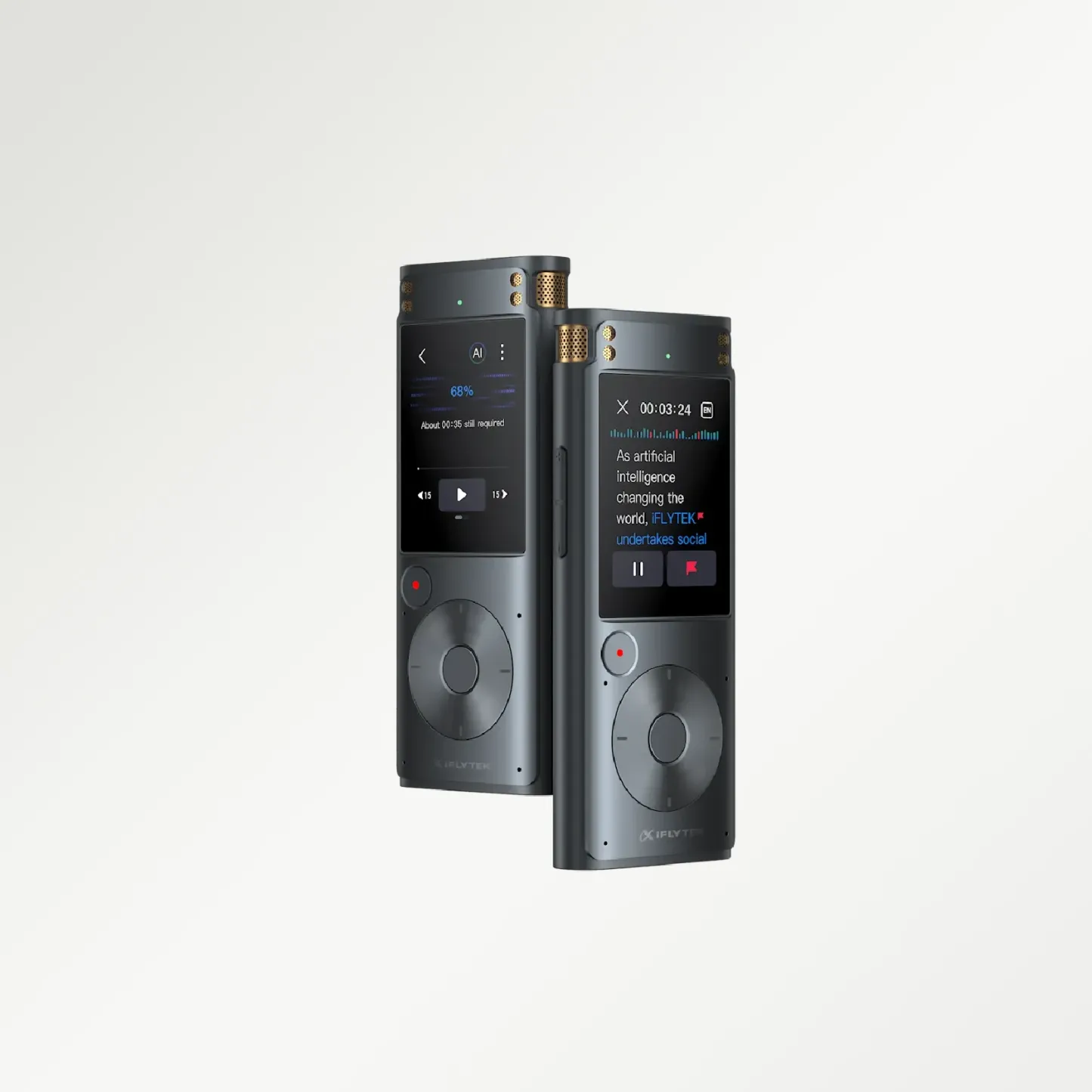
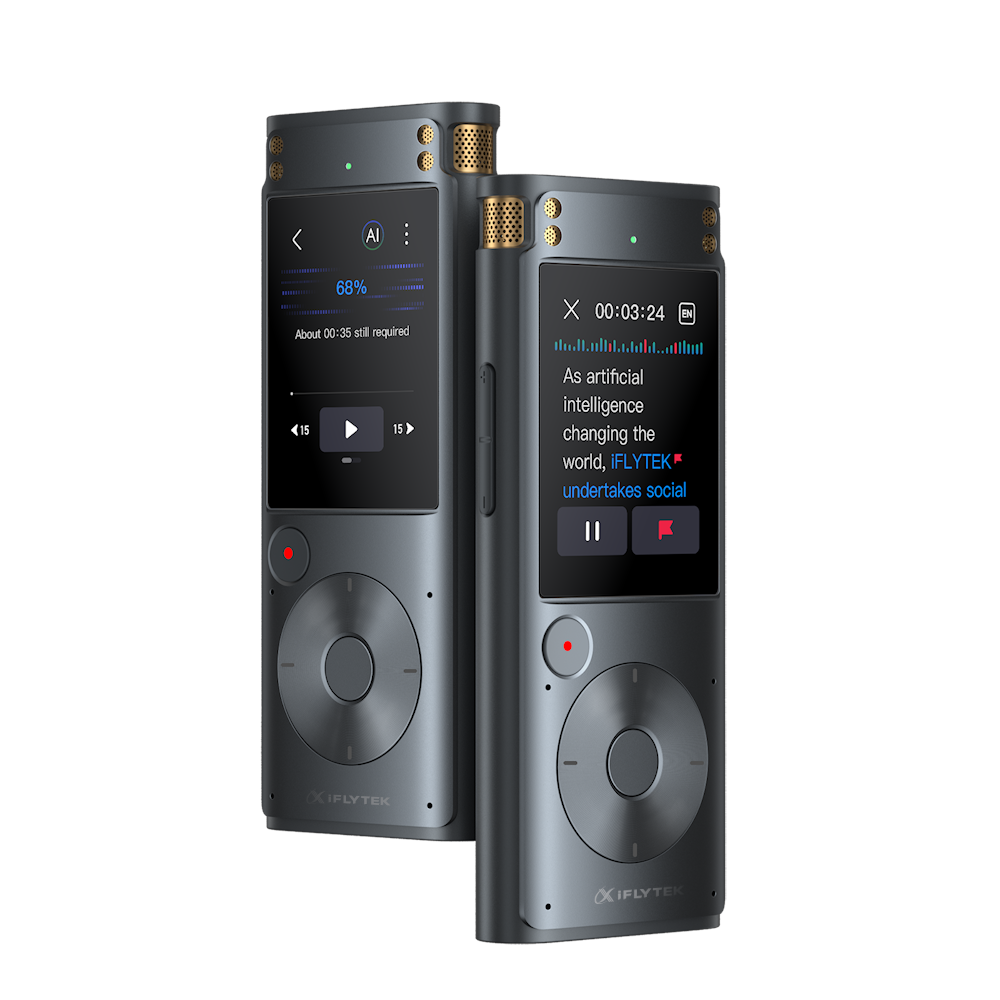
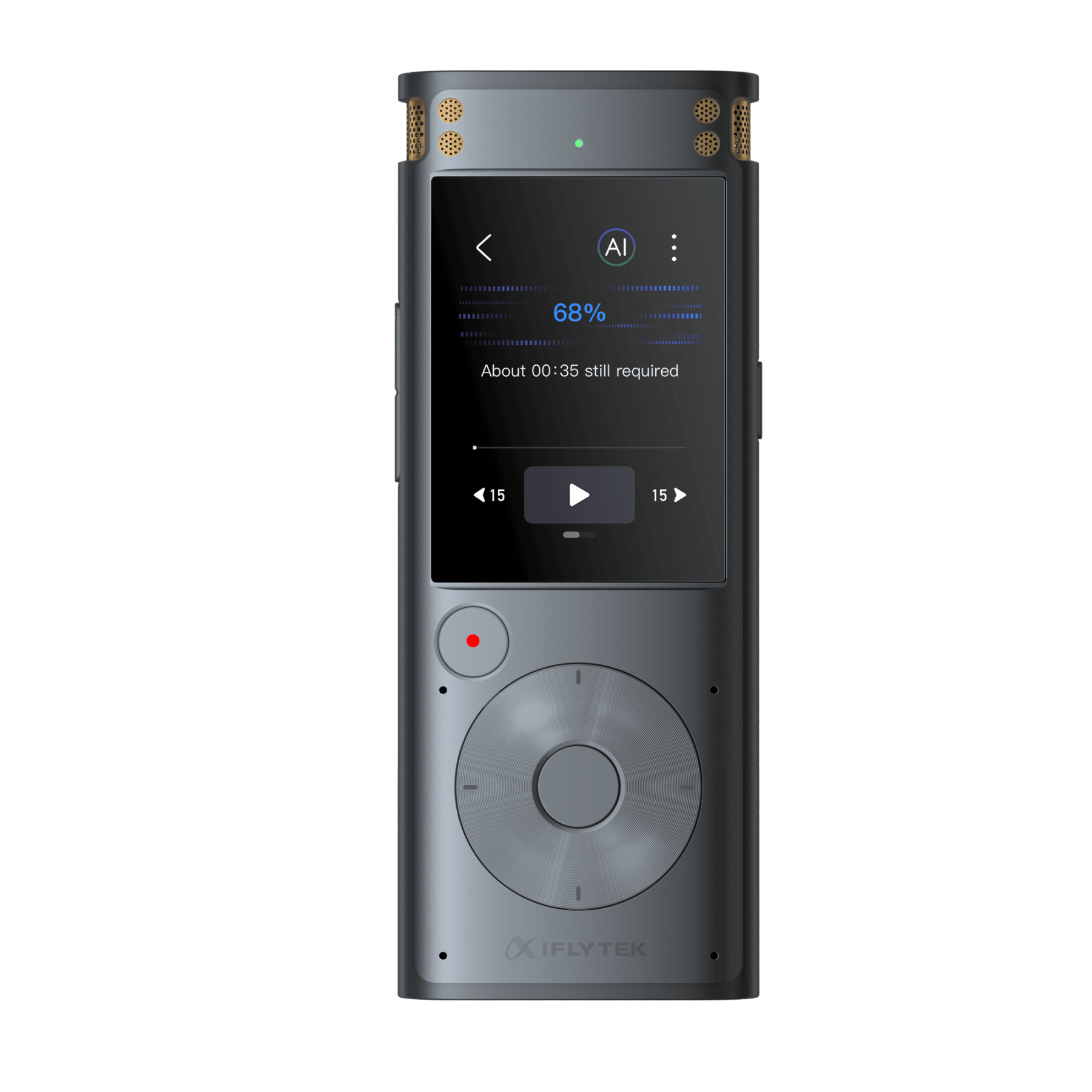
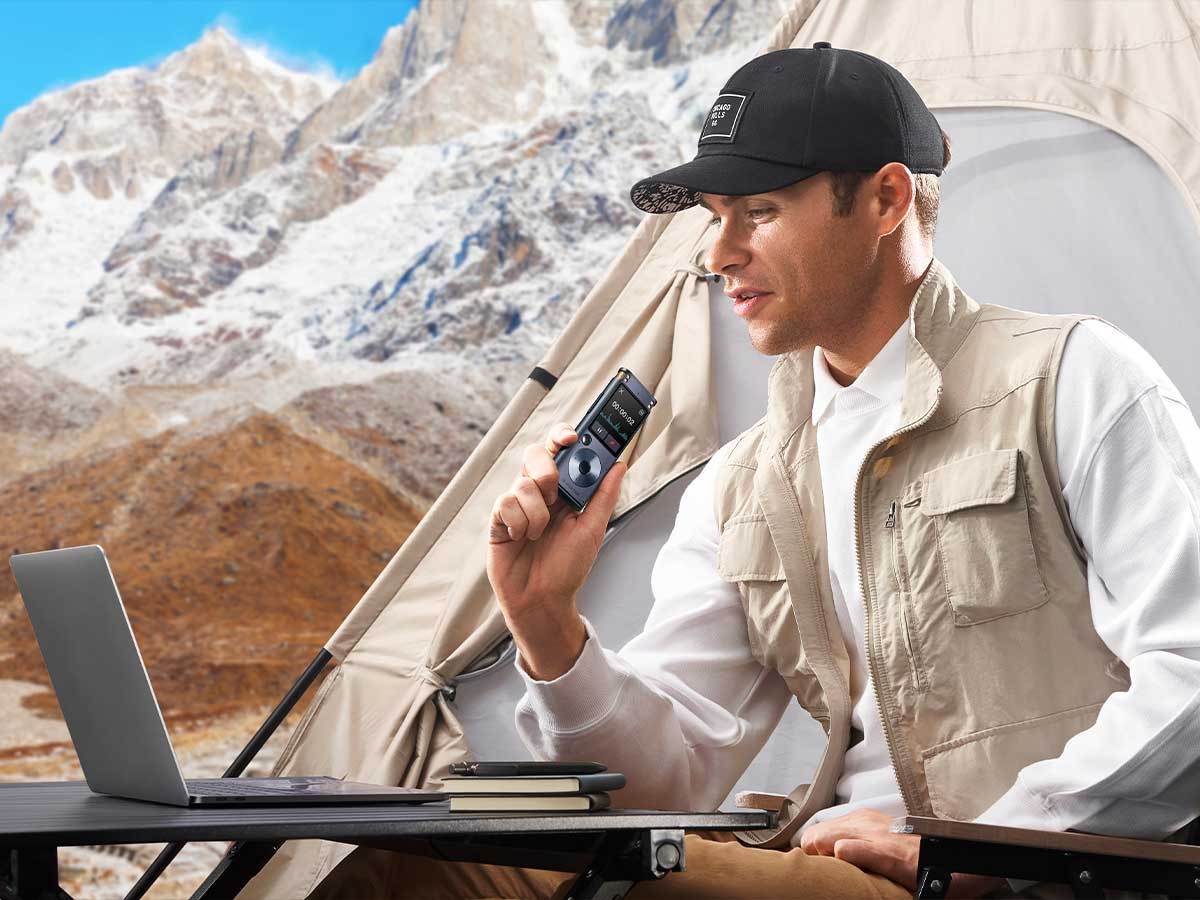
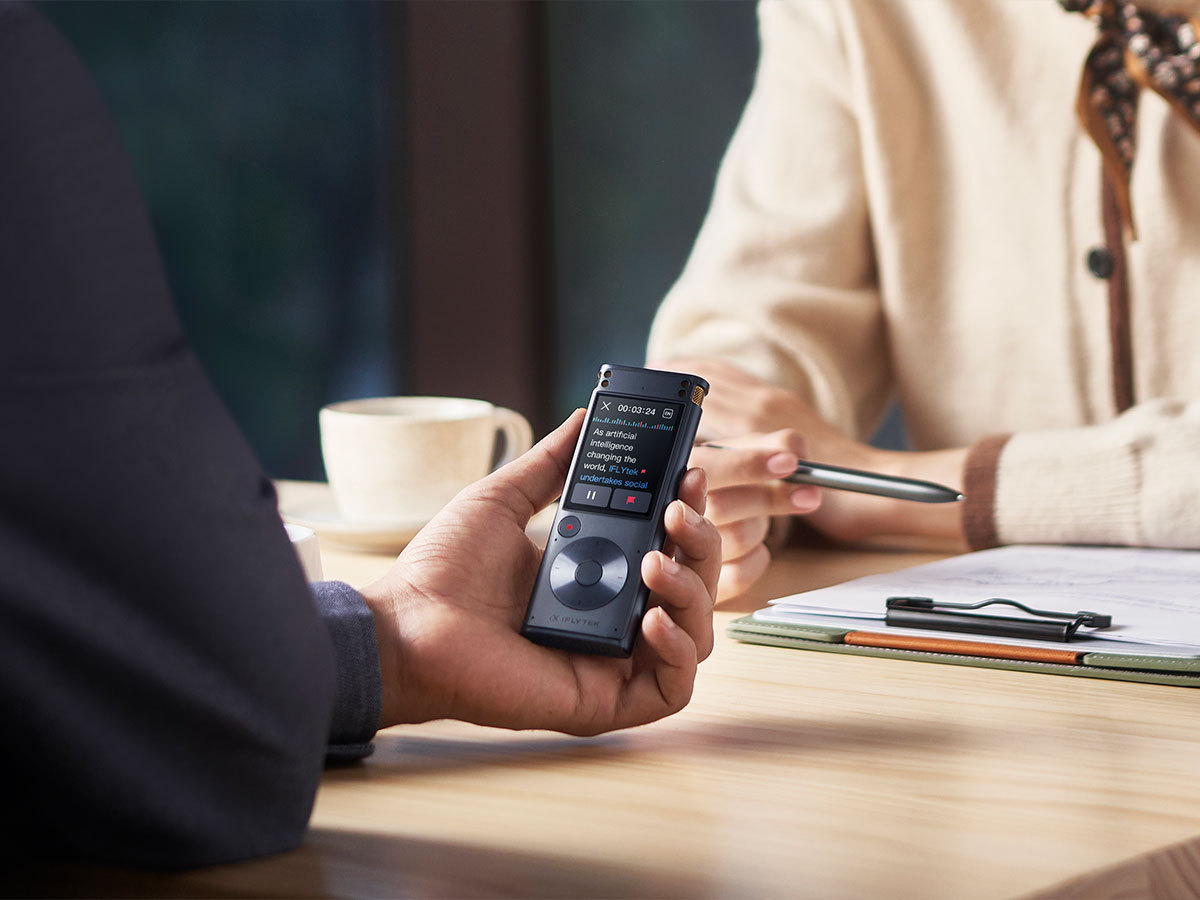
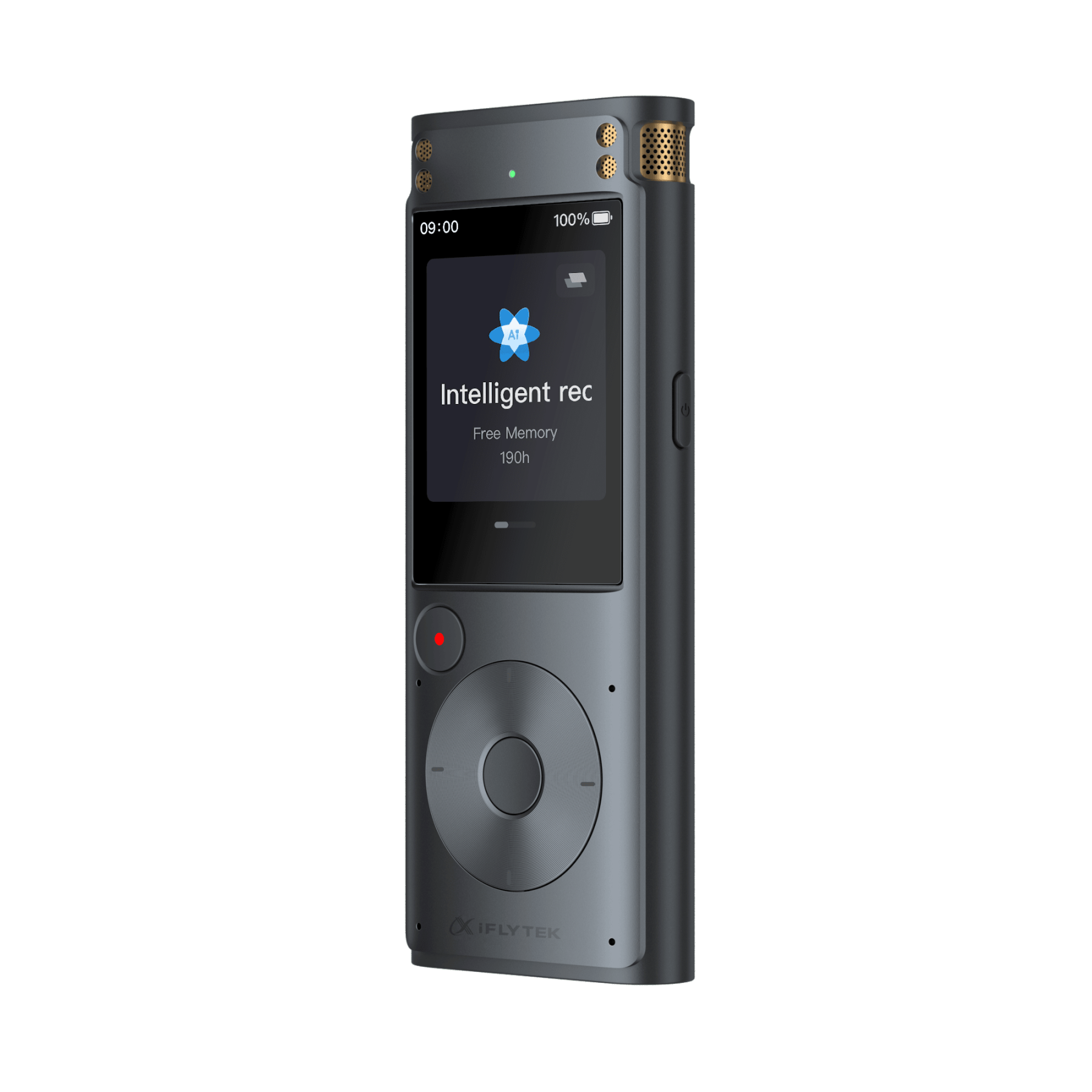
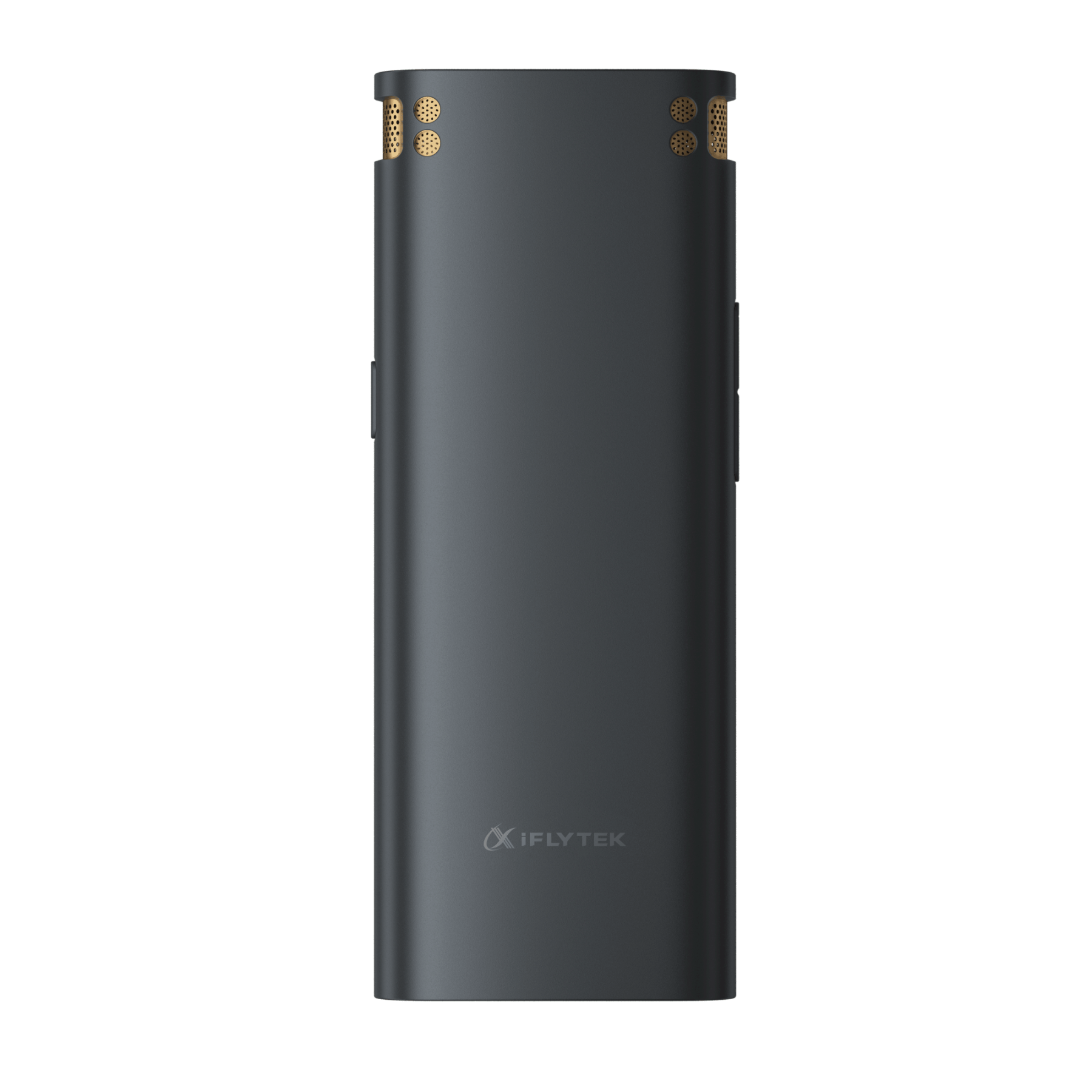
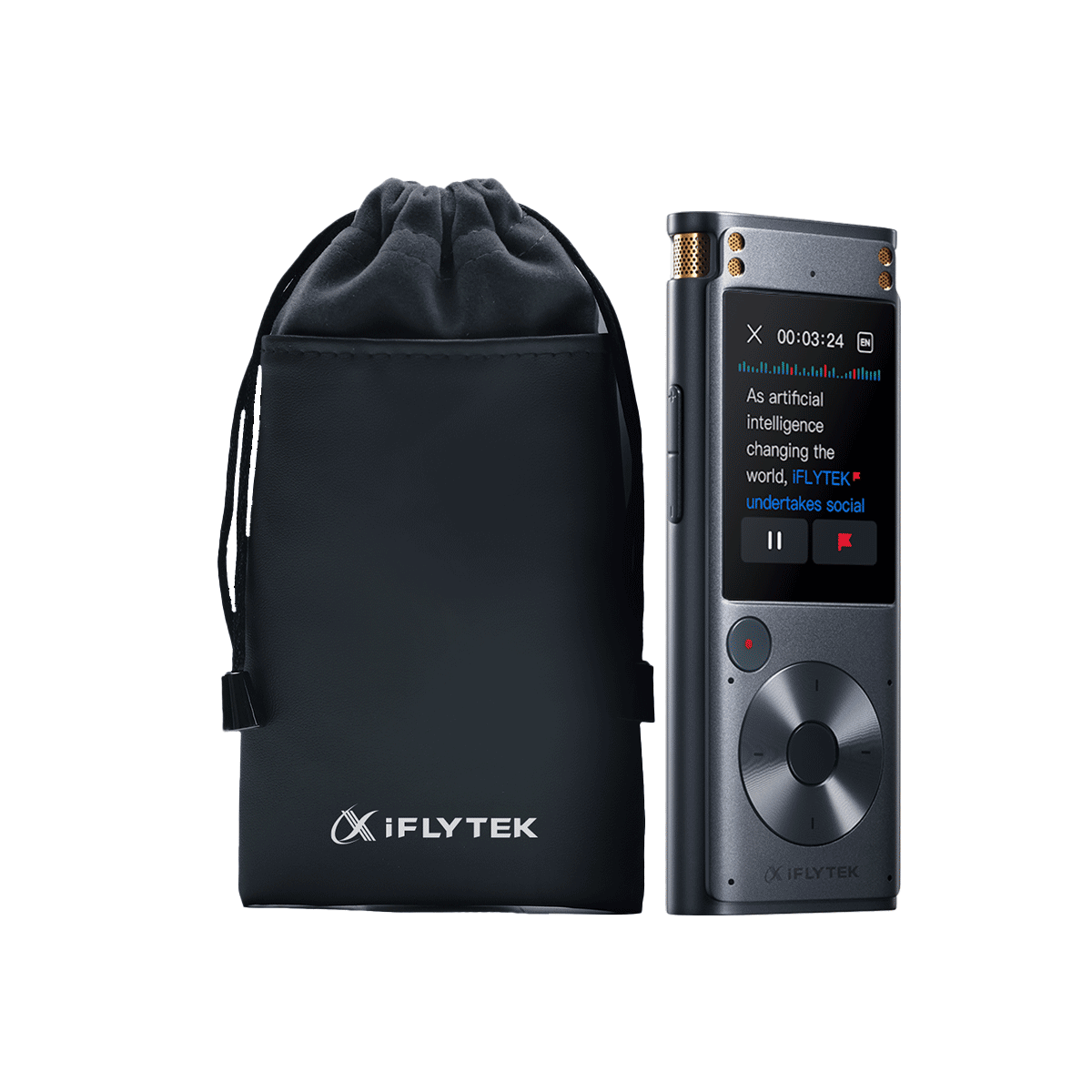
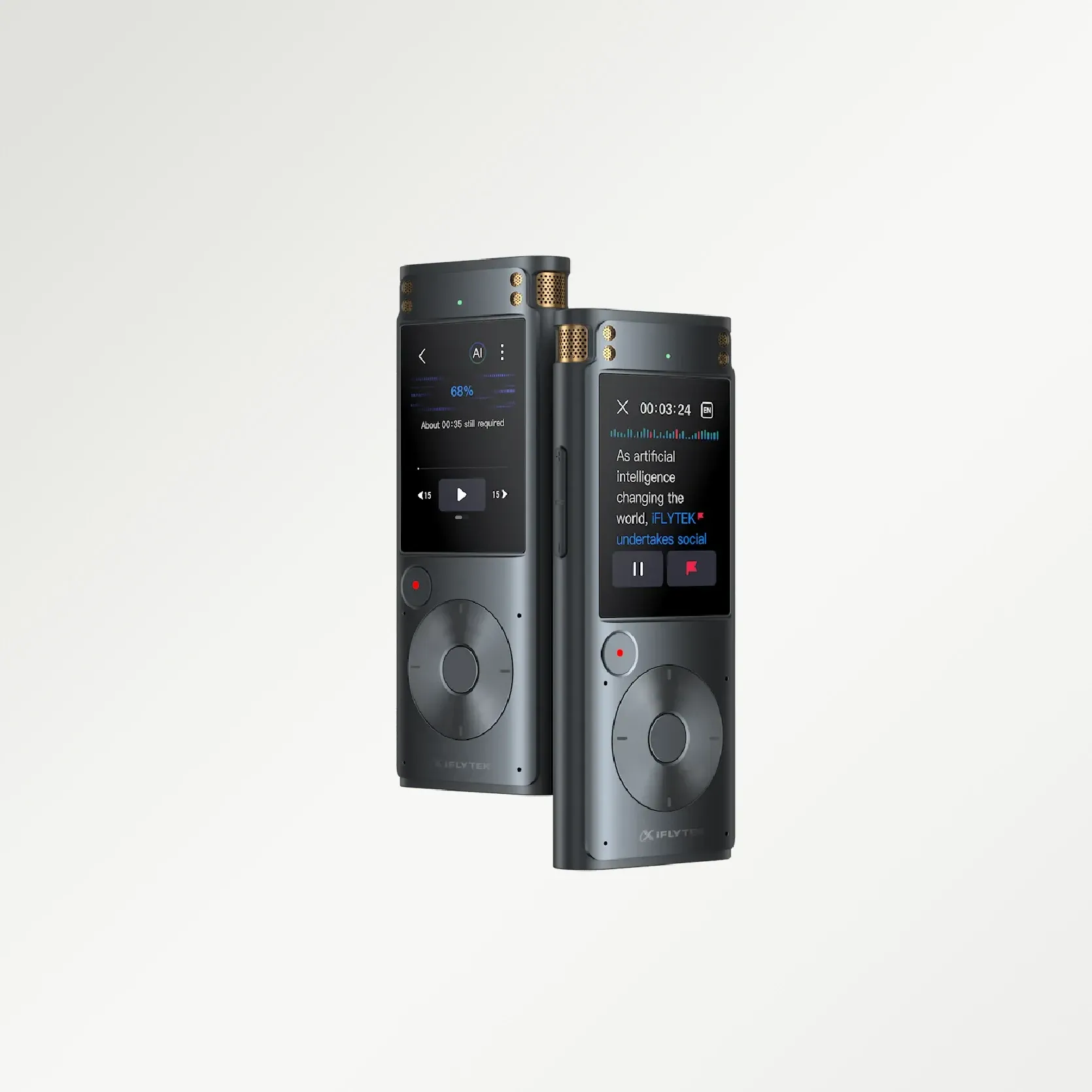
Capture Clearly, Transcribe Instantly
Capture Clearly, Transcribe Instantly
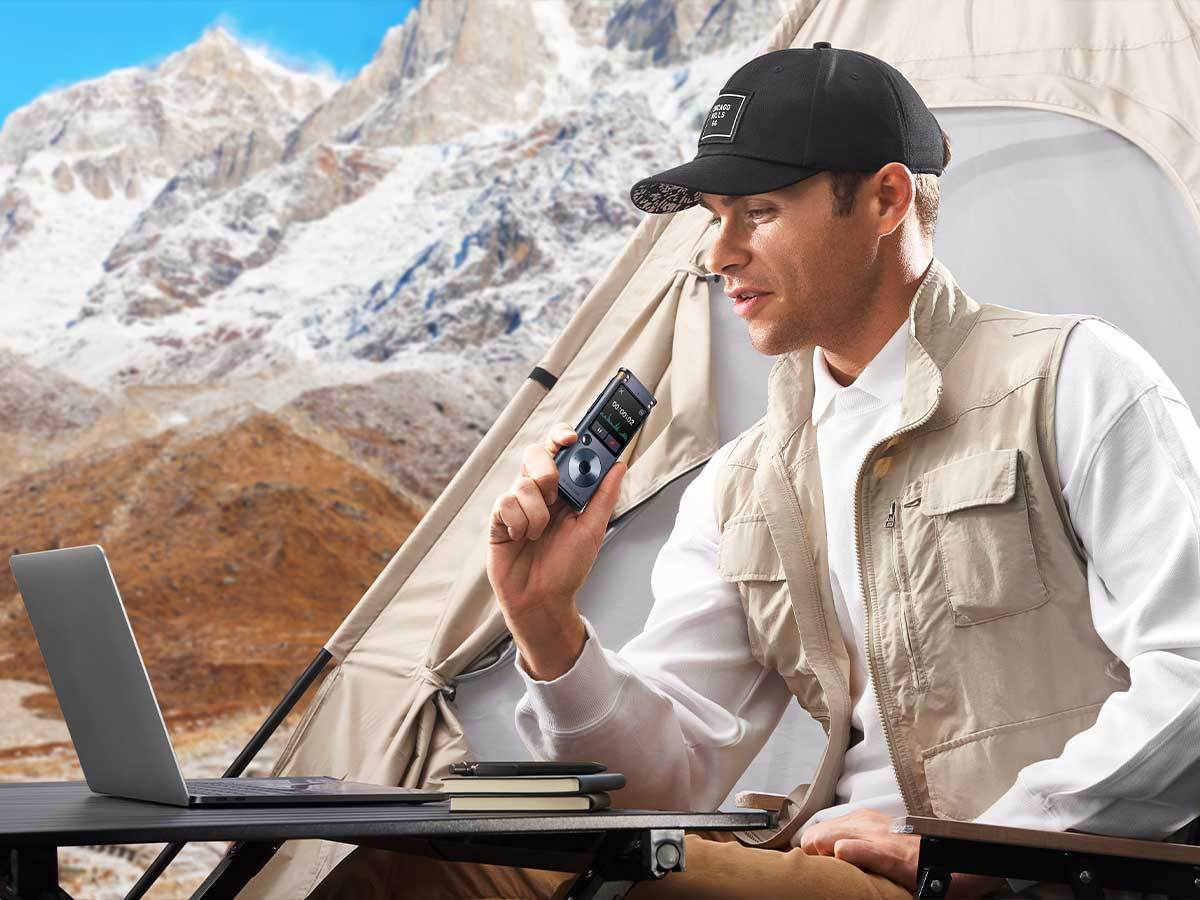
Transcribe Anywhere
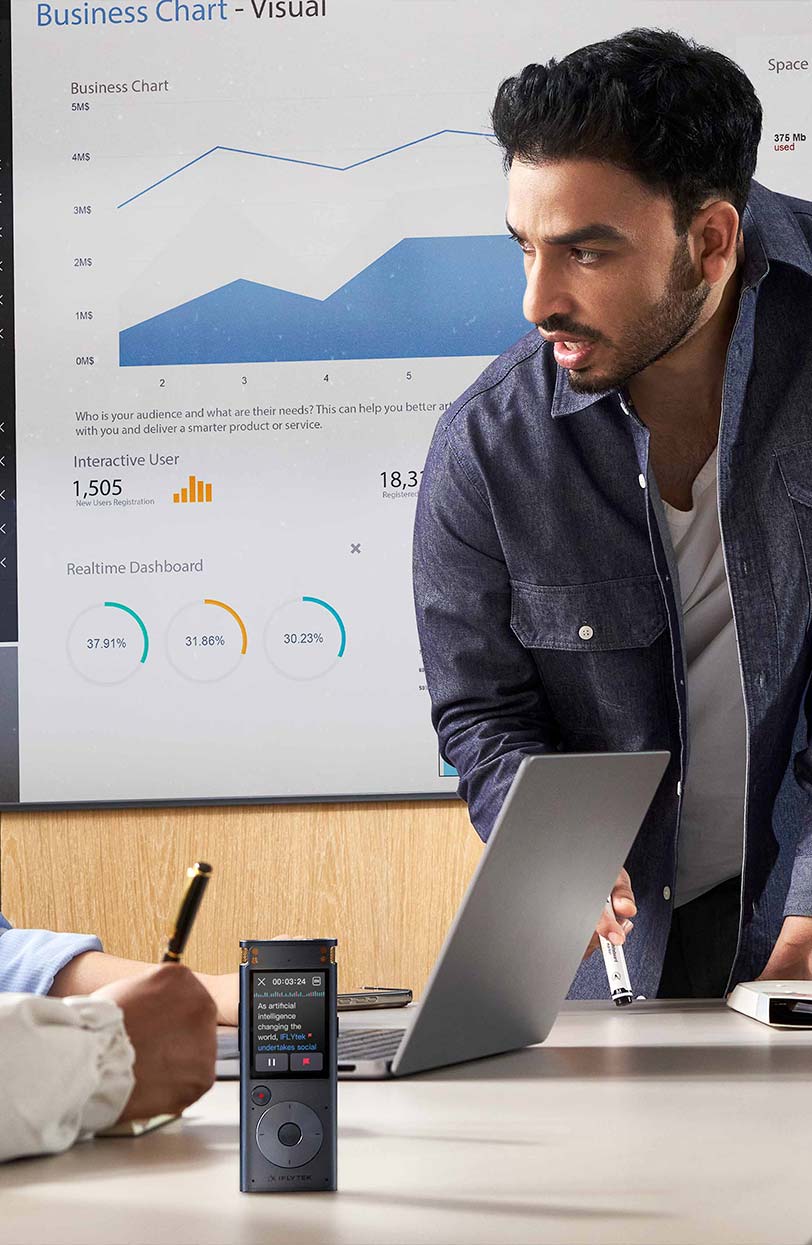
Business Meetings
The Smart Recorder stands as a silent ally, keep important conversation in record

Education
Enhancing academic discussions by capturing every detail with clarity

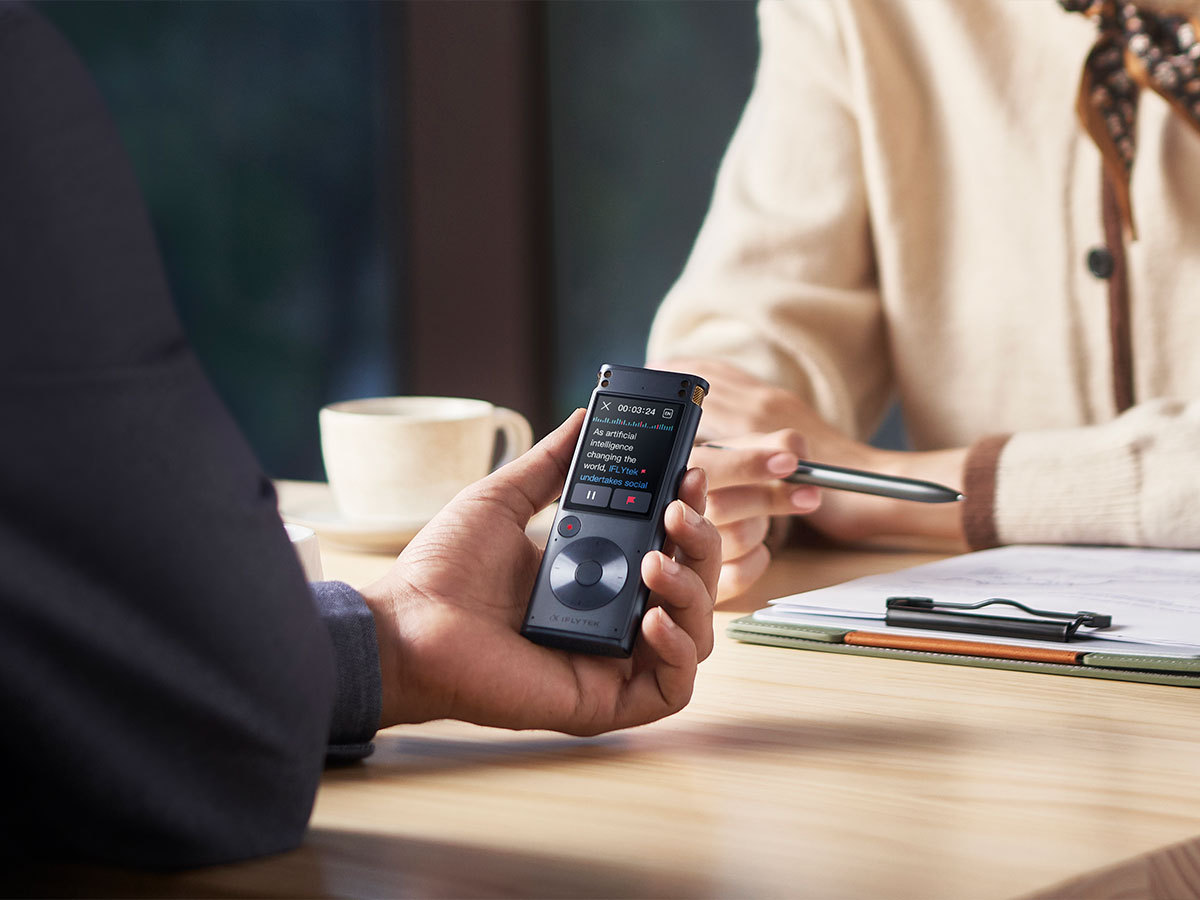
Interview
Transcribing speech in real time, and highlighting key points

Business Negotiation
Automatically transcribes every word, helping you track agreements
25 Years in Speech Recognition
With 25 years of dedicated research in speech and language technology, iFLYTEK has set industry standards in voice recognition and noise-canceling - now built into the iFLYTEK Smart Recorder.


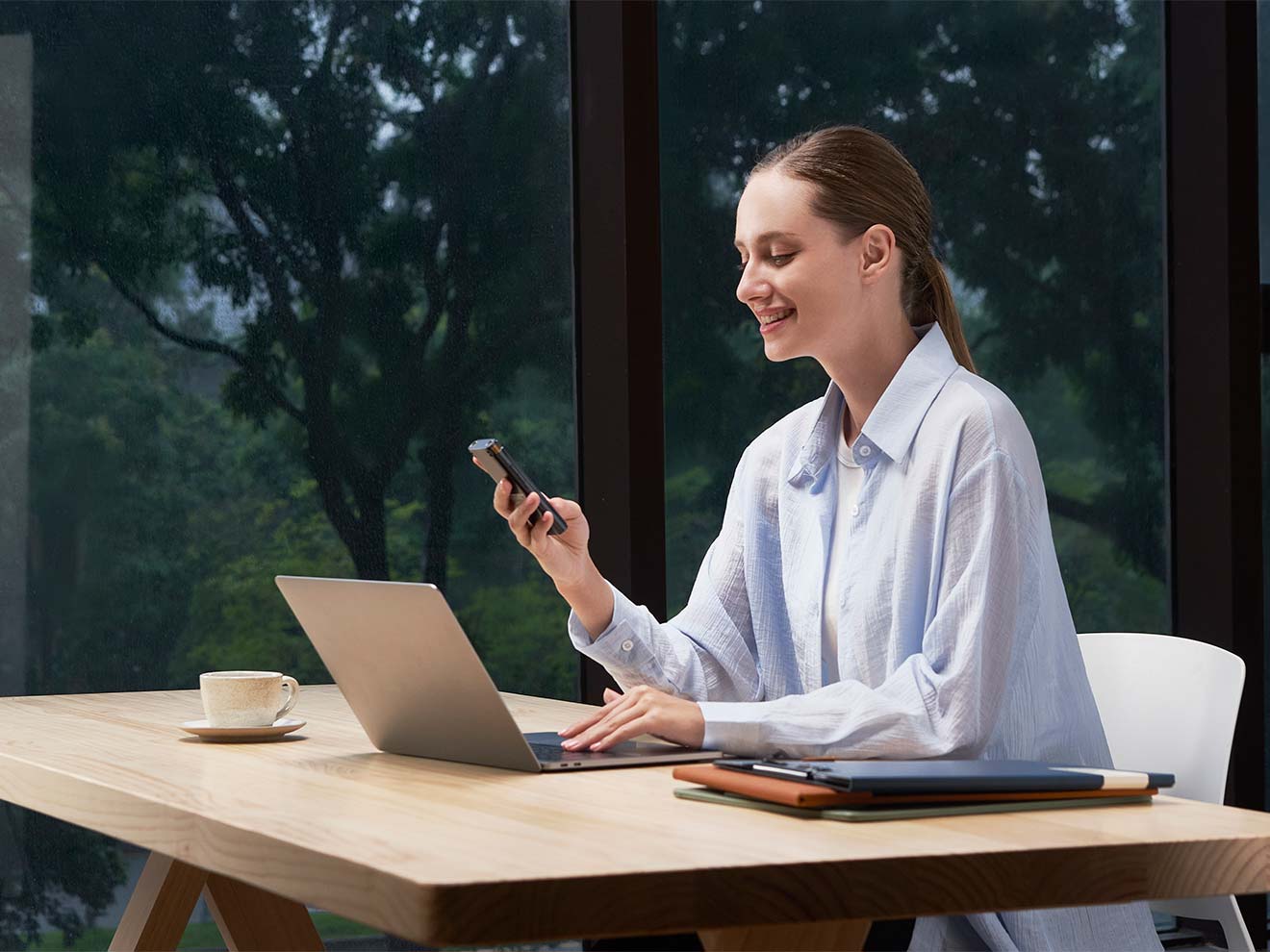
Recording up to 10 meters
120° directional recording for effortlessly capturing large meetings and speeches
Lighting-fast Transcribing
Transcribe 1 hour of audio in just 5 minutes with lightning-fast efficiency. Experience unparalleled speed and accuracy in transcription services.
The Ultimate CPU Performance
With an advanced octa-core 64-bit high-performance processor, the AI computing capabilities have been elevated to unprecedented heights.
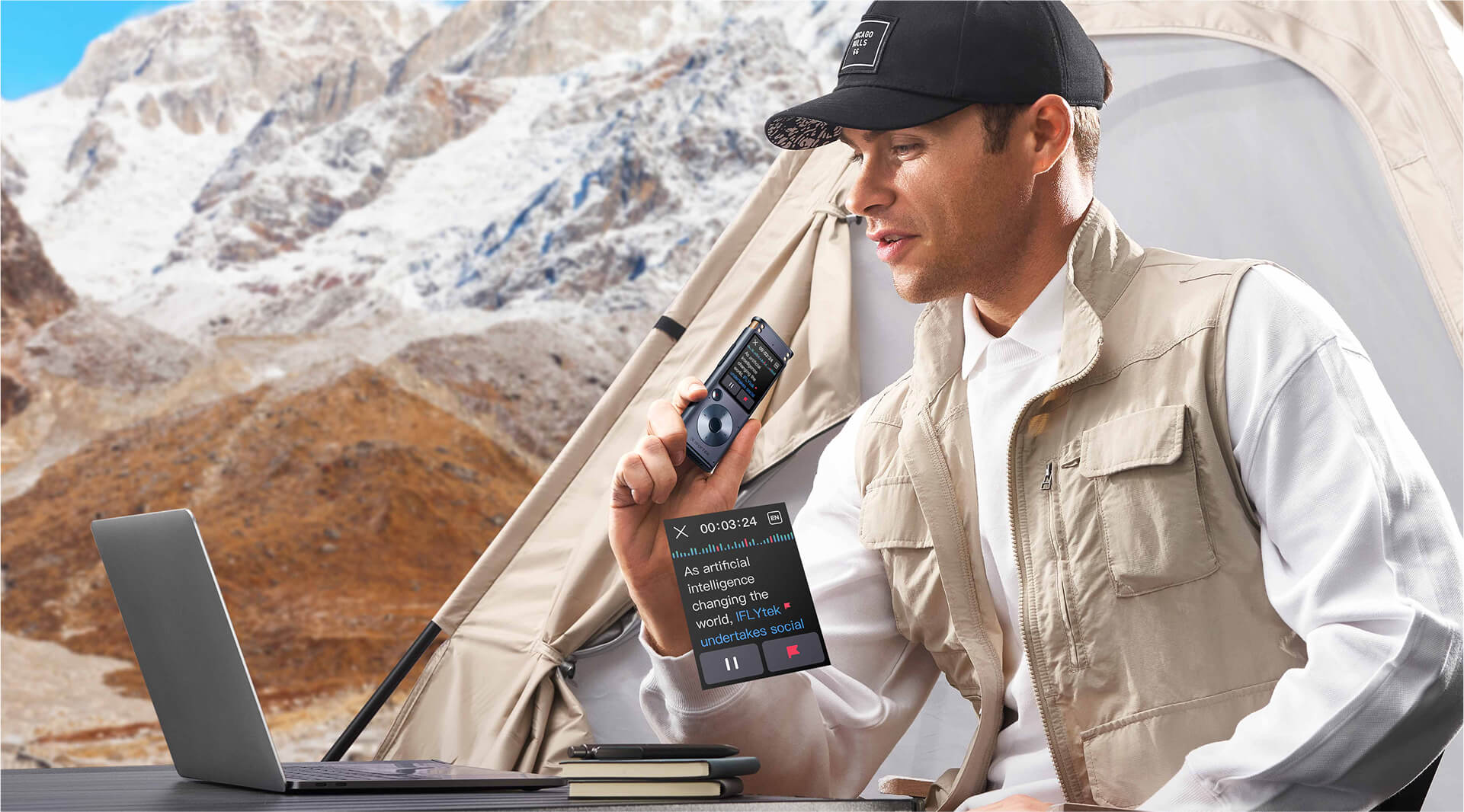
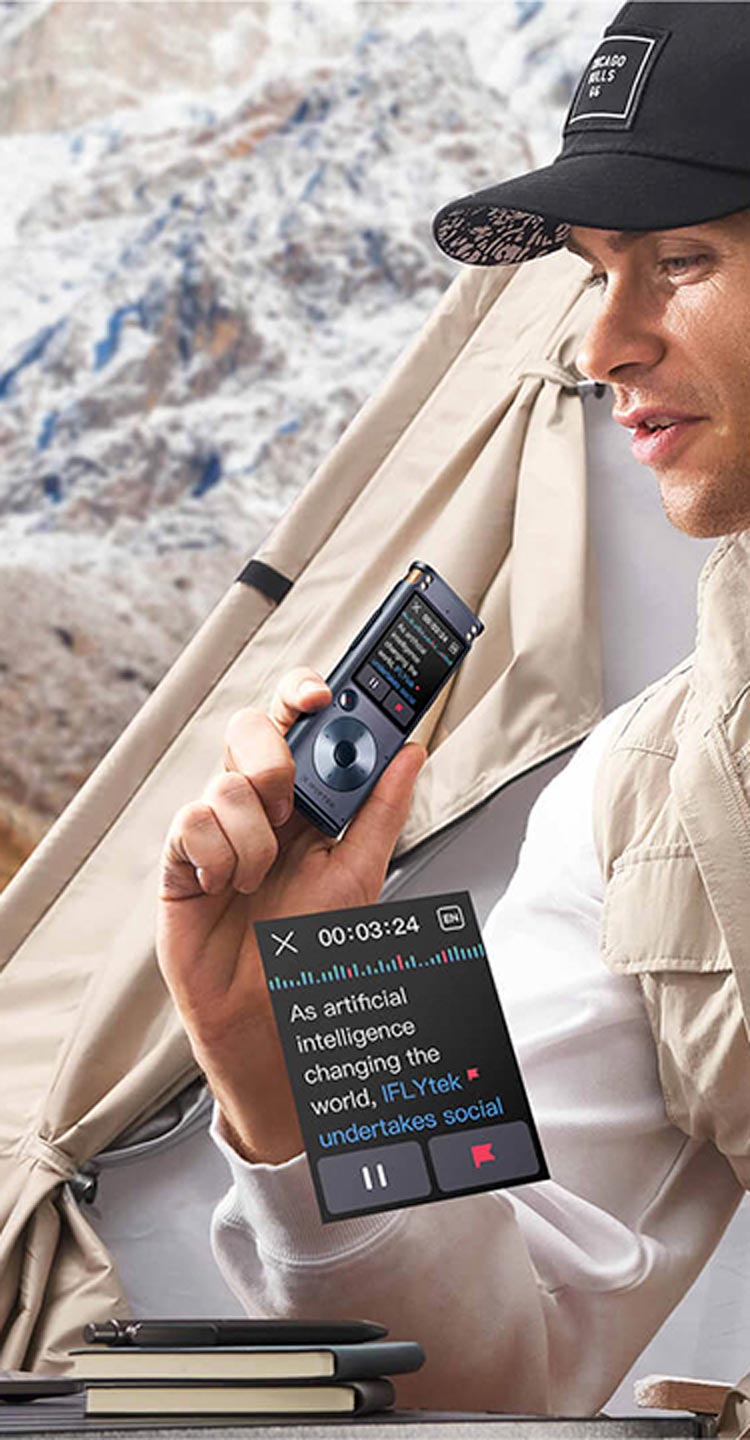
Focus fully on the conversation
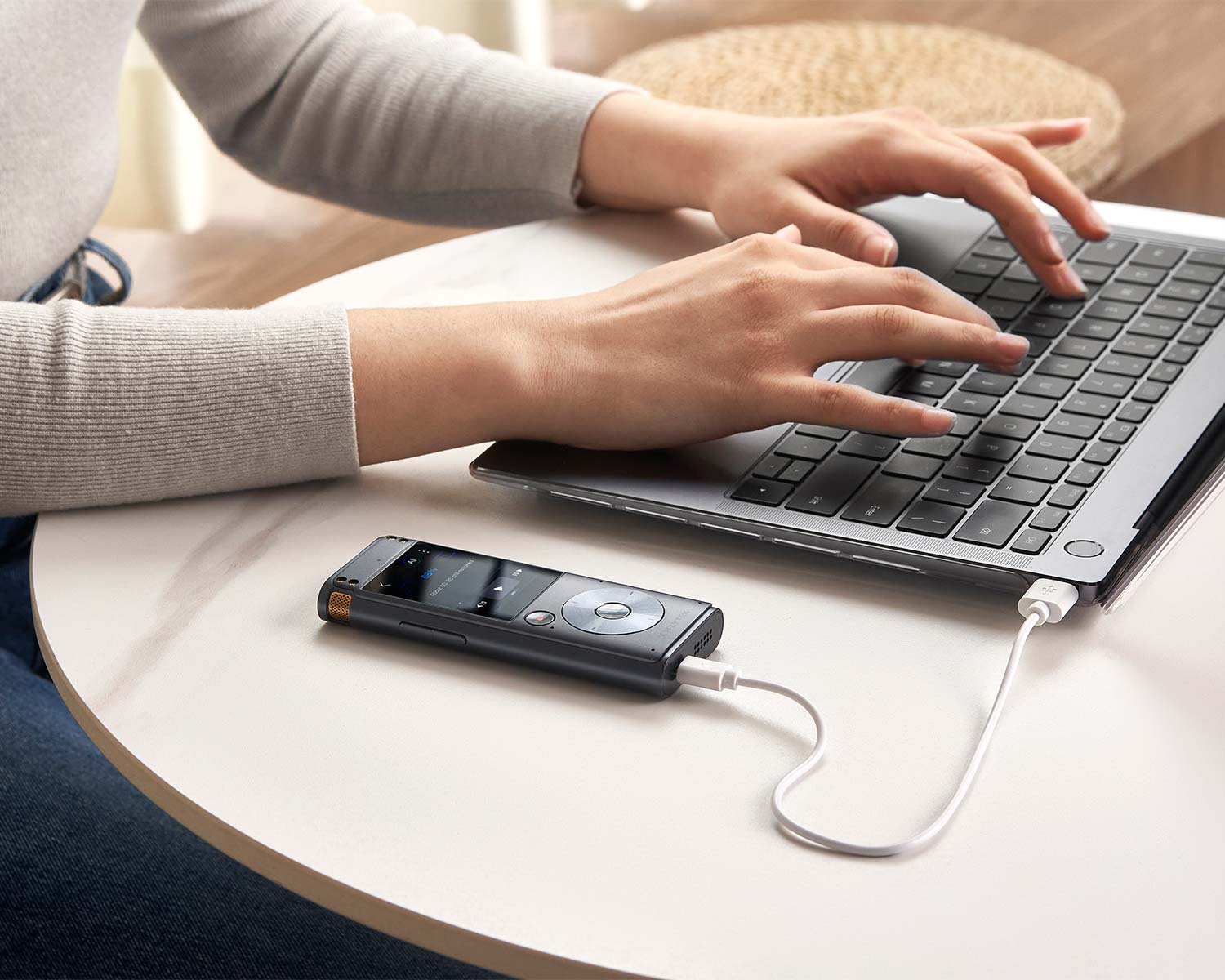
Secure Data Transfer
Effortlessly transfer data to your computer via USB flash drive, ensuring seamless and secure file management
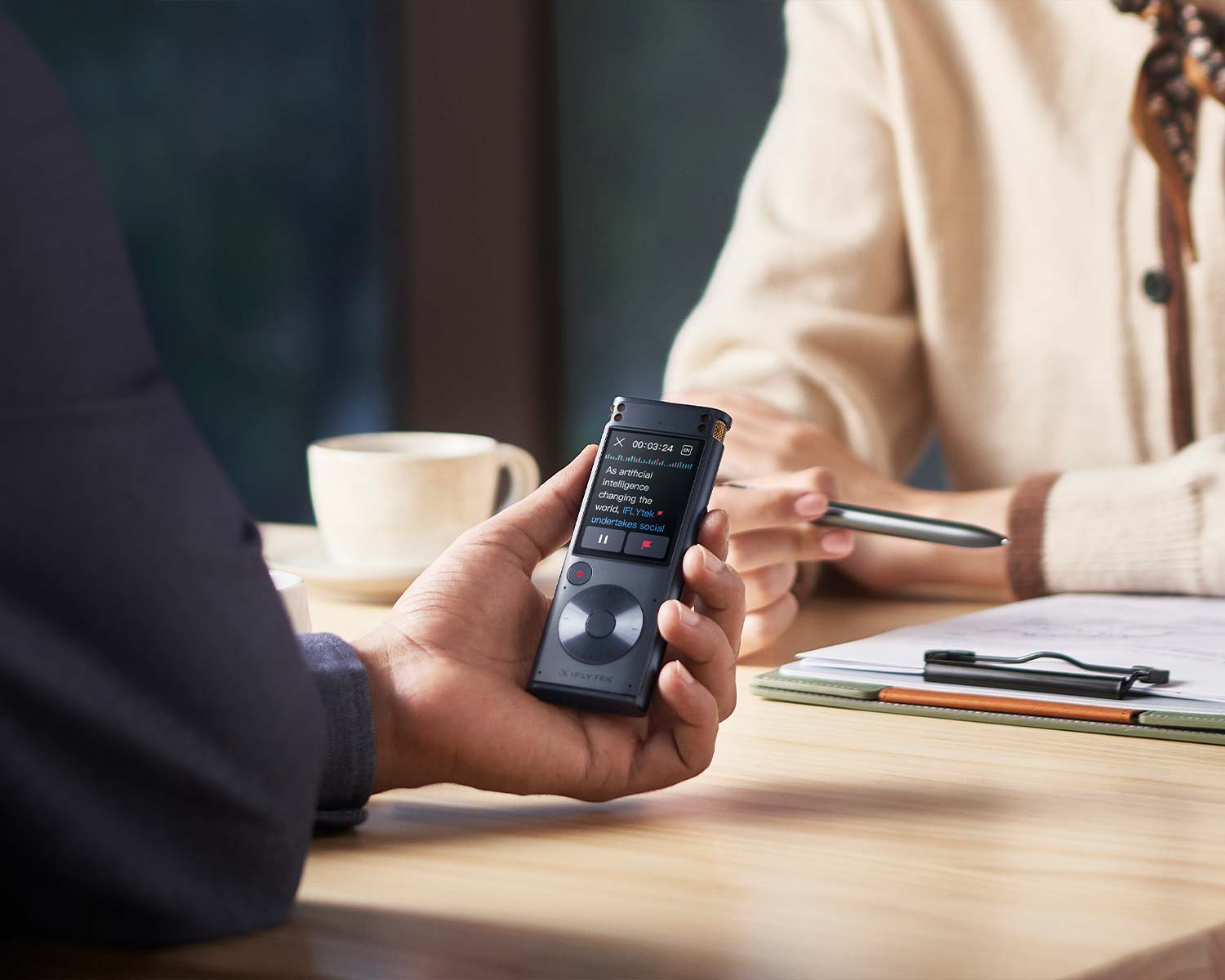
Click to Start
Start recordings with just one click, and no more steps on the iFLYTEK Smart Recorder.
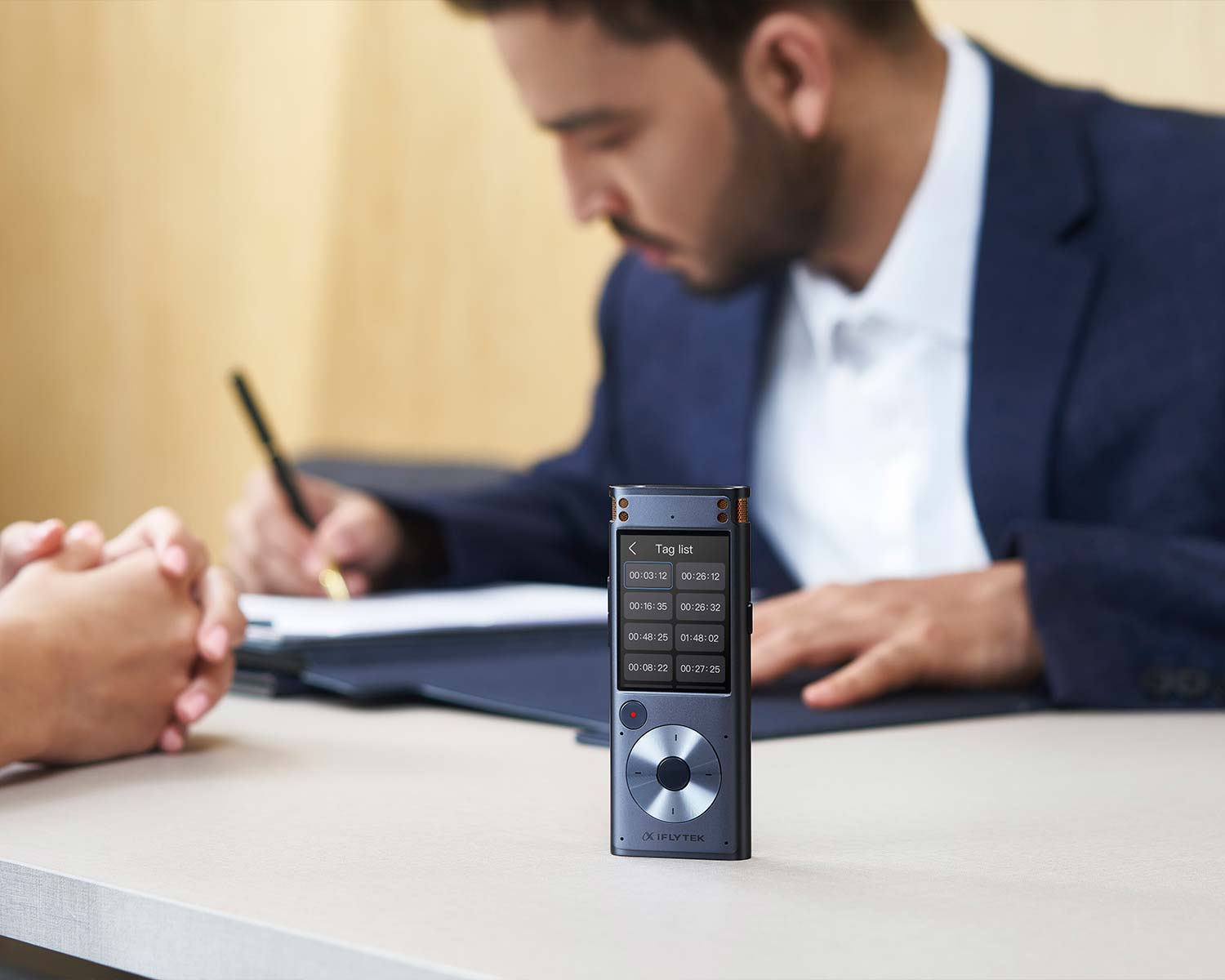
Touch of Elegance
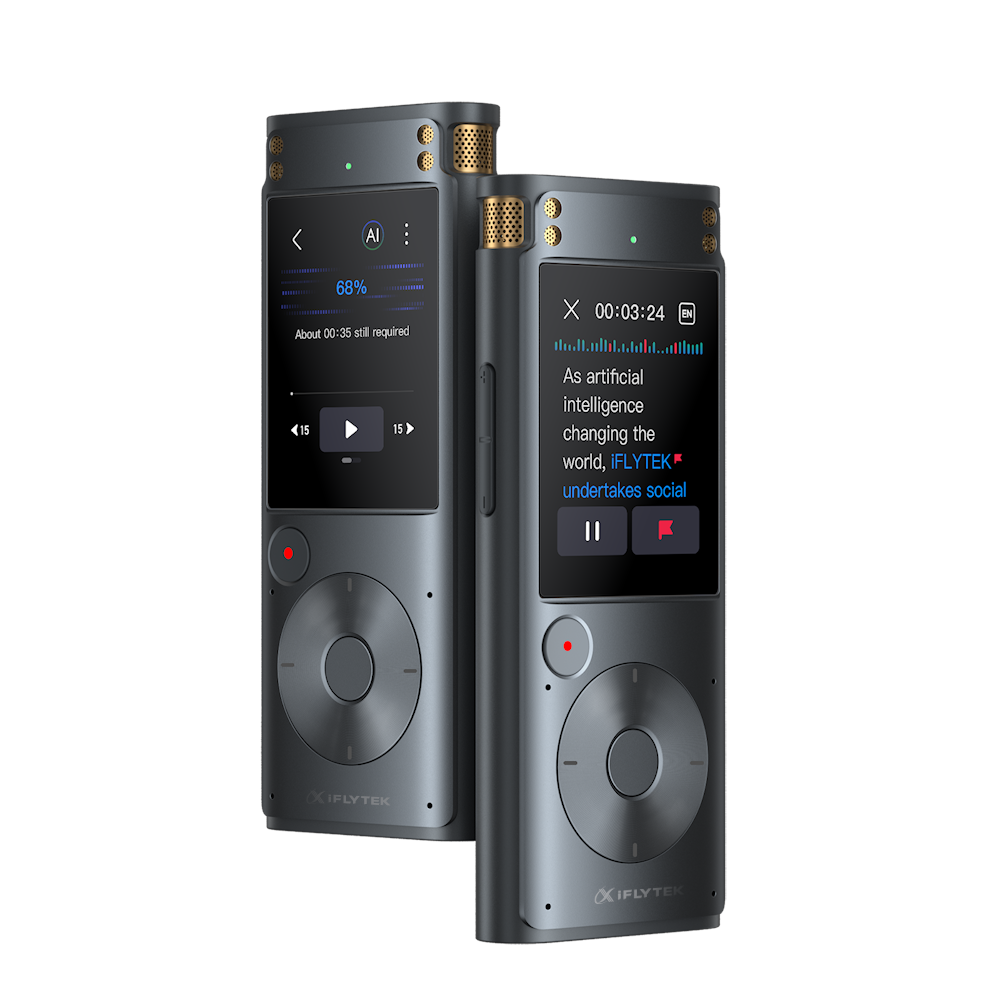
An advanced interface for seamless navigation and effortless control 2" touch screen

Recording up to 7 hours
Conquer marathon meetings with confidence - record up to 7 hours without interruption.
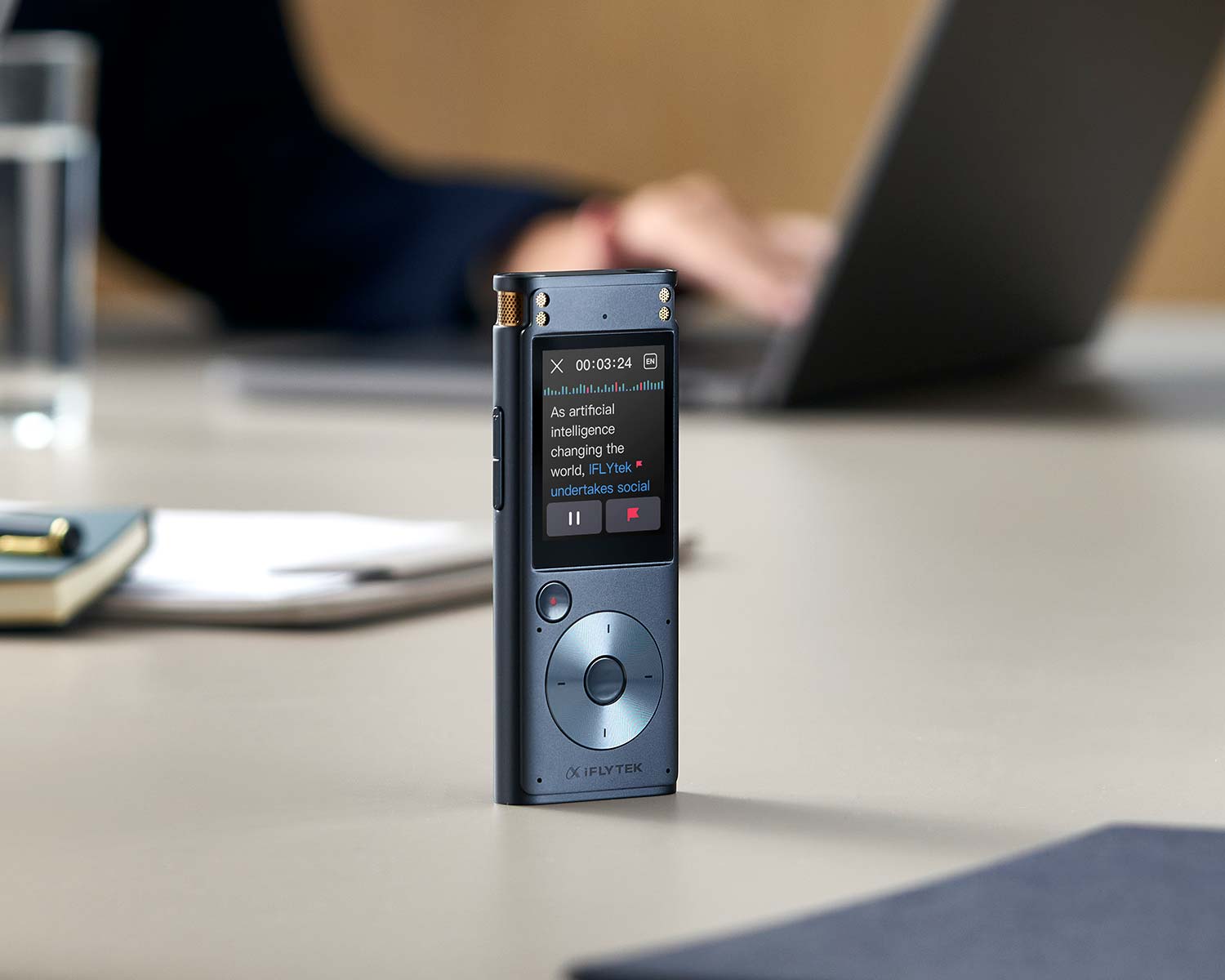
175 Hours Recording Power
Never miss a moment with ample 32GB storage capacity, ensuring all your valuable recordings are securely preserved for future reference
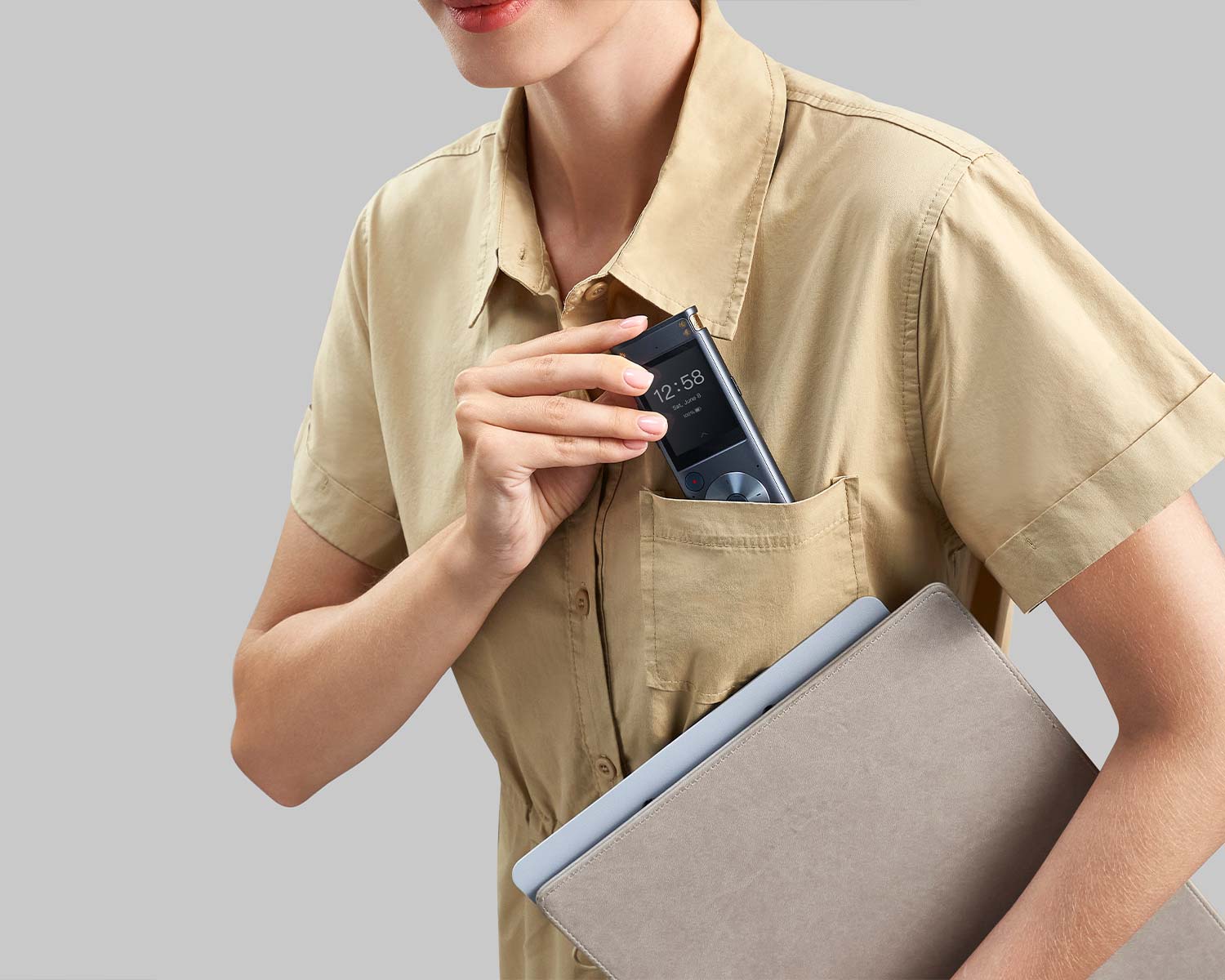
Ultimate Portability
The iFLYTEK Smart Recorder is lightweight and ultra-portable; enabling recording on-the-go anytime, anywhere.
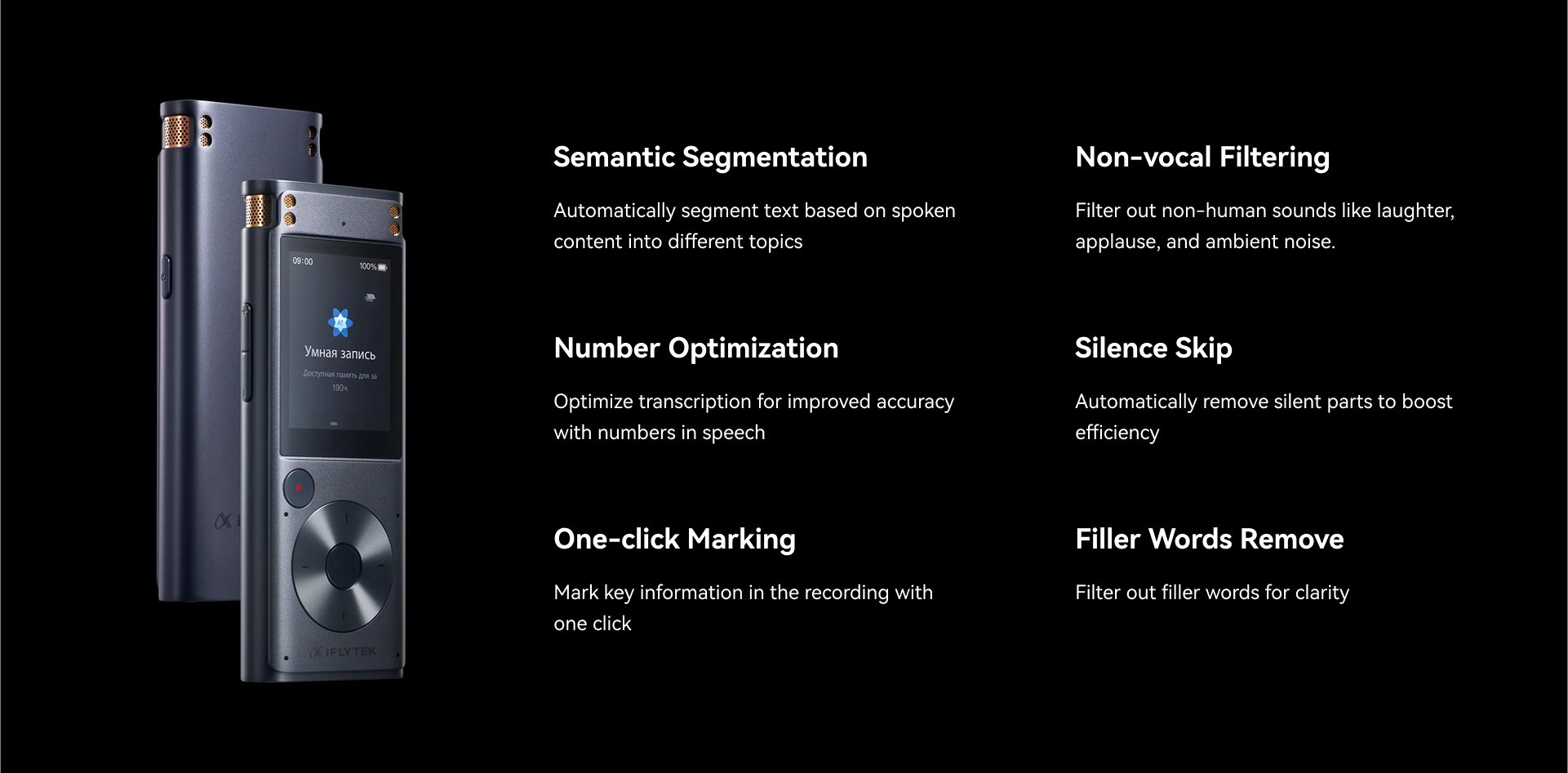
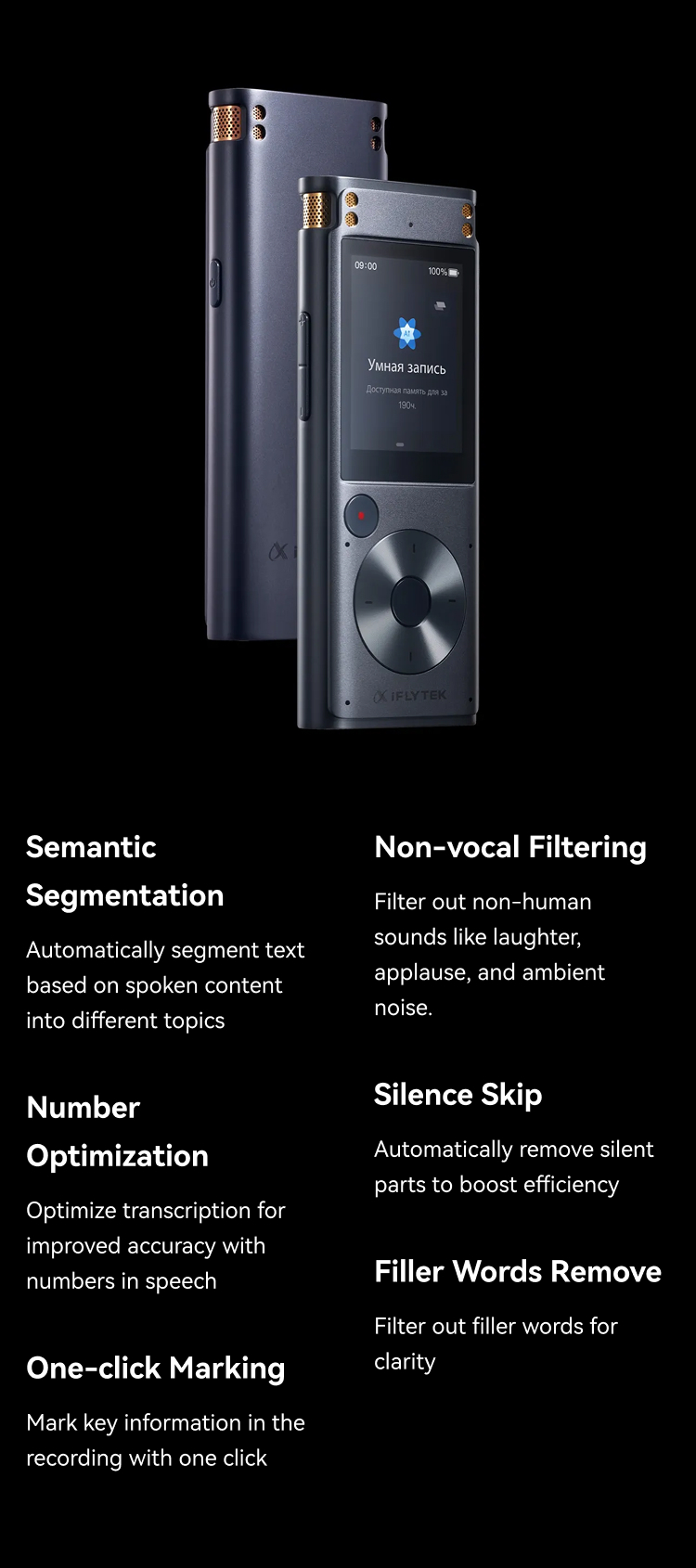
What is the longest recording time?
Audio recording devices have the longest recording time of 4 hours and 55 minutes, and if the time is exceeded, the recording will stop to save the file and start recording a new audio automatically.
In Which Scenarios Is the iFLYTEK Voice Recorder Device Suitable for Use?
The iFLYTEK voice recorder device is suitable for various scenarios, usually including the following occasions: Confidential business meetings: High-fidelity recording, clearly restore each sentence of the conversation, to ensure that the meeting minutes are complete and accurate, and confidential information is not leaked. International travel, business trips: multi-language real-time transcription, communication without barriers, easy to record the journey, business trip report generated by a key. Security information recording (police station, court, etc.): accurate recording, safe and reliable, provides strong evidence for important occasions, to ensure that the information is true and effective. Offline Interview (No Signal, Noisy): Ultra-long battery life, offline recording, even in the absence of signal, or a noisy environment, audio recording devices can also clearly record the interview content.
Why Choose an AI Voice Recorder From iFLYTEK?
The iFLYTEK AI voice recorder is a reliable recording and transcription device with the following main features:
Full offline transcription: Without relying on the network, SR302Pro can transcribe in real-time in any environment, safeguarding privacy and data security.
Powerful performance: Equipped with a high-efficiency octa-core processor, it quickly transcribes and processes large amounts of voice data to enhance work efficiency.
HD Noise Reduction: iFLYTEK auditory noise reduction algorithm effectively reduces noise interference, ensuring clear and error-free recordings in the office environment.
Large-capacity storage: The AI voice recorder is equipped with 32GB storage space, easily storing a large number of recordings and transcription content, reducing the hassle of frequent cleanup.
Professional Recording: 2+4 microphone arrays support 10-meter long-distance recording, 360-degree omnidirectional sound pickup, ensuring clear sound captured without dead angle.
Multi-language real-time transcription: Supports multi-language transcription in Chinese, English, Japanese, Korean, Russian, and other languages, perfectly adapting to international communication needs.
What Kind of Material Is the Audio Recording Device Made of? Is It Durable?
The iFLYTEK's audio recording devices are made of a combination of aluminum alloy + plastic. This design usually combines lightweight and durability:
Aluminum alloy: provides good durability and compression resistance, while making the device lighter and more compact for long-time carrying and use.
Plastic: Typically used to reduce weight and designed to protect internal components. Modern plastic materials can also offer good durability and scratch resistance.
Overall, this combination of materials makes the device both lightweight and relatively sturdy for everyday use, and able to withstand a certain amount of external impact and wear and tear. For regular use, the durability of audio recording devices is guaranteed.
Do iFLYTEK Small Recording Devices Have AI Voice Recognition?
The iFLYTEK small recording devices are equipped with powerful AI voice recognition technology and, a built-in octa-core 64-bit high-performance processor, which greatly enhances the AI computing performance. A voice recorder device can automatically convert the recording content to text, helping users to efficiently organize meeting minutes or classroom notes.
How Much Storage Space Is Available on the Small Recording Devices?
iFLYTEK small recording devices have 32GB of storage space and can support up to 7 hours of continuous recording. The maximum duration of each recording file is 5 hours, and the total recording time is up to 175 hours.
What Is the Longest Recording Time?
Audio recording devices have the longest recording time of 4 hours and 55 minutes, and if the time is exceeded, the recording will stop to save the file and start recording a new audio automatically.
How to start record?
M1: Click the red recording key on the screen to start recording, and click it again to save the record.
M2: Click the recording card to start recording, and click the [Pause] - [Finish] button to save the recording.
M2: Click the recording card to start recording, and click the [Pause] - [Finish] button to save the recording.
How to Export Files in a Voice Recorder Device?
File Exporting by using a USB cable:
1. Make sure the voice recorder device is on, and you can connect the device to the computer by USB cable to export files. (PS: For Apple computer that uses the MAC system, Android File Transfer Tools like ANDROIDFILETRANSFER need to be downloaded. Connect by USB cable and activate the tool to check the recording pen file.)
2. Unlock the device and click My Documents on the prompt pop-up window.
3. Check the files in the computer driver【Record_File】folder.
4. Paste the needed document to export it to the computer.
1. Make sure the voice recorder device is on, and you can connect the device to the computer by USB cable to export files. (PS: For Apple computer that uses the MAC system, Android File Transfer Tools like ANDROIDFILETRANSFER need to be downloaded. Connect by USB cable and activate the tool to check the recording pen file.)
2. Unlock the device and click My Documents on the prompt pop-up window.
3. Check the files in the computer driver【Record_File】folder.
4. Paste the needed document to export it to the computer.
How to view highlighted notes?
How to check SN numbersof the iFLYTEK Smart Recorder?
How to upgrade the offline language packages?
How to upgrade the system version?
How to factory set the iFLYTEK Smart Recorder?
How to switch recording languages?
How to unlock the screen?
Where can I contact customer service?
You can email us, and we’ll get back to you within 24 hours. Simply send email to support@iflytekglobal.ai or use the contact form on this page.
What is your return policy?
We offer a 30-day satisfaction guarantee for customers who buy a iFLYTEK Smart Recorder from our webshop, so you can try it risk free. If it’s not right for you, we offer a full refund within 30 days after your delivery date.
What payment options do you offer?
Payment by card, Apple Pay, PayPal, Google Pay and more are available in all the countries and regions we deliver to.
Awards
2021 Red Dot Award

2022 Design Intelligence Award
.png?w=726&h=725)
2022 Goldreed Industrial Design Award

2022 Goldreed Industrial Design Award
2021 Red Dot Award
2022 Design Intelligence Award
2022 Goldreed Industrial Design Award
2022 Goldreed Industrial Design Award