
iFLYTEK AINOTE Air 2
Assistive technology for deaf people can make spoken information easier to access, reduce missed details, and support greater independence at work, at home, and in public spaces. The most useful technology depends on where communication breaks down, whether that means following conversations, handling phone calls, receiving alerts, or reviewing important information afterward. Rather than relying on one device for every situation, many people benefit from combining captions, visual or vibrating notifications, transcription tools, and other communication systems around their daily routines.
Making Everyday Conversations Easier to Follow
Everyday communication can become difficult when important information depends heavily on hearing speech in real time. Assistive technology can provide another way to receive that information, especially when conversations move quickly or take place in environments where visual cues alone are not enough.
Follow Face-to-Face Conversations With Real-Time Text
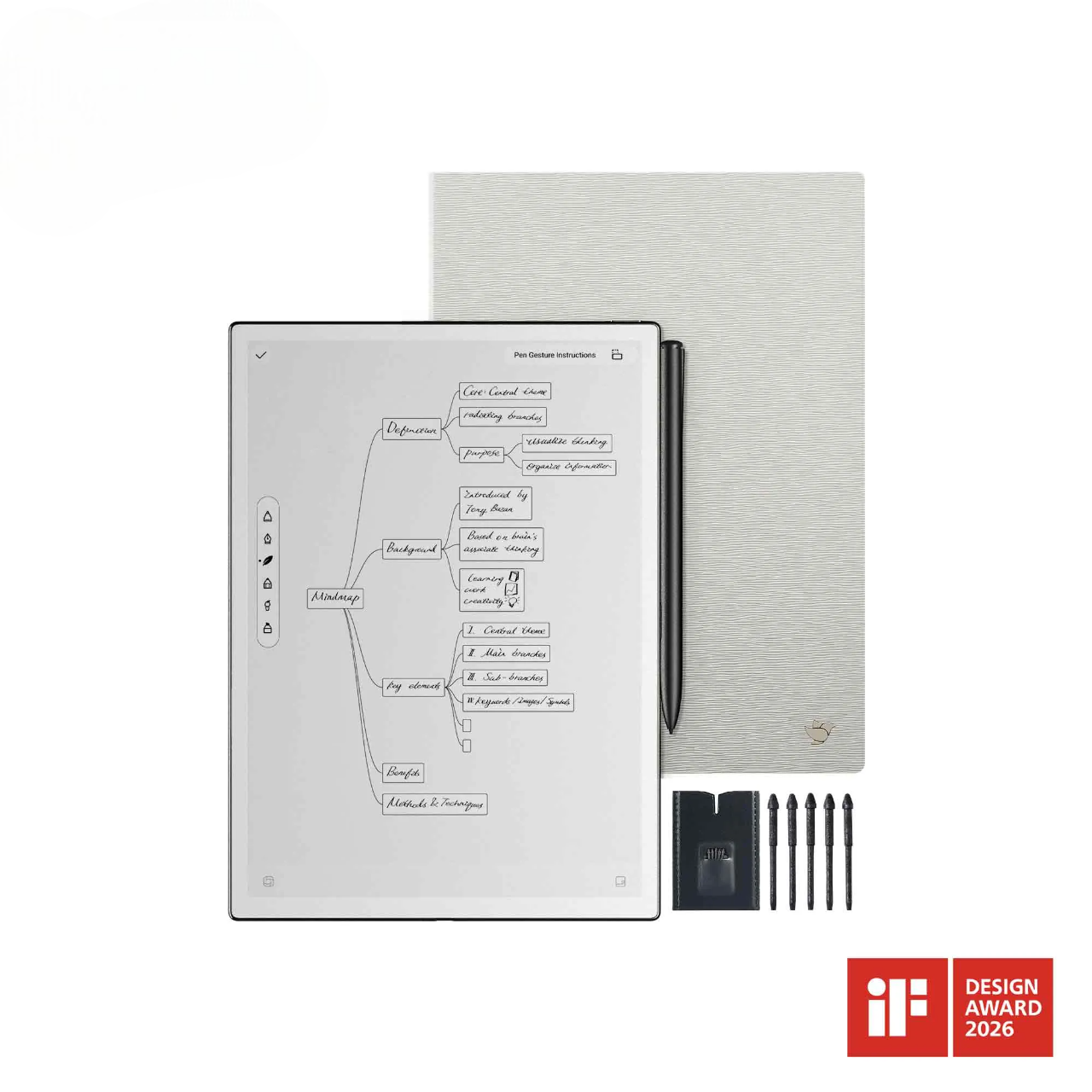
In a face-to-face conversation, it can be easy to lose track when someone speaks quickly, turns away while talking, or moves on before there is time to check what was said. Asking a coworker, doctor, or service staff member to repeat themselves again and again can make the conversation feel fragmented. In moments like these, the iFLYTEK AINOTE Air 2 can show spoken words as text on screen, allowing users to check a missed phrase without stopping the conversation every few sentences. Real-time transcription can be useful as an additional communication aid, although accuracy can still vary with background noise, pronunciation, speaking speed, and other conditions.
[product_card1]
Stay Connected During Phone and Video Calls
Phone calls can be especially difficult because facial expressions, lip movements, and other visual context may not be available. Captioned calling, live transcription, relay services, and video platforms with reliable captions can convert more of the conversation into visible information. The right option depends on the type of call: routine conversations may work well with automated captions, while medical, legal, financial, or other high-stakes discussions may require a qualified interpreter or another more dependable communication arrangement. Before an important call, checking caption availability and confirming key details in writing can reduce the risk of misunderstanding.
Communicate More Easily Across Different Languages
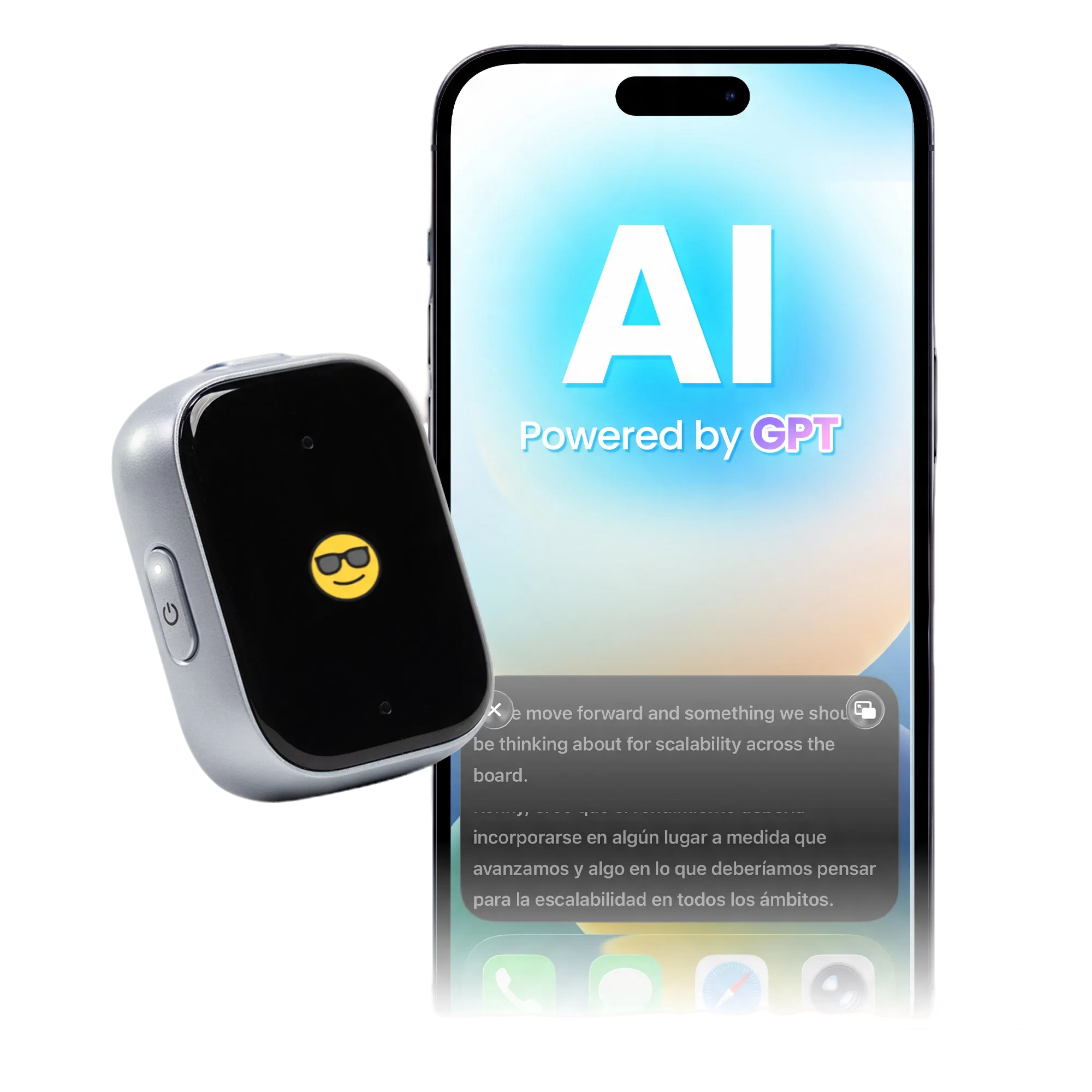
When two people do not share the same language, deaf users may need both speech-to-text access and translation. The iFLYTEK AINOTE 2 can display real-time transcription and translation on screen, allowing users to read what the other person is saying. Paired with the Type Folio Keyboard, it also lets users type a response quickly and show it directly to the other person. This creates a more visual, two-way way to communicate without relying on audio or repeatedly switching between separate apps. For medical, legal, or other high-stakes conversations, important information should still be confirmed through a qualified interpreter or another reliable method.
Look Back at Important Conversations When Needed
The value of a conversation shouldn’t expire when the speaking stops.Written transcripts, caption histories, and saved notes can help users return to an address, instruction, appointment detail, deadline, or decision that would otherwise have to be remembered immediately. This can be particularly valuable when a conversation contains several pieces of information or when the user needs time to process what was discussed. Because transcripts may contain errors, critical names, numbers, dates, and instructions should still be checked with the original speaker when accuracy matters.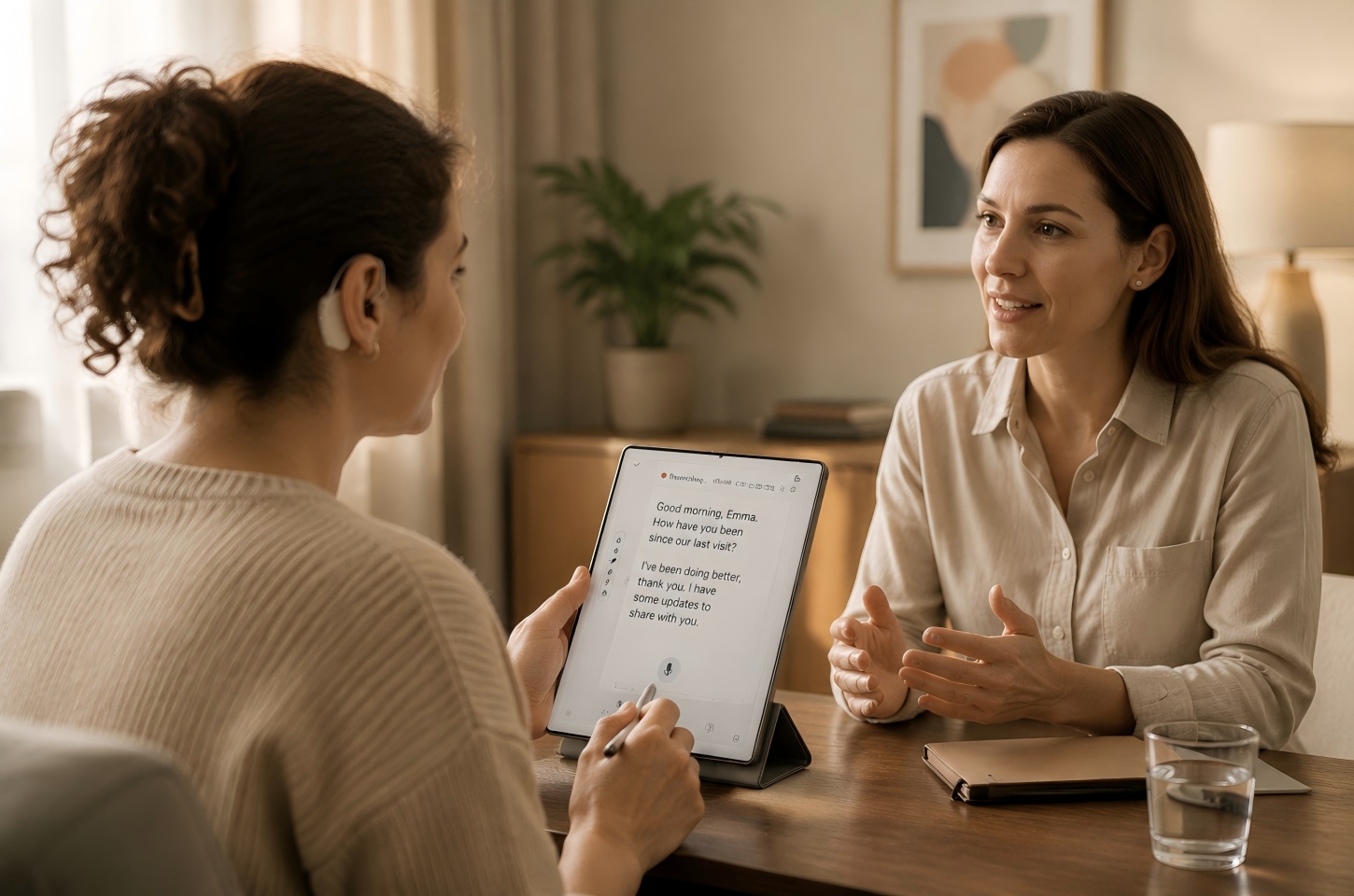
Making Work and Everyday Information Easier to Manage
Assistive technology can also reduce the pressure to absorb, remember, and organize spoken information at the same time. At work or during everyday tasks, the most useful tools are often those that turn temporary conversations into information that can be read, checked, organized, and reused later.
Keep Up With Meetings and Group Conversations
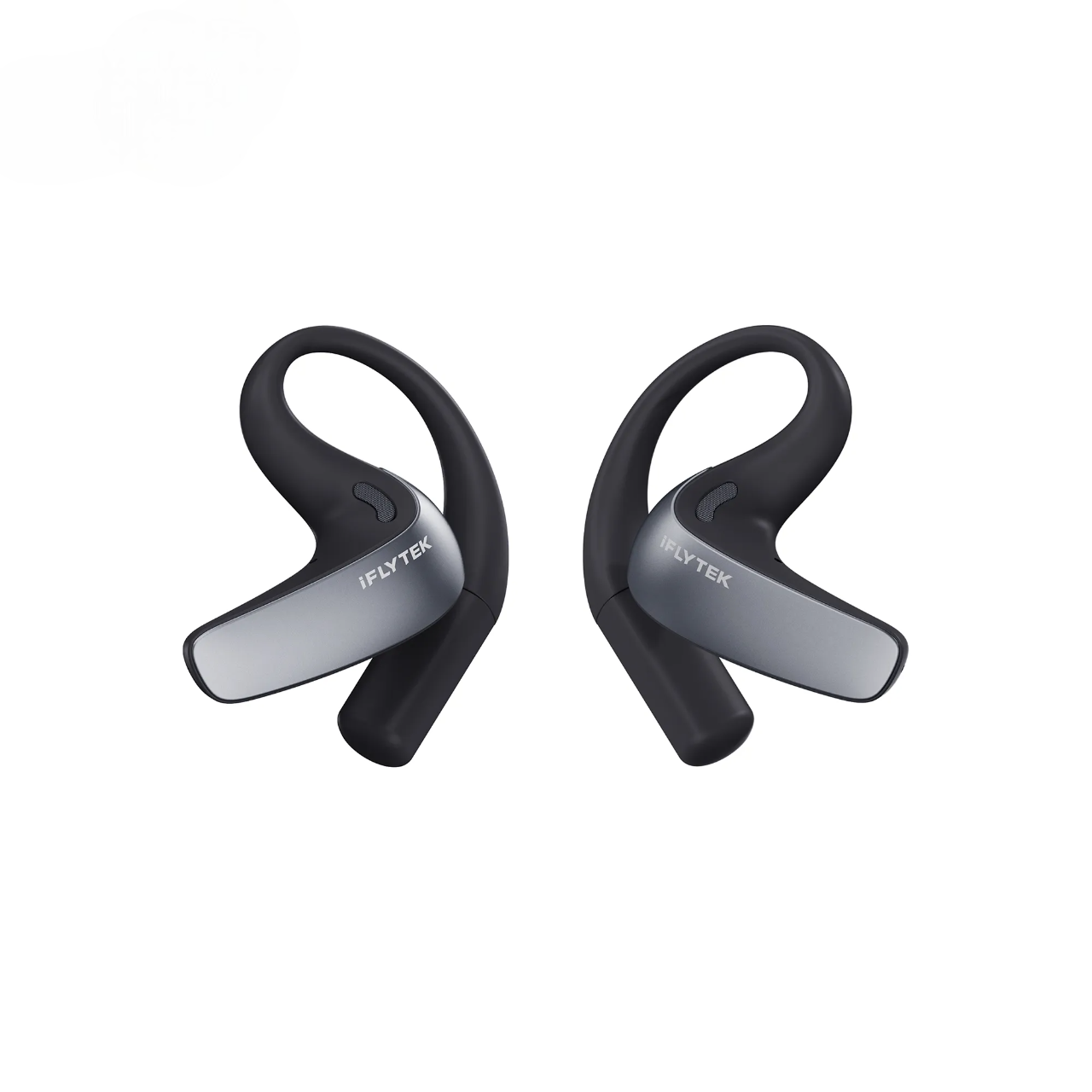
In a meeting or group discussion, the conversation can move in several directions at once. One person may finish a point just as someone else jumps in, and it is easy to lose track of who said what or miss a detail while trying to keep up. In situations like these, the iFLYTEK Smart Recorder can turn spoken discussions into text, giving users a written record they can check during or after the meeting instead of relying on memory alone. Transcription can support meeting access, but it should not automatically be treated as a substitute for interpreters, human captioners, or workplace accommodations when those provide more reliable access.
Turn Spoken Instructions Into Clear Notes and Action Items
Verbal instructions are easier to act on when they can be converted into something visible and reviewable. Instead of trying to remember several steps after a conversation, users can capture the information and organize it into tasks, deadlines, names, or follow-up questions. This is particularly useful for workplace assignments, appointments, training sessions, and other situations where small details affect what happens next. When instructions involve safety, medication, contracts, or other high-consequence decisions, the final written information should be confirmed rather than relying entirely on automated transcription.
Read, Mark Up and Review Important Digital Documents
Assistive devices for deaf users are not limited to converting speech into text. Digital notebooks, tablets, smartphones, and computers can also bring transcripts, written instructions, PDFs, presentation files, and personal notes into a format that can be searched or reviewed visually. Highlighting a key paragraph, adding a note beside an instruction, or keeping meeting material next to a transcript can reduce the need to switch repeatedly between separate sources. The best setup is usually the one that fits tools the person already uses rather than adding unnecessary devices to an otherwise manageable workflow.
Keep Conversations, Notes and Documents in One Place
Information becomes harder to use when captions are stored in one app, meeting notes in another, and important documents somewhere else. A practical communication system for the deaf should make relevant information easy to find again, not simply capture more of it. Keeping related transcripts, notes, documents, and follow-up items together can make preparation for appointments, meetings, classes, or projects more efficient. Privacy should also be considered, particularly when saved conversations contain confidential workplace, medical, financial, or personal information.
Feeling Safer and More Independent in Daily Life
Some assistive technologies for the deaf are designed less around conversation and more around awareness. Visual signals, vibration, and connected notifications can make events that are usually communicated through sound easier to notice at home and while away.
Know When Someone Is at the Door or an Alarm Goes Off
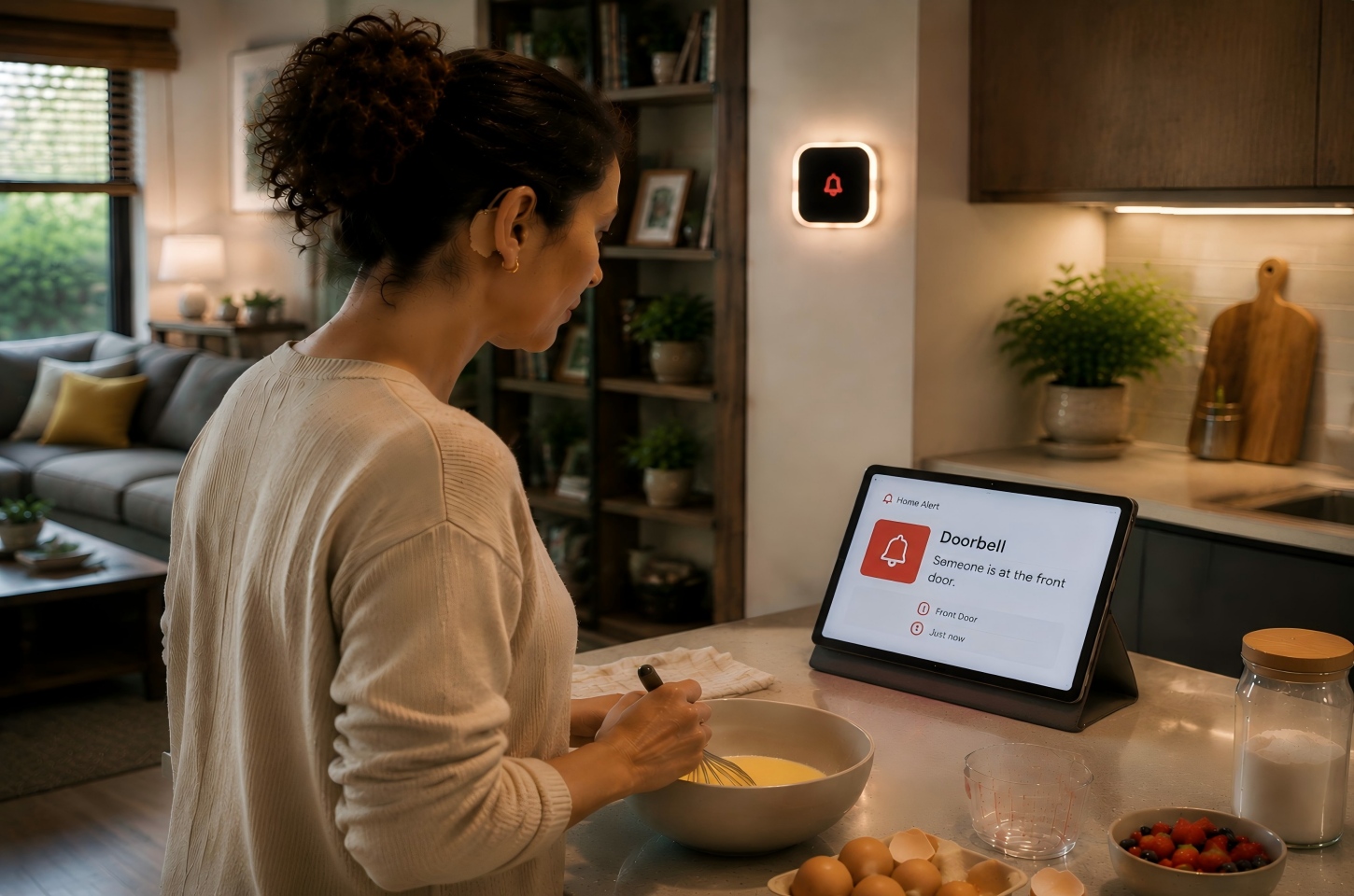
Doorbells, smoke alarms, timers, baby monitors, and other household devices often depend on sound to attract attention. Assistive alerting systems can add flashing lights, vibration, phone notifications, or other visible signals so that an important event does not rely on hearing alone. The right setup depends on where the person spends time and whether alerts need to reach a bedroom, home office, outdoor area, or multiple rooms. Safety equipment should be selected for its intended purpose and installed according to the relevant manufacturer and building requirements rather than relying on a general consumer notification device for every emergency.
Stay Aware of Emergency and Public Safety Alerts
Emergency information may arrive through several channels, including phones, television captions, public displays, official apps, and local alert systems. Using more than one accessible channel can reduce dependence on a siren or spoken announcement that may not be easy to hear. At home, this may mean combining accessible alarms with mobile alerts, while workplaces and public venues may use visual warning systems alongside audible signals. People should become familiar with the alert options available where they live, work, study, and travel before an emergency occurs.
Receive Important Notifications While Away From Home
Mobile devices can extend assistive technology beyond the home by turning some alerts into vibration or visual notifications. Calendar reminders, messages, transportation updates, security notifications, and connected-device alerts can all be easier to notice when they appear directly on a phone or wearable device. The useful question is not how many notifications a device can produce, but which ones are important enough to interrupt the user. Prioritizing critical alerts and reducing unnecessary notifications can make the system more dependable when attention is actually needed.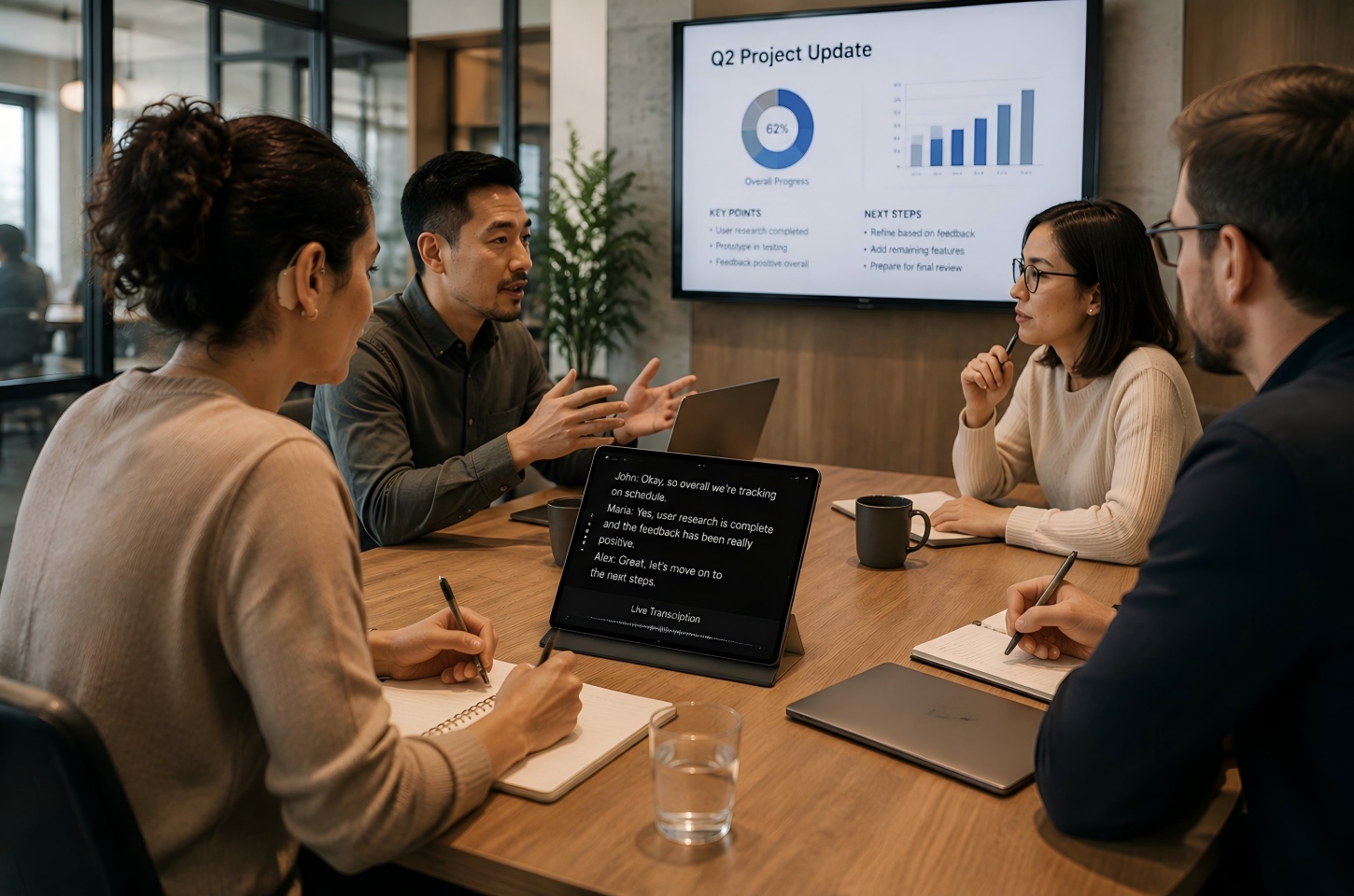
Choosing the Right Assistive Technology
|
Situation / Need |
Primary Barrier |
Recommended Assistive Tool |
Key Advantage |
|
Face-to-Face Conversations and Doctor Visits |
Fast speech, background noise, or speakers turning away |
Real-time speech-to-text, such as iFLYTEK AINOTE Air 2 |
Catch a doctor’s instructions or a coworker’s explanation on screen and respond when needed |
|
Phone and Video Calls |
Missing facial expressions, lip movements, and visual cues |
Live captions, captioned calls, or video relay services |
Follow conversations and confirm names, addresses, or appointment details |
|
Multilingual Conversations |
Language differences combined with limited hearing access |
iFLYTEK AINOTE 2 with Type Folio Keyboard |
Read translated speech and type a response for the other person to see |
|
Group Meetings and Lectures |
Multiple speakers, overlapping speech, and fast discussions |
Multi-speaker transcription, such as iFLYTEK Smart Recorder |
Review who said what, key decisions, and follow-up tasks later |
|
Home Safety and Emergencies |
Doorbells, alarms, and other sound-based warnings |
Visual alert systems and vibrating wearables |
Notice doorbells or alarms through visual and vibration alerts |
There is no single best assistive technology for deafness because communication needs vary widely from person to person and from one setting to another. A useful choice starts with identifying the moments where information is currently being missed, delayed, or made unnecessarily difficult to access.
Start With the Situations Where Communication Is Most Difficult
Begin with specific situations rather than choosing a device because it has the longest feature list. Someone who mainly struggles with meetings may benefit most from captions or transcription, while another person may need better phone access, visual home alerts, multilingual communication support, or a combination of several tools. Frequency also matters: a problem that happens several times every workday may deserve a more permanent solution than an occasional inconvenience. Existing accommodations, preferred communication methods, and comfort with technology should all be part of the decision.
Choose Tools That Make Information Easy to See and Access
A feature only helps when the information it produces is actually easy to read and use. Screen size, text clarity, caption delay, transcription accuracy, notification visibility, battery life, connectivity, and ease of opening saved information can all affect day-to-day usefulness. Users should also consider what happens when the technology performs poorly, such as in a noisy room or with an unreliable connection. For critical communication, having a backup method such as written confirmation, text messaging, an interpreter, or another accessible channel can prevent one device from becoming a single point of failure.
Use Different Technologies at Home, Work and on the Go
Different environments create different accessibility needs, so one assistive device does not have to handle everything. A visual alarm system may make sense at home, live captions may be more useful during meetings, and a smartphone may handle transportation alerts or short conversations while traveling. Combining several technologies can create a more flexible system without forcing one tool into situations where it performs poorly. The goal is to build around real routines and communication preferences rather than around the idea that everyone needs the same technology.
FAQ
What Assistive Technology Do Deaf People Commonly Use?
Common options include live captions, speech-to-text tools, video relay services, visual or vibrating alert systems, captioned phones, smartphones, hearing-related devices for people who use them, and digital note-taking tools. The most appropriate combination depends on the person's communication preferences, hearing level, environment, and daily activities.
Can Smartphones Be Used as Assistive Technology for Deaf People?
Yes. Smartphones can support text messaging, live captions, speech-to-text transcription, video communication, vibration alerts, emergency notifications, and specialized accessibility apps. Supported Apple devices offer features such as Live Captions and Sound Recognition, while Android provides tools such as Live Caption and Live Transcribe. These built-in options make smartphones a practical starting point for everyday communication and awareness, although dedicated equipment may still be more reliable for specific safety needs or complex conversations.
Can Assistive Technology Replace Sign Language or Interpreters?
No. Technology is a tool, not a replacement for sign language or human interpreters. Sign language is a distinct language and culture for many deaf individuals. Assistive tools should support personal choice and accessibility, not force individuals away from their preferred method of communication.
Are There Free Assistive Technology Options for Deaf People?
Yes, some smartphones, computers, browsers, and communication platforms include built-in captioning, transcription, text communication, or visual notification features at no additional cost. Free tools can be useful for everyday situations, but users should compare accuracy, privacy, connectivity requirements, and reliability before depending on them for important communication.
How Can Family Members Help a Deaf Person Use Assistive Technology?
Family members can help by asking which communication methods the person prefers and supporting those choices rather than assuming one solution will work for everyone. They can also help set up alerts, test captions, organize devices, or learn how a communication system works when assistance is requested. The technology should support the deaf person's independence and preferences rather than make other people the permanent gatekeepers of communication.
Conclusion
Assistive technology works best when it removes a specific communication or awareness barrier from everyday life. Real-time text may help with conversations, transcription can make meetings and spoken instructions easier to review, and visual or vibrating alerts can improve awareness of events that would otherwise depend on sound. iFLYTEK tools can fit into some of these workflows when transcription, translation, recording, or digital note management matches the user's needs, but they are only one part of a broader accessibility system. Choosing the right combination means looking at where communication is difficult, how accurate the information needs to be, which communication methods the person already prefers, and whether the technology remains practical in the environment where it will actually be used.