

Think back to your study time: there may be many struggles, from keeping up with fast-paced lectures to messy notebooks and endless rewriting before exams. In 2025, artificial intelligence (AI) will bring a revolution to traditional note-taking methods. From recording lectures in real time to generating summaries and organizing notes automatically, AI-powered note-taking tools are becoming essential study companions.
In this guide, we’ll explore the problems with traditional note-taking, how AI solves them, the best tools available in 2025, and practical scenarios where AI can truly make a difference for students.
What Problems Do Students Face With Traditional Note-Taking?
Before we show AI solutions, let’s look at the pain points most students face when relying on pen and paper or even typing notes manually.
Missing Important Details in Lectures
Professors speak quickly, jump between topics, or add explanations that aren’t in the slides. Moreover, complex concepts and foreign languages make note-taking even more challenging. Students often miss crucial details, especially in technical subjects. Once missed, these points are hard to recover.
Disorganized Notes That Are Hard to Review
Even if students manage to write everything down, the notes are often scattered, rushed, or incomplete. Revisiting them before exams can feel like decoding a puzzle rather than studying effectively.
Time-Consuming Rewriting and Summarizing
Many students spend hours rewriting notes into neater versions or creating concentrated study guides. While this reinforces learning, it takes up valuable study or rest time.
Limited Collaboration and Sharing
In group projects or study groups, exchanging handwritten or typed notes is clumsy. Without digital collaboration, students lose opportunities to build on each other’s work efficiently.
Why Use AI for Note-Taking?
AI tools are designed to remove these challenges by automating the most tedious and time-consuming parts of note-taking. Let’s explore how they help.
Real-Time Transcription and Accuracy
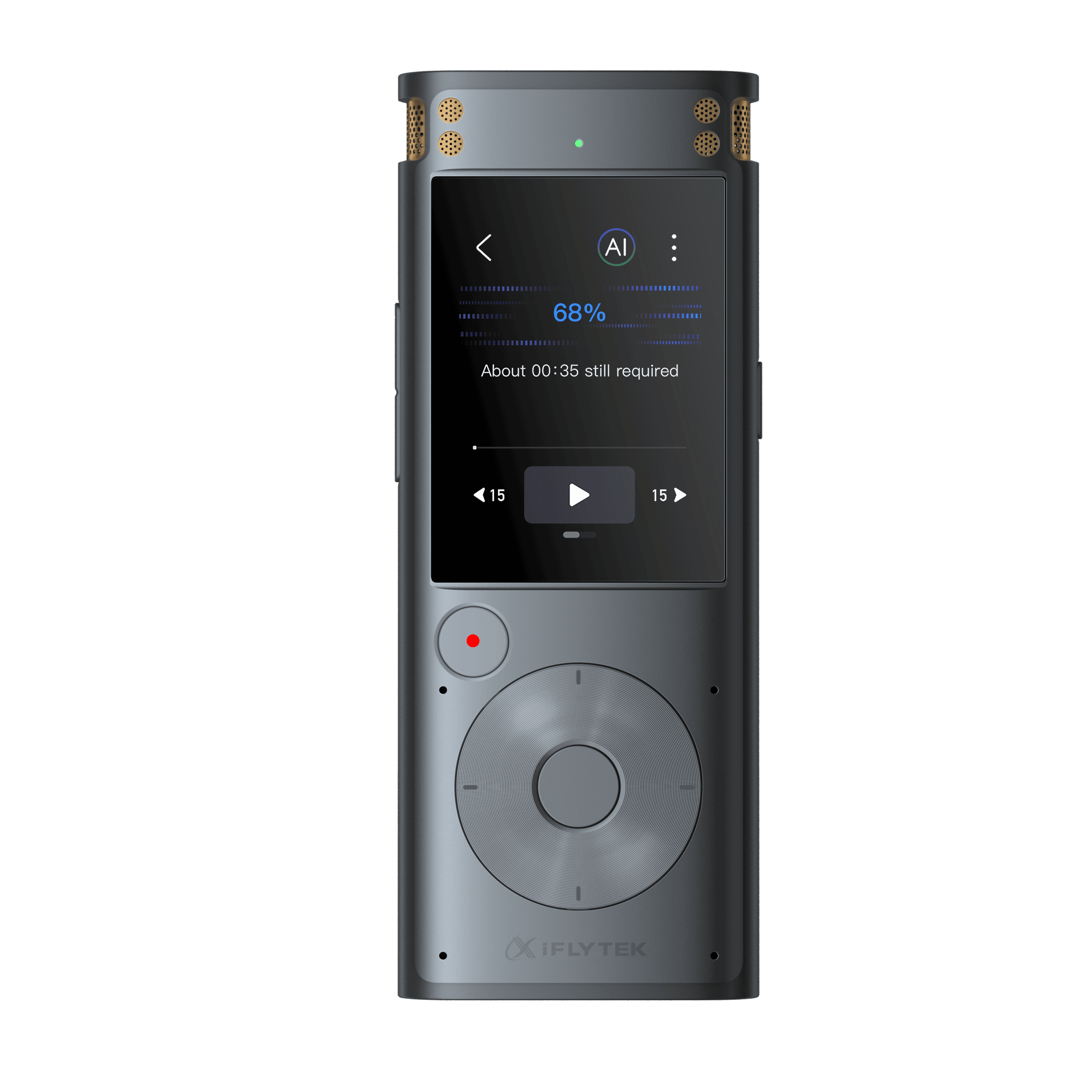
AI-powered tools can record lectures and transcribe them instantly. Advanced models even recognize technical terms, accents, and multiple speakers.
Automatic Summarization for Exam Preparation
Instead of manually summarizing 30 pages of notes, AI can generate clear conclusions and highlight key points. This feature is especially useful for revision before exams.
Smart Search, Tags, and Organization
AI tools don’t just store notes; they also organize them. Students can search for keywords, tag subjects, and instantly locate a specific concept from past lectures.
Cloud Syncing and Multi-Device Support
Students can access their notes on a laptop, tablet, or phone. Cloud syncing ensures notes are safe even if devices are lost or damaged.
How Can AI Help in Different Study Scenarios?
AI note-taking isn’t just about replacing pen and paper; it adapts to different learning needs and expands study possibilities. For example,it breaks down language barriers for foreign courses, provides a channel for digesting scientific and professional knowledge, and so on. Here’s how students can benefit in daily academic life.
Lectures and Readings
AI recorders capture every word and convert it into searchable text. Students can highlight, take notes, or ask the AI to generate a summary of a two-hour lecture instantly. For readings, some tools can even extract key points from PDFs and textbooks.
Exam Preparation
Instead of rewriting notes, students can ask AI tools to generate flashcards, summaries, or practice questions. This reduces prep time and improves recollection.
Group Projects
When working in teams, AI tools help by transcribing discussions, organizing ideas, and centralizing shared documents. Everyone can stay on the same page to reduce communication costs.
Self-Study
AI tools help students quickly grasp core content through intelligent summarization, knowledge point extraction, key point highlighting, and question generation. This makes independent learning more structured and motivating.
Best AI Note-Taking Solutions for Students in 2025
Not every tool will suit every student. Choosing the right study tools enhances efficiency, personalizes learning, boosts motivation, and saves time, ultimately leading to better academic performance. Here are the standout AI-powered note-taking solutions for students this year.
AI Hardware Devices: iFLYTEK AINOTE Air 2
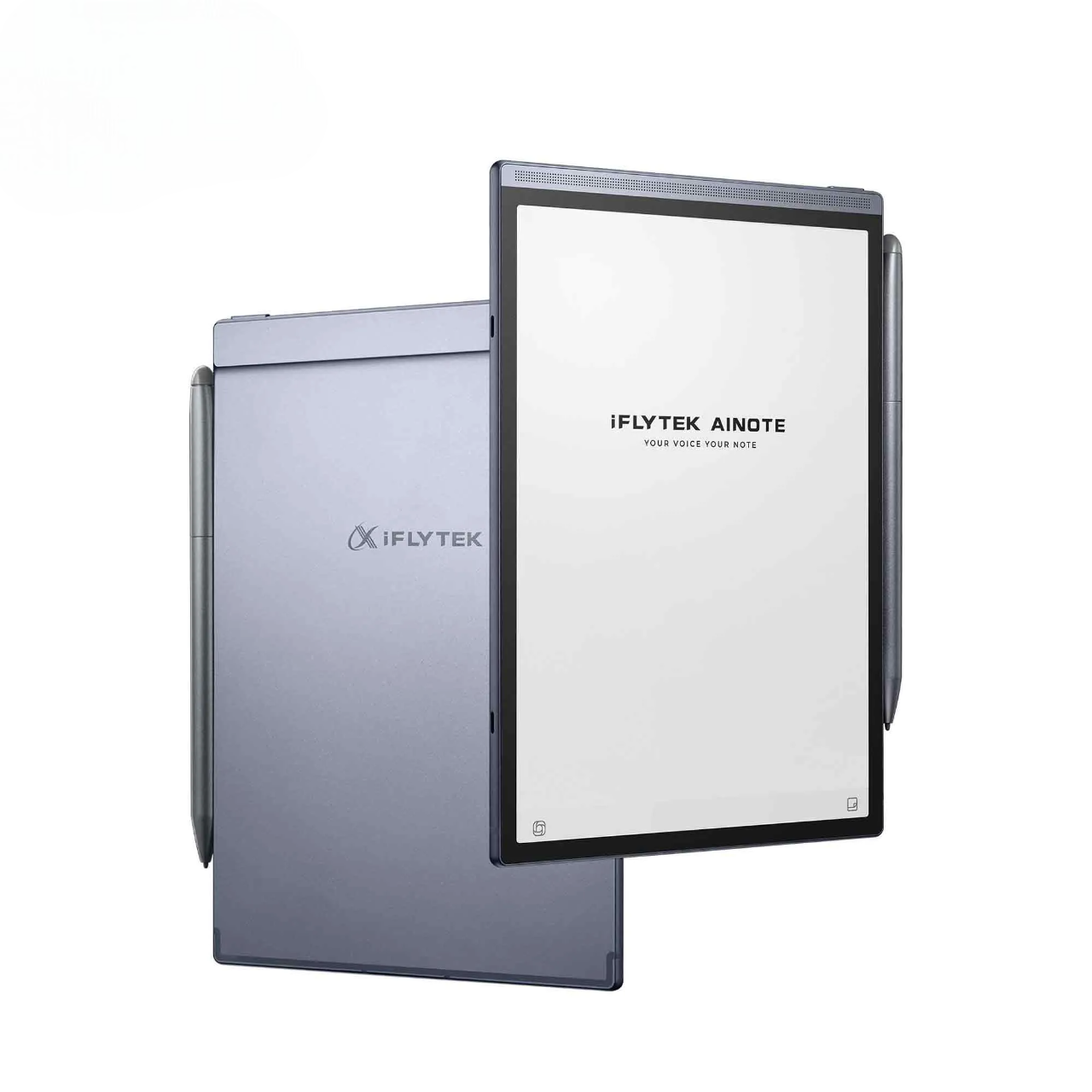
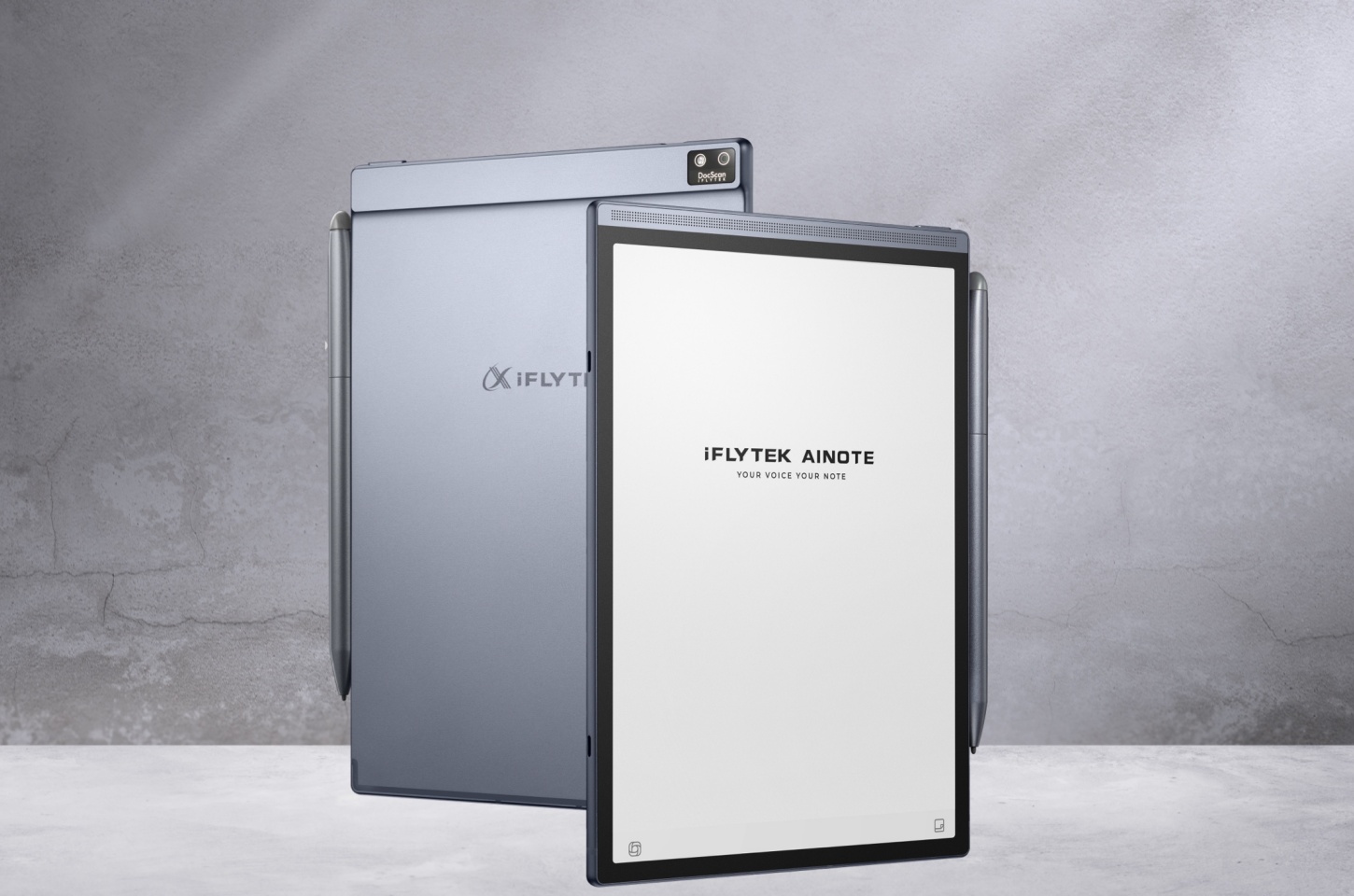
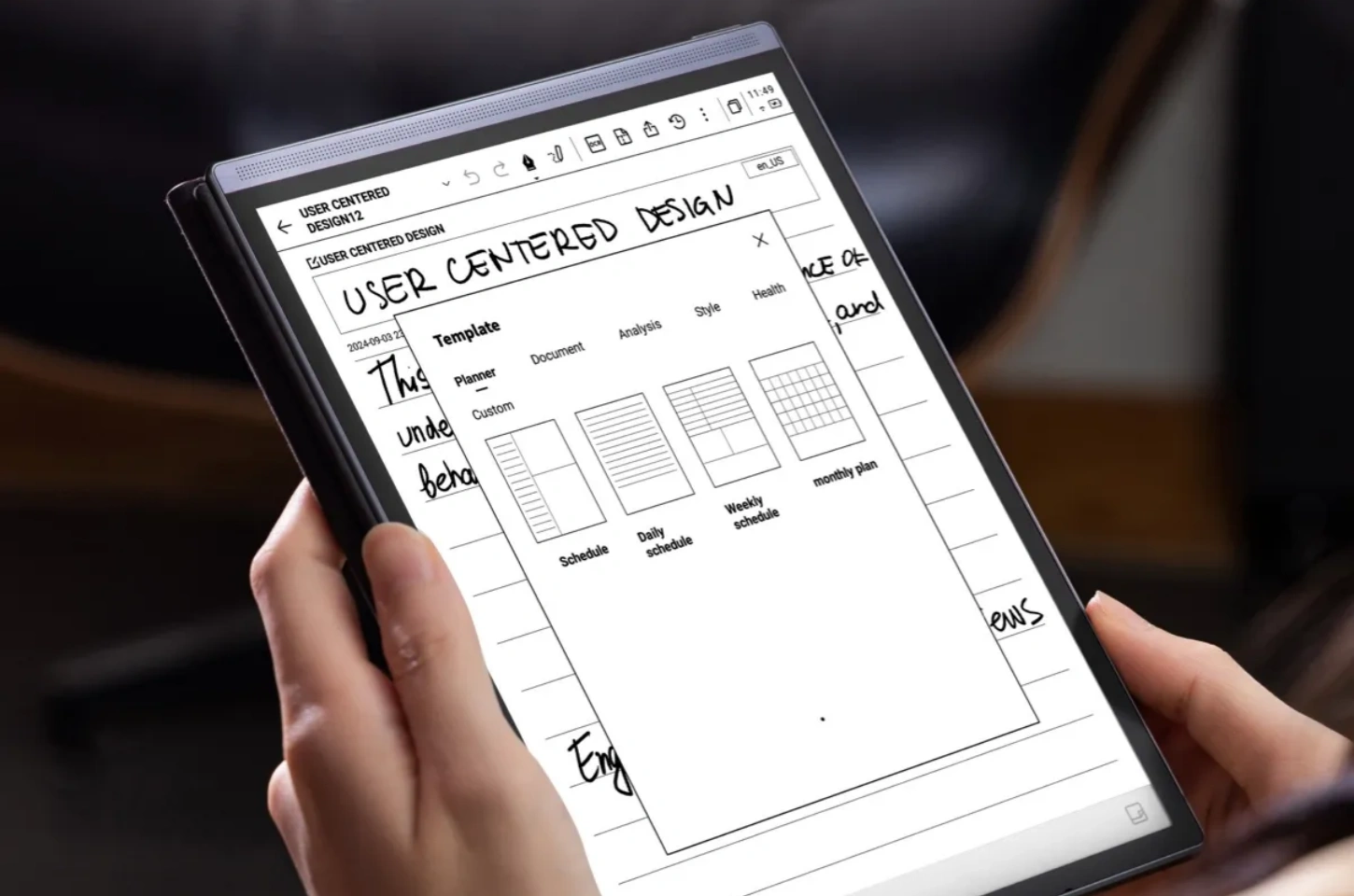
The iFLYTEK AINOTE Air 2 is a dedicated AI-powered paper tablet, ideal for students who prefer a physical tool and need to attend lecture-heavy courses rather than just an app. It serves as a versatile notebook, a creative tool, an AI assistant, a reader, and much more. These advantages are its versatile presentation.
Smart All-in-One Tool
Record, transcribe, and write at the same time. Supports 15 transcription and 10 translation languages, simplifying global meetings and lectures.
Paper-Like Writing Experience
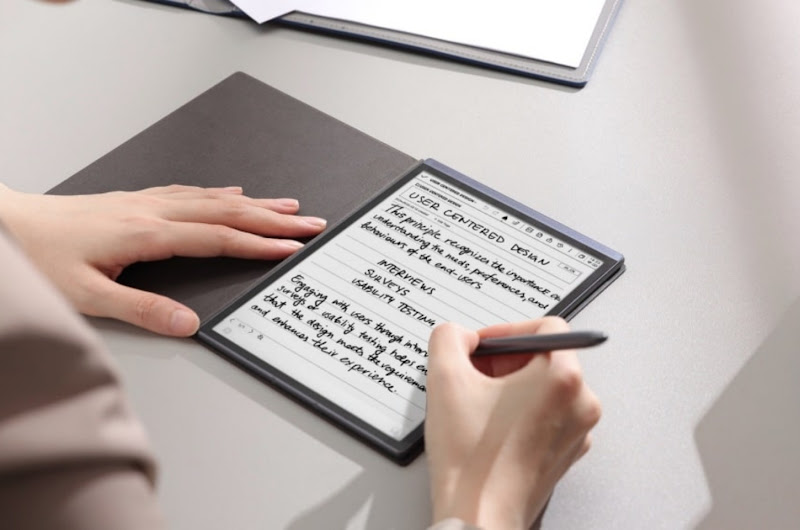
It features an 8.2-inch ultra-low latency display with 88.5% screen-to-body ratio, delivering a natural and immersive handwriting feel.
Revolutionary Note Management
It converts handwriting into searchable text, syncs securely to the cloud, and provides access across devices. This digital notebook experience ensures that organized notes are never lost and can be retrieved anytime.
Ultra-Light Productivity
Weighing only 230g, with custom templates, four pen styles, and smart task reminders, it redefines portable efficiency.
Best For: Students attending frequent lectures, especially in fast-paced or multilingual environments.
AI Software Tools: Otter.ai and Notion AI
Unlike dedicated hardware, AI software tools like Otter.ai and Notion AI offer solutions that integrate seamlessly into workflows for smarter, collaborative note-taking and study management.
Otter.ai
It is an intelligent meeting recording tool that helps users capture every detail of a meeting through real-time transcription and AI technology. It is a favorite among students and professionals.
Key features:
Supports highlights, comments, and team collaboration
Integrates with Zoom and other online platforms
Automatically adds slides and shared screen content from the meeting to the records
Best For: Students who attend online classes or want detailed lecture transcripts
Notion AI
Notion is already a high productivity app, and its AI integration makes it a strong note-taking tool.
Key features:
Automatically summarizes notes and meetings
Helps create study outlines and organize subjects
Supports collaboration and project management
Best For: Students balancing both academics and after-class projects
Comparison Table: Best AI Note-Taking Tools for Students
|
Tool/Device |
Key Features |
Best Use Case |
Price Range |
|
iFLYTEK AINOTE Air2 |
Real-time transcription, AI summarization, offline support |
Lecture-heavy courses, multilingual classrooms |
$400-$500 one-time |
|
Otter.ai |
Audio + text sync, collaboration, highlights |
Online classes, group discussions |
Free–$10/month |
|
Notion AI |
Summarization, project management, study outlines |
Organizing coursework, group projects |
Free–$8/month |
FAQs
Can AI note-taking tools replace traditional studying?
Not entirely. AI makes note-taking faster and more organized, but students still need to actively review and understand the material.These tools are aids to learning, not replacements for your entire study process.
Will AI transcription work in noisy lecture halls?
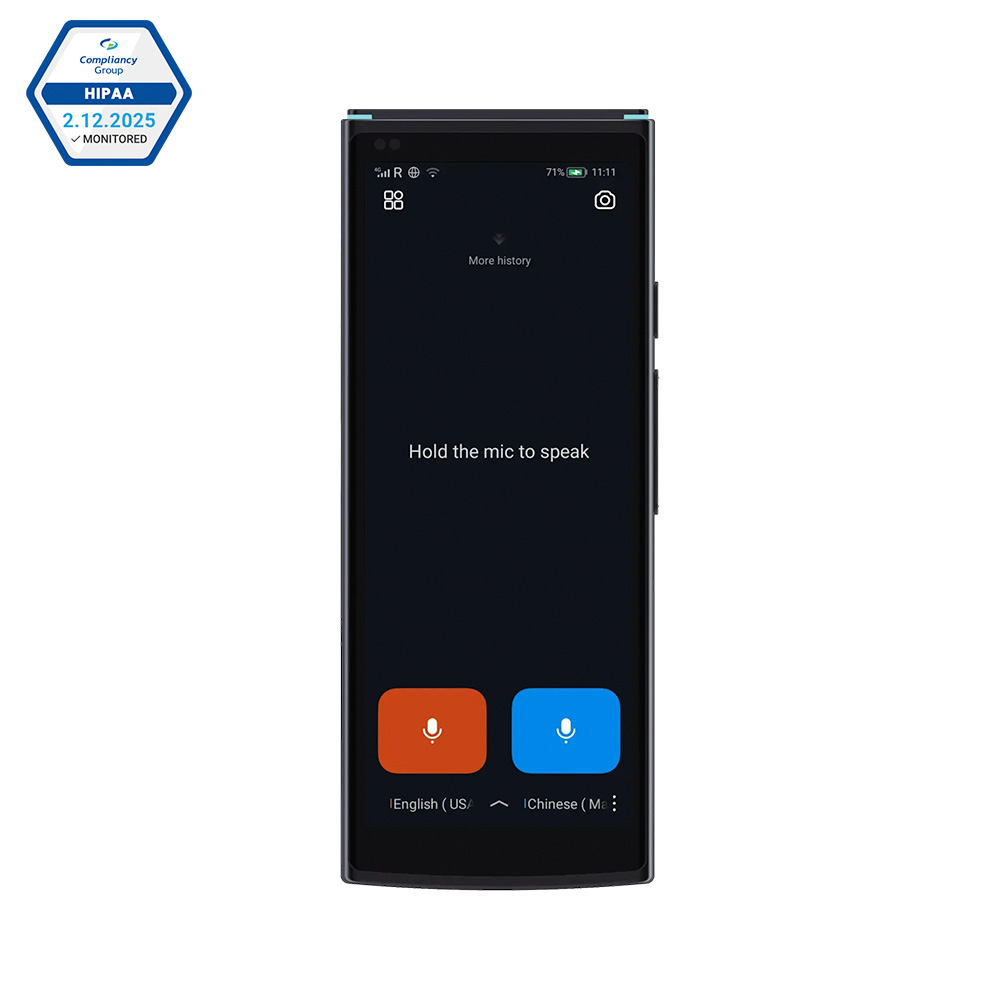
Yes. Modern tools like iFLYTEK AINOTE Air2include noise reduction, adapting complex recording environments.
Are AI tools secure for storing sensitive study notes?
Most tools use encryption and cloud security. Always check privacy policies before uploading personal or academic data.
Final Word
In 2025, AI is no longer an unreachable concept, and it’s a practical solution for daily study struggles. Students no longer need to worry about messy notebooks, missed details, or endless hours rewriting notes.If you use a dedicated device like the iFLYTEK AINOTE Air 2, AI-powered note-taking can transform how you learn, collaborate, and prepare for exams.
Read More:
Best Tablet for Reading E-books
Top Writing Tablets for Adults in 2025
iPad vs E-Ink Tablet, Which Is Best for Handwriting in 2025?