

Handwriting in the digital age becomes more and more versatile. From fluid note-taking on the iPad to the distraction-free paper feel of E-Ink tablets, users now have compelling choices. But when it comes to choosing the best digital handwriting device, which one truly fits your needs?
In this guide, we compare iPad vs E-Ink tablets for handwriting based on core features, practical usage, pros and cons, and real-world insights, hope it will help you make the best choice.
What Makes a Great Handwriting Device?
Before choosing between iPad and E-Ink tablet, it’s important to understand the essential features that define a good digital handwriting experience. This section lays the foundation for your decision by explaining the six key factors that truly matter.
|
Feature |
Why It Matters |
|
Latency |
A low-lag stylus ensures handwriting feels instant and natural. |
|
Pressure Sensitivity |
Important for realistic pen strokes. Light or heavy writing appears just right. |
|
Screen Texture |
Matte screens offer paper-like resistance, improving accuracy and comfort. |
|
Battery Life |
Especially critical for students, travelers, and professionals on the go. |
|
App & Sync Ecosystem |
A seamless system helps store, organize, and back up notes with ease. |
|
Focus and Distraction Level |
A writing tool should help you think, not distract you with social media or alerts. |
iPad for Handwriting
The iPad is often the go-to choice for users who want an all-in-one device. In this section, we explore how the iPad performs when it comes to handwriting.
What iPad Does Well
- Responsive and Smooth Writing: Apple Pencil 2 offers pixel-perfect precision with near-zero latency.
- Advanced App Support: Popular apps like Notability and GoodNotes provide templates, audio syncing, searchable notes, and more.
- Productivity Beyond Notes: Great for editing documents, watching videos, reading, or browsing.
- Cloud-First Integration: Easily connects with iCloud, Google Drive, OneDrive, and more.
Where iPad Falls Short
- Less Natural Feel: Writing on glass is slippery and requires accessories to feel “right.”
- Limited Battery Life: Even the best iPad needs charging daily under normal use.
- Overwhelming Interface: Too many notifications and app temptations lead to less focus.
- Higher Total Cost: Between the iPad and Apple Pencil, you’re looking at a significant investment.

Why E-Ink Tablets Are Gaining Popularity in 2025
E-Ink tablets are designed with one thing in mind: focused, comfortable writing. In this section, we’ll explore how E-Ink devices create a superior environment for deep thinking, clean note-taking, and eye-friendly reading without distractions.
Advantages of E-Ink Tablets
- Paper-Like Texture: Matte screens mimic real paper, offering better control and satisfaction.
- No Screen Fatigue: E-Ink is easy on the eyes, even after long hours of reading or writing.
- Weeks of Battery Life: Most E-Ink tablets last 2–3 weeks per charge, far outperforming iPads.
- Simplified Interface: No browser tabs, no social media—just you and your notes.
- Cleaner, Smudge-Free Notes: Say goodbye to ink-stained hands and smudged pages.
Why iFLYTEK AINOTE AIR2 Is the Best E-Ink Tablet for Handwriting
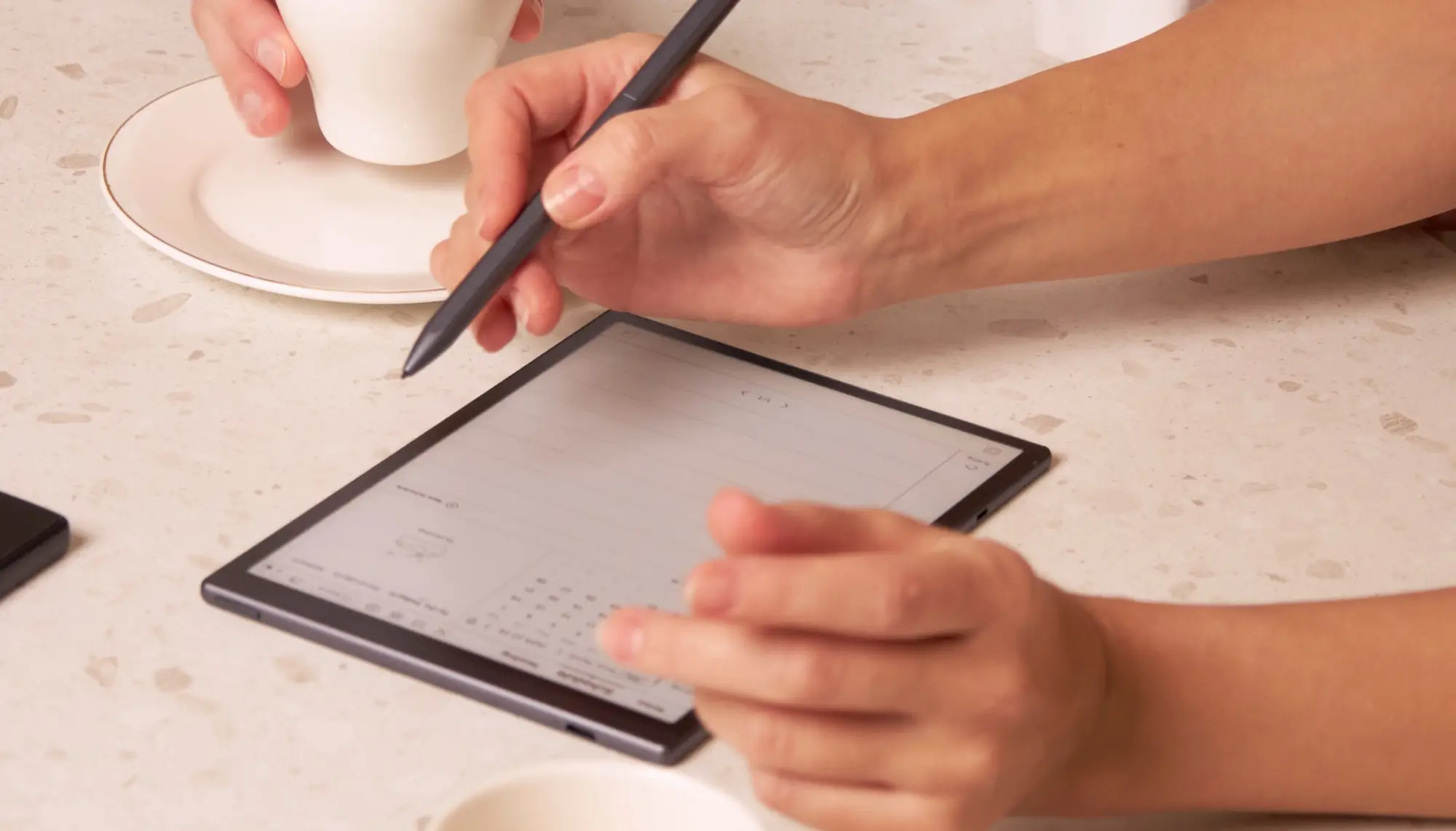
Among the rising stars in the E-Ink world, the iFLYTEK AINOTE AIR 2 shines brightest. This section highlights why this lightweight, AI-powered device is quickly becoming the top choice for students, professionals, and creators.
What Makes AINOTE AIR 2 Stand Out for Handwriting
The iFLYTEK AINOTE AIR 2 is an advanced AI-powered handwriting assistant built for people who think and write with intention. If you’re comparing iPad and E-Ink for digital writing, these features prove why the AINOTE AIR 2 is the smarter, cleaner, and more focused tool for handwriting in 2025:
1. Ultra-Realistic Paper-Like Writing Feel
Thanks to its anti-glare, matte-textured 8.2-inch E Ink screen and low-latency Wacom stylus, writing on AINOTE AIR 2 feels incredibly close to traditional pen on paper.
2. Low Latency + High Precision Stylus
Every stroke is instant and precise, even during fast note-taking or complex sketching.
3. AI Handwriting Recognition in 83 Languages
AINOTE AIR 2 instantly converts your handwriting into typed, searchable text. It’s fast, accurate, and a game-changer for messy note-takers.
4. Handwriting + Audio Sync
Tap any point in your handwritten note, and AINOTE AIR 2 will instantly replay the exact moment in the audio recording. Perfect for reviewing context or recalling speaker tone and emphasis.
5. Smart Search with AI
Searching for key ideas in handwritten notebooks is finally easy. With AINOTE AIR 2, you can simply circle or underline important handwritten content, and the built-in AI-powered by a large language model will instantlysearch and locaterelated segments across your notes and meeting transcripts.
6. Smart Schedule Integration from Handwritten Notes
Draw a star to mark a task or circle a date and AINOTE AIR 2 will automatically extract it and add it to your calendar. It bridges analog freedom with digital productivity.
7. Eco-Friendly Alternative to Paper
Say goodbye to paper clutter. AINOTE AIR 2 lets you write, organize, revise, and export without ever wasting a single sheet, it’s definitely an ideal companion for sustainable productivity.
iPad vs AINOTE AIR 2: Direct Comparison
Now that you understand what each device offers, here’s a side-by-side comparison to help you decide. This section puts the features in context, so you can quickly see which tablet fits your real-life needs better.
|
Feature |
iPad Pro + Apple Pencil |
iFLYTEK AINOTE AIR 2 |
|
Writing Feel |
Smooth but slippery |
Just like writing on paper |
|
Battery Life |
8–12 hours |
1–3 weeks |
|
Distraction Level |
High (notifications, multitasking) |
Zero distractions |
|
Cloud Sync |
Yes (via apps) |
Yes (automatic + native) |
|
Handwriting Recognition |
Via apps only |
Built-in AI handwriting recognition |
|
Portability |
Moderate |
Ultra-lightweight |
|
Best For |
All-in-one users |
Dedicated writers and focused thinkers |
If you want a powerful, multi-use device for watching content and browsing the web with excellent handwriting features as a bonus, the iPad Pro is your pick.
But if your priority is focused writing, eye comfort, long battery life, and AI-enhanced organization, then the iFLYTEK AINOTE AIR 2 is hands-down the better choice.
Looking to boost your productivity beyond note-taking? Pair the iFLYTEK AINOTE AIR 2 with iFLYTEK’s AI translator and voice recorder device to streamline communication, capture meetings, and manage multilingual content—all with one smart ecosystem built for efficiency.
Related articles:
1. Why Choose iFLYTEK AINOTE Air 2 Digital Notebook?
2. Best E-ink Tablet for Note Taking
4. Why E Ink Tablet is Perfect for Note-Taking? — iFLYTEK AINOTE Air 2 Review



