Video preview unavailable
Transcribe in 19 languages and translate in 15, helping you follow conversations across language barriers.
If you cannot find your area, please contact us.
Black Friday & Cyber Monday
Great ideas. Exceptional offers.

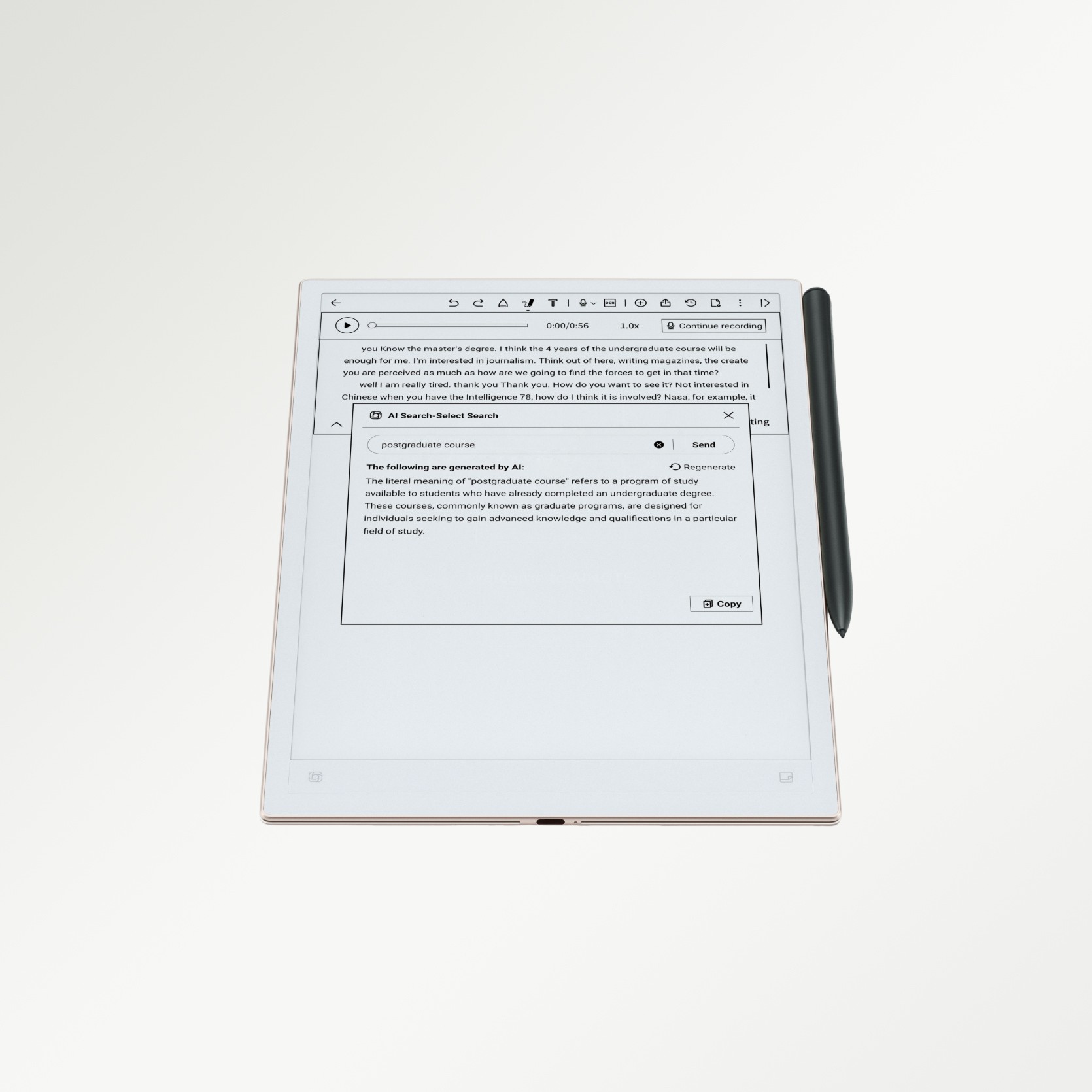



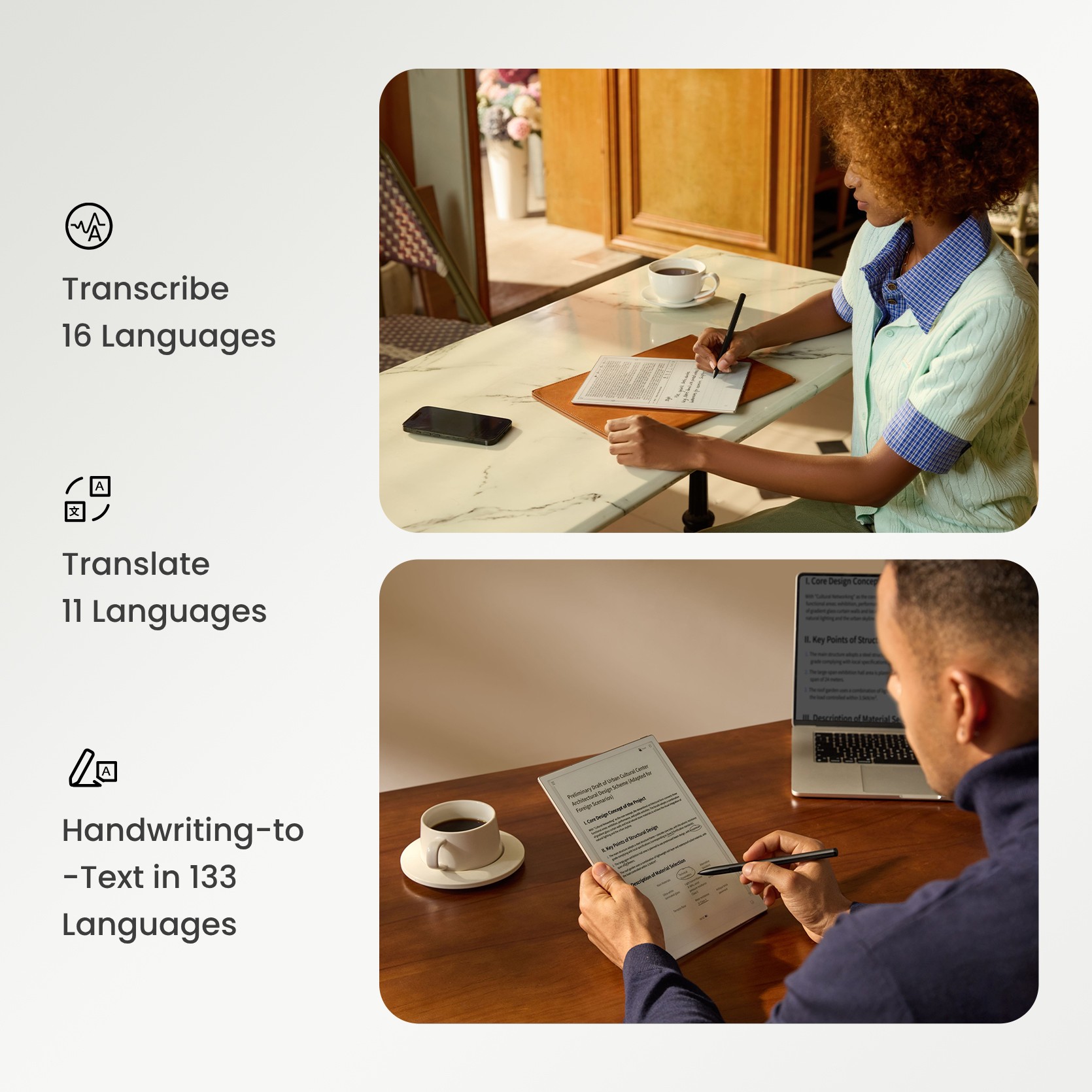

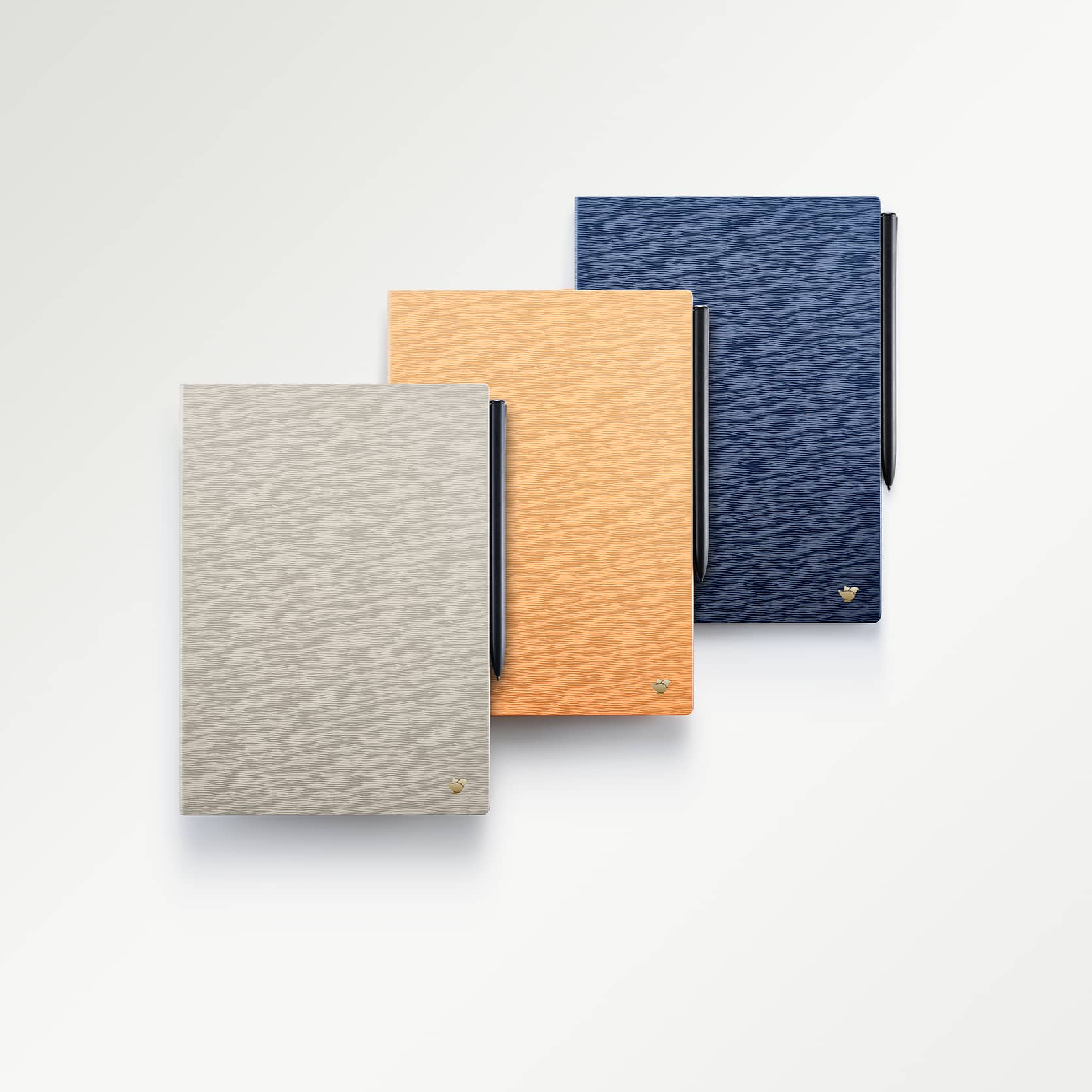
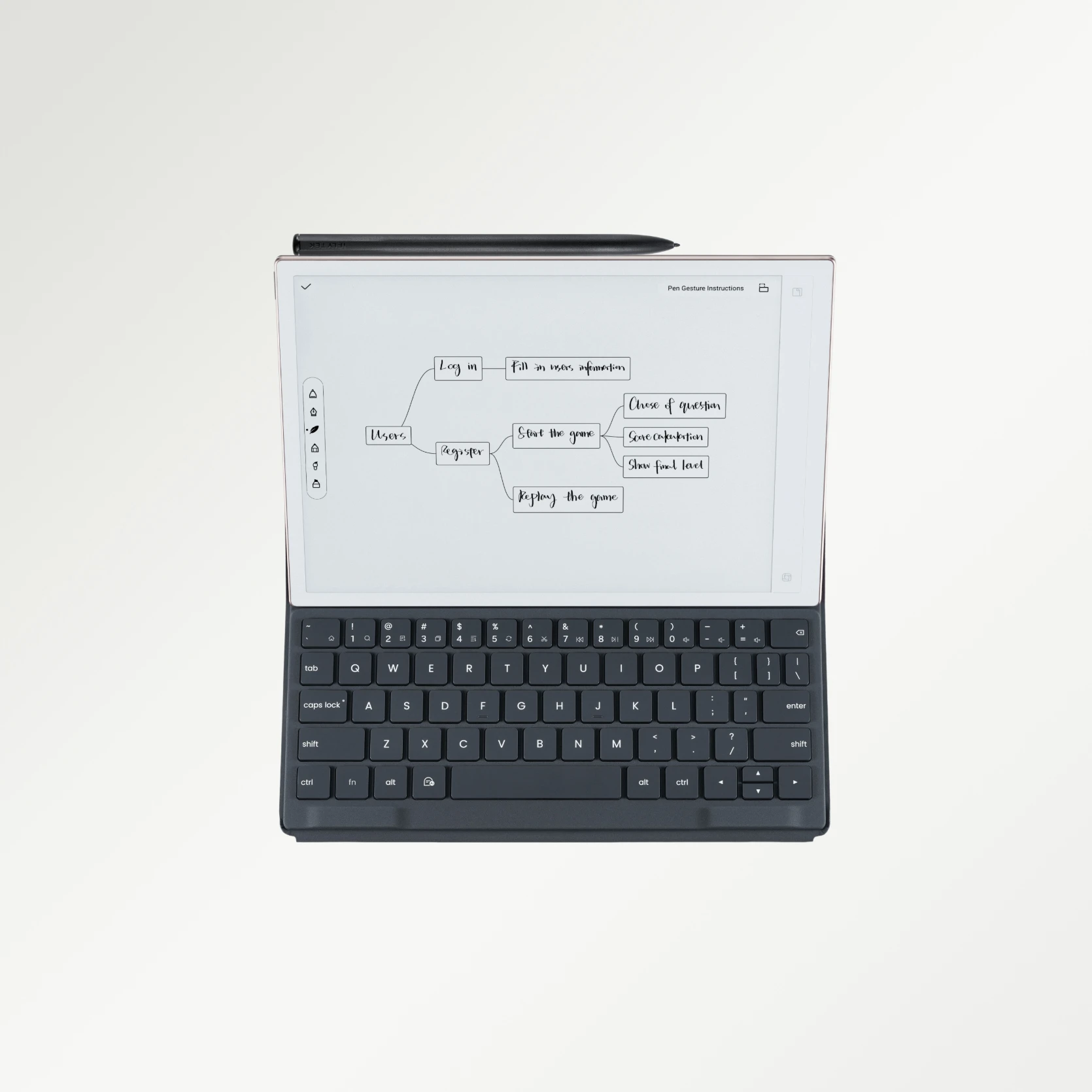
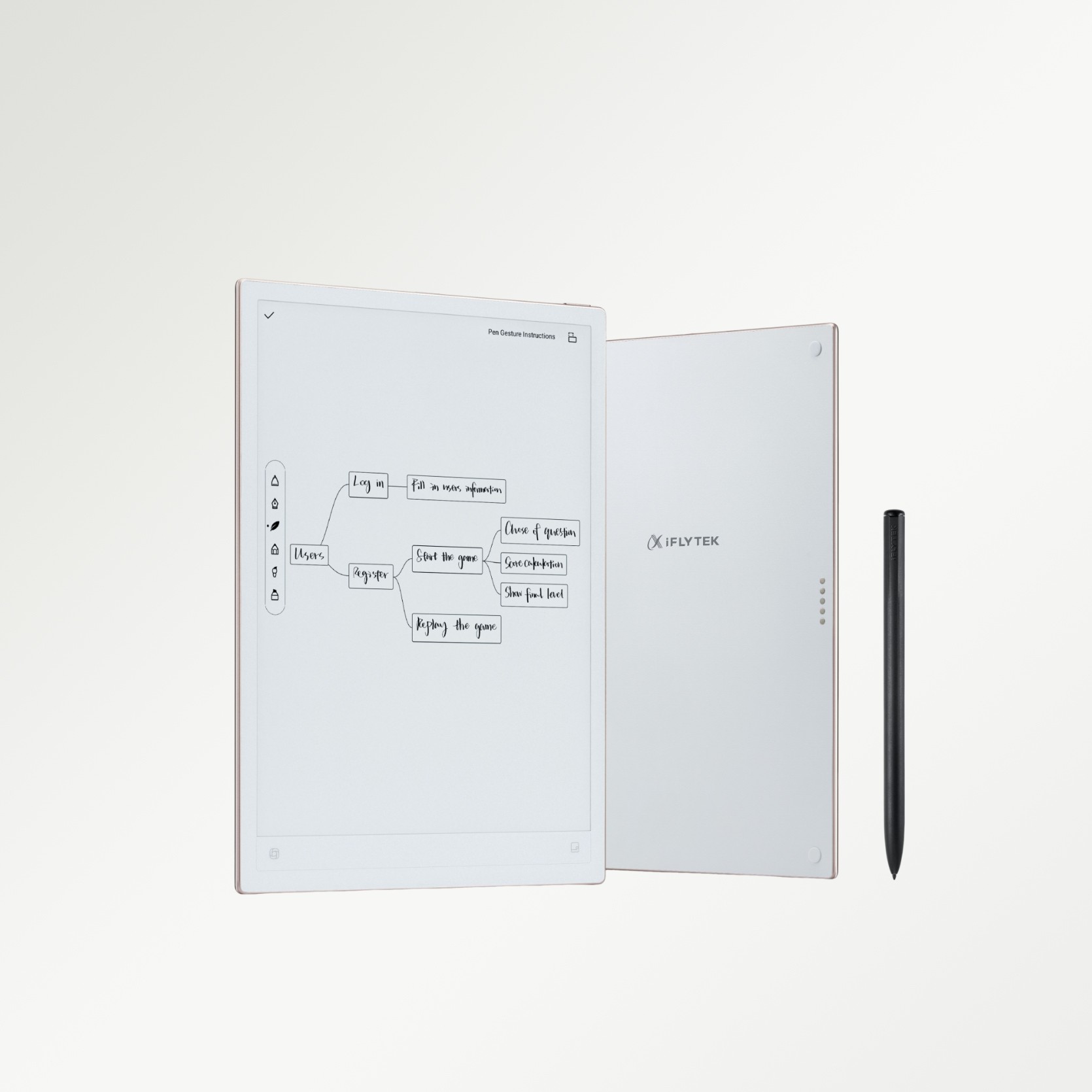
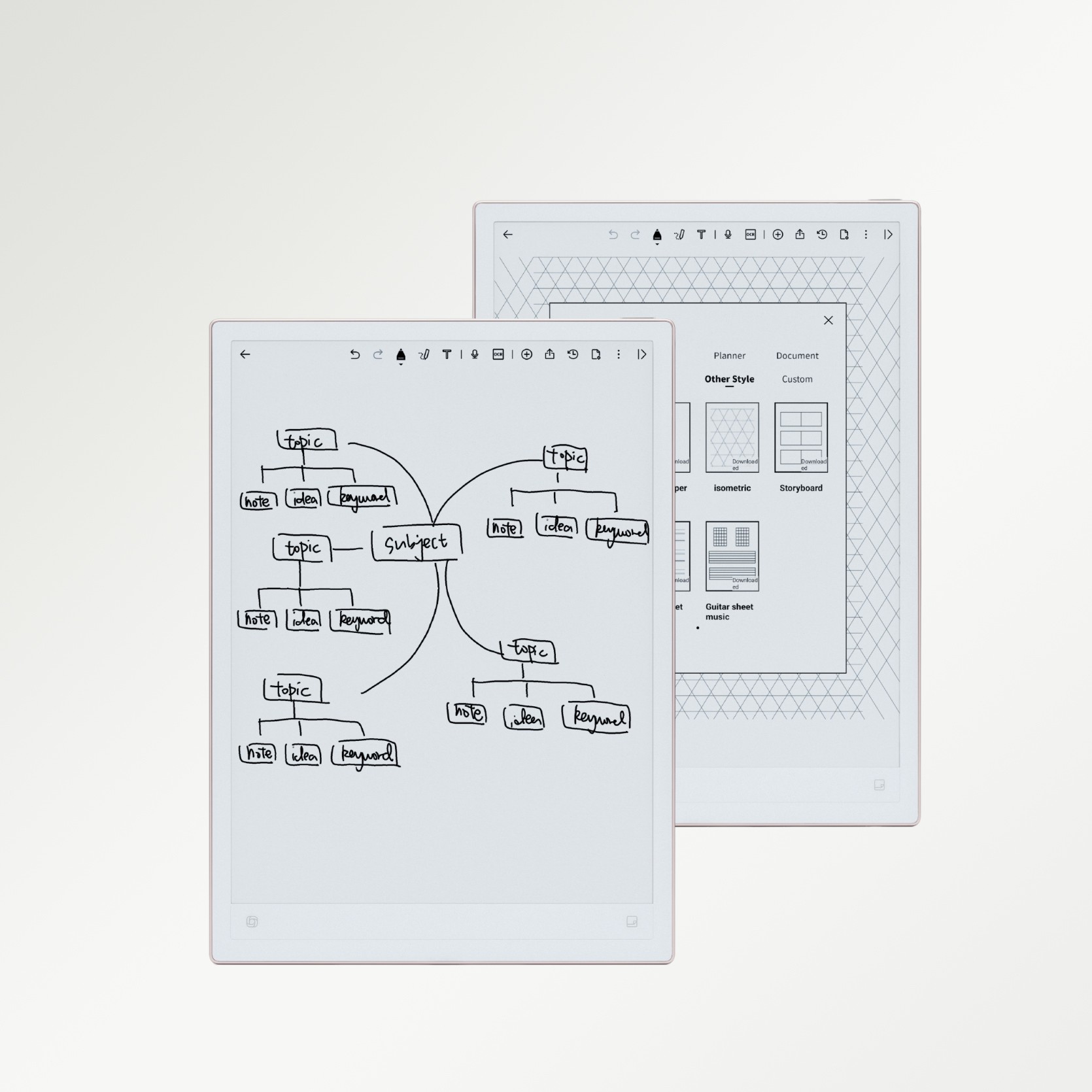
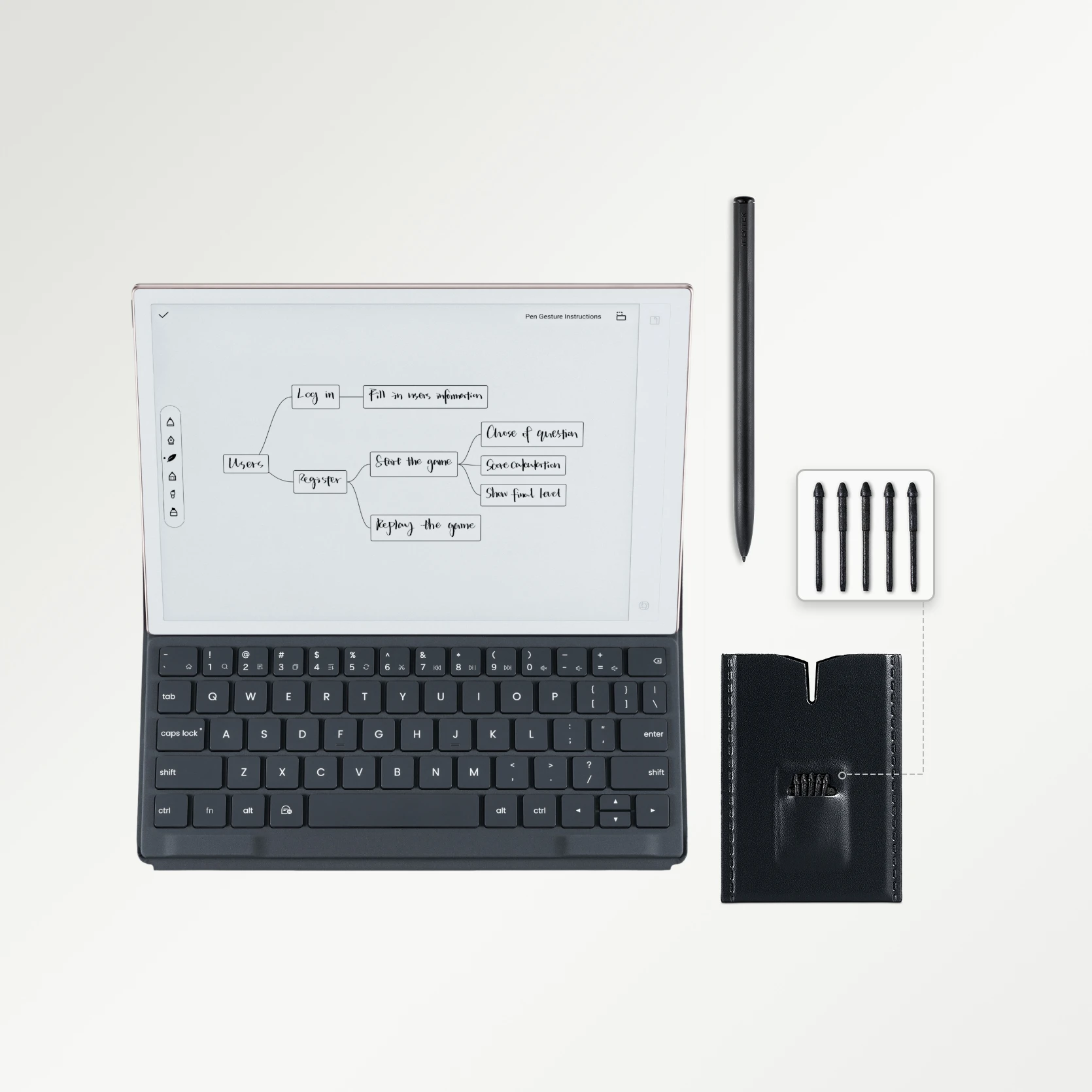
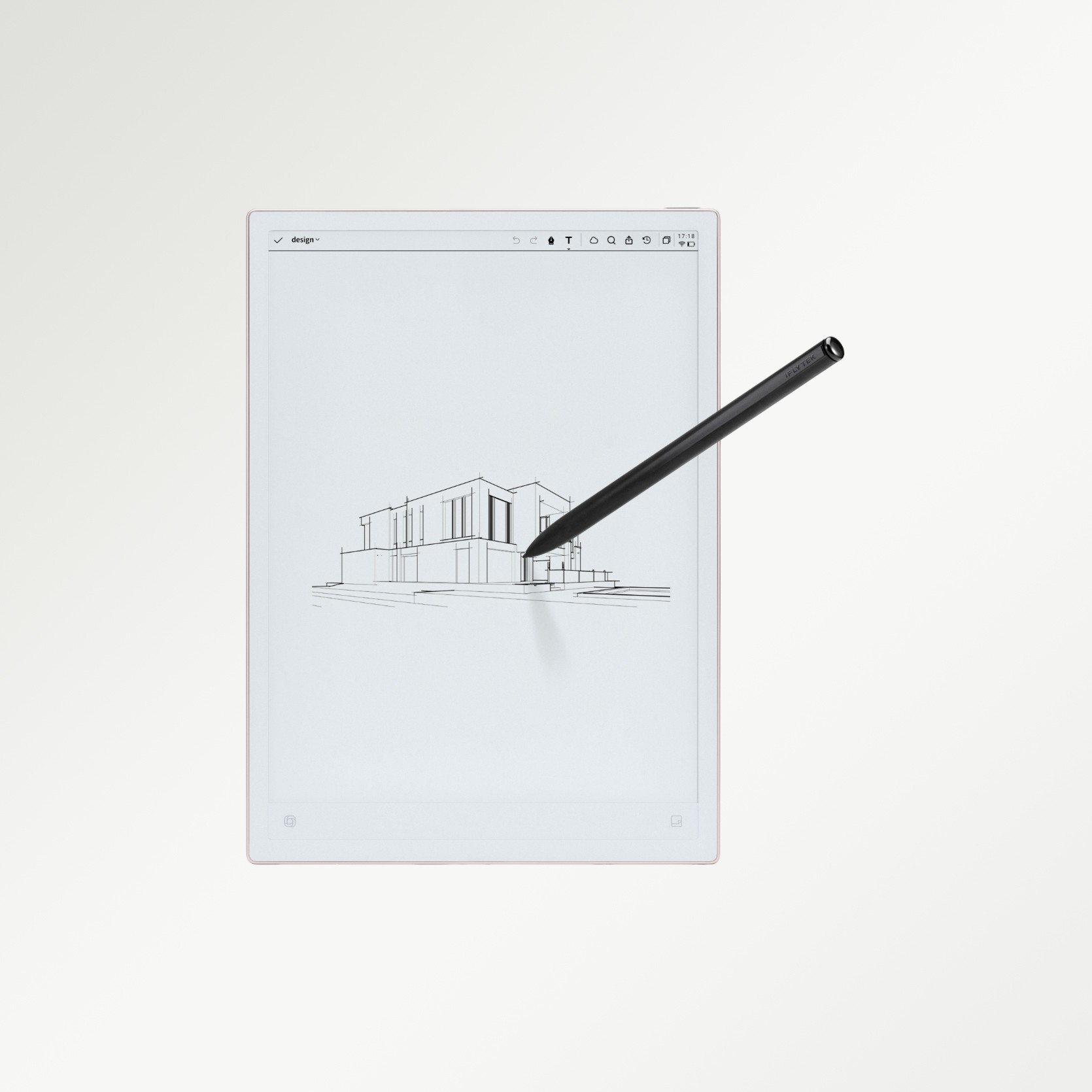
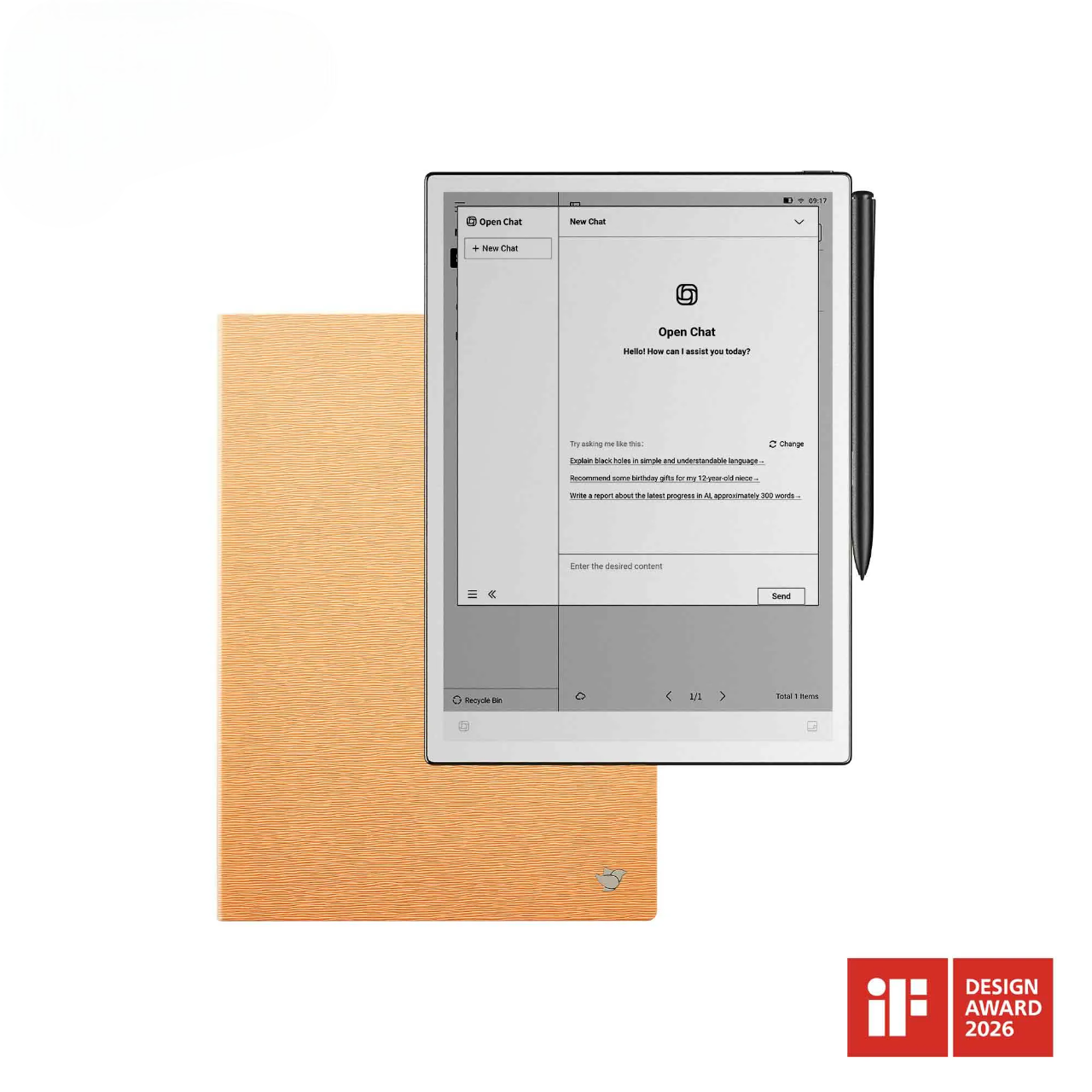
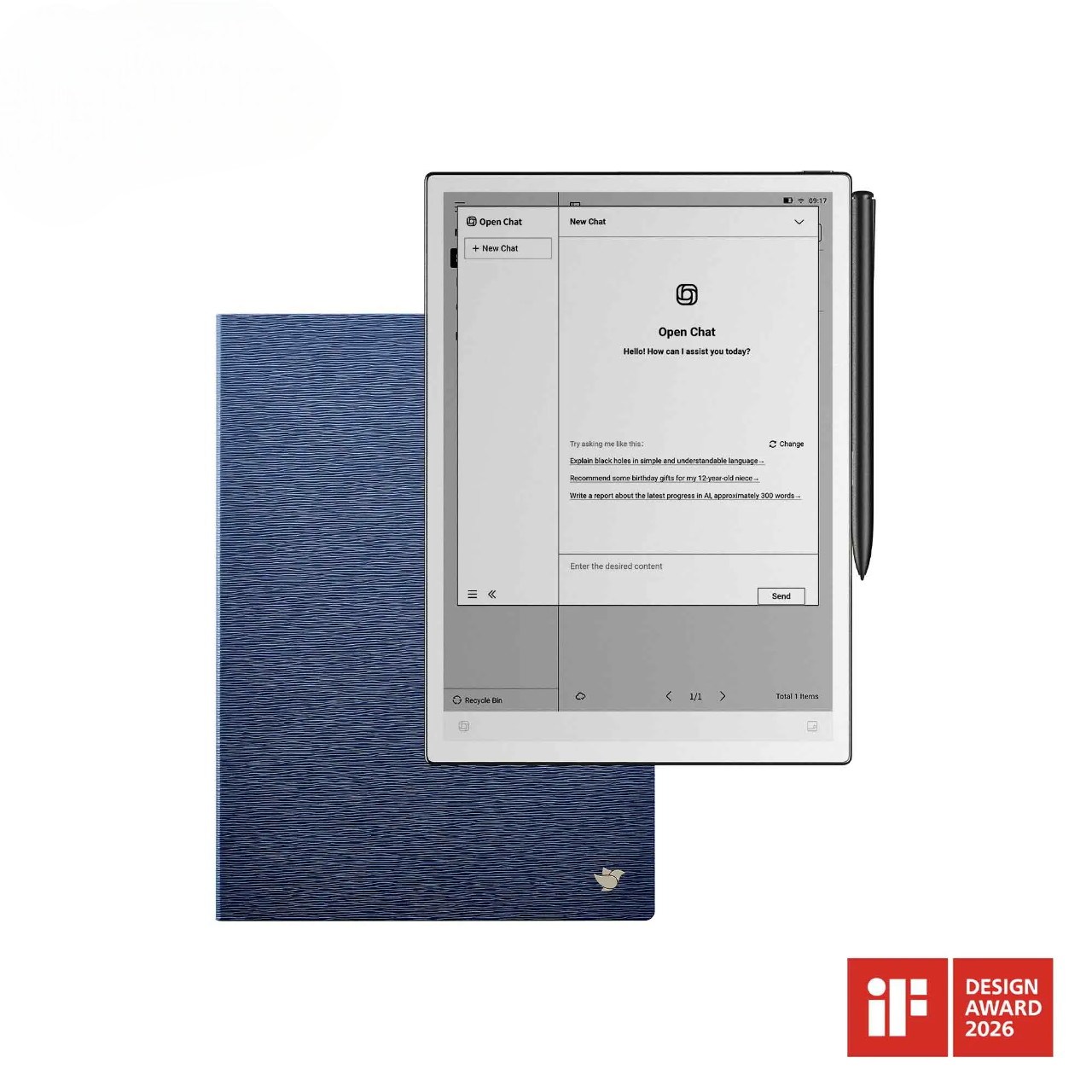
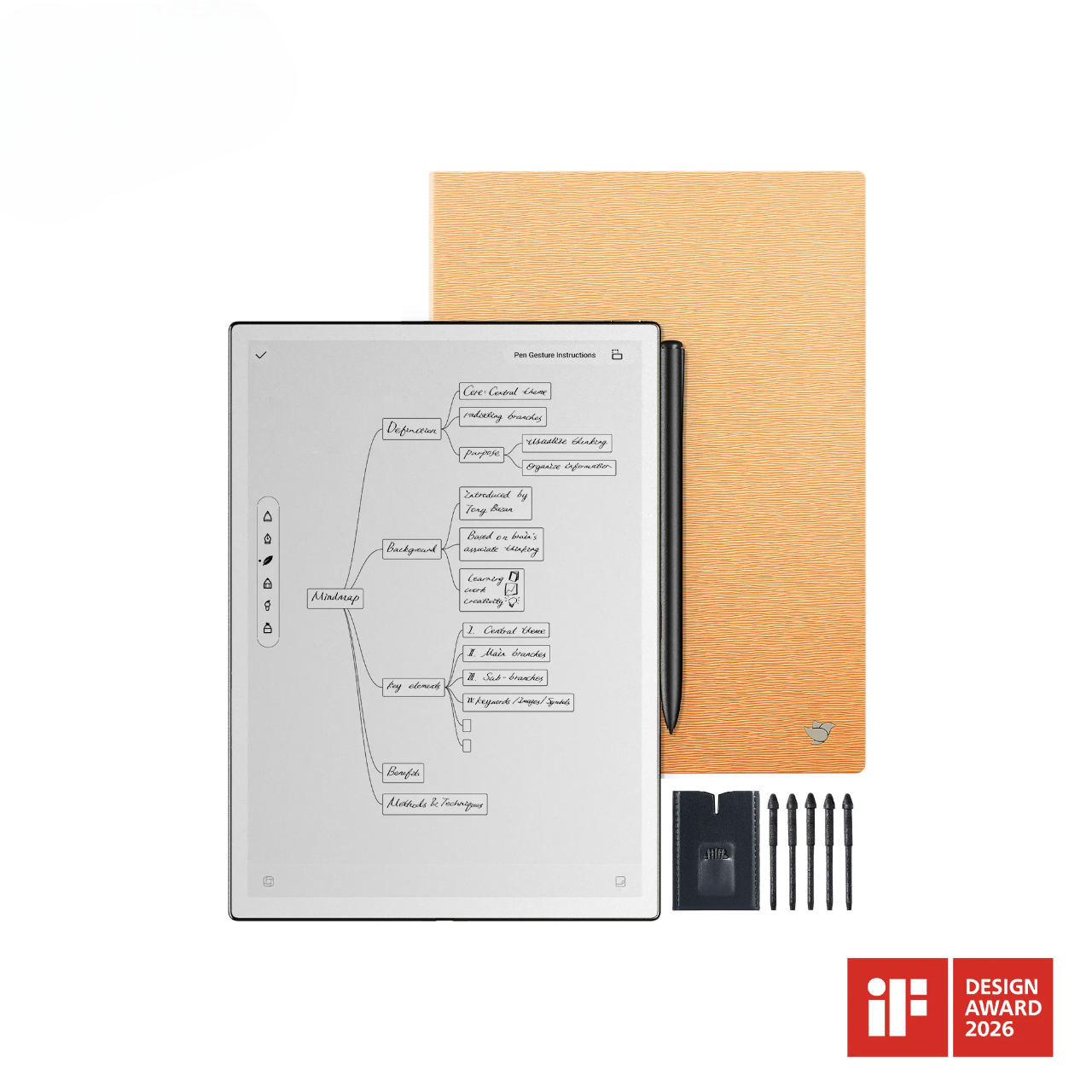
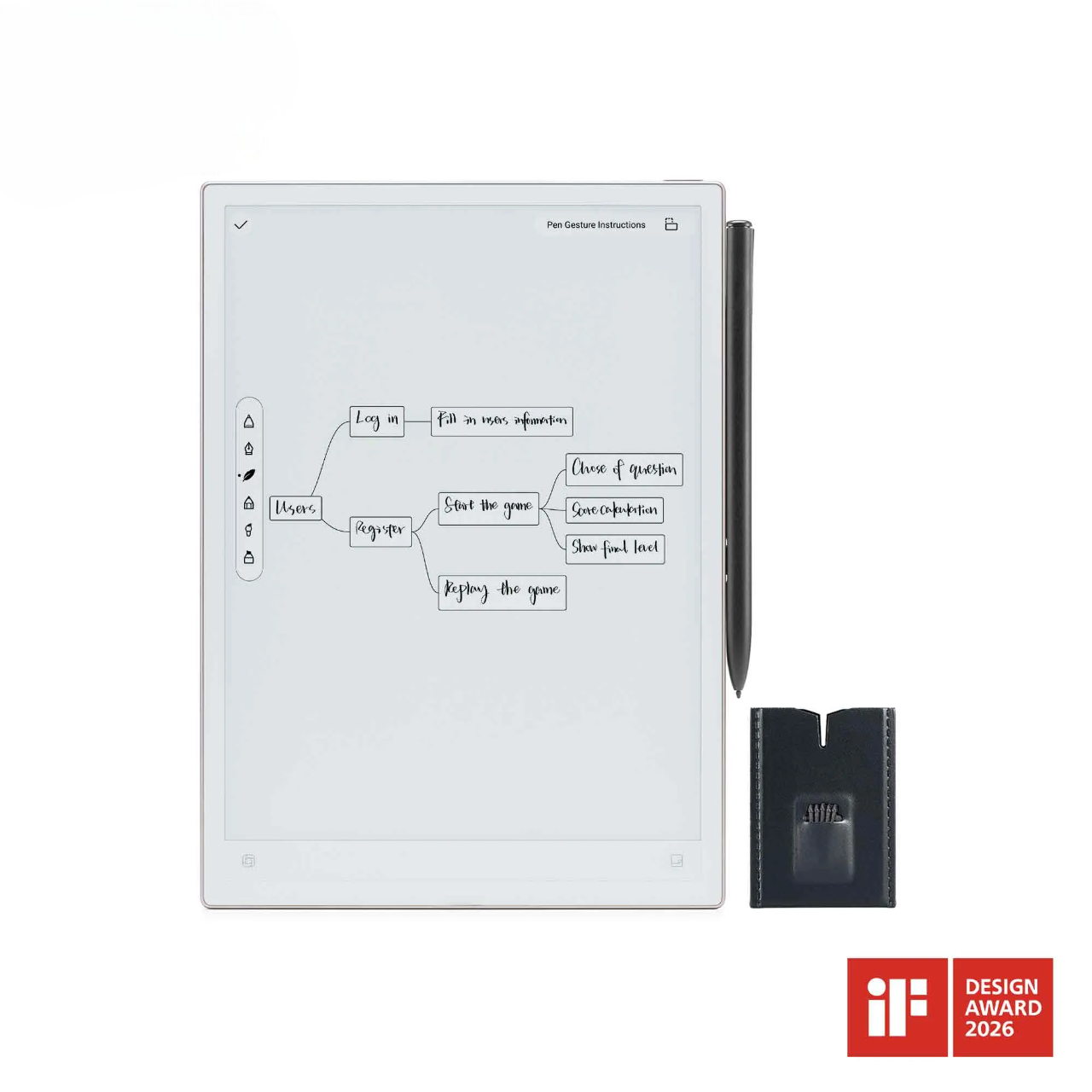
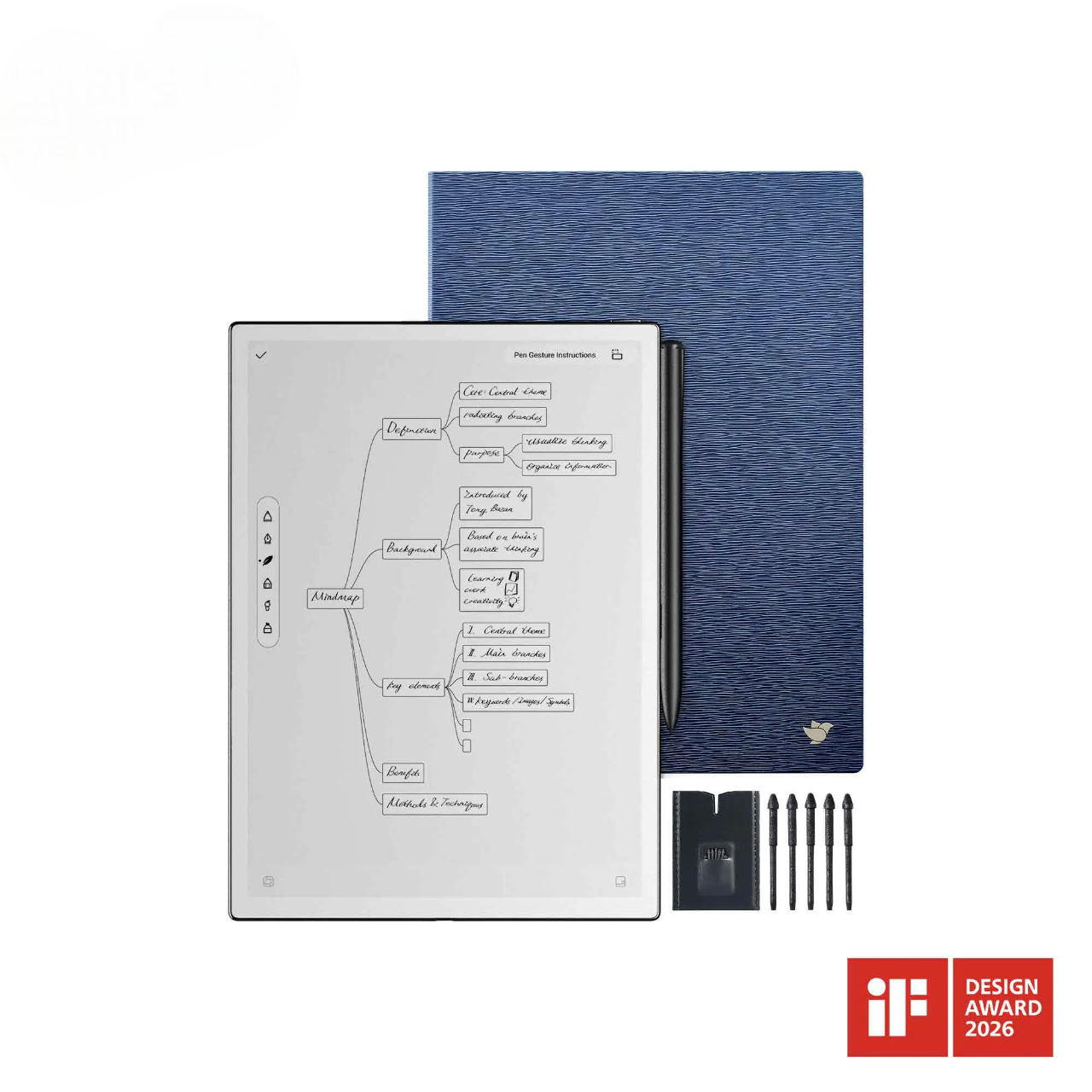
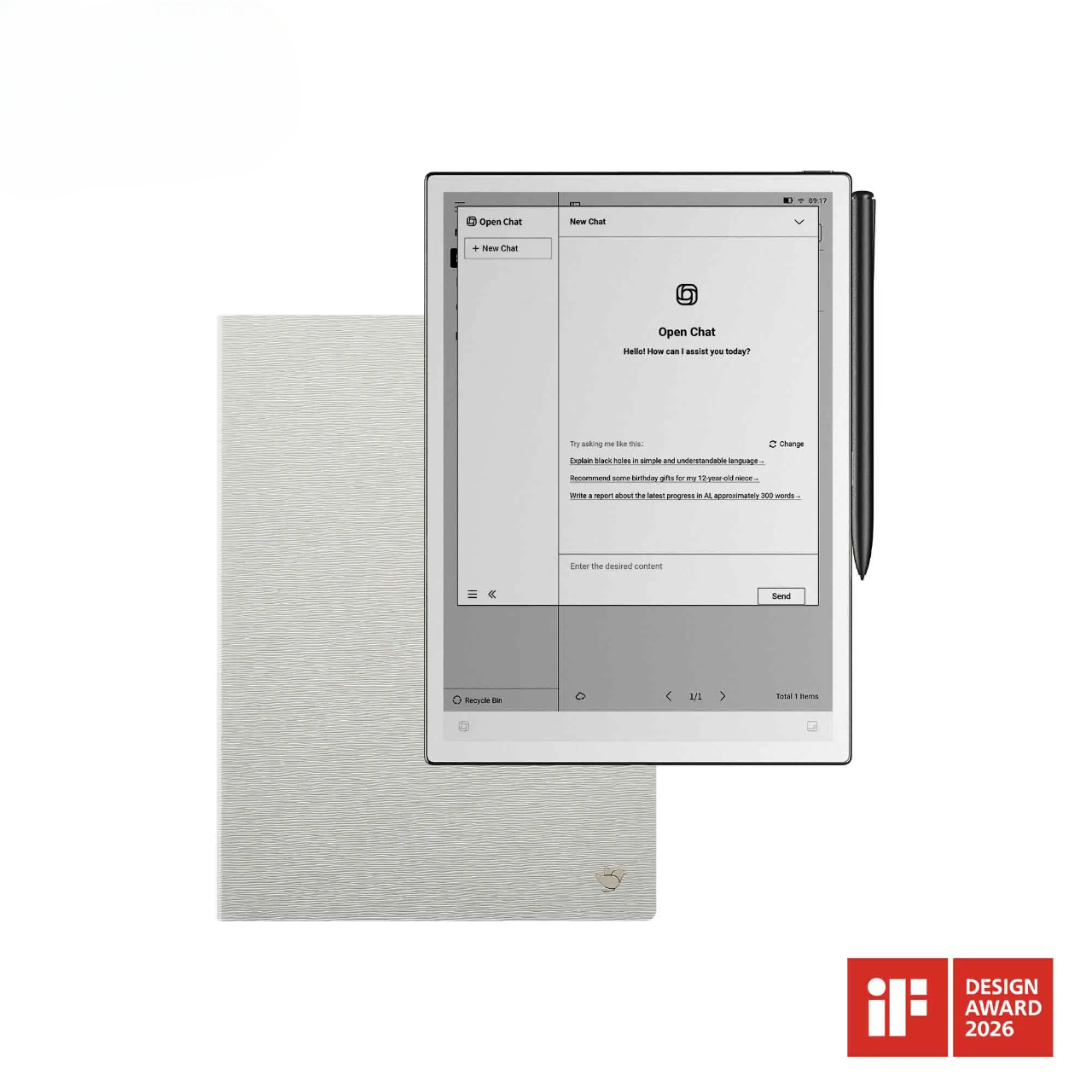
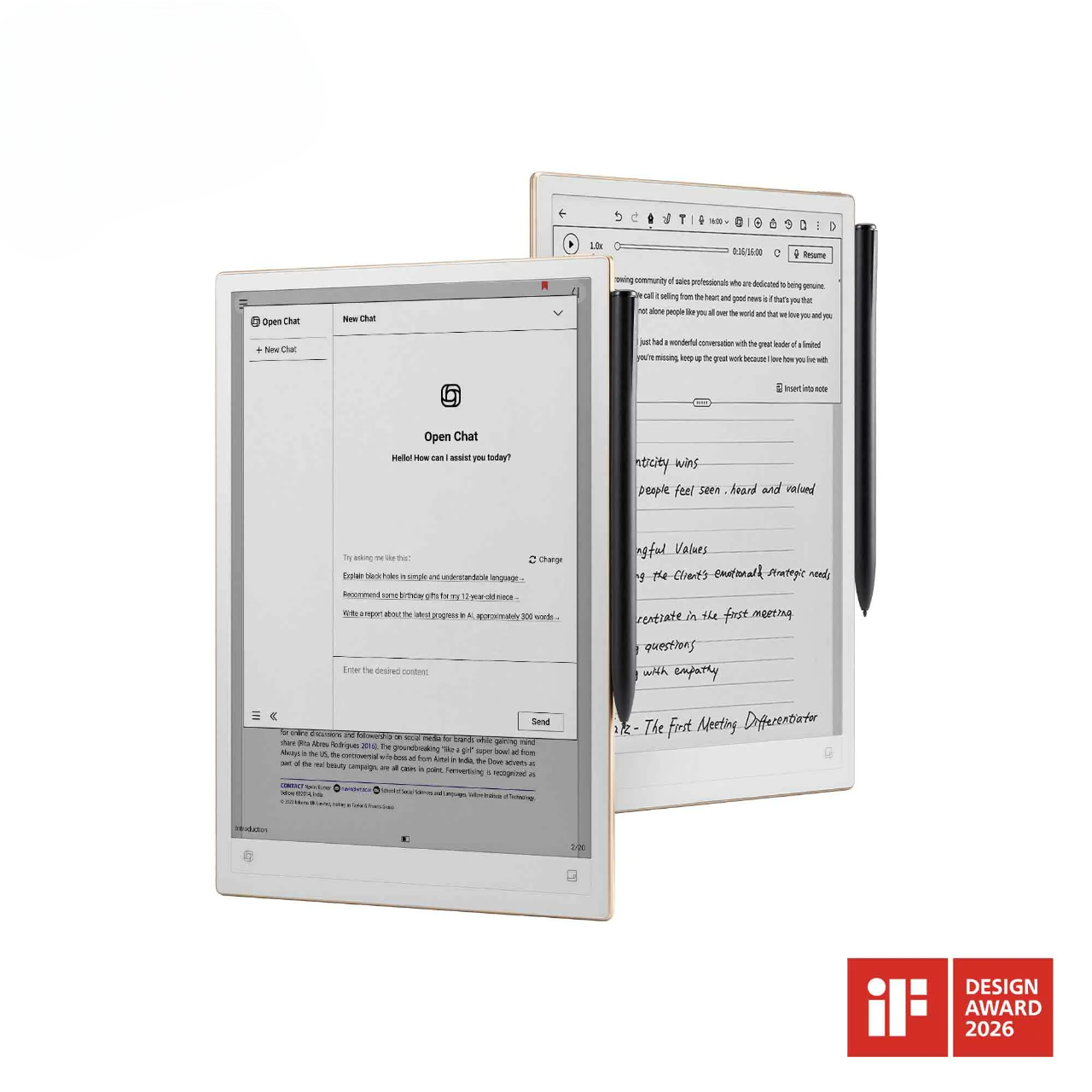


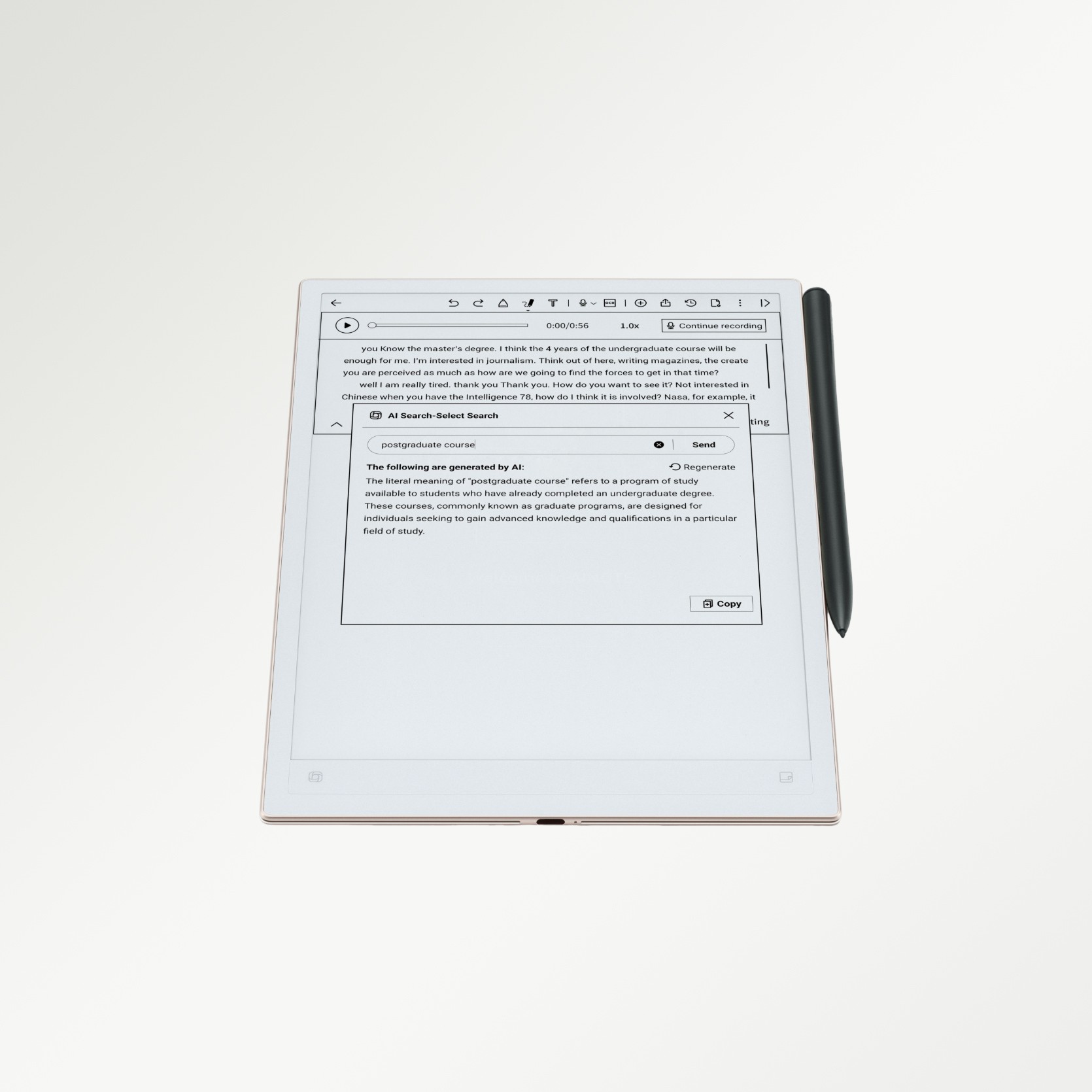



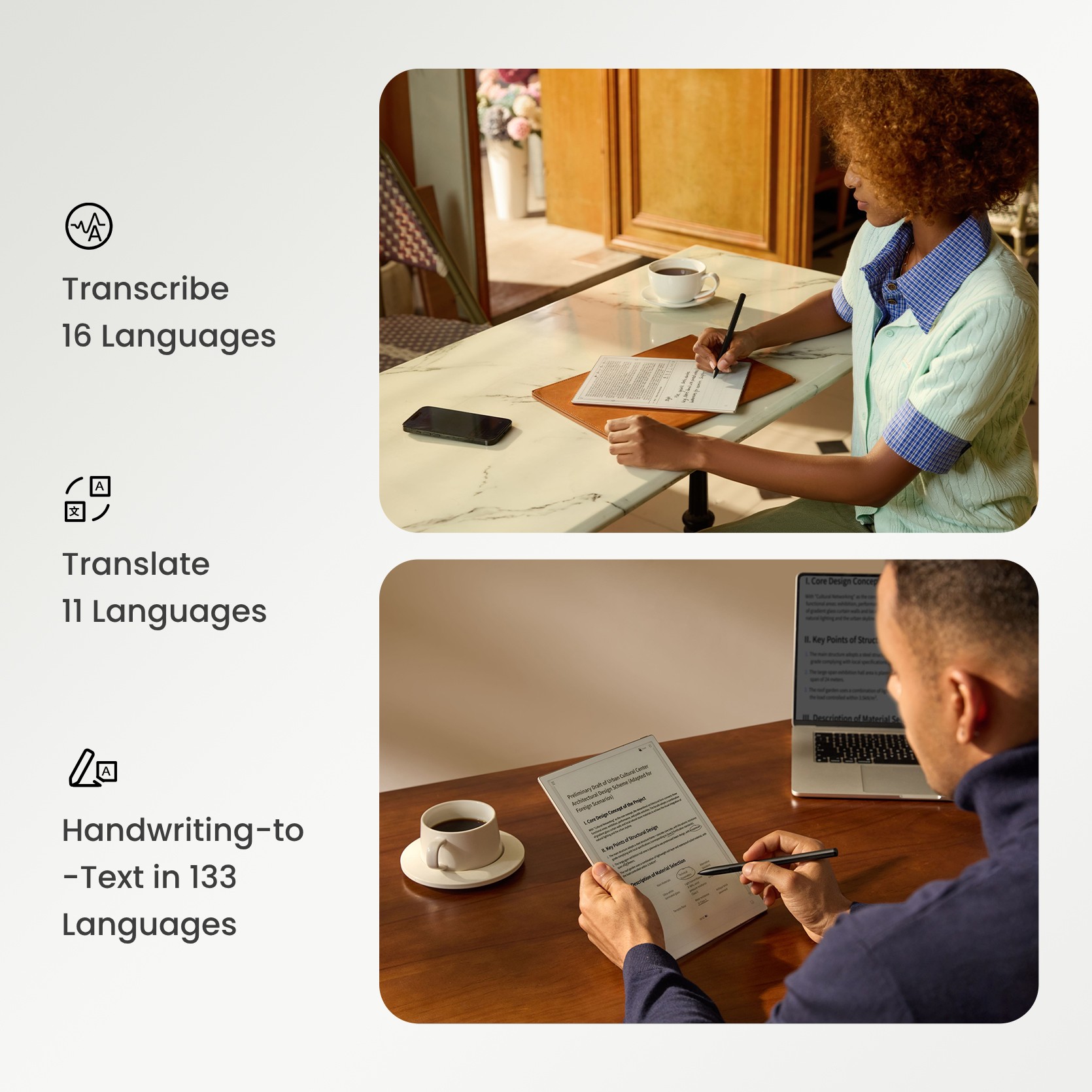

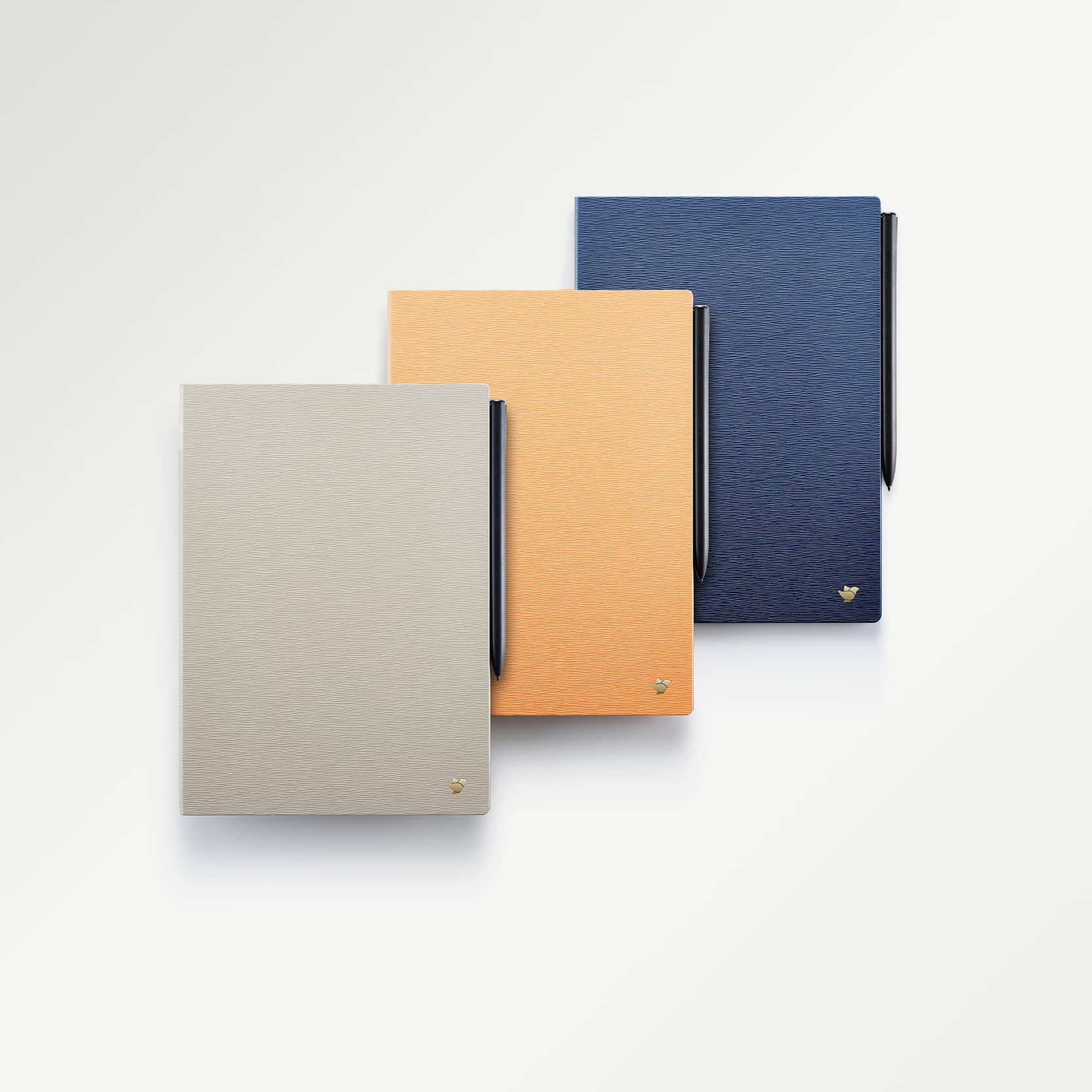
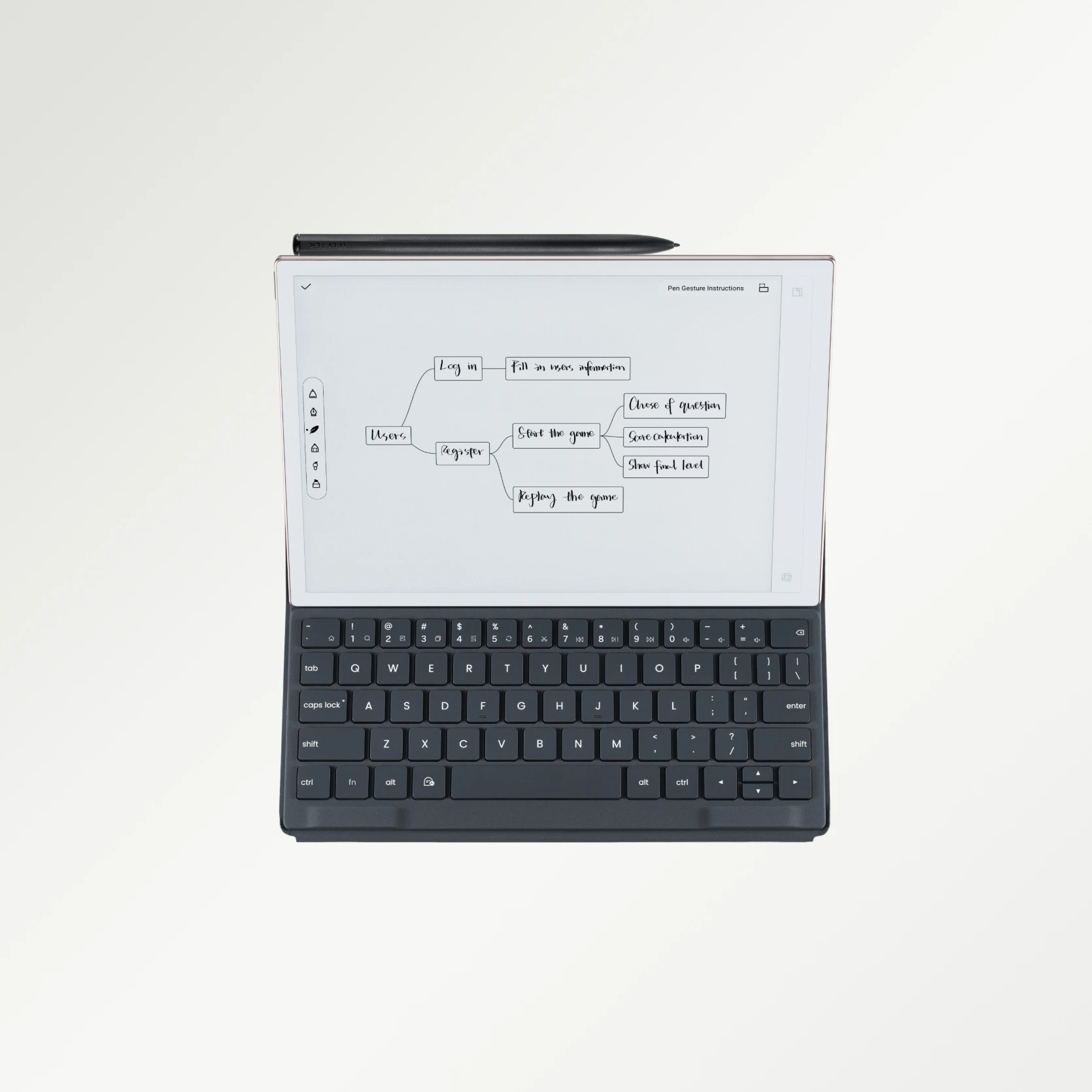
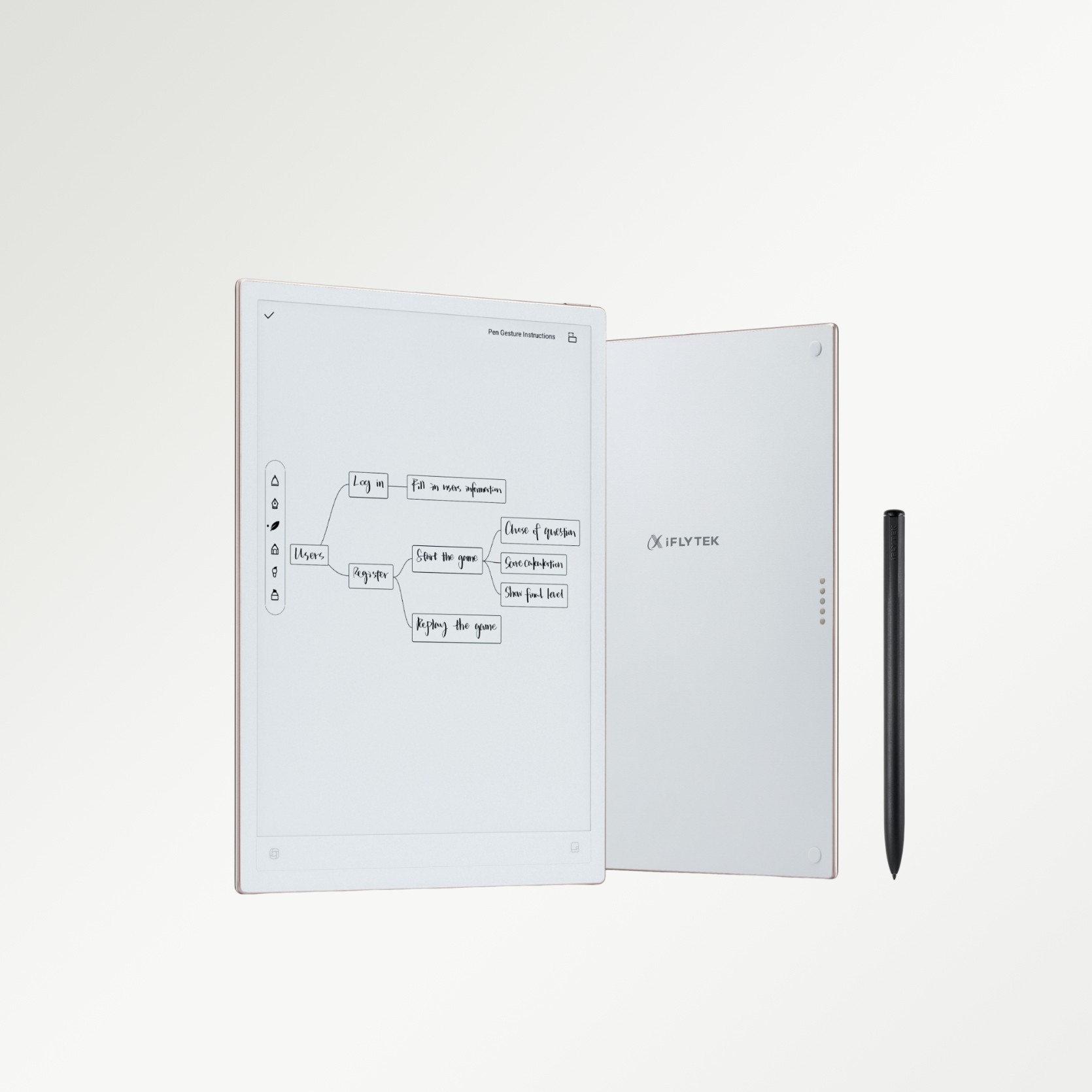
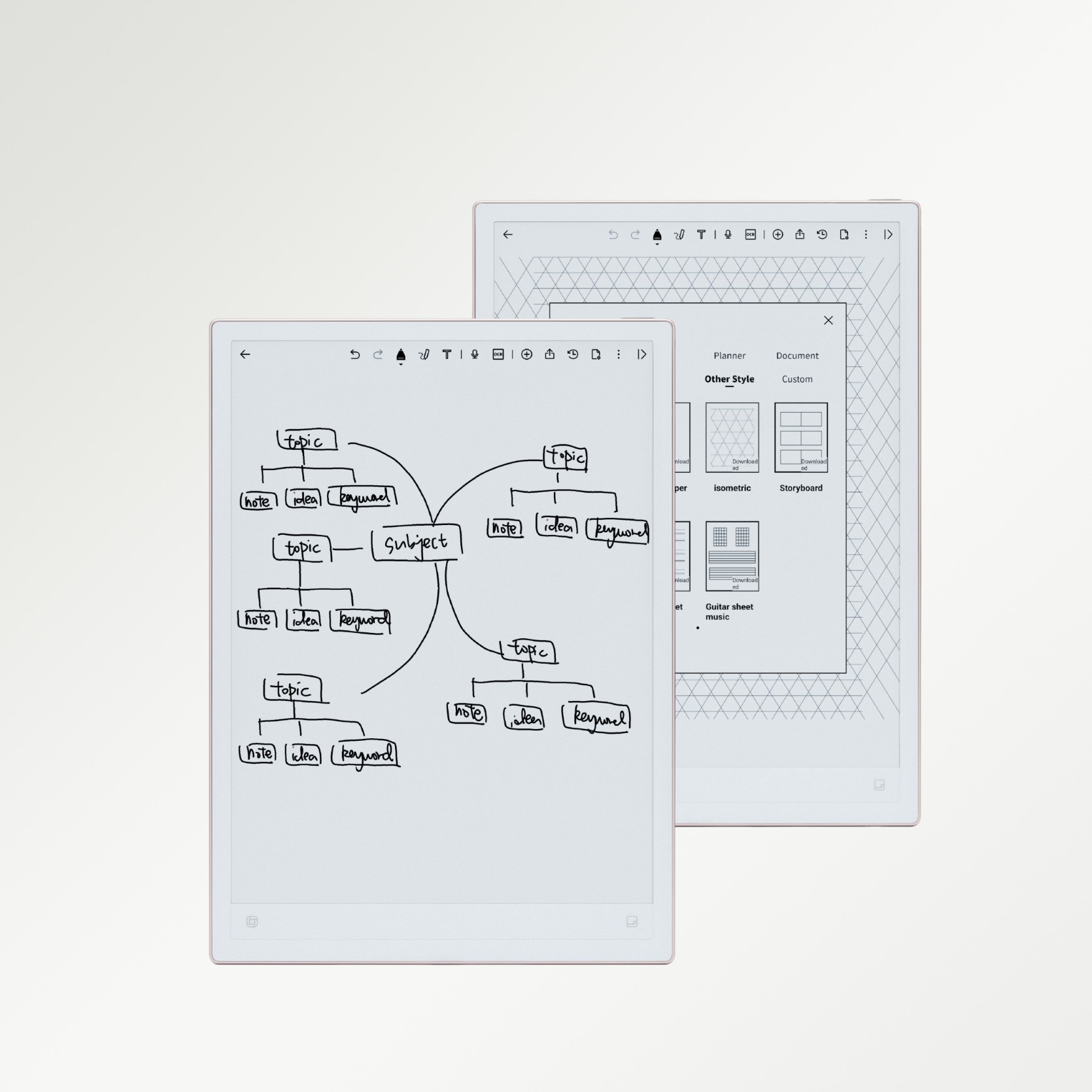
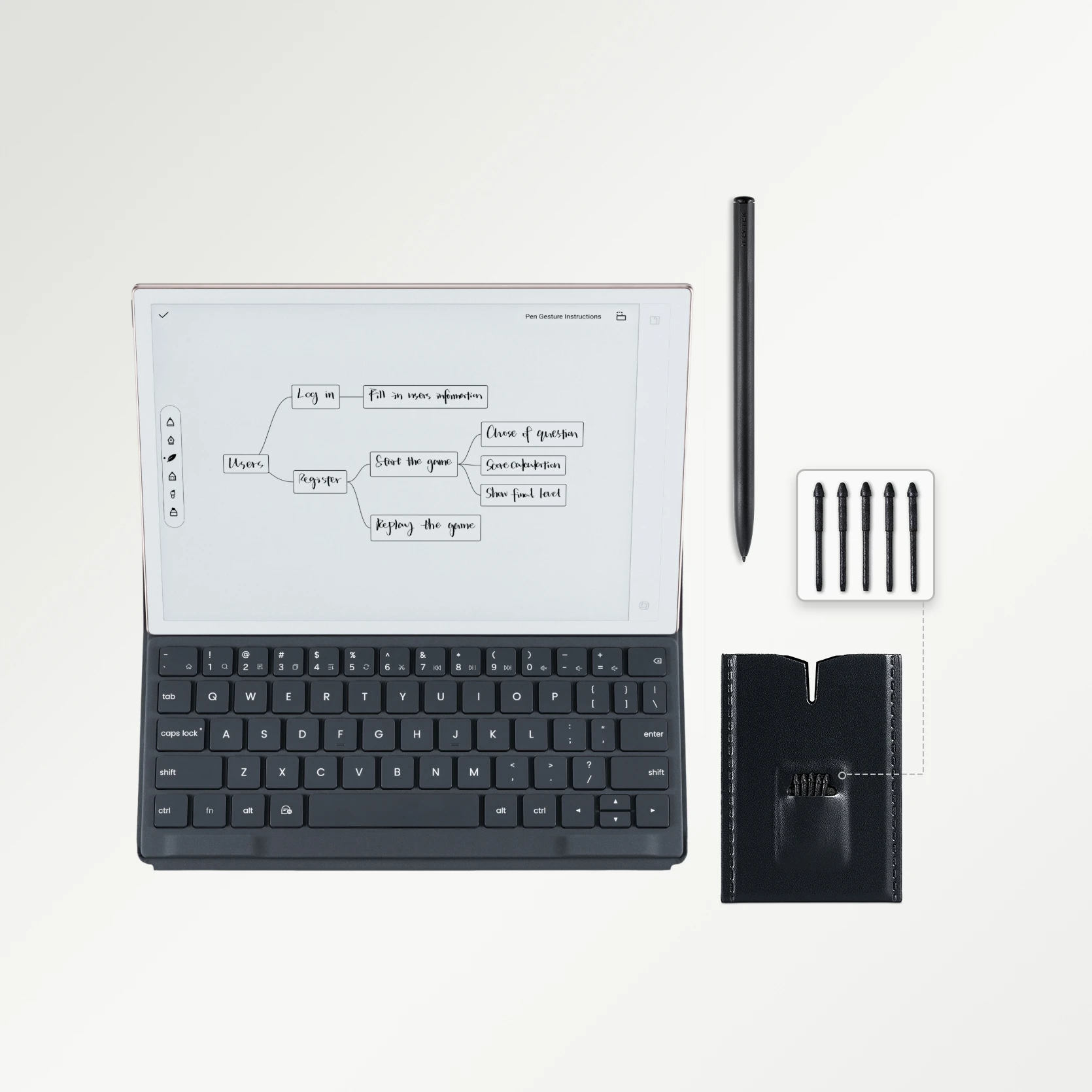
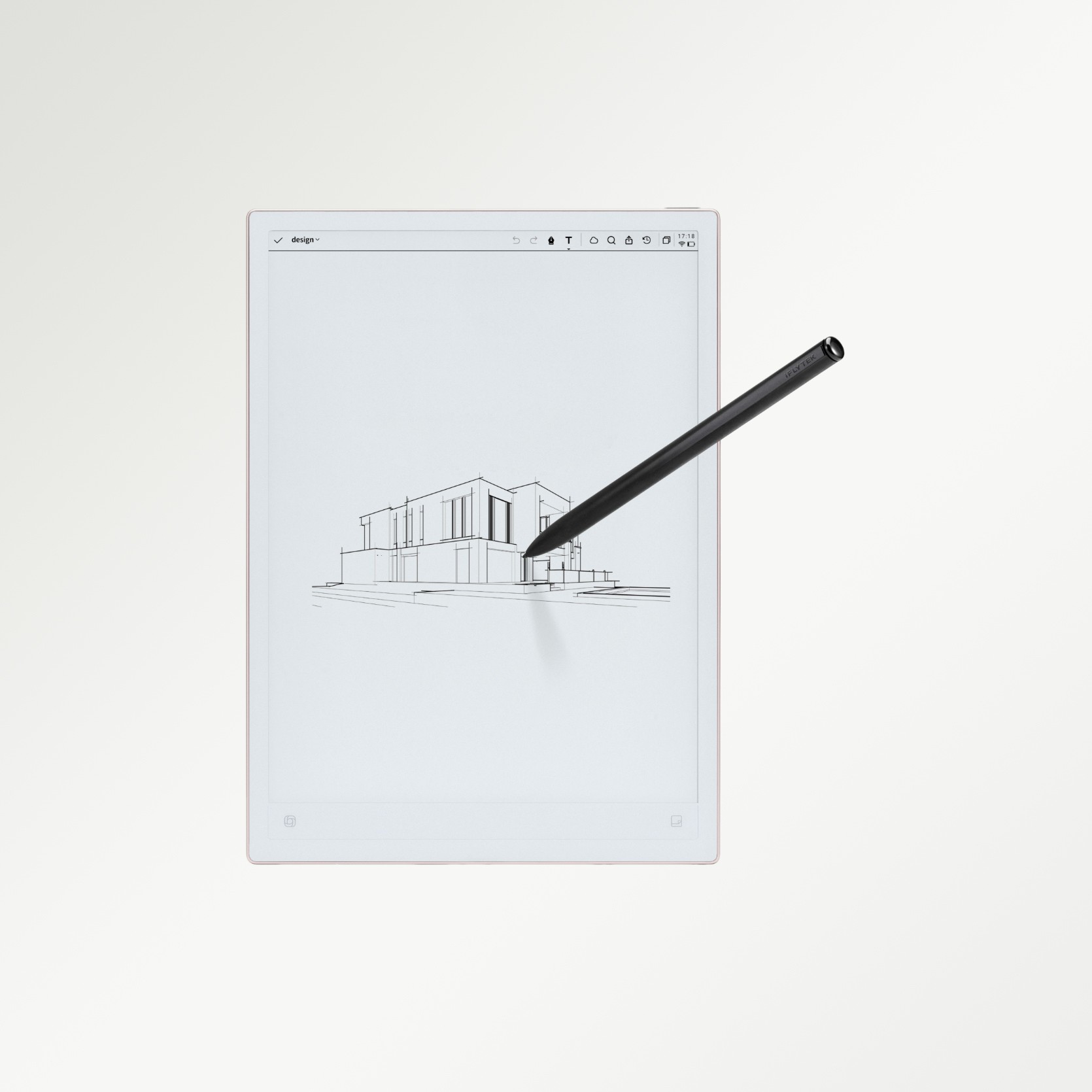
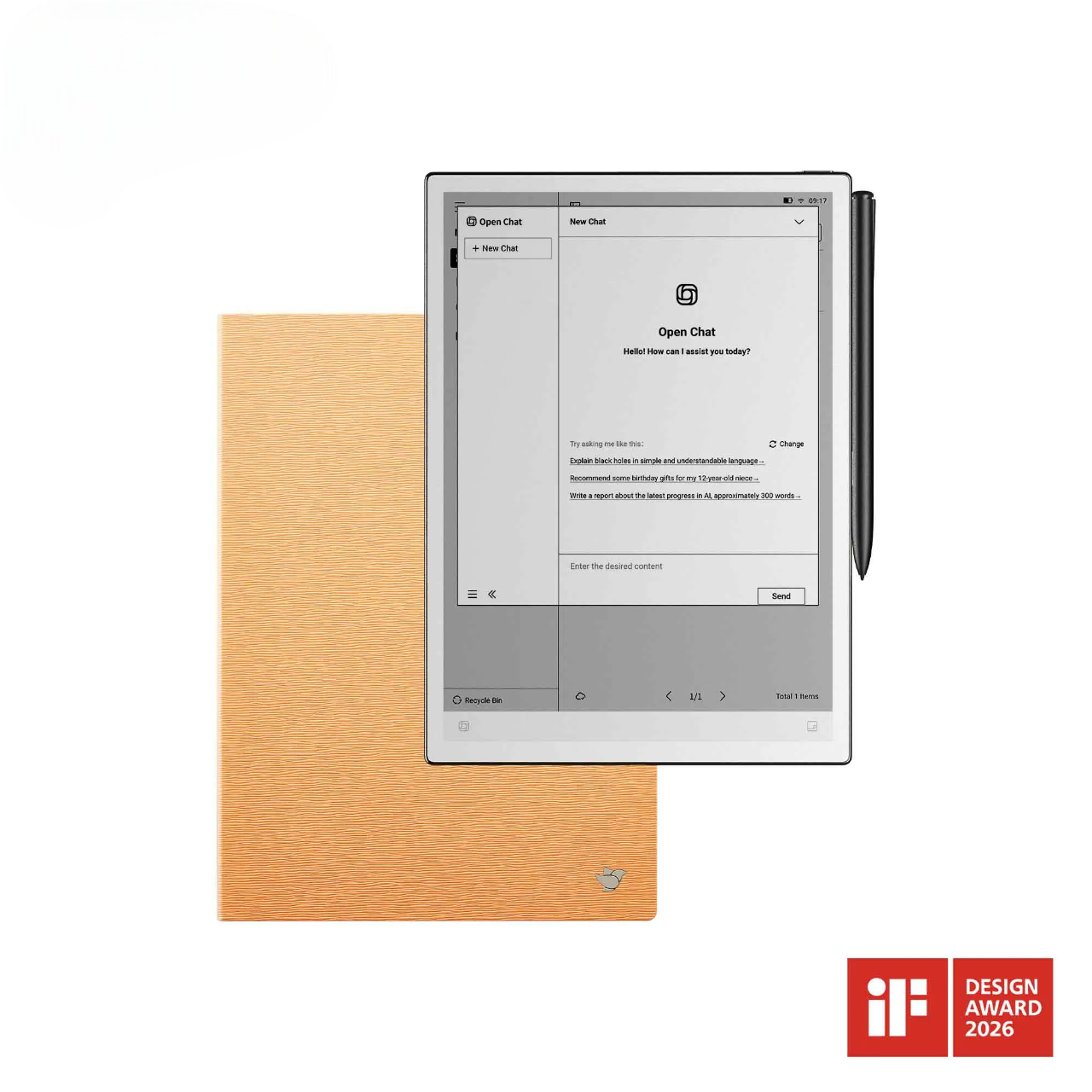
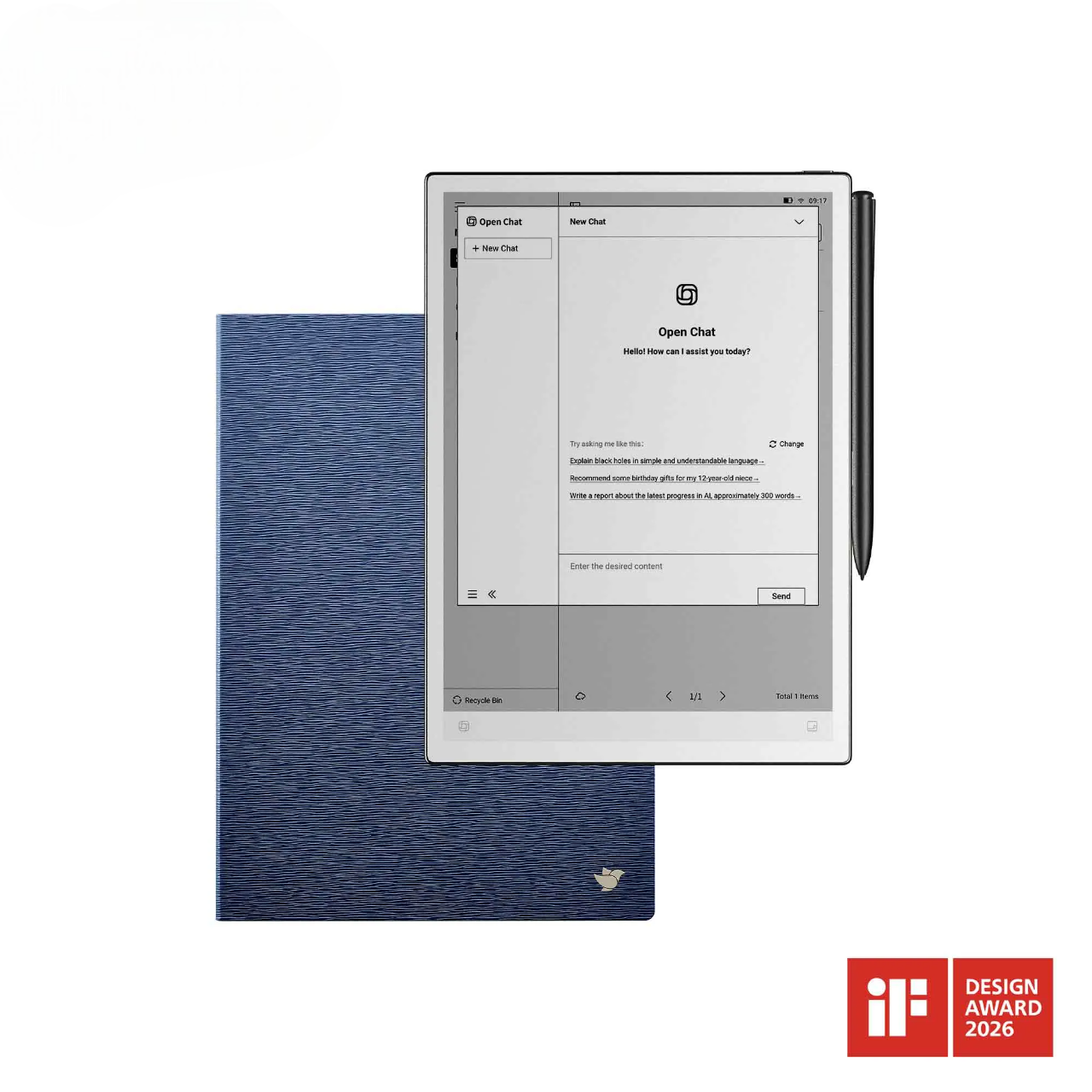
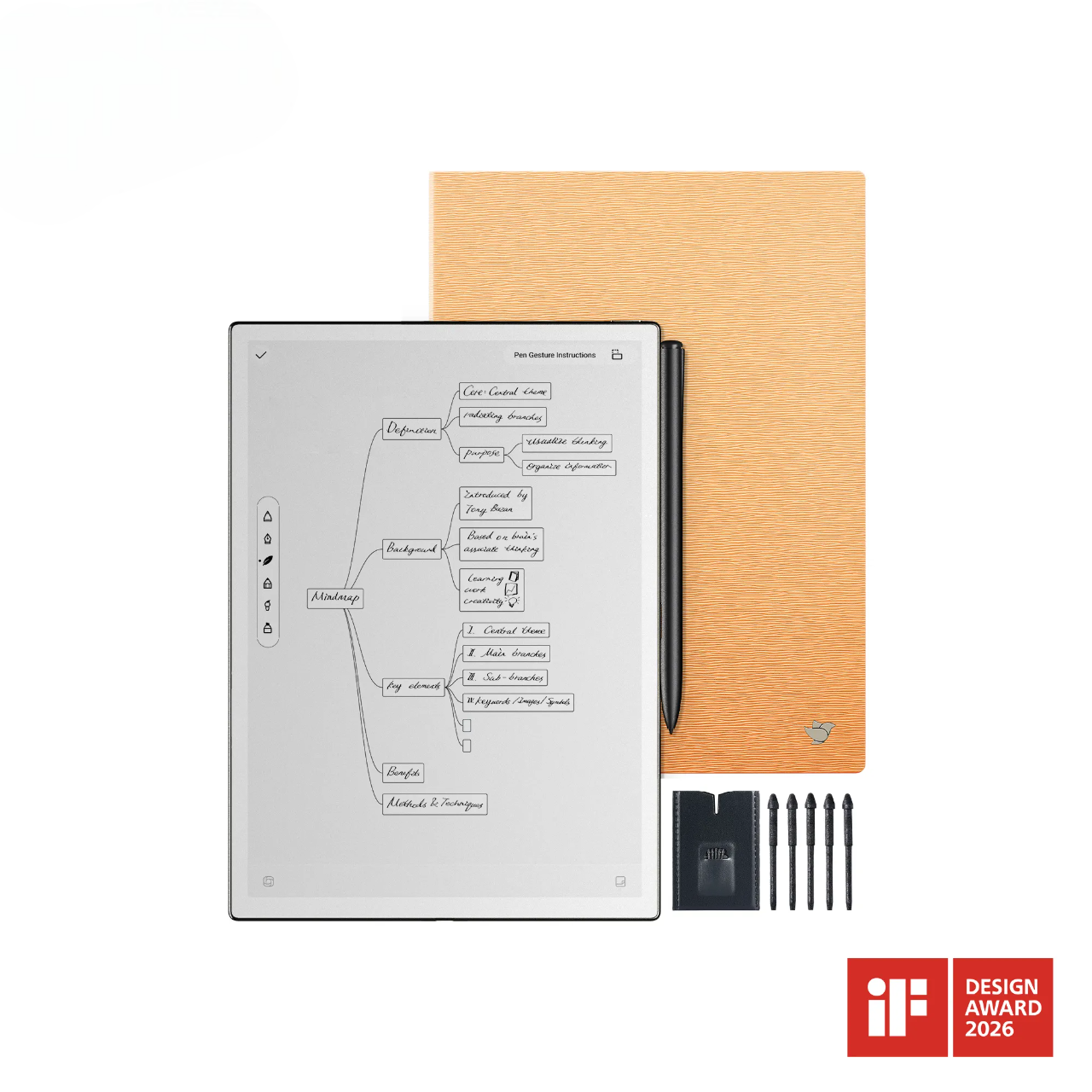
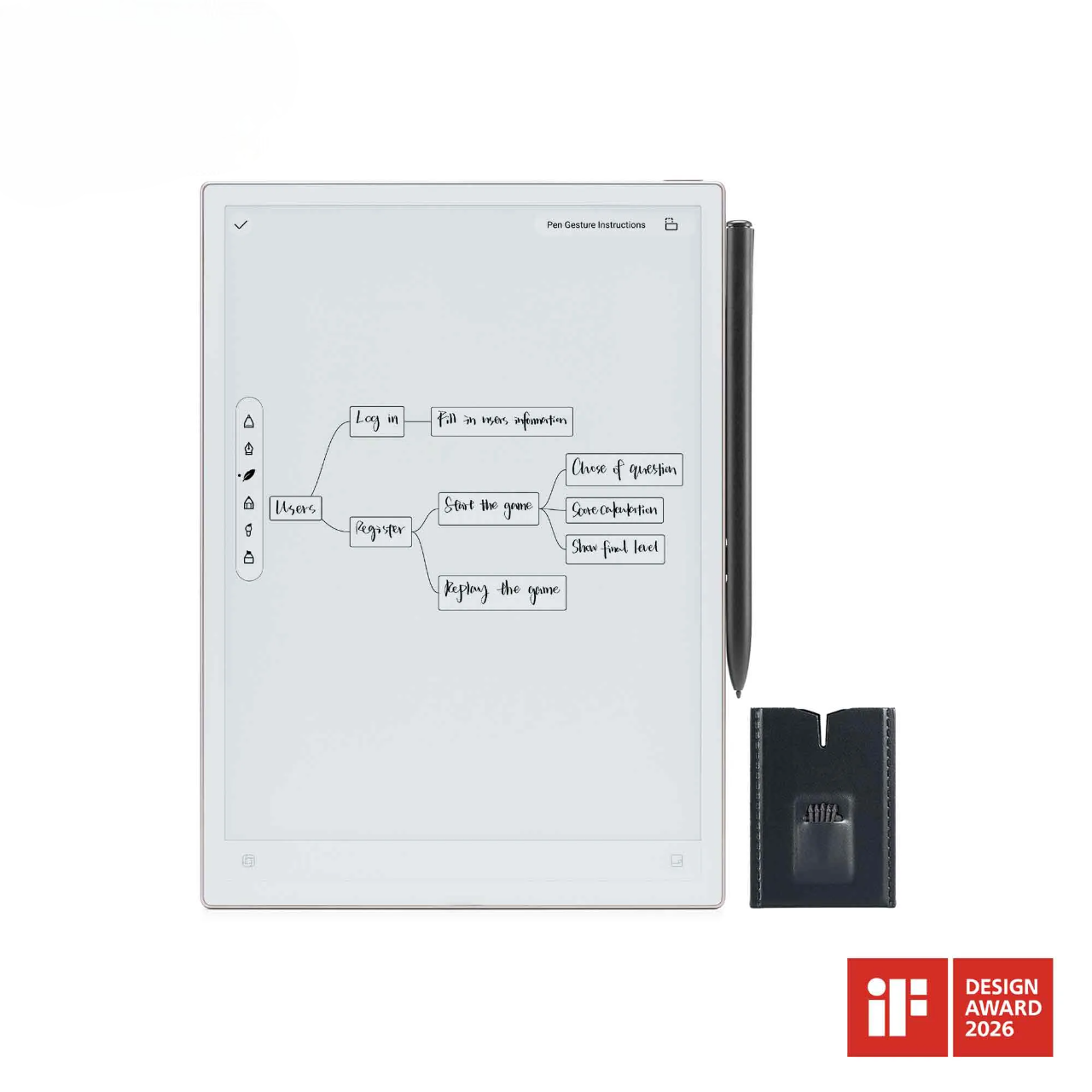
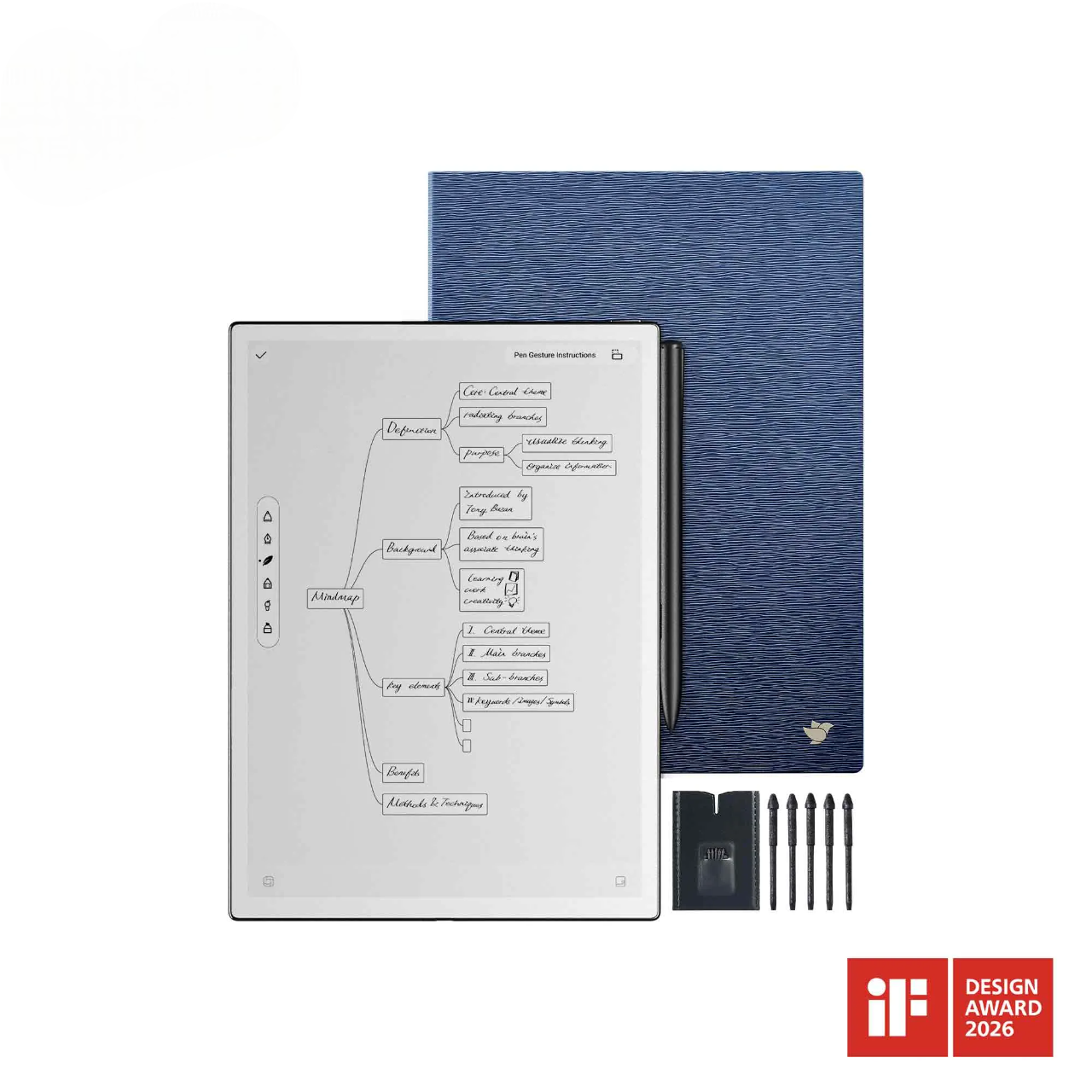
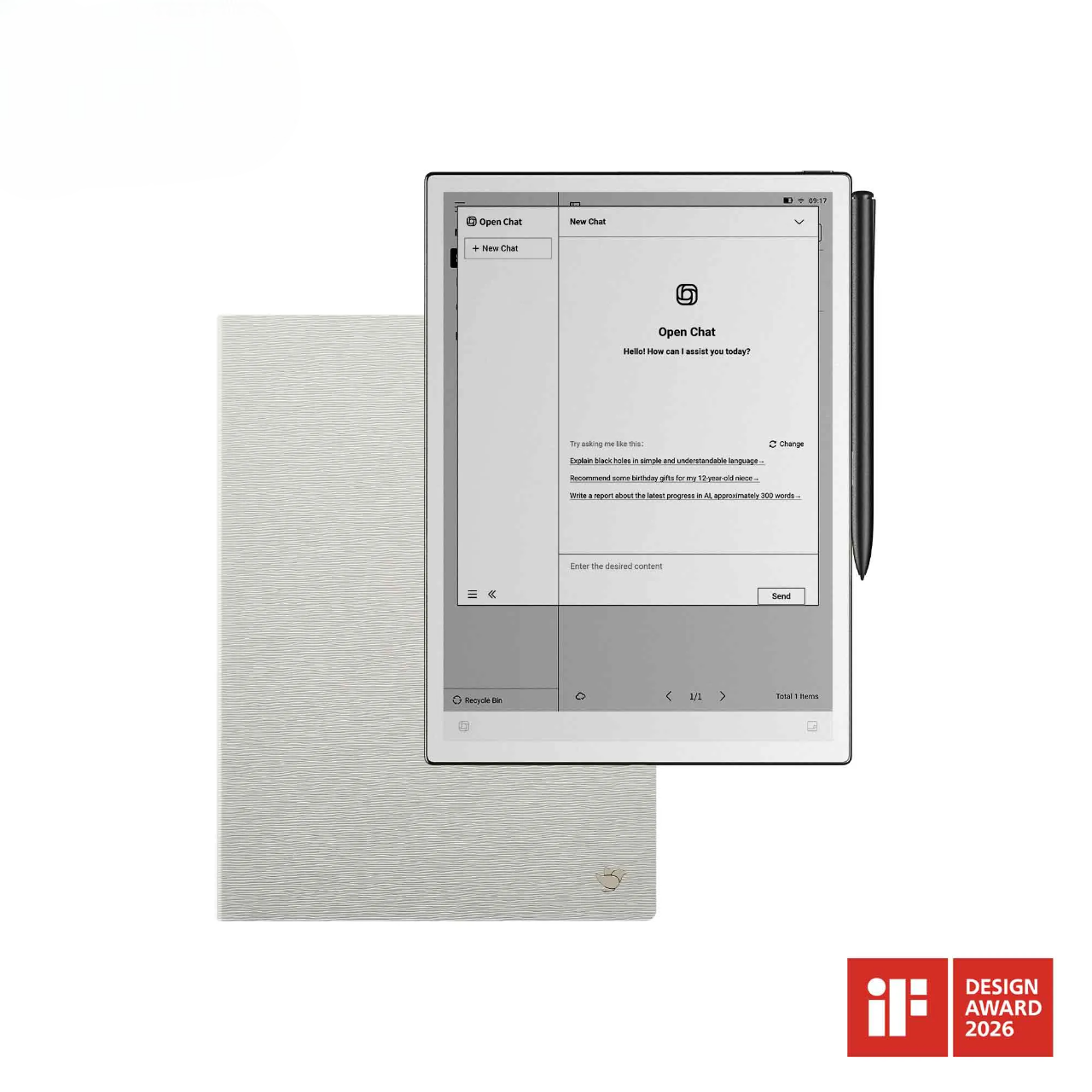
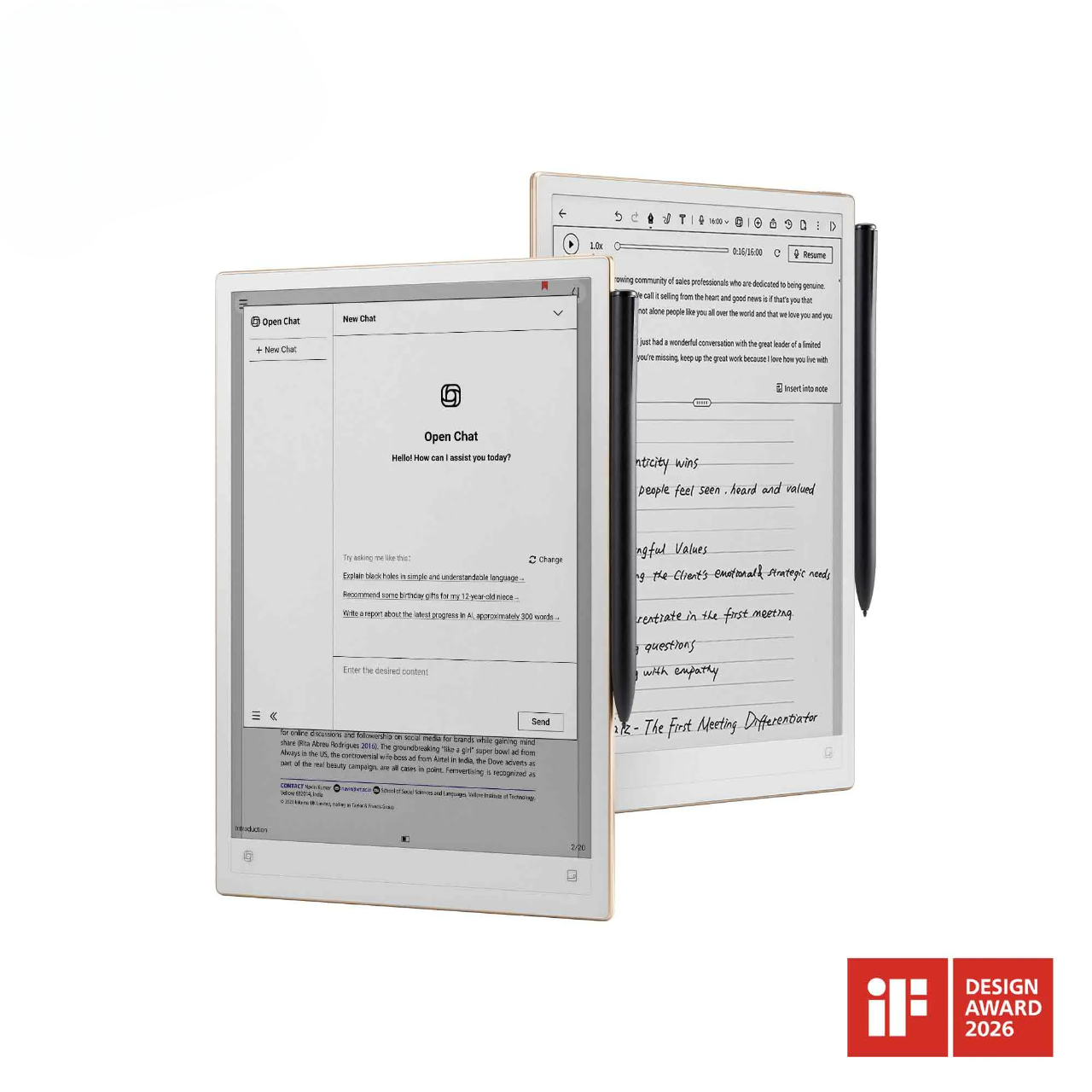


Equipped with Large Language Models, creates meeting minutes in seconds. Capture and retrieve your thoughts on the go, ensuring your thinking flows without interruption.
Ultra-Thin & Feather-Light Design – Only 4.2 mm thick.
A 10.65" paper-like screen that’s gentle on your eyes.
A feather-light 4.2mm body that slips into your bag.
Every swipe feels smooth. Every stroke feels real. Every idea stays captured, so you can focus on flow, not friction.
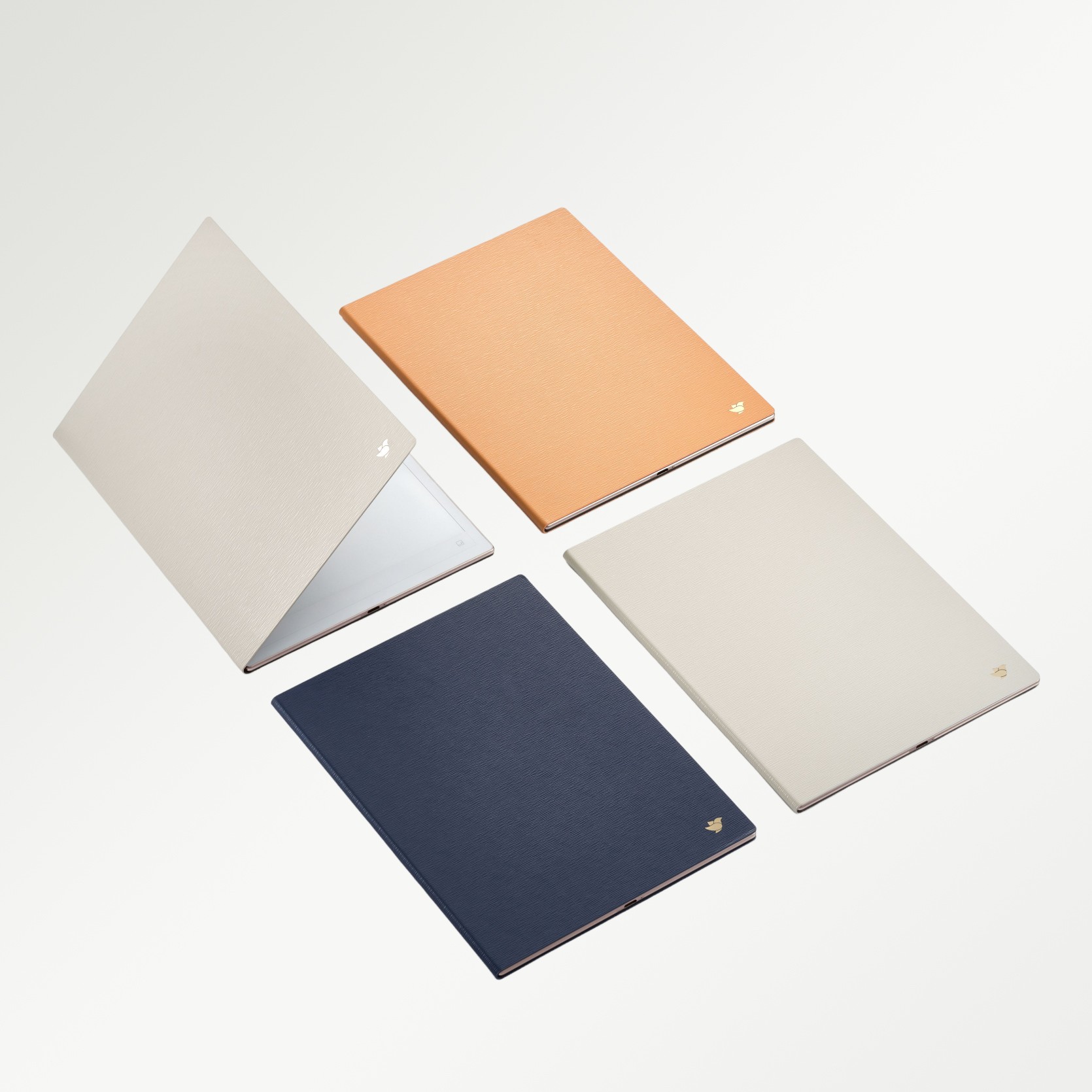
AINOTE2*1
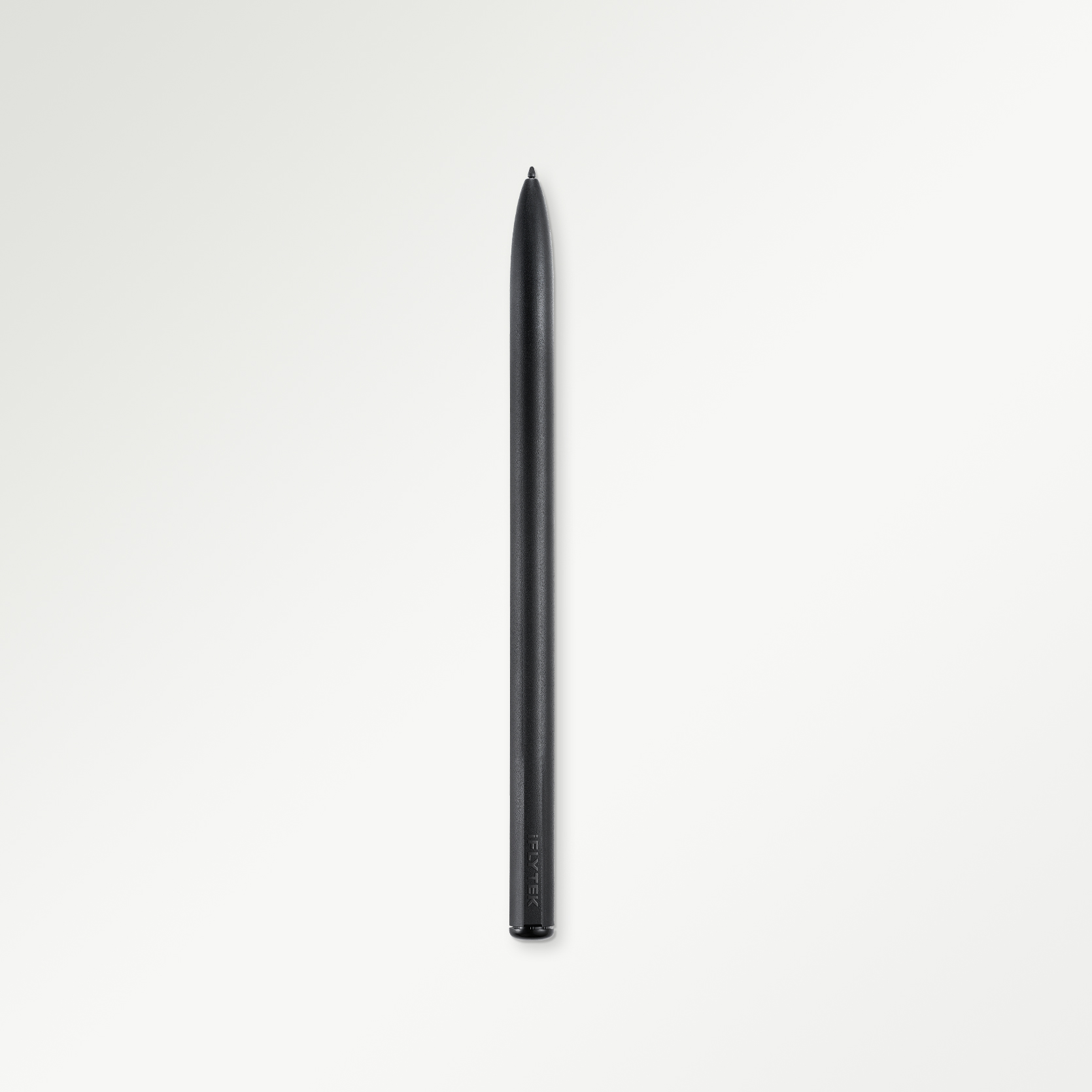
AINOTE Stylus*1
Lifetime Unlimited Al Transcription Service
USB-C Charging Cable*1
User Manual*1
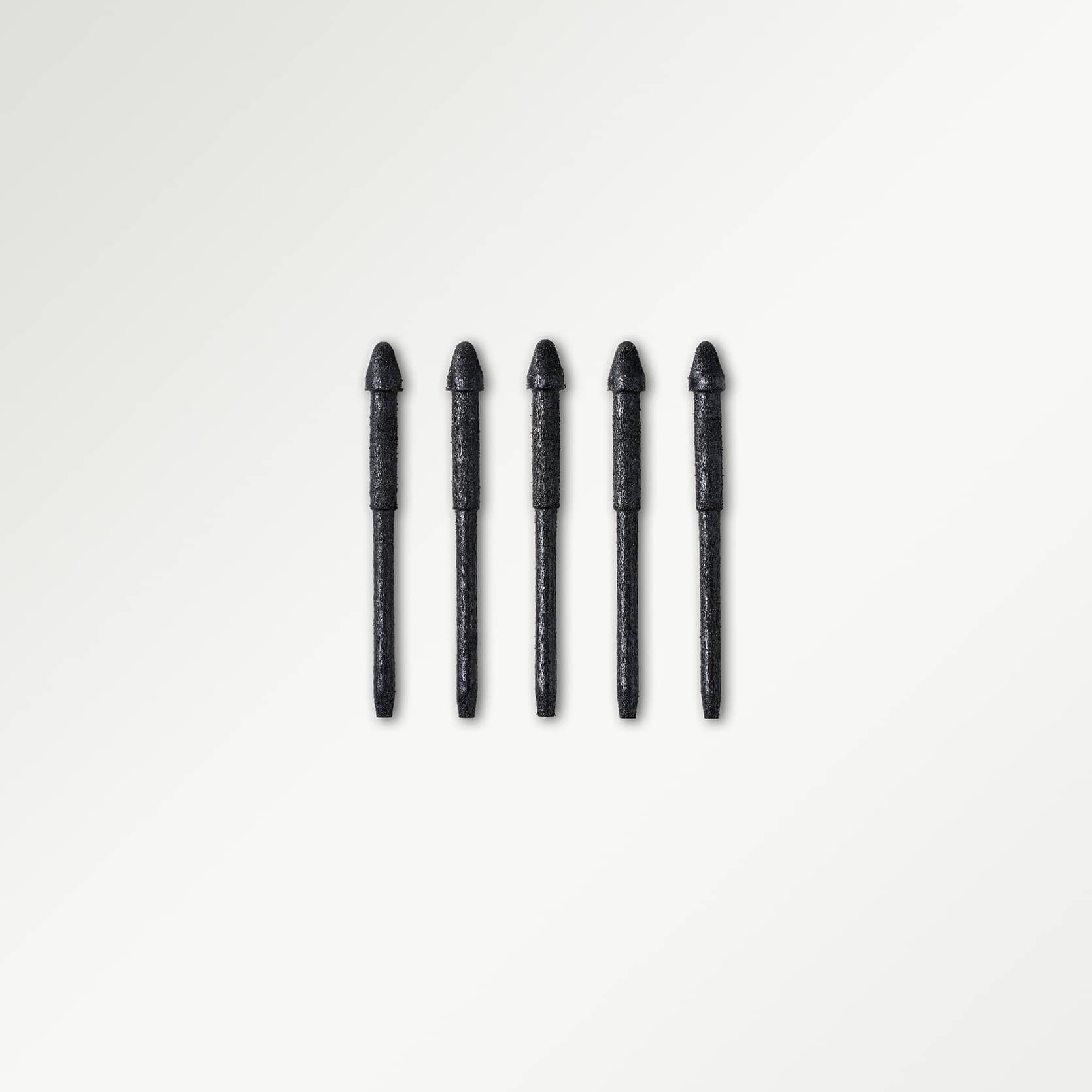
2 Pcs Pen Refills


Record and transcribe your meeting in real time, with speakers automatically separated. Your handwritten notes stay linked to the audio timeline, so you can tap a note to revisit what was said at that moment—and stay focused on the conversation as it happens.
Write down key ideas, sketch connections, and add your own thoughts as the discussion unfolds. Convert your handwriting into editable text and save the meeting transcript to your notes, making it easier to review, search, and share both the conversation and your thinking.
Turn a full meeting into structured minutes with AI. Bring key points, decisions, and action items into a clear summary, so you can quickly review what matters, see what was agreed, and identify the next steps without reading through the entire transcript.
Turn action items from your meeting summary into tasks, then add them to your calendar as events without re-entering the details. Keep track of follow-ups and mark tasks complete as you go, carrying the meeting’s decisions forward into your day-to-day work.

Across languages, ideas, and apps—make your notes work the way you do.
Transcribe in 19 languages and translate in 15, helping you follow conversations across language barriers.
Turn handwritten notes into editable text with OCR, ready to refine, reuse, and share.
Search by keyword or ask AI about your notes to find the information you need.
Sync with Google and Outlook calendars, export notes to Word or PDF, and share via cloud storage.

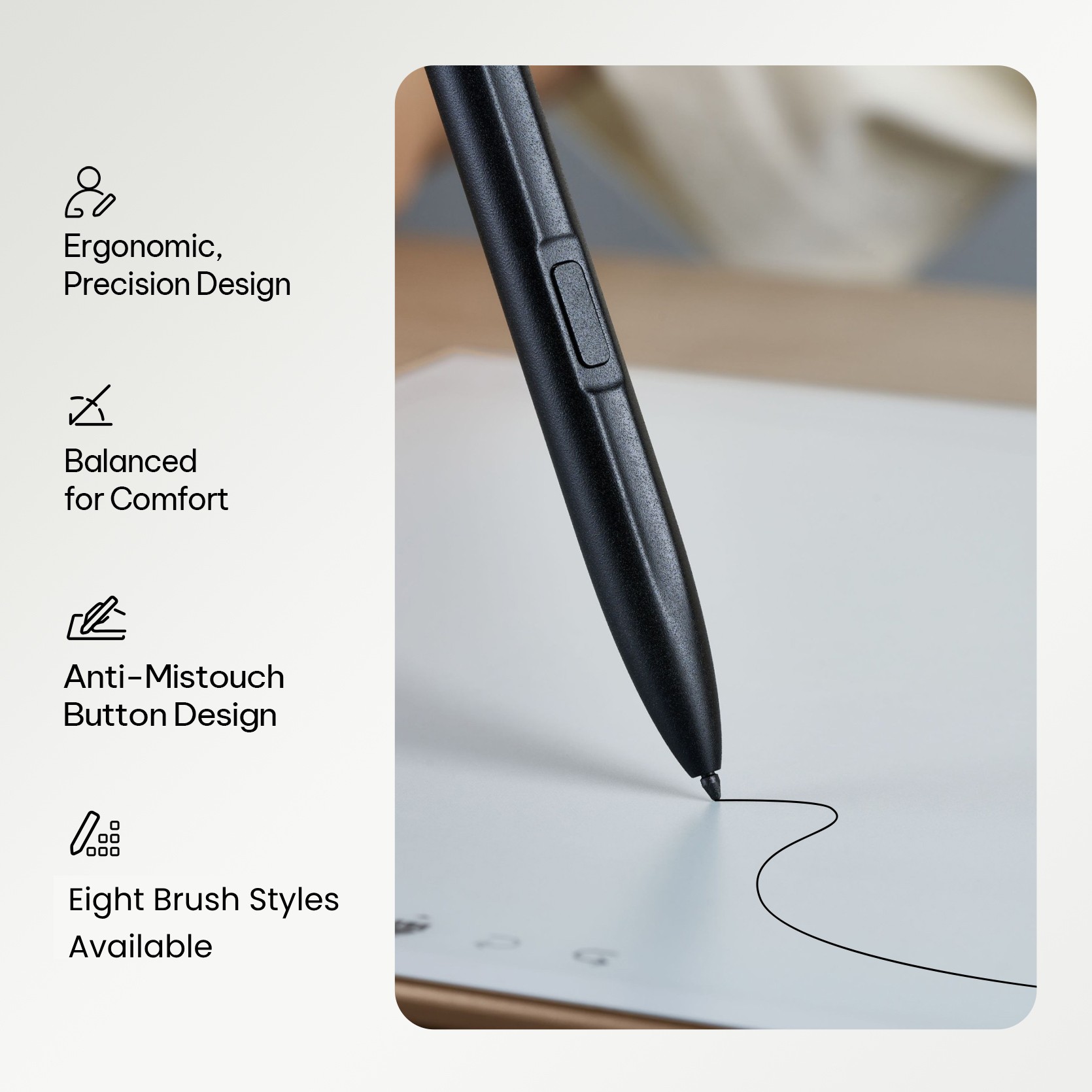
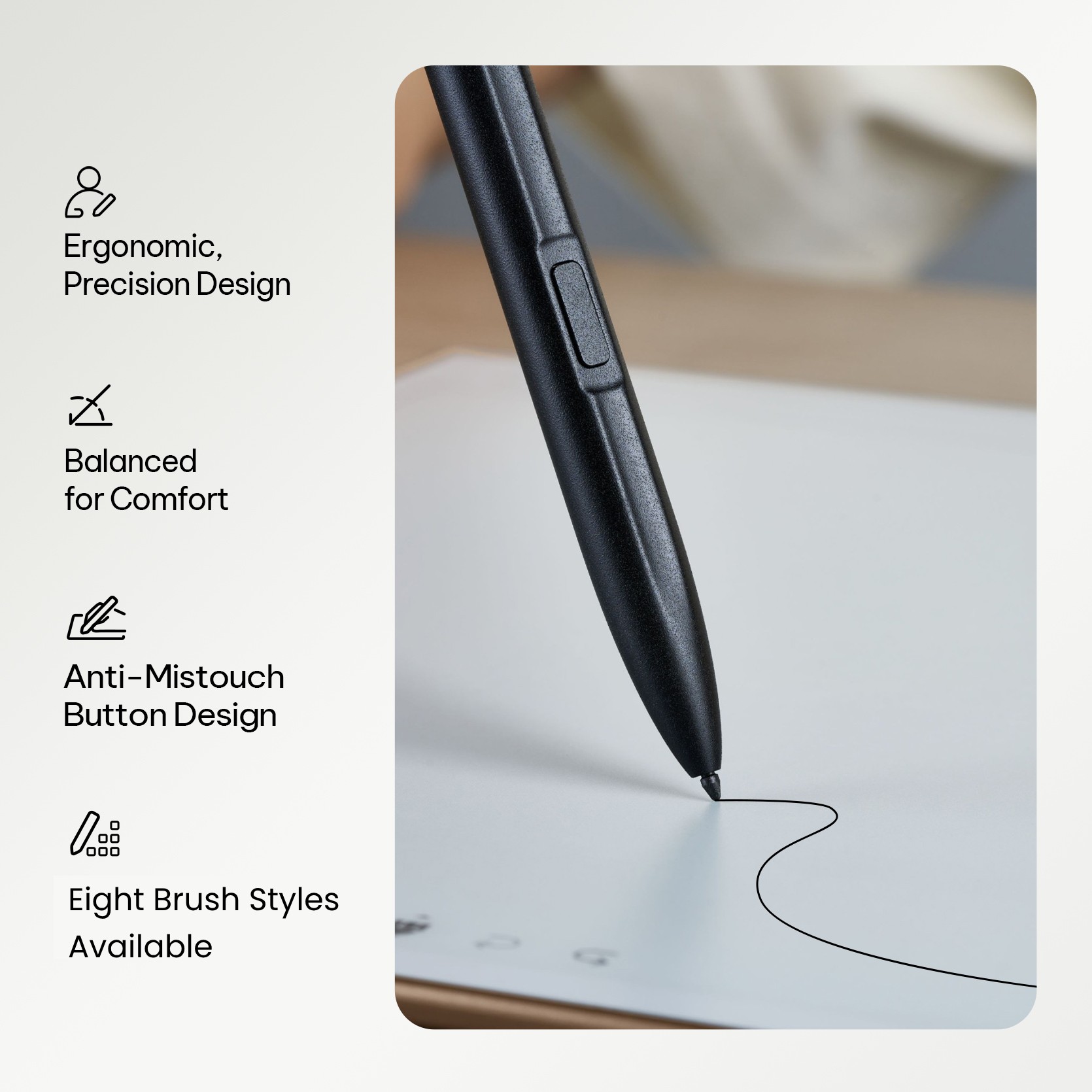
Enjoy a paper-like feel and a smooth 20 ms response that keeps pace with your ideas. Choose from eight brush styles to write, sketch, and explore your thoughts in your own way.


Powered by Wacom EMR technology, the battery-free pen offers 4,096 levels of pressure sensitivity for precise, expressive strokes. Flip it over to erase naturally, or use the multifunction button for quick gestures, such as circling content or marking key points with a star.
Choose from 20+ templates for planning, journaling, and creative thinking. Give your ideas a little structure, then make each page your own.


An ultra-slim design that slips easily into your bag, keeping your notes and ideas close wherever work takes you.


A clear E Ink display brings your notes and documents into focus, giving you space to read, review, and think.
A 4,000mAh battery delivers 14 days of typical use based on our testing, so you can spend more time on your ideas and less time plugging in.


Powered by AWS cloud infrastructure and built with privacy in mind, so you can confidently capture work conversations, personal notes, and your next big idea.
Two ways to do your best thinking. Find the one that fits your day.
| COMPARE THE DETAILS |
FOR FOCUSED WORK
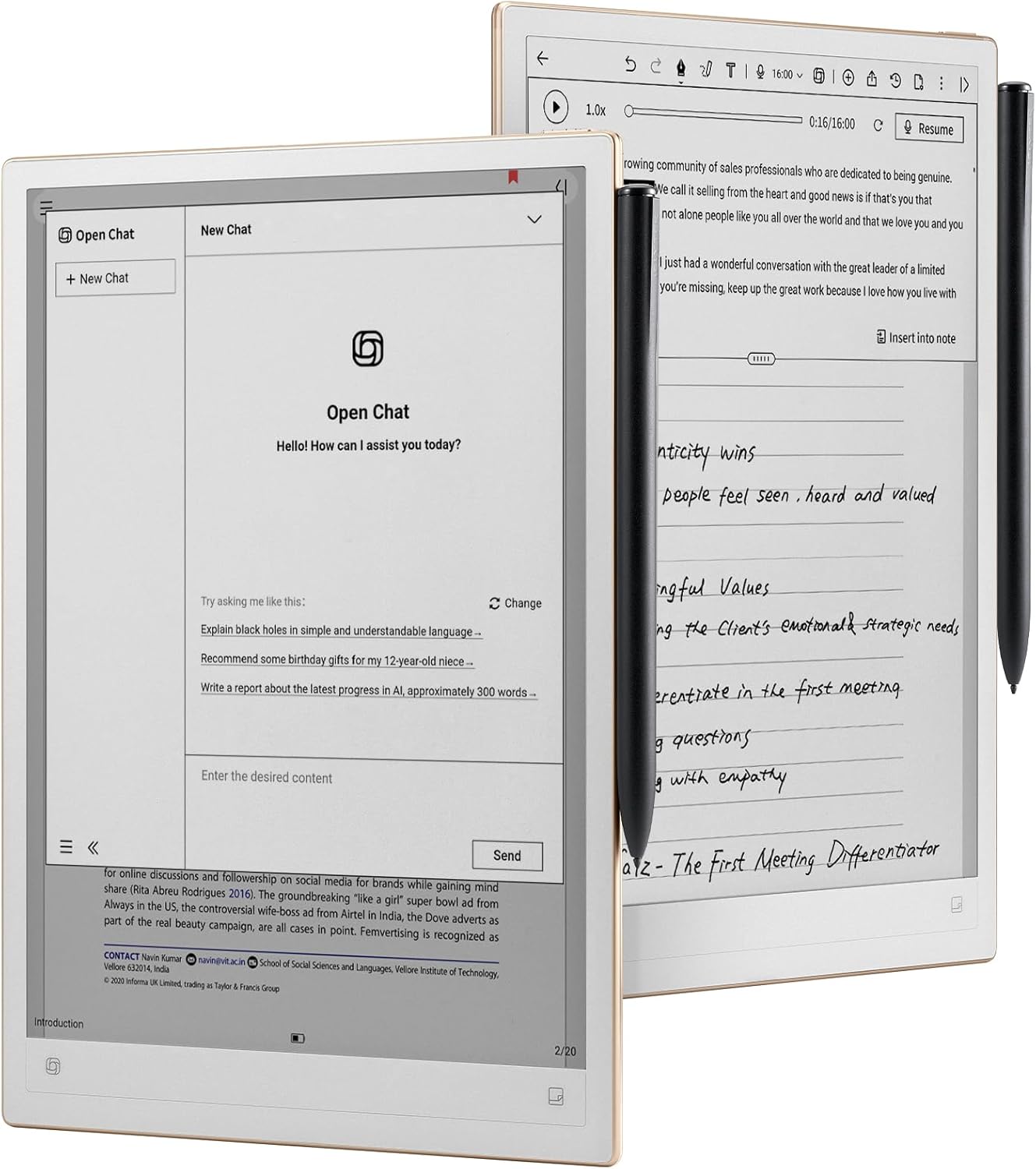
AINOTE 2A bigger canvas. |
FOR LIFE ON THE GO

AINOTE Air 2A lighter companion. |
|---|---|---|
| Display size |
10.65″ E Ink display
|
8.2″ E Ink display
|
| Thickness & weight |
4.2 mm / 295 g |
5–6.2 mm / 230 g |
| Processor |
Octa-core 2.2 GHz
|
Quad-core 1.8 GHz
|
| Storage |
64 GB |
32 GB |
| Battery |
4,000 mAh |
2,600 mAh |
| Google Play |
Supported
Built-in GMS certified
|
Not GMS certified |
| AI writing & mind maps |
Supported
Supported |
Not supported |
| Front light |
None |
24-level adjustable |
| Speaker & camera |
None |
Built-in speaker 5 MP camera
|
Enjoy 90 days of advanced AI features, offline transcription, and seamless note syncing with your new AINOTE 2.
| Feature | Details | AINOTE Pro Plan | AINOTE Starter Plan |
|---|---|---|---|
|
Voice Transcription Minutes
Transcribe meetings, lectures, or interviews without time limits. |
Transcribe meetings, lectures, or interviews without time limits. |
Unlimited |
Unlimited |
|
AI Models
Use AI to analyze notes, draft content or search.
|
Use AI to analyze notes, draft content or search. |
GPT-6.1-Sol / Gemini 3.7 Flash (includes support for future models) |
GPT-6-Luna
|
|
Offline Voice Transcription
Transcribe audio without an internet connection. |
Transcribe audio without an internet connection. |
English, Chinese, Japanese, Korean (includes support for future languages) |
Not included |
|
Note Sync
Back up all your work and access it on other devices.
|
Back up all your work and access it on other devices. |
Unlimited
|
Notes Edited Within 50 Days
|
|
Cross-Device Editing
Create and edit notes on your phone or computer with the AINOTE app. |
Create and edit notes on your phone or computer with the AINOTE app. |
View, Create and Edit
|
View Only
|
Note: Offline voice transcription is not available on AINOTE Air 2.
Gmail & Outlook


loading