
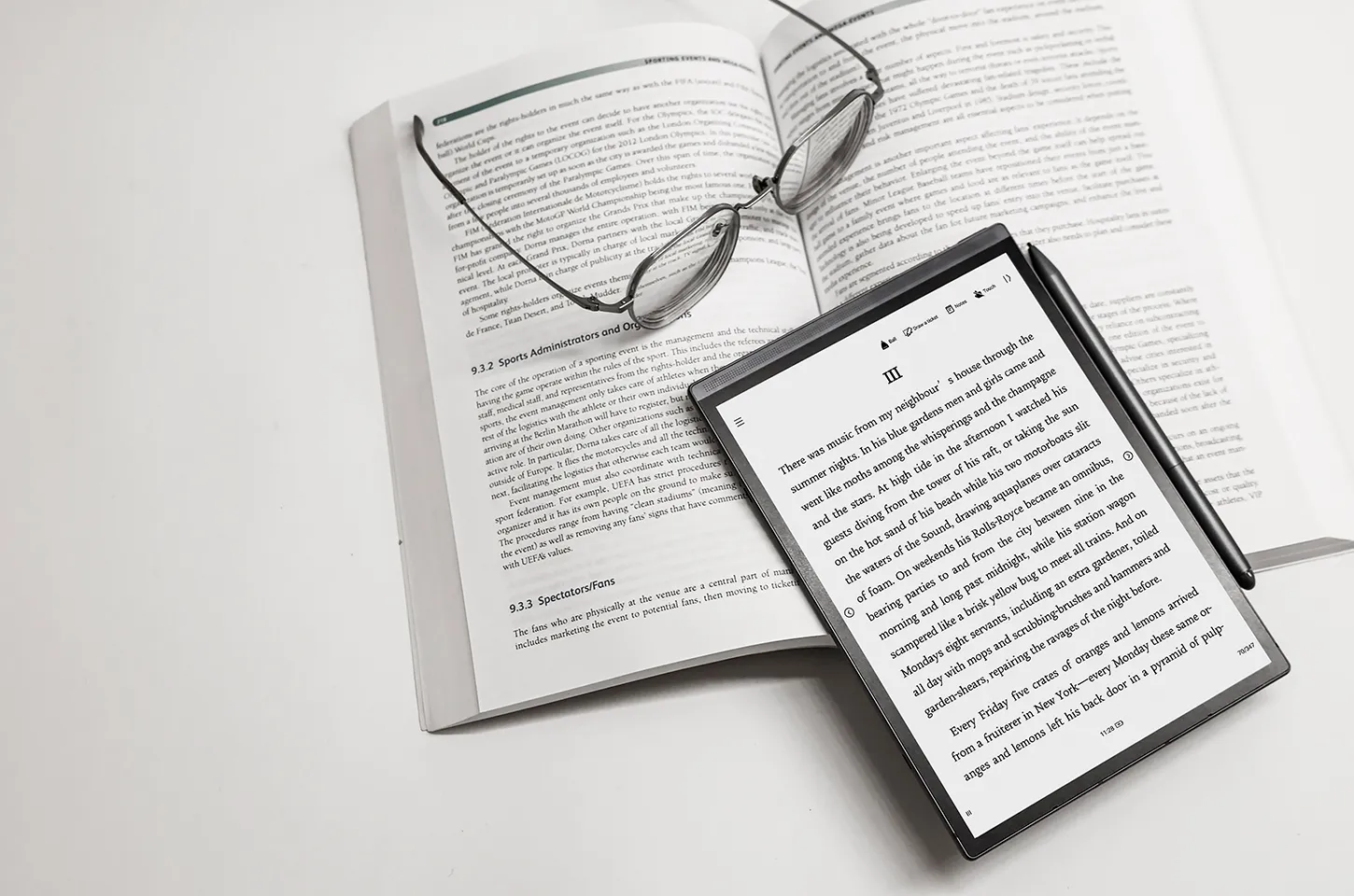
As digital tools continue to revolutionize the way we work, study, and create, digital notebooks have emerged as essential devices for professionals, students, and writers alike. Unlike traditional paper notebooks, these intelligent devices combine handwriting, voice, and AI technology to enhance productivity and streamline workflows. One standout example is the iFLYTEK AINOTE Air 2, a digital handwriting notebook designed for efficient note-taking, smart organization, and effortless idea management.
Whether you're using a digital notepad for business meetings or creative writing, understanding the best practices can help you get the most out of your investment.
Organizing Notes Effectively
The true power of a digital notebook tablet with pen lies in how it helps you capture and manage information. To get the most out of your AINOTE Air 2, start by creating a clear and structured digital note system. Use folders to categorize meeting notes, project ideas, or creative drafts. This makes it easier to find and reference key information later.
The AINOTE Air 2 takes this a step further with AI-powered tools. With AI Search, users can quickly locate notes by keywords, while AI Meeting Summary automatically condenses long notes into concise, actionable points. These features transform a traditional notetaking process into an intelligent, searchable digital knowledge base—ideal for professionals managing multiple projects or students organizing study materials.
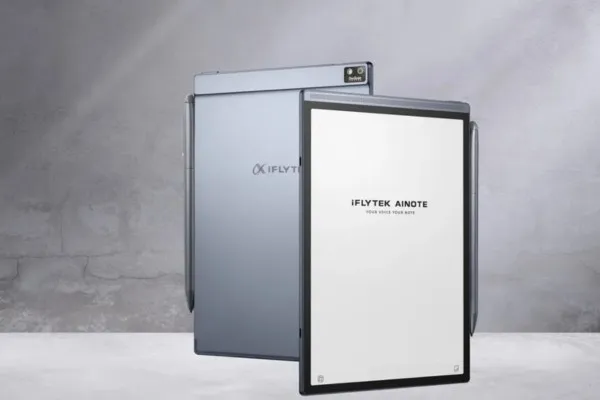
By maintaining a logical structure and naming convention, you can turn your digital handwriting notebook into a personal knowledge management system that's efficient and easy to navigate.
Enhancing Productivity: Tips for Smarter Note-Taking
When using a portable digital notepad, efficiency and workflow optimization are key. The iFLYTEK AINOTE Air 2 offers multiple tools designed to help you work faster and smarter. For example, its Voice-to-Text function lets you record meetings, lectures, or brainstorming sessions and instantly converts them into editable text. This feature not only saves time but ensures accuracy—no more missed details or incomplete notes.
Another standout feature is Writing & Voice Sync, which allows users to handwrite while recording audio simultaneously. This dual-input system is perfect for busy professionals who need both the nuance of handwriting and the convenience of digital transcription. With support for 15 transcription languages and 10 translation languages, the AINOTE Air 2 also enhances global collaboration—making it ideal for teams and international students.
For better productivity, take time to review your notes regularly. Use highlights, annotations, and AI summaries to reinforce key concepts. Over time, this approach helps you retain information more effectively and keep your workflow organized.
Blending Handwriting and AI: A Creative Workflow
One of the major benefits of E Ink-based handwriting electronic notebooks like the AINOTE Air 2 is how naturally they replicate the paper-writing experience. The E Ink screen offers a smooth, realistic pen-on-paper feel that's easy on the eyes and minimizes distraction—perfect for writers, designers, or anyone who values focused thinking.
What truly sets the AINOTE Air 2 apart, however, is its integration with ChatGPT-based AI features. The “Chat with AI” function allows users to brainstorm ideas, refine notes, or even generate outlines directly within the notebook. For example, a writer can jot down character notes, then ask AI to expand them into a scene. Meanwhile, a student can summarize complex lecture content with one command.
This combination of traditional handwriting and AI-driven assistance bridges creativity and efficiency—making the AINOTE Air 2 one of the best electronic notebooks for writers and professionals who want more from their digital tools.
Building a Long-Term Digital Note-Taking Habit
Adopting a paperless digital notebook is not just about replacing paper—it's about embracing a more sustainable, connected, and efficient way of working. To fully benefit from your digital notebook for work, make it part of your daily routine.
Use it for everything—from meeting minutes and brainstorming ideas to journaling and scheduling. The AINOTE Air 2 even includes schedule management tools that automatically turn handwritten to-dos into actionable reminders. Combined with cloud synchronization, you can access your notes from any device, ensuring your ideas are always organized and within reach.
Consistency is key—commit to using your digital notebook tablet with pen regularly, and soon it will become your central productivity hub, seamlessly integrating handwriting, AI, and organization.
Conclusion: Maximizing the Power of Digital Notebooks
In today's fast-paced digital environment, the iFLYTEK AINOTE Air 2 demonstrates how intelligent design can redefine the way we capture, organize, and act on ideas. Its E Ink note-taking experience, AI-powered tools, and real-time voice transcription make it a top choice for those seeking a smarter, more productive workflow.
Whether you're a student, professional, or writer, learning the best practices for using a digital notebook ensures you'll make the most of this modern tool. With the right system, your notebook can evolve from a simple writing pad into an intelligent companion—helping you think clearer, write faster, and work smarter every day.



