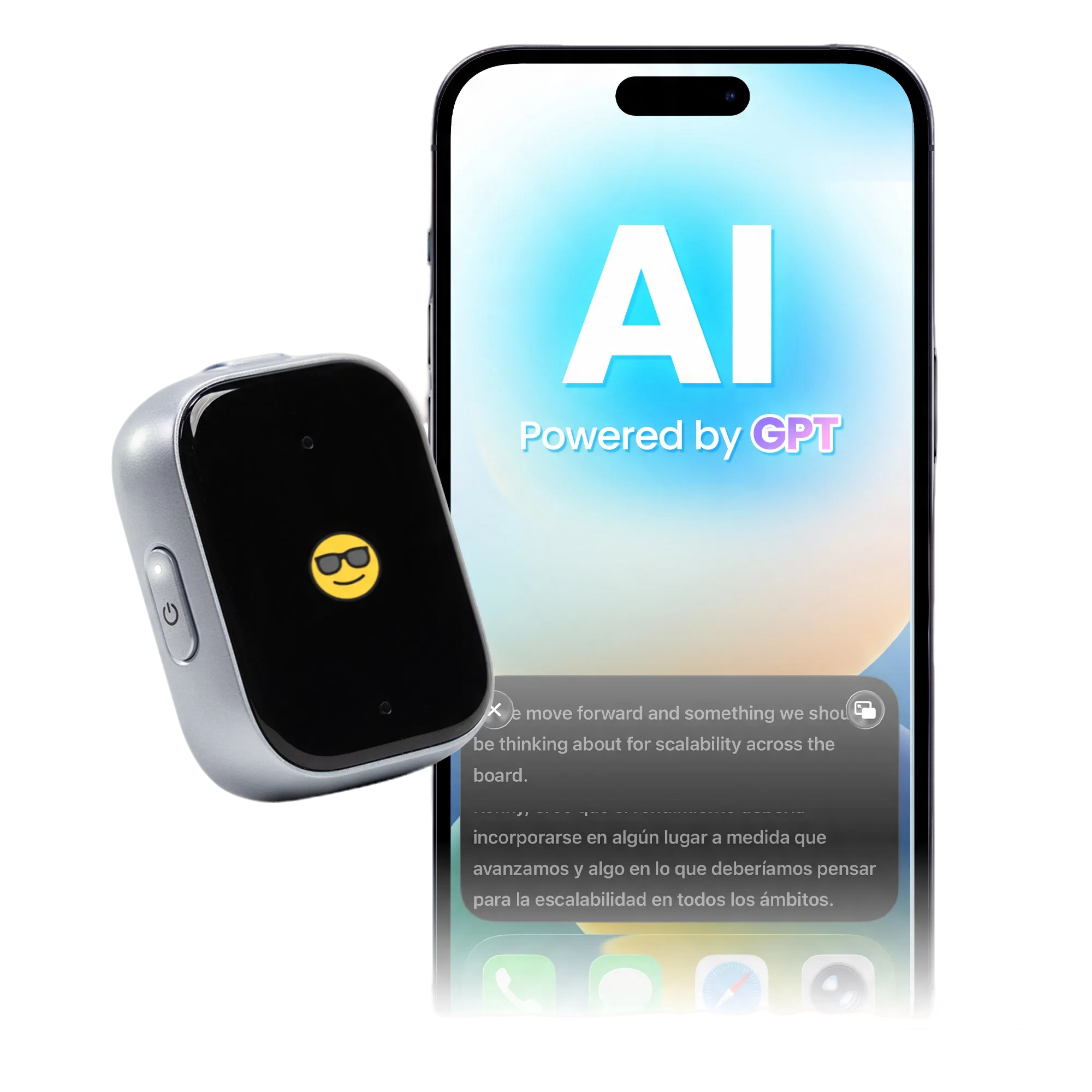
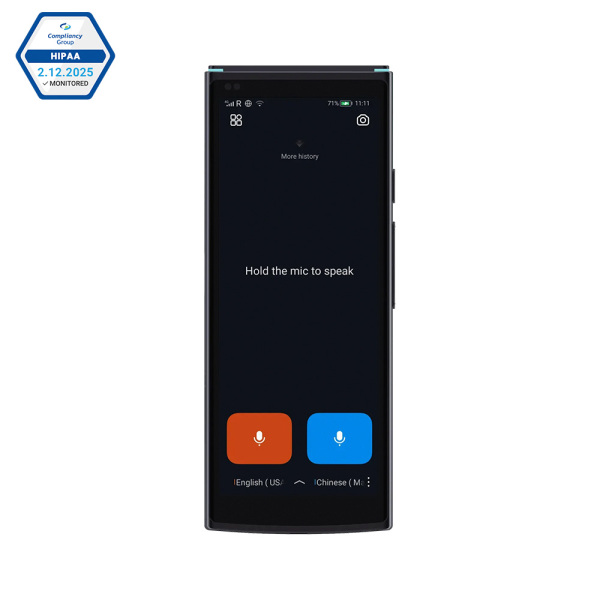
iFLYTEK Smart Translator, Support for 60 Languages
Yes—translation apps and dedicated translator devices can work without an internet connection when the required offline language packs are installed. With iFLYTEK Smart Translator, you can use offline voice translation to ask for directions, explain a hotel request, or communicate during your travels without Wi-Fi or mobile data.
That can make a difference when you have just landed, your roaming connection has not started, or the signal drops halfway through a conversation. Preparing your translator before departure helps you keep communicating when connectivity is unpredictable.
How Does an Offline Translator Work?
An offline translator uses language resources stored on your phone or device to process supported translations locally. Once the necessary packs are ready, you can translate without connecting to an online service.
This differs from a translator that uses built-in mobile data. An included data plan helps you get online without finding Wi-Fi, while offline translation keeps supported conversations available when there is no internet connection at all.
For travel, both can be useful: connectivity gives you access to online features, and downloaded language packs provide a practical backup.
Offline Translation Apps or a Dedicated Device?
The right format depends on how you prefer to communicate.
Phone apps such as Google Translate and Apple Translate offer offline translation with downloaded languages. They are convenient for occasional use, especially if you already have your phone in hand.
A dedicated translator gives conversations their own device, leaving your phone available for maps, bookings, and messages. Translation earbuds offer another approach, letting you listen to translated speech through a wearable device.
|
Option |
A good fit for |
Before departure |
|
Translation app |
Occasional phrases and typed translations |
Download the languages you need |
|
Handheld translator |
Face-to-face exchanges during travel |
Prepare the relevant offline language packs |
|
Translation earbuds |
Listening to translated speech through earbuds |
Complete app setup, pairing, and offline preparation |
Start with the conversations you expect to have. Asking a quick question at a station, speaking with hotel staff, and listening through earbuds are different experiences—even when the destination language is the same.
Speak Offline With iFLYTEK Smart Translator
iFLYTEK Smart Translator supports offline voice translation across 18 language pairs, with coverage including Japanese, Korean, Mandarin Chinese, French, and Russian. From asking for directions to checking into a hotel, it helps you handle everyday travel conversations without Wi-Fi or mobile data.
Download the language packs you need before departure, and you’re ready to communicate even when your connection drops. Traveling to Japan? Explore our guide to choosing a translator device that works offline for Japanese.
Having a separate translator also means you can keep your destination open on your phone while using the translation device to explain where you want to go. At a hotel or ticket counter, you can keep booking details close at hand while continuing the conversation.
Can Translation Earbuds Work Offline Too?
Yes. iFLYTEK AI Translation Earbuds support offline translation through the Bavvo app, with language pairs covering languages including English, Chinese, Japanese, Korean, French, and Spanish.
Complete the app setup and offline preparation before your trip, and keep Bluetooth connected while using the earbuds.
Choose the format that feels comfortable for you: a handheld screen for shared interaction, or earbuds for listening to translated speech. The right choice is the one that fits naturally into the way you travel and communicate.
Make Everyday Travel Conversations Easier
Think about the moments when a translator will be most useful: finding the right platform, checking into a hotel, or asking whether a shop has a different size.
For these exchanges, speak naturally and keep each sentence focused on one idea. Start with “I have a reservation for tonight,” then give your name and the number of nights. This makes the conversation easier to follow and gives both people time to respond.
Show written details when they matter. An address, booking number, departure time, or price is often easier to confirm on a screen than by repeating it aloud.
For voice input, let one person speak at a time and move away from loud background noise when possible. These small habits help make the exchange clearer, whichever translation format you use.
Get Your Offline Translator Ready Before You Travel
A few minutes of preparation can make your first conversation abroad easier:
- Download your travel languages. Finish the required language packs while you have a reliable connection.
- Try a conversation without internet. Turn off Wi-Fi and mobile data; leave Bluetooth on if you use earbuds.
- Practice a useful exchange. Ask for directions, explain a hotel request, or confirm a price.
- Test the features you plan to use. Try speech, text, or camera translation individually.
- Keep essentials available. Save your accommodation address and booking details locally, and charge your devices.
If you also use Google Translate as a backup, test its downloaded languages before leaving. Our offline Google Translate troubleshooting guide can help you resolve issues before your trip.
Once you know how your translator works offline, you can spend less time managing connectivity and more time on the conversation in front of you.
FAQs
Is there a translator that works without Wi-Fi or mobile data?
Yes. A translator with the required offline language resources can translate supported conversations without either connection. Downloading or updating those resources requires internet access beforehand.
What is the best offline translator app for travel?
The best fit is an app that supports your travel languages and the functions you need on your phone. For occasional use, an app with downloaded languages can be convenient. If you prefer a separate device for conversations, a handheld translator is another option.
Does iFLYTEK Smart Translator support offline voice translation?
Yes. iFLYTEK Smart Translator supports offline voice translation across 18 language pairs, covering Mandarin Chinese, English, Japanese, Korean, Spanish, French, Russian, German, Italian, Portuguese, Vietnamese, Thai, Arabic, and Hindi. Download the relevant language packs before departure to translate without Wi-Fi or mobile data.
Do I still need offline translation if I have international data?
Offline translation is useful when coverage is unavailable or unreliable. Preparing language packs before departure gives you another way to communicate when your data connection cannot help.
Can I use camera translation offline as well?
Some translators also support offline camera translation. Its language coverage can differ from voice translation, so prepare and test the camera languages you need before departure, just as you would for a spoken conversation.