As e-readers continue to evolve, many users are looking for the best alternative to Kindle in 2025—a device that does more than just display books.
While Kindle remains a dominant name in the e-reading world, innovations are changing the game by combining reading, writing, recording, and translating into one smart device without sacrificing eye comfort or portability.
1. Why People Seek an Alternative to Kindle
Kindle has long been loved for its E Ink screen and impressive battery life. However, as digital lifestyles evolve, users expect more from their devices than just reading.
Here are common reasons why people are searching for a Kindle alternative:
- No note-taking support: While newer Kindle models offer basic annotation, they lack advanced handwriting or stylus features.
- Limited format compatibility: Kindle primarily supports .mobi, .azw, and .pdf with limitations. Working professionals need broader compatibility.
- Single-purpose: Users want multi-functional tools, not just an e-reader.
- Lack of recording or translation tools: Kindle isn’t built for meetings, studying languages, or productivity workflows.
2. What Makes the Best Kindle Alternative in 2025
The best alternative to Kindle is no longer just about replicating the reading experience. It’s about enhancing productivity, improving learning, and simplifying work.

Here’s what users expect from a multi-functional Kindle replacement:
- Eye-friendly E Ink screen
- Note-taking with stylus input
- Support for PDFs, Word, PowerPoint, and handwriting recognition
- Voice recording and AI summarization
- Multilingual translation (including offline support)
- Cloud sync and wireless sharing
- Slim, lightweight design for portability
3. iFLYTEK AI Note Air 2: The Ultimate Kindle Alternative for Work and Study
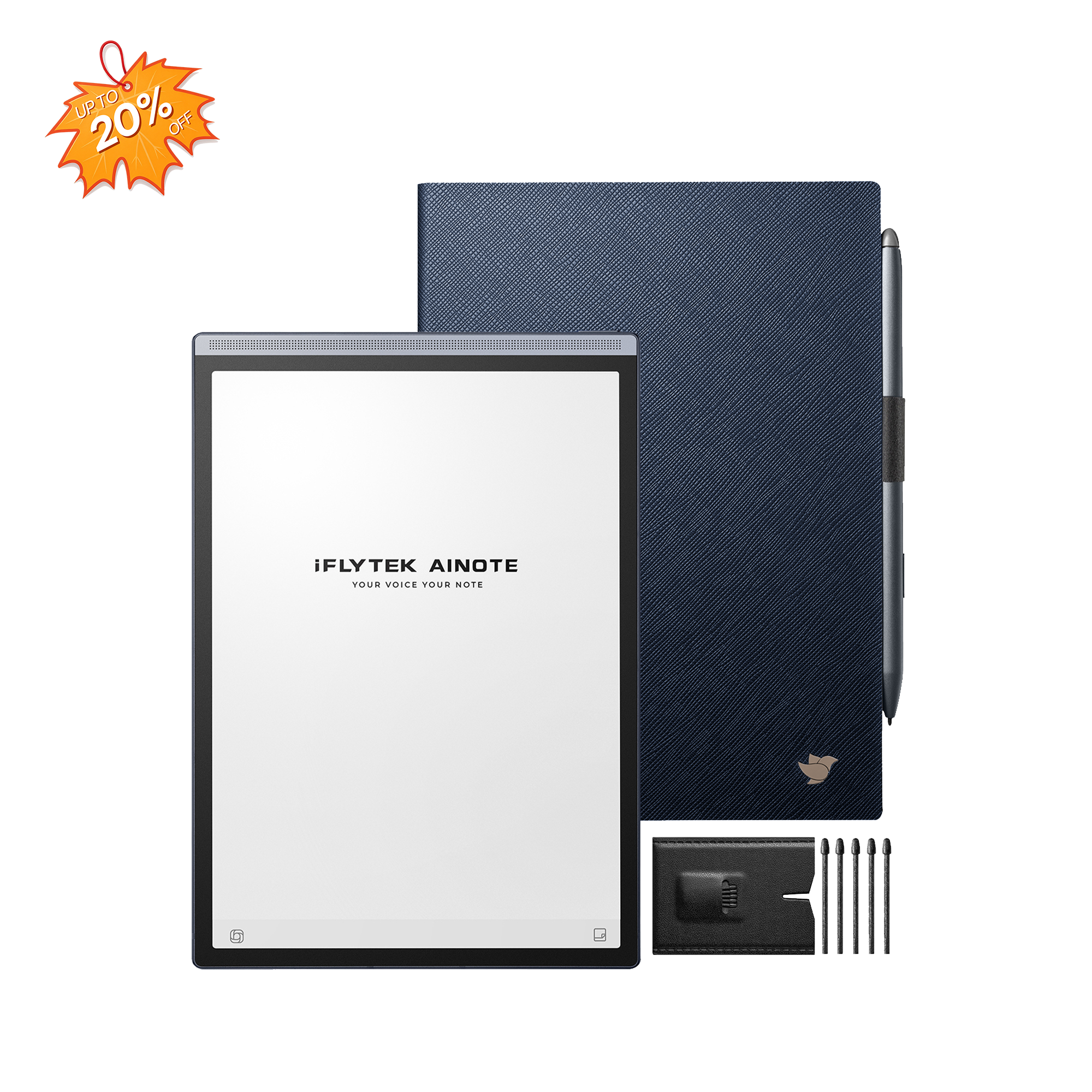
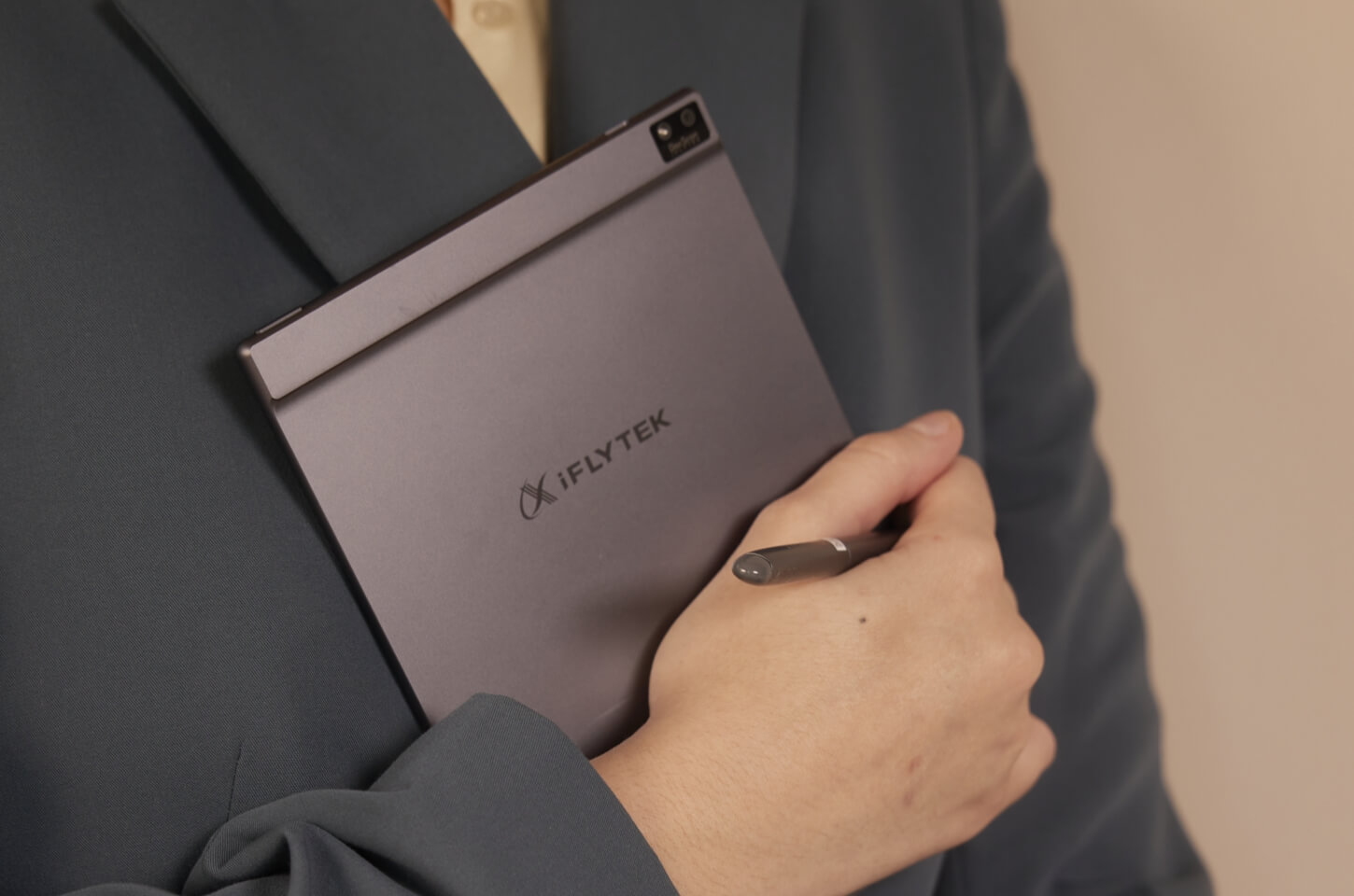
For those seeking a powerful alternative to Kindle, the iFLYTEK AINOTE Air 2 is far more than just an e-reader. It's a next-generation AI paper tablet designed to enhance how you read, work, and interact with information.
Kindle may be great for reading books, but the AINOTE Air2 redefines what's possible in a digital notebook—blending the best of reading, writing, AI productivity, and language tools into one sleek device.
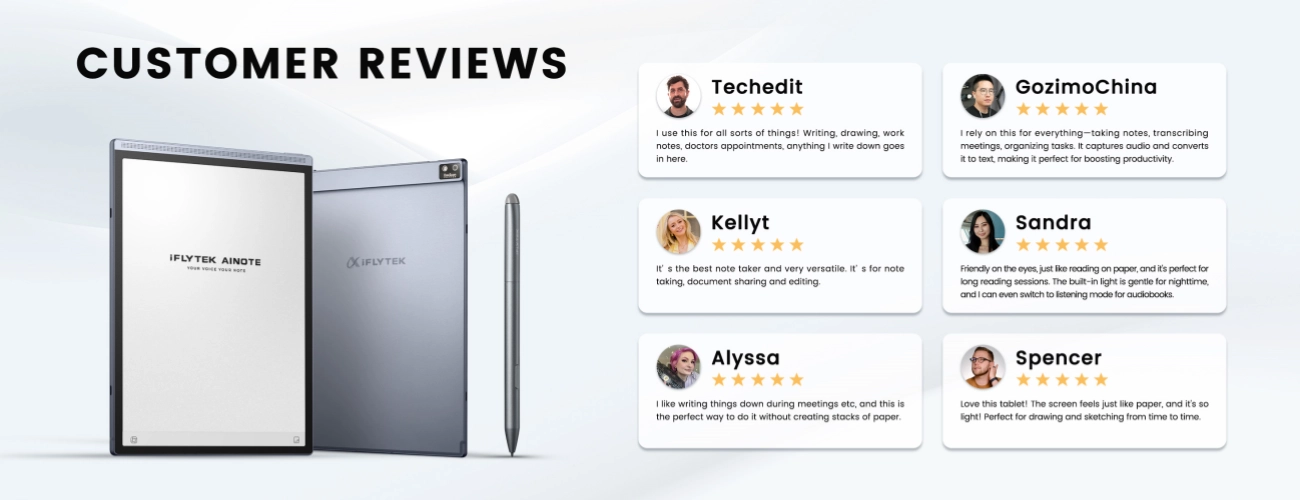
Voice-to-Text + AI Summaries
Effortlessly record and transcribe meetings, lectures, or interviews in real time. Unlike Kindle, the AINOTE Air2 can convert spoken content to editable text instantly, and even generate AI-powered meeting summaries, something no e-reader can do.
Paper-Like Writing Experience
With Wacom-powered handwriting input and low-latency response, the AINOTE provides a truly immersive, paper-like experience. Whether you're jotting notes or annotating PDFs, it’s ideal for students and professionals alike.
Real-Time Multilingual Translation
Need to translate a document or conversation? AINOTE Air2 supports real-time translation in 108 languages, transcription in 1514 languages, and handwriting recognition in 83 languages, making it a perfect Kindle alternative for global users and travelers.
Conversations with GPT-4o
Built-in access to ChatGPT 4o allows for intelligent, contextual dialogue directly on the device—an unbeatable productivity tool for research, learning, or quick content creation.
Smart AI Search
Forget flipping through pages. With AI keyword-based search, users can instantly locate key points within notes, recordings, or documents—a massive upgrade from Kindle’s limited text search.
In short, the iFLYTEK AI Note Air 2 combines everything users love about Kindle with powerful, AI-driven productivity tools, making it the ultimate alternative to Kindle in 2025.
4. Kindle vs AINOTE Air2: Which Is Better for You?
Let’s put the AINOTE Air 2 head-to-head with the Kindle to understand why more users are switching to this advanced Kindle alternative:
| Feature | Kindle (Paperwhite/Oasis) | iFLYTEK AINOTE Air2 |
| E Ink Display | 6"–7" | 8.2", 88.5% screen ratio, anti-glare |
| Adjustable Lighting | YES | 24-level warm/cold light |
| Eye Comfort | YES | Low blue light, paper-like clarity |
| File Support | EPUB, PDF | EPUB, PDF, Word, Excel, PPT |
| Note-Taking | NO | Handwriting + text recognition |
| Voice-to-Text | NO | Unlimited transcription minutes |
| AI Meeting Summary | NO | With GPT-4o |
| Language Translation | NO | Real-time, 108 languages |
| Handwriting to Text | NO | 83 languages |
| Smart Search | NO | AI-powered keyword search |
| AI Assistant | NO | ChatGPT-4o built-in |
| Ideal For | Casual readers | Readers, students, professionals |
5. Who Should Choose This Kindle Alternative?
The iFLYTEK AI Note Air 2 is designed for users who demand more from their device. It's the ideal Kindle alternative for note-taking and productivity.
Ideal for:
- College students: Take class notes, record lectures, and read textbooks
- Professionals: Organize meetings, summarize audio, and access work documents
- Researchers: Annotate papers, highlight PDFs, translate academic texts
- Language learners: Practice with voice tools, get instant translations
This versatility makes it a go-to alternative to Kindle for people who value efficiency and functionality.
Final Verdict: The Best Kindle Alternative in 2025
In 2025, it’s no longer enough for a digital device to just read. The modern user needs a tool that can read, write, record, and understand—all in one device.
The iFLYTEK AI Note Air 2 is the best alternative to Kindle because:
- It offers everything Kindle does—and so much more
- It supports stylus writing, AI transcription, and offline translation
- It replaces your Kindle, notebook, voice recorder, and even translator
If you're searching for a Kindle replacement that boosts your productivity, the AINOTE Air2 is your smartest choice.
FAQ
1. Can the AI Note Air 2 read Kindle books?
Support .azw3 format
2. Does it support handwriting with a stylus?
Yes, it includes handwriting-to-text functionality and precise stylus input.
3. Is it good for students?
Absolutely. It’s ideal for reading, taking notes, recording lectures, and reviewing study materials.
4. Does it support wireless sharing and cloud storage?
Yes, you can? Back them up to cloud services. Three ways to export files: AINote mobile software, scanning the QR code to export, and emailing.
5. Can I use it offline?
Yes, most features, including note-taking, reading, and offline translation work, work without internet.
Conclusion
The rise of hybrid work, digital learning, and global communication demands more from e-readers. While Kindle still holds its ground as a basic reading device, it simply can’t compete with modern productivity tools like the iFLYTEK AINOTE Air 2.
For anyone seeking an alternative to Kindle that blends reading, writing, AI transcription, translation, and portability, the AINote Air2 is the clear winner. It’s not just the best Kindle alternative, it’s the smarter way to work and study.
Related articles:
1. Why Choose iFLYTEK AINOTE Air 2 Digital Notebook?
2. Why E Ink Tablet is Perfect for Note-Taking? — iFLYTEK AINOTE Air 2 Review
4. Digital Notebook vs Tablet PC: How to choose?
5. The Best AI Note-Taking Device? A Detailed Look at the AINOTE AIR 2