

Managing remote teams effectively requires more than just communication. It depends on using the right combination of tools to streamline collaboration, improve transparency, and reduce unnecessary manual work. As teams become more distributed, relying on scattered systems or unclear processes can quickly create inefficiencies.
The most effective tools are those that centralize information, automate repetitive tasks, and clearly show responsibilities for each team member. By addressing these common challenges, organizations can build a more cohesive and productive remote work environment.
Common Challenges in Remote Team Management
Remote teams often face coordination and visibility issues in daily work. These challenges can quickly affect efficiency if not managed well.
Information Scattered Across Multiple Tools
Remote teams often rely on multiple platforms for communication and work management. When information is spread across emails, chat apps, and documents, it becomes difficult to track updates and find what matters. This fragmentation can lead to confusion and wasted time.
Inefficient Meeting Notes and Follow Ups
Meetings are common in remote work, but without clear notes, important details can be missed. Action items may not be tracked properly, making follow ups inconsistent and slowing down progress.
Time Lost on Manual Documentation
Teams often spend too much time writing updates, organizing notes, and managing records manually. This reduces time available for actual work and lowers overall efficiency.
Lack of Clear Task Ownership
When responsibilities are not clearly assigned, tasks can be delayed or duplicated. This lack of ownership makes it harder to stay accountable and keep projects moving forward.
The Essential Tools for Remote Teams
To overcome common remote work challenges, teams need the right set of tools that support communication, daily organization, and efficiency. Choosing the right tools can help teams stay aligned, reduce manual work, and improve overall productivity.
Communication Tools for Remote Teams
- Slack for instant messaging and team communication
- Zoom for video meetings and real time discussions
These tools help teams stay connected, share updates quickly, and maintain consistent communication across different time zones.
Tools for Task and Project Tracking
- Asana for managing projects, tasks, and deadlines
- Trello for visual task tracking with boards and cards
They provide clear visibility into responsibilities, progress, and priorities, making it easier to keep projects on track and avoid confusion.
Productivity and Workflow Enhancement Tools
- Zapier for automating repetitive tasks between apps
- Google Workspace for document collaboration and file sharing
These tools reduce manual work, support real time collaboration, and help teams build more efficient workflows.

By combining these tools, remote teams can create a more structured and transparent workflow. However, since each tool serves a different purpose, teams may still experience gaps between communication, task management, and knowledge sharing, which can limit overall efficiency.
While these tools improve different aspects of remote work, they often function separately. Teams may communicate in one platform, manage tasks in another, and store knowledge elsewhere. This separation can lead to missed information, unclear follow ups, and extra time spent switching between tools.
To truly improve efficiency, remote teams need a more connected and intelligent approach. Instead of managing work across multiple systems, the focus should be on turning conversations into actions, capturing key insights automatically, and keeping everything in one place.
Smarter Way to Manage Remote Work with AINOTE 2
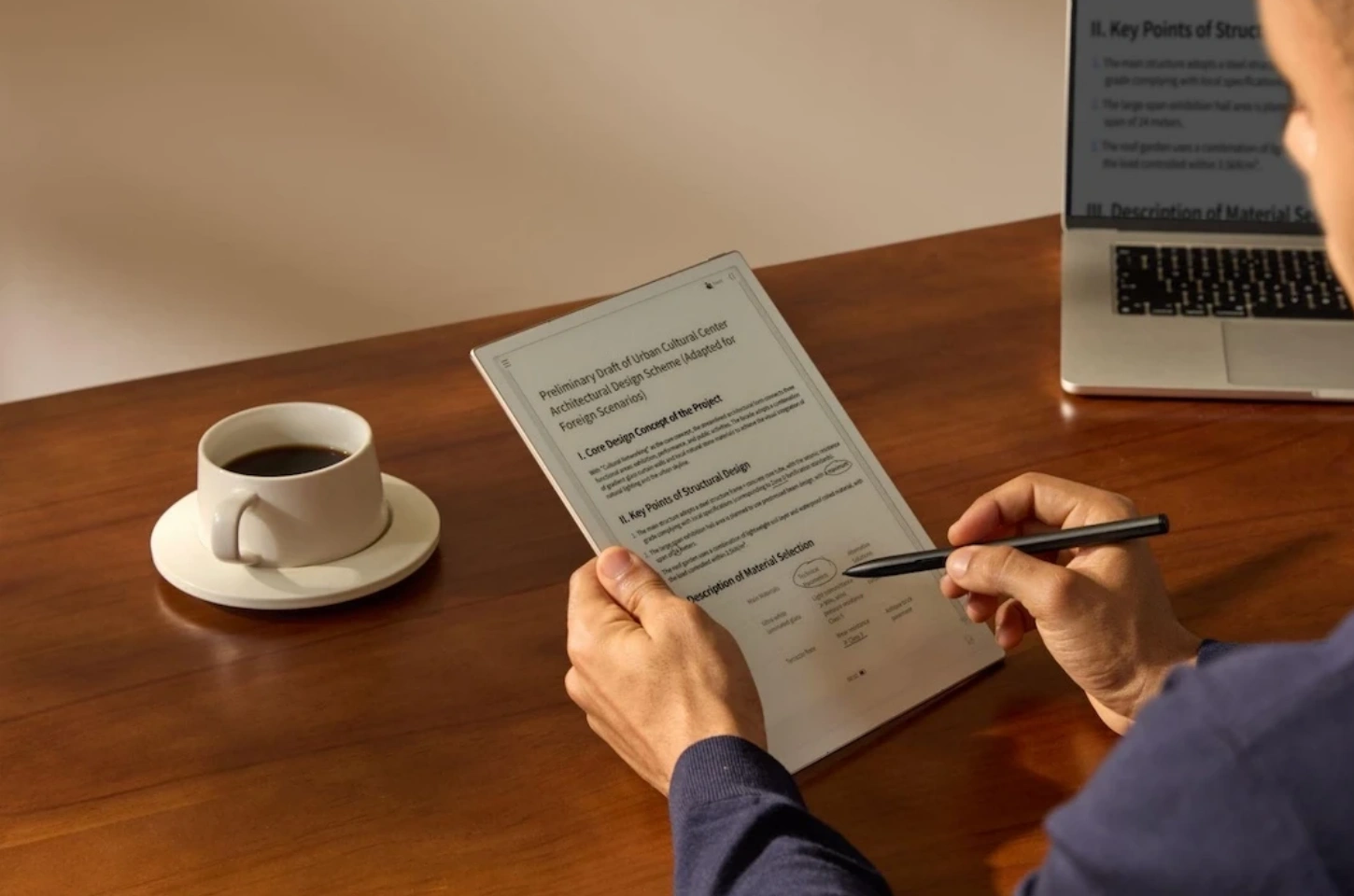
Unlike traditional tools that handle only one part of the workflow, AINOTE 2 connects meetings, notes, and tasks into a single intelligent system. It integrates AI transcription, summarization, and task generation, helping teams turn daily collaboration into a more structured and efficient process.
Turning Meetings into Actionable Outcomes with AI
In remote teams, meetings often end without clear follow ups, which leads to missed actions and delays. AINOTE 2 addresses this by automatically capturing conversations and turning them into structured outputs.It supports real time transcription in up to 16 languages and real time translation across 10 to 11 languages, making it easier for global teams to collaborate without language barriers.
The system can also identify key points and action items as discussions happen, while converting handwritten notes into searchable text in up to 133 languages with around 98% accuracy.Instead of manual note taking, teams can directly turn conversations into clear next steps, making meetings more outcome driven.
Generating Clear Summaries for Faster Decisions
Long recordings and scattered notes can slow down decision making. AINOTE 2 simplifies this by generating concise summaries automatically, allowing team members to quickly understand what matters without reviewing full meetings.
Beyond summaries, it also helps structure ideas visually. With its built in mind map feature, users can quickly turn meeting insights or rough thoughts into clear visual frameworks. Whether capturing ideas during a discussion or organizing them afterward, it allows teams to unload their thoughts in minutes and transform them into structured visuals that are easy to review and share.
Creating a Centralized Workspace for Knowledge and Tasks
A common issue in remote work is that information is spread across different tools. AINOTE 2 brings everything together into one centralized workspace, where users can easily organize meeting notes alongside records and tasks in one place.
With cloud synchronization and cross-device access, teams can quickly find, access, and organize meeting notes without switching between platforms. This reduces information gaps and helps maintain continuity across projects.
How to Integrate Remote Work Tools for Maximum Efficiency
Having the right tools is only part of the solution. To improve efficiency, remote teams need to ensure these tools work together seamlessly. By connecting systems and reducing workflow friction, teams can save time and stay better aligned.
Using Integrations and Automation Tools
Integration tools like Zapier help connect different platforms and automate repetitive tasks. This reduces manual updates and ensures information flows smoothly across communication, project, and document systems.
Creating a Unified Digital Workspace
A unified workspace brings communication, tasks, and knowledge into one place. Instead of managing scattered information, teams can stay organized, improve visibility, and collaborate more effectively.
Reduce App Switching by Connecting Your Tools
Frequent app switching can interrupt focus and lower productivity. By streamlining tools and workflows, teams can reduce context switching and spend more time on meaningful work.
Conclusion
Managing remote teams effectively requires more than simply adopting multiple tools. The key lies in building a connected workflow where communication, tasks, and knowledge are aligned. While traditional tools can support individual functions, real efficiency comes from reducing fragmentation and turning everyday collaboration into clear, actionable outcomes.
By combining the right tools with smarter, more integrated solutions like iFLYTEK AINOTE 2, teams can minimize manual work, improve visibility, and keep conversations, decisions, and tasks in sync. This approach not only enhances productivity but also creates a more structured and scalable remote work environment.
FAQ
What are the 5 C's of collaboration?
The 5 C's of collaboration are communication, coordination, cooperation, commitment, and clarity. These elements ensure that teams share information effectively, align on goals, and work together efficiently.
How can you visualize project timelines to avoid delays?
You can visualize project timelines using tools like Gantt charts, Kanban boards, or timeline views in project management software. These methods help track progress, identify bottlenecks early, and keep projects on schedule.
What strategies help keep remote teams engaged and motivated?
The most effective strategies include maintaining regular communication, setting clear goals, recognizing achievements, and encouraging collaboration. Using the right tools to simplify workflows also helps improve engagement and productivity.



