In today’s busy world, taking notes, recording meetings, or creating content can feel like a race against time. Typing out every word from a recording or live conversation is slow and tiring. That’s where speech-to-text (STT) apps, also called voice-to-text or automatic speech recognition (ASR) tools, come in handy.
With so many options out there, how do you know which one is truly the best? It depends on what you need. You might be a student recording lectures, a journalist doing interviews, or a professional dictating emails. This guide will explain the key features, compare the best speech to text app, and even show specialized devices to help you choose.

Key Features of a Good Speech-to-Text App
Before looking at specific apps, it’s important to know what makes a speech-to-text app good. The best apps perform well in a few key areas.
Accuracy and Word Error Rate (WER)
Accuracy is the most important factor. A good app turns spoken words into text correctly, saving you time on editing and fixing mistakes.
For example, in an important client meeting, a low-accuracy app might hear "asset allocation" as "assent relocation," which could cause big problems. Choose apps with a low Word Error Rate (WER), usually in the single digits when the audio is clear.
Real-Time Transcription and Speed
For live events like lectures, interviews, or quick dictation, real-time transcription is essential. The app should turn speech into text almost immediately.
Language and Accent Support
A good speech-to-text app should work for people all over the world. It should handle different languages, like Spanish, and various English accents, such as British, Indian, or Australian.
Integration and Compatibility
A good STT app should work well with other tools. It should connect easily to services like Google Drive, Microsoft Word, or CRM systems. It should also work on different devices—iPhone, Android, or computer, so you can switch between them easily.
Privacy and Security
Because speech-to-text apps often handle sensitive, confidential, or personal information (like business strategies or medical records), robust privacy and security measures are paramount. Ensure the app adheres to industry-standard data protection protocols.
Top 5 Speech-to-Text Apps
Now that we know what to look for, here is a breakdown of the leading speech-to-text applications available on the market today.
1. Otter.ai
Otter.ai is widely popular, especially among students and business professionals. It excels at transcribing meetings, interviews, and lectures with impressive accuracy. Its standout feature is its ability to identify and label different speakers, making multi-person conversations much easier to follow.
2. Notta
Notta is an excellent choice for users who need a powerful, multi-platform transcription tool. It supports a vast number of languages and offers both real-time transcription and the ability to upload pre-recorded audio files. Notta is highly favored for its user-friendly interface and quick turnaround time.
3. Speechnotes
Speechnotes is a simple, web-based tool that is perfect for quick, daily dictation. It requires no installation, is highly accurate, and supports voice commands for punctuation, making it incredibly convenient for drafting emails or short documents.
4. Apple Dictation
Built into all Apple devices (iPhone, iPad, Mac), this is the most seamless option for Apple ecosystem users. It’s highly integrated and excellent for casual, short-form dictation, such as sending a text message or writing a short note.
5. Google Live Transcribe
Google Live Transcribe is a powerful, free, and accessible option, primarily designed for the hearing-impaired. It provides highly accurate real-time transcription of conversations and surrounding sounds, making it a stellar tool for everyday communication and accessibility needs.
Limitations of Speech-to-Text Apps
While STT apps are revolutionary, they are not perfect. It's important to be aware of their limitations:
- Background Noise: Excessive noise (traffic, music, chatter) can significantly reduce accuracy.
- Multiple Speakers: While some apps can differentiate speakers, clarity can drop when speakers overlap or talk over each other.
- Acoustics: Poor microphone quality or a large, echoey room can hinder performance.
- Offline Functionality: Many top-tier features, especially multi-language support, often require an internet connection.
Best Speech-to-Text Devices
Sometimes, the general-purpose microphones on your phone or computer simply don't cut it, especially in professional or complex audio environments. For these situations, a dedicated device offers superior recording and transcription quality.
When to Choose a Dedicated Device
If your job involves frequent, high-stakes recordings—such as court reporting, high-level business negotiations, or on-site interviews in noisy environments—a dedicated recording and transcription device is the best investment for guaranteed clarity and reliability.
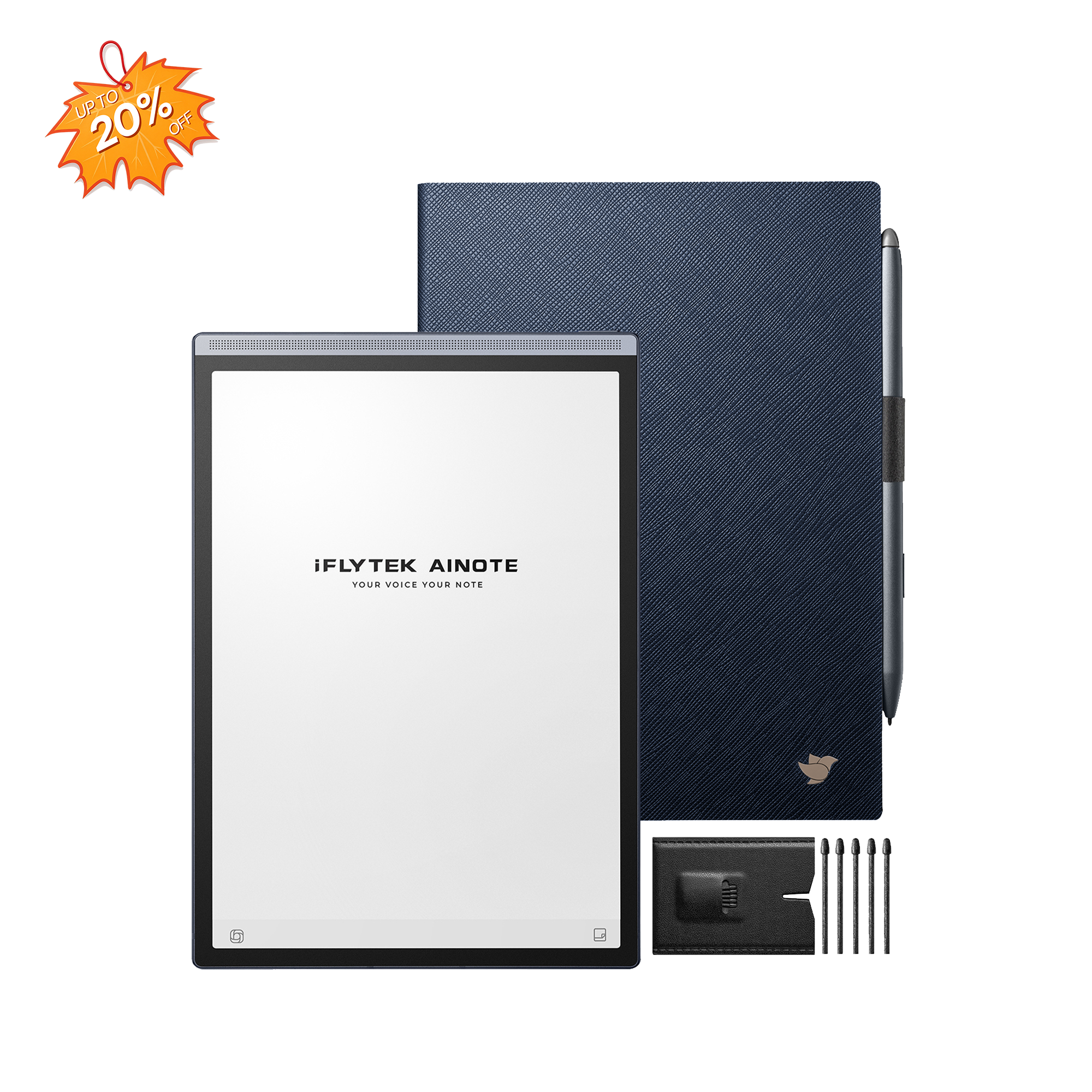
iFLYTEK AINOTE 2: The Professional’s Choice
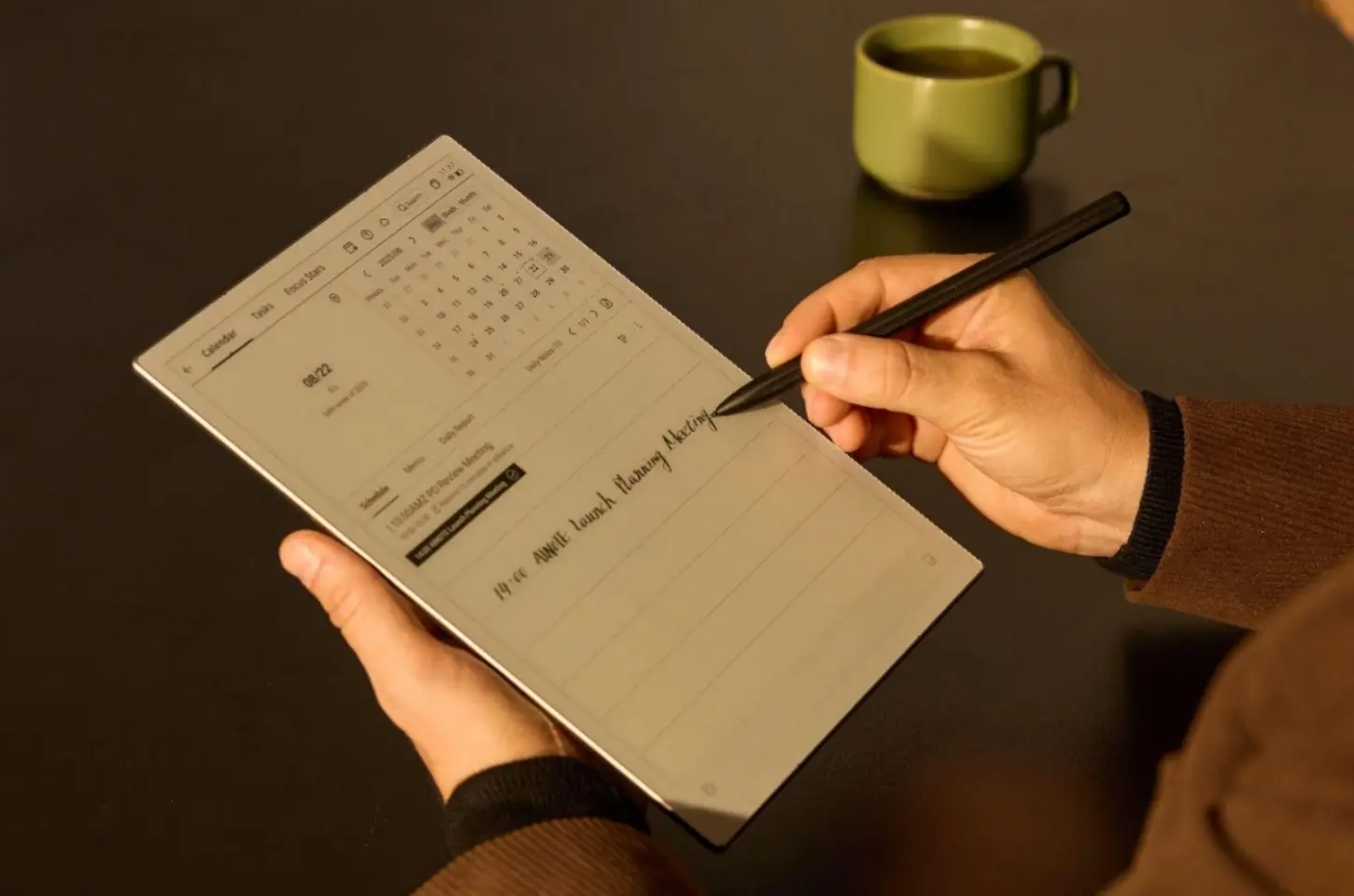
For those who demand the absolute highest level of accuracy and specialized features, consider the iFLYTEK AINOTE 2. This is a professional smart notebook and recorder.
The iFLYTEK AINOTE 2 is engineered with a superior microphone array and proprietary algorithms that filter out complex background noise, allowing it to capture crystal-clear audio even in a bustling conference hall. It is also recognized as the world's lightest, thinnest, and fastest smart office notebook. It offers real-time transcription directly on its screen and supports highly accurate transcription for multiple languages and dialects, making it an indispensable tool for international business.
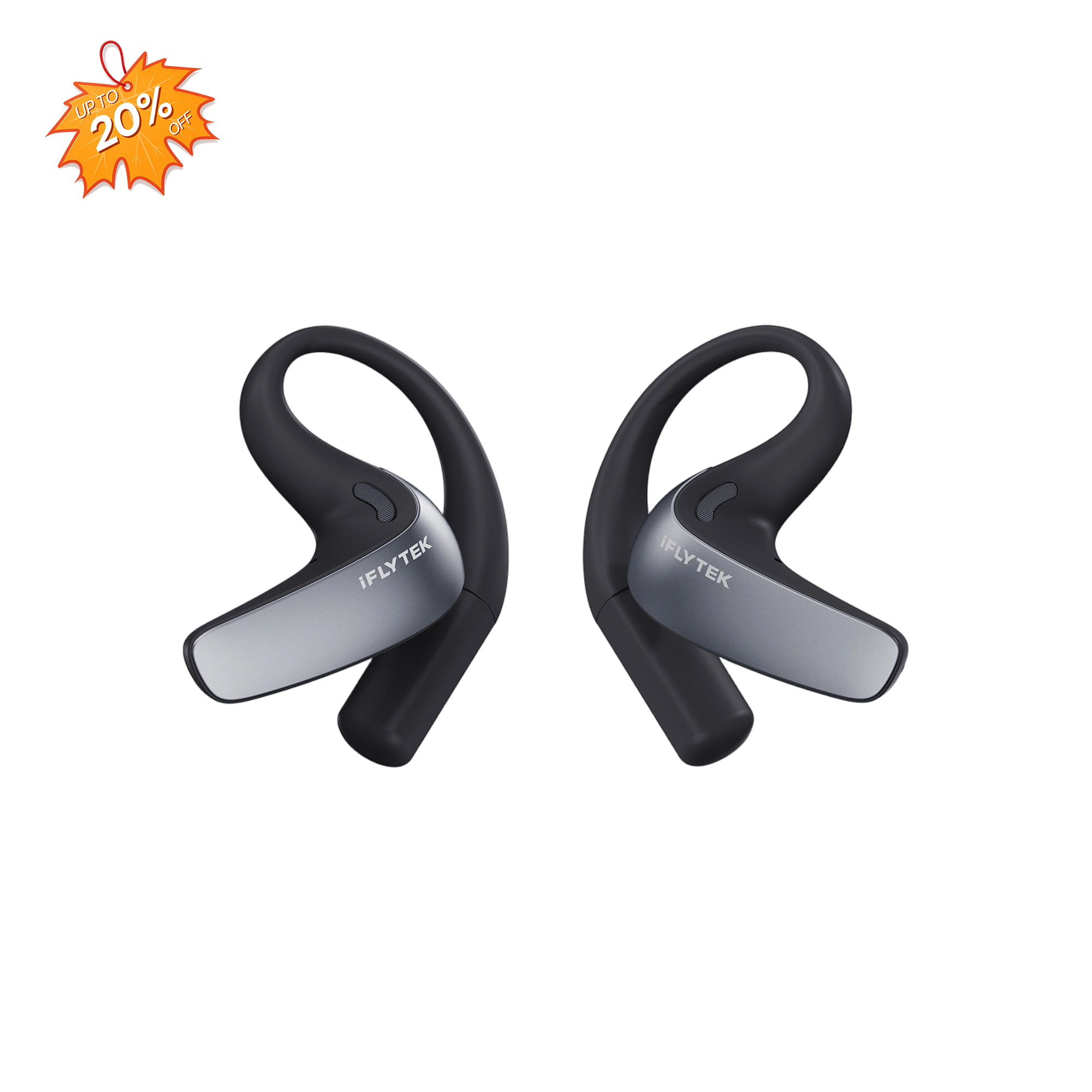
iFLYTEK Smart Recorder
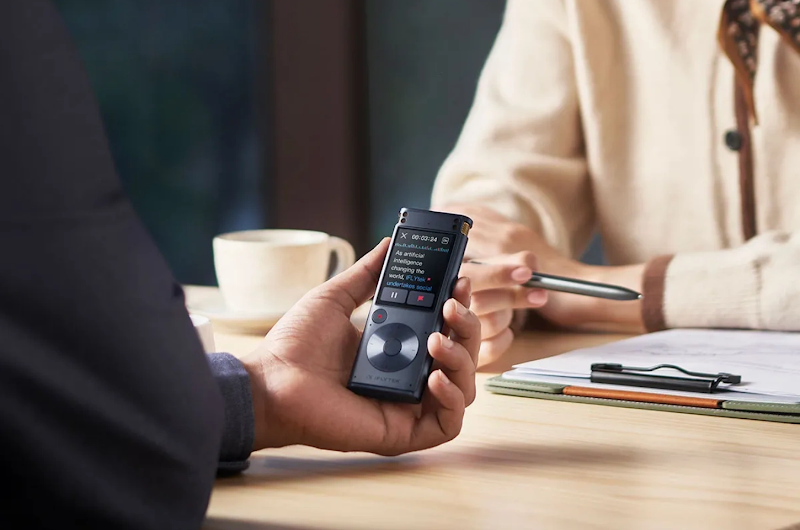
The same advanced speech recognition technology that powers the AINOTE 2 is also found in the iFLYTEK Smart Recorder. The iFLYTEK Smart Recorder is a prime example of superior dedicated STT hardware. It is built to bridge the gap where apps fail.
The device boasts advanced multi-microphone array technology to capture clear audio from far distances and filter out noise, ensuring a lower WER than typical phone recordings. Critically, it leverages both local and cloud AI for high-speed transcription and translation across multiple languages. For professionals handling confidential data, its dedicated nature and secure handling of files make it a reliable tool for recording everything from legal depositions to high-level corporate board meetings.
Tips to Get the Most Accurate Speech-to-Text
Even with the best app or device, following these simple tips can drastically improve your transcription accuracy:
- Speak Clearly and Moderately: Avoid rushing or mumbling.
- Minimize Background Noise: Record in a quiet environment whenever possible.
- Use a Quality Microphone: For desktop use, an external USB microphone is always better than a built-in one.
- Proofread and Train: Take the time to correct errors, as some apps use your corrections to "train" their models to better recognize your voice over time.
Conclusion
The "best" speech-to-text app is the one that meets your specific requirements for accuracy, speed, and features. For everyday use, apps like Otter.ai or Notta offer excellent, versatile features. However, for users demanding superior accuracy in challenging environments, professional-grade hardware like the iFLYTEK AINOTE 2 provides a specialized solution that generic apps cannot match.
By prioritizing accuracy and understanding your usage scenario, you can choose the perfect tool to transform the way you capture and manage information.
FAQs
1. Can ChatGPT transcribe audio to text?
While ChatGPT itself is a language model and doesn't directly handle audio files, its underlying developer, OpenAI, created Whisper. Whisper is a highly capable, open-source ASR model that is considered one of the most accurate tools available for transcribing and translating speech, and it is utilized by many third-party applications.
2. Which app is best for multiple languages?
Notta and professional devices are often cited as the best options for users needing extensive support for multiple languages and regional accents.
3. Can speech-to-text apps work offline?
Yes, many built-in dictation features (like Apple Dictation or some versions of Google's voice typing) offer basic, offline functionality. However, the advanced, cloud-based apps that provide higher accuracy, speaker differentiation, and full-text editing generally require an internet connection.
4. How to improve transcription accuracy?
The most effective ways are to speak clearly, reduce background noise, and utilize a high-quality, dedicated microphone or a device like the iFLYTEK AINOTE 2, which is designed to optimize audio capture.
5. Are these apps free or paid?
Most popular STT apps, including Otter.ai and Notta, operate on a freemium model. They offer a basic free tier with limited monthly transcription minutes, and then paid subscription plans for higher usage, premium features, and better storage.