In today's digital world, reading has evolved far beyond printed pages. Whether it's ebooks, academic papers, or business reports, more people are turning to tablets for a convenient, portable reading experience. Yet, not all tablets are created equal. When it comes to eye comfort, focus, and long reading sessions, E Ink tablets have become the preferred choice for professionals, students, and avid readers.
This article explores how E Ink tablets for note taking — such as the iFLYTEK AINOTE Air 2 — compare to traditional LCD or OLED tablets in terms of display technology, eye comfort, battery life, and functionality for reading and writing.
Display Technology Differences
The key difference between E Ink tablets and traditional tablets lies in their display technology. While standard tablets like iPads use backlit LCD or OLED screens, E Ink tablets use electronic ink (E Ink) technology — a display system that mimics real paper.
How E Ink Technology Works in Tablets?
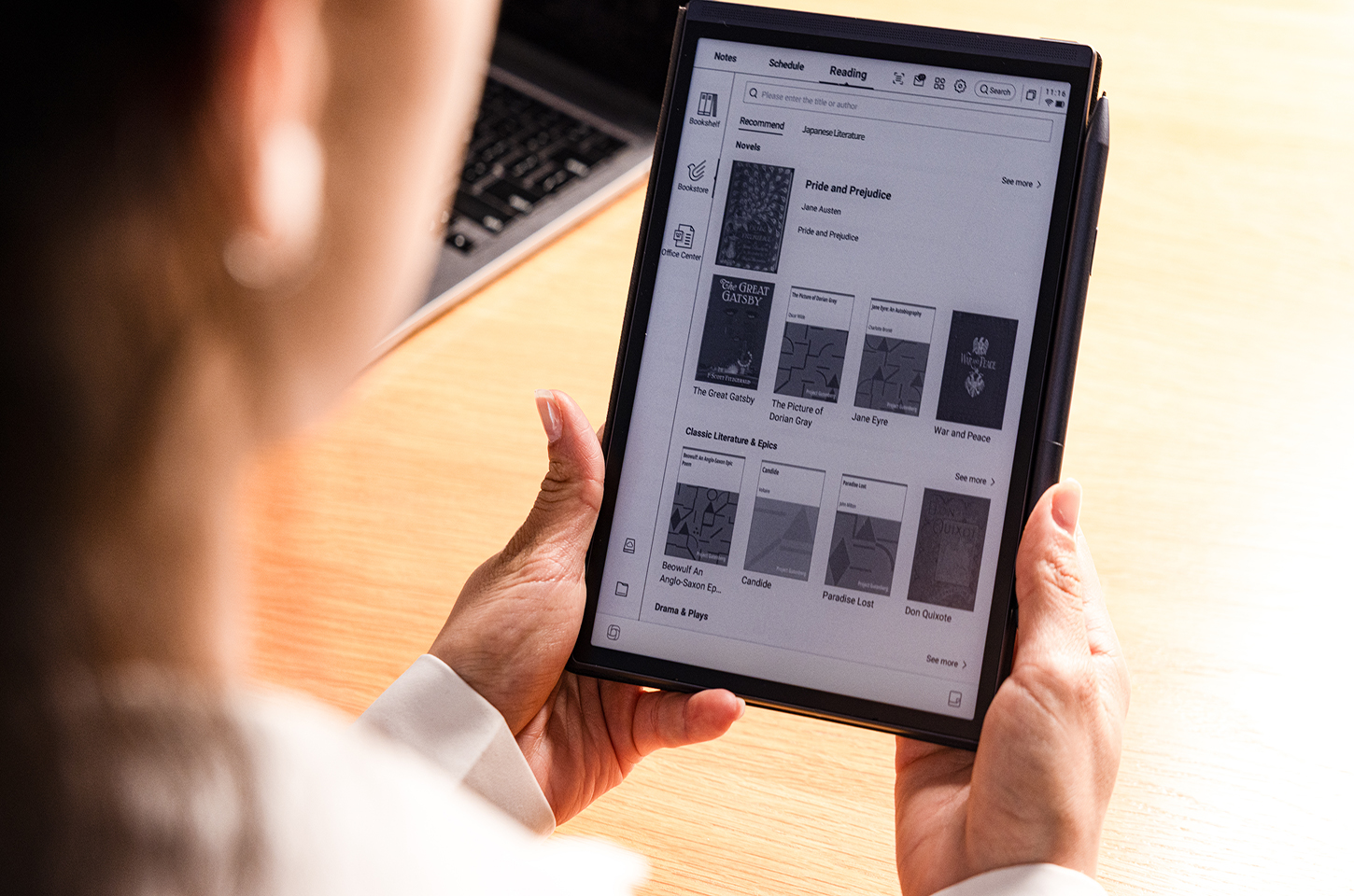
E Ink screens consist of millions of tiny capsules containing black and white particles that rearrange themselves when an electrical charge is applied. This means the screen reflects ambient light rather than emitting it. As a result, reading on an E Ink display notebook feels similar to reading from paper — no harsh glare, no flickering light, and no blue light fatigue.
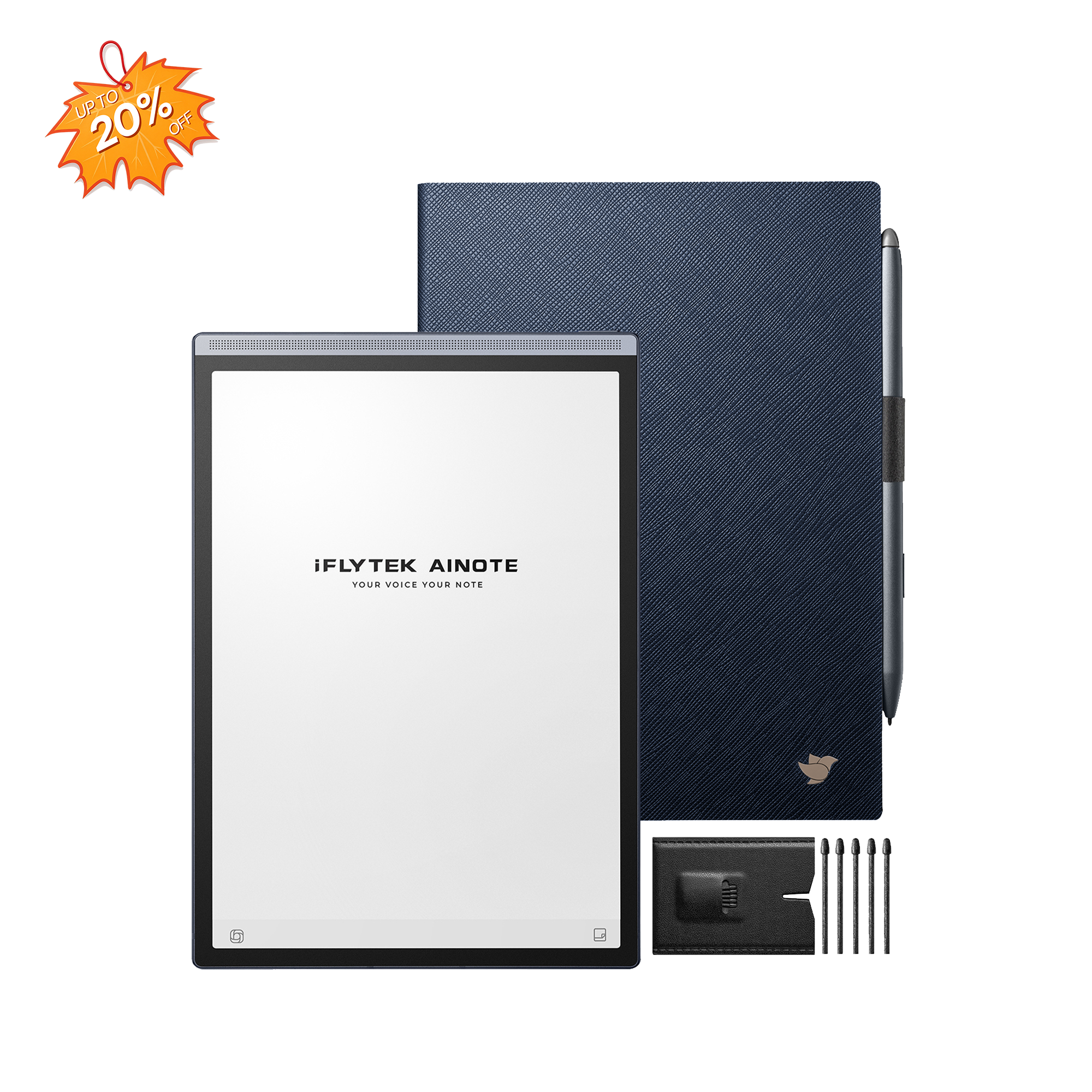
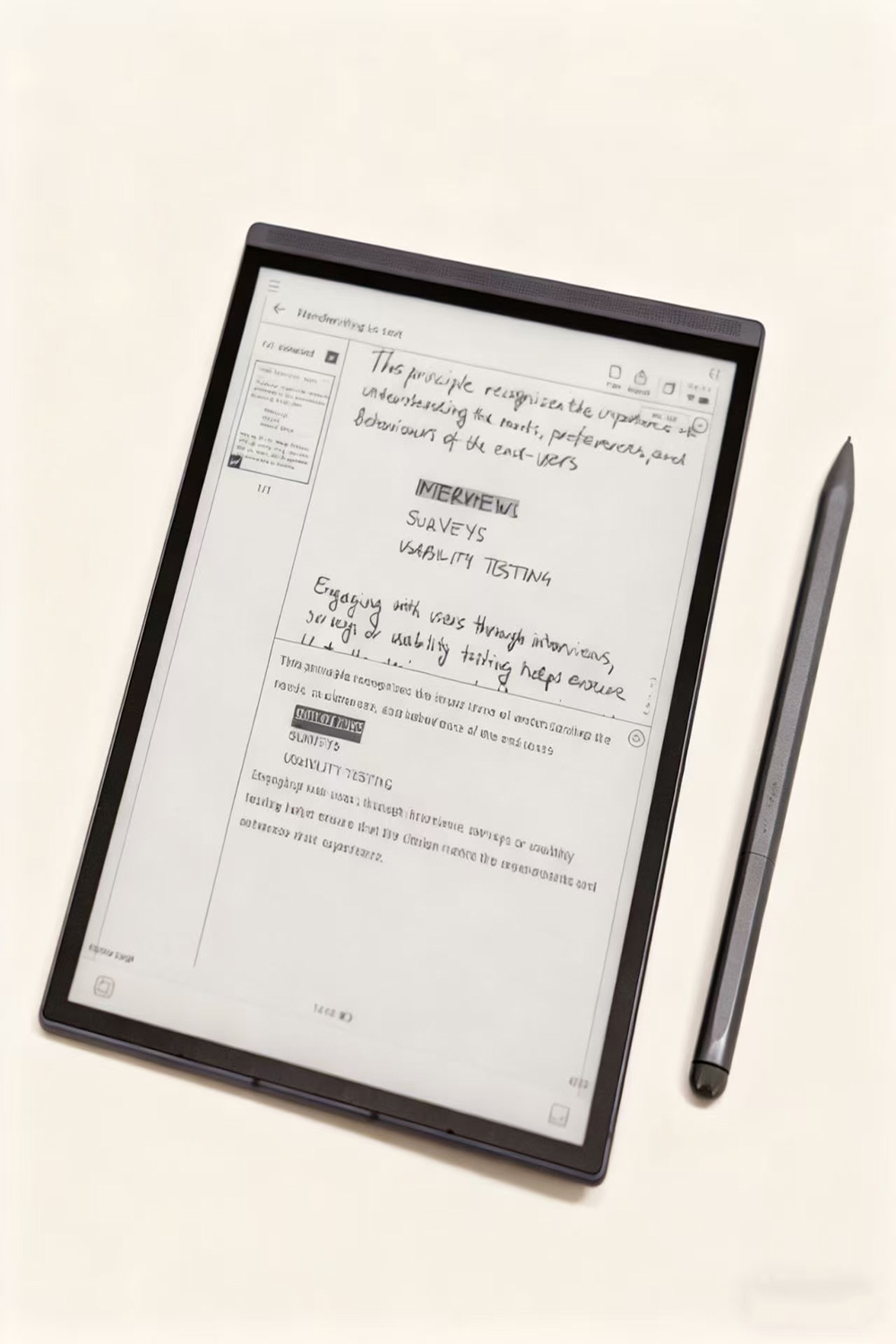
Devices like the iFLYTEK AINOTE Air 2 take this further by combining E Ink note-taking capabilities with advanced AI-powered functions. It's not just a reader but also a writable E Ink tablet, allowing users to annotate PDFs, jot notes, and even convert handwriting to digital text seamlessly.
Eye Comfort Levels
One of the biggest complaints among traditional tablet users is eye strain. Bright screens and blue light exposure can lead to fatigue, headaches, and disrupted sleep cycles — especially during long reading or work sessions.
Why E Ink Tablets Reduce Eye Strain
E Ink displays are non-backlit, meaning they rely on reflected light, just like paper. This makes them much gentler on the eyes. The iFLYTEK AINOTE Air 2 enhances this paper-like experience through its high-resolution E Ink display, offering crisp, contrast-rich text and natural handwriting feel.
Whether you're reviewing documents, studying lecture notes, or reading novels, the AINOTE Air 2 ensures you can read for hours without discomfort. This is why many professionals and students prefer note taking E Ink tablets — they help maintain focus and reduce the distractions and glare associated with traditional screens.
Battery Efficiency
Another major difference between E Ink and traditional tablets lies in battery consumption. LCD and OLED tablets constantly refresh pixels and power bright displays, draining batteries quickly — often within hours.
By contrast, E Ink tablets consume power only when changing the display (for example, when turning a page or writing). This results in weeks of battery life on a single charge.
The iFLYTEK AINOTE Air 2 takes full advantage of this energy efficiency. Despite its advanced AI capabilities — such as Voice-to-Text transcription, AI Meeting Summary, and real-time translation in 15 languages — it remains impressively power-efficient. For readers, writers, and business users, that means uninterrupted productivity without worrying about constant recharging.
Functionality for Books and Work
While traditional tablets excel in multimedia consumption, E Ink tablets shine in focused reading and productivity environments. Devices like the iFLYTEK AINOTE Air 2 are designed not just for reading ebooks but also for writing, organizing, and managing ideas.
The AINOTE Air 2 merges the best of both worlds:
-
Paper-like reading thanks to its E Ink display
-
Handwriting functionality using a digital pen for natural note-taking
-
Voice-to-Text transcription for quick meeting notes or brainstorming sessions
-
ChatGPT-powered tools including AI Meeting Summary, AI Search, and Chat with AI for idea generation and information management
This combination transforms the AINOTE Air 2 from a simple reading device into a powerful digital notebook tablet with pen — ideal for professionals handling dense reports, writers outlining drafts, or students reviewing study materials.
Moreover, the Writing & Voice Sync feature ensures your handwritten notes and voice memos stay perfectly aligned, making it easy to revisit discussions or lectures later. It's a tool that doesn't just replace paper; it redefines how you record and retain information.
Conclusion: The Smarter, Healthier Way to Read and Work
While traditional tablets remain great for entertainment, E Ink tablets are the future of productive, comfortable, and sustainable reading. Their paper-like displays, long battery life, and advanced writing features make them indispensable for professionals and learners alike.
The iFLYTEK AINOTE Air 2 stands out as one of the best writable E Ink tablets available — combining the simplicity of traditional note-taking with the intelligence of AI and the comfort of E Ink technology. If you're ready to buy a digital notebook that enhances focus, supports your workflow, and protects your eyes, the AINOTE Air 2 is a smart investment in both productivity and well-being.