
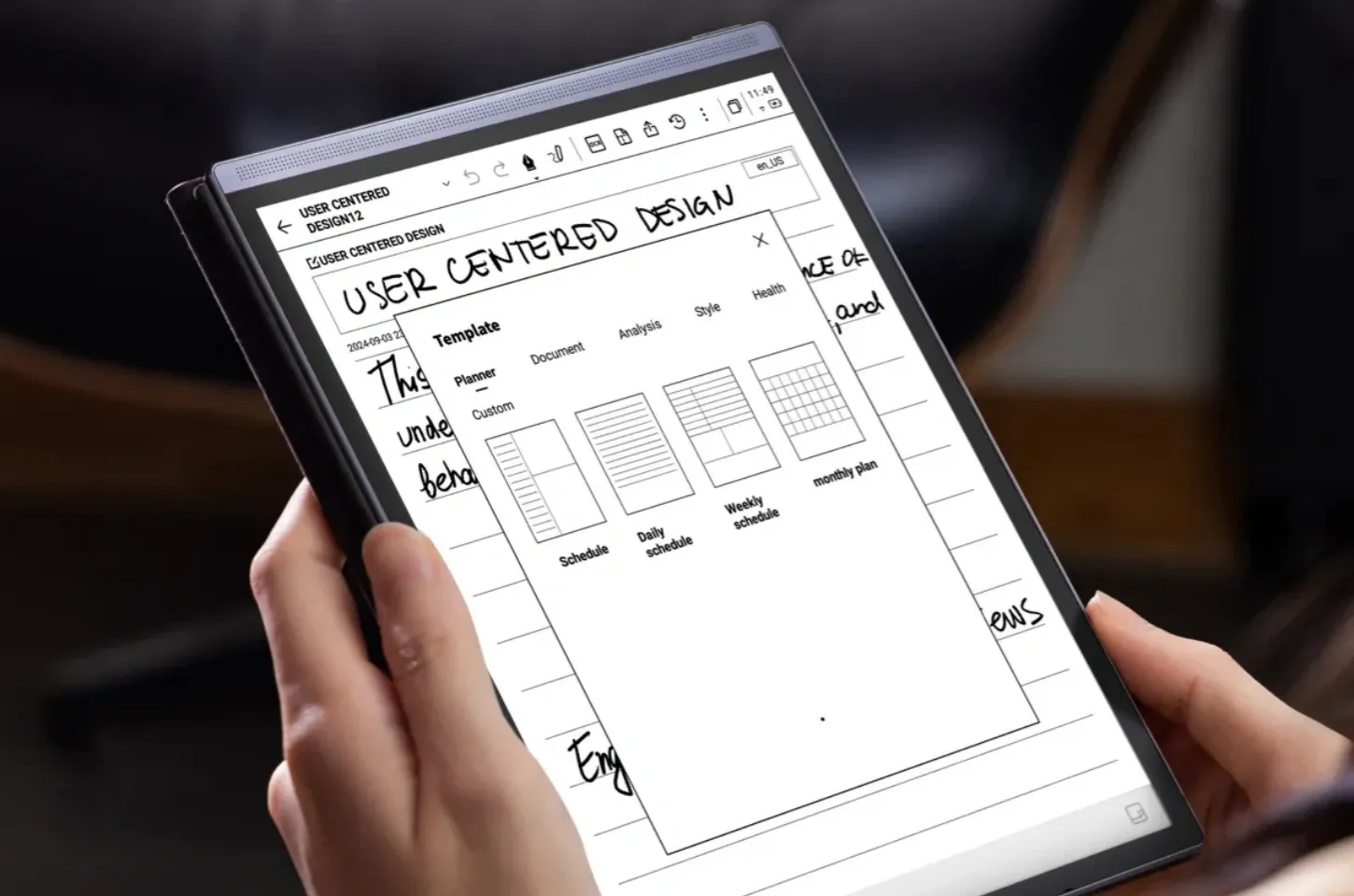
Buying a digital handwriting notebook is just the first step toward upgrading your productivity. To truly maximize its value, you need to go beyond simple note-taking and build a structured, efficient note management system. Whether you're a student managing class materials or a professional handling multiple projects, organization is the key to turning scattered thoughts into actionable knowledge.
With the right device—like the iFLYTEK AINOTE Air 2—you can leverage powerful tools such as voice-to-text transcription, AI summaries, and E Ink note taking to organize, search, and use your notes effectively. Let's explore how to create a workflow that turns digital notebooks into indispensable productivity partners.
Step 1: Capture Notes Effectively with Voice and Handwriting
The foundation of a strong note management system is accurate and efficient note capture. Many users who buy a digital notebook underestimate the importance of versatility in this step.
The AINOTE Air 2 excels here with its Voice-to-Text feature, allowing you to record meetings, lectures, or brainstorming sessions and instantly convert speech into written notes. This means you won't lose valuable information if you miss writing something down.
At the same time, the device's E Ink display makes handwriting on the digital notebook tablet with pen feel natural—like writing on real paper. With Writing & Voice Sync, you can handwrite key points while the notebook transcribes spoken content in parallel. This dual approach ensures you capture every detail in the most natural way possible.
Step 2: Organize and Structure Your Digital Notes
Once notes are captured, proper organization turns them into usable knowledge. Many people new to digital notebooks for work fail to set up clear categories, making it difficult to find information later.
What makes this device stand out is its integration of ChatGPT-powered AI functions. With AI Meeting Summary, long notes are condensed into key takeaways. With AI Search, you can instantly locate relevant content across hundreds of pages. This eliminates the frustration of flipping through endless handwritten pages.
By establishing categories and using AI tools, your digital notepad becomes a searchable, intelligent database rather than a messy stack of pages.
Step 3: Sync Across Devices for Accessibility and Collaboration
A truly efficient note management system must go beyond a single device. Accessibility is essential for professionals who work across laptops, tablets, and phones—or for students collaborating on group projects.
Unlike traditional notebooks, electronic notebooks like the AINOTE Air 2 allow seamless syncing with cloud services. This ensures your handwritten notes, voice transcriptions, and AI-generated summaries are accessible anytime, anywhere. Whether you're revising before a meeting or collaborating on assignments, cloud integration keeps everything at your fingertips.
This synchronization is particularly important when sharing notes with teammates or classmates. By exporting or syncing, you turn your handwriting electronic notebook into a collaborative productivity hub.
Step 4: Enhance Productivity with AI and Multilingual Support
Efficient note management doesn't stop at organization and syncing. The final step is leveraging advanced features to make your notes actionable.
The AINOTE Air 2 enhances productivity with real-time translation and transcription in 15 languages for transcription and 10 languages for translation. This makes it ideal for professionals and students working in another different language. Combined with its ChatGPT integration, you can transform notes into meeting action points, summarized study guides, or even quick answers to questions.
In short, AI transforms the notebook from a passive storage tool into an active productivity assistant. For anyone looking to buy a digital notebook, this is where the investment truly pays off.
Final Thoughts: Building a Smart Note System with AINOTE Air 2
Owning a digital notebook tablet with pen is just the beginning. To create a high-efficiency note system, you need to:
-
Capture notes effectively with both voice and handwriting.
-
Organize and structure them using marks, and AI summaries.
-
Sync across devices for accessibility and collaboration.
-
Enhance usability with AI tools and multilingual support.
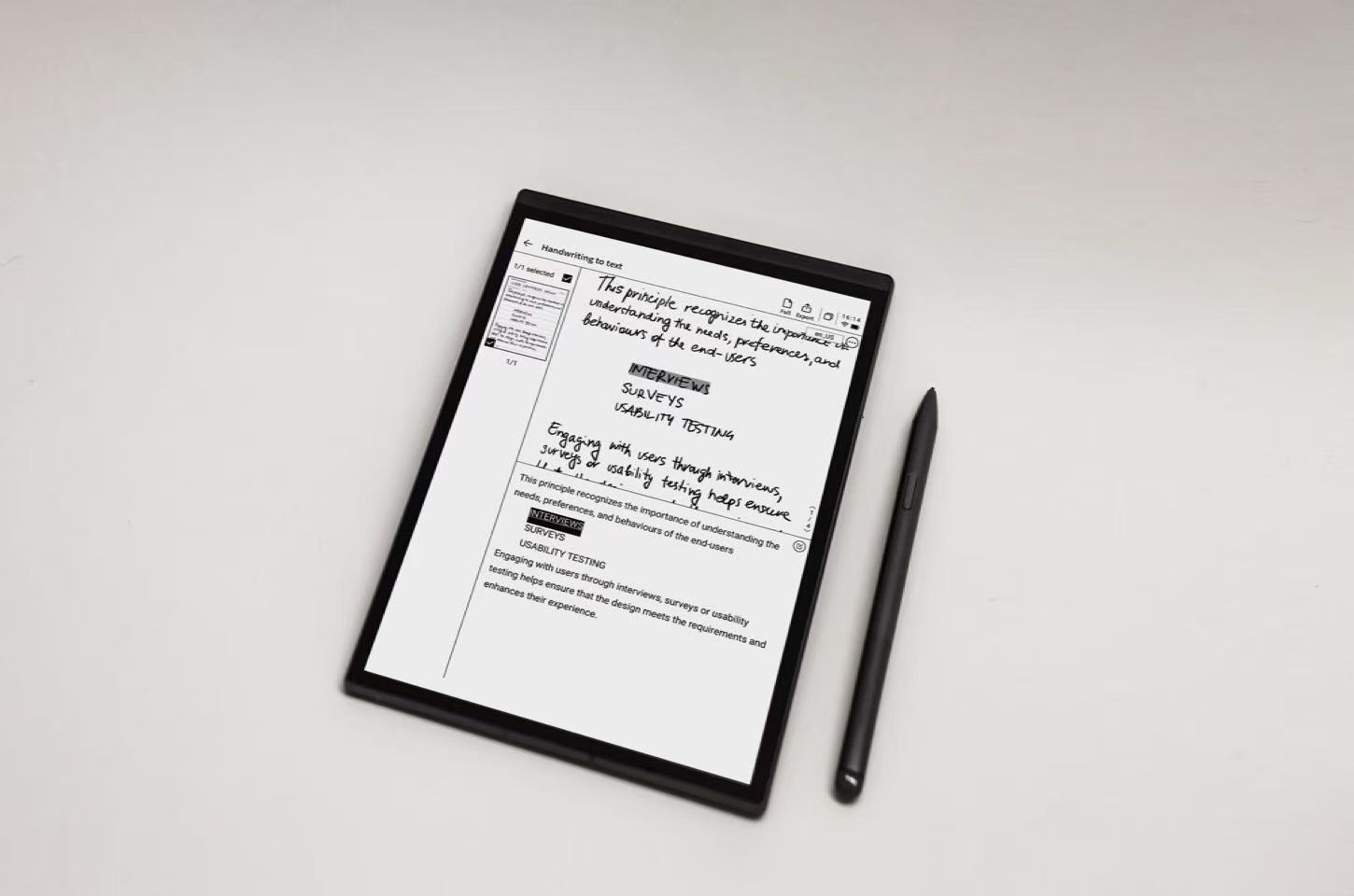
The iFLYTEK AINOTE Air 2 offers all of these features, combining E Ink note taking with powerful AI, voice-to-text, and real-time translation. Whether you're a student looking for smarter study habits or a professional managing complex projects, it helps you go from scattered notes to a structured, actionable knowledge system. If you want more than just a device to jot things down, the AINOTE Air 2 is a digital handwriting notebook that transforms the way you think, write, and work.



