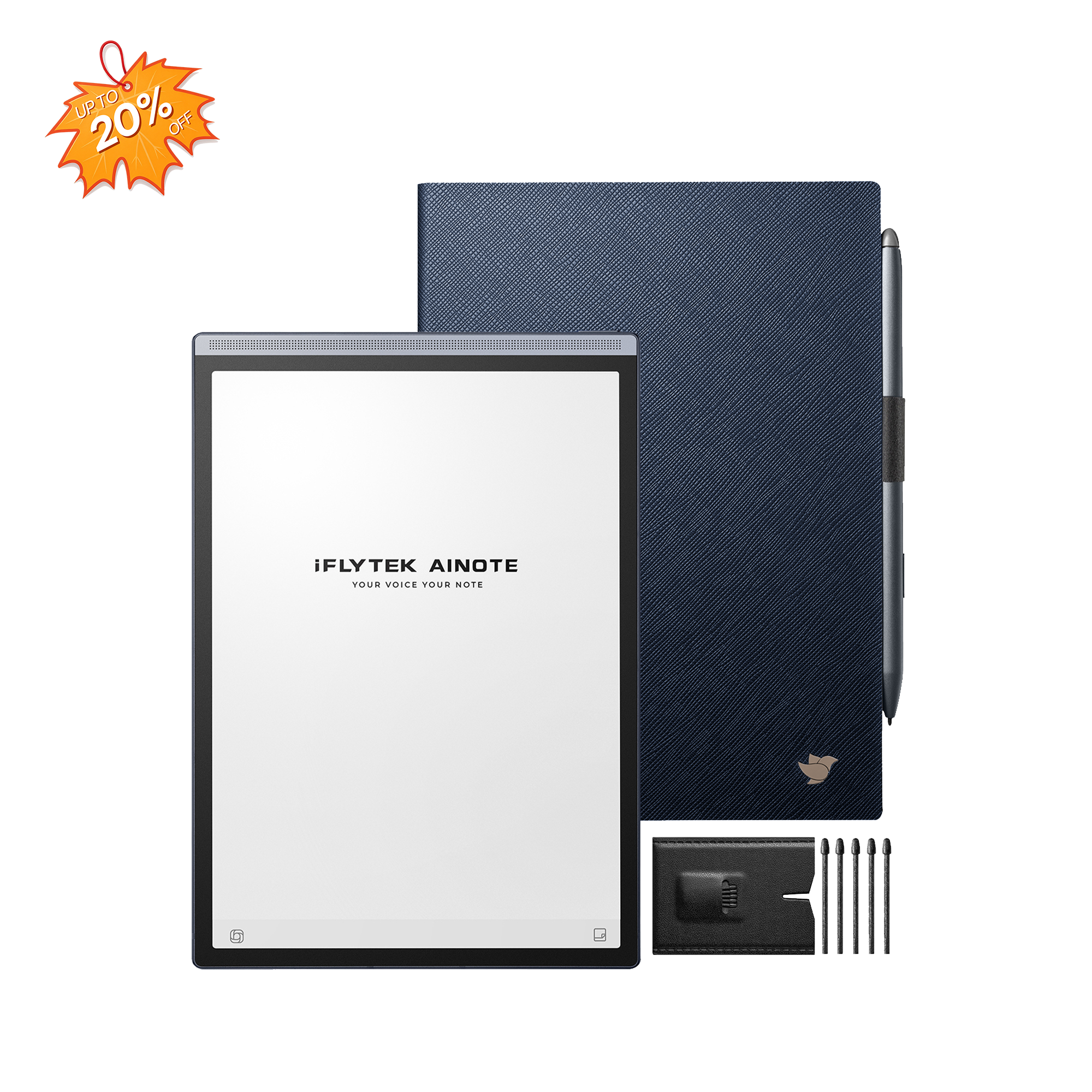
In today's fast-paced digital world, finding the perfect tool to bridge the gap between traditional handwriting and digital convenience can be a game-changer for productivity. For busy professionals, students, and avid note-takers alike, the struggle is real: how do you capture spontaneous ideas, manage endless documents, and keep your focus without the constant distractions of a tablet or smartphone? Enter the iFLYTEK AINOTE 2.
We’re diving deep into the features, advantages, and limitations of this highly-anticipated E-Note device to help you decide if the iFLYTEK AINOTE 2 is the smart upgrade your workflow needs.
Key Features of the AINOTE 2 Stand Out
When evaluating a new piece of technology, it’s essential to look beyond the surface. The AINOTE 2 is engineered with specific features that address the pain points of modern productivity. These core capabilities set it apart from standard devices and make it a serious contender in the E-Note market.
E-Ink Screen and Smooth Writing Experience
The display is the foundation of best E-Ink table, and the iFLYTEK AINOTE 2 excels here. Heralded as the world's lightest, thinnest, and fastest digital office notebook, its responsive E-Ink screen is meticulously crafted to truly mimic the feel of pen on paper.
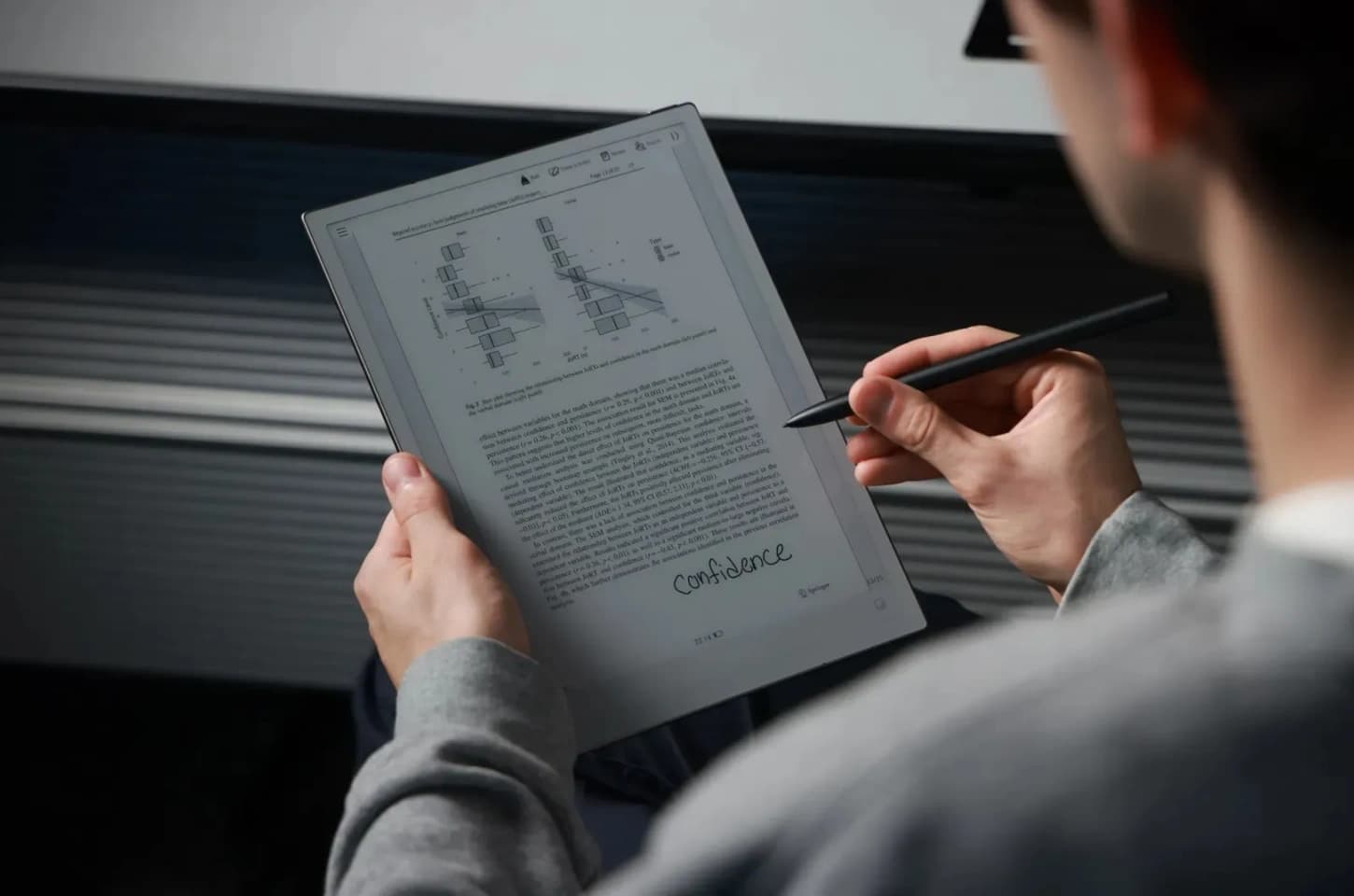
This low-latency technology effectively eliminates the frustrating lag common in digital writing, providing a near-perfect friction and tactile feel. For users focused on quick note-taking, complex sketches, or detailed annotations, the AINOTE 2 ensures a smooth, distraction-free experience, allowing your focus to remain entirely on the content.
Long Battery Life
In a mobile-first world, nothing is more frustrating than a device that dies mid-task. The promise of an E-Ink device is extended usage, and the iFLYTEK AINOTE 2 delivers on this front. Optimized for efficiency, its battery life ensures that whether you are traveling cross-country or spending a week running between conferences, you can rely on the AINOTE 2 without constantly searching for an outlet. This reliability is a huge advantage for any professional with a demanding travel schedule.
AI Tools and Productivity Enhancements
This is where the iFLYTEK AINOTE 2 truly distinguishes itself—by leveraging powerful artificial intelligence (AI) to transform basic note-taking into a productivity powerhouse.
As an AI-powered paper tablet, it integrates built-in AI features like real-time voice transcription and intelligent text recognition mean your handwritten notes are instantly searchable, editable text. Picture yourself attending a virtual lecture or a fast-paced board meeting; with the AINOTE 2, you can record the conversation and take light notes, knowing the AI is simultaneously creating an accurate, time-synced transcript. This advanced capability streamlines the entire documentation process.
Cloud Storage and Data Security
In the digital age, secure access to your documents is non-negotiable. The AINOTE 2 offers robust cloud integration, ensuring that your valuable research, meeting minutes, and personal journals are safely backed up and accessible from multiple devices. The seamless synchronization feature means you can start a note on your device and pick it up on your desktop, giving you the flexibility you need without compromising on data security standards.

Is the iFLYTEK AINOTE 2 Worth It?
After examining the core features, the crucial question remains: Does the value proposition of the iFLYTEK AINOTE 2 justify the investment? To answer this, we must weigh its benefits against its limitations and see how it stacks up against key competitors.
Advantages of the AINOTE 2
- Superior AI Integration: The real-time translation and transcription are industry-leading features for a productivity device.
- Highly Responsive Writing: The low-latency E-Ink screen makes the writing experience exceptional.
- Versatile Functionality: Beyond simple note-taking, it serves as an excellent document reader and annotator.
Limitations to Consider
- Learning Curve: The array of advanced AI features may take some time for new users to fully utilize.
- Cost: It is positioned as a premium product, and the price point reflects its advanced feature set.
Competitor Comparison: reMarkable 2
The most popular competitor is often the reMarkable 2, known for its minimalist design and exceptional writing feel.
|
Feature |
iFLYTEK AINOTE 2 |
reMarkable 2 |
|
Key Differentiator |
Advanced AI Transcription/Translation |
Best-in-class, paper-like writing focus |
|
Functionality |
Comprehensive E-Note, Reader, and AI tool |
Pure digital notebook |
|
Connectivity |
Robust Cloud Storage & Sync |
Subscription required for full cloud access |
|
Ideal User |
Professionals, Researchers, Students needing AI |
Minimalists, Designers, Avid Writers |
The verdict: While the reMarkable 2 excels in a pure, distraction-free writing experience, the iFLYTEK AINOTE 2 offers a more comprehensive, feature-rich solution that significantly enhances productivity through its unique AI tools.
Who Is the AINOTE 2 Best For?
Understanding the target audience is key to determining true value. The iFLYTEK AINOTE 2 is not intended for the casual user but for individuals whose productivity relies on efficient document management and real-time capture.
The Global Professional: With its real-time translation and transcription, it’s an indispensable tool for business travelers and individuals who frequently attend international meetings.
The Dedicated Researcher or Student: The ability to annotate complex academic papers and convert long lecture recordings into searchable text makes research exponentially more efficient.
The Meeting-Heavy Executive: Those who spend hours in meetings will appreciate the ability to keep focused by handwriting notes while simultaneously capturing a perfect transcript.
Tips for Choosing the Right E-Note Device
If you are on the fence about which digital notepad is right for you, consider these three critical factors before making a purchase:
1. Prioritize Your Needs
Prioritize Your Needs Determine whether you require a simple digital replacement for your paper notebook (focusing on excellent writing feel) or a versatile multi-tool that handles transcription, reading, and annotating (which the AINOTE 2 is designed to provide).
2. Evaluate Ecosystem Compatibility
Check how well the device integrates with your existing workflow, such as Google Drive, Dropbox, or your work's cloud platform.
Test the Writing Experience
If possible, try the latency and stylus feel. A low-latency screen, like the one on the iFLYTEK AINOTE 2, is critical for a natural writing flow.
Conclusion
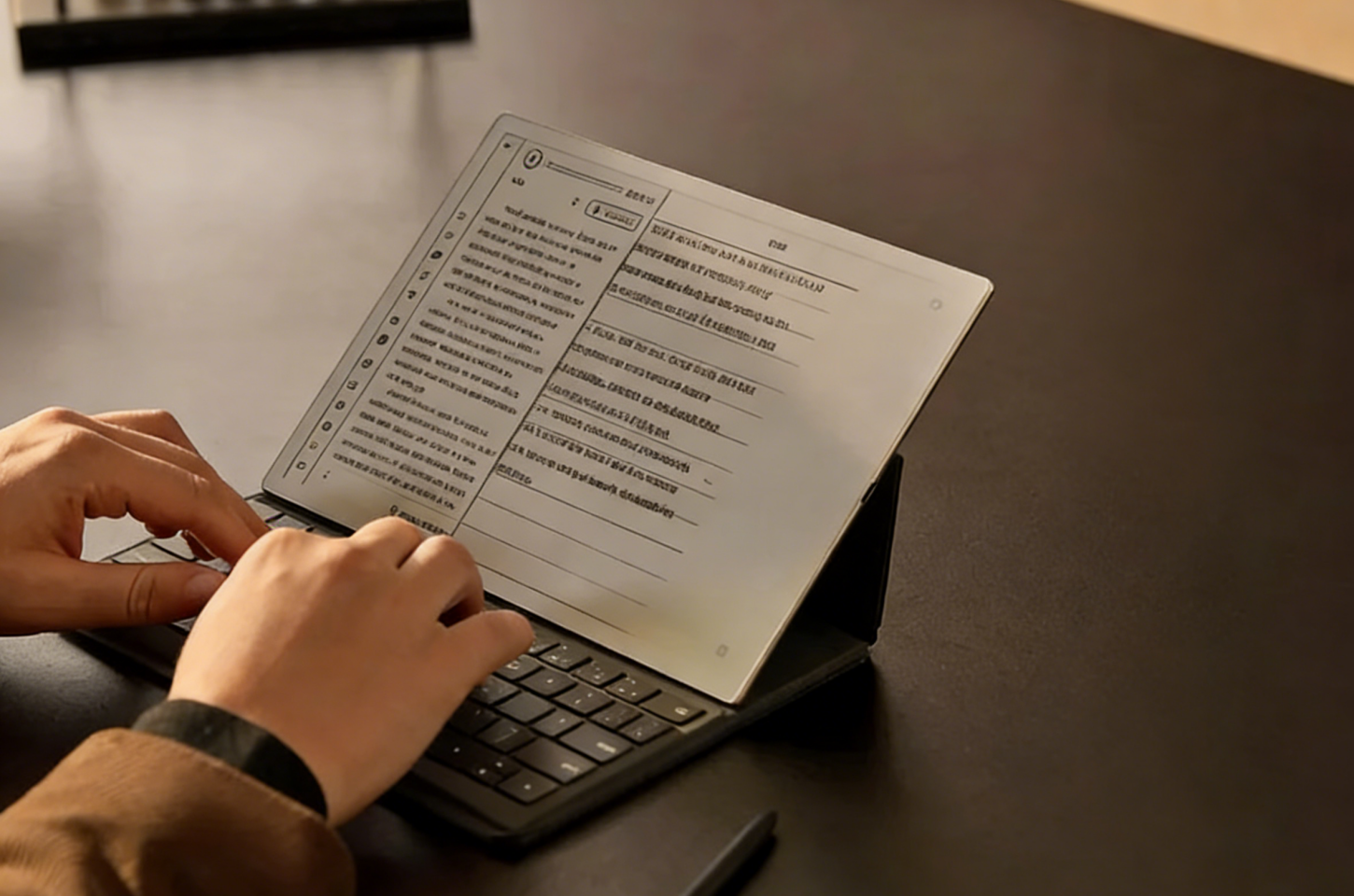
The iFLYTEK AINOTE 2 is a high-performance productivity tool built for professionals who need more than a digital notebook. If your work involves frequent meetings, intensive document review, or multilingual communication, its AI transcription, translation, and smart note-processing capabilities make it the most capable device in its category.
Ultimately, your choice depends on what you prioritize:
- For pure handwriting and a minimalist experience, the reMarkable 2 is still the best fit.
- For real-time transcription, AI-driven workflows, and a device that truly enhances productivity, the AINOTE 2 is the clear choice.
For executives, researchers, and anyone who relies on accurate, efficient information capture, the AINOTE 2 offers strong value and stands as one of the smartest workflow upgrades you can make in 2025.
FAQs
1. Can I read and annotate standard PDF files on the AINOTE 2?
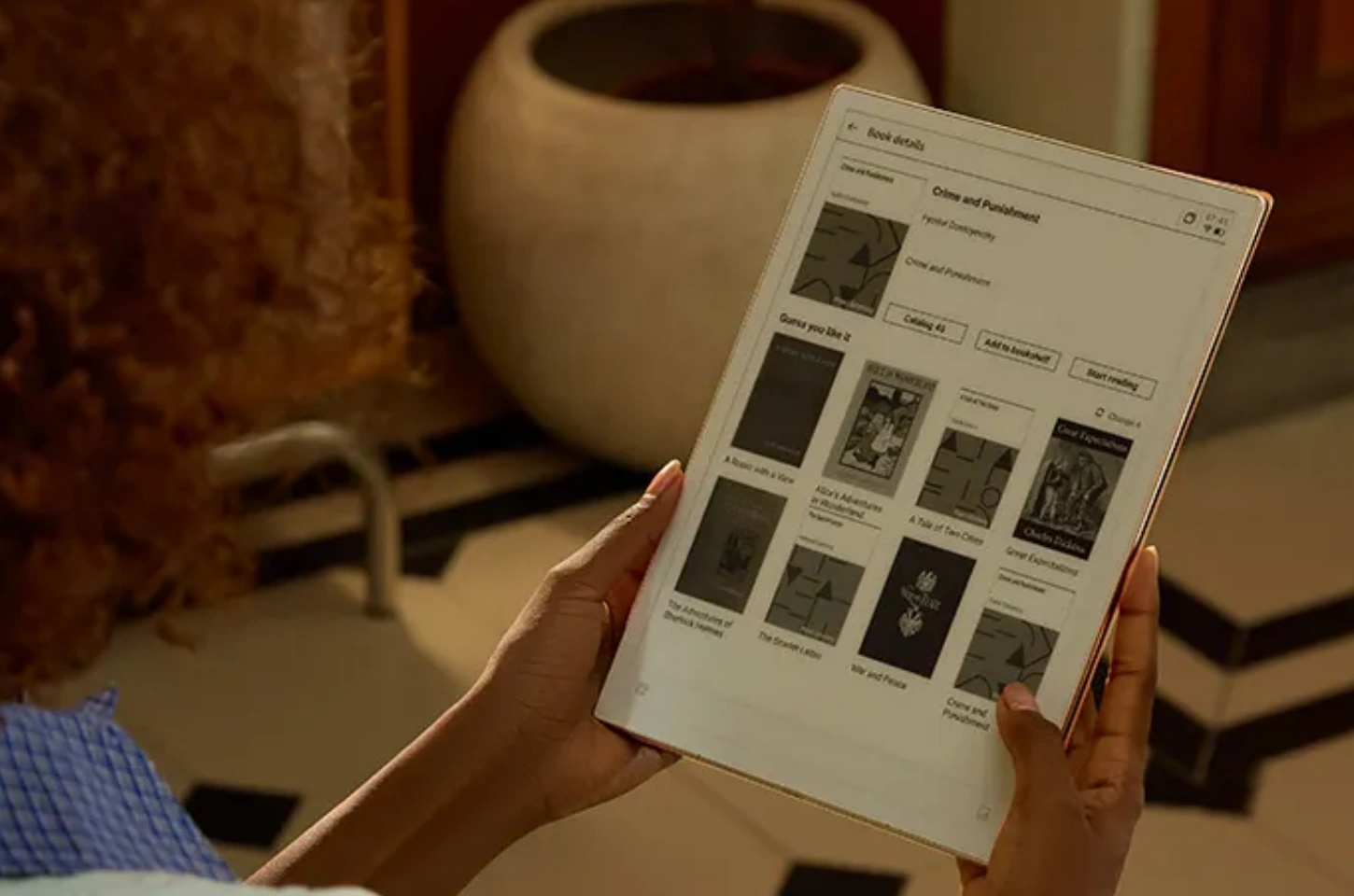
Yes. The device is excellent for reading and annotating standard document formats, including PDFs and EPUBs, making it a powerful tool for academic research and document review.
2. How secure is the cloud storage feature?
iFLYTEK emphasizes data security. The cloud storage feature uses industry-standard encryption protocols to ensure that your synchronized data is protected and private.
3. Does the iFLYTEK AINOTE 2 require a subscription for AI features?
No. The AINOTE 2’s core AI features—including transcription, translation, and handwriting recognition—are built into the device and do not require an ongoing subscription. This makes it more cost-effective than competitors that lock cloud or advanced features behind monthly fees.
4. Can the AINOTE 2 be used offline?
Yes. You can write, read documents, annotate PDFs, and use many of the AI tools offline. Some features—such as cloud sync or certain types of online translation—will require an internet connection, but the device remains fully functional in offline environments like meeting rooms, classrooms, or airports.
5. Does it support handwriting-to-text conversion in multiple languages?
Yes. The AINOTE 2 supports multilingual handwriting recognition, allowing you to convert handwritten notes into editable text across a variety of languages. This is especially useful for international professionals, researchers, and users working in bilingual environments.