

DeepL and Google Translate are two of the most popular online translation services. Professionals and global travelers often wonder which one truly offers better translation quality, usability, and privacy.
And more importantly, are online translators enough for real-world communication scenarios like face-to-face conversations or offline travel?
In this article, we’ll compare the strengths and weaknesses of DeepL and Google Translate and explore why more users are turning to dedicated smart translator devices for enhanced functionality.
Is DeepL Better Than Google Translate?
Both DeepL and Google Translate have their strengths, but their performance varies depending on the use case. Here's how they compare:
1. Accuracy
DeepL is often praised for its superior linguistic accuracy, especially when translating between European languages. It produces more natural-sounding sentences and understands context better than Google Translate in many cases.
Google Translate supports more languages (over 130), but it sometimes struggles with nuanced phrasing, particularly in Asian languages or professional documents.
2. User Interface and Ease of Use
Both platforms offer intuitive web and mobile interfaces. DeepL emphasizes a clean and distraction-free design, while Google Translate includes voice input, image translation, and conversation mode.
3. Integration and Accessibility
Google Translate integrates seamlessly with Google services (Gmail, Chrome, Docs, etc.) and has browser extensions and APIs. DeepL also provides extensions and APIs, but with more limited coverage.
4. Privacy and Data Security
DeepL claims not to store texts entered in its translator when using the free or Pro version (depending on settings). Google, on the other hand, may use input data for improving services unless users disable data collection.
Verdict: DeepL offers slightly stronger privacy assurances, especially for sensitive content.
The Limitations of Online Translators
While tools like DeepL and Google Translate offer impressive convenience, they also come with several limitations that become apparent in more demanding use cases. Here's a closer look at where these platforms often fall short:

1. Limited Offline Functionality
Most online translators rely heavily on a stable internet connection to process translations through cloud-based servers. When you’re traveling abroad, especially in areas with poor connectivity, this dependence can quickly become a liability. Some apps do offer offline language packs, but these are often restricted in functionality, quality, or number of available languages.
2. Inconsistent Accuracy with Complex Content
While DeepL and Google Translate perform reasonably well for everyday phrases or casual communication, their accuracy drops when handling nuanced, technical, or industry-specific language. For professionals who rely on precise communication, this can lead to costly misunderstandings.
3. Data Privacy and Security Concerns
Many users are unaware that when they paste text into an online translator, the content may be stored or analyzed on external servers. This raises significant privacy concerns, especially for sensitive data in legal, corporate, or personal contexts.
4. Lack of Real-Time, Face-to-Face Communication Support
Online translation apps are not optimized for spontaneous, two-way conversations. There’s often a delay in processing speech input, and the lack of dedicated hardware (such as directional microphones or noise cancellation) makes it difficult to use them effectively in real-world environments like airports, cafés, or meetings.
These limitations underline an important truth: while online translators are excellent as casual tools, they’re not designed to meet the demands of professional or on-the-go multilingual communication.
This is why many users, especially business travelers, educators, and globally connected families, are now seeking dedicated smart translator devices that offer real-time interaction, offline reliability, and enhanced privacy protection.
3. Why Professionals Choose the iFLYTEK Smart Translator
When accurate, real-time, and offline translation is essential, the iFLYTEK Smart Translator stands out as the best device for language translation in real-world scenarios. Powered by 25 years of AI research and development, it delivers unmatched performance in face-to-face communication, global travel, and multilingual business contexts.
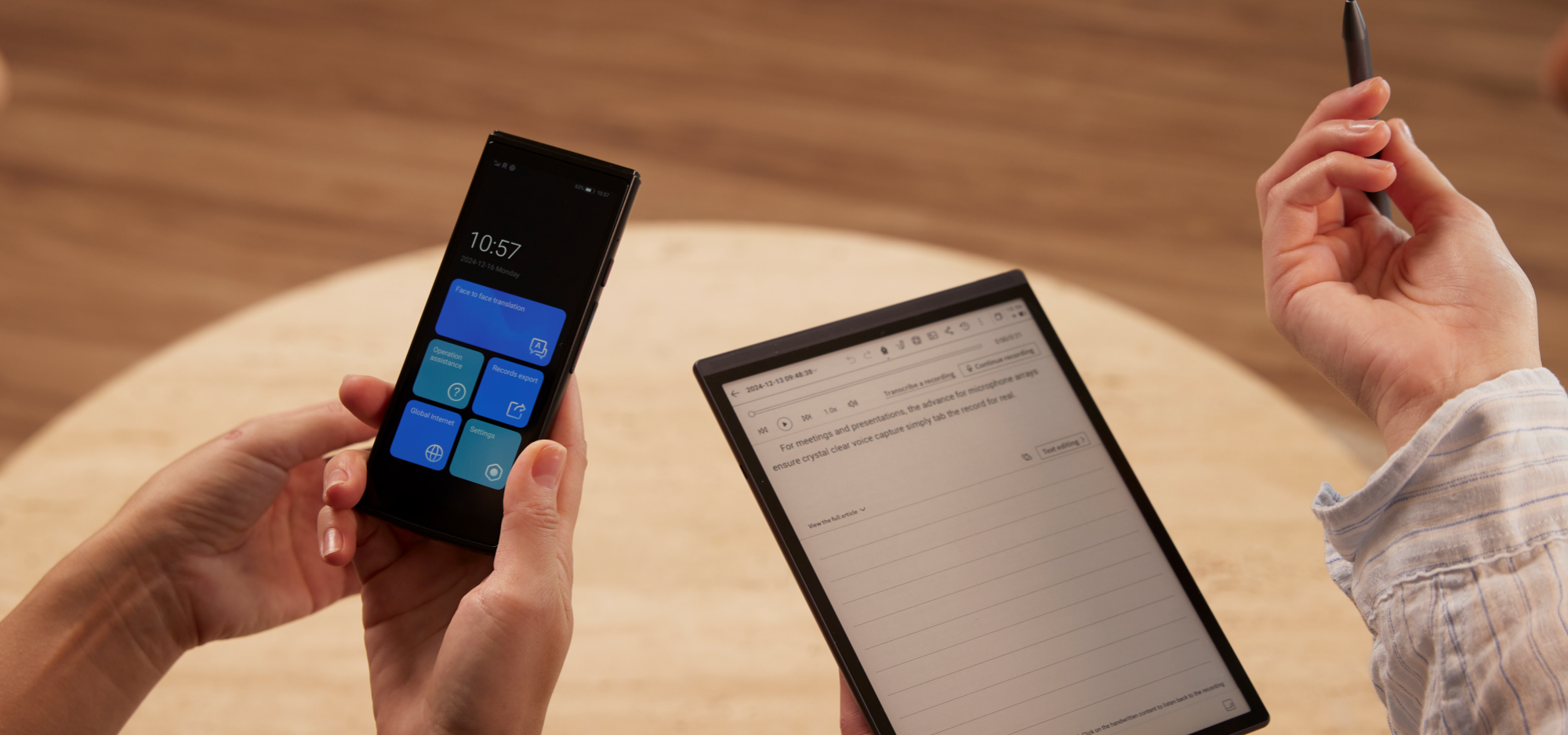
Real-Time Face-to-Face Translation
Engage in instant bilingual conversations with seamless two-way voice translation. Whether in meetings or on the move, the iFlytek translator listens, processes, and responds naturally and in real time.
Speech and Text Translation in 60+ Languages
Supporting 60 languages and regional accents, the device covers communication needs in over 200 countries and regions worldwide. From English and Chinese to Arabic and Russian, it's built for global reach.
Offline Translation, No Wi-Fi Needed
Unlike online apps, iFLYTEK offers reliable offline translation for 18 language pairs, ensuring communication even without an internet connection—perfect for remote travel or international business trips.
Advanced Camera Translation with OCR
Need to read a foreign menu or sign? The built-in OCR technology enables photo translation across 50 languages, making it easy to understand printed materials instantly.
Free Global Data in Over 100 Countries
Enjoy 2 years of free global data that keeps your device connected in 148+ countries and regions.
Designed for Real-World Use
- Octa-core CPU + 2GB RAM ensures lightning-fast processing
- Noise-canceling microphones capture speech clearly even in crowded settings
- Custom Hi-Fi speakers deliver crisp, natural audio output
- Bilingual auto-detection enables effortless back-and-forth conversations
- Local backup support allows export of translation records to your PC for review or documentation
Built for Professionals, Travelers, and Families
From international negotiations to sightseeing in Tokyo, the iFLYTEK Smart Translator provides 98% accurate, AI-powered communication, helping you break language barriers with confidence and clarity, online or offline.
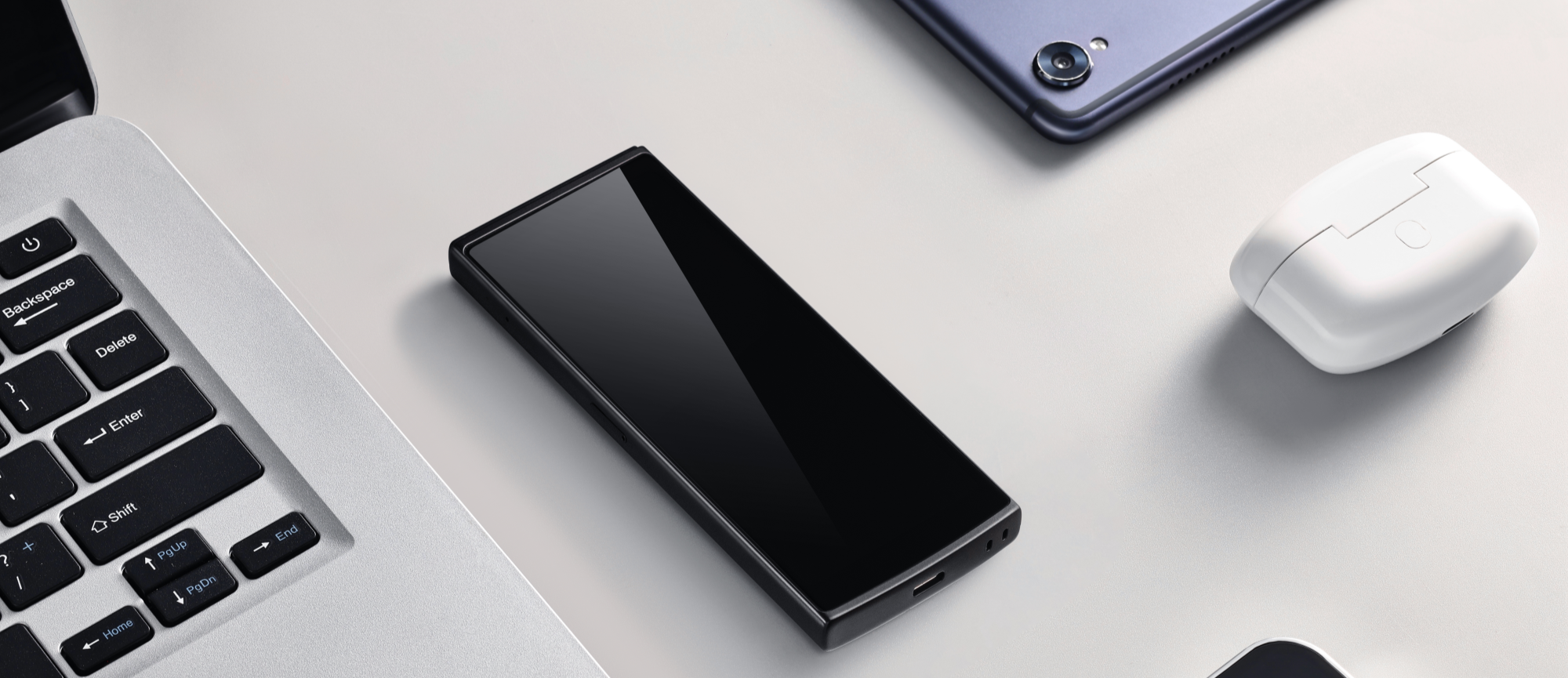
DeepL vs Google Translate vs iFLYTEK Smart Translator
|
Feature |
DeepL |
Google Translate |
iFLYTEK Smart Translator |
|
Language Support |
30+ |
130+ |
60+ |
|
Contextual Accuracy |
High |
Moderate to High |
Very High |
|
Offline Use |
No |
Limited |
Yes |
|
Real-time Voice Translation |
No |
Yes (online only) |
Yes (online/offline) |
|
Camera Translation |
No |
Yes |
Yes |
|
Noise Cancellation |
No |
No |
Integrated noise-canceling microphone |
|
Global Connectivity |
No |
No |
Free 2-year global data (148+ countries) |
|
Privacy & Security |
High |
Moderate |
Very High (Local storage) |
|
Ideal For |
Text-based translation |
Casual translation |
Professional, travel, offline, real-time speech use |
FAQs
1. Is DeepL free to use?
Yes, DeepL offers a free version with limited features and a Pro version with advanced options.
2. Can Google Translate be used offline?
Yes, Google Translate allows offline translation, but it often compromises on translation quality.
3. Does the iFLYTEK Translator work without Wi-Fi?
Yes. It supports offline translation for multiple languages with 2 years of free data.
4. Which is better for real-time communication?
The iFLYTEK Translator outperforms both online tools in live, two-way conversations, especially in noisy environments.
Conclusion
DeepL and Google Translate serve well for basic and intermediate translation needs. DeepL excels in accuracy for fewer languages, while Google Translate is more versatile with broader integration.
However, for users seeking real-time, offline, and secure communication, especially in professional or travel contexts, the iFLYTEK Smart Translator offers a level of performance and convenience that online tools can’t match.
For those looking to explore more translation products, iFLYTEK’s lineup—including digital notebook and translation pen—offers smart, multifunctional tools designed to enhance communication, efficiency, and language support. Whether you're working, studying, or traveling, iFLYTEK delivers more than just words—it delivers understanding.
Related articles:
1. How Accurate is Google Translate
2. How to Use iFLYTEK Translation Pen?
3. Top 5 Translation Devices for Schools



